Wacom Bamboo Pen & Touch
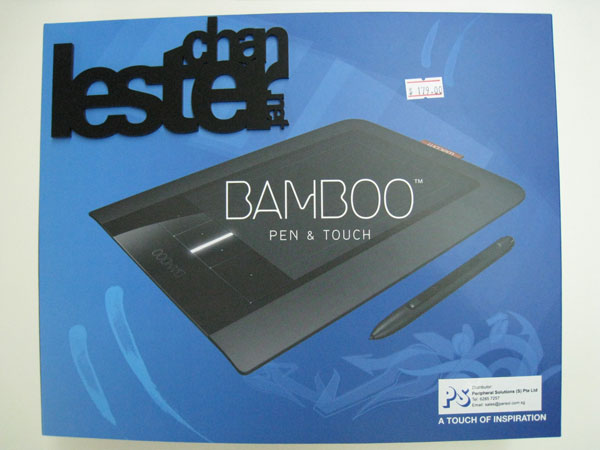
Got myself the new Wacom Bamboo Pen & Touch for S$179 which was released by Wacom on the 24th September 2009. Wanted to get it even earlier but it was either out of stock at certain places or the stock was not in yet.
I went to Funan’s Challenger and they are left with Wacom Bamboo Touch and Wacom Bamboo Fun, the Pen and Pen & Touch model was sold out. Went into a few shops and they have not brought in. Finally, I found it being sold at Multimedia Integrated (MMI). The price is controlled so it doesn’t really matter where you buy from.
Here are the prices for the respective models:
- Bamboo Fun – S$329
- Bamboo – S$179
- Bamboo Pen – S$129
- Bamboo Touch – S$129
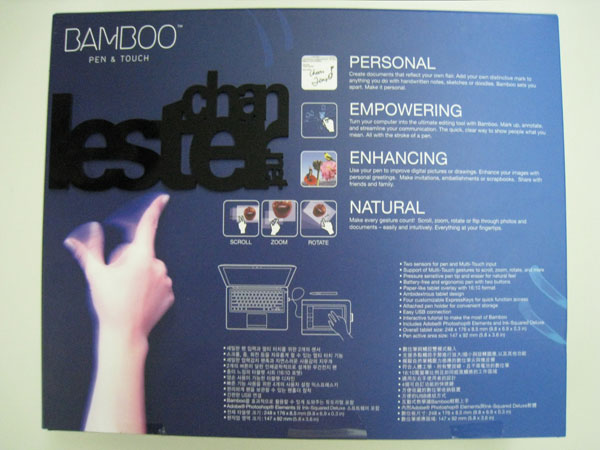
I have used it for 2 days now. I find the pen is pretty much the same as Li Xiang’s Intuos 3 so nothing much to comment. The most attractive part is the multitouch. It only support 2 fingers and not more than that. I have no idea whether it is a hardware limitation or a software limitation. I hope it is the latter as that can be fixed through firmware updates.
The multitouch is not as smooth as a regular laptop trackpad. If you compare it with my MacBook Pro multitouch trackpad, my MBP’s one is much smoother. There is some jerkiness in the cursor when you move it with your fingers. The motion gesture like 2 fingers scrolling, zooming, rotating all works fine except for the text selection. When I move my cursor with one of my fingers to a certain point and if I decided to continue moving it again, sometimes it mistaken me for wanting to select the text and hence when I do that, some portion of the text near my cursor will be selected. It is kinda irritating. But of course this can be disabled in the Pen Tablet control panel. Hopefully future firmware will fix both of this issue.
But for S$179, it is very worth getting it.
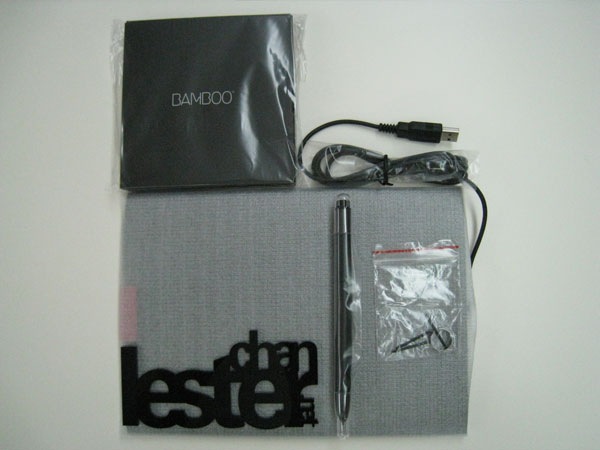
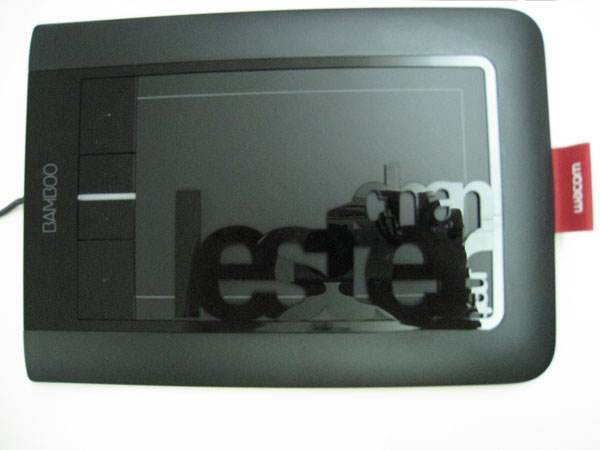
Here are some unboxing pictures: