2 weeks ago, on the 18th June 2014, Adobe revealed it’s biggest update of its Creative Cloud software yet. The update includes major updates across their desktop apps, new mobile apps for iOS, Creative Cloud SDK and a new Creative Cloud Photography plan.
With this major 2014 update, Adobe has decided to put in the year together with the software name in the window’s title of the application. For example, in the window’s title, it now says Adobe Photoshop CC 2014 instead of just Adobe Photoshop CC.
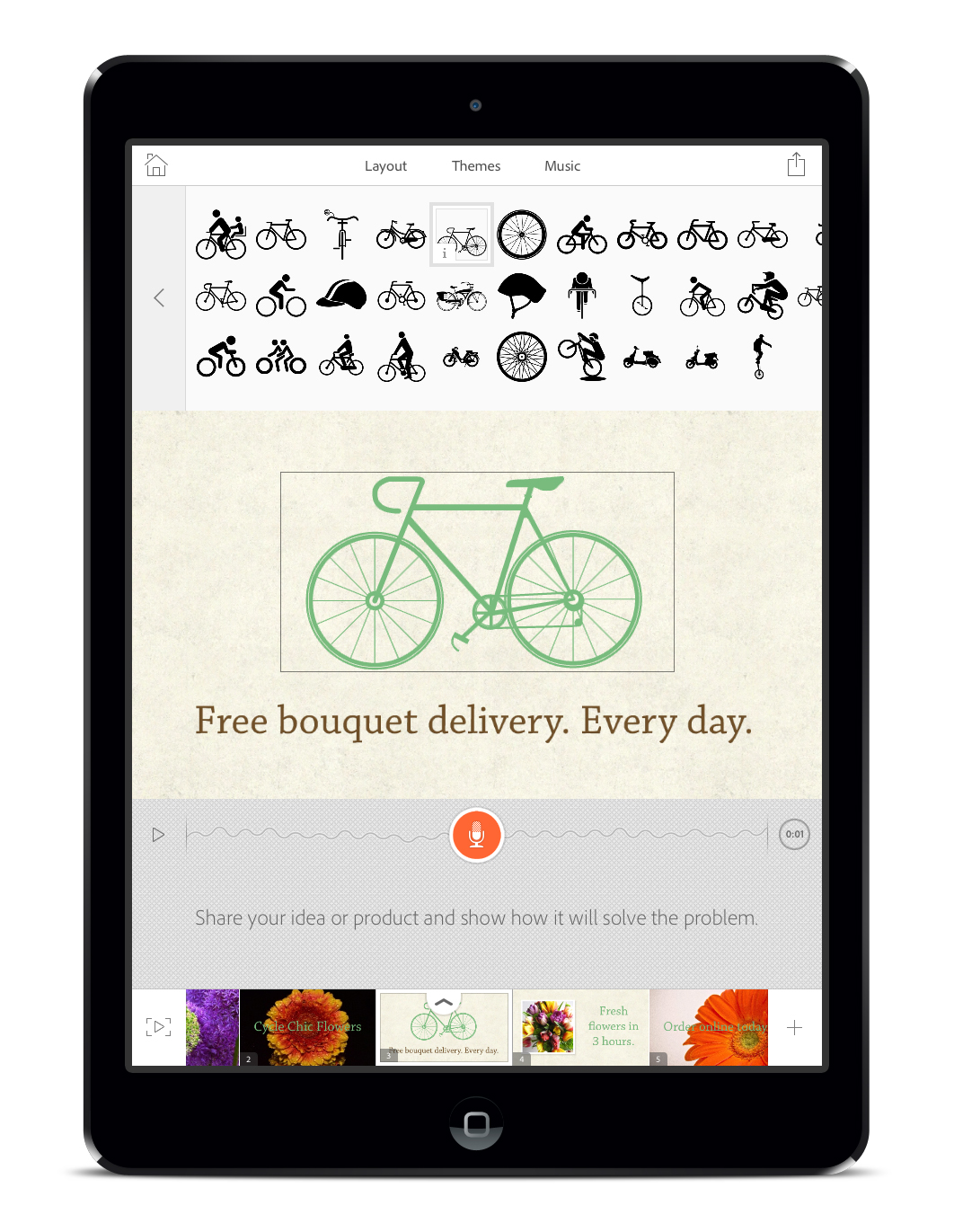
Adobe Voice is Adobe latest iPad app that gives you the ability to create video stories on the iPad and share it. It is free and is available in the iOS AppStore. The app requires iPad 2 or higher and iOS 7.
Adobe Creative Cloud is now available for individuals and enterprise. Previously, Creative Cloud is only available for team which was launched in January 2013.
Adobe will be dropping the Creative Suite (CS) name for all of its product going forward and it will be replaced with the name Creative Cloud (CC). Example: Adobe Photoshop CC, InDesign CC, Illustrator CC, Dreamweaver CC and Premiere Pro CC.
Adobe Creative Suite 2 (CS2) which was released on 2nd April 2005 is now FREE, yes FREE as in $0, you can download it from the official Adobe CS2 Download Page or from the table below which I copied out.
Do note that for the Mac version, it will not work with the current generation of Macs as it is meant for Power PC based Mac instead of Intel based Mac. You need to be using Mac OS X 10.2.8 to 10.3.8 or Rosetta in order to get it to work.
On 1st October 2012, Adobe announced Adobe Acrobat XI (11), the successor to Adobe Acrobat X (10) which was released almost 2 years ago on 15th November 2010.
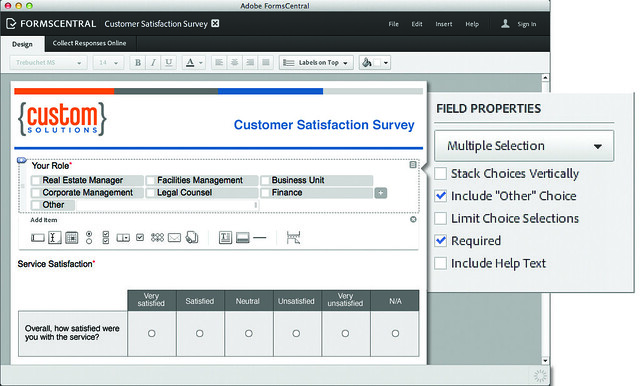
In a nutshell, creating/editing PDF forms has been made much easier though a new bundled software called Adobe FormCentral (you can also choose to do it inside Acrobat XI as well).
Adobe InDesign CS6 is included in all the Adobe CS6 suites except for CS6 Production Premium and is available in Singapore since the end of April 2012. Prices are as follows (excluding taxes)
Interface
Adobe InDesign CS6 remains its grey scheme and has least changes to its interface among the design bundle.
Adobe Illustrator CS6 is included in all the Adobe CS6 suites and is available in Singapore since the end of April 2012. Prices are as follows (excluding taxes)
Interesting price comparison with Photoshop CS6. The upgrade version of Illustrator CS6 is more expensive than Photoshop CS6 while the full version of Illustrator CS6 is cheaper than Photoshop CS6.
Adobe Photoshop CS6 is included in all the Adobe CS6 suites and is available in Singapore since the end of April 2012. Prices are as follows (excluding taxes)
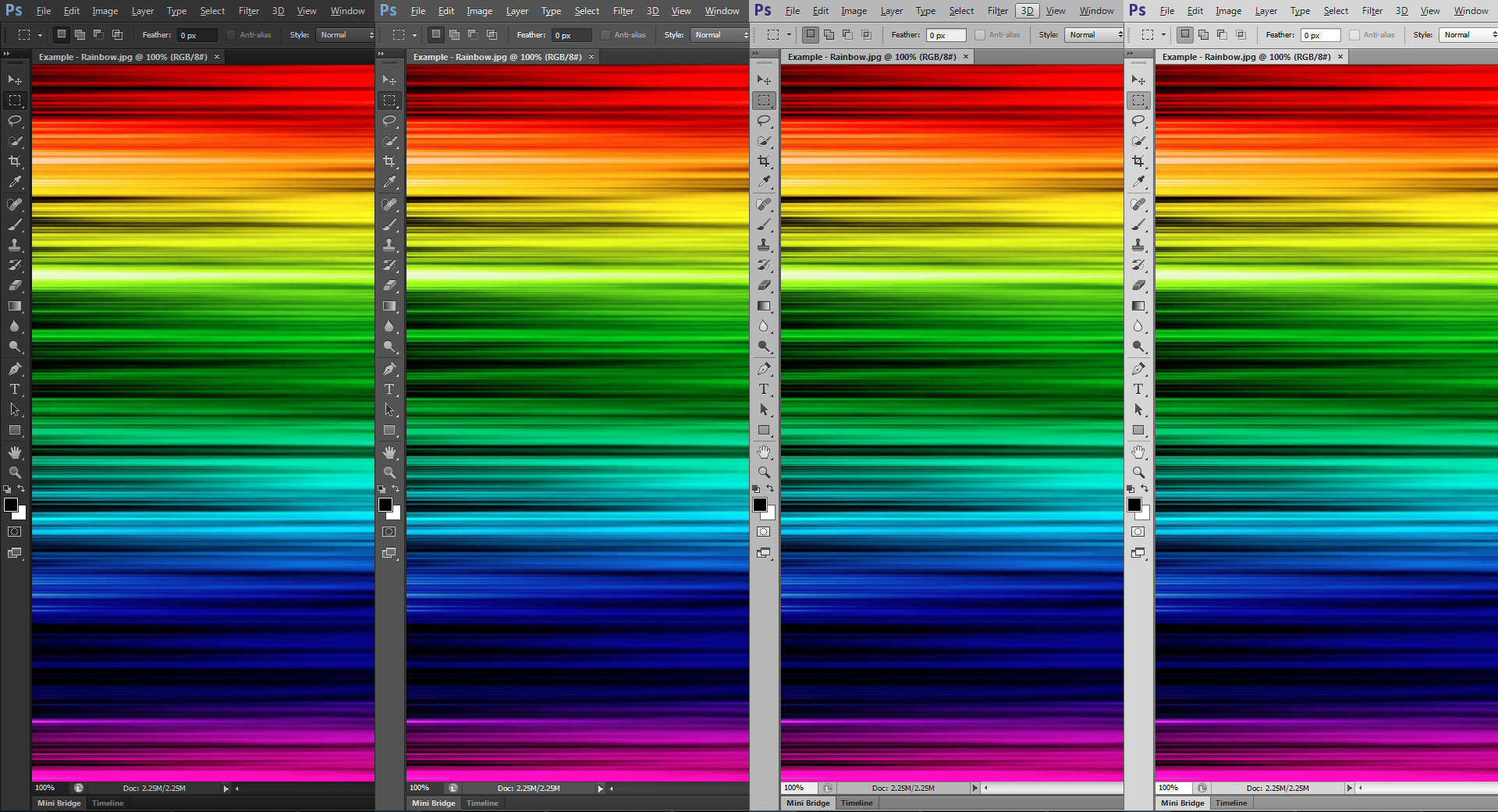
Interface Color
There is a major change in Photoshop CS6’s user interface color: 4 different shades of grey schemes are implemented. This is individual preference. The color will not affect how your works look like across different schemes.
Did you know that if you are a student, educator, academic or non-academic staff from Ministry of Education in Singapore, you can purchase original Microsoft and Adobe products from mine.com.sg at a discounted price. Software such as Microsoft Office Professional Plus 2010 and Adobe Creative Suite 6 Design and Web Premium.
My brother is currently studying in National University of Singapore (NUS) and he bought the Adobe Creative Suite 6 Design and Web Premium for only S$139 (normal price is S$2,868).
Adobe Creative Suite 6 Design and Web Premium (Student Edition) – Box Front
Attended Adobe Creative Suite 6 launch yesterday at The Luxe Art Museum. Adobe has joined in the “more focus” bandwagon by only having 4 suites instead of 5 (for CS5) and 6 (for CS4). Creative Suite 6 will consists of 4 suites ranging from 14 different products.
If I have to pick my favourite thing in CS6, it got to be the Mercury Engine. It speeds everything up so much faster. Whenever you press “Save”, it does a background save, allowing you to continuing working on your PSD file.