The Dell UltraSharp InfinityEdge monitors are finally available in Singapore. I have been waiting for it since I heard of the products last month.
InfinityEdge monitors means they comes with an ultra-thin borders on all sides.
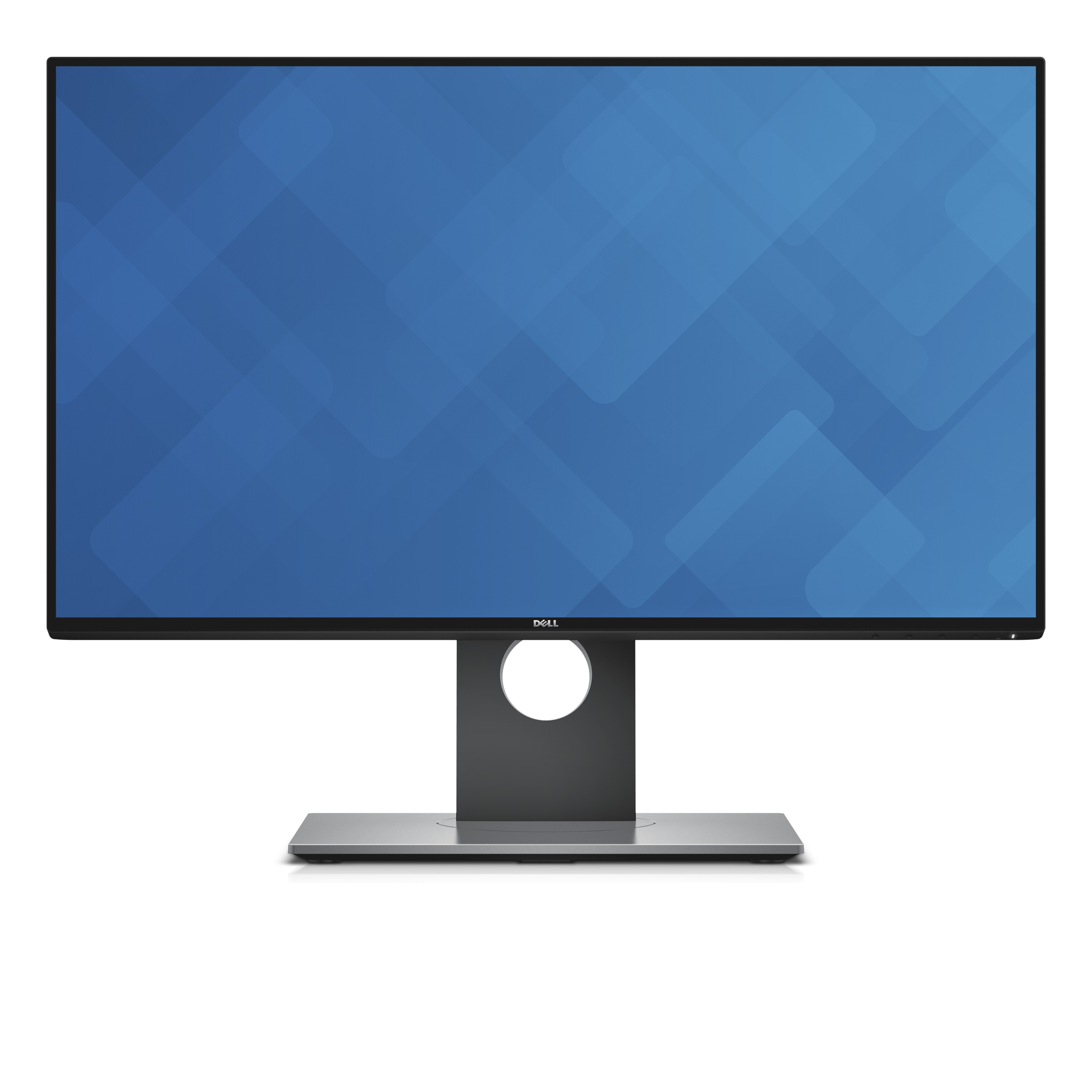
The Dell UltraSharp InfinityEdge monitors are finally available in Singapore. I have been waiting for it since I heard of the products last month.
InfinityEdge monitors means they comes with an ultra-thin borders on all sides.
I am very impressed with the built of the Dell Venue 8 7000 Series Android Tablet. It is the most well-built Android tablet that I came across so far.
The body of the Dell Venue 8 is made up of machined aluminium to give it a premium design and it is only 6mm thin and weighing only 305g.

The Dell UltraSharp U3415W 34″ Curved Monitor has been available in Singapore since mid-December 2014 (I didn’t realised that) for S$1,499.
I personally think that the price is pretty reasonable since Dell’s high-end monitors are always about that range. In fact the U3415W is the cheapest of the high end Dell monitors. The Dell UltraSharp UP2715K 27″ Ultra HD 5K Monitor cost S$2,699 and the next in line is the Dell UltraSharp UP3214Q 32″ Monitor which cost S$2,259 and followed by the Dell UltraSharp U3014 30″ Monitor which will set you back S$1,749.
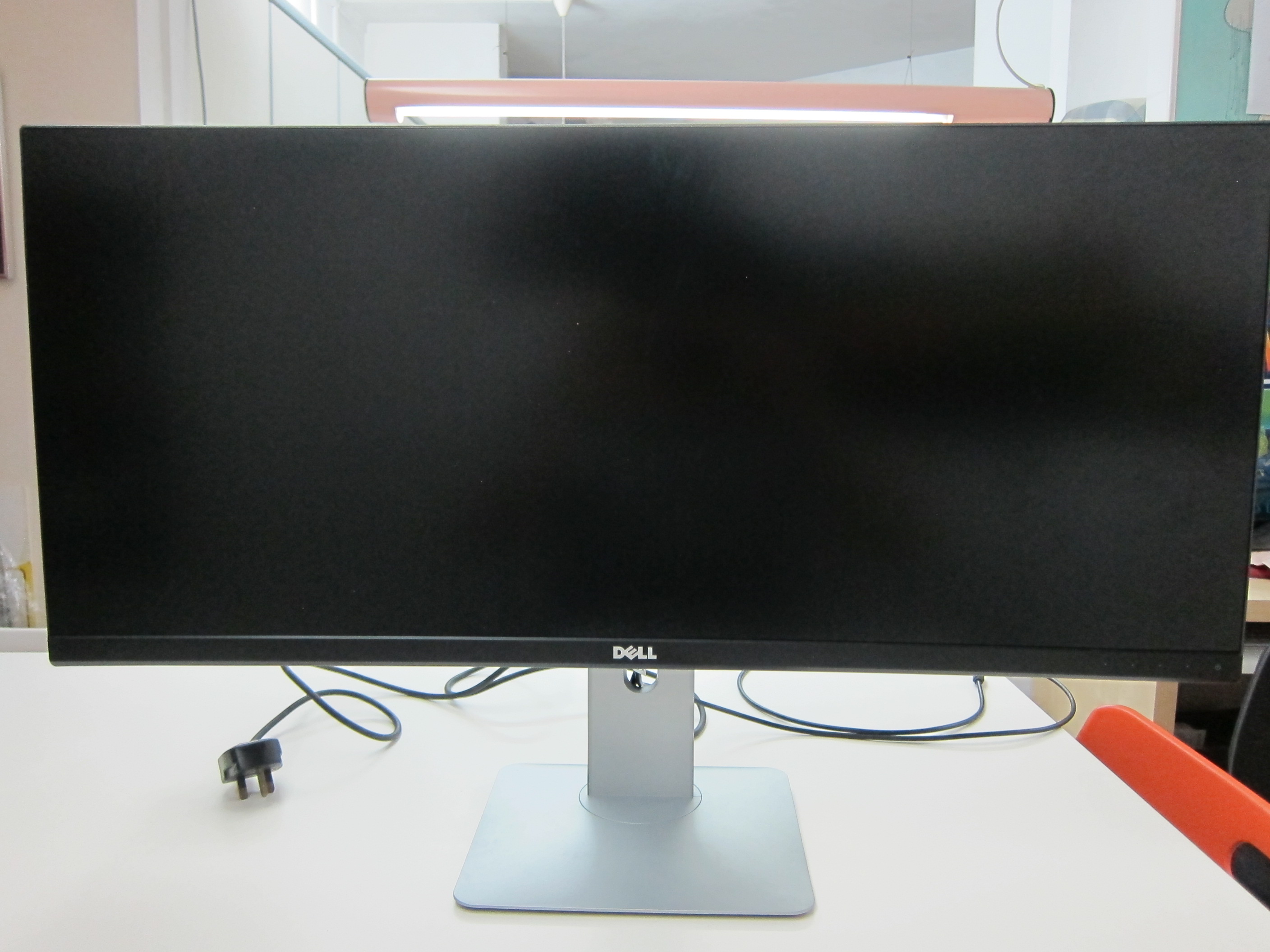
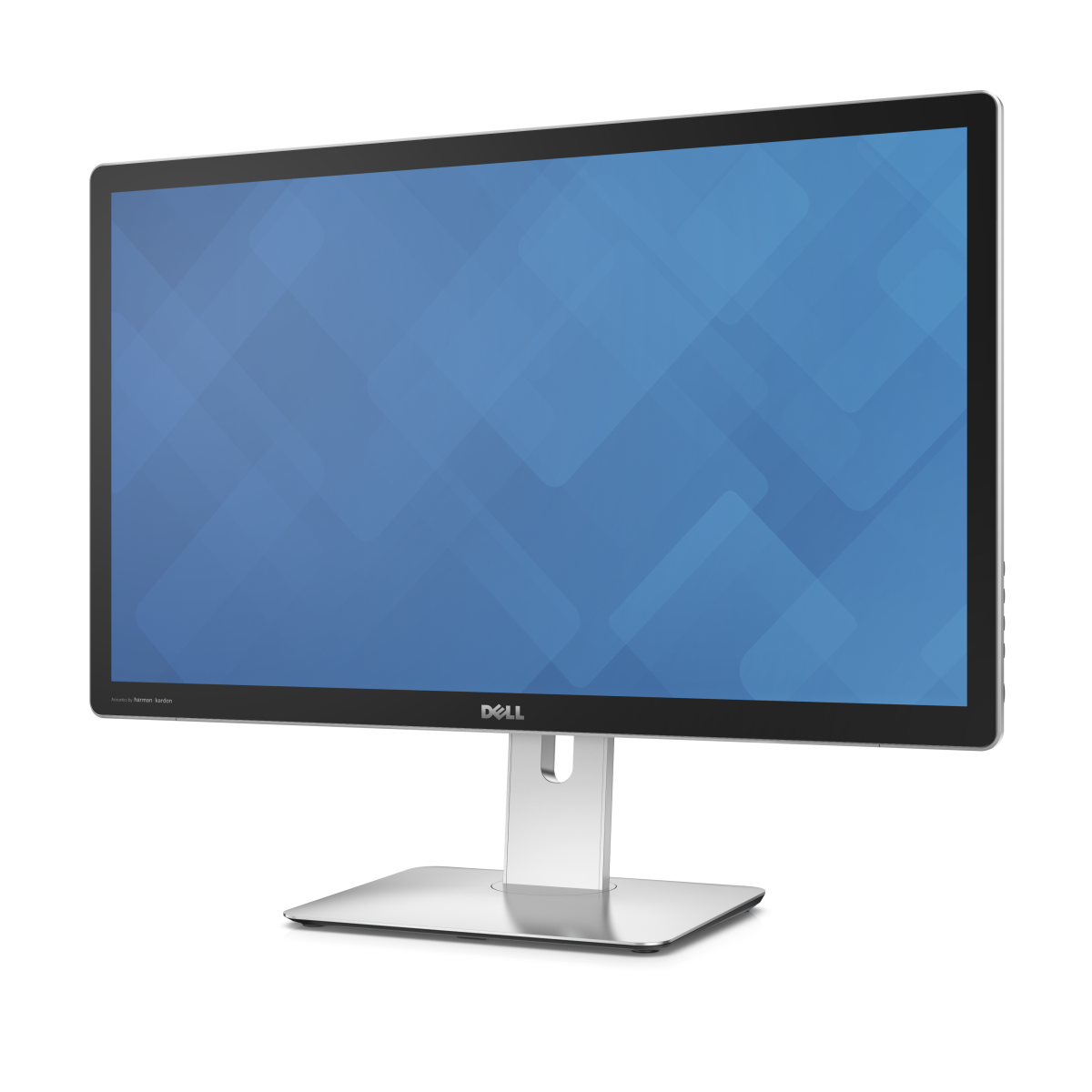
The Dell UltraSharp 27 Ultra HD 5K Monitor (UP2715K) will be available in Singapore next month (December 2014) for S$2,699.
In contrast, iMac with Retina 5K display starts at S$3,388.
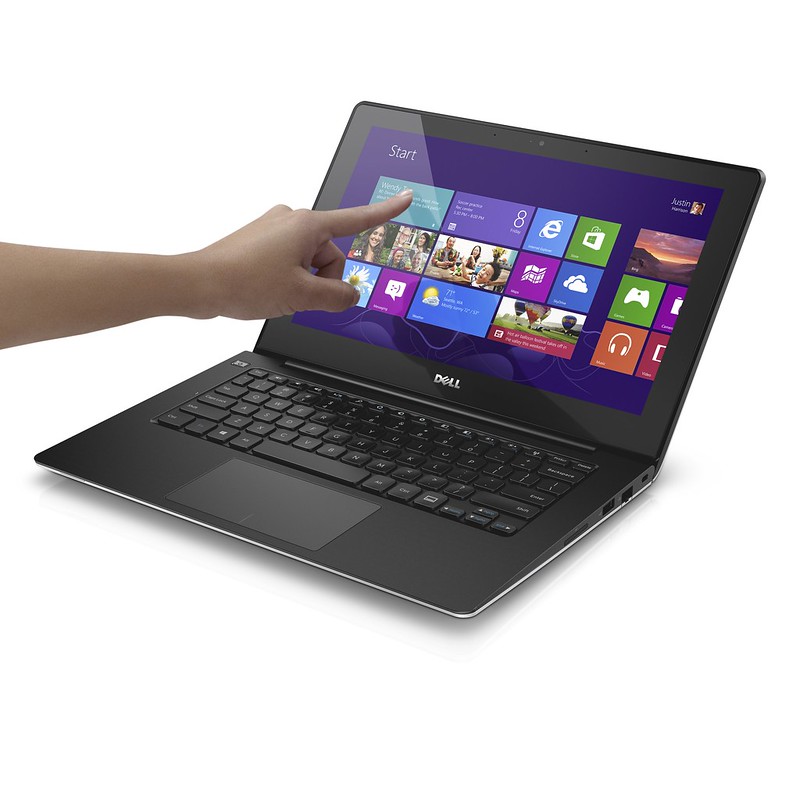
Dell Inspiron 13 7000 Series
The Inspiron 13 7000 Series is a 2-in-1 device. The device runs on Windows 8.1 and features a built-in passive stylus and a 360-degree rotating hinge allowing consumers to switch seamlessly between laptop and tablet in one fluid motion.
The Dell Inspiron 13 7000 Series starts from S$999 from dell.com.sg.

I was invited to a Dell event 2 days back and they announced new laptops (Latitude, Inspiron & XPS) and new tablets (Venue 7, Venue 8 & Venue 11 Pro). Since most of the stuff are still to be announced (TBA), I will start off with this post on Inspiron 14/15/17 7000 series, Inspiron 11 3000 series & Inspiron 23 all-in-one as I got all the prices for it and you can already get it now from Dell.
Inspiron 11 3000 Series Laptops
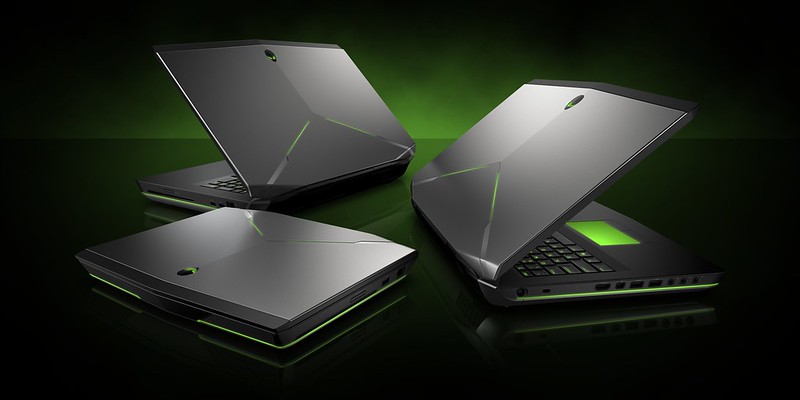
Alienware, the pioneer in specialty high-performance PC gaming systems, announced its latest and most powerful gaming laptops, the Alienware 14, Alienware 17 and Alienware 18. The laptops feature all new performance graphics, processors (Intel 4th Generation Core Processors) and components engineered for extreme performance.
They also introduce a new range of Alienware laptop bags named Alienware Vindicator Laptop Bags specifically designed to house the new Alienware 14, Alienware 17 and Alienware 18 laptops. The series includes a backpack, messenger bag and slim carrying case, while their styling reflects a fusion of urban and military influences. The bags feature sturdy, weather-resistant materials and reinforced handles or straps for comfort and durability, and have smartly-designed, dedicated compartments that allow for organization and protection of essential accessories.
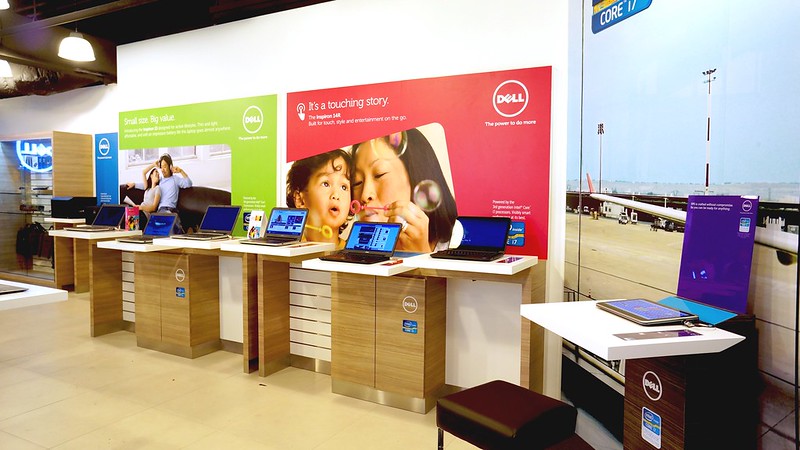
Dell has 2 direct stores in Singapore, 1 located in Suntec City and the other is located in Funan.
Locations
In my first part review of the Dell XPS 12, I talked about the Unboxing and Design, in the second part review, I talked about the Features and Functionality and for this last review, I will talk about my experience using the Dell XPS 12.
Ultrabook vs Tablet
When given a choice to use the Dell XPS 12 as an ultrabook or a tablet, we will always choose something that we are familiar with because as humans, we are afraid of change. Unless we have no choice but to accept the change and get used to it. In this case, perhaps a Windows 8 tablet running on Windows RT, where user have no choice but to get used to the “New Windows 8 UI”?
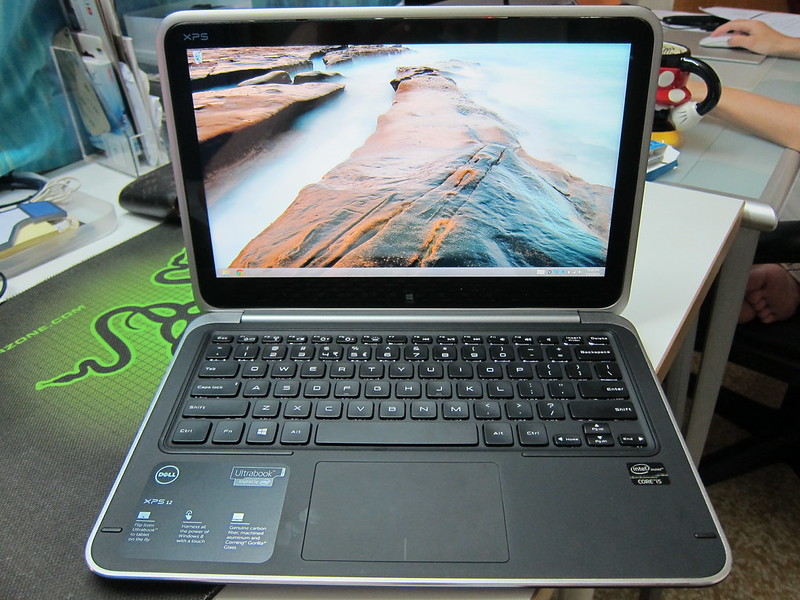
For the first part review of the Dell XPS 12, I talked about Unboxing and Design and in this second part review, I will talk about the features and functionality.
Ports – Right Side
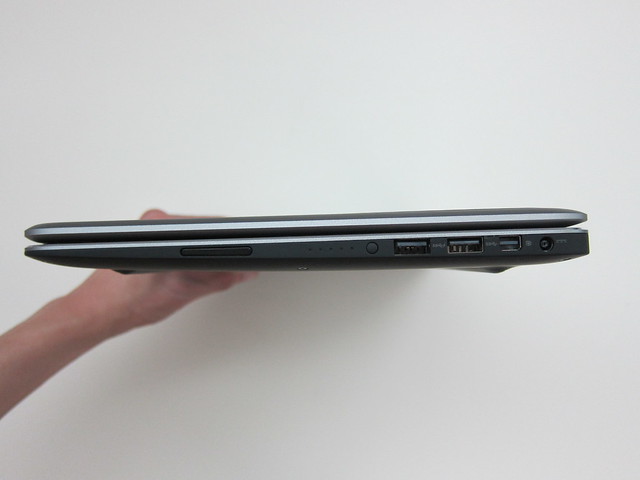
Let’s start with the ports available on the Dell XPS 12. All of the ports of the Dell XPS 12 are located on the right side of the ultrabook except for the headphone/microphone combo port.