Archives For Tag 'Logitech'Archives For Tag 'Logitech' Home » Blog » Tag » Logitech
You are browsing lesterchan.net blog archives page by tag 'Logitech'.
Wednesday, 9th May 2012Wednesday, 9th May 2012 (3 weeks ago)
Posted by Lester Chan at 08:29 in Review

The Logitech Touch Mouse M600 was announced back in February 2012 and I have been looking forward to play with it. It is finally available in Singapore and is retailing for SGD$89.

Here are the key features from the press release:

  • Responsive Touch Surface: The touch surface responds directly to your fingers – whether you’re surfing the Web or reading your emails and it doesn’t matter which hand you use to mouse. Left-handers can easily reassign the right- and left-click buttons with Logitech SetPoint software.
  • Scroll and Swipe Where You Like: The touch surface makes scrolling direct, continuous and free-flowing. And you can scroll and swipe immediately – wherever your fingertips rest on the mouse. Logitech Flow Scroll software gives you scrolling that is fluid -vmuch like scrolling on your favorite touchscreen smartphone.
  • Comfortable, Stylish Design: With a modern design, smooth edges and an attractive profile, your mouse feels good in your hand and looks good too.

Logitech Touch Mouse M600

Read More (693 More Words, 10 More Images, 1 More Video)

Thursday, 8th March 2012Thursday, 8th March 2012
Posted by Lester Chan at 13:07 in Event, Gadget

IT Show 2012 starts today, 8th March 2012 till Sunday, 11th March 2012 at Level 1, 2, 3, 4 & 6 at Suntec Singapore. Opening hours are from 12pm to 9pm.

As I gotten quite a few emails regarding IT Show 2012 promotions, thought I would just like to share it in this blog post. It will not be as comprehensive as websites like IT Fair (Singapore) or Hardware Zone: Tech Show Portal.

Going forward, I might do this for every IT fair in Singapore. There are 4 major IT Fair in Singapore every year. IT Show (March), PC Show (June), Comex (September), Sitex (November).

Read More (250 More Words, 14 More Images)

Wednesday, 7th September 2011Wednesday, 7th September 2011
Posted by Lester Chan at 08:44 in Gadget

Got the Logitech Harmony 300 for SGD$49 from Comex 2011 last week. For those who are unaware, the Logitech Harmony 300 is a universal remote control that allows you to control up to 4 devices such as your Television, Cable Box, Xbox 360 and Media Player.

I wanted to get the Logitech Harmony 200 instead but while I was passing by the Ban Leong booth, I saw the Harmony 300 going for just SGD$49, the usual retail price is SGD$69. It is SGD$20 cheaper than the RRP and only SGD$10 more expensive than the Harmony 200. I will regret it if I don’t get it at that price!


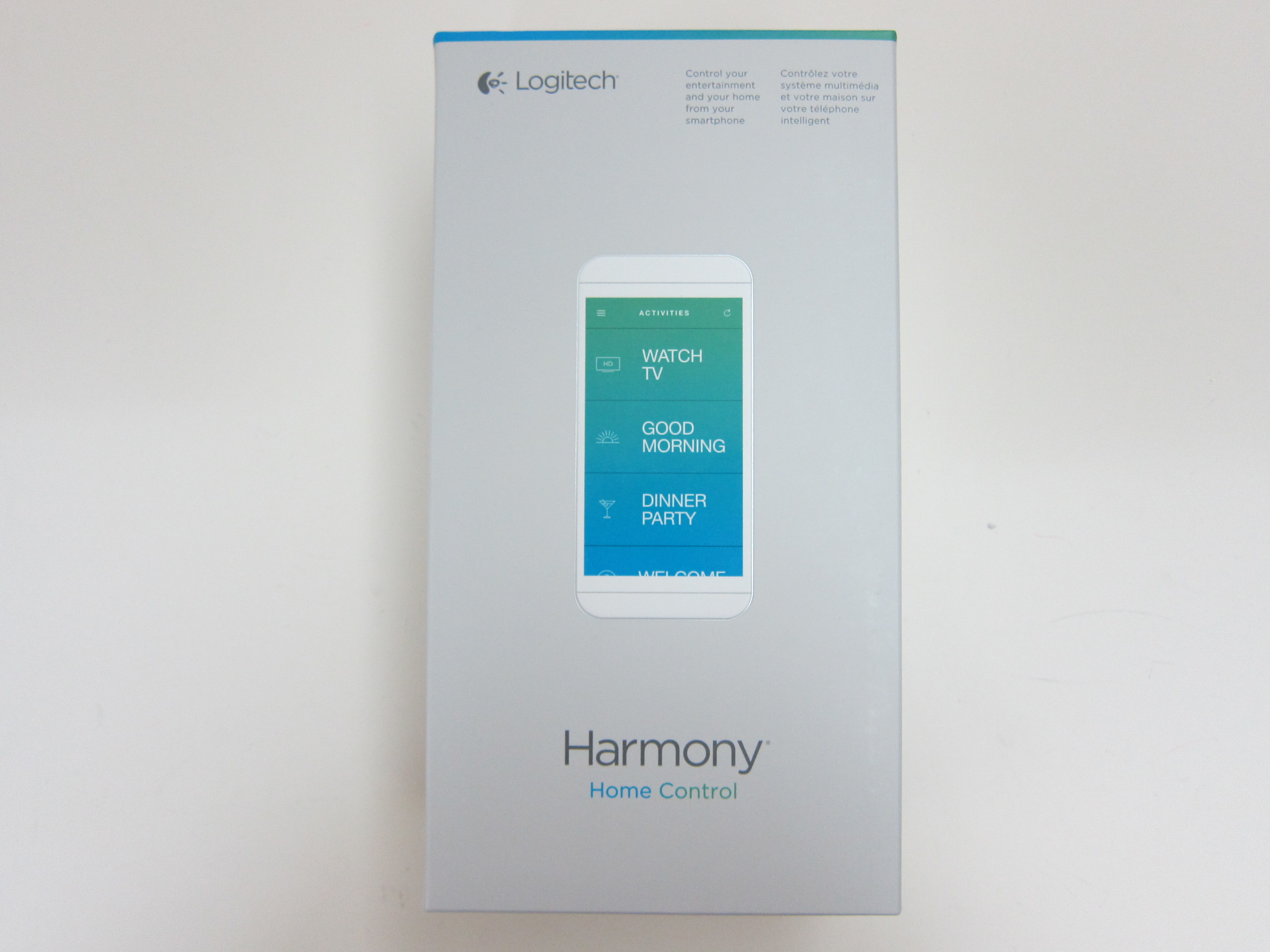
Box Front


Box Contents


Logitech Harmony 300


Connected To The Computer

Configuring the remote is extremely easy! The only down side is, you need to be using IE as the web application is powered by Microsoft Silverlight.

  • Go to myharmony.com
  • Register an account
  • Download and install the software
  • Launch myharmony.com again and click “Set up my Harmony remote”

The web app UI is extremely friendly, intuitive and responsive. Adding your device to the remote control is easy as well as Logitech boost a database of about 5,000+ devices, so all you need is just to get the brand and model number for your device. I have more screenshots in the Flickr gallery embedded below.


Add Device


Syncing Back To Remote Control


Home


Synced Devices

Thursday, 18th August 2011Thursday, 18th August 2011
Posted by Lester Chan at 08:43 in Gadget

I always wanted to get a Logitech Harmony Remotes for my television and media player, but they are pretty expensive, finally they announced something more affordable which is the Logitech Harmony 200. It will be available in Singapore by early September 2011 for a recommended retail price of SGD$39. Hopefully just in time for Comex 2011 which is happening from 1st to 4th September 2011 at Suntect City.


Logitech Harmony 200 Remote

I just checked the Harmony’s Supported Devices page and it supports my room television setup!

SINGAPORE – Aug 16, 2011 — Whether you are replacing a lost or broken remote or just want a remote that is easier to use and works with the devices you have, Logitech (SIX: LOGN) (NASDAQ: LOGI) today announced the new Logitech Harmony 200 Remote, which brings the excellence of its award-winning Harmony remotes to people with simpler home entertainment systems.

“Three remotes just to watch TV – that’s a reality for many people, but it doesn’t have to be,” said Prasenjit Sarkar, Director of South East Asia, Logitech. “We believe that no one should have to deal with the headache of multiple remotes and the clutter and confusion they can cause. The new Harmony 200 remote can replace up to three remotes after you complete a brief online setup. And once you’re set up, you’re ready to enjoy your favorite shows and movies with just one click. Getting to your favorite shows has never been easier.”

Thanks to the Harmony online setup, you simply create and account, enter the devices you have and then connect your remote to a computer – we do the rest for you. And because Harmony remotes support more than 5,000 brands and over 225,000 devices, you can be confident that your remote will work with all your devices from yesterday, today and tomorrow.

Once your remote is up and running, you can finally enjoy home entertainment easily and intuitively. For example, the “Watch TV” button lets you turn on or off up to three devices – such as your TV, cable/satellite box and speakers – with the press of one button. The large buttons are easy to find and recognizable by touch, even in the dark.

The Logitech Harmony 200 Remote is the newest edition to the award-winning line of Harmony remotes that includes the Logitech Harmony 300 Remote which replaces up to four devices; the color-screen and rechargeable Logitech Harmony 700 Remote, and the flagship Logitech Harmony One Remote with its stunning touch screen display. Whether your living room has 12 of the latest and greatest gadgets or just a TV and DVD player, there is a Logitech Harmony remote designed for you.

Official Site: Logitech Harmony 200 Remote

Thursday, 4th February 2010Thursday, 4th February 2010
Posted by Lester Chan at 00:00 in Gadget

Got the Logitech Notebook Riser N110 from Challenger VivoCity for SGD$37 for my office use. It is to raise my MacBook Pro so that the screen can be placed beside my future monitor for dual screen purposes. In the mean time, it gives me a good elevated viewing angle.


Box Front


Box Back


Front


Back


Side


With MacBook Pro

Page 1 of 212