Microsoft Singapore officially launches Windows Phone 7.5 yesterday. Windows Phone 7.5 has more than 500 new features and enhancements.
Both HTC Radar (RRP: SGD$569) and Samsung Omnia W (RRP: SGD$498) will be the first Windows Phone 7.5 to be released in Singapore. The HTC Radar will be available next month (October 2011) while the Samsung Omnia W will be available sometime in Q4 2011.
The Mango release is available for free to all Windows Phone 7 customers. Microsoft will begin delivery of the update to existing Windows Phone 7 users from today and gradually ramp up delivery so that the update will be broadly available to most existing customers by the end of October 2011.
Based on the official site, Where’s my phone update?, both SingTel and StarHub are in the status of “Delivering update” which means:
Microsoft has started to send out the update. Important: To help ensure quality, software updates are typically sent out gradually and/or in batches, so it might take several weeks before you receive notice that an update is available for your phone.
Official Site: Windows Phone 7.5
Official Status Page: Where’s my phone update?
Press Release (Windows Phone 7.5): Microsoft Puts People First With The Launch Of The Latest Version Of Windows Phone In Singapore
Press Release (HTC Radar): HTC Unveils HTC Radar, HTC’s First Windows Phone 7 With Mango Update
Press Release (Samsung Omnia W): Samsung delivers a unique experience with Omnia W, a smartphone that puts people first
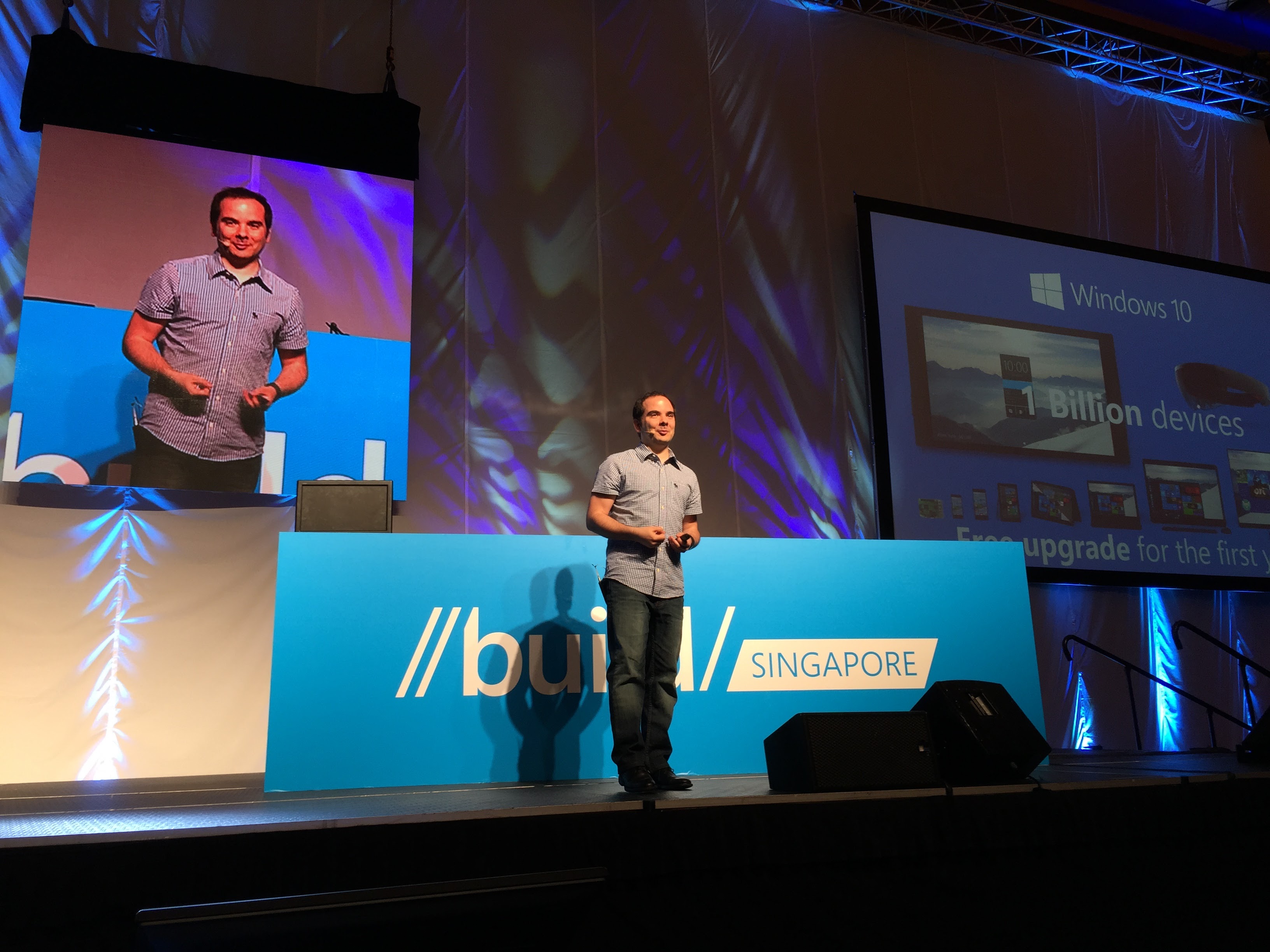
The last time we saw a preview of Windows 8 was during Computex back on 2nd June 2011. Yesterday at the BUILD conference, Microsoft showcased Microsoft Windows 8 Developer Preview.
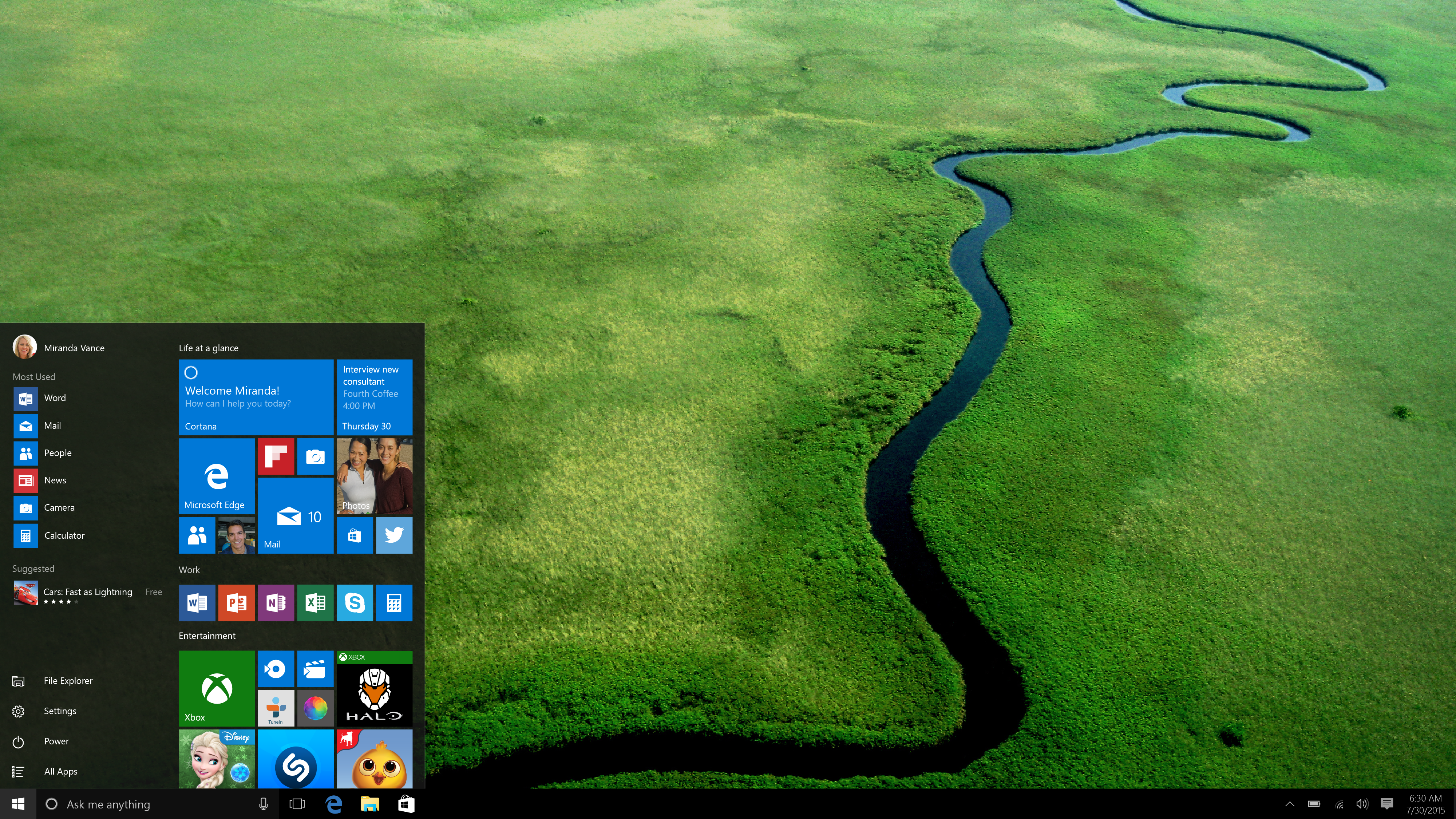
The new Metro UI look awesome, hopefully this time round, Microsoft will make the UI consistent throughout the whole Windows. Microsoft has learned from their mistake and the Metro UI is now built for touch rather than mouse from the group up. It is just wrong slapping a touch UI to Windows 7, it just does not work.
Smilar to OS X Lion, Windows 8 will have its own App Store for you to buy software. I hope the software prices are reasonably priced. Windows 8 also supports ARM-based chipsets. In the press release, they did mentioned “One Windows”, I am hoping they meant there is only one edition of Windows 8 and not so many editions like its predecessors, it just confuse the crap out of consumers.
You can try out the Microsoft Windows 8 Developer Preview for free (no activation is required), just head to http://msdn.microsoft.com/en-us/windows/apps/br229516/ and download the ISO. The x64 variant is 3.6GB and x86 one is 2.8GB.
Here are some highlights extracted from the press release:
Touch-First User Interface
More Ways to Engage With Powerful, Connected Apps
Enhanced Fundamentals
New Developer Opportunities
New Generation of Hardware

Lock Screen

Start Screen

App Screen Showacasing Keyboard
Press Release: Microsoft Reimagines Windows, Presents Windows 8 Developer Preview

Windows 8 Start
TAIPEI, Taiwan – June 2, 2011 – At 2011 Computex today, Microsoft Corp. showed hardware partners the next version of Windows, internally code-named “Windows 8″, to help the partners build devices that take advantage of the new user experience. As part of this technical preview, Mike Angiulo, corporate vice president of Windows Planning, Hardware and PC Ecosystem at Microsoft, demonstrated how “Windows 8″ is optimized for newer touch-centric hardware, including tablets, while still delivering the flexibility, connectivity and power that people have come to expect from Windows today.
The technical demonstration also highlighted the new operating system’s ability to work across both x86 and ARM-based architectures, with a variety of early prototypes shown running the new operating system. Microsoft and silicon chip makers AMD, Intel Corporation, NVIDIA Corp., Qualcomm Inc. and Texas Instruments Inc. initially announced plans in January to work together on the next version of Windows.
“Our aim with ‘Windows 8′ is to make the user experience a natural extension of the device, from the time you turn on your PC through how you interact with the applications you know and love,” Angiulo said. “This represents a fundamental shift in Windows design that we haven’t attempted since the days of Windows 95, presenting huge opportunities for our hardware partners to innovate with new PC designs.”
The new user experience also extends to how applications will run on “Windows 8″, with controls naturally fitting into the device experience. Developers also will be able to use common Web technologies, such as HTML5 and JavaScript, to create applications for the PC, further easing integration and adoption.
To aid developers in building applications for the new operating system, Microsoft formally opened registration for its new developer conference, BUILD. The conference will take place Sept. 13–16, 2011, in Anaheim, Calif. More information and online registration for BUILD is available at http://www.buildwindows.com.
Press Release: Microsoft Previews ‘Windows 8′
Snippets:


Linked Inbox (left), IE9 (Right)


Group (Left), Integrated Messaging (Right)
Links
Microsoft has release Internet Explorer 9 aka IE9, and they have a new website for it called, Beauty Of The Web. When I first saw the URL, it looks like some phishing site for me.
AUSTIN, Tex. – March 14, 2011 – Microsoft Corp. today announced the launch of the latest version of the world’s most-used browser with the release of Windows Internet Explorer 9 in 39 languages at an event at the SXSW Interactive conference. Internet Explorer 9 is Microsoft’s most-downloaded browser beta of all time, with more than 40 million downloads, and it has already has gained more than 2 percent usage on Windows 7. Already more than 250 top sites from around the globe are taking advantage of the capabilities in Internet Explorer 9 to deliver differentiated experiences to their customers, with many featured on http://www.BeautyoftheWeb.com. Together, these partners reach more than 1 billion active Internet users on the Web.
Top Sites and Designers Take Advantage of Internet Explorer
Internet Explorer 9 is designed to bring sites front and center through Windows 7, enabling a more immersive, more beautiful Web experience. Features such as Pinned Sites and Jump List enable people to put their websites directly on the Windows 7 Taskbar, as though they were native applications, and then to quickly and easily perform tasks related to those websites, such as check their inboxes, change the music station, accept friend invitations or see breaking news.Fast Is Now Beautiful: Internet Explorer 9 With Hardware Acceleration
The new version of Internet Explorer takes advantage of the power of modern Windows PC hardware to improve all-around Web browsing performance. It is the only browser with hardware-accelerated HTML5 spanning all graphics, text, audio and video. Internet Explorer 9 harnesses the power of the Graphics Processing Unit (GPU), unlocking 90 percent of the PC’s power that went previously untapped by Web browsers.Improving Privacy and Security Online
Because the Web is increasingly less secure and private, Internet Explorer 9 is designed to be a trusted browser because it contains a robust set of built-in security, privacy and reliability technologies that keep customers safer online.
Press Release: Microsoft Announces Global Availability of Internet Explorer 9
Direct Download Links From Microsoft:
Users: 47 Guests, 7 Bots