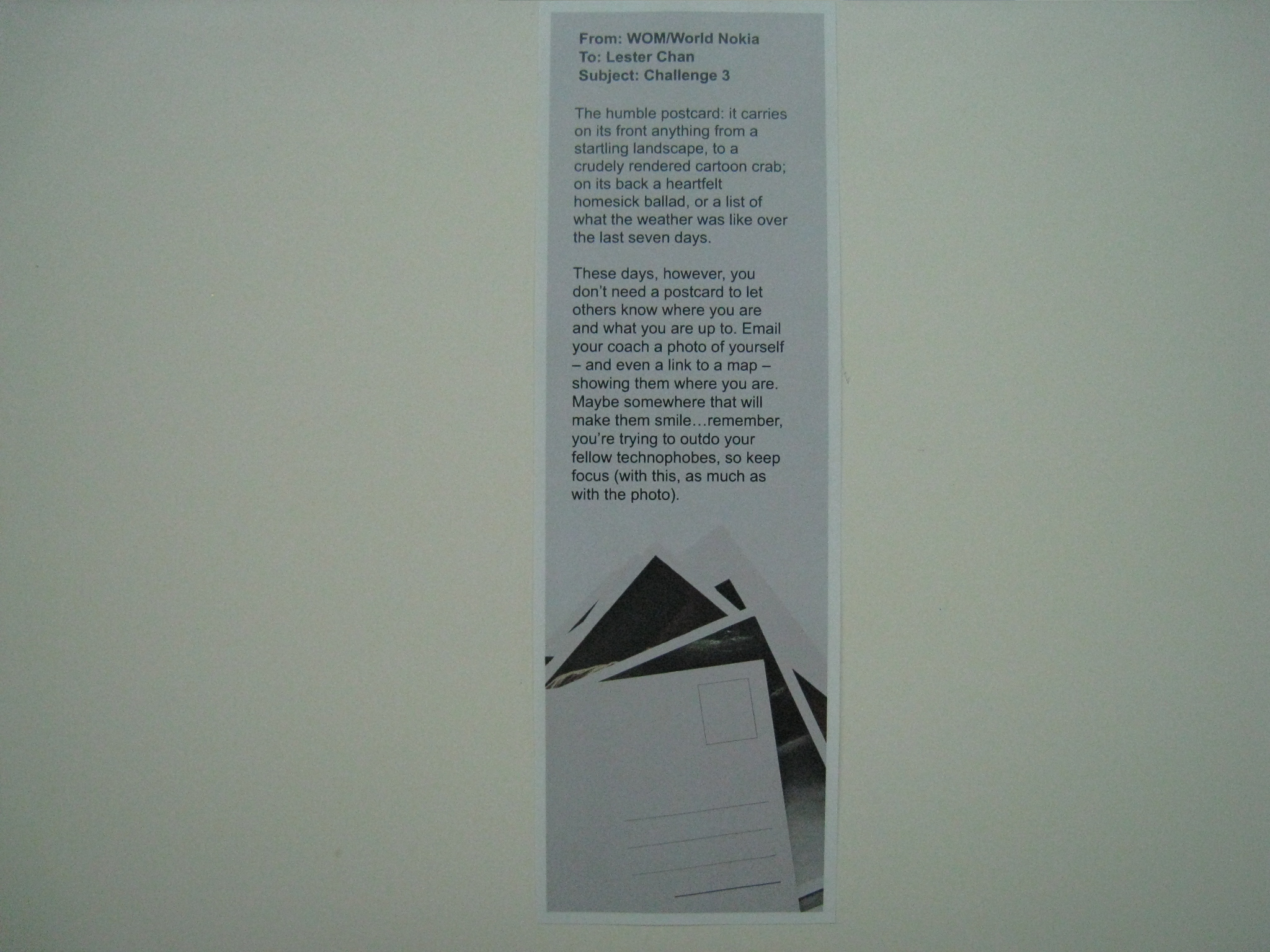
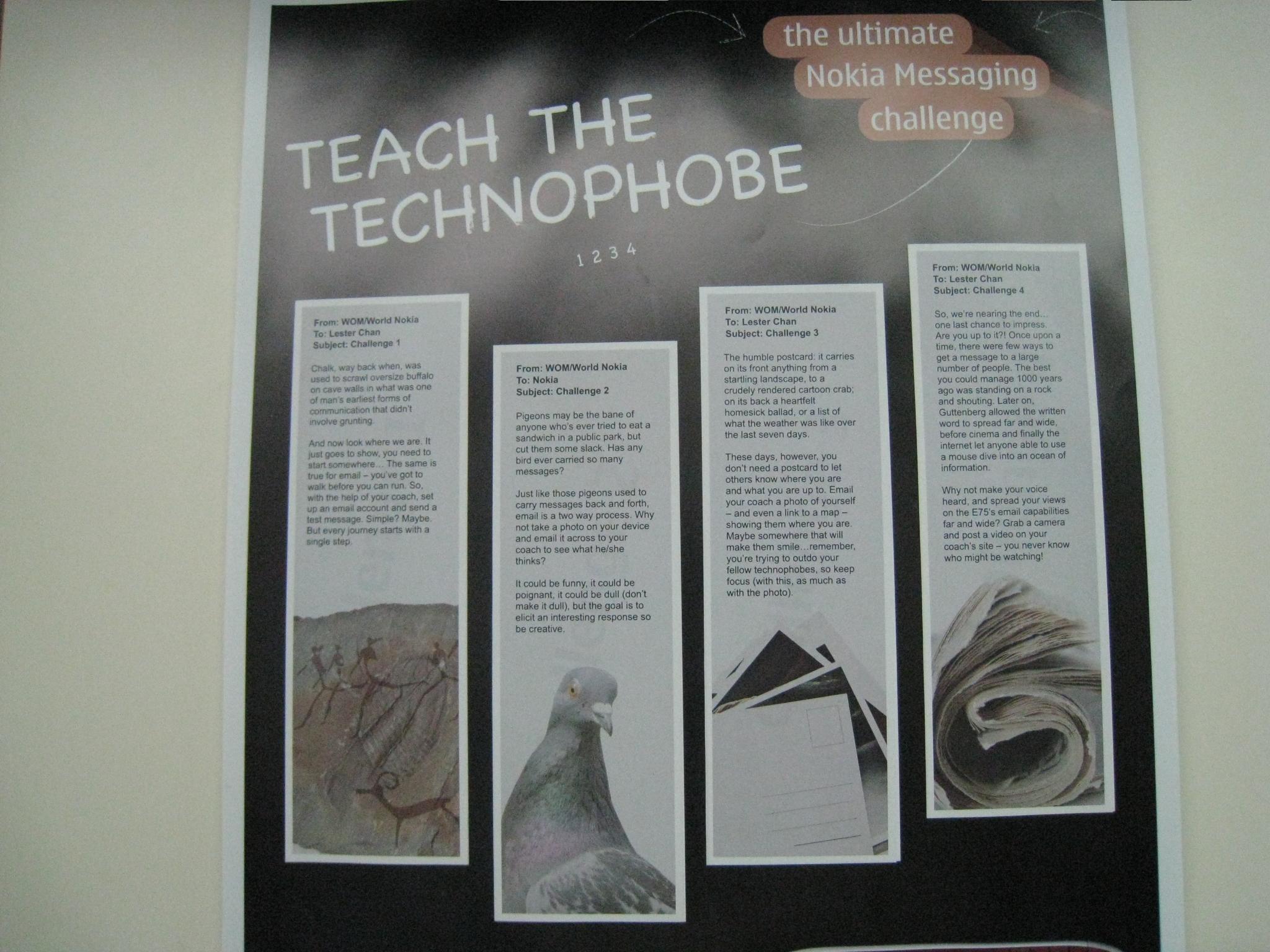
Received the 4th and final challenge of Teach a Technophobe last week! But both my mom and I was pretty busy and both of us only manage to complete the 4th challenge today.

Teach a Technophobe – Challenge #4
The 4th challenge involves using a camera to record a video to spread your views on the E75′s email capability. Since my mom is a little camera shy, she do not really want to face the camera. So I thought why not ask my mom to use the E75 to record a video of something and then email me the video so that I can upload it to YouTube.
We are thinking of what to record and we finally decided to record a video of my dad’s pet birds “chirping”.
With the 4th challenge completed, my mom and I have completed the Teach a Technophobe challenges by WOM World. For the past 4 weeks, it has been fun teaching my mom to use the email capabilities in the E75. I also picked up a few things along the way.
Thank you WOM World!

Teach a Technophobe – Challenges Completed
Looking Back:
Challenge #3 from my Nokia’s Teach a Technophobe has arrived in my mailbox yesterday. Finally my dad was at home and hence he is able to received it on my behalf and hence I am able to complete this challenge earlier.
This challenge is slightly more complicated and even I myself have to figure it out for sometime before I can teach my mother. It involves sending a location using email on Nokia Ovi Maps as well as attaching a picture of my mom.
As I have used N82 before, I know how the maps software works and that is the tedious part. I heard about Nokia Ovi Maps 3.0 quite sometime back and decided to upgrade the current version which is 2.0 to 3.0 and after that I need to install Singapore Map to Ovi Maps using Nokia Map Loader.
After getting everything ready, I was fiddling with Nokia Ovi Maps 3.0 to figure out how to send my current location. I found it it was pretty easy (press the middle button and choose send). Now the tough part is how to add photos to it. I solve the photo problem by taking a picture first then sending my current location in Maps and when the Create Email screen pops up, I went to Add Attachment and browse for the photo I have taken. Once everything is set, it is pretty easy to pass on the “instructions” to my mom.

Teach a Technophobe – Challenge #3

Email With Image And Location Attachment (Photo & Address Removed)
Teach a Technophobe: Challenge #1, Challenge #2
Challenge #2 from my Nokia’s Teach a Technophobe has arrived in my mailbox on Friday. The challenge is for me to teach my mom how to snap a picture using the E75 3.2MP camera and email the picture to me. This time the challenge is more of a feature discovery for my mom as when I told her taught her this, she was like, “oh I didn’t know you can do that”. This challenge took a little longer than challenge #1 for both of us as I explained to her the various camera settings as well.

Teach a Technophobe – Challenge #2

Email With Image Attachment
Teach a Technophobe: Challenge #1
My first challenge of the Teach a Technophobe has arrived on Friday. I choose my mom (Jas Ngan) for the challenge as she requires email access on the go pretty often as she is a business woman. I am using the very excellent free Symbian application called Best Screen Snap to capture screenshot on the E75 and I tied the shortcut key to the camera shutter button.

4 Challenges In Total

The First Challenge (Setting Up Email)
I guided her throughout the setting up of the email and she managed to set up her email on the E75 within 15 minutes. It is slightly more complicated than setting up a Gmail/Hotmail/Yahoo Mail account on it as we need the incoming and outgoing mail server address.
I told her to press the camera shutter button to capture the screenshot as she goes from step to step so that I can document it down.


Setting Up Email In E75 #1


Setting Up Email In E75 #2


Setting Up Email In E75 #3


Setting Up Email In E75 #4


Setting Up Email In E75 (Done)

Email Received
Now waiting for the second challenge, which should arrive next week =D
Gallery: Nokia Teach a Technophobe
WOM World has sent me two sets of Nokia E75 all the way from UK for a E75 Project. The project name is called “Teach a Technophobe”. I have to coach a user, in this case, it will be my mom on how to use the Nokia E75 for email messaging. There will be a few series of challenges for both my mom and I to complete on a weekly basis.
Photos

1 of the E75 comes in a briefcase!

After opening 3 layers, you get a red E75

The other E75 came in a normal box

Nokia E75
Gallery
Video
Nokia Europe: Nokie E75
Users: 55 Guests, 7 Bots