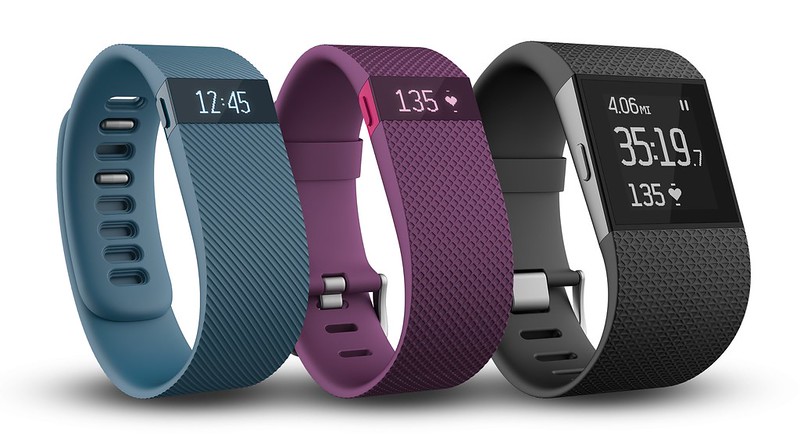
Fitbit Charge started selling in Singapore on 19th December 2014 and it is currently retailing for S$169. The Fitbit Charge is available in four colors: Black, Slate, Blue and Burgundy.
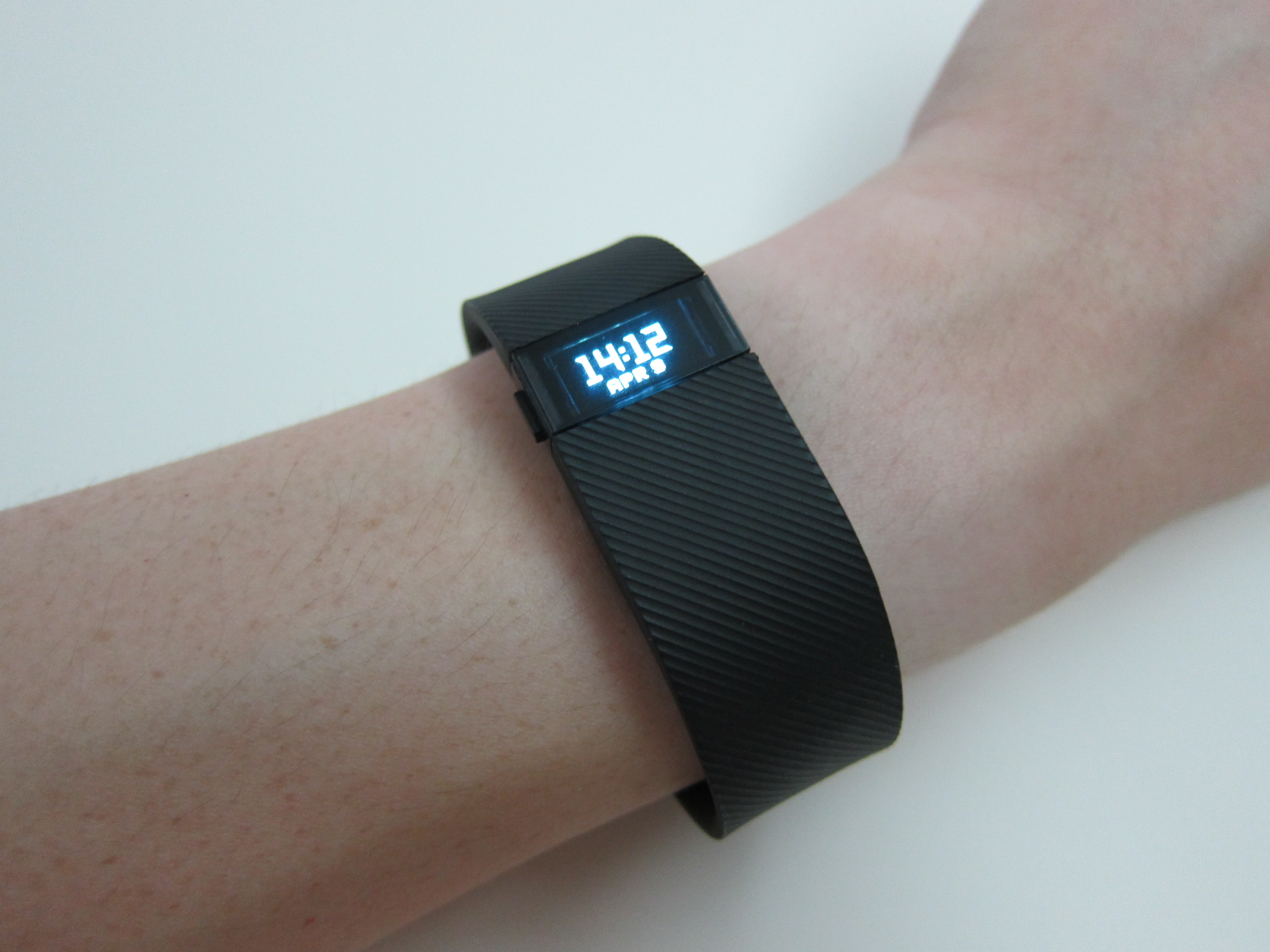
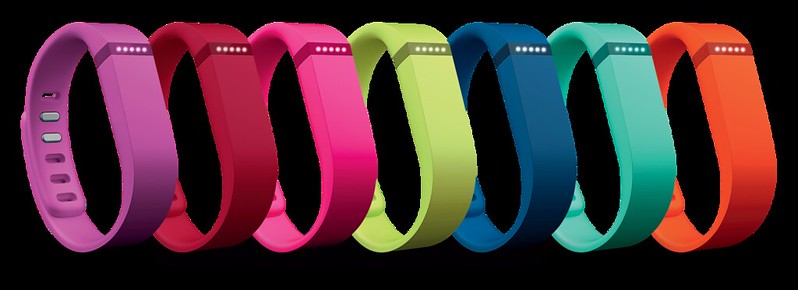
The Fitbit Charge is not meant to be the successor of the Fitbit Flex. When it comes to physical appearance, Fitbit Flex is smaller and doesn’t have a display whereas Fitbit Charge is two times bigger and offer a OLED display. Both serve different target audiences and that is the reason why Fitbit Flex is still on sale.
Features
- Tracking of steps taken, distance traveled, calories burned and floors climbed
- Exercise tracking to easily record workouts, see real-time exercise stats and have summaries appear automatically on the Fitbit dashboard
- Bright, OLED display showing time of day and real-time stats
- New automatic sleep detection monitors sleep quality using motion analysis to understand sleep and wake times; also features a silent, vibrating alarm
- New Caller ID helps users stay connected to incoming calls; wristband vibrates and shows caller’s name or number when a smartphone is nearby
- High-quality, water-resistant, comfortable new textured wristband design with an improved clasp
- Up to 7 days of battery life so you can track an entire week with just one charge
For this review, I am basically comparing it with my Fitbit Flex which is my default fitness band before I got the Fitbit Charge.
Packaging
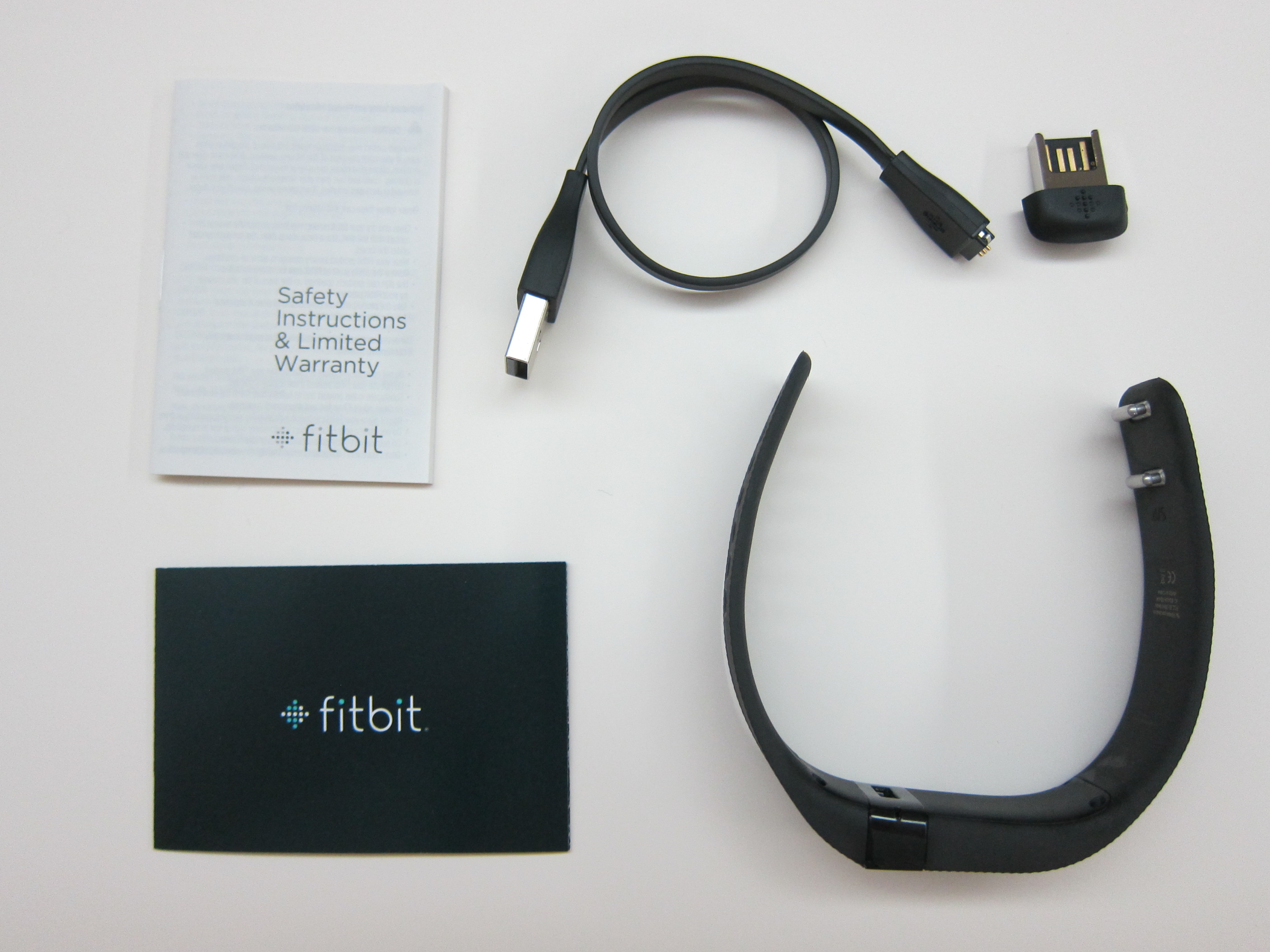
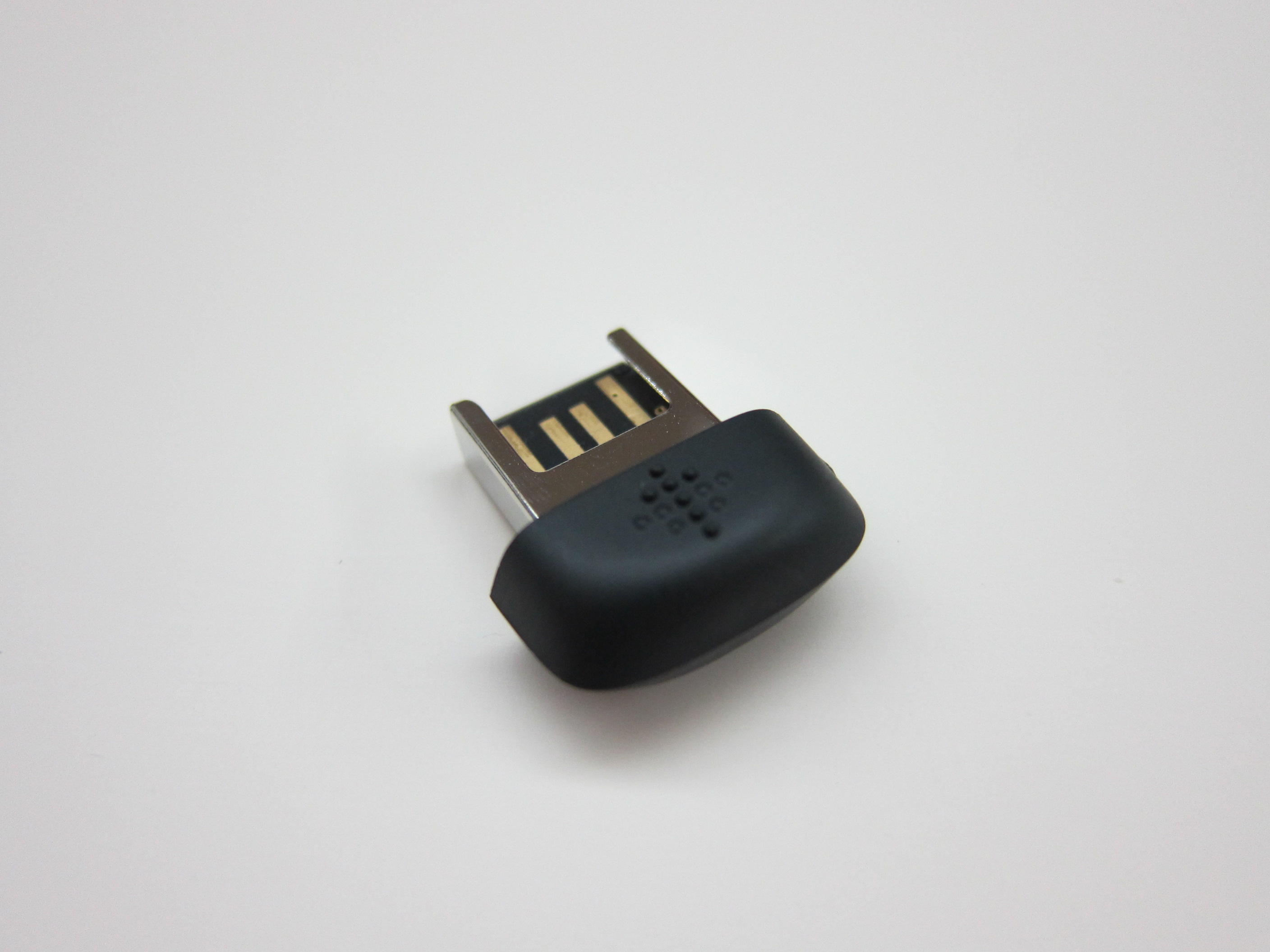
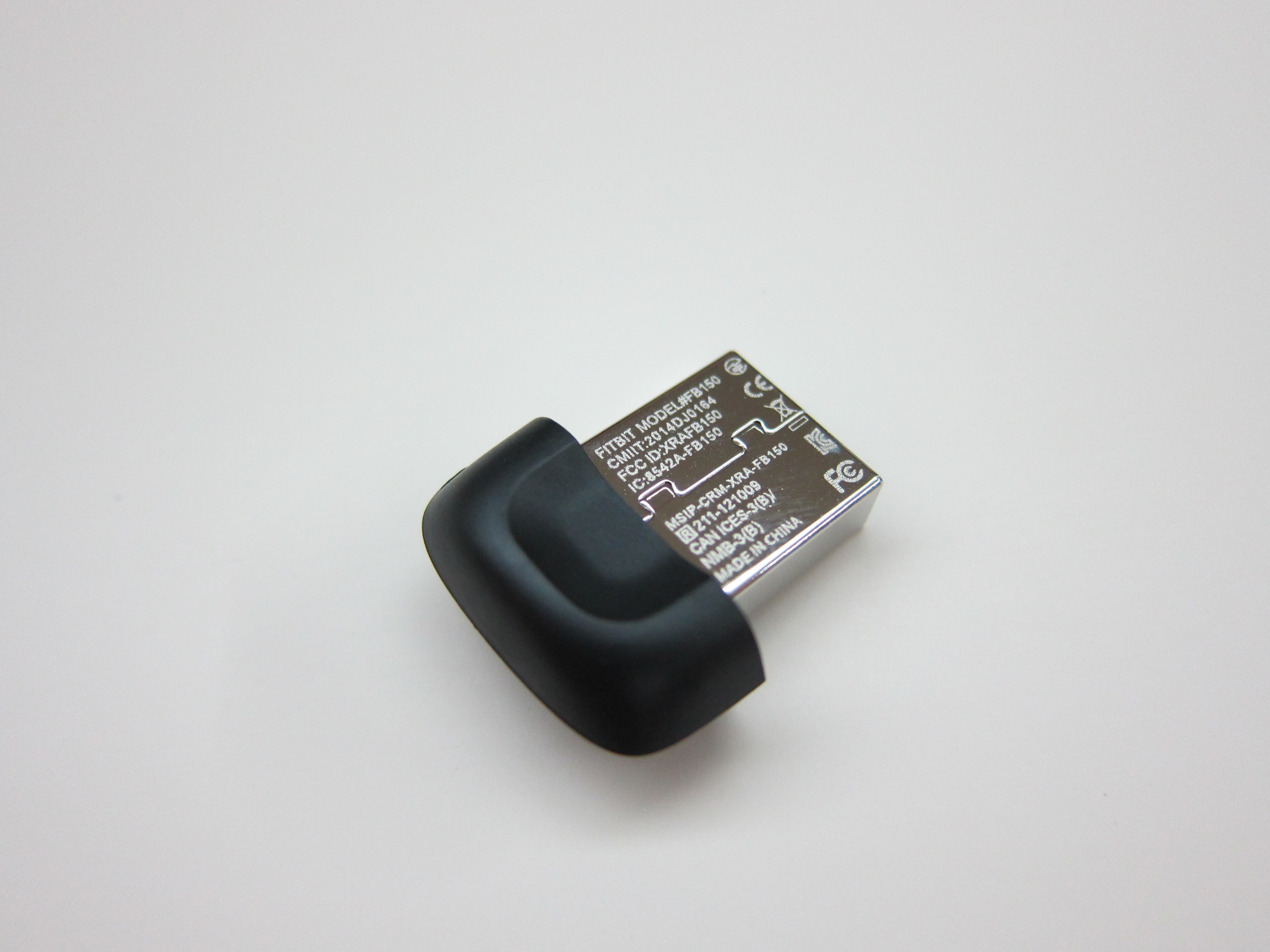
The packaging contents of the Fitbit Charge is similar to that of the Fitbit Flex. It contains the device itself, the charging cable and the wireless sync dongle (in case you want to sync it with your PC or Mac).
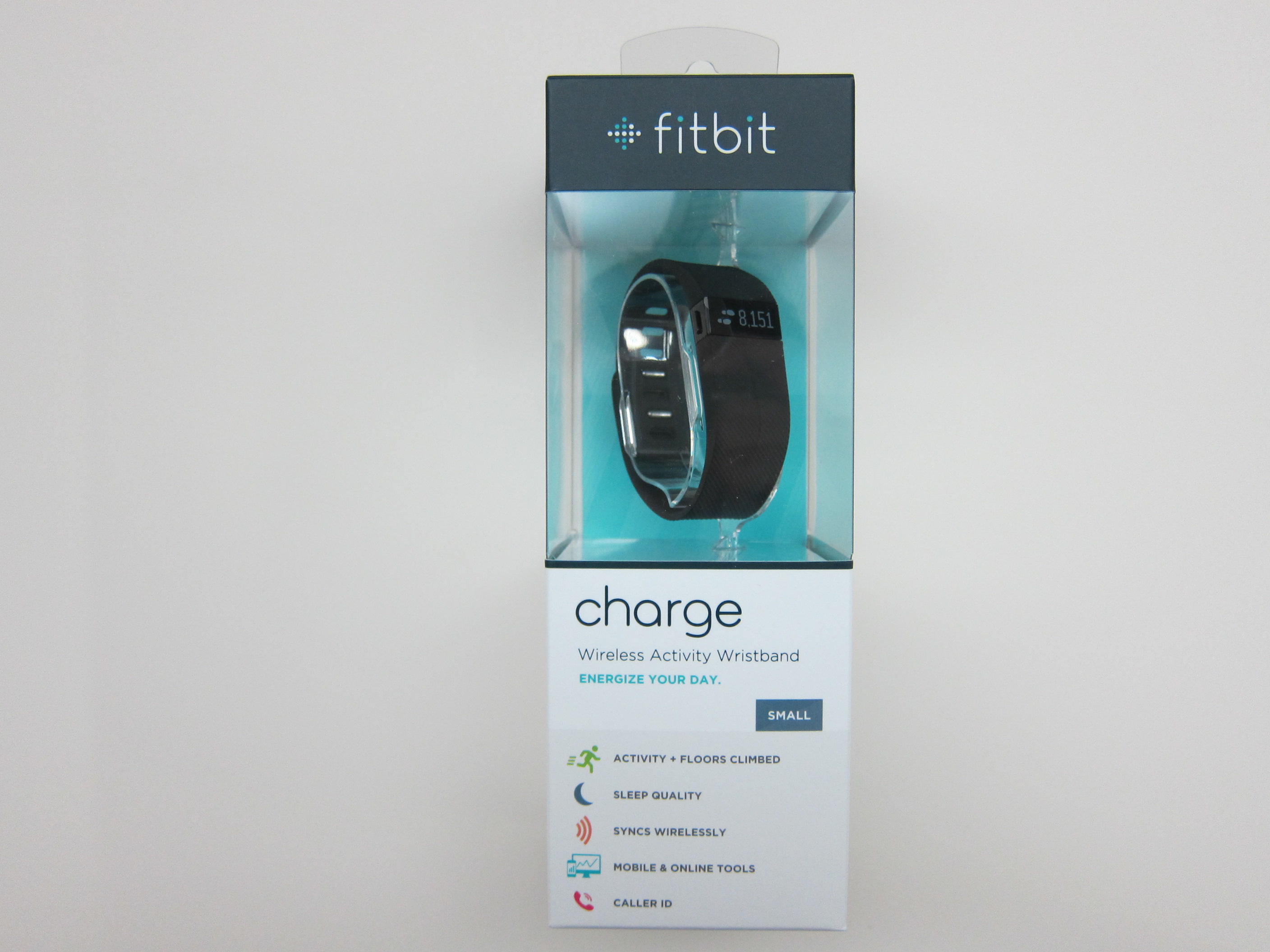
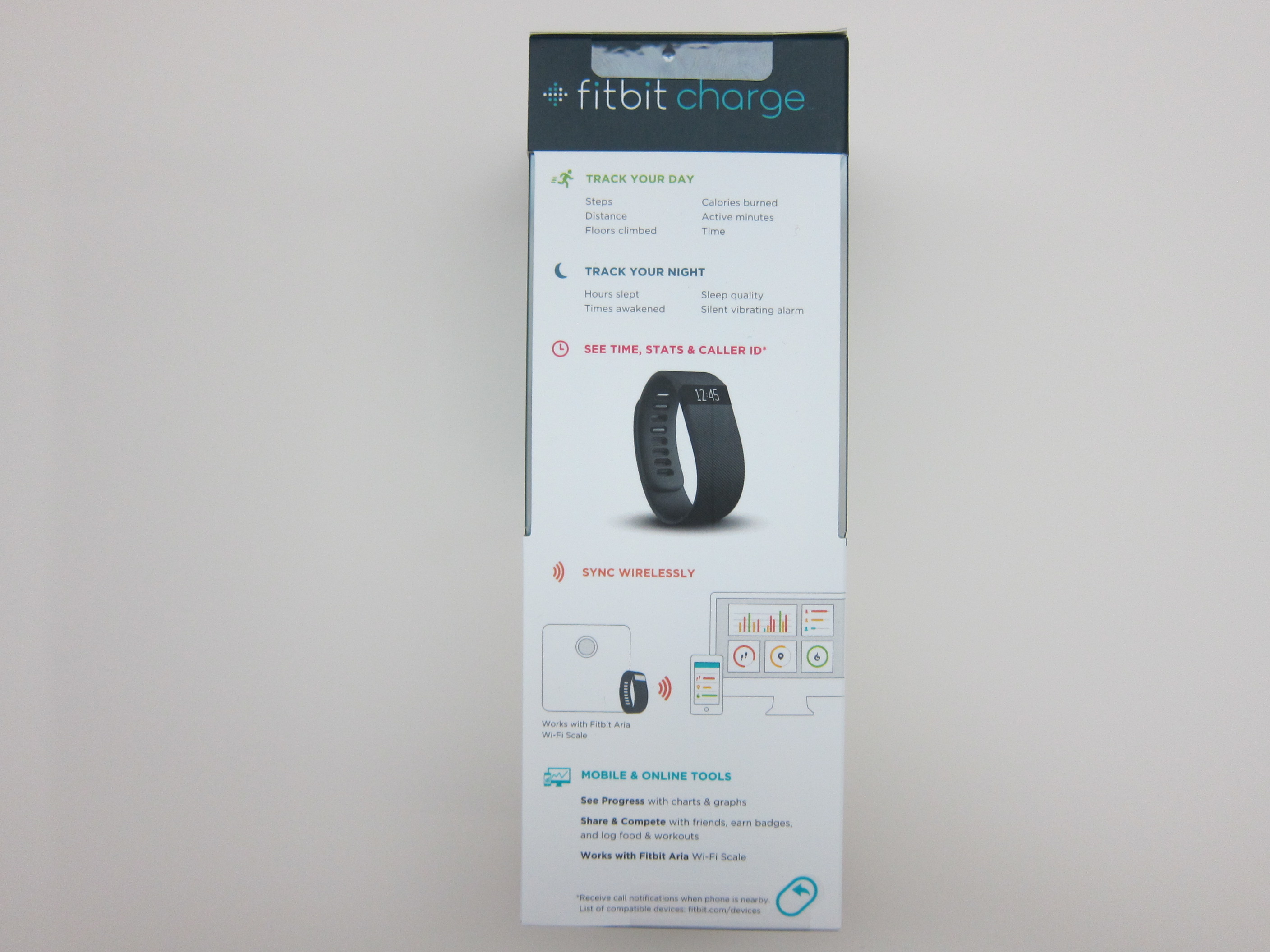
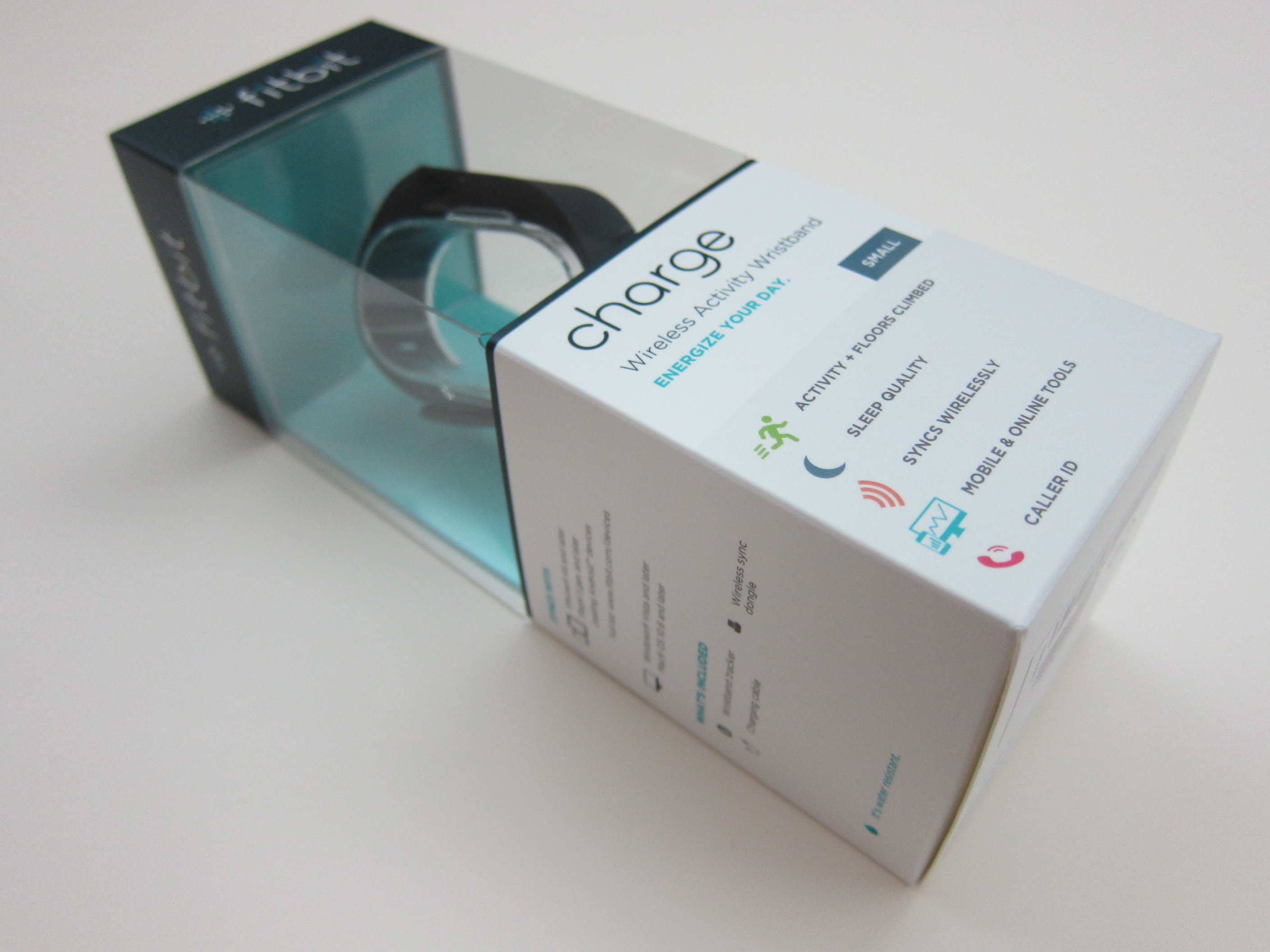

The Fitbit Charge is water resistant in the sense it is splash proof and not water proof. So do not shower with the device or submerge it in water.
Charging
One thing I like about the Fitbit Charge is, you can charge the device directly by plugging the charging cable to it. For Fitbit Flex, you will have to remove the tracker from the band to charge it which is very cumbersome.
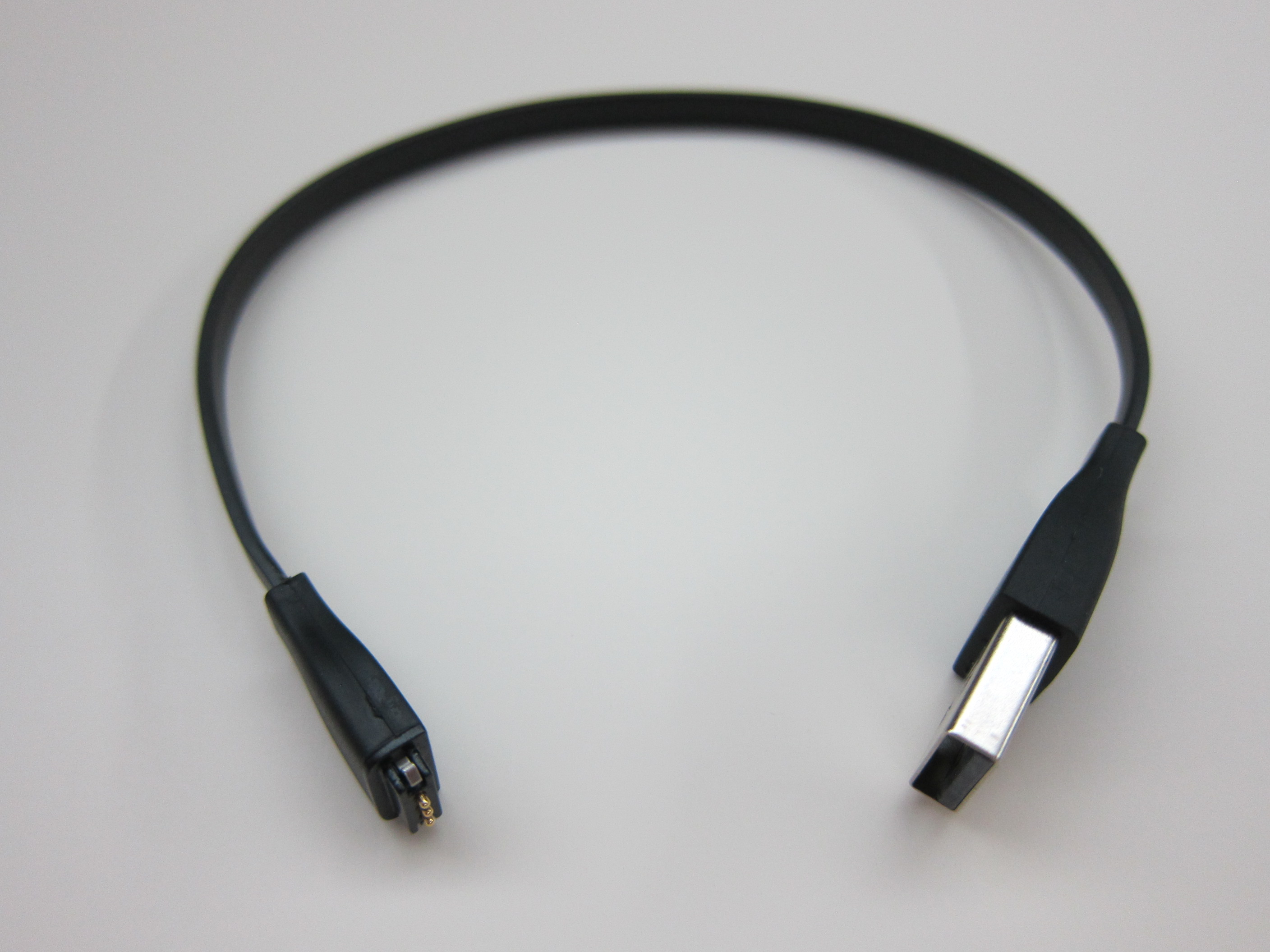
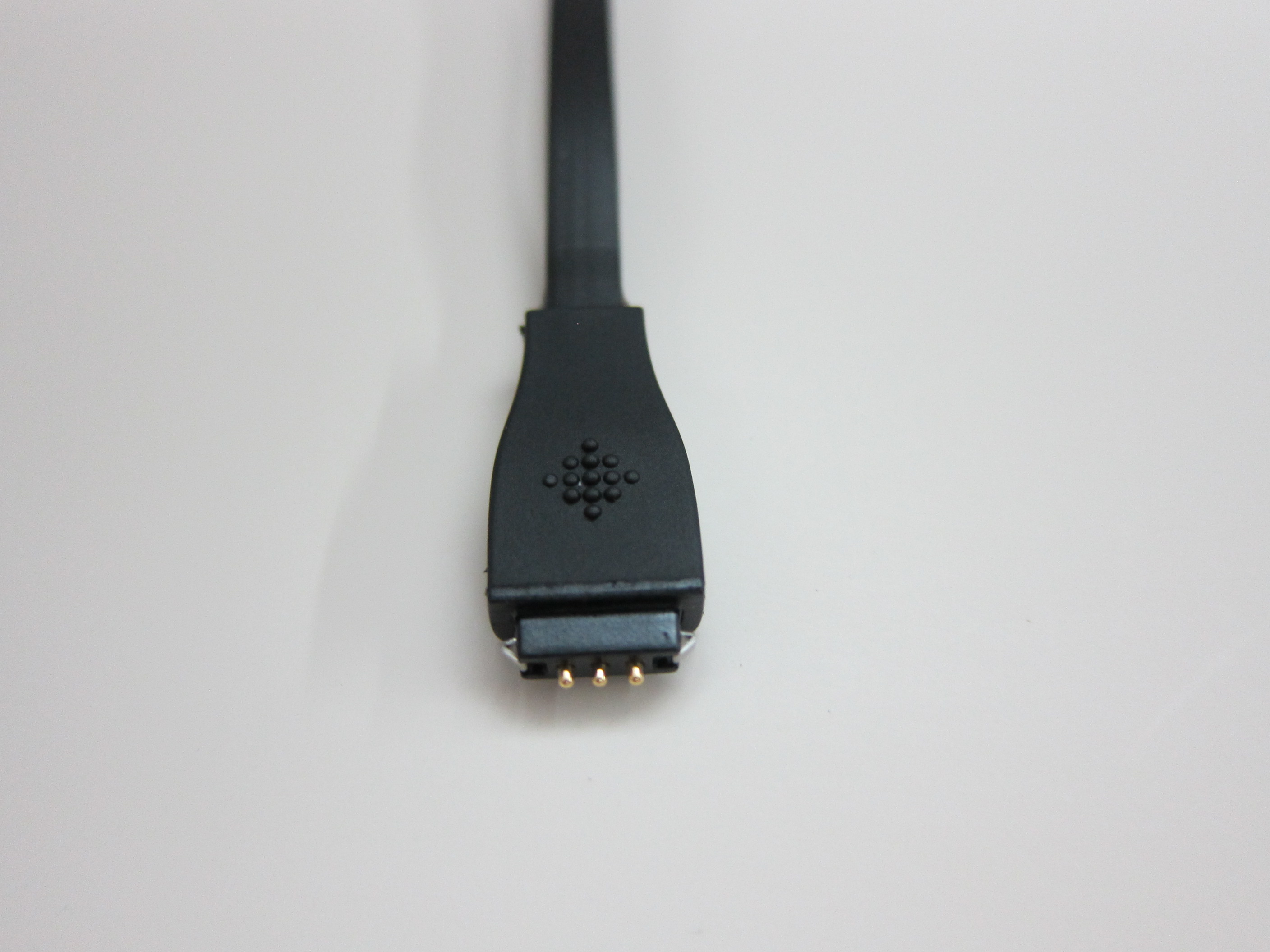

According to the specifications, it takes two hours to fully charge the Fitbit Charge and one full charge can last about seven days. In my tests, it lasted me about eight days with about an average of 9,500 steps a day.
Band/Buckle/Size
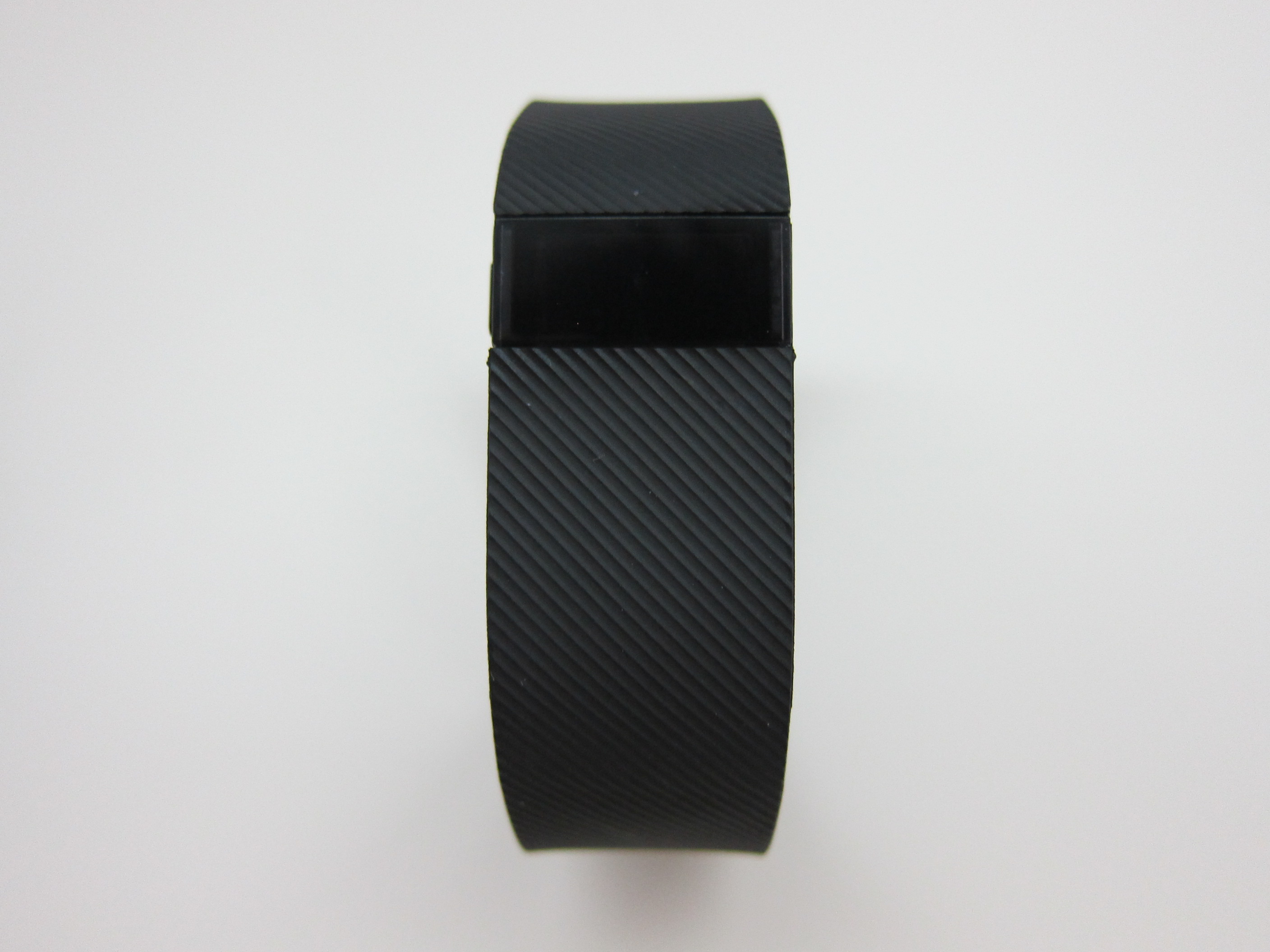
The Fitbit Charge uses the same band design as the Fitbit Flex just that it is about two times larger and non-removable. The band finish of the Fitbit Charge is also textured.


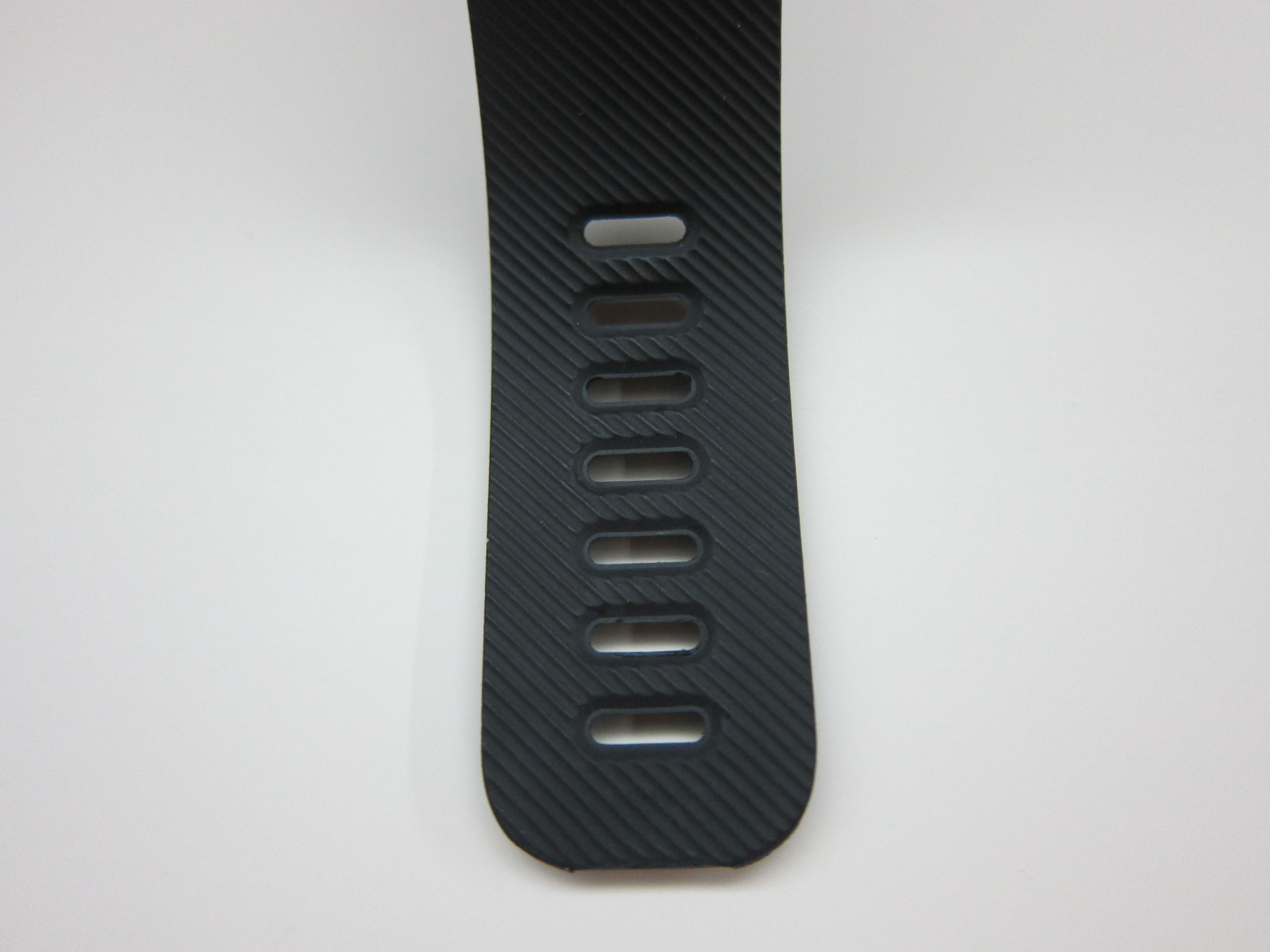
Unlike the Fitbit Flex which comes in only two sizes (Small and Large), the Fitbit Charge comes in three sizes (Small, Large and Extra Large). The small fits wrist of size 14cm to 16.5cm, the large fits wrist of size 6.5cm to 19.6cm and the extra large fits wrist of size 19.6cm to 22.6cm.
One Button
There is only one physical button on the Fitbit Charge (there are no buttons on the Fitbit Flex).


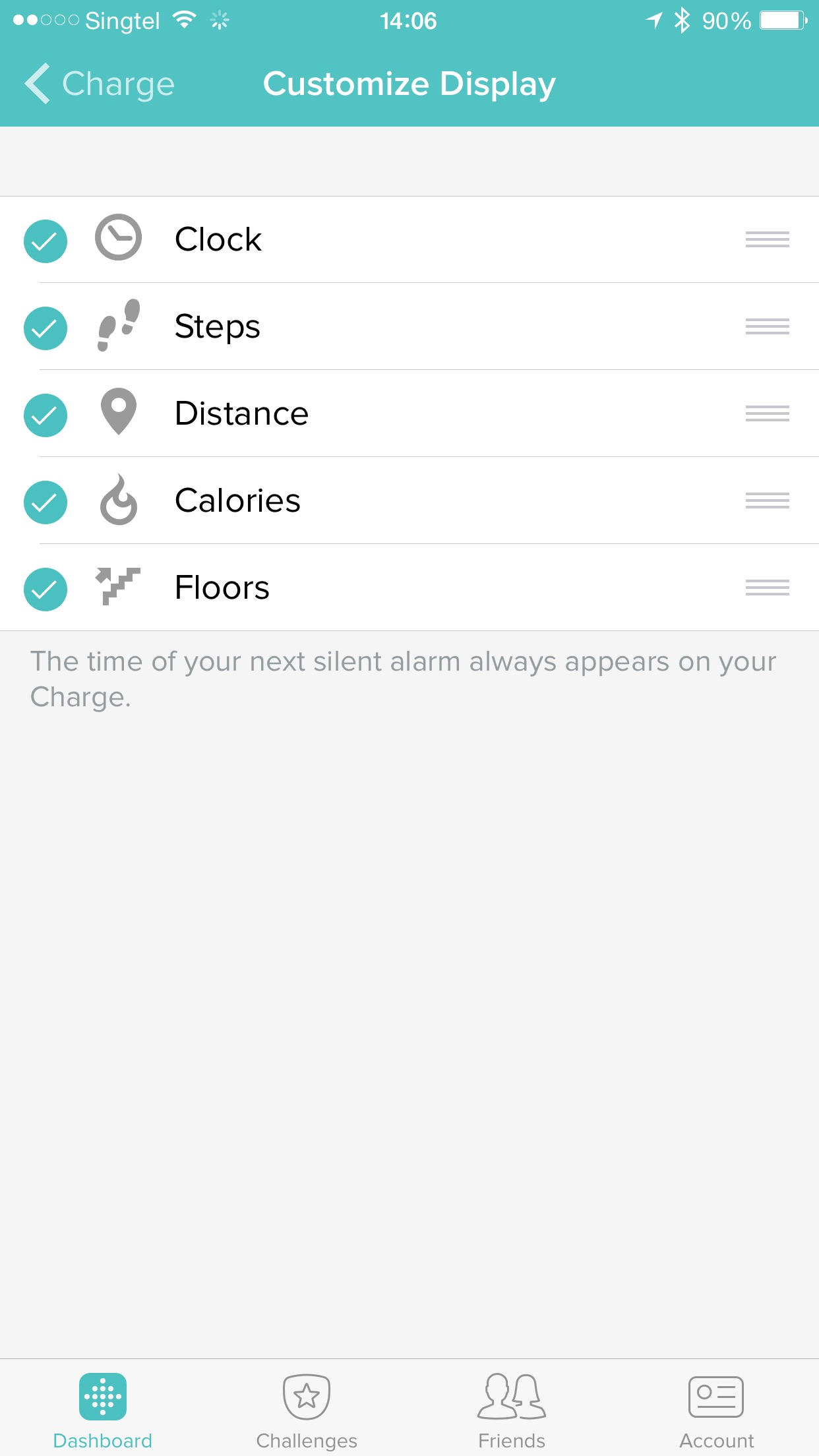
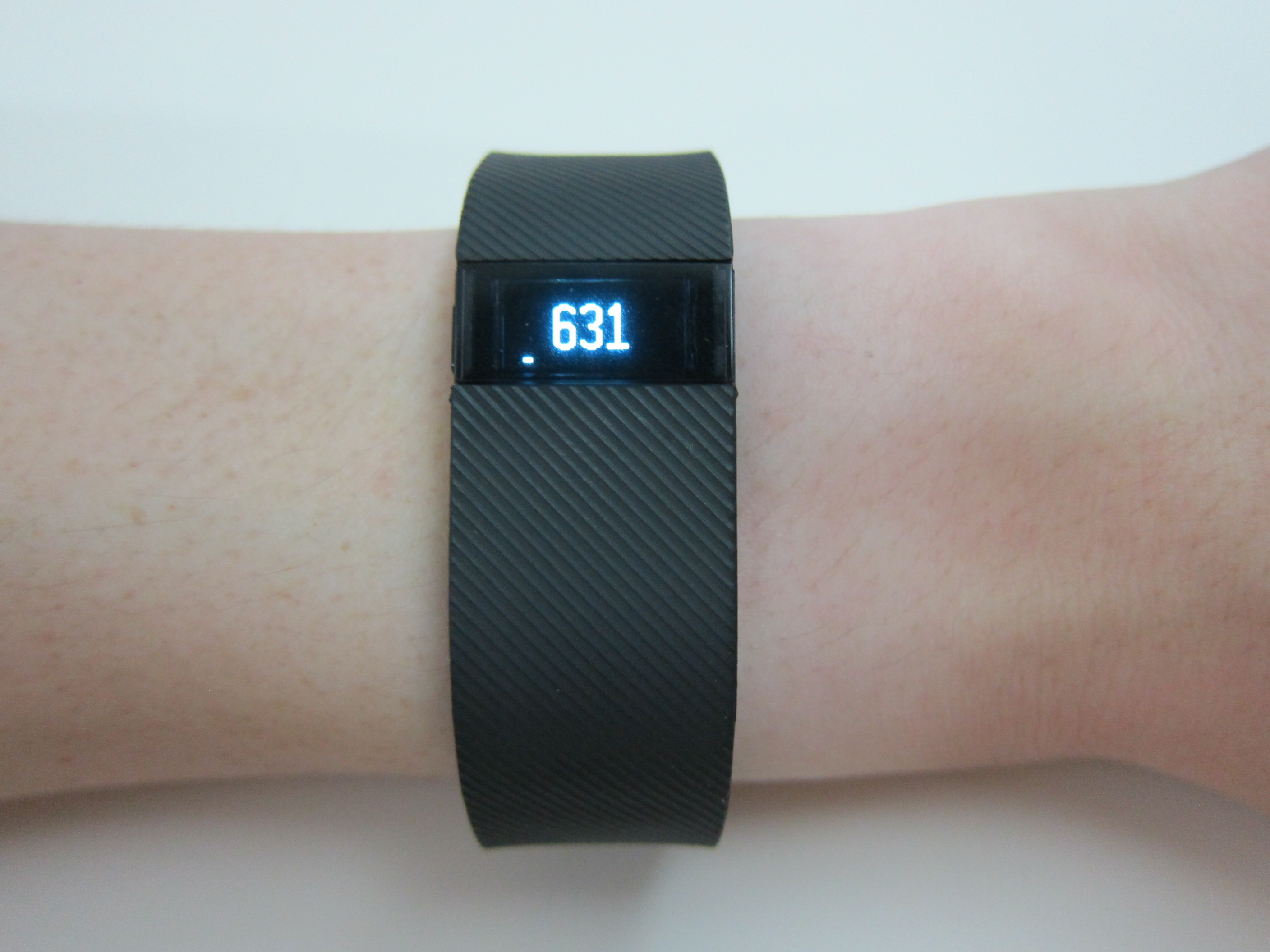
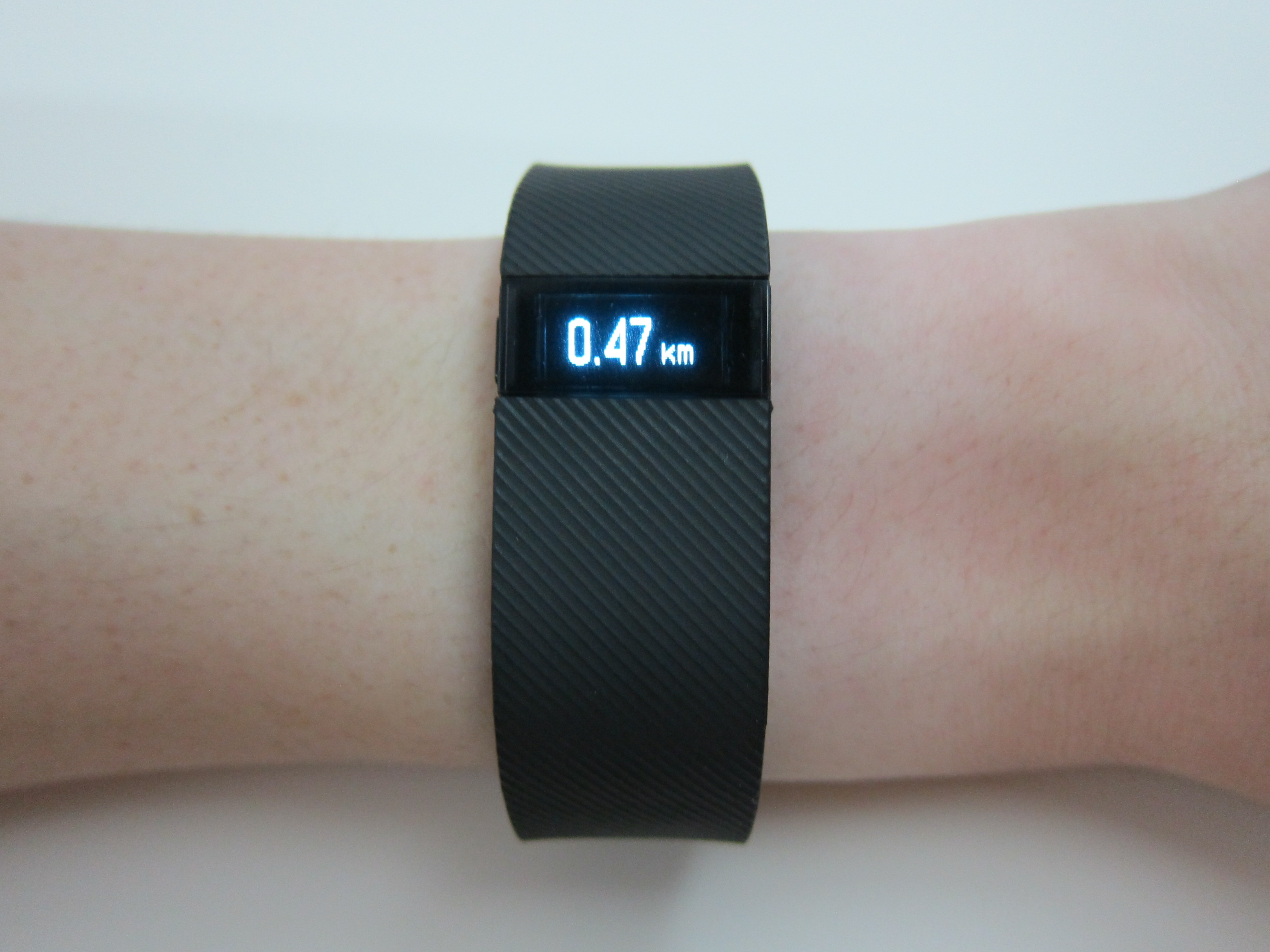
Pressing the button will bring you through the various stats which you can customize the display and order in the Fitbit app itself. By default it is Clock -> Steps -> Distance -> Calories -> Floors.
Pressing and holding the button will trigger the stopwatch start function and pressing and holding the button again will trigger the stopwatch stop function. Check out the UI walkthrough in the Instagram video below.
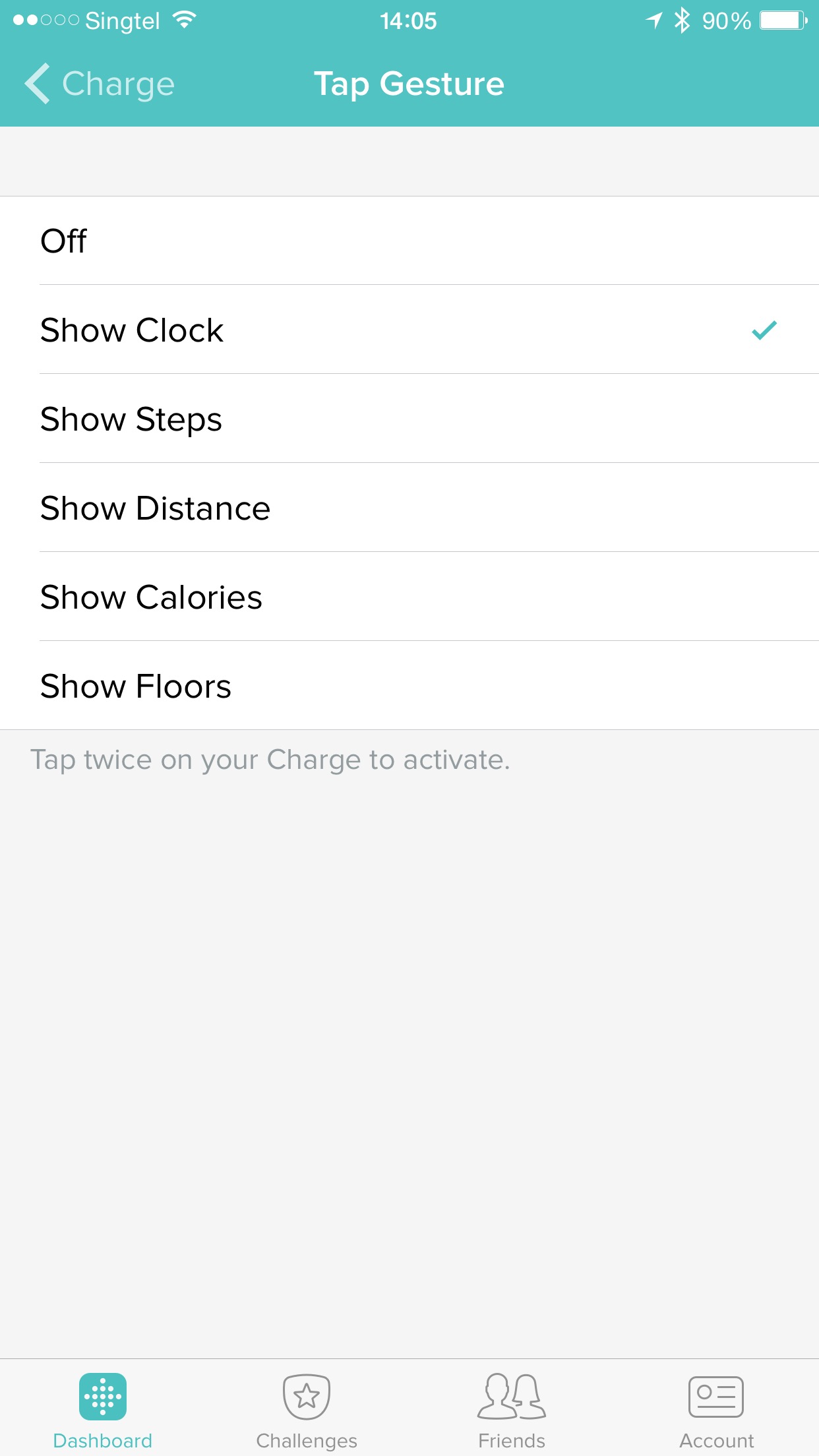
There is also this feature called the Tap Gesture on the Fitbit Charge. By tapping twice on the screen, by default it will show the clock. You can also choose to show steps taken, distance walked, calories burned or floors climbed instead.
Setup
Setting up the Fitbit Charge using the Fitbit iOS App is pretty straight forward. Since I am already an existing user of a Fitbit device, I got the app installed and signed in to my Fitbit account.
To setup a new Fitbit device, I just have to launch the app, go to Account tab and tap on “Set Up a New Fitbit Device”.
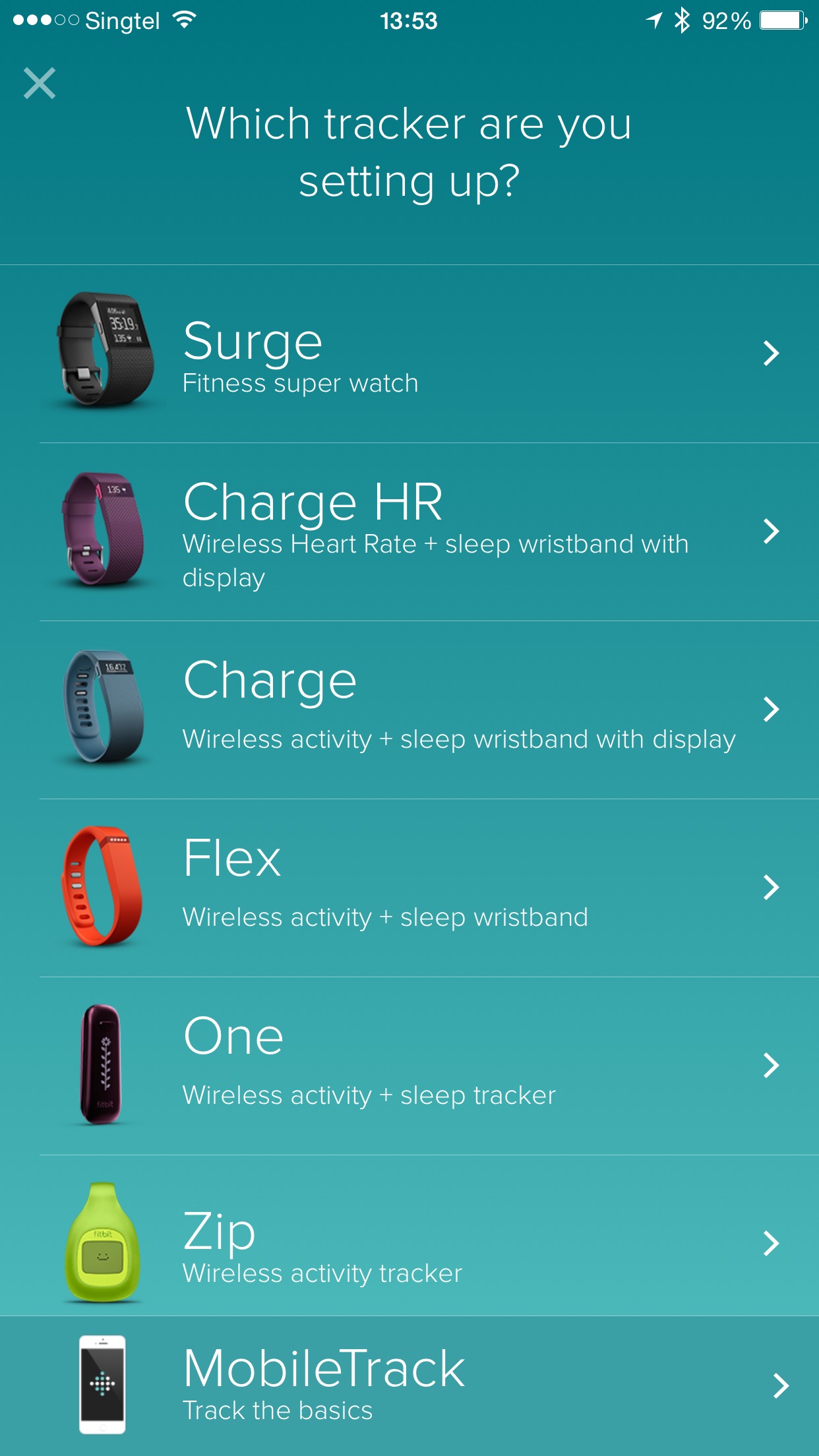
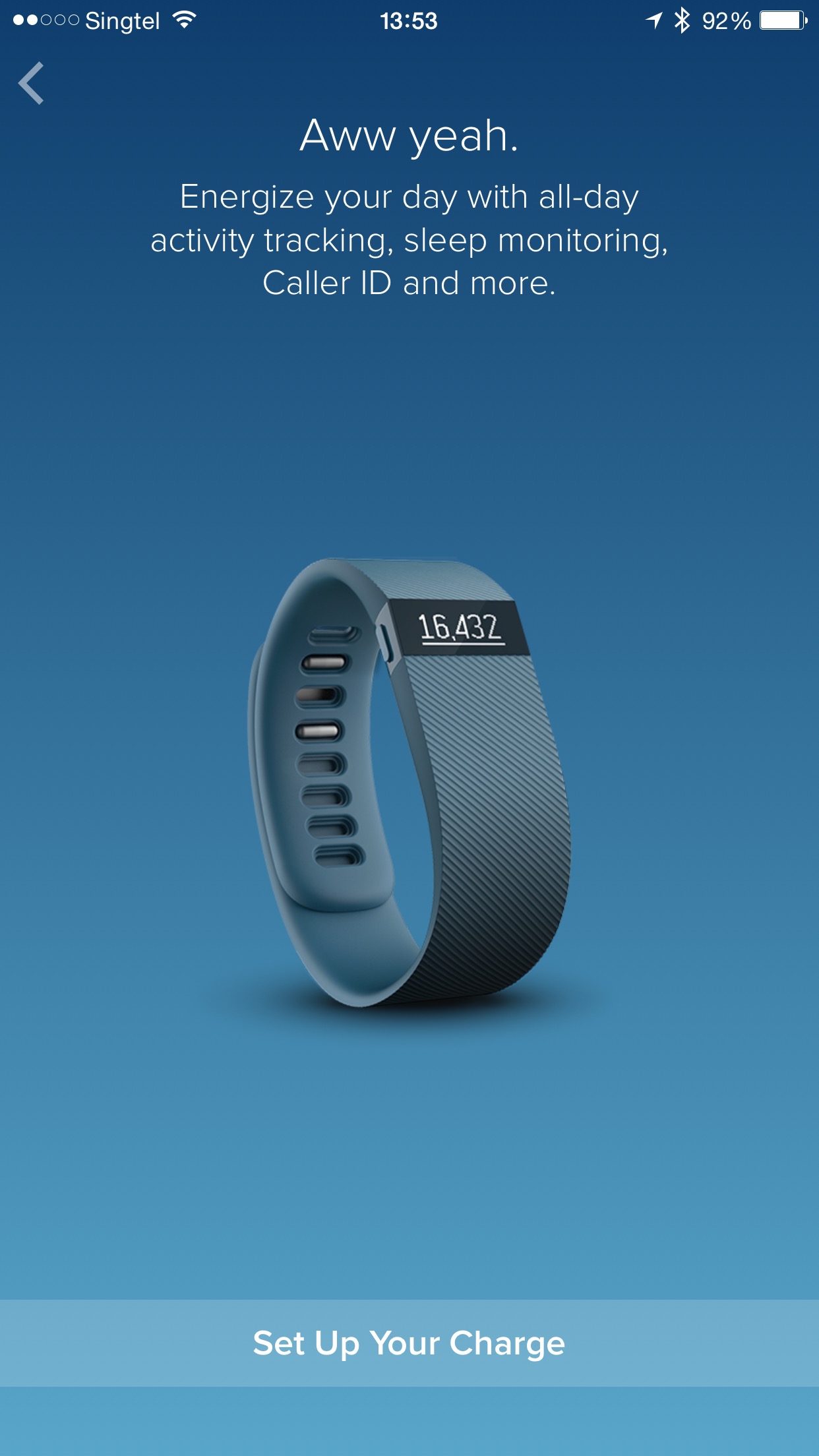
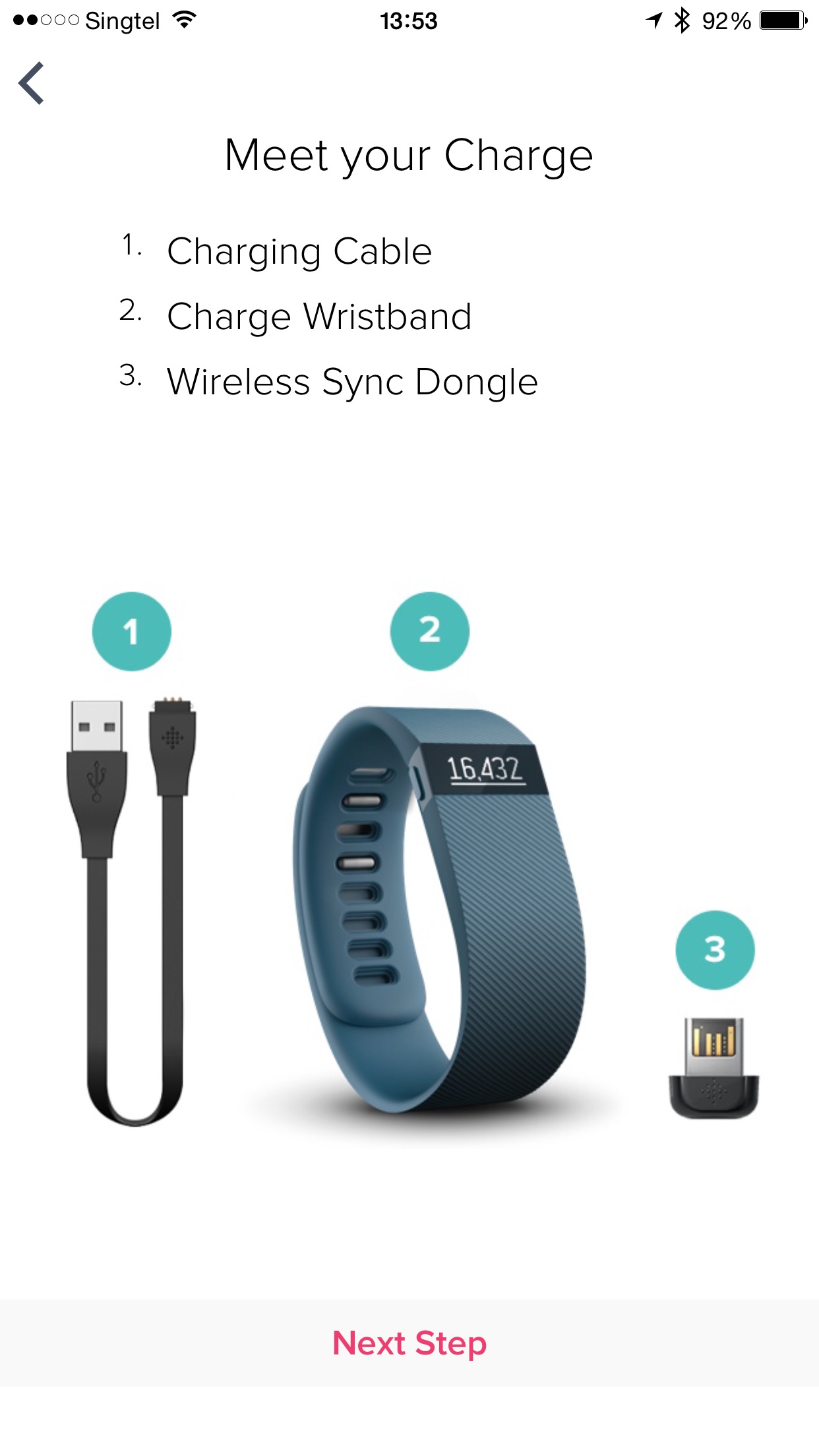
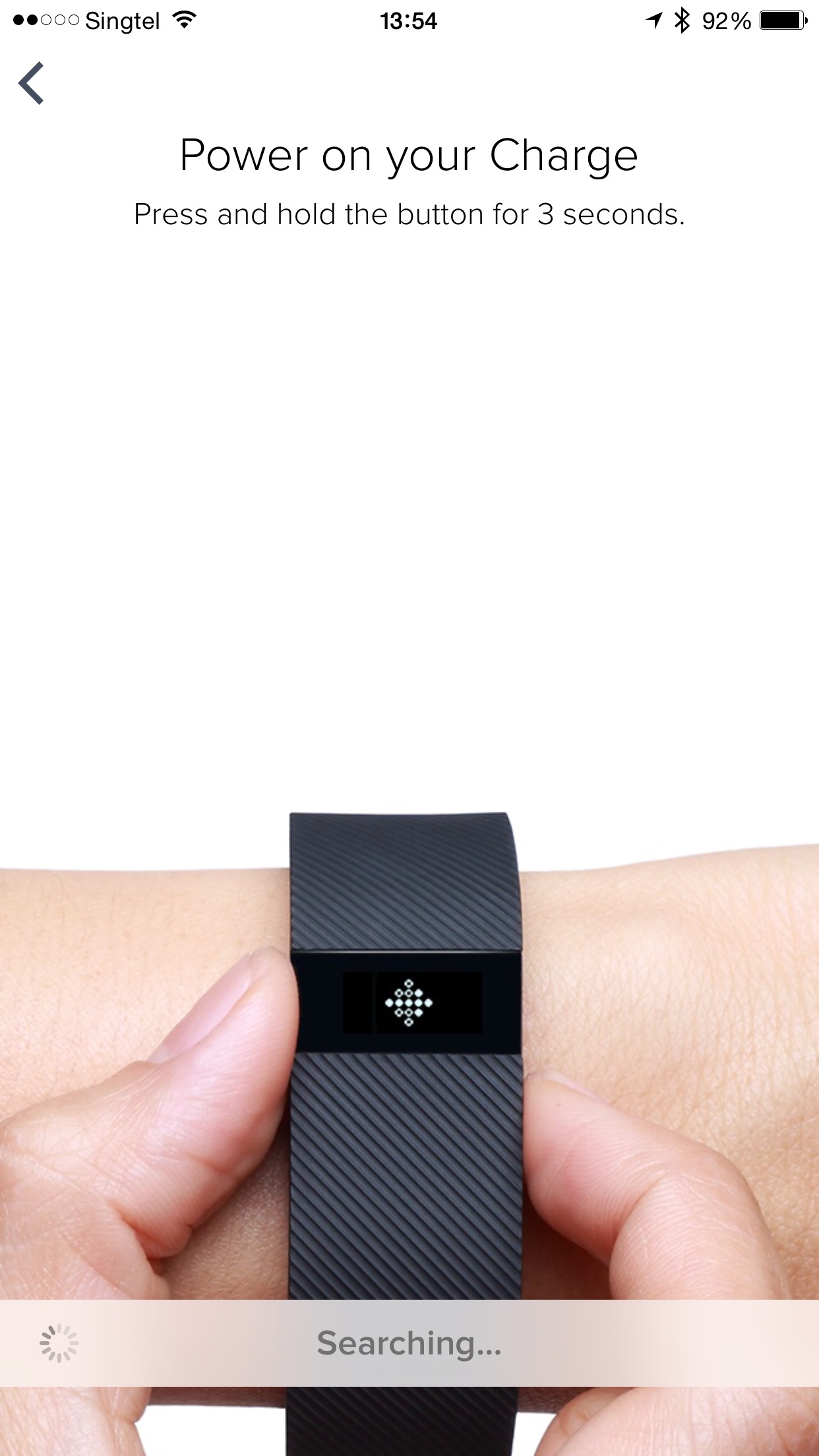
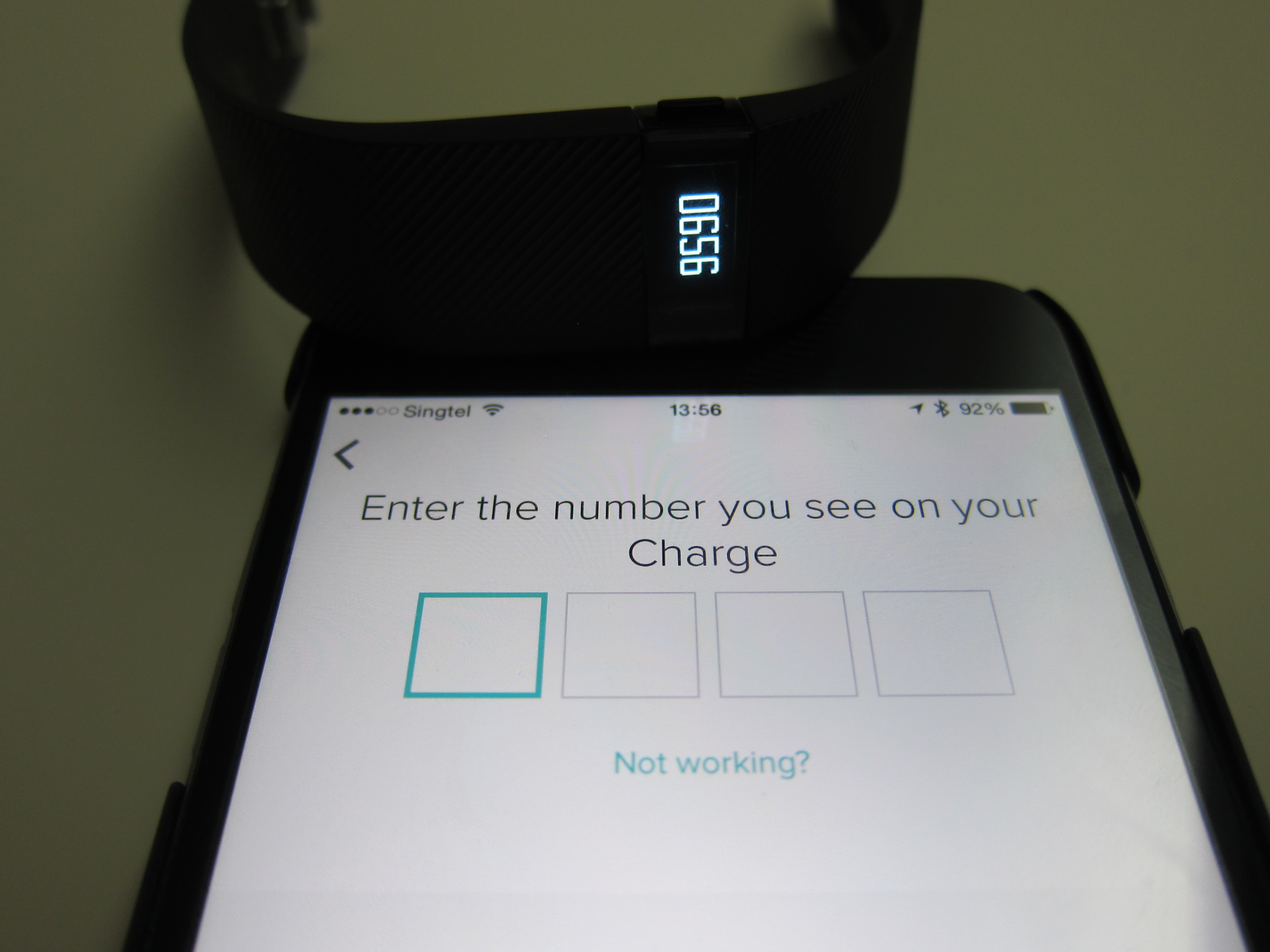
The setup manage to detect the my Fitbit Charge pretty quickly and I just have to pair it with a 4-digit code that will appear on the OLED display of my Fitbit Charge.
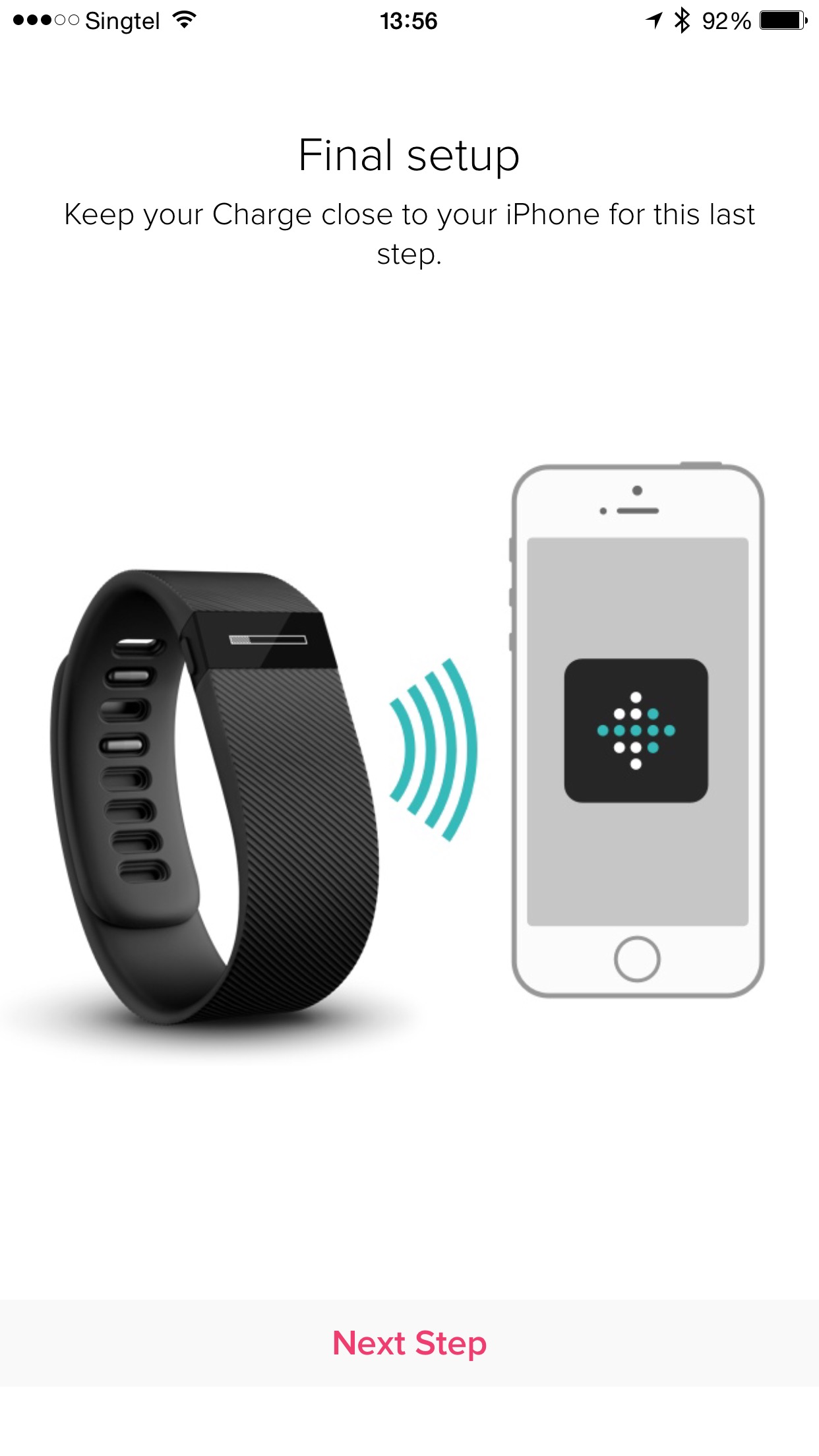

The final step of the setup is what puzzles me, it really took about 10 minutes long for the last step. I am guessing it is updating the firmware of my Fitbit Charge because once the progress is completed, my Fitbit Charge rebooted.

iOS App
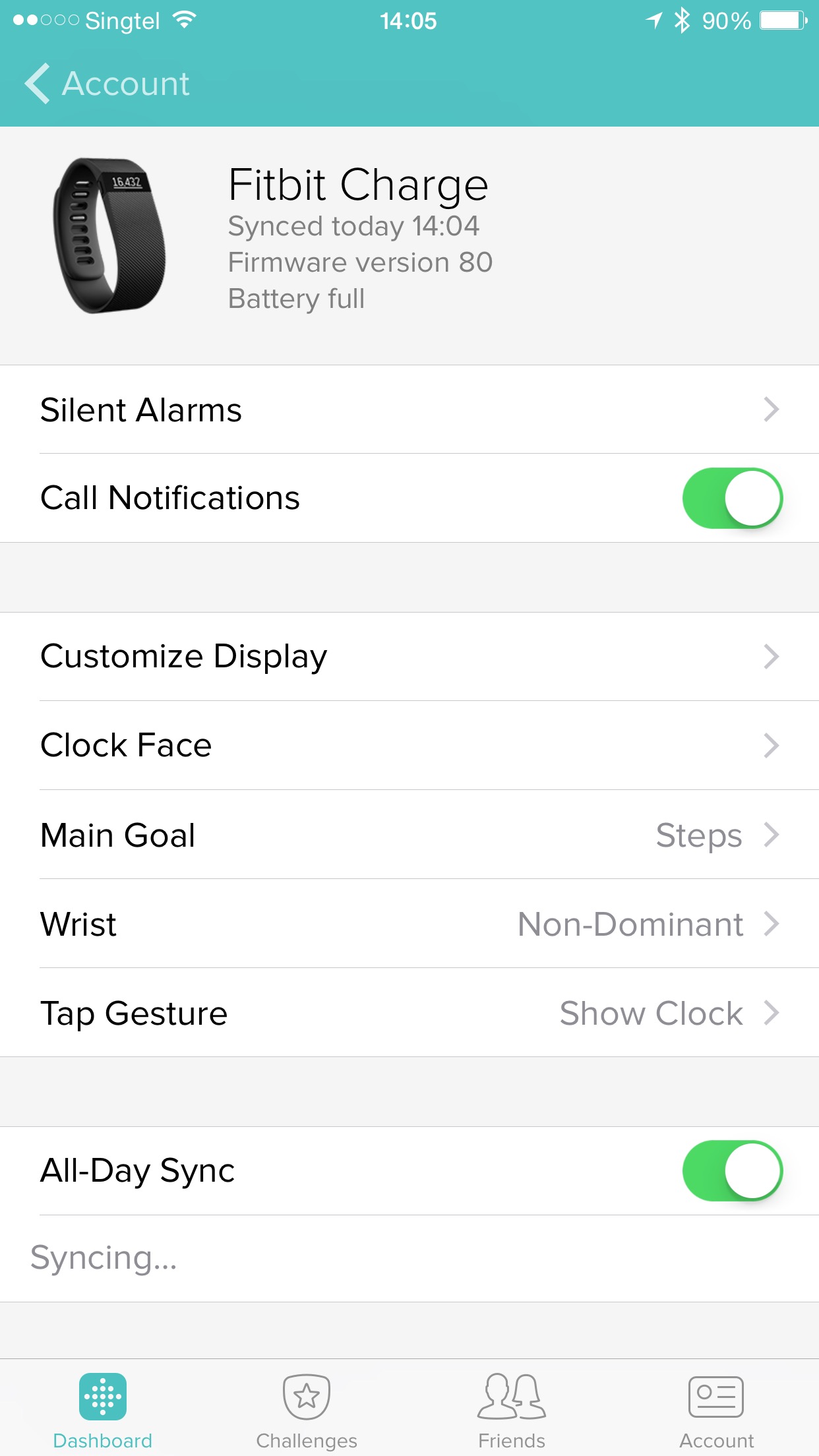
There are four new settings for the Fitbit Charge and they are: Call Notifications, Customize Display, Clock Face and Tap Gesture.
Call Notifications allows your Fitbit Charge to vibrate and show the incoming number or name when someone calls you. If your Fitbit Charge is syncing and the call comes in, the call notification will not appear.

Customize Display allows you to show or hide the items you want to see on the Fitbit Charge OLED display. You can also drag the items up or down to rearrange the order.
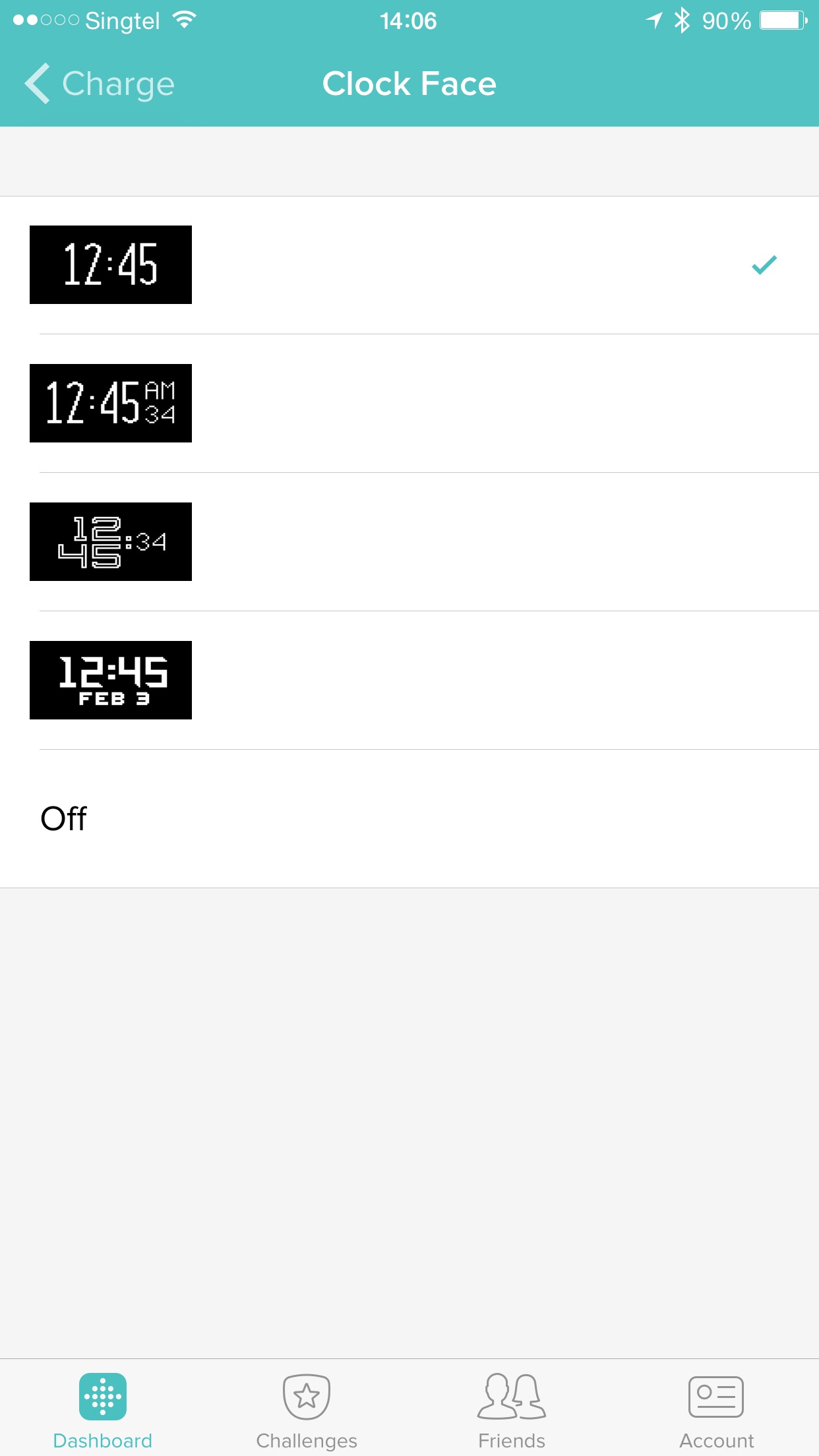
Clock Face allows you to choose from four different clock styles to show on the Fitbit Charge OLED display.
As mentioned earlier, Tap Gesture allows you to change how your Fitbit Charge Response to double taps on the screen.
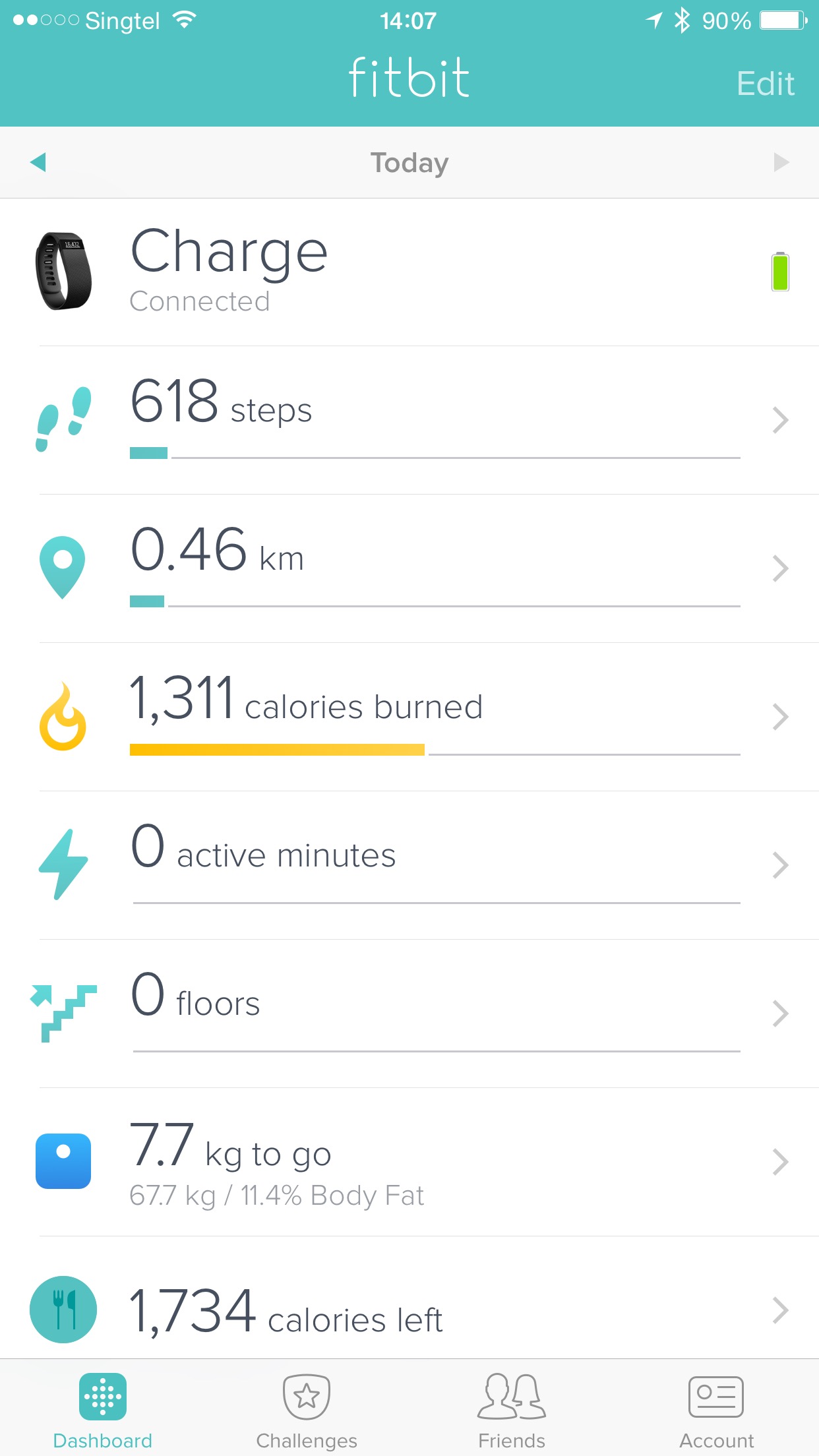
Because Fitbit Charge has a built-in altimeter, it can measures the number of floor you have climbed as shown in the dashboard screen of the Fitbit Charge.
Summary
The Fitbit Charge is a good alternative to the Fitbit Flex if you want to have a built-in display to check your steps taken. In terms of sensors, the Fitbit Charge only has an additional built-in altimeter and hence it is able to measure the number of floors you have climbed.
Personally, I can’t find any cons to the Fitbit Charge. The only complaint I have about it, is the size. It is twice as large as the Fitbit Flex due to the addition of the OLED display. I always wear my Pebble watch along with my Fitbit Flex whenever I am out. The slimness of the Fitbit Flex compliments my Pebble Watch and hence I can wear both devices on the same hand.
For the Fitbit Charge, it is large and wearing it on the same hand as my Pebble watch makes my hand looks cluttered. So I have to wear my Fitbit Charge on the other hand instead.
As much as I love Fitbit Charge, I would rather top up S$30 more and get the Fitbit Charge HR which is retailing for S$199 and it comes with heart rate monitor.
Pros:
- OLED Display
- Built-in altimeter, able to measure floors climbed
Cons:
- The Fitbit Charge is twice the size of Fitbit Flex
- Only slightly cheaper than Fitbit Charge HR


So based on your tests, how long did the battery last?
“In my tests, it lasted me about eight days with about an average of 9,500 steps a day.” It is stated in the article :p
Typo -> There is only one physical button on the Fitbit Charge (there are not buttons on the Fitbit Flex).
Thanks! Fixed!
… Realised above comment couldn’t be deleted. Btw, this time no giveaway!?
Haha no word on it yet. PR didn’t get back to me
Hi Lester, can u let the PR know, they really need to bring in single pack band for the flex. Broke at least 3 bands already. All the same issue, breakage along the openings. Was lucky enough to have the fitbit Canada send me a replacement FOC, brought a 3 pack but only use the blue doesn’t make sense to buy 3 pack but use one only…… looking to get the Charge HR but like u say size issue. thus even with the charge HR i guess i will still be using flex as well. Need new bands 🙁
I didn’t know they have single pack band. At least I didn’t see it here in Singapore.
yap they have the single pack in US. Will be good if u can feedback to their PR 🙂
I have pointed them to this article before that. Hope they will read the comments. But the PR is for Singapore, so I am not sure whether it will have any effect in the US =)
haha I’m from SG