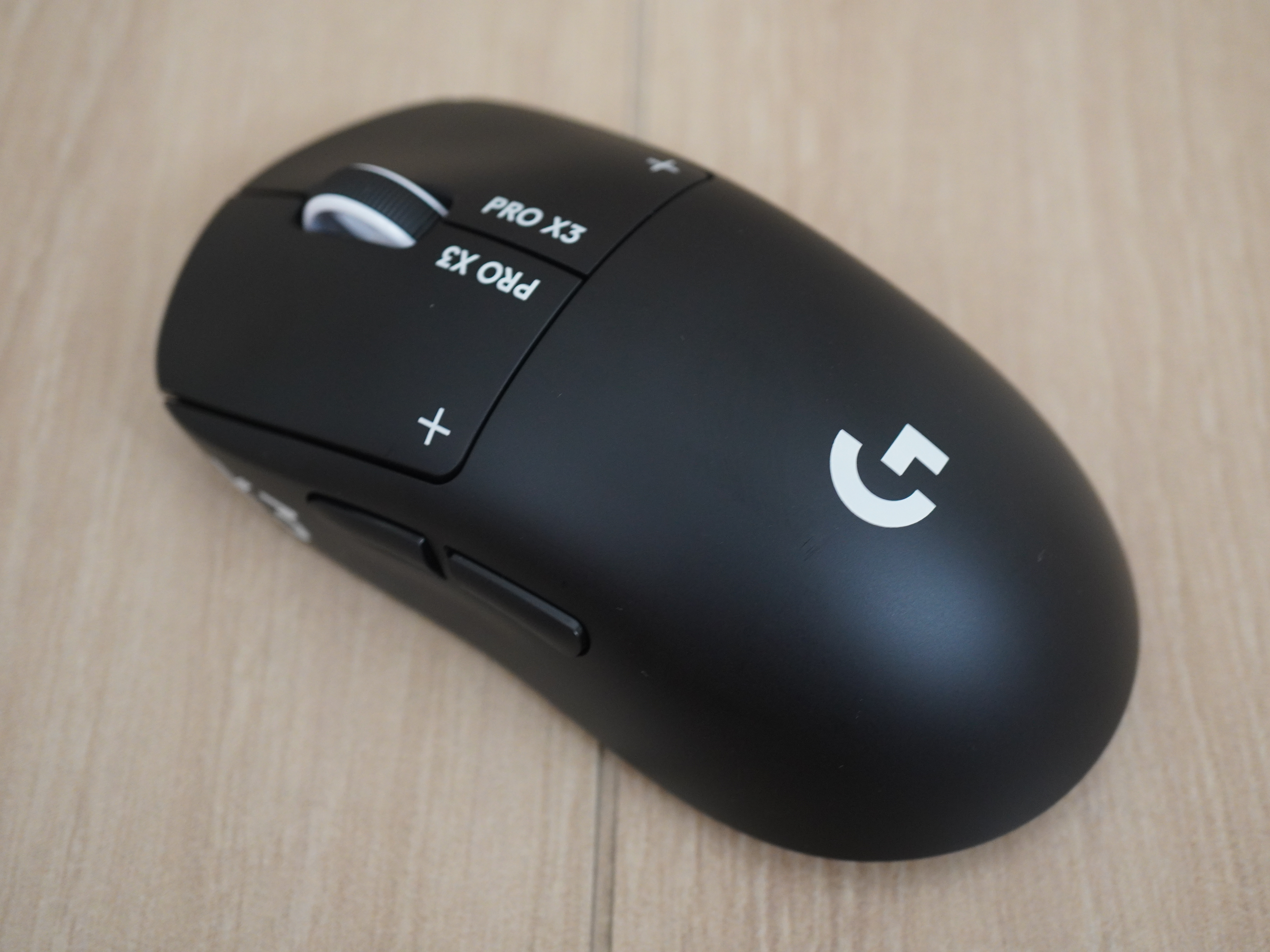
Logitech sent me the Logitech G Pro X3 Superstrike Wireless Gaming Mouse for review. The recommended retail price (RRP) is S$319, available on Shopee and Lazada. The cheapest I saw was S$264 on Shopee after vouchers.
It comes in Black and Pink, and Logitech sent me the Black one. This is Logitech’s flagship esports mouse, and the headline is that it has no mechanical switches at all. The left and right buttons use what Logitech calls the Haptic Inductive Trigger System (HITS), so you can set exactly where a click registers.
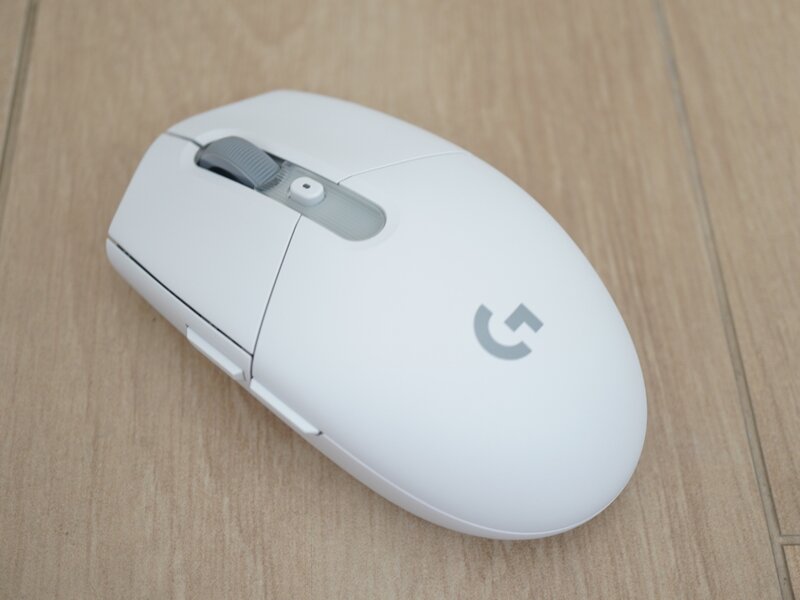
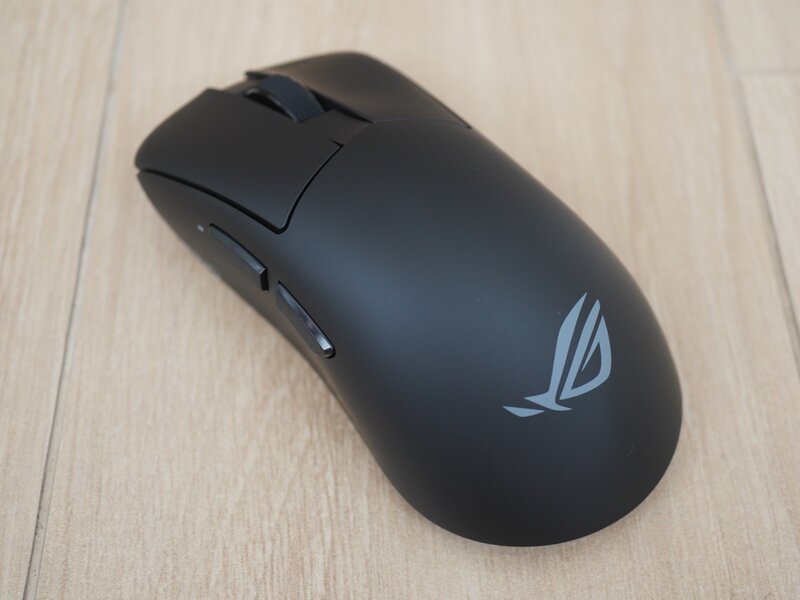
The last Logitech mouse I reviewed was the Logitech G304 X Superlight Gaming Mouse at S$119, and the mouse on my desk right now is the Asus ROG Gladius IV Ace.
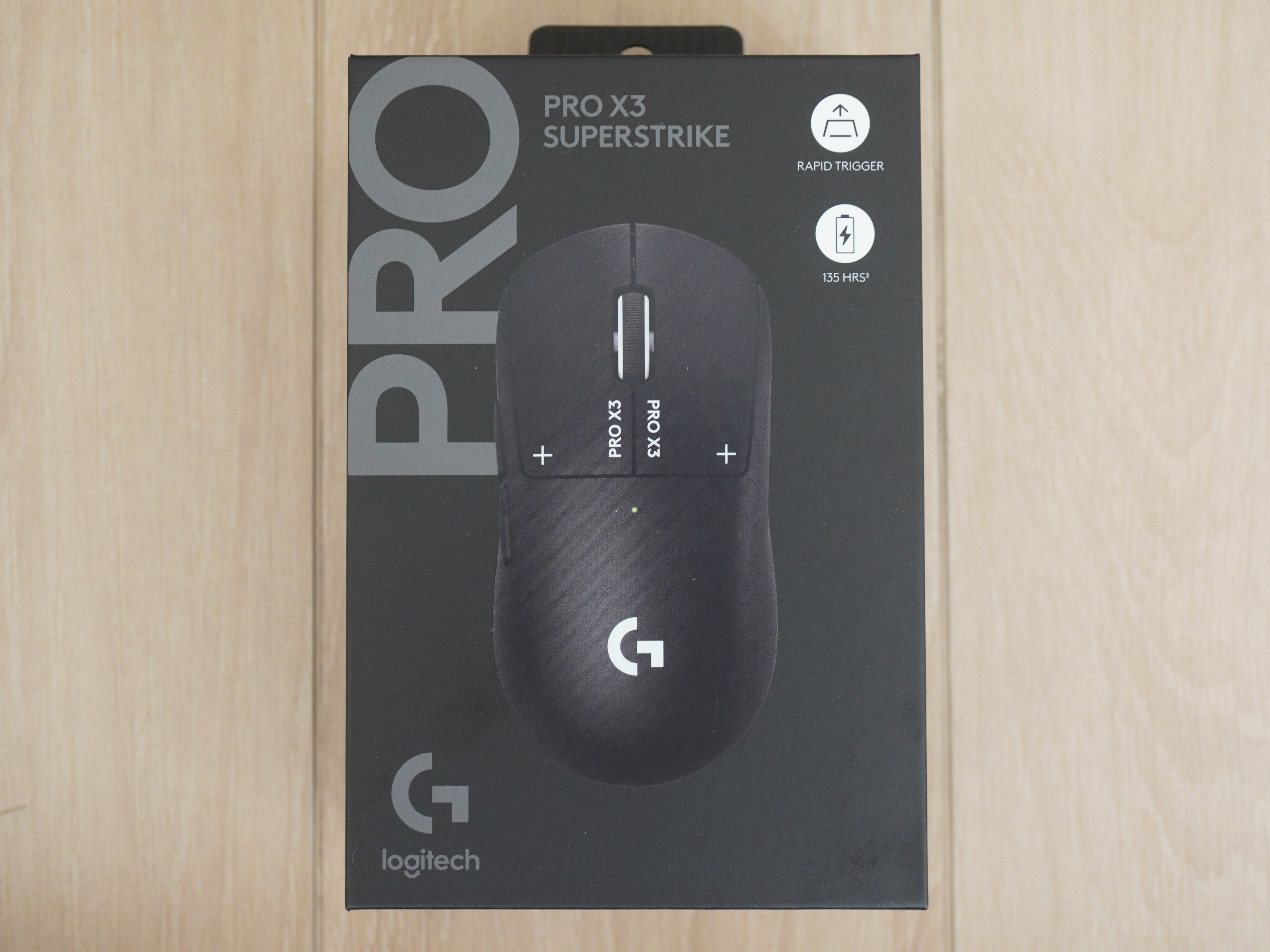
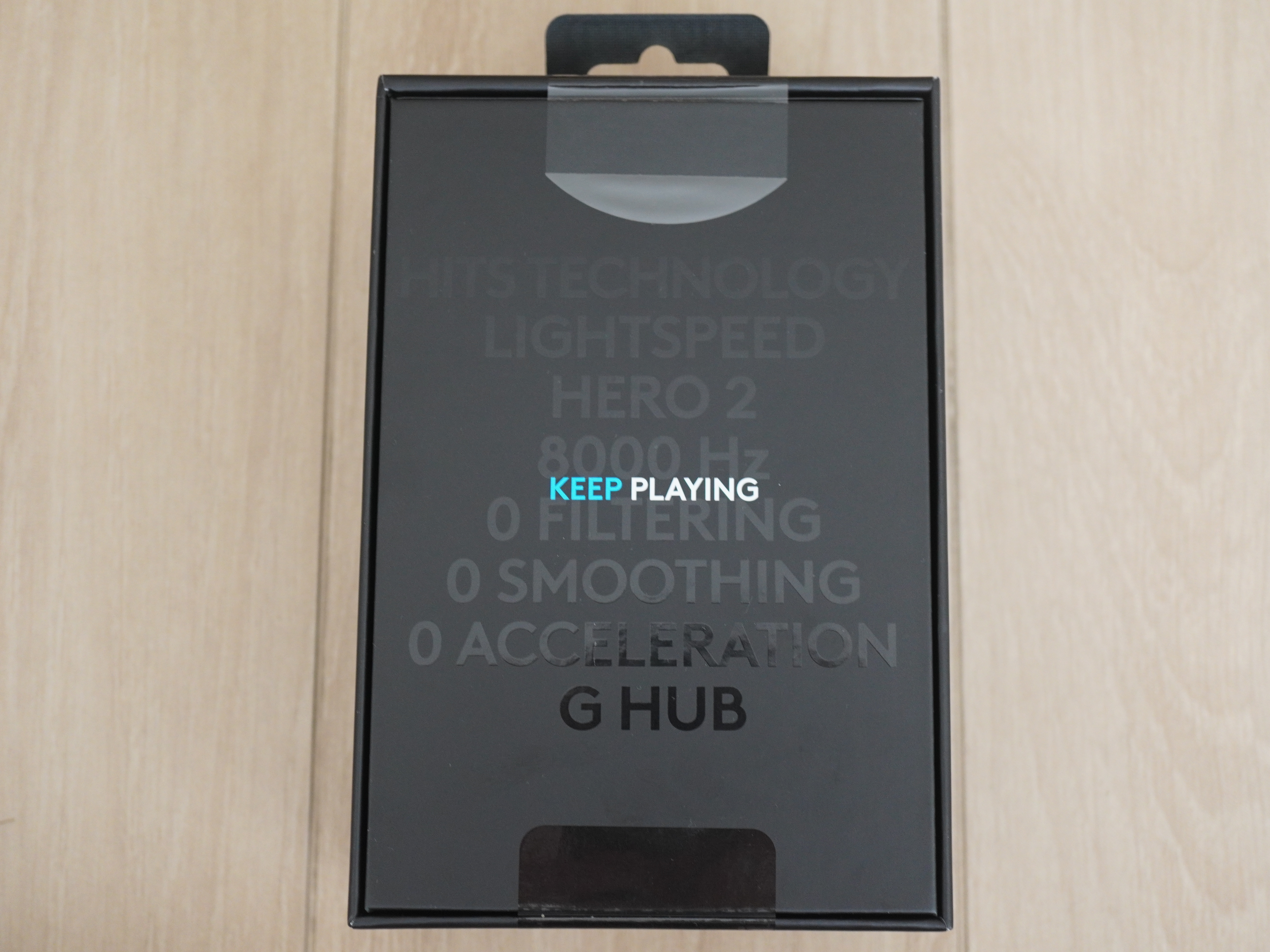
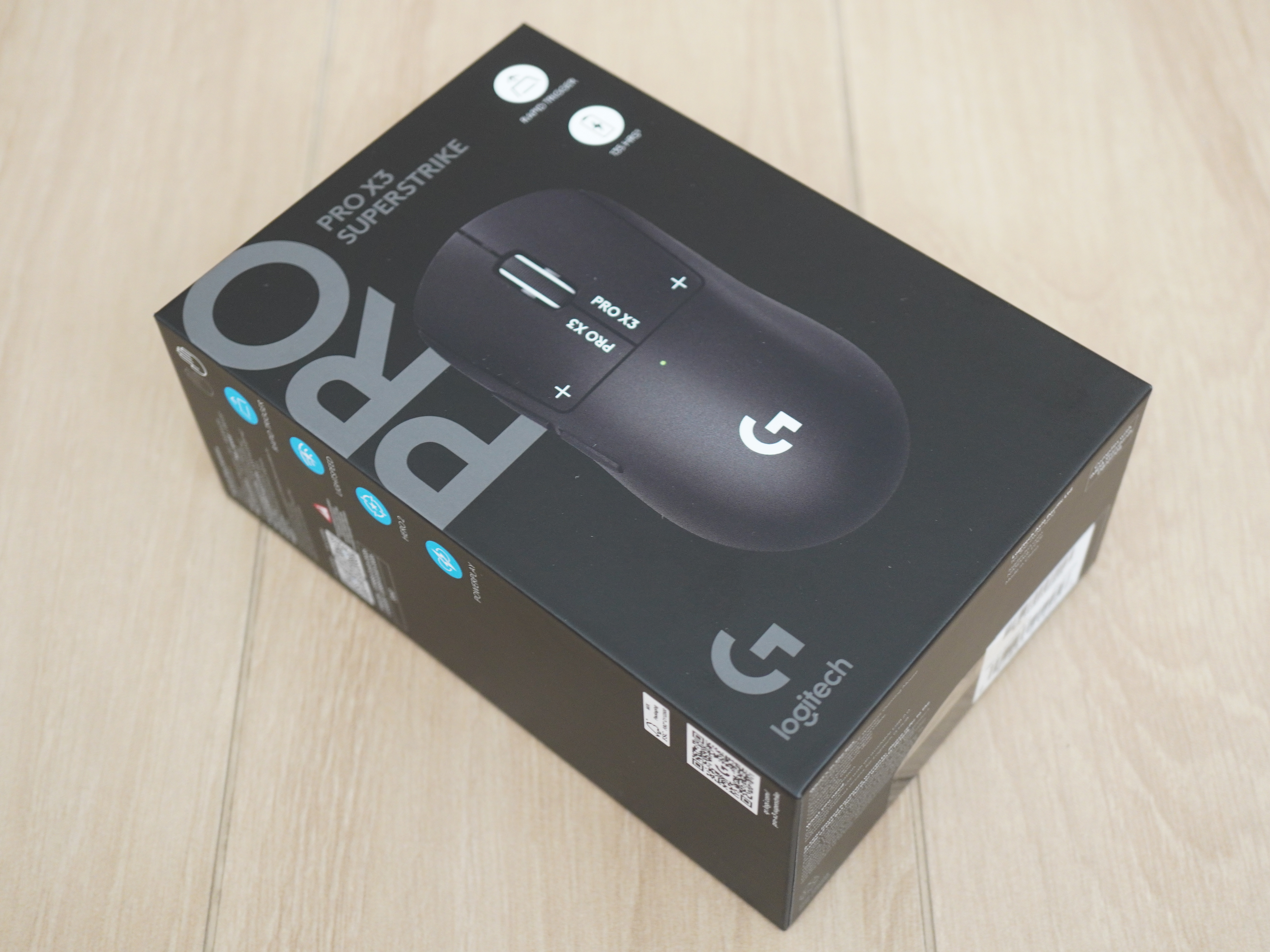
Specifications
- Dimensions: 125 x 63.5 x 40mm
- Weight: 59g
- Buttons: 5
- Sensor: HERO 2, 100 to 48,000dpi
- Max acceleration: more than 90G
- Max speed: more than 930 inches per second (IPS)
- Zero smoothing, acceleration, or filtering
- Switches: Haptic Inductive Trigger System (HITS)
- Polling rate: up to 8,000Hz (0.125ms), wired and Lightspeed wireless
- Chipset: NxLOGI
- Battery life: 135 hours of constant motion
- Charging: USB-C, or PowerPlay (sold separately)
- Compatibility: Windows or macOS with a USB 2.0 (or higher) port
Unboxing
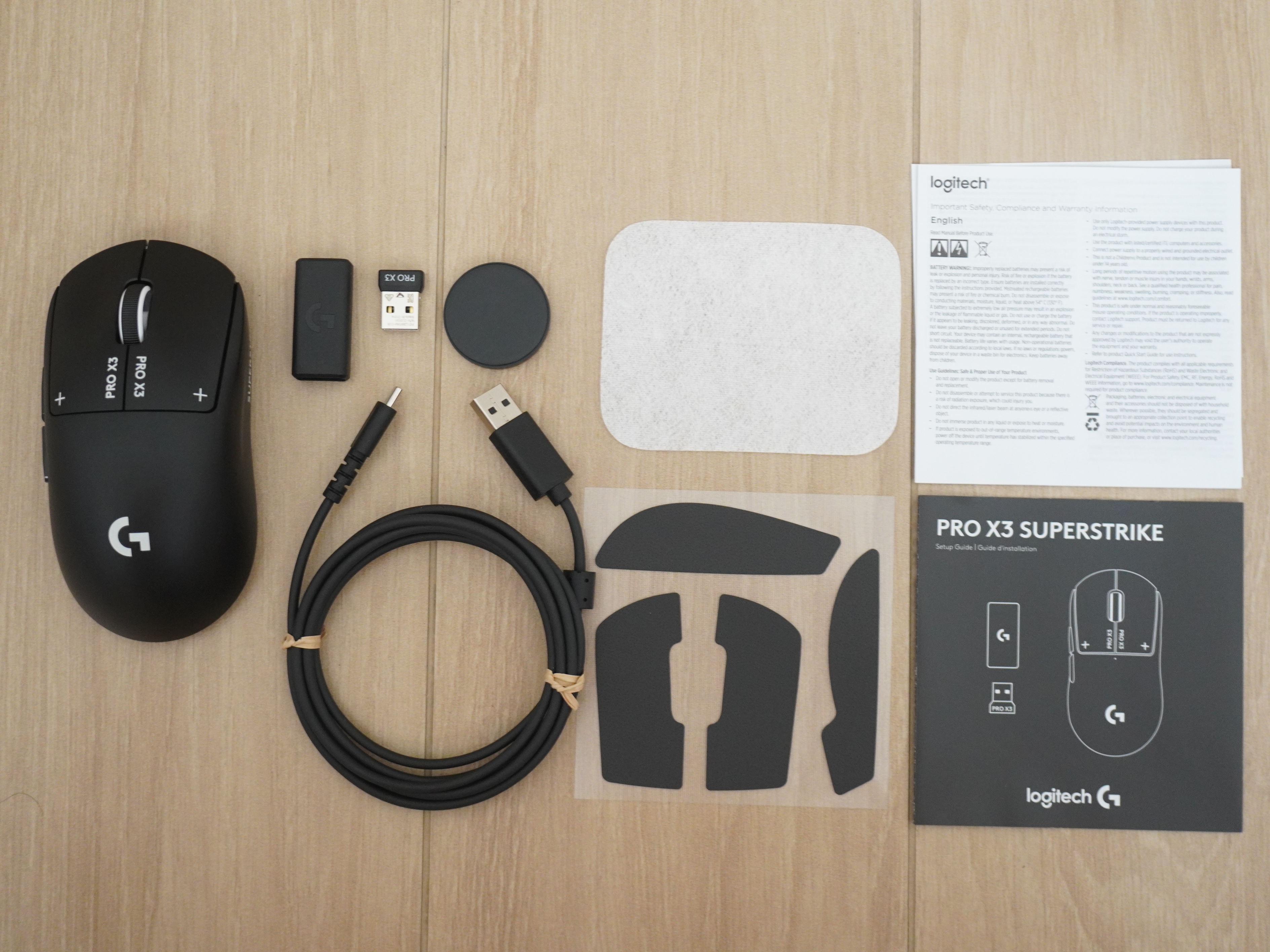
- 1x Logitech G Pro X3 Superstrike Wireless Gaming Mouse
- 1x Lightspeed wireless receiver
- 1x USB-A to USB-C charging/data cable
- 1x Receiver extension adapter
- 1x Spare PowerPlay aperture door with PTFE feet
- 1x Optional grip tape
- 1x Cleaning cloth
- 1x User documentation
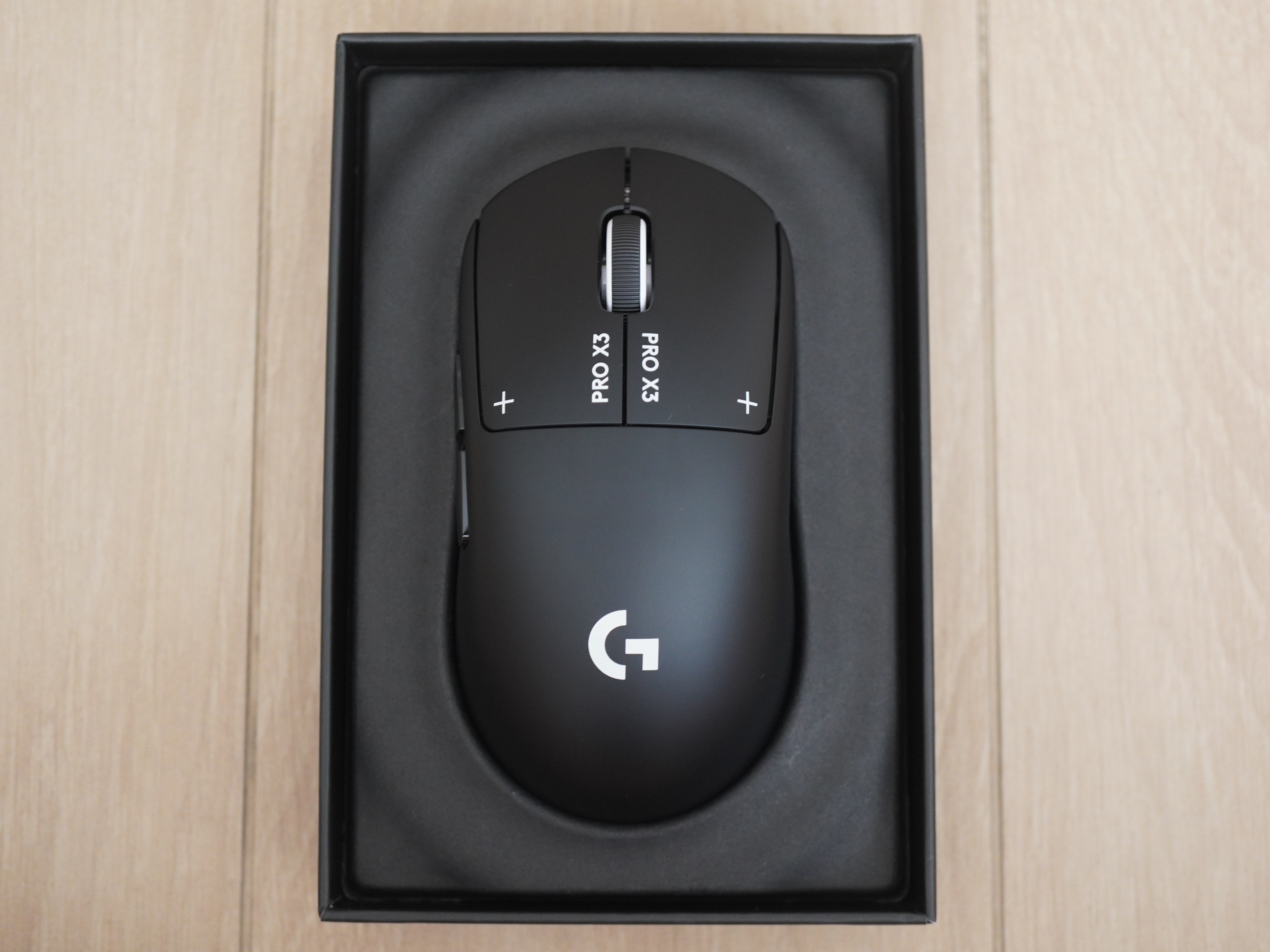
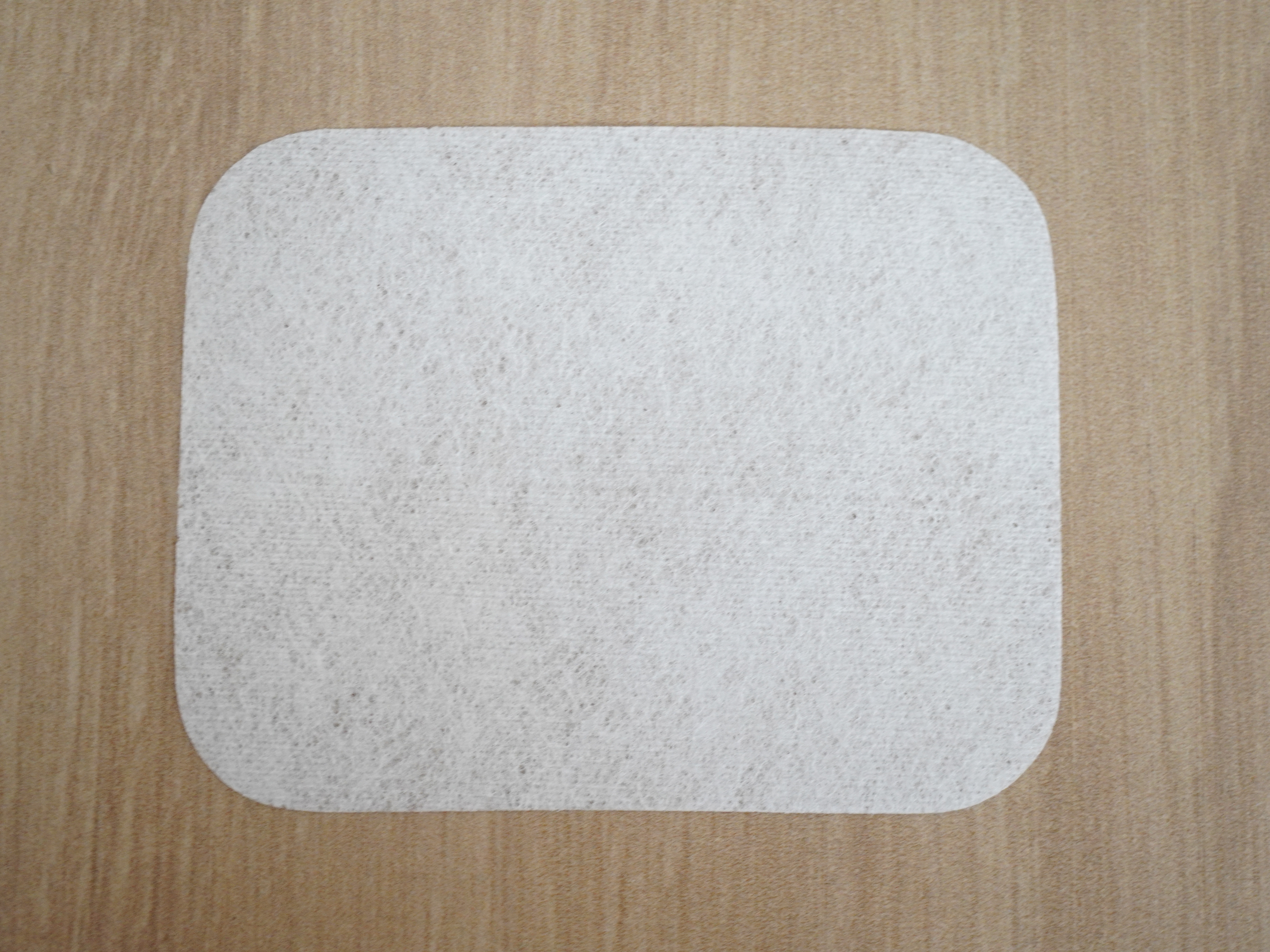
Logitech also includes a cleaning cloth, which comes in handy on a black mouse. This is probably the first time I’ve seen a cleaning cloth in a mouse box.
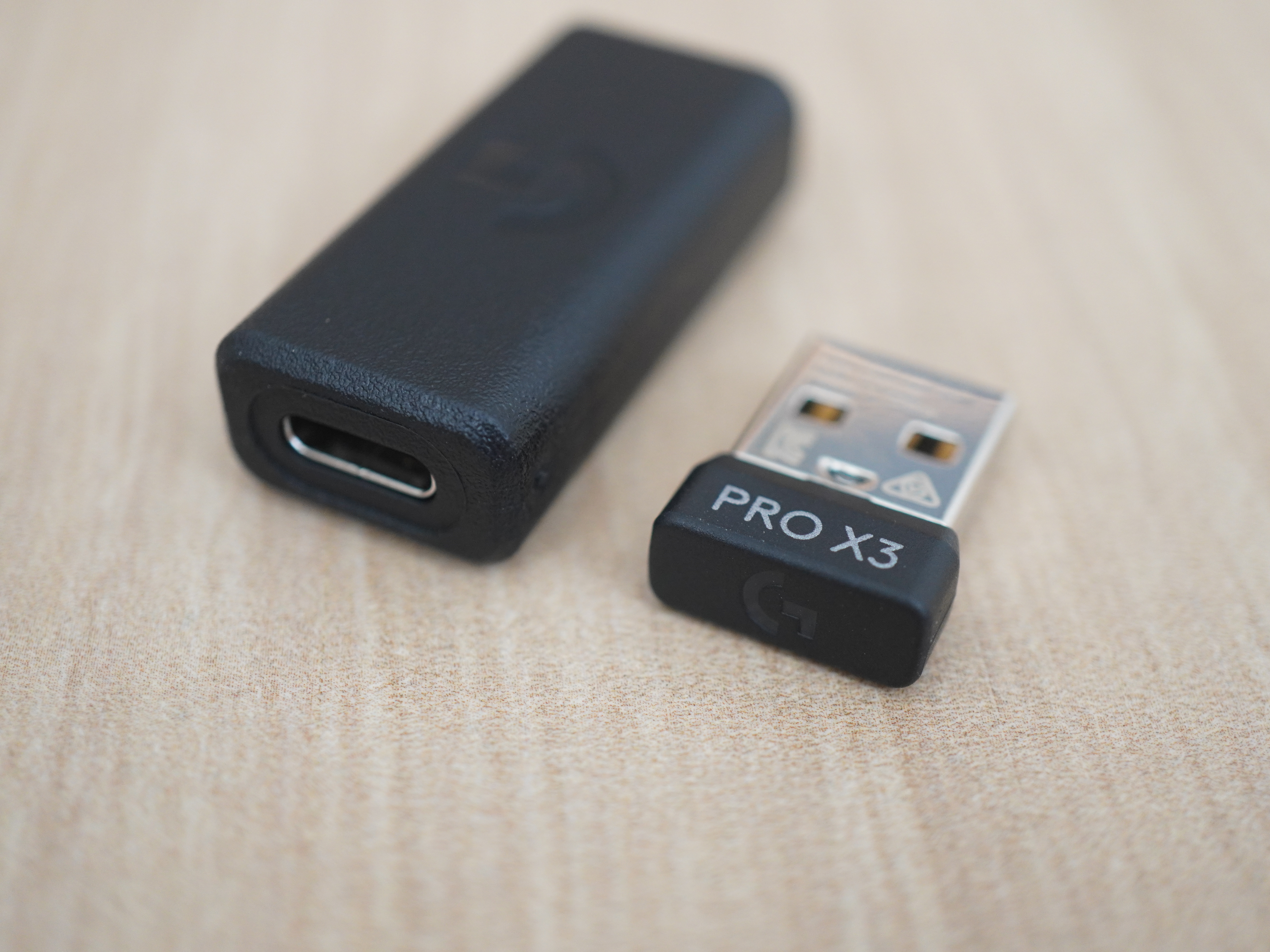
Unlike the G304 X, which requires you to buy the Pro Wireless Receiver separately to unlock 8,000Hz, the X3 supports 8,000Hz out of the box with the included Lightspeed receiver. At this price, that is the least I would expect.
Design
From the outside, this is the same symmetrical shape Logitech has used on its Pro mice for years, and the same shell as the Pro X2 Superstrike. Logitech did not change what already works for pros. What changed is inside: Logitech says it moved weight towards the center of the mouse, so the X3 should sit more level when you lift it.
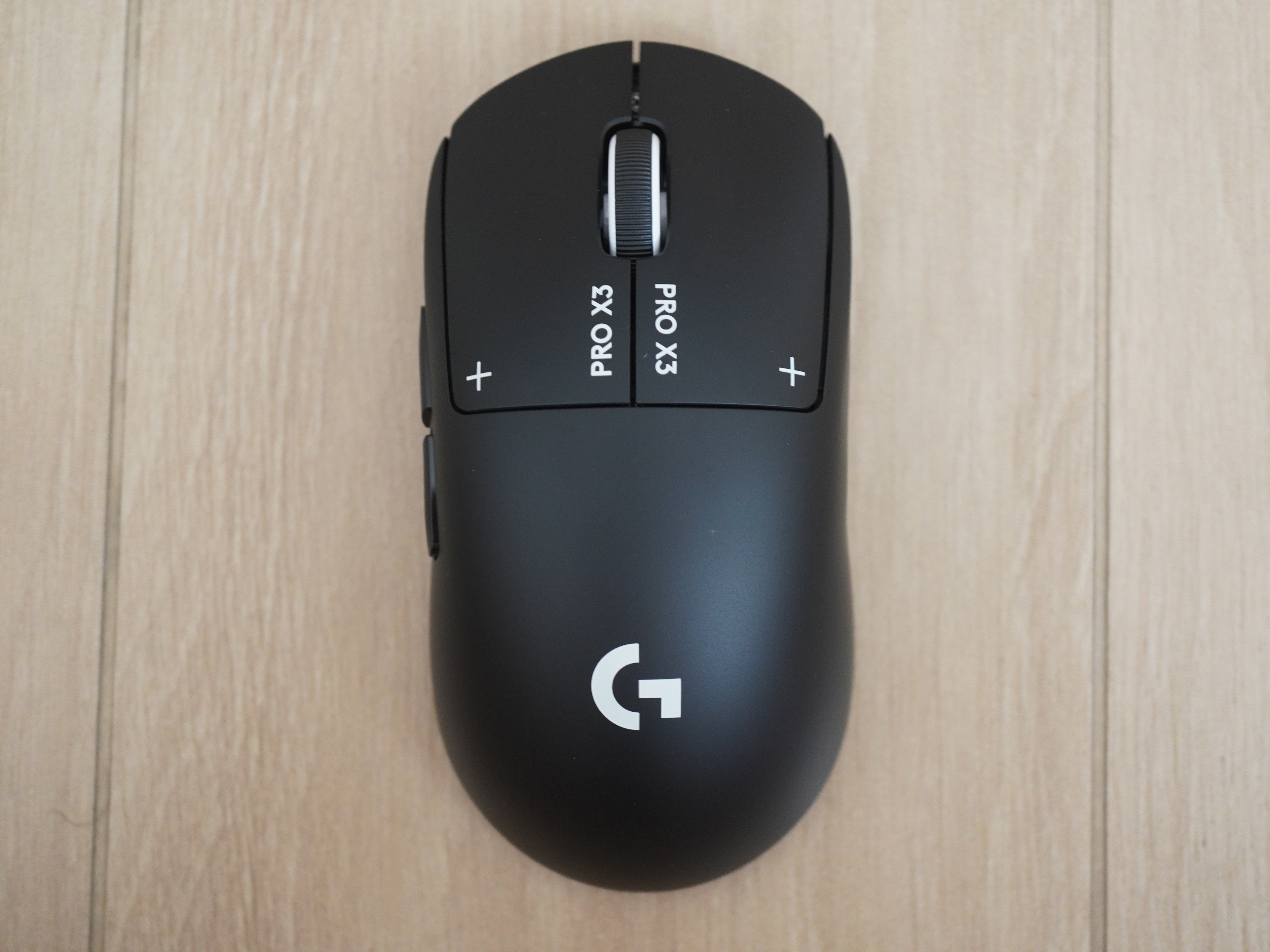
At 59g, it sits between the Gladius IV Ace at 56g (I do not use its weights) and my Asus ROG Keris II Origin at 65g.
The size works out the same way. At 125 x 63.5 x 40mm, it is longer than the Keris II Origin’s 121 x 67 x 42mm and shorter than the Gladius IV Ace’s 127.5 x 67.7 x 44.15mm, though narrower and lower than both.
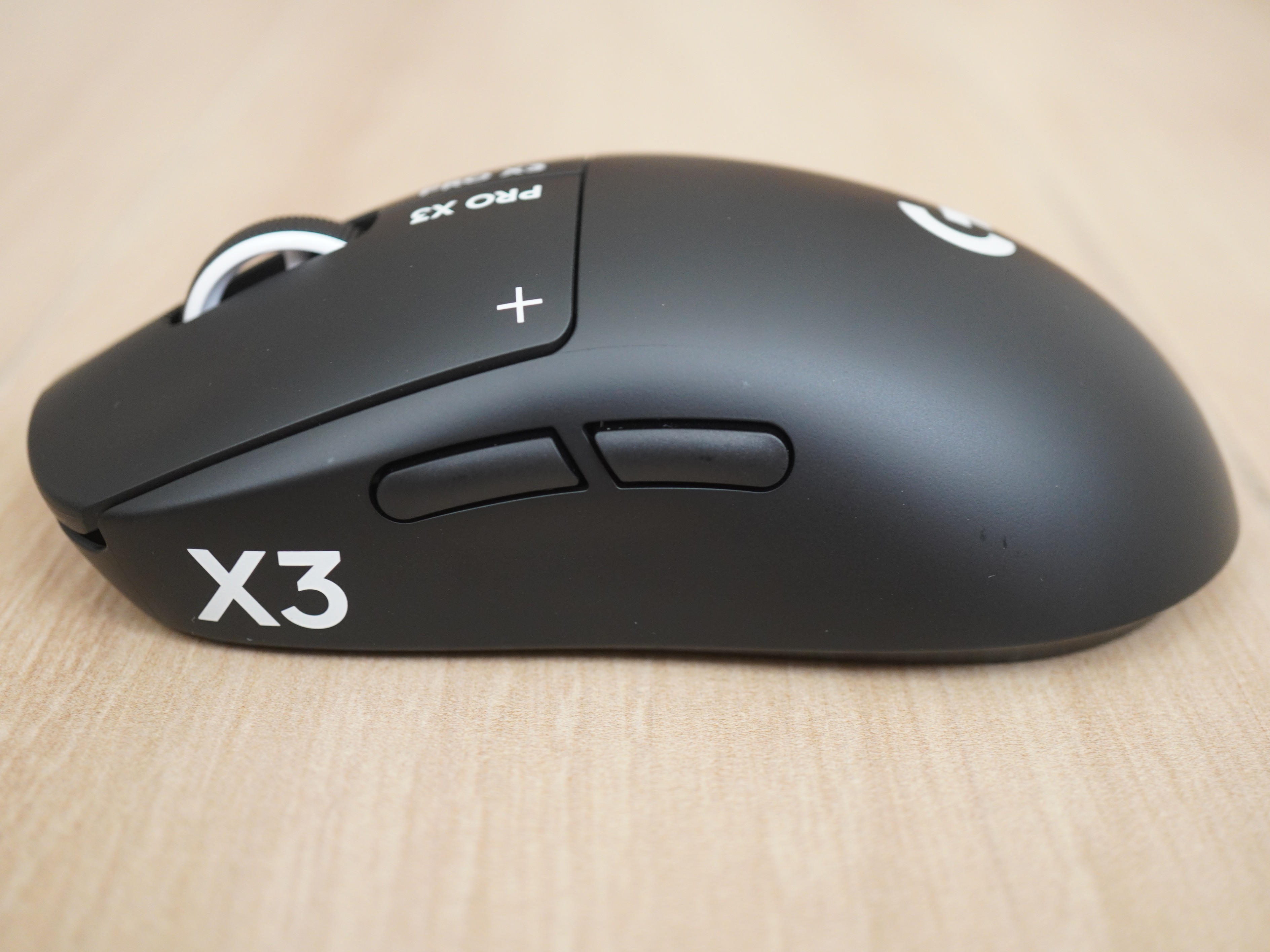
In the hand, I can feel the narrower, lower arch compared with the Gladius. I still prefer the Gladius because it fits my large hand better, but the X3 is not far off, and it is more comfortable than the Keris II Origin.
Like every black mouse I have used, the shell picks up fingerprints and oil. That is expected, and the cleaning cloth takes care of it.
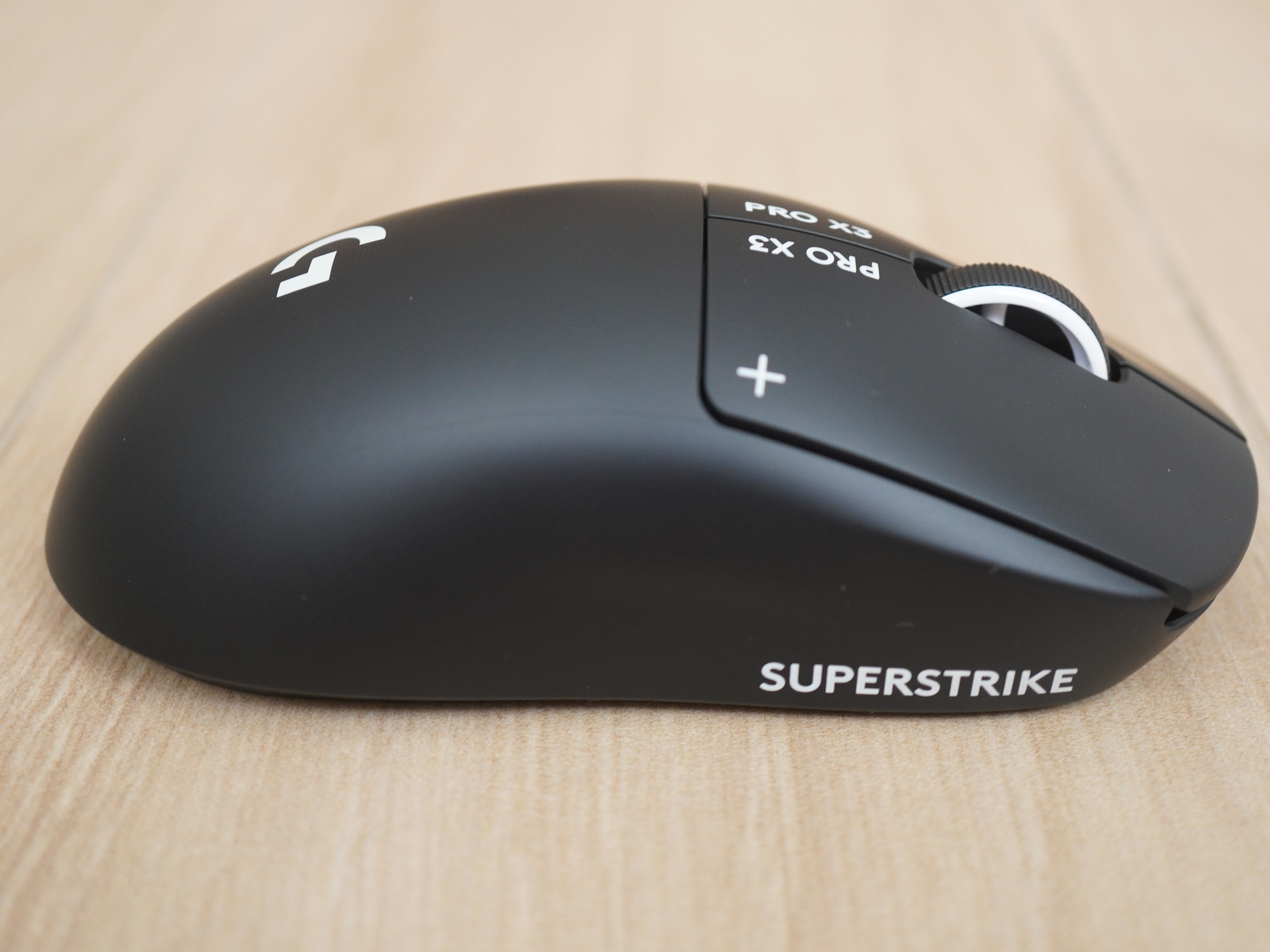
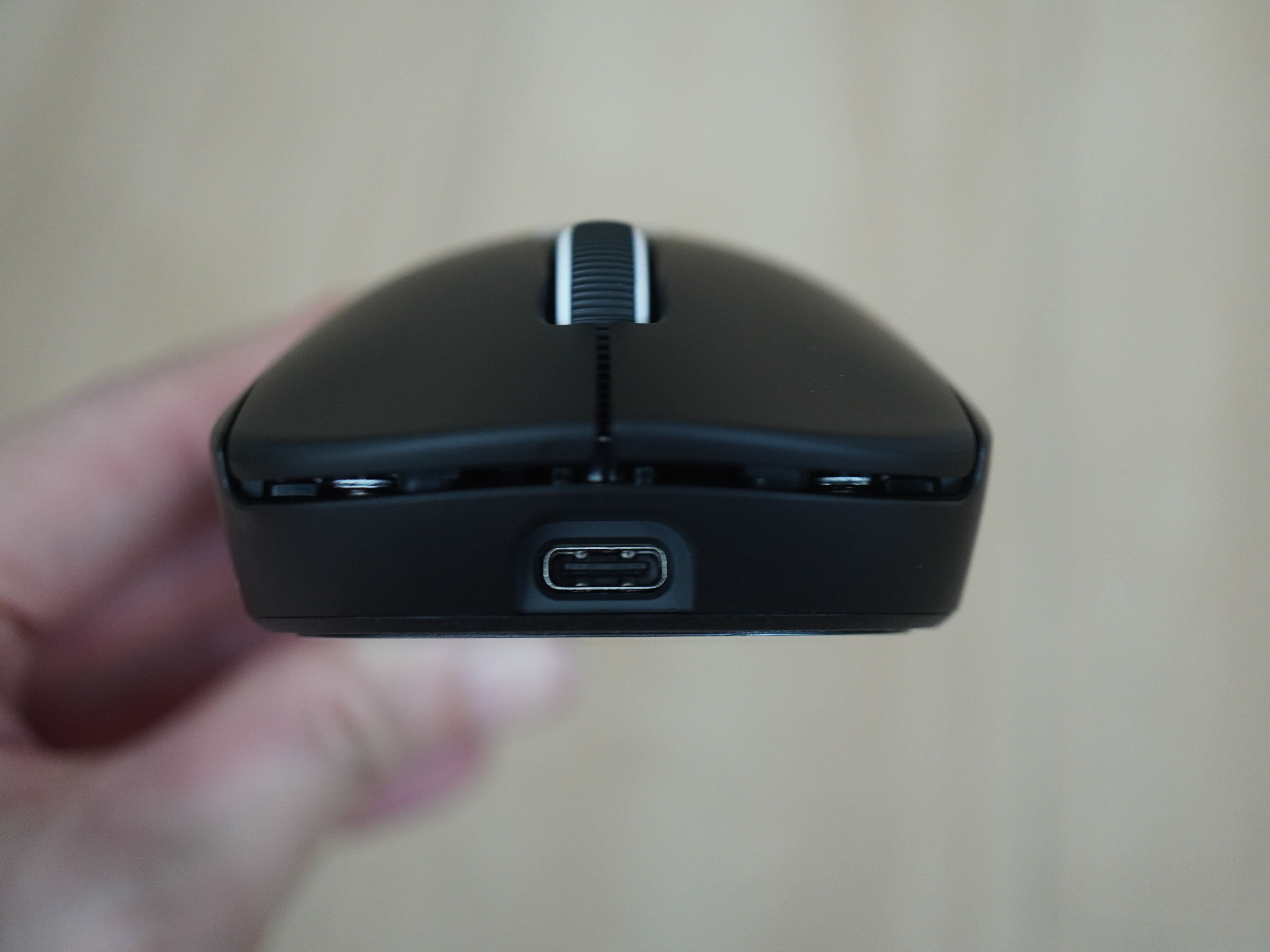
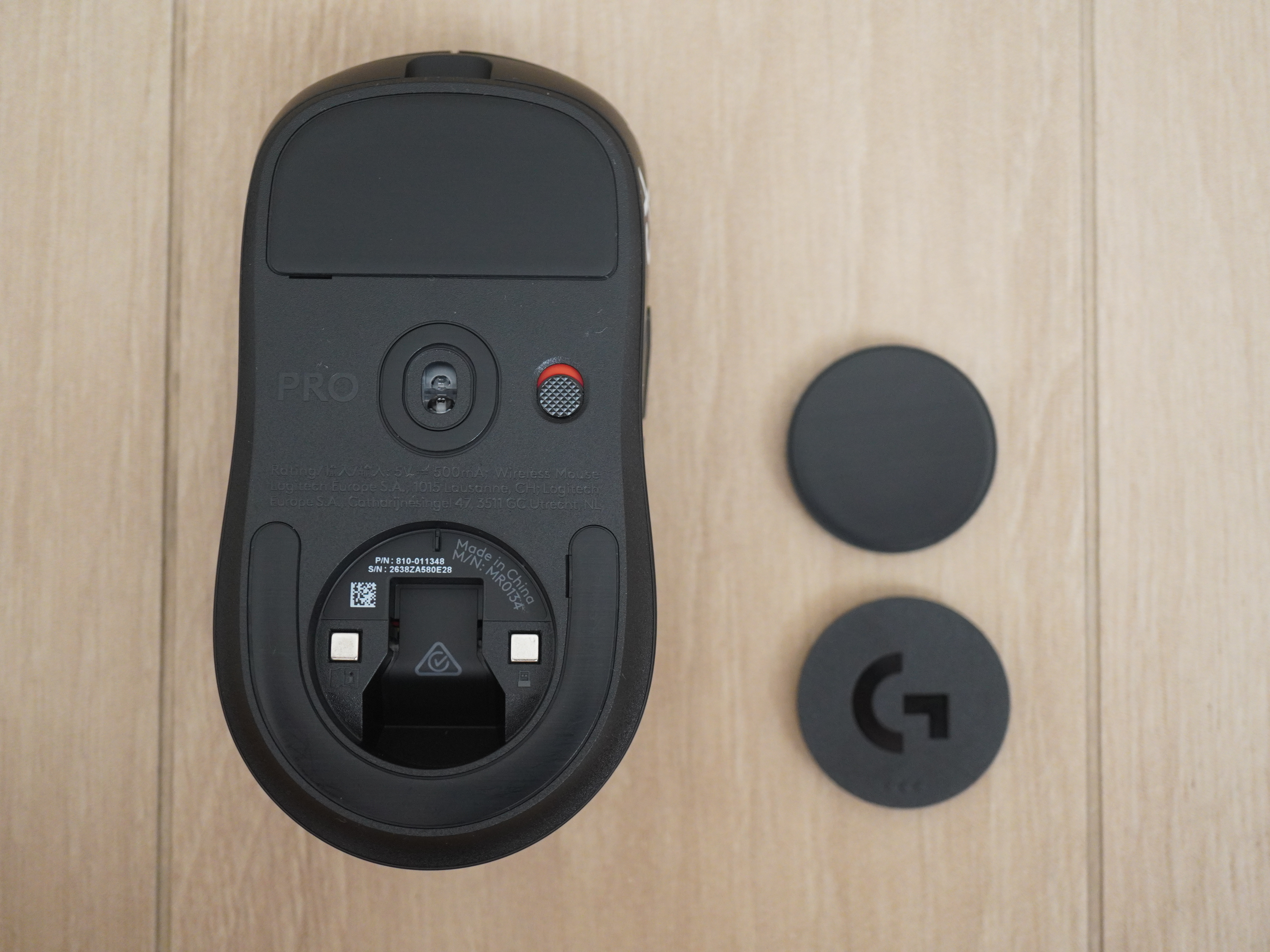
There is no RGB lighting, just an LED indicator on top. The USB-C port is on the front for charging and wired mode.
The only switch at the bottom is for power. There is no Bluetooth, so unlike the Gladius IV Ace’s three-position slider, it is Lightspeed wireless or USB-C wired only.
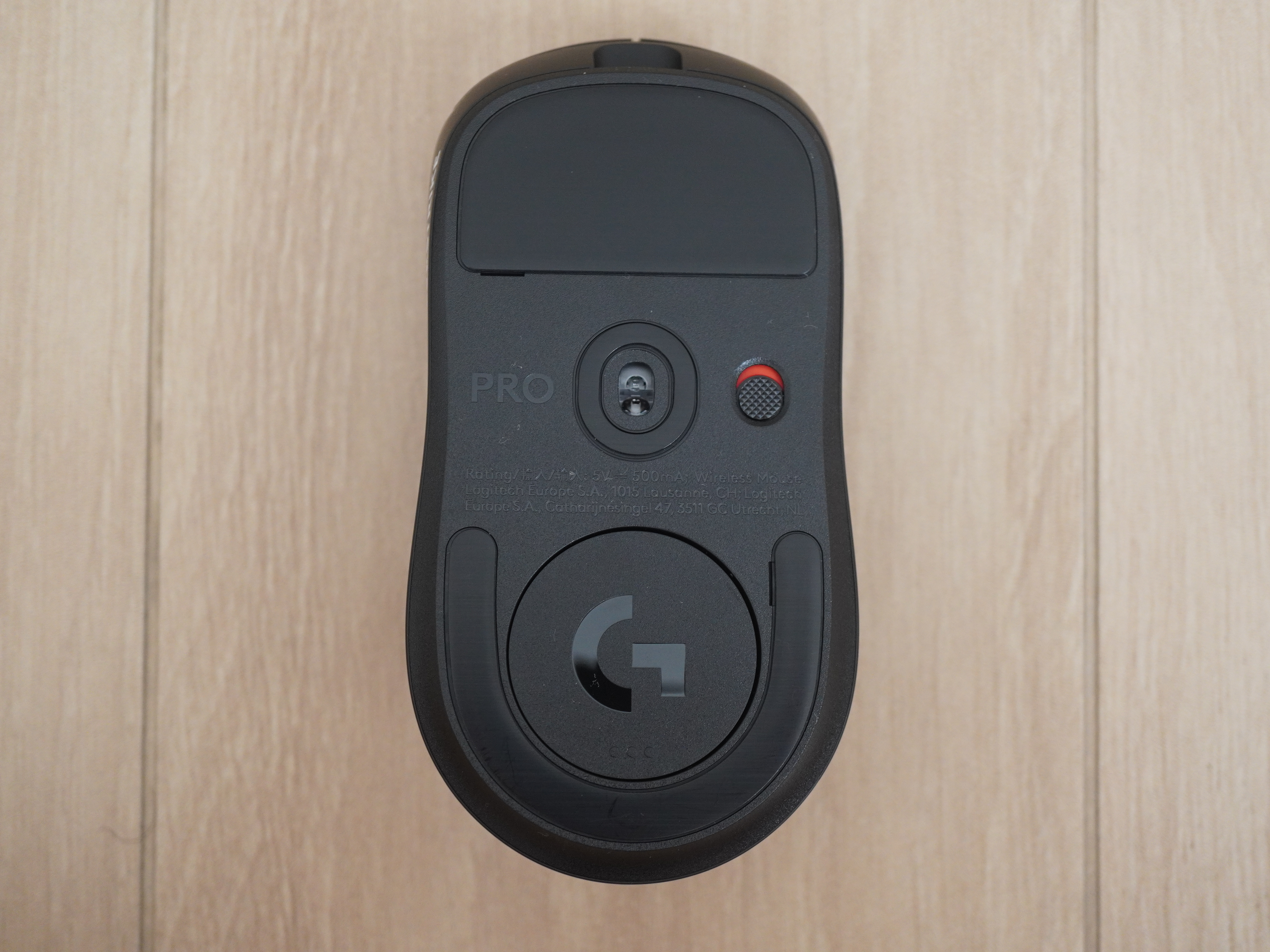
The aperture door covers the slot underneath where the PowerPlay wireless charging module goes. The spare one has PTFE feet, while the one fitted out of the box does not. I cannot feel any difference between the two, because the door does not even touch the surface.
Setup
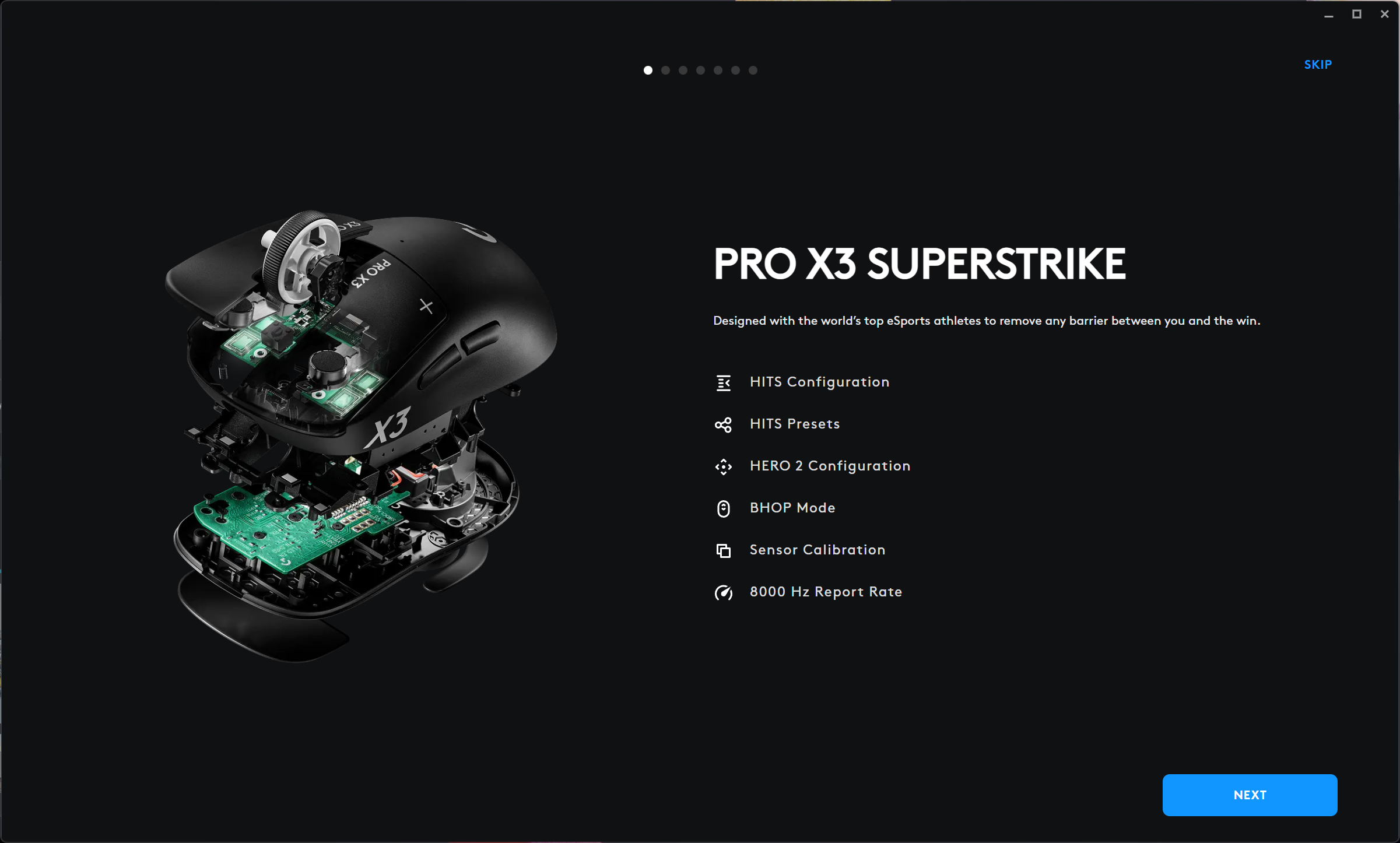
When you plug it in for the first time, G Hub walks you through what is new on the X3: HITS configuration and presets, HERO 2 sensor settings, BHOP mode, sensor calibration, and the 8,000Hz report rate.
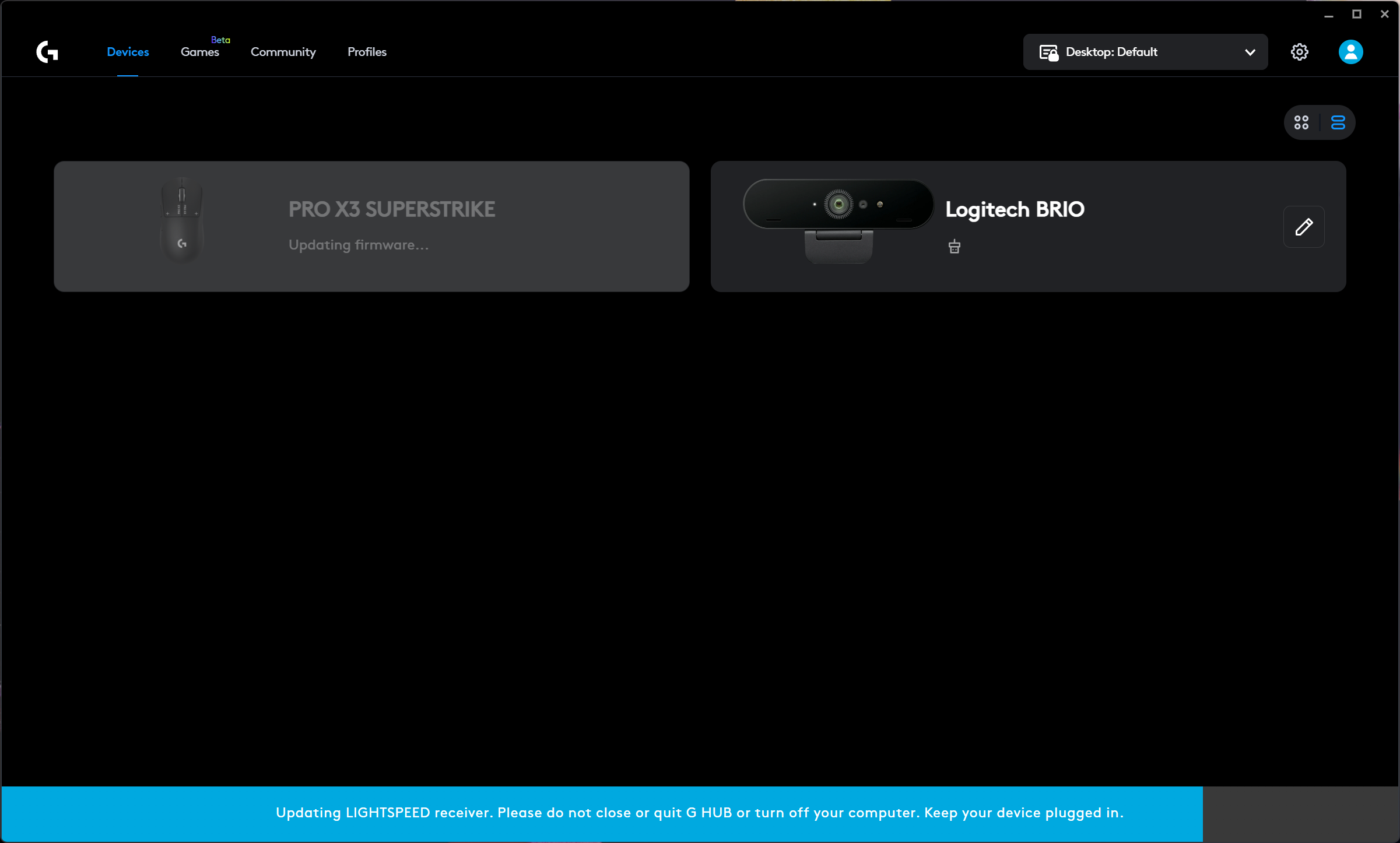
G Hub then updates the firmware on both the Lightspeed receiver and the mouse, and both need to be plugged in at the same time. Logitech includes only one USB-A to USB-C cable, so you need a second one for this first update.
Haptic Inductive Trigger System (HITS)
This is the reason to buy this mouse. A normal mouse button presses down on a mechanical microswitch, a small metal leaf that physically clicks and springs back. HITS replaces that with an inductive sensor that measures how far the button has moved, plus a haptic actuator that creates the click you feel. G Hub splits it into three settings: Actuation Point, Rapid Trigger, and Click Haptics.
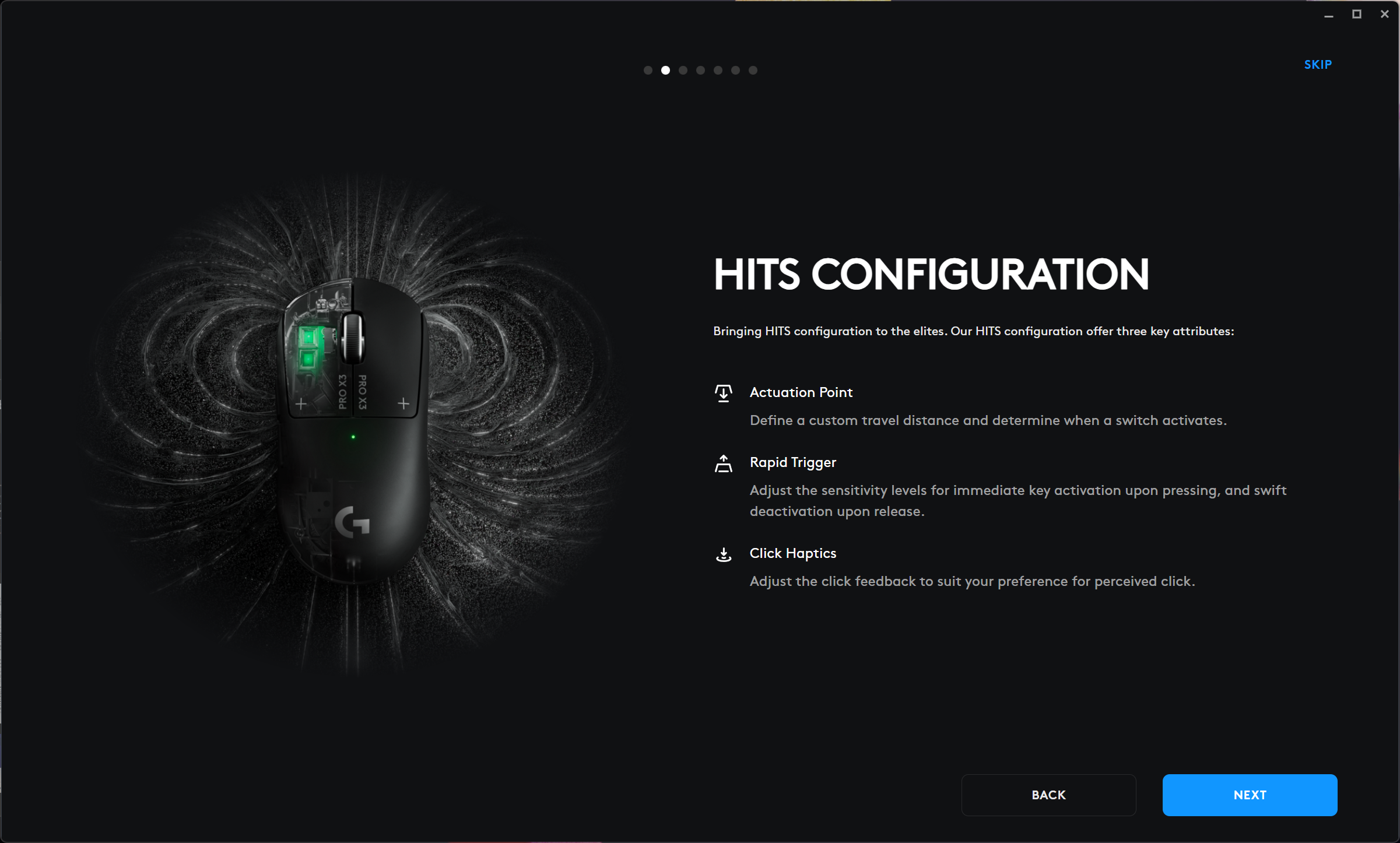
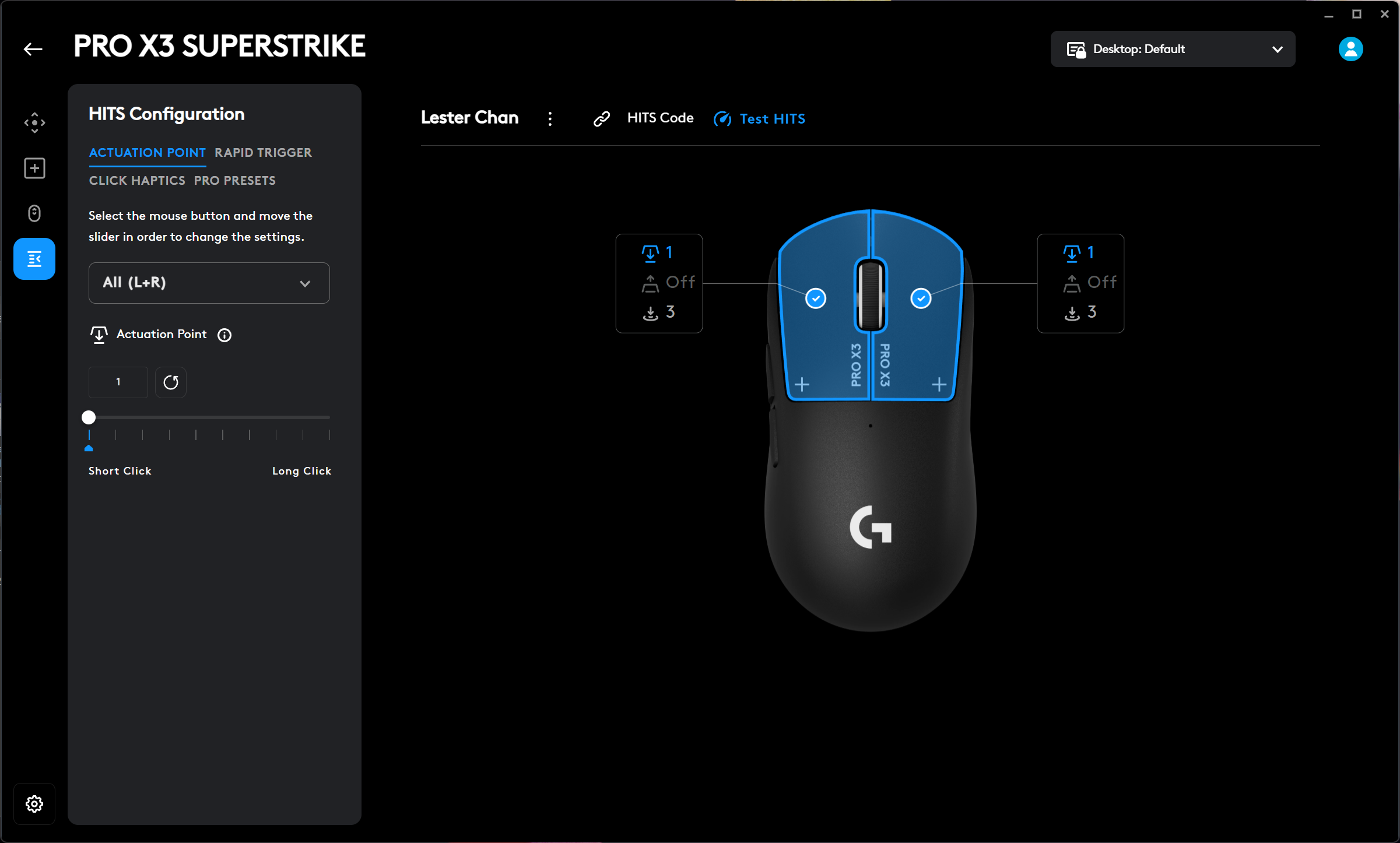
Actuation Point sets how far you press before the click registers, across 10 levels from Short Click to Long Click. The default is 5, and I set mine to 1, the shortest.
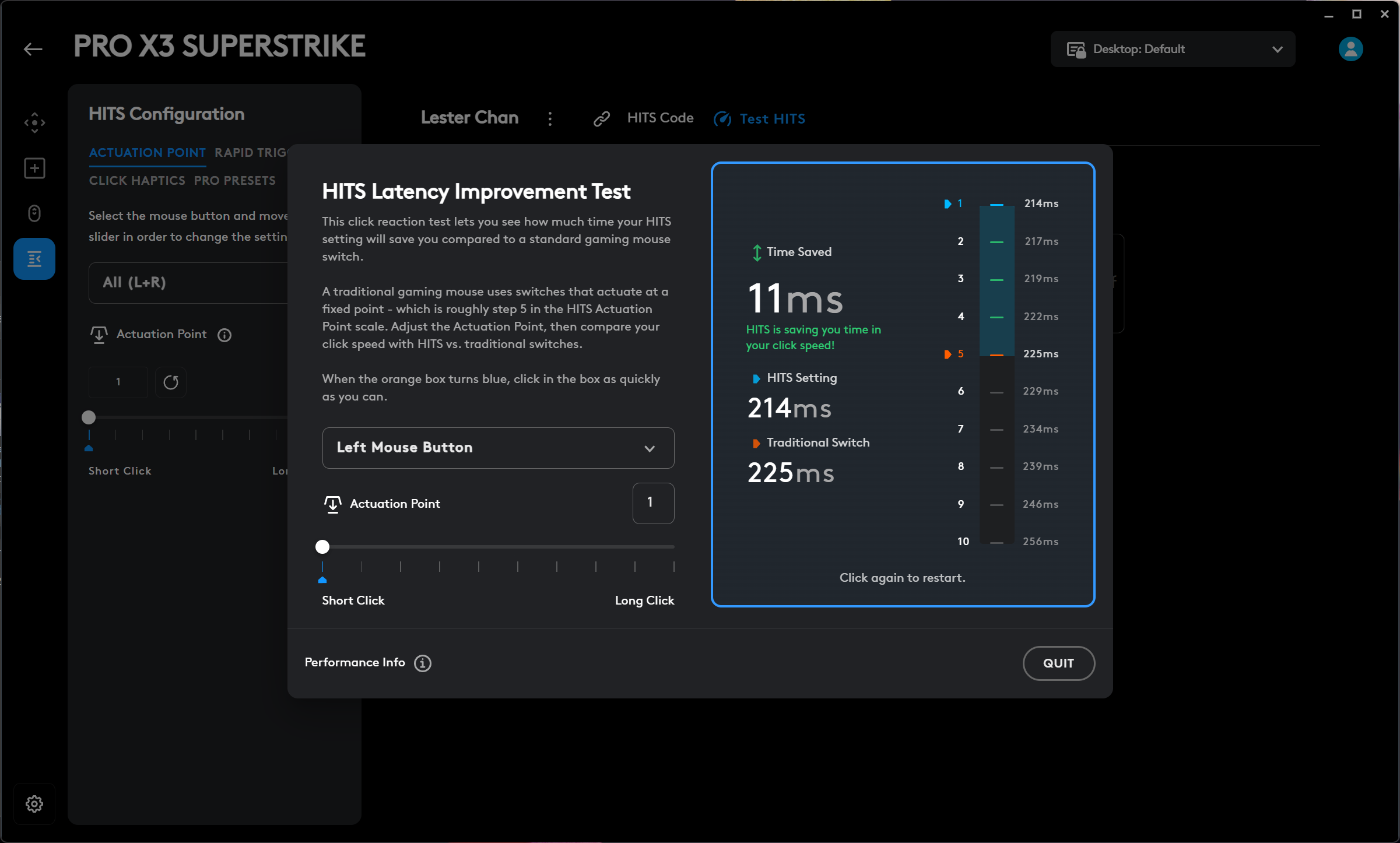
G Hub has a HITS Latency Improvement Test to show what that buys you. A traditional switch actuates at roughly step 5, and at step 1, my click was 11ms faster: 214ms with HITS, compared to 225ms for a traditional switch.
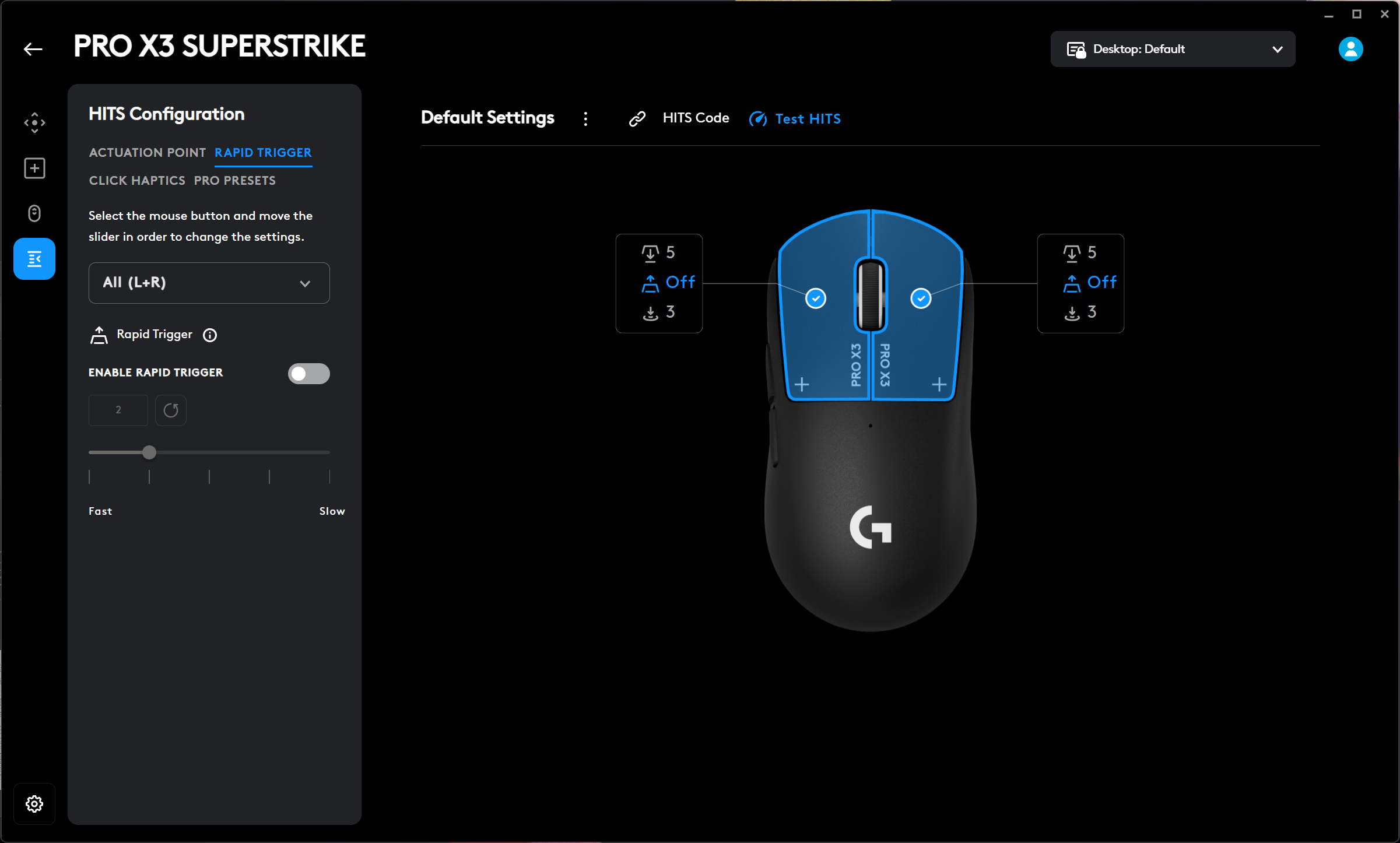
Rapid Trigger resets the button as soon as you start lifting your finger, instead of waiting for it to travel all the way back up, so you can fire again sooner. It is off by default, with 5 reset points from Fast to Slow when enabled. It is the same idea as the adjustable actuation and Rapid Trigger on my Asus ROG Falchion Ace HFX ZywOo Edition Hall effect keyboard, applied to a mouse button.
Click Haptics sets how strong the click feels, from Off to Strong, with 3 as the default. A stronger click uses more battery. Because the click is generated by the haptic actuator, it only exists while the mouse is powered on. Switch the mouse off and press the buttons, and there is no click at all.
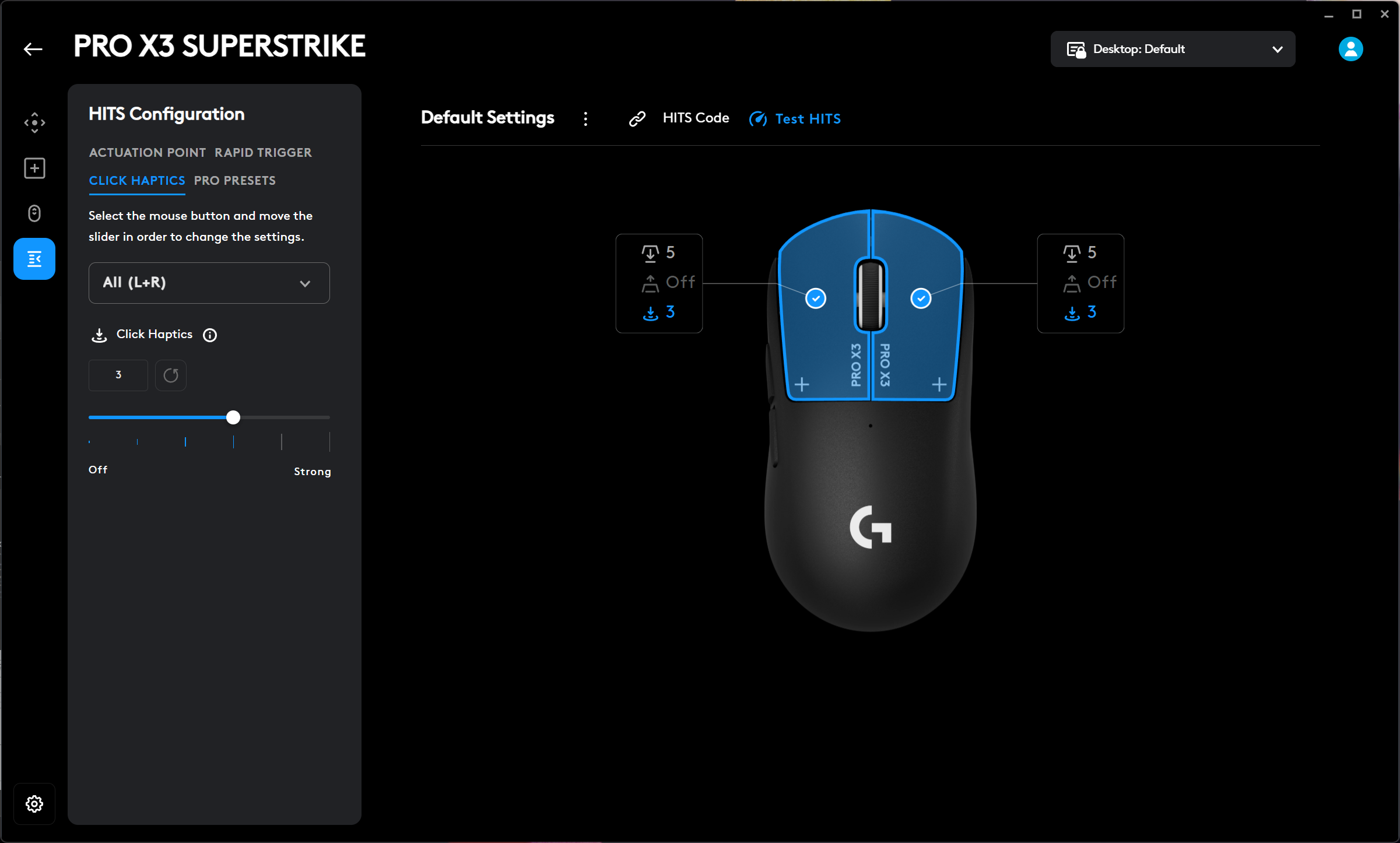
The default of 3 is fine and does not feel weak, while the strongest setting is too strong for my liking. Personally, I still prefer the physical click of a mechanical switch, but that is down to taste.
If you have no idea where to start, Pro Presets loads the HITS settings of Logitech’s pro players.
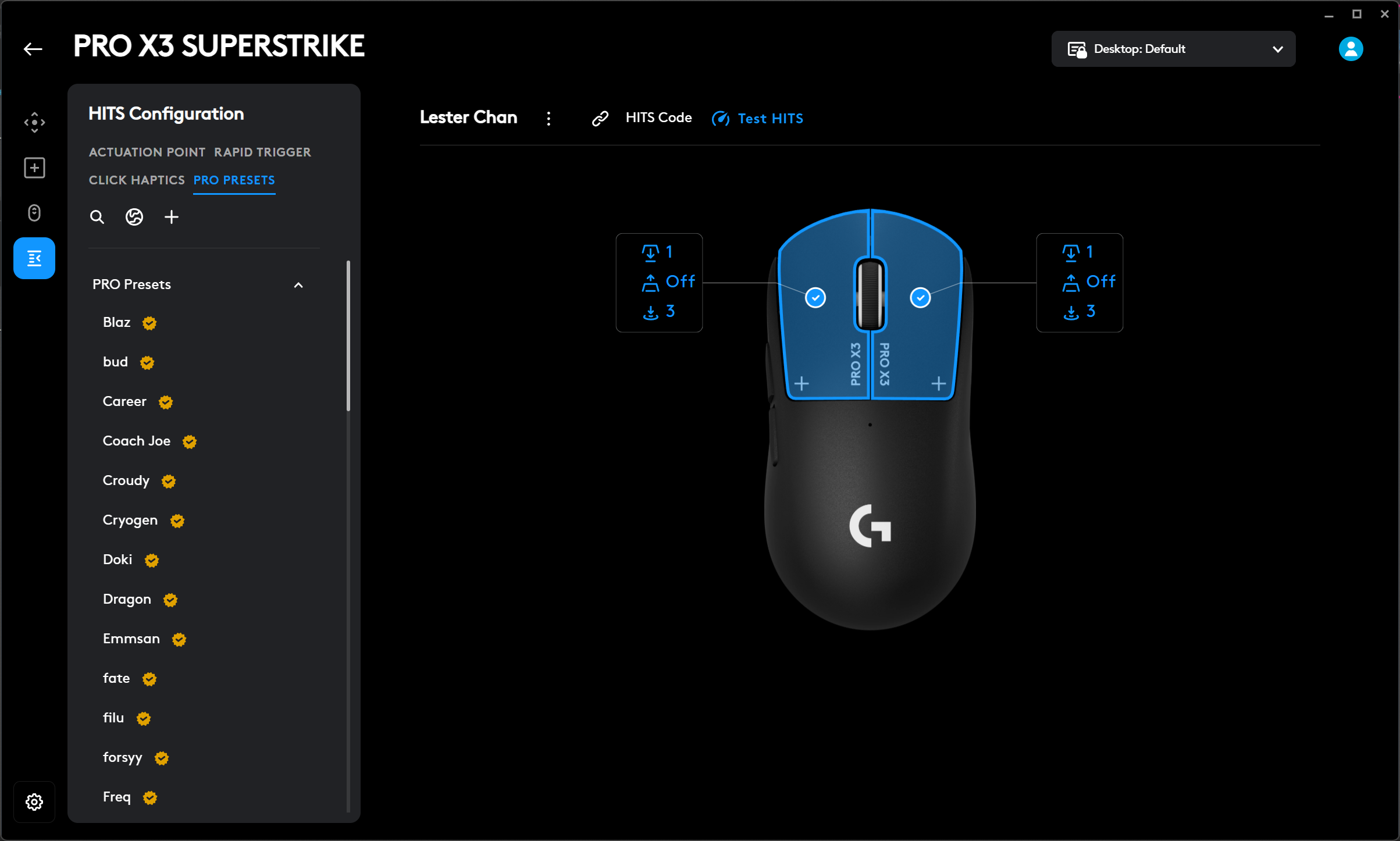
HITS only covers the left and right buttons. The side buttons and the scroll wheel click are regular buttons, firm and tactile. The scroll wheel itself is more notchy and tighter to scroll than both the Gladius IV Ace and the Keris II Origin, which feel smoother.
Polling Rate And Battery Life
The X3 polls at up to 8,000Hz, which means it reports its position every 0.125ms instead of every 1ms at 1,000Hz. Wired and Lightspeed wireless both do 8,000Hz.
As I said with the G304 X, 8,000Hz mainly matters if you are chasing every last millisecond in competitive shooters. I tried 8,000Hz on both, but honestly, I cannot tell the difference between 1,000Hz and 8,000Hz in-game. Since 8,000Hz costs more battery and CPU, I switched back to 1,000Hz.
The new NxLOGI chipset uses about half the power of the Pro X2 Superstrike, according to Logitech, which takes battery life to 135 hours, 45 hours more than the X2. Higher polling rates and stronger haptics drain the battery faster, so 135 hours is not at 8,000Hz. I do not track battery life closely. When it runs flat, I plug it in.
You charge it over USB-C, or drop it on Logitech’s PowerPlay wireless charging mouse pad, which is sold separately.
Logitech G Hub
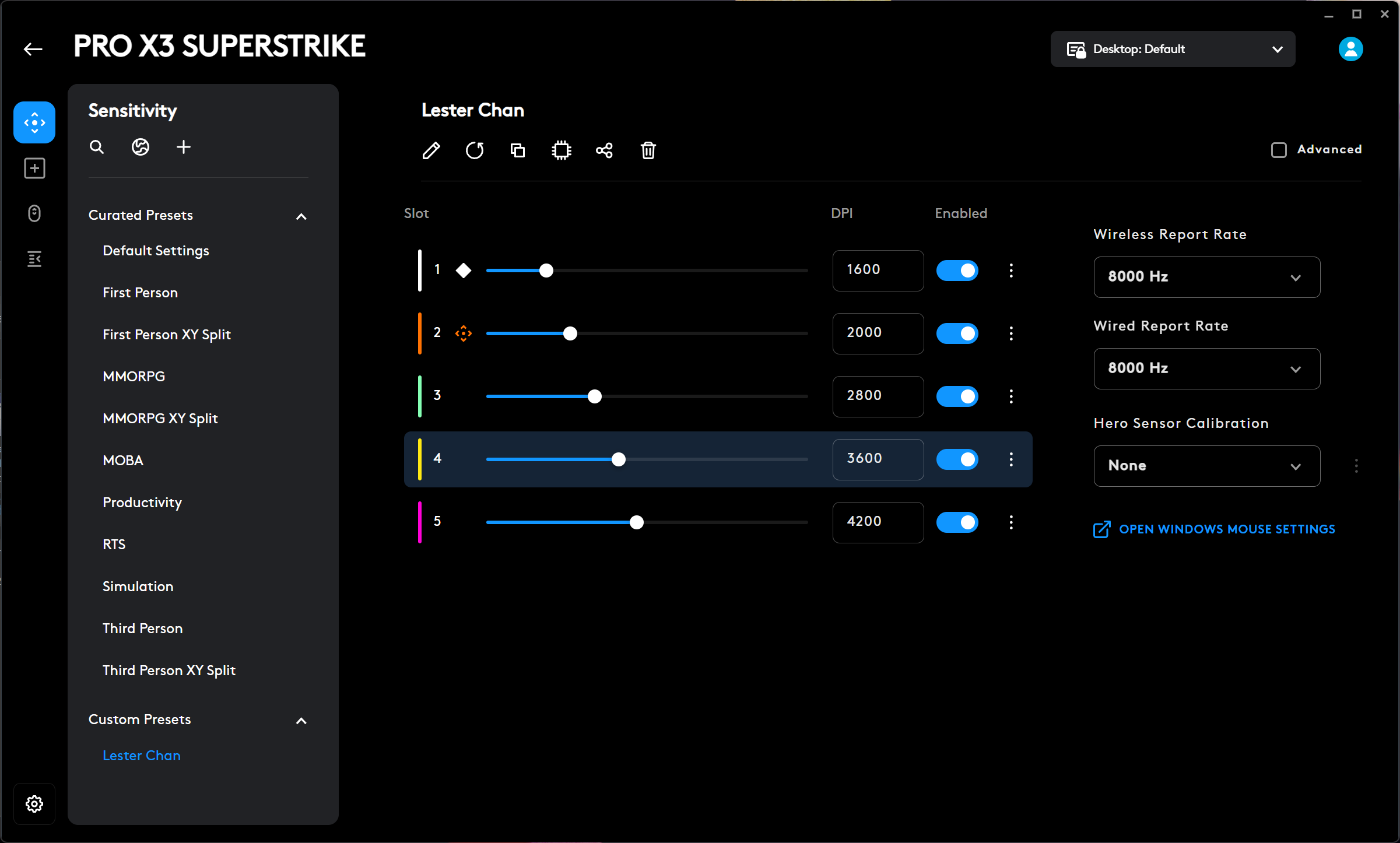
Setup runs through Logitech G Hub, which I first used with the G304 X and still prefer over Asus Armoury Crate. Sensitivity has five DPI slots and curated presets by game genre, and it is where you set the wireless and wired report rates separately.
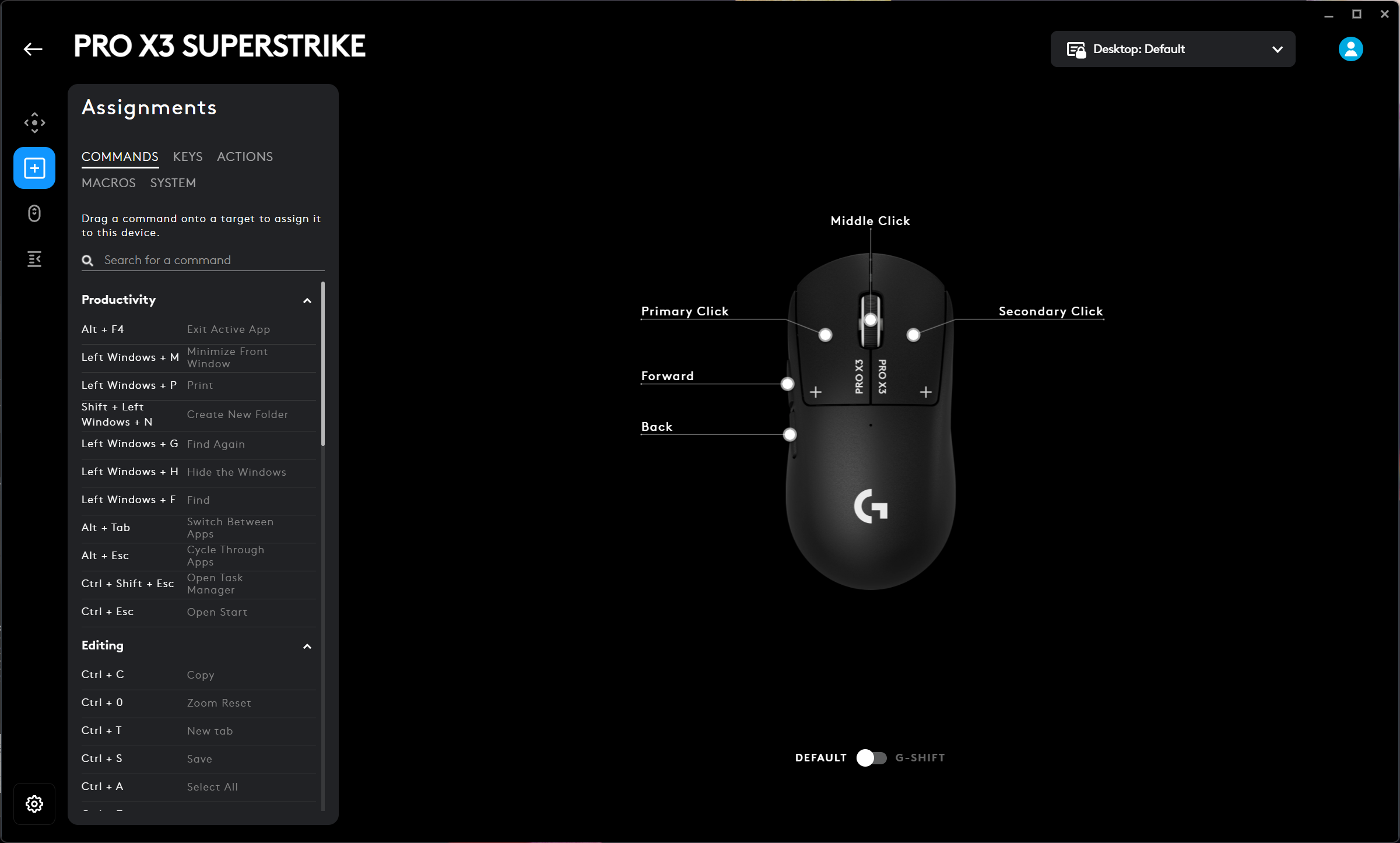
Assignments lets you remap all five buttons, with G-Shift for a second layer.
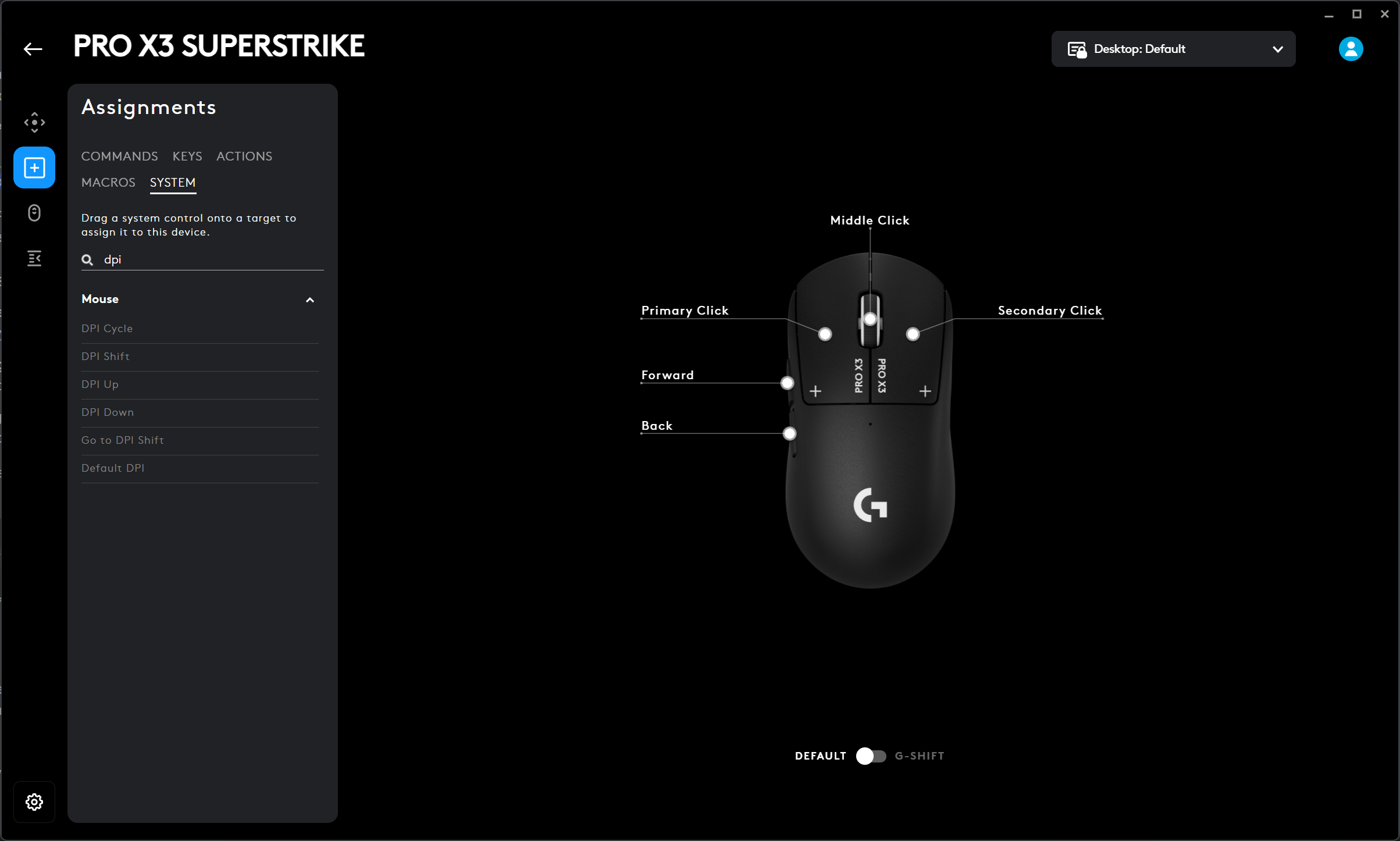
There is no DPI button anywhere. If you want one, you have to assign DPI Cycle, DPI Shift, or DPI Up and Down to one of the five buttons, which costs you that button’s original function.
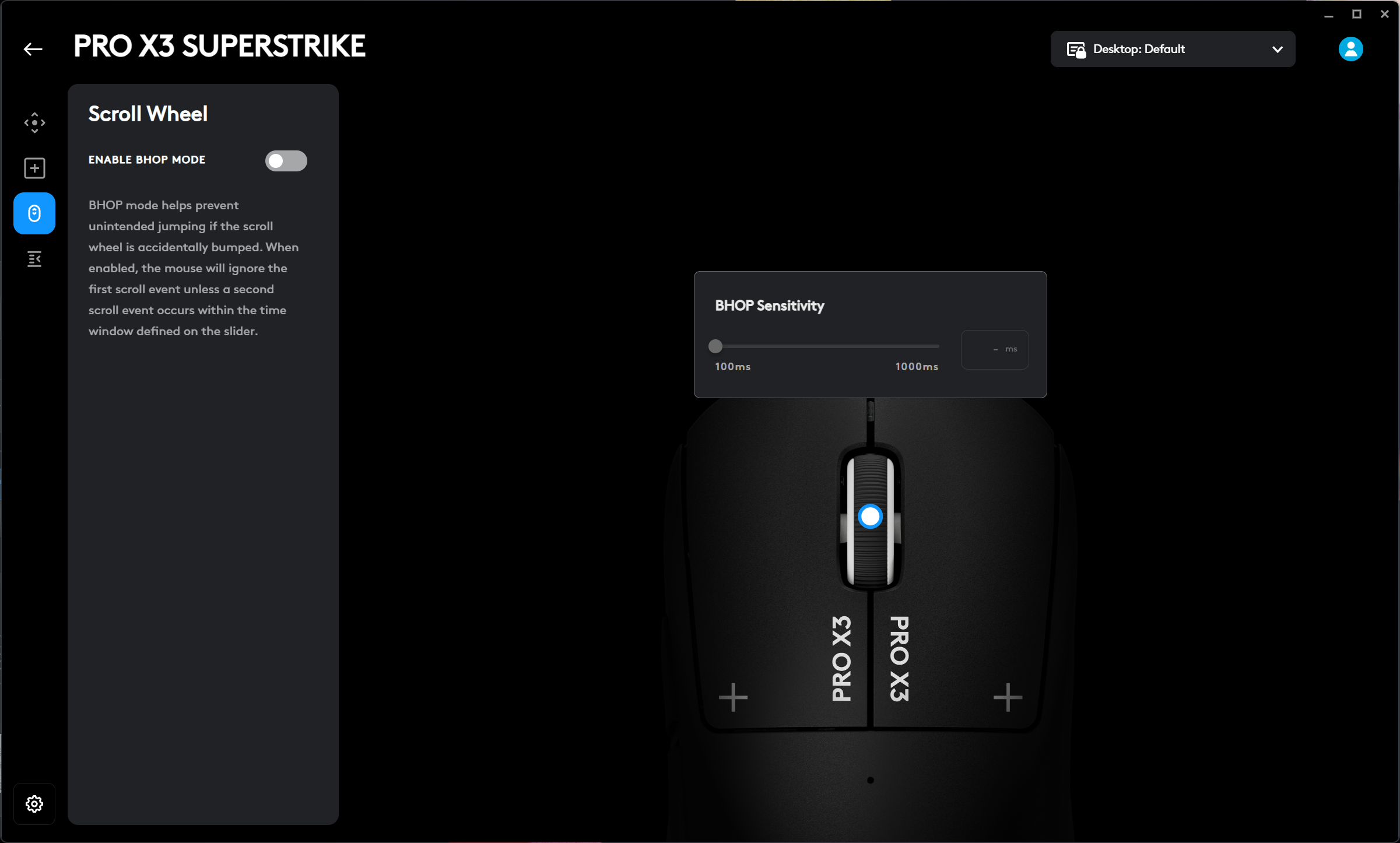
BHOP mode is for the scroll wheel. When enabled, the mouse ignores the first scroll event unless a second one comes within 100ms to 1,000ms, so an accidental bump of the scroll wheel does not trigger a jump.
I personally don’t have a use for it, as I don’t get accidental bumps on the scroll wheel.
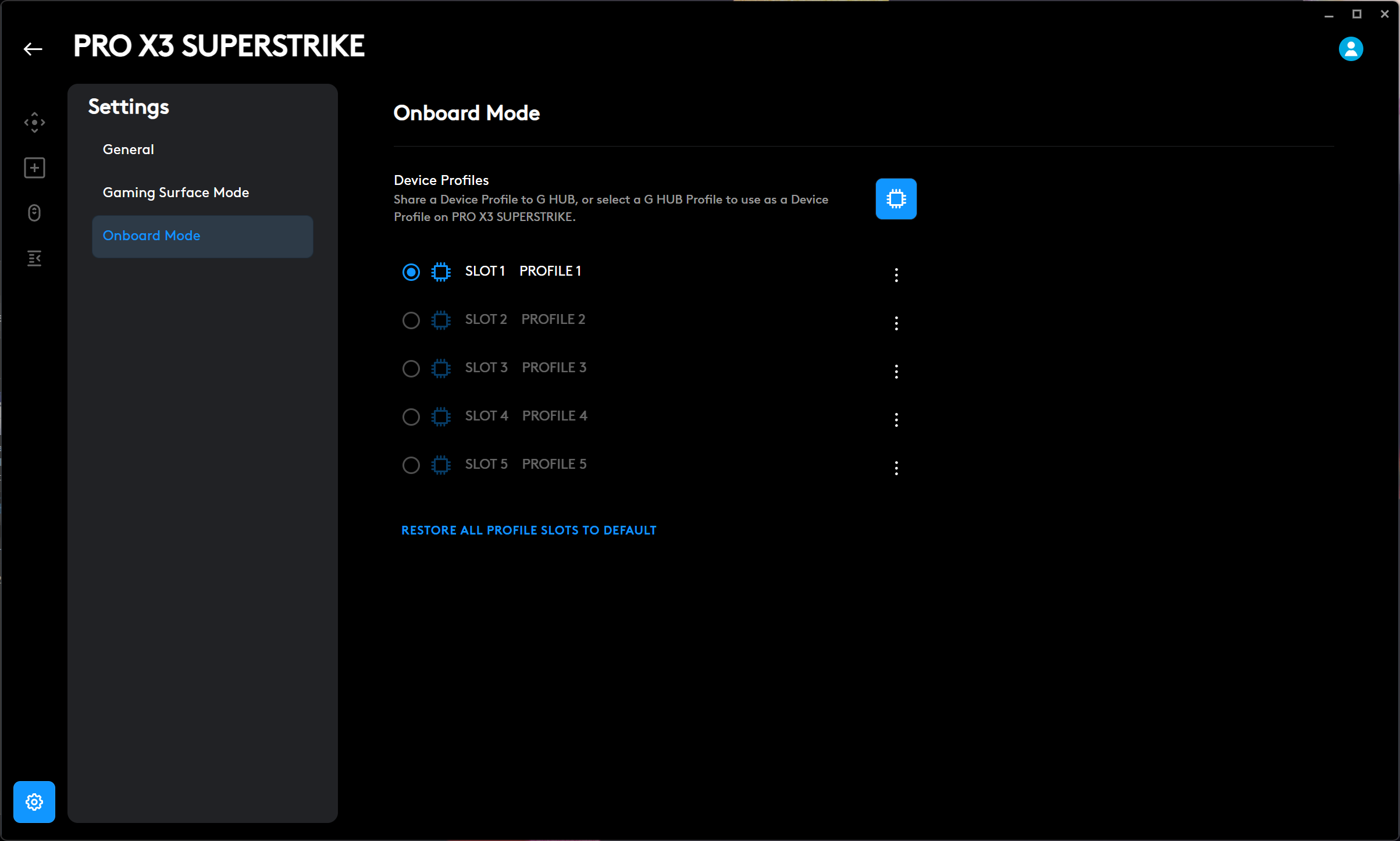
Onboard Mode has 5 profile slots, so your settings stay on the mouse, and you do not need G Hub running.
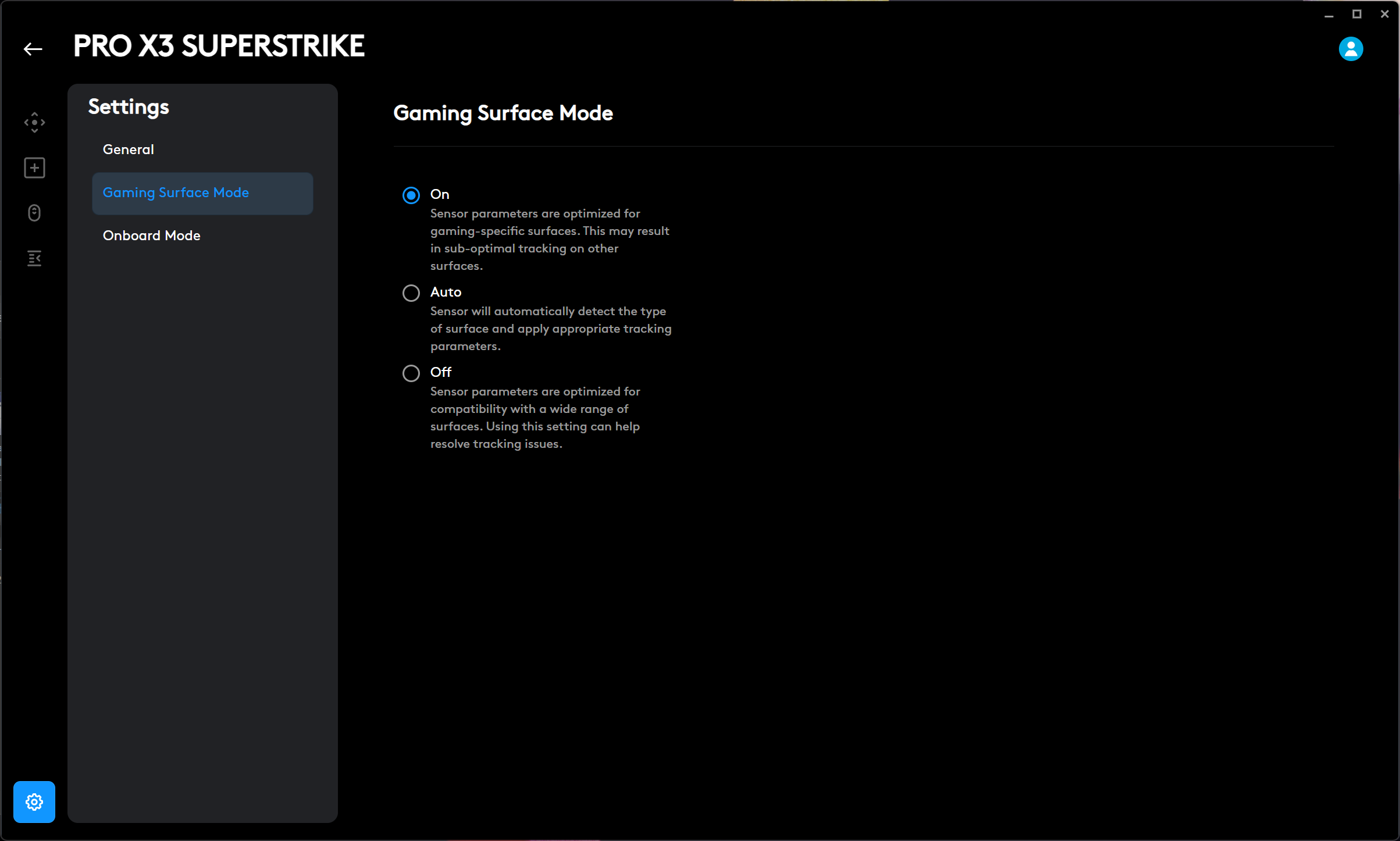
Gaming Surface Mode is new to me. On optimizes the sensor for gaming mouse pads, Off works across a wider range of surfaces, and Auto detects the surface for you.
Compared With Asus ROG Gladius IV Ace
The Gladius IV Ace is another esports mouse, at S$239. Both are 8,000Hz wireless mice for competitive players with no RGB lighting, but they take different approaches.
The Gladius IV Ace is the bigger mouse and fits my large hand better. It comes with stackable weights from 56g to 71g, a desk-mounted 8K receiver with RF Smart Detection, and Bluetooth. The X3 is a fixed 59g with a smaller receiver and no Bluetooth, but has adjustable actuation and Rapid Trigger, which no other mouse I have used offers.
Pros & Cons
Pros
- Adjustable actuation and Rapid Trigger on the main buttons
- 8,000Hz polling wired and wireless, out of the box
- Up to 135 hours of battery life
- 59g with better weight balance
- Same proven shape as the X2 Superstrike
- Firm, tactile side buttons
Cons
- S$319 is a lot for a mouse
- Barely changed from the Pro X2 Superstrike on the outside
- Haptic click may not suit those who prefer mechanical switches
- No Bluetooth
- No DPI button
- Scroll wheel is tighter and more notchy than my Asus mice
- Only one shape, no ergonomic version
Conclusion
The Logitech G Pro X3 Superstrike is pleasant to use and feels responsive, and Logitech G Hub has a good user experience (UX). It is not cheap, and personally, I still lean towards the tactile feel of a mechanical switch, but that comes down to preference rather than anything wrong with HITS.
The Gladius IV Ace is a review unit that goes back to Asus, so the X3 is the one replacing my Keris II Origin.
The X3 is for competitive FPS players who already like Logitech’s Pro shape and want the fastest possible click. If you play casually, sit this out. The Logitech G304 X Superlight has the same weight and a similar symmetrical shape for S$119.
If you already own the Pro X2 Superstrike, it is not worth the upgrade. The shape and HITS are the same, and you mainly get better battery life and balance. If you are coming from a mouse with mechanical switches, HITS is the whole point, and nothing else I have used does it.
The biggest catch is the price. At S$319, it costs S$80 more than the Gladius IV Ace. I have already seen it on Shopee for S$264 with vouchers, and 12.12 might bring it down further.