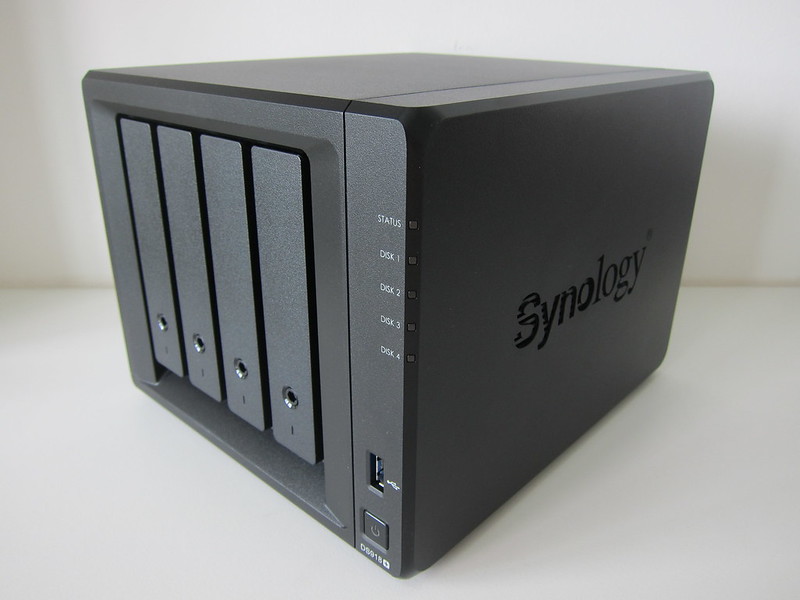
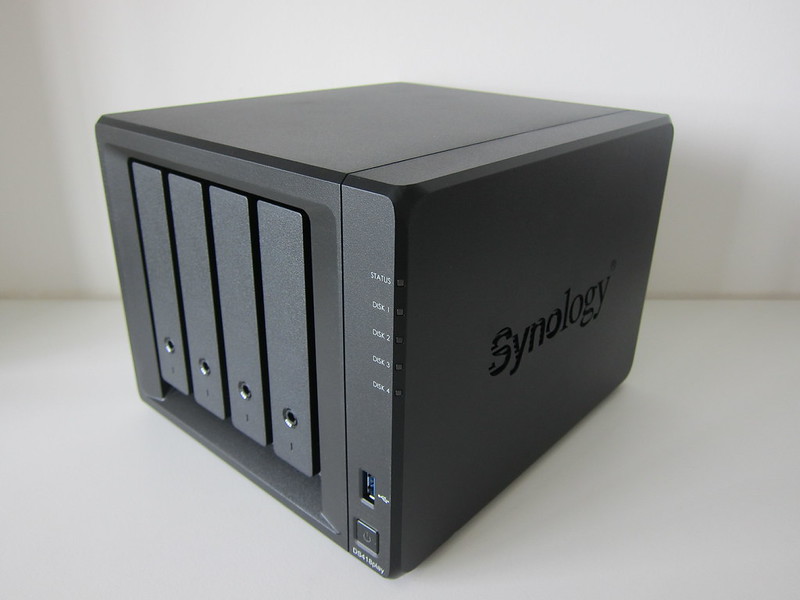
The Synology DS918+ is the flagship 4-bay NAS in the Plus Series, announced at Computex 2017 and released that October. Retailing for S$811 at Fuwell, it costs S$100 more than the DS418play, adding a quad-core processor and 4GB RAM.
My Synology DS415play was showing its age, often failing to stream video via Plex to my Apple TV 4K and forcing a VLC workaround. This post looks at the DS418play, the natural upgrade to address those streaming bottlenecks.
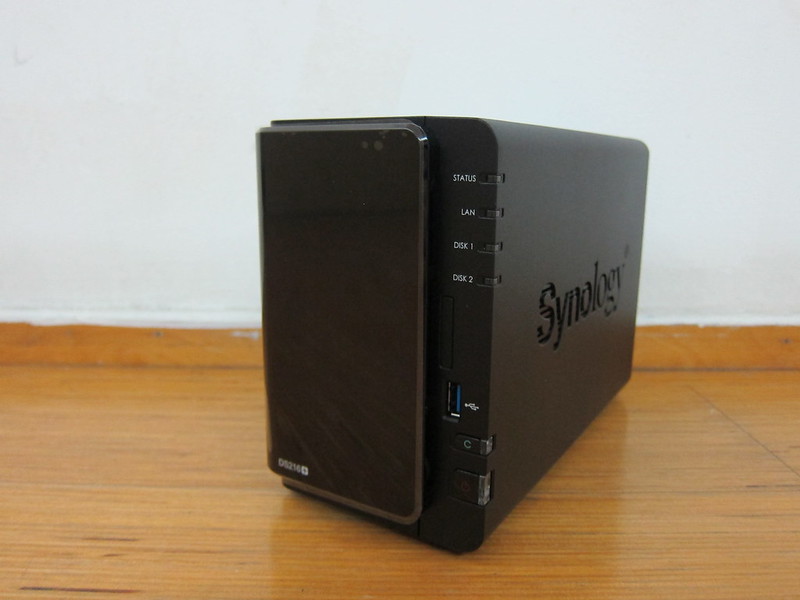
The Synology DS216+, launched on 28th January 2016, succeeds the DS215+ and retails in Singapore for S$499. This high-performance 2-bay NAS for small offices and home users features a dual-core Intel CPU, AES-NI encryption, Btrfs support, and 4K transcoding.
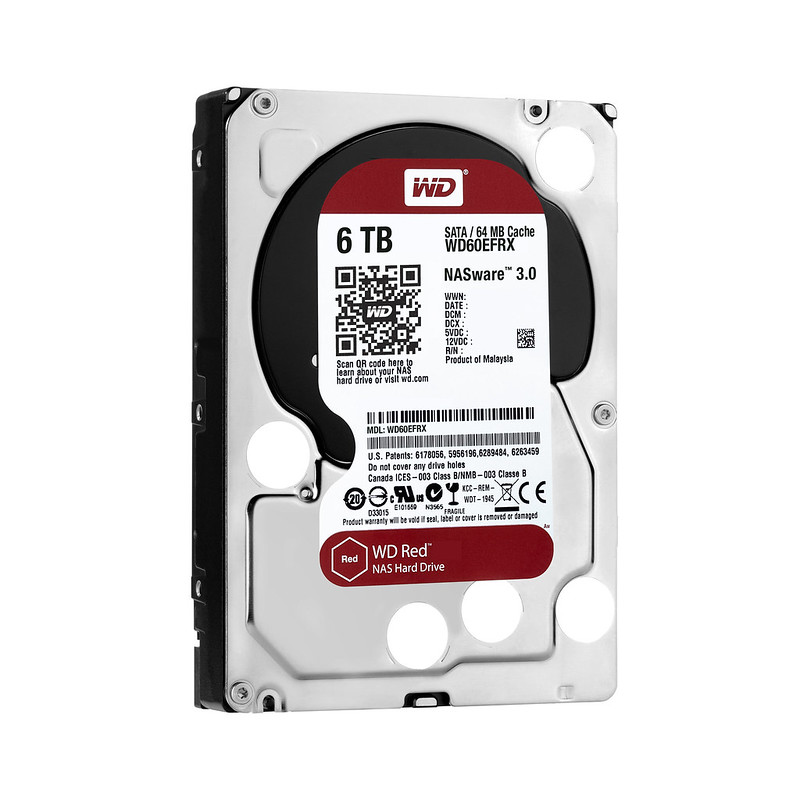
WD makes the best hard drives and Synology the best NAS. I run two Synology units at home with WD drives: a DS210j on two WD Green 1TB since 2010, and a DS413j on four WD Red 1TB since 2013.
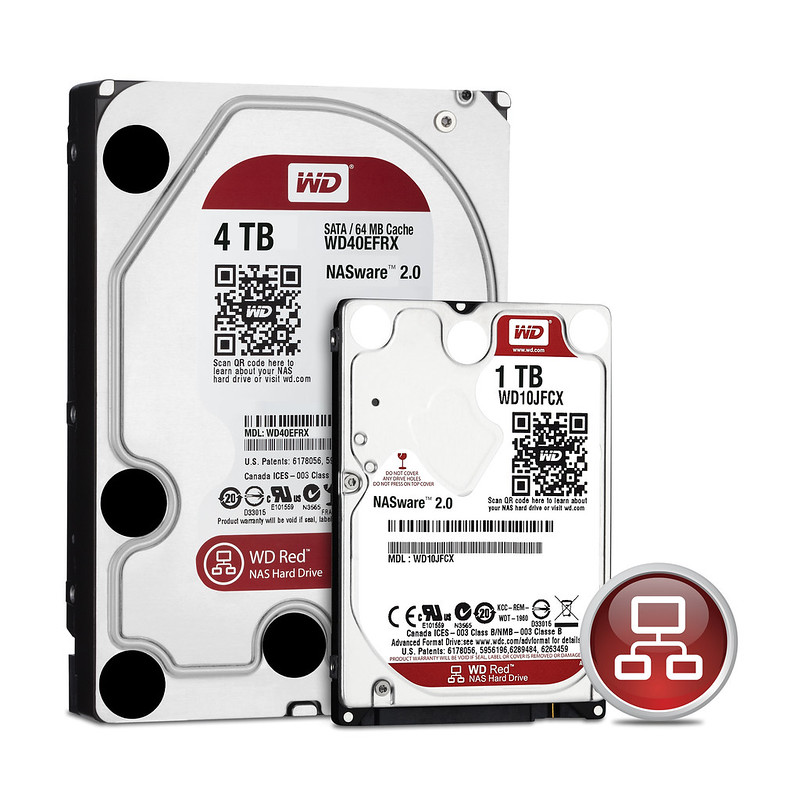
I'm a huge fan of WD Red hard drives, running four of them in my Synology DiskStation DS413j with no trouble. WD Red drives are designed and tested for 24/7 operation and the demanding needs of home and small-office NAS.
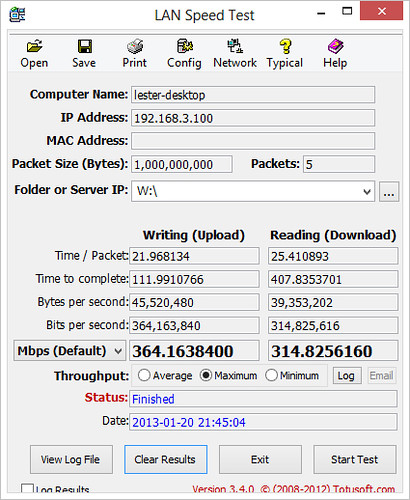
In this second part of my Synology DiskStation DS413j review, after unboxing and setup earlier, I cover performance, backup, and CloudStation. I tested file transfer speeds with LAN Speed Test, the DS413j running SHR with WD Red drives.
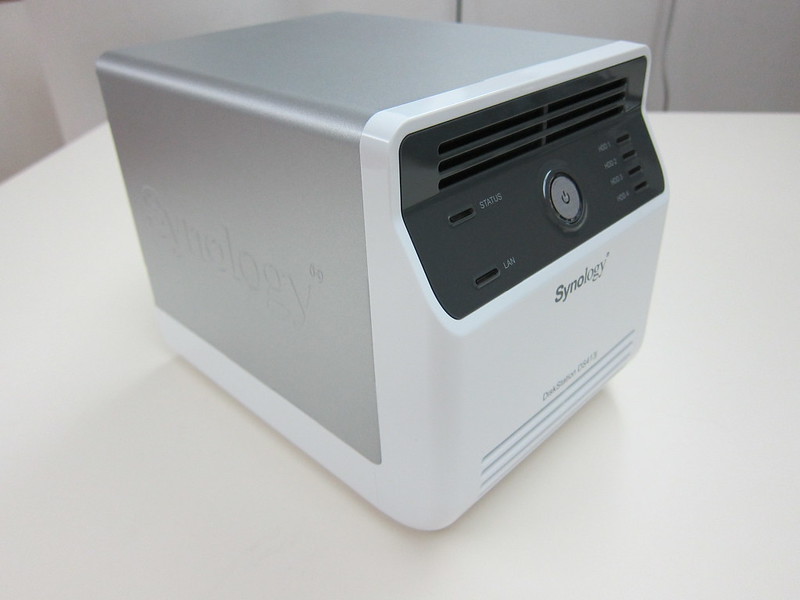
I've been seeded the Synology DiskStation DS413j with three WD Red drives for a three-part review, beginning here with unboxing and setup. Since the DS413j is a four-bay NAS, I popped to Sim Lim Square for a fourth WD Red.