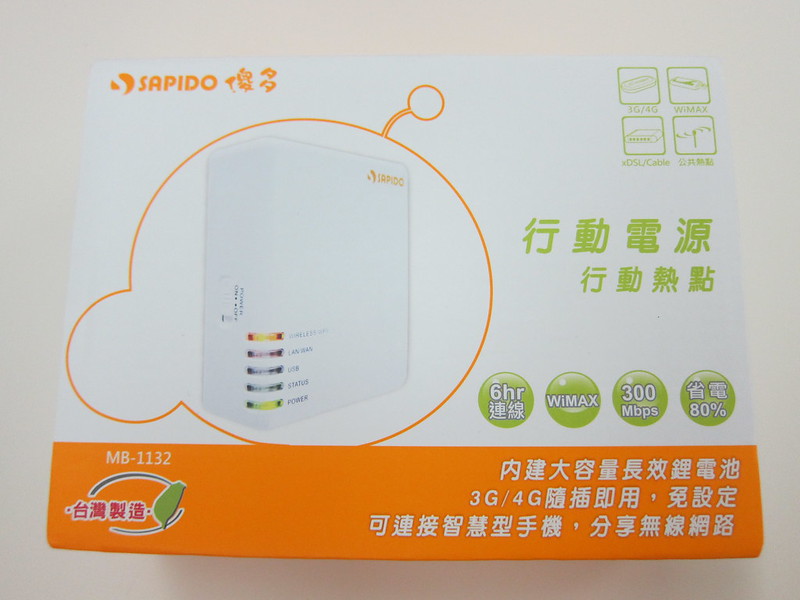
Got the Sapido MB-1132 for NT$1,790 (~S$76.83). Thanks to my relative, Andy, who got it from Guang Hua Digital Plaza in Taiwan when he was there to attend Computex 2011.
The Sapido MB-1132 was recommended by Justin Lee and I was impressed by what it can do. In a nutshell, it can:
- Charge your USB devices
- Act as a router by plugging in a LAN cable with Internet connectivity to create a Wi-Fi hotspot
- Connect your iPhone/Android phone to it or even a 3G USB Dongle and it can create a Wi-Fi hotspot
- Re-broadcast Wi-Fi (eg: if you paid for Wi-Fi, login to the paid service using MB-1132 and re-broadcast your own Wi-Fi it so others can use it for free)
- Compact & lightweight, good for travelling
There is also a similar model called Sapido MB-1112 (N+ Mobile 3.75G Modem Router). It is identical to the Sapido MB-1132 except that the Sapido MB-1112 does not allow Internet sharing via iPhone/Android/3G Dongle. You have to put in a 3G SIM card in order to create a Wi-Fi hotspot.
I have not seen these devices at any computer stores yet (have not check Sim Lim Square), but checking their website, they do have an office in Singapore:
SAPIDO Singapore (Vasss Pte Ltd)
www.sapido.com.sg
9010, Tampines Street 93, #02-79, Singapore 528844
Tel: + 6789 8310 / 3131 9038
Fax: + 6788 3213




Lester, I have owned this one before, it a little to configure and not very user friendly at all. I endup using CTR35 from cradlepoint.com has similar functions. The configure UI is way better.
Cool, thanks for the recommendation. I think the UI is still pretty ok for me though there are a lot of rooms for improvement, but it just works =D
Hi, after reading your article, i bought sapido 1132, but not able to activate my mobile broadband dongle. Can help to guide me the setup?
This is what singtel technical advisor gave me, but still not working
APN : internet
User : blank
Password. : blank
Phone number : *99#
Thanks !
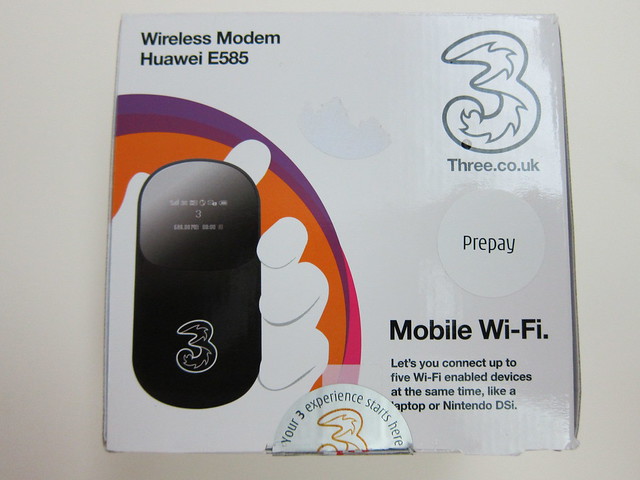
I have not used the 3G dongle with the sapido, I only use it as a wireless repeater when travelling. In Singapore I am using the https://lesterchan.net/blog/2010/12/01/huawei-mifi-e585 instead.