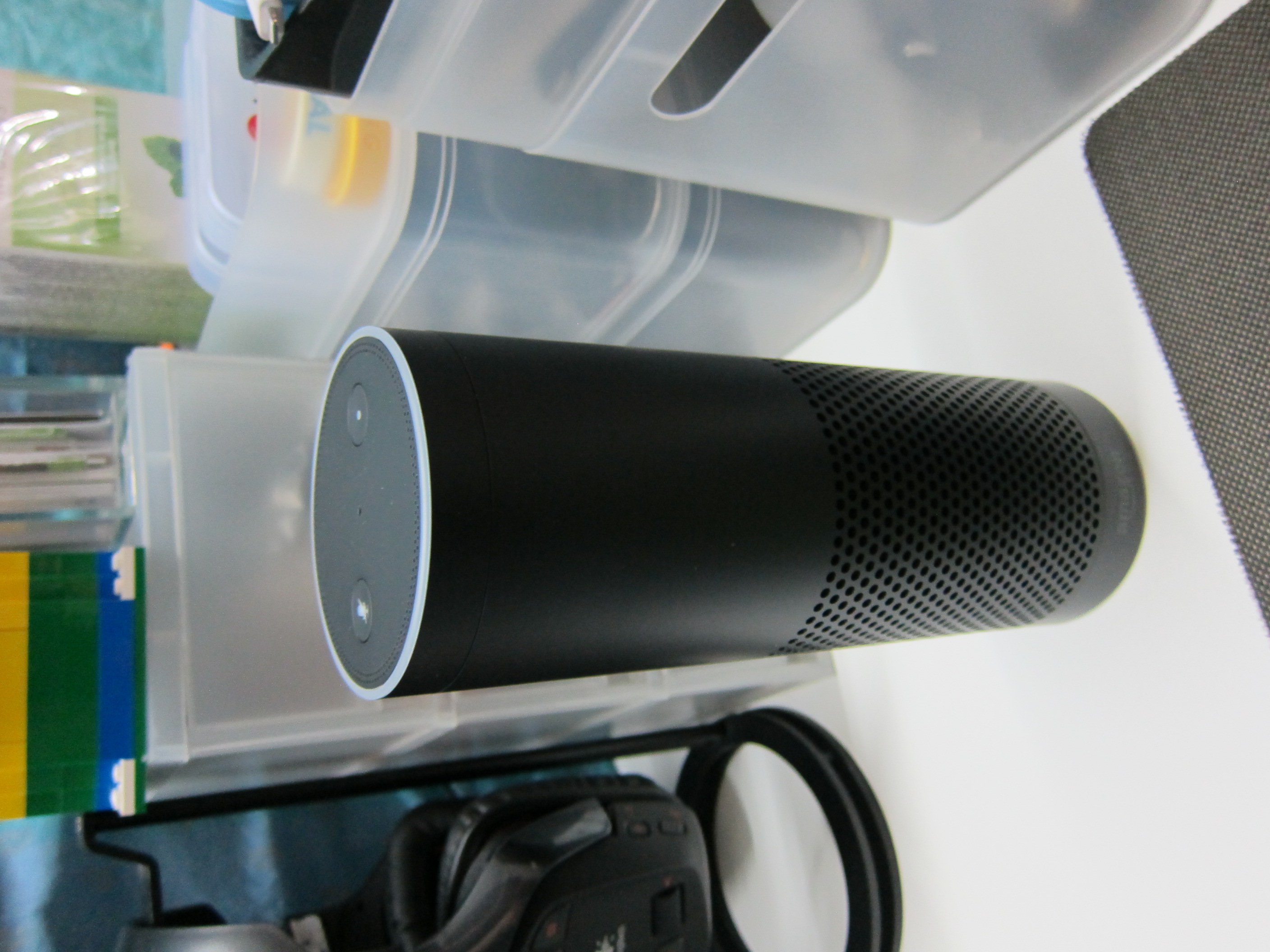
2 weeks ago, I bought the Amazon Echo for US$179.99 (S$250) and I paid US$29.99 (S$42) for shipping together with the Amazon Fire TV Stick.
I have been using the Amazon Echo everyday since and I got to say I love this product!
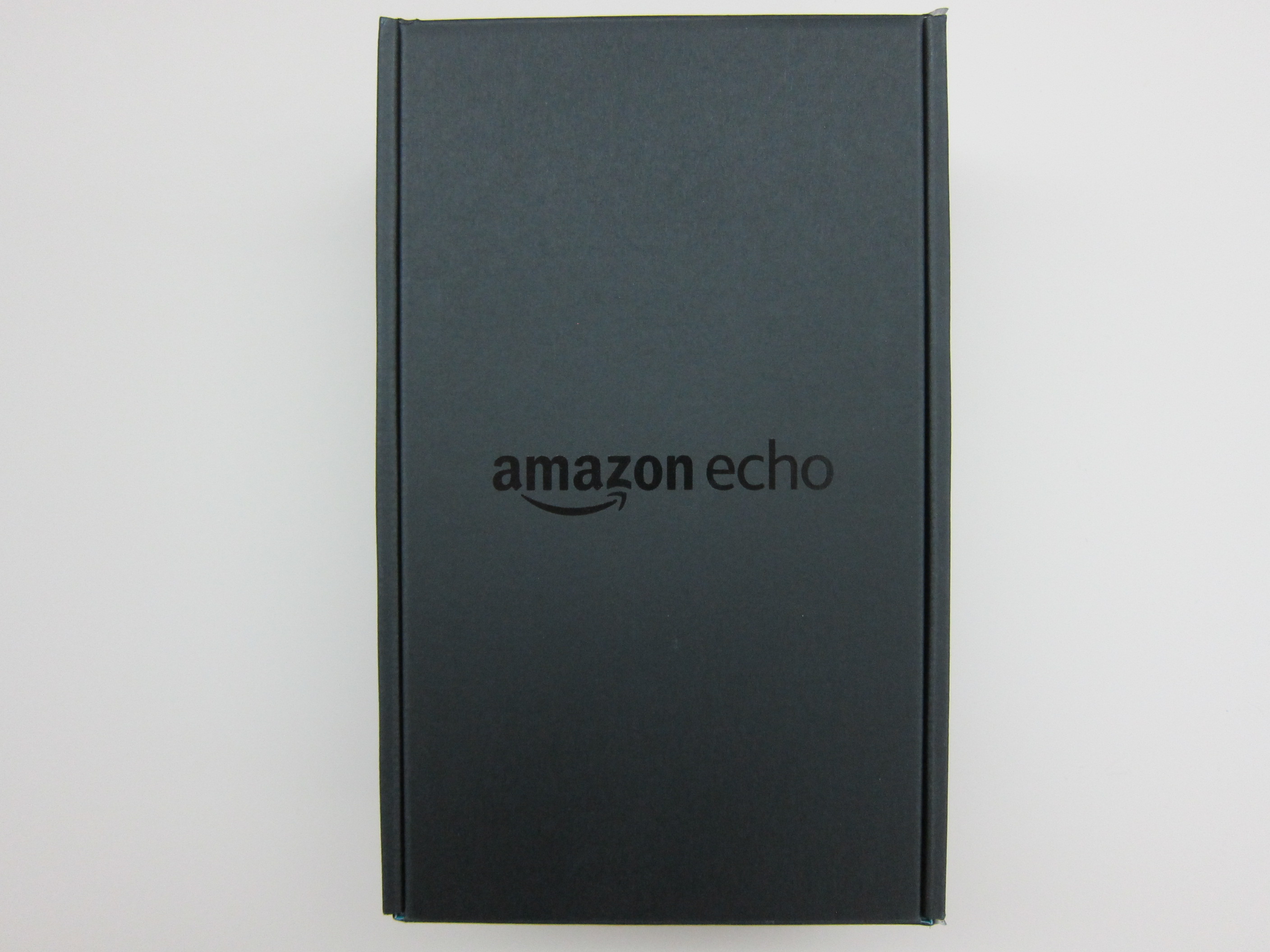
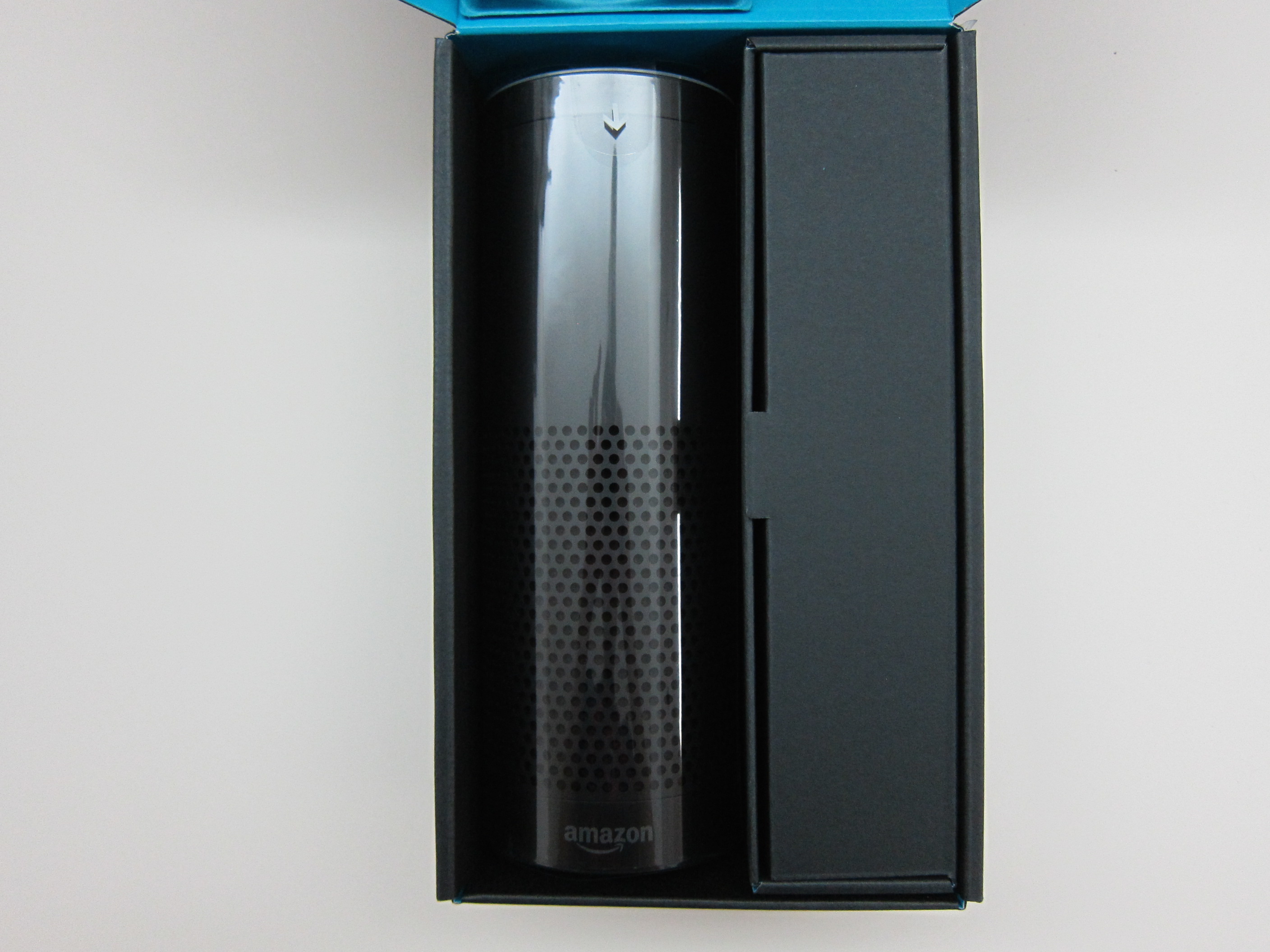
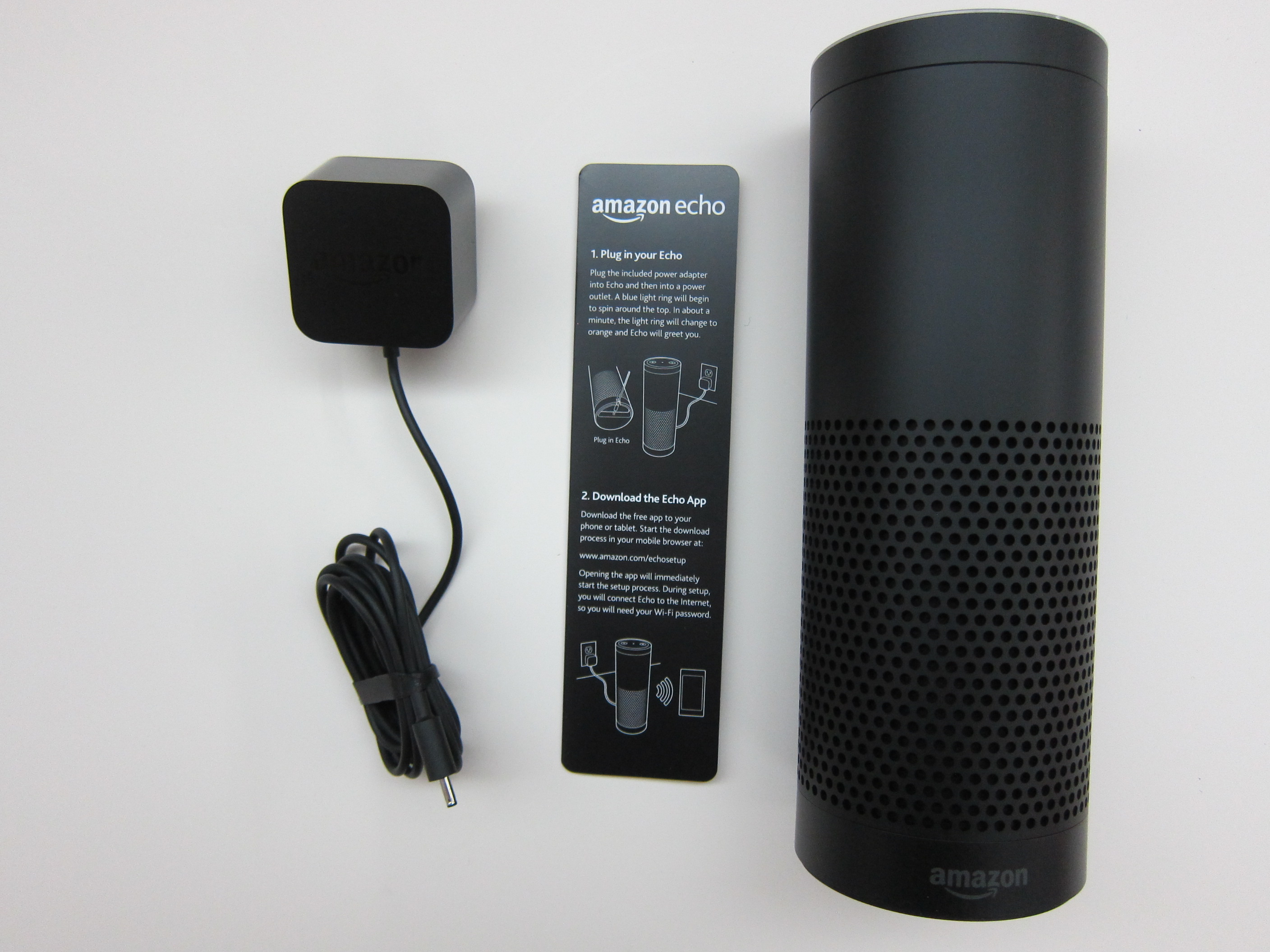
The Amazon Echo is an intelligent personal assistant, just like Siri to Apple, Cortana to Microsoft and Google Now to Google. Instead of it being in your phone, it is actually a speaker that is always on and connected to the Internet.
Features
- Audible: Play audiobooks from Audible with Echo. Plus, Echo supports Whispersync for Voice to continue right where you left off
- Calendars: Check your upcoming schedule by asking what’s on your Google calendar
- Shopping: Restock on previously purchased items by re-ordering Prime-eligible products in your Amazon shopping history
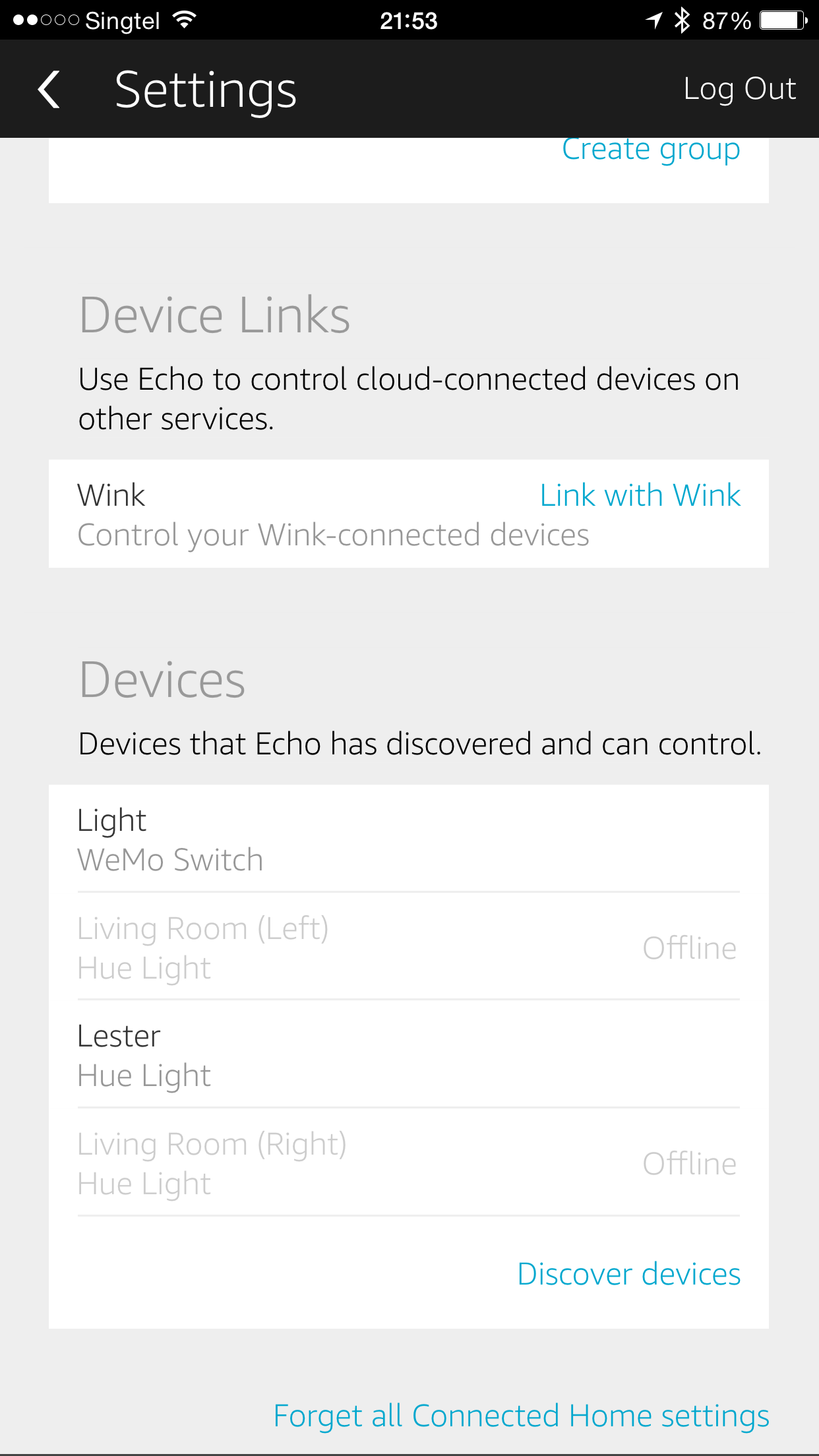
- Connected home: Control compatible WeMo, Philips Hue, and Wink devices with your voice
- Traffic: Hear commute time and the fastest route to your destination
- Sports: Ask for sports scores and schedules from the NFL, NBA, MLS, MLB, NHL, NCAA, WNBA, and more
- Pandora: Listen to and discover music from Pandora’s library of over 1 million tracks
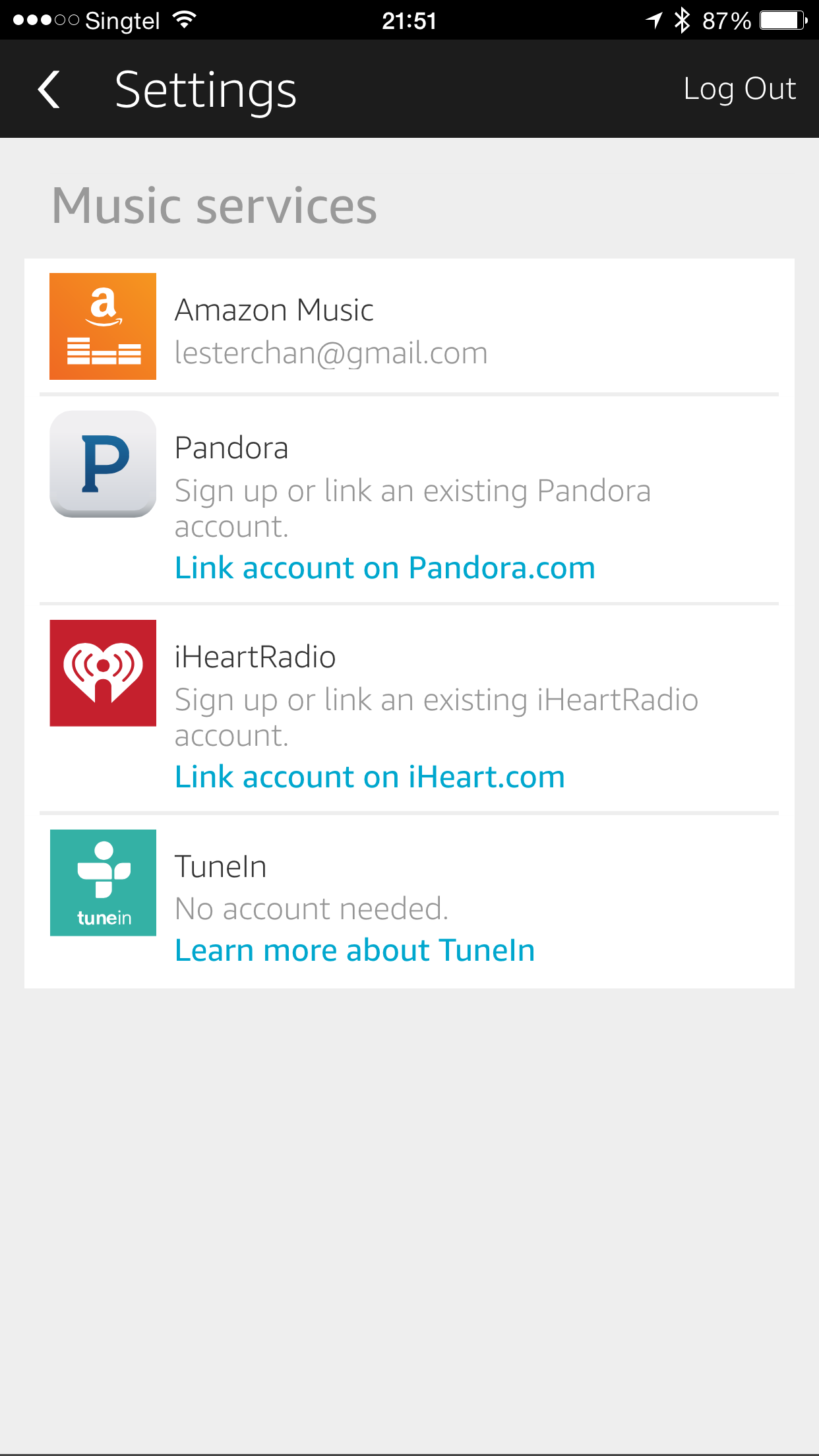
- Music: Listen to your Amazon Music Library, Prime Music, TuneIn, and iHeartRadio
- News, weather, and information: Hear up-to-the-minute weather and news from a variety of sources, including local radio stations, NPR, and ESPN from TuneIn
- Questions and answers: Get information from Wikipedia, definitions, answers to common questions, and more
- Alarms, timers, and lists: Stay on time and organized with voice-controlled alarms, timers, shopping lists, and to-do lists
Specifications
- Size: 235mm x 83.5mm x 83.5mm
- Weight: 1.045kg
- Wi-Fi Connectivity: Dual-band, dual-antenna Wi-Fi (MIMO) for faster streaming and fewer dropped connections than standard Wi-Fi. Supports 802.11a/b/g/n Wi-Fi networks. Does not support connecting to ad-hoc (or peer-to-peer) Wi-Fi networks.
- Bluetooth Connectivity: Advanced Audio Distribution Profile (A2DP) support for audio streaming from your mobile device to Amazon Echo and Audio/Video Remote Control Profile (AVRCP) for voice control of connected mobile devices. Hands-free voice control is not supported for Mac OS X devices.
- Audio: 2.5-inch woofer and 2.0-inch tweeter
Using it in Singapore
Because the Amazon Echo is not available outside the US, you are not able to customized it to your location or time. It is a bit lame that Amazon Echo uses your zip code to indicate where you are located and uses it as your time zone. By default, Amazon Echo will attempt to set the zip code automatically. If it fails to do that, it will default to Seattle.
For Singapore case, none of US states have a GMT +8 timezone and hence there is no way to set it to the local time. Hence, your schedule will not work accurately. As a trade off, I am using the zip code 96910 which belongs to a city called Hagatna in Guam and it’s time zone is GMT +10 (which is the closest to GMT +8). Guam is an organized, unincorporated territory of the United States in the western Pacific Ocean (Wikipedia).
By default, the measurement system is set to US Imperial and hence it will give you miles/Fahrenheit. But luckily you can change it to Metric which gives you kilometers/Celsius.
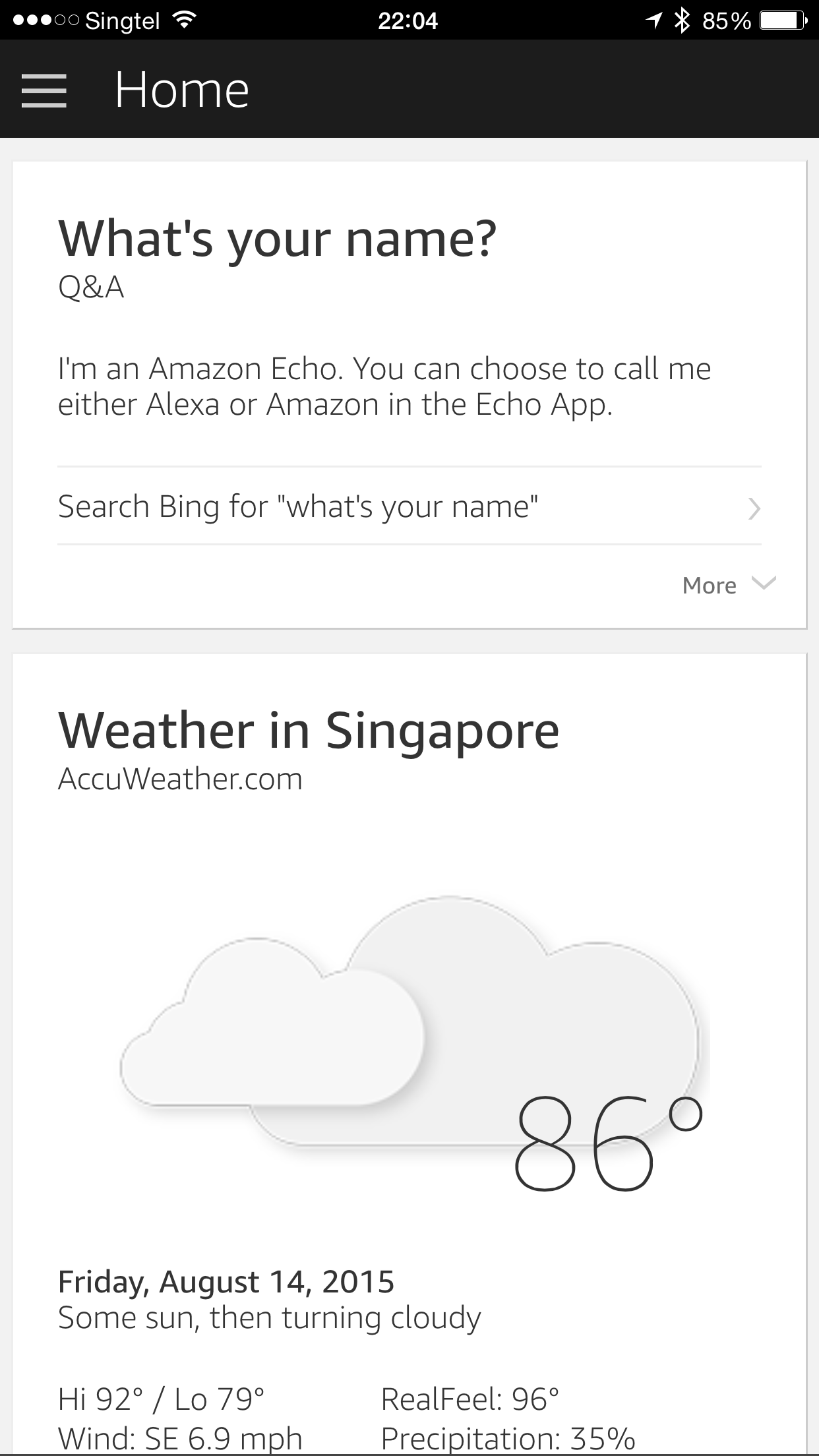
Despite the location screw up, you are still able to get the weather or time in Singapore by specifying the location if your speech like, “Alexa, what is the weather in Singapore” or “Alexa, what is the time in Singapore”.
Other Features
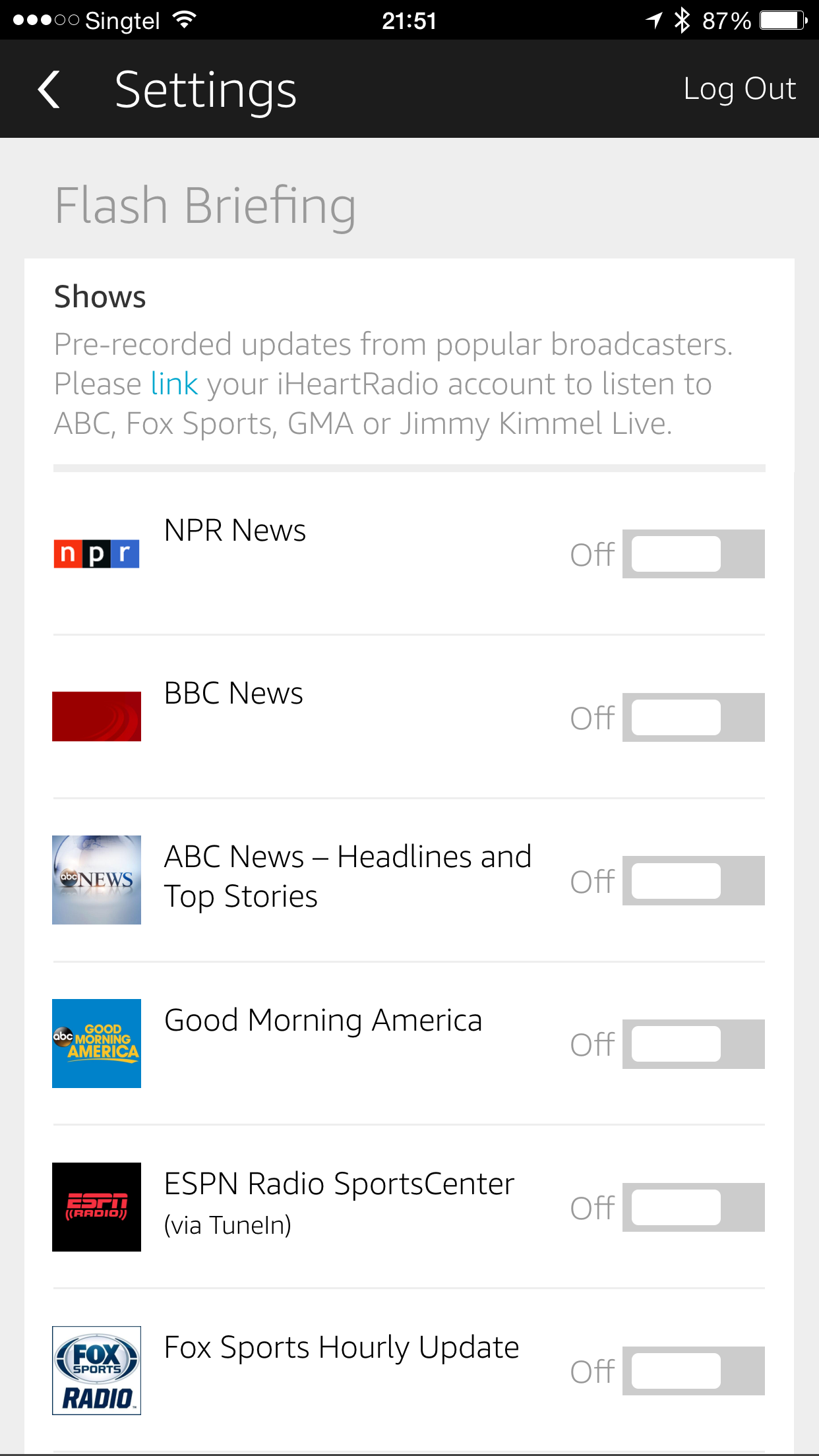
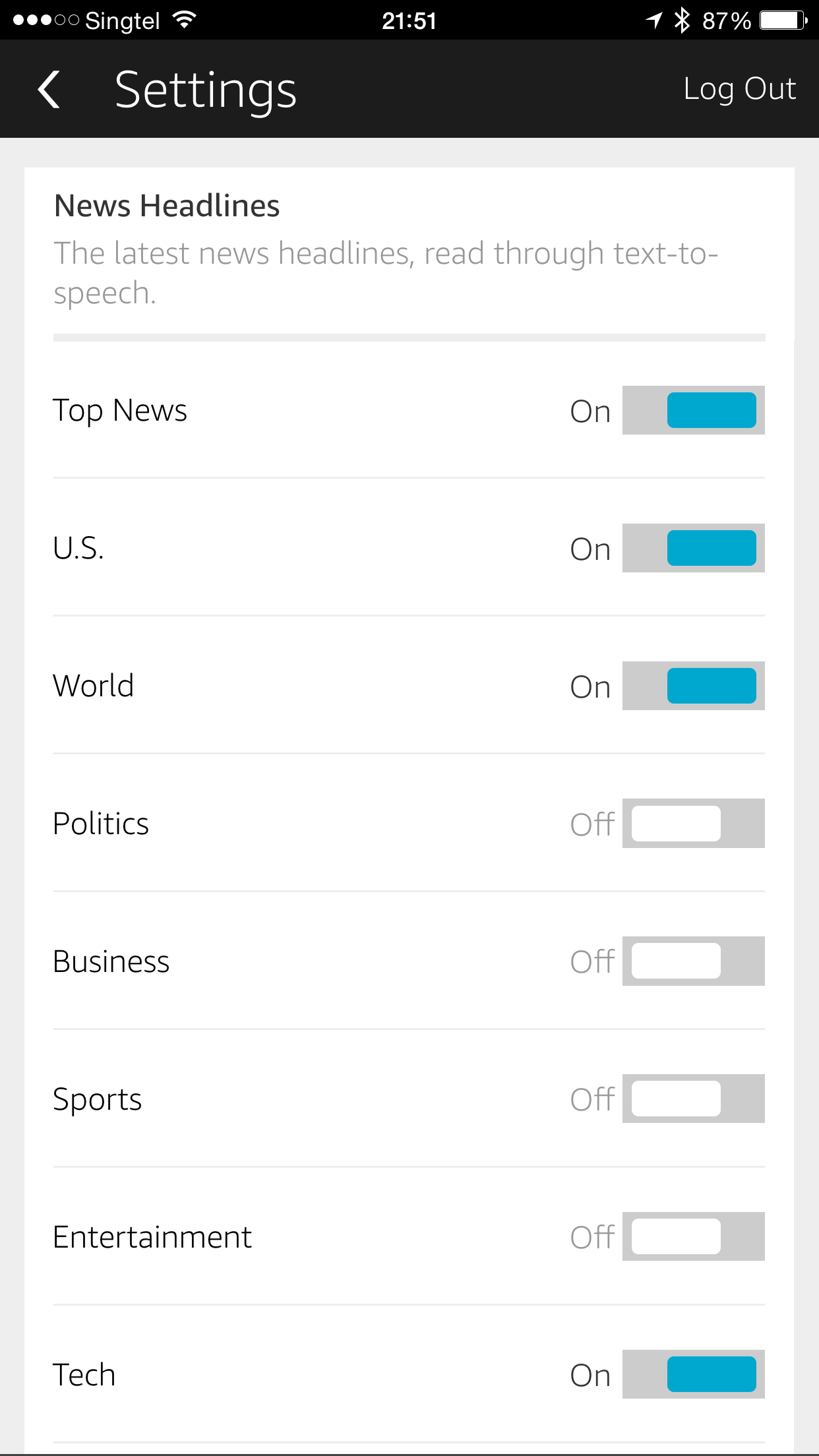
The Amazon Echo is able to read you news headlines from BBC, ABC, etc and sports score from NFL, NBA, etc.
You can link your Google Calendar with Amazon Echo so that you she can know your schedules, but as mentioned previously, it uses the time zone set in the Amazon Echo rather than that of your calendar.
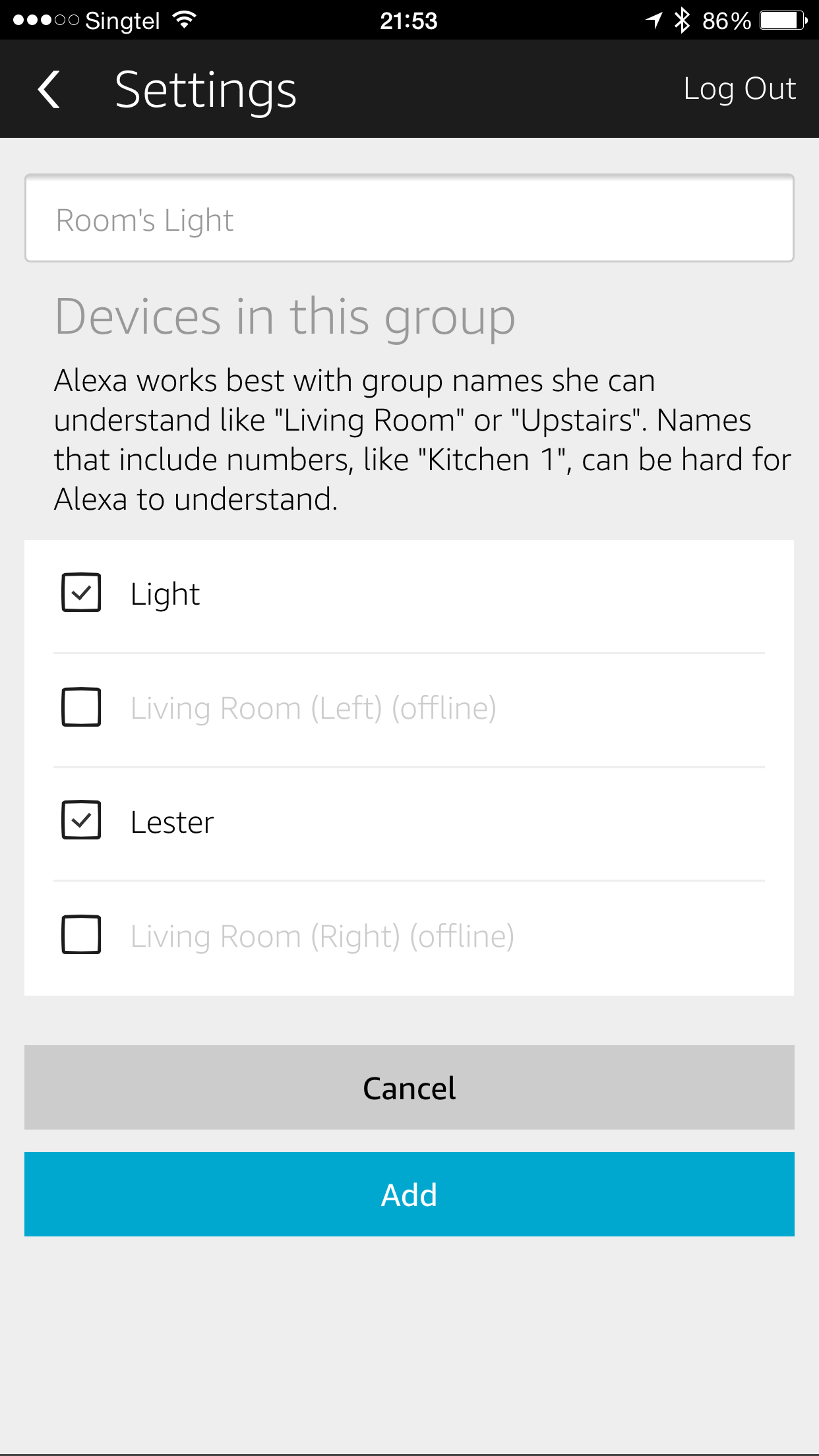
The most interesting thing about the Amazon Echo is the ability to control your connected home. It works with Belkin WeMo, Philips Hue, Wink and Smart Thing devices. You can say something like “Alexa, turn off my bed lights”.
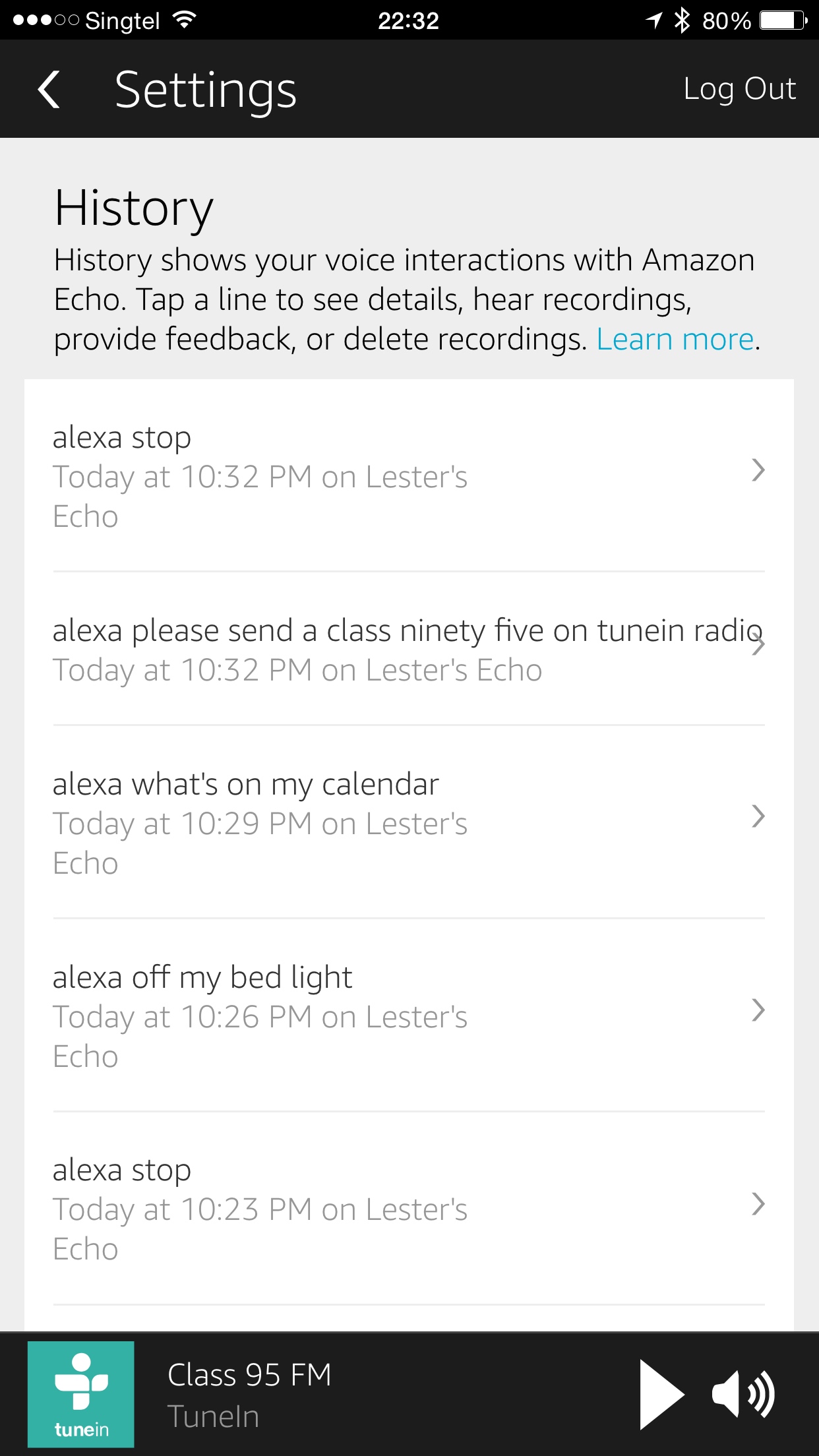
Because it supports TuneIn Radio, you can say “Alexa, play Class 95 on TuneIn Radio” and it will stream Class 95 on the Amazon Echo. It is pretty amazing. I wish it has integration for Apple Music, but I doubt that will ever happen because Apple Music & Amazon Prime Music are competitors.
Unboxing
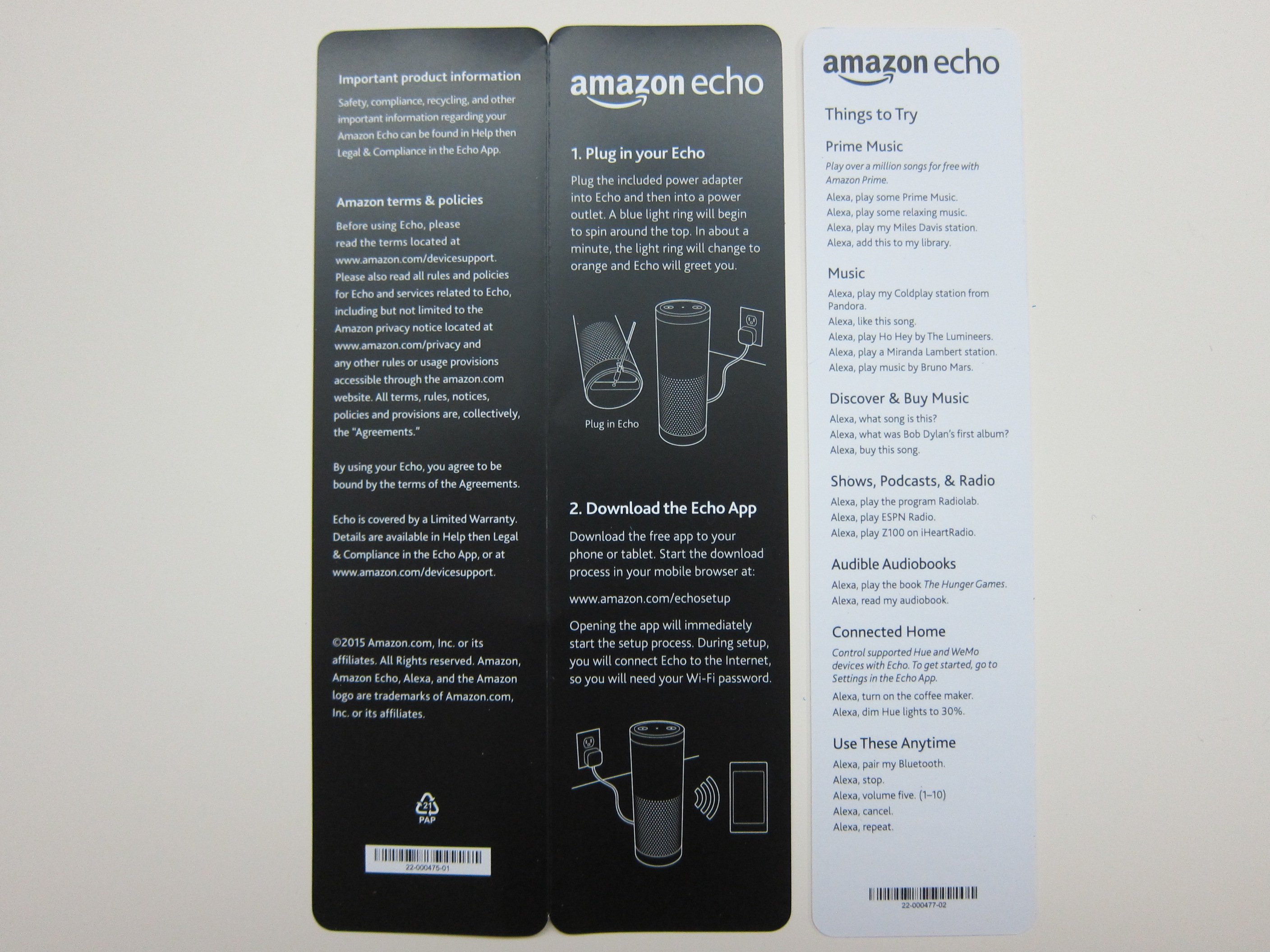
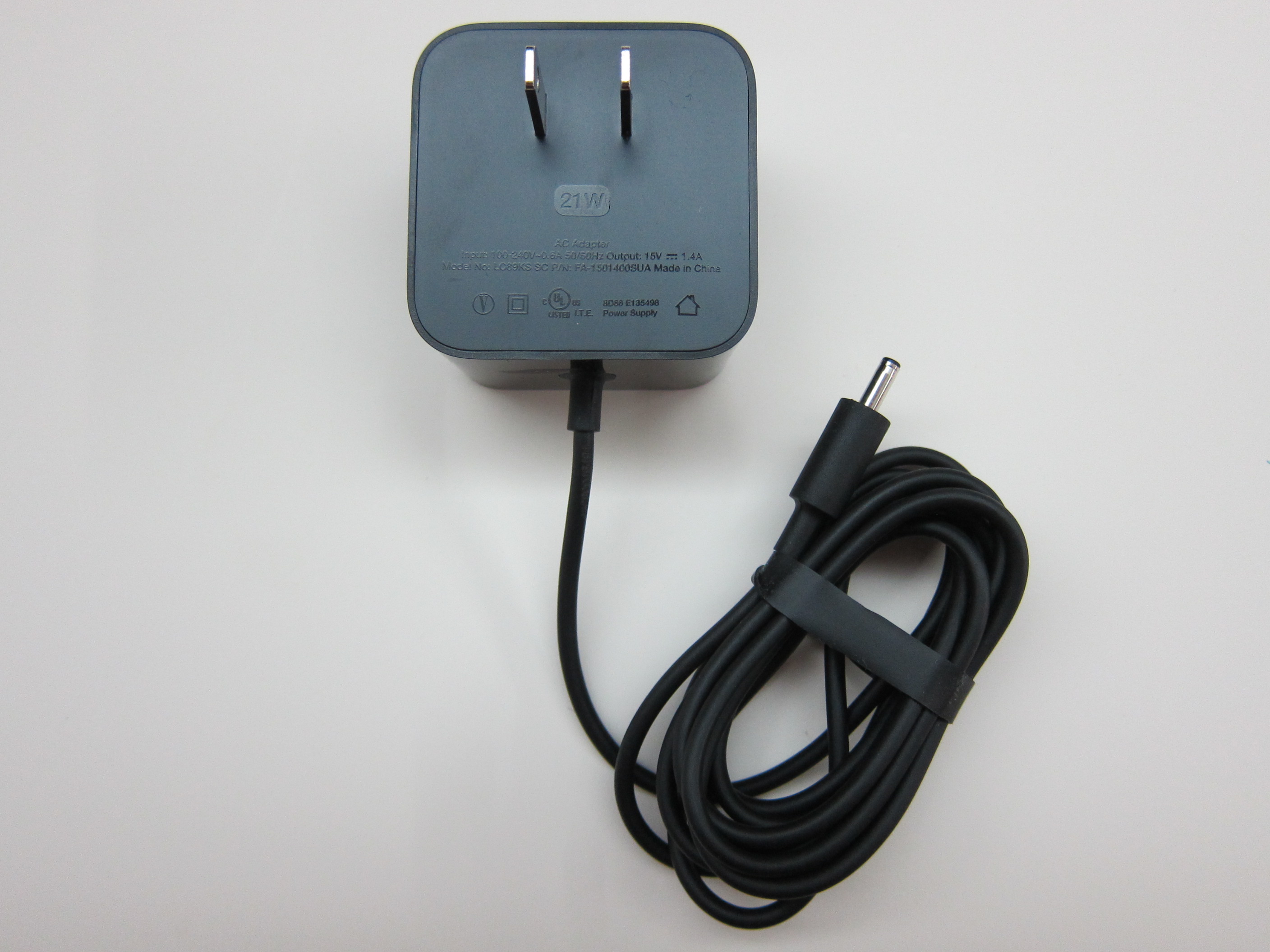
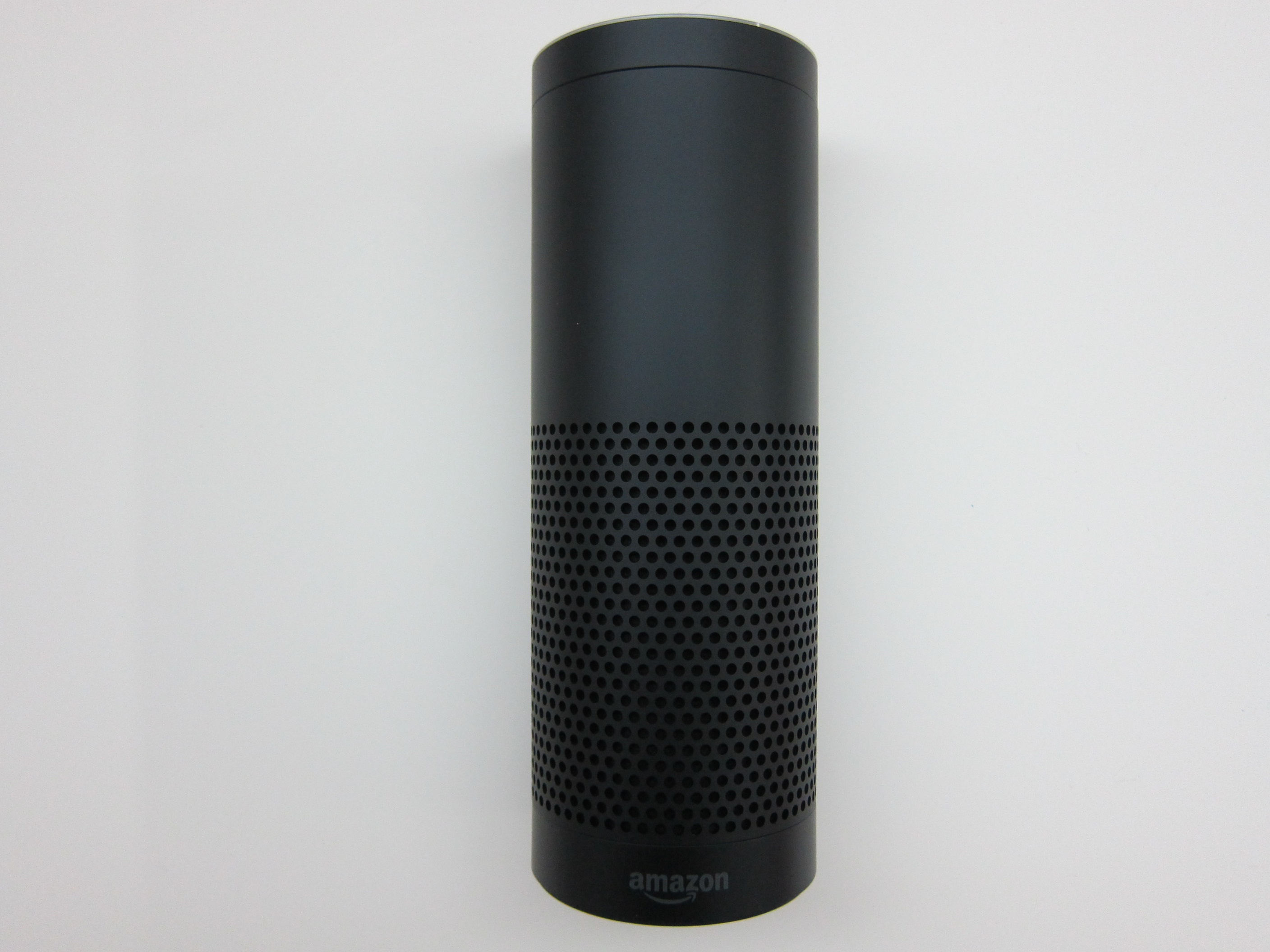
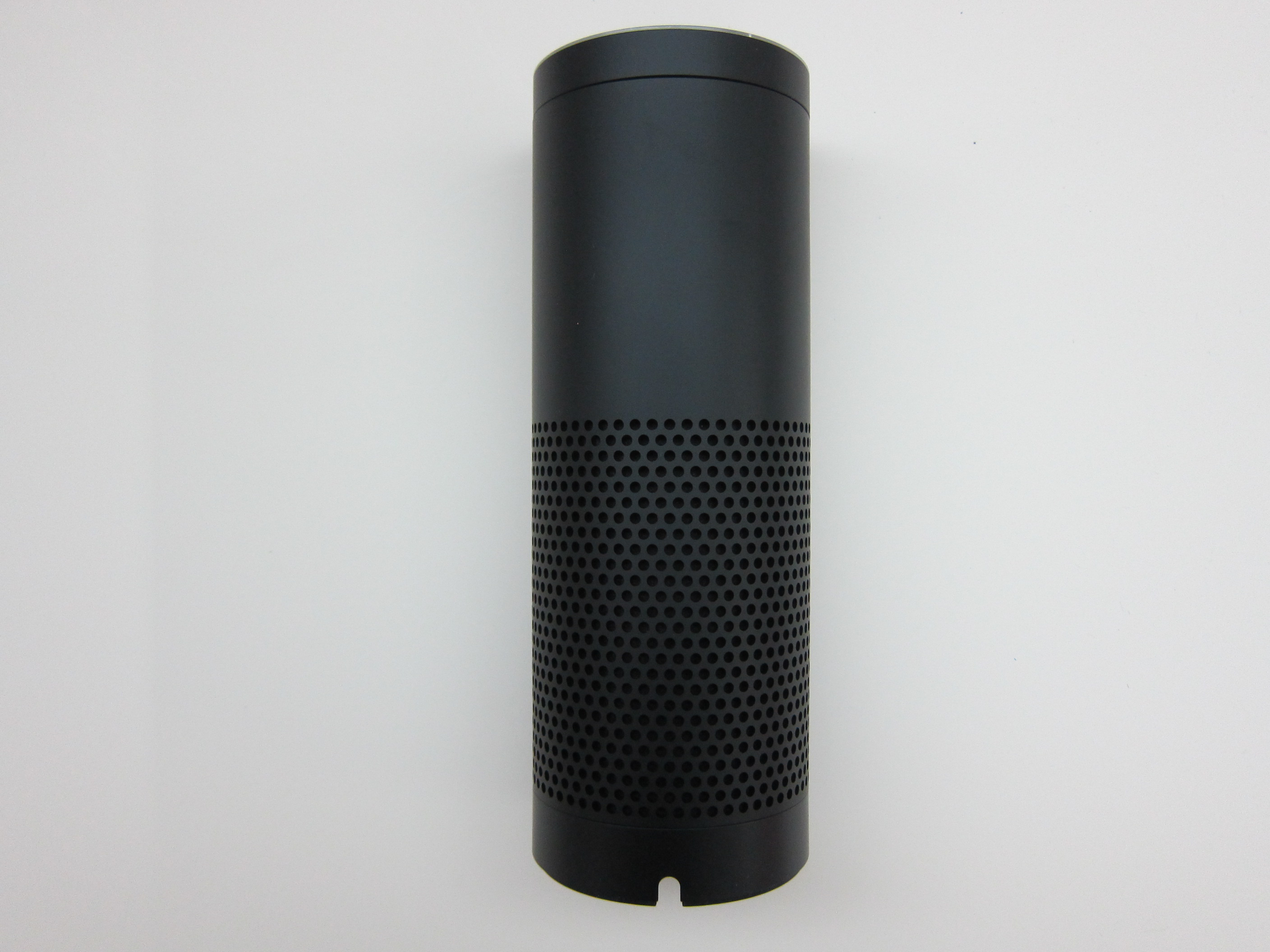

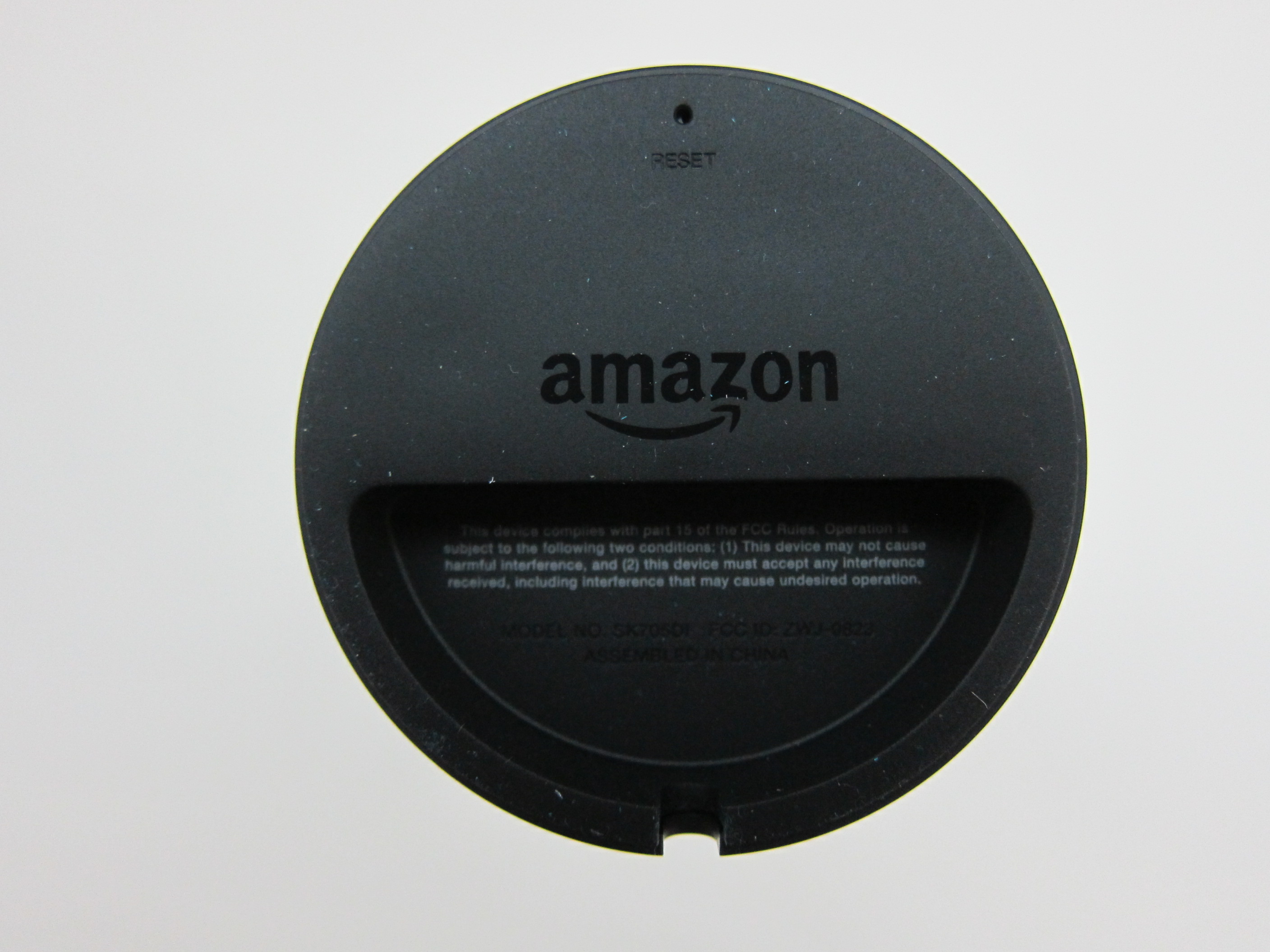
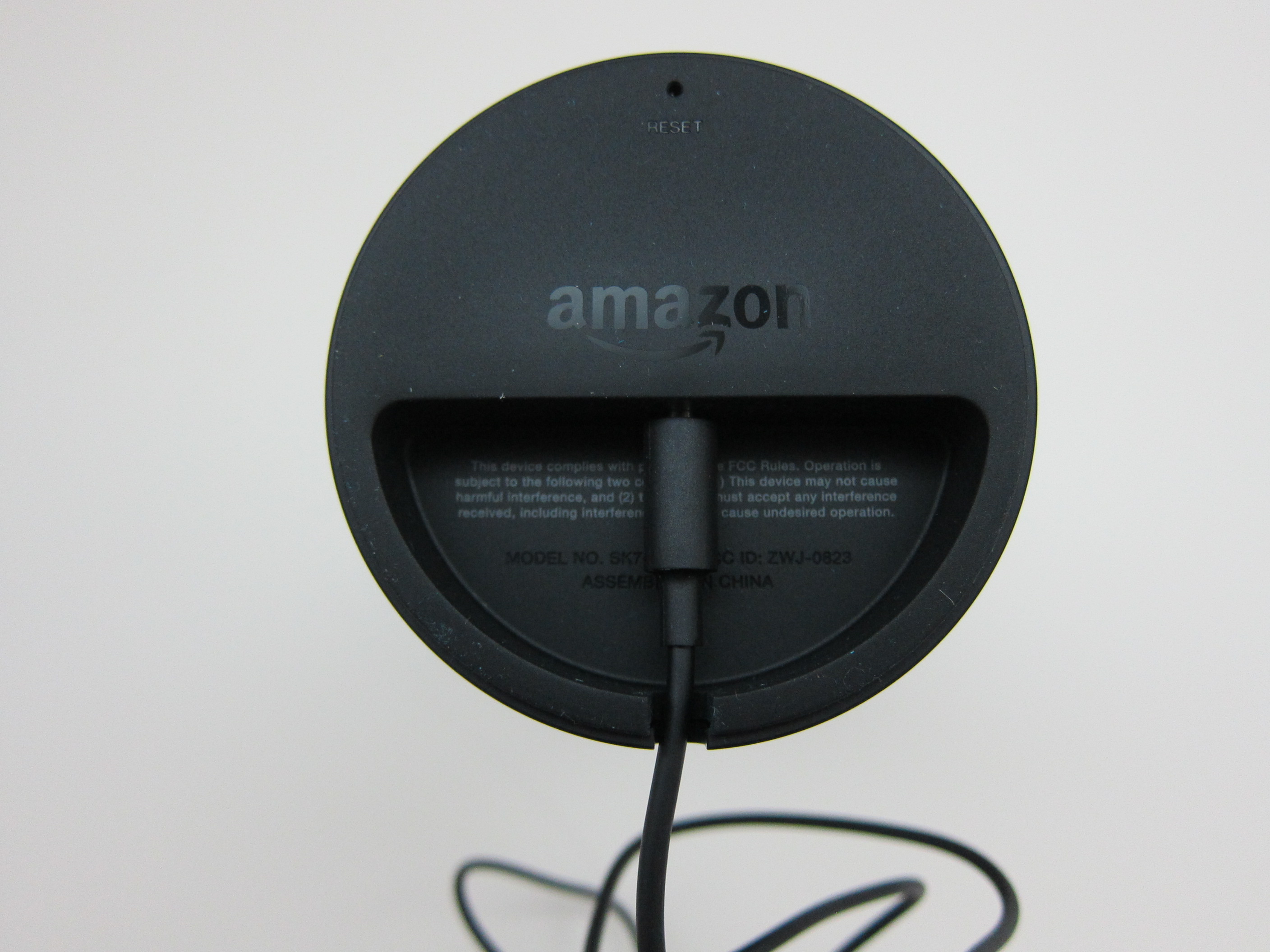
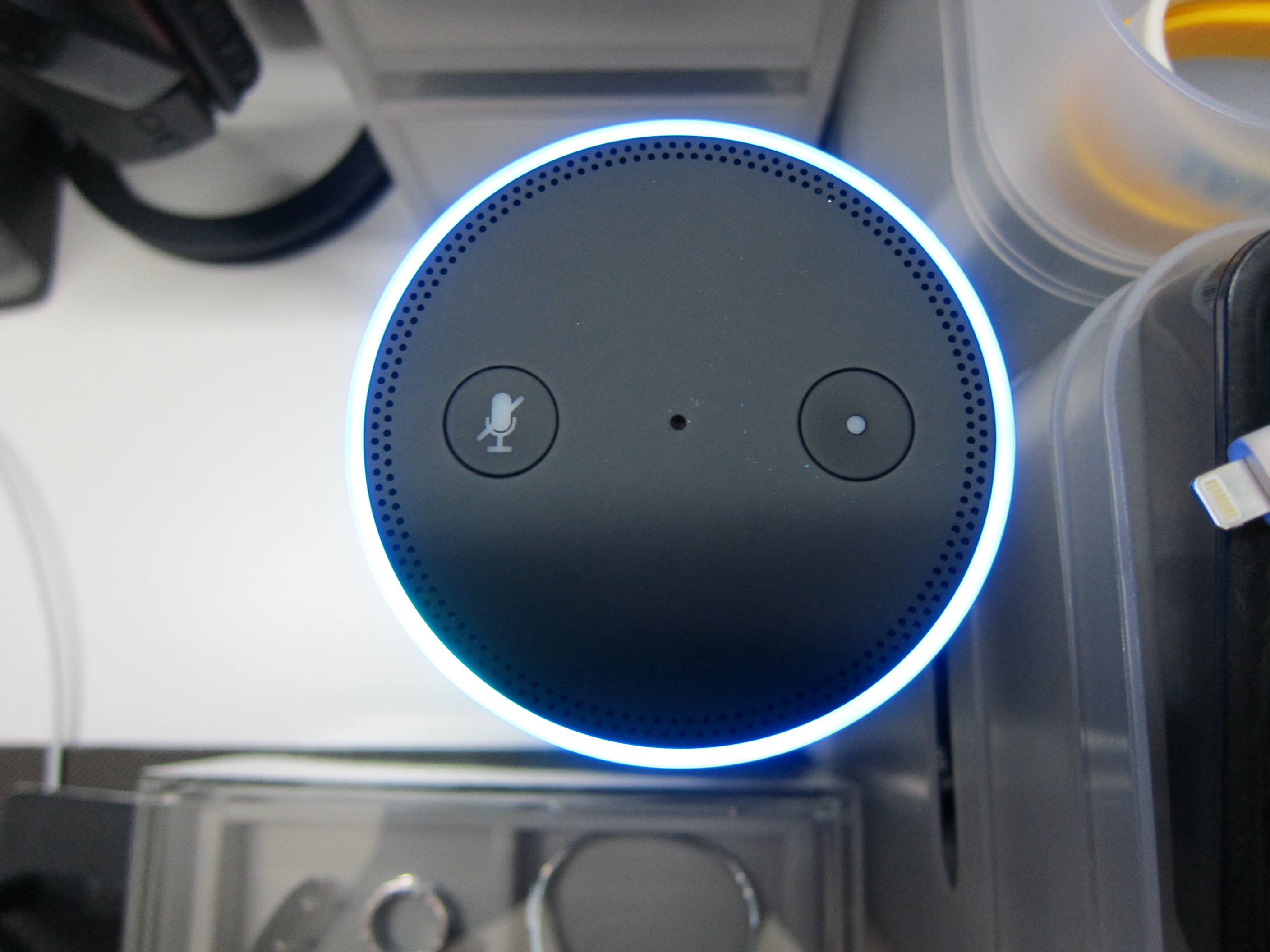
Setup
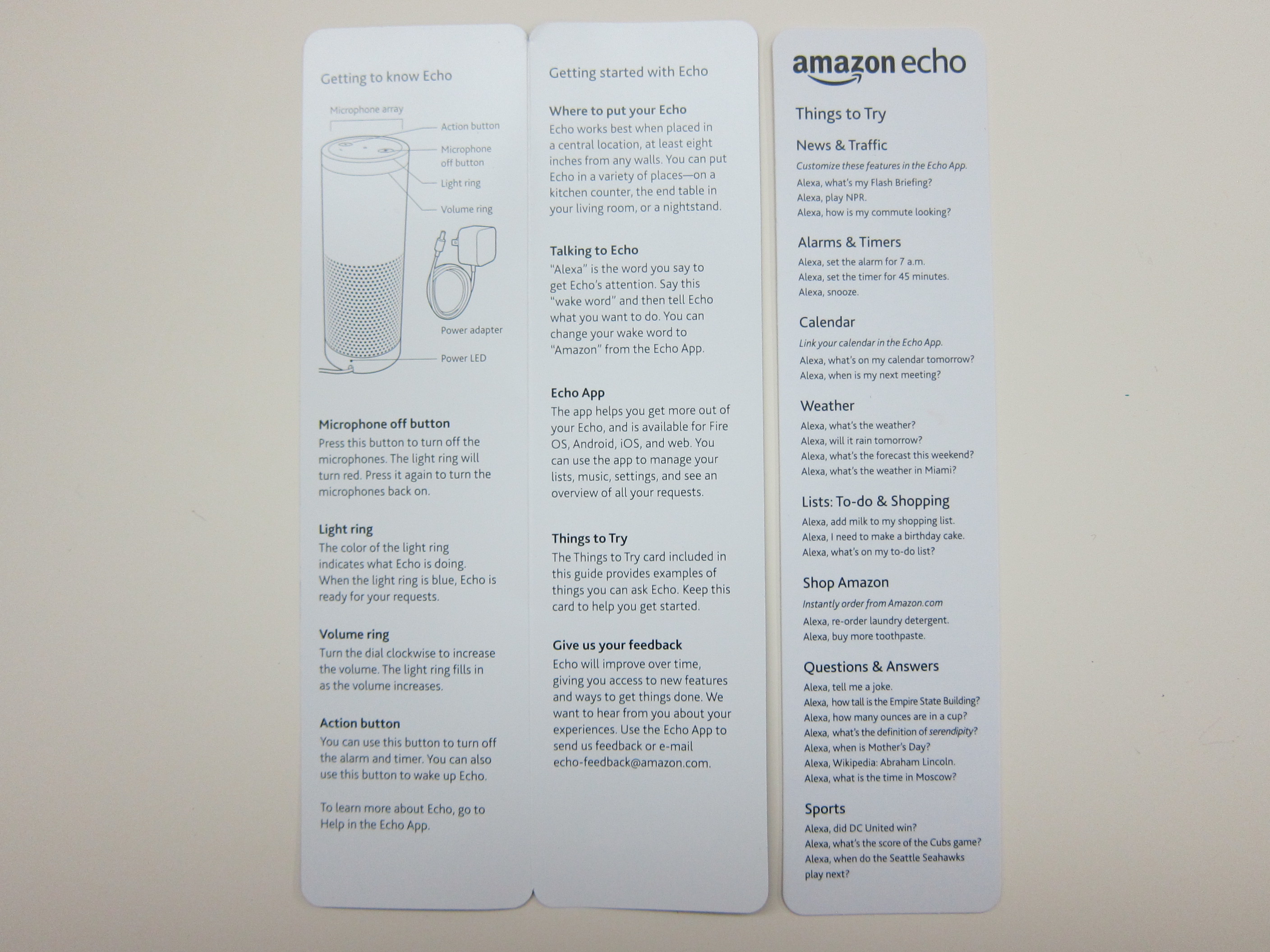
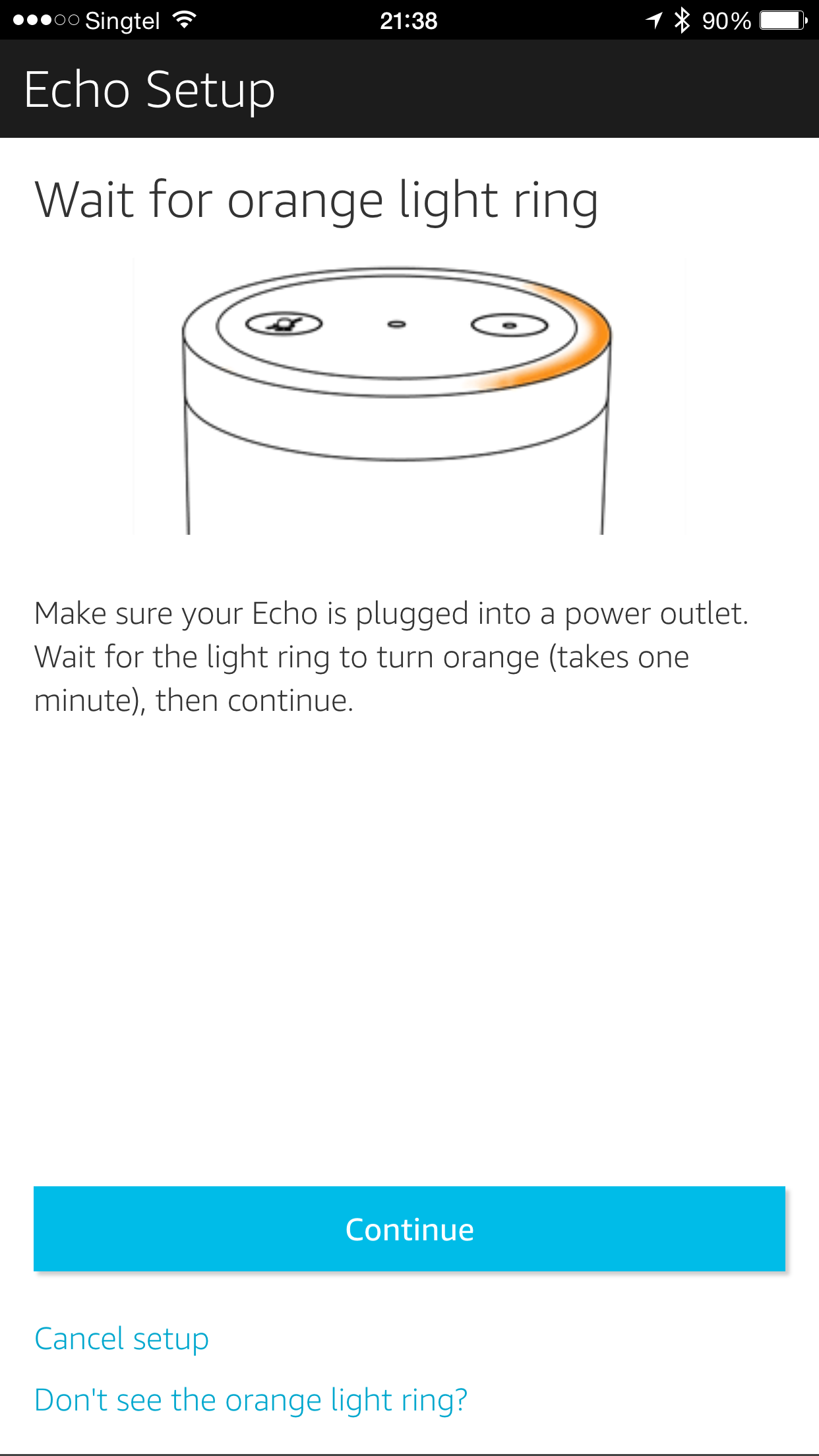
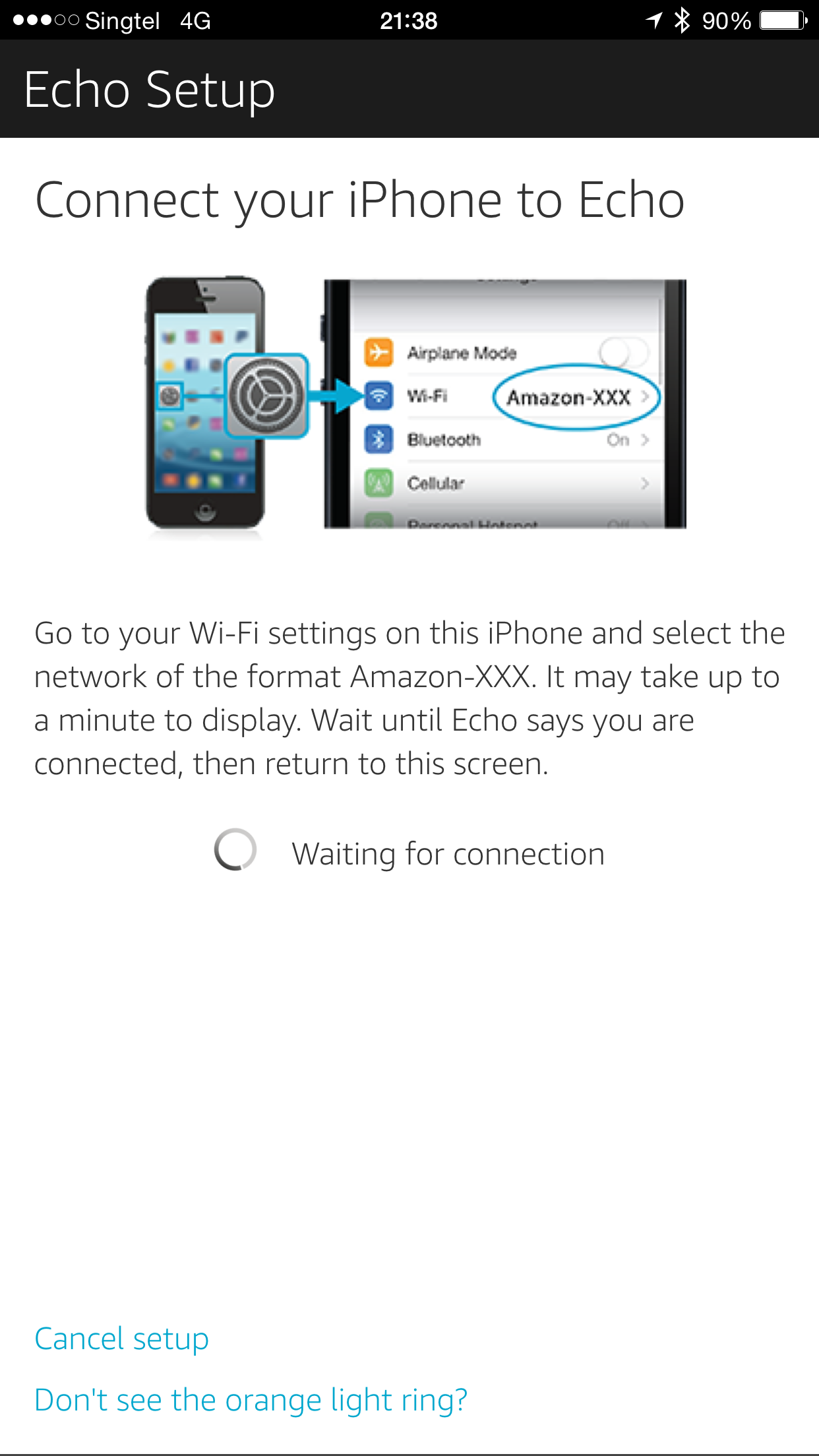
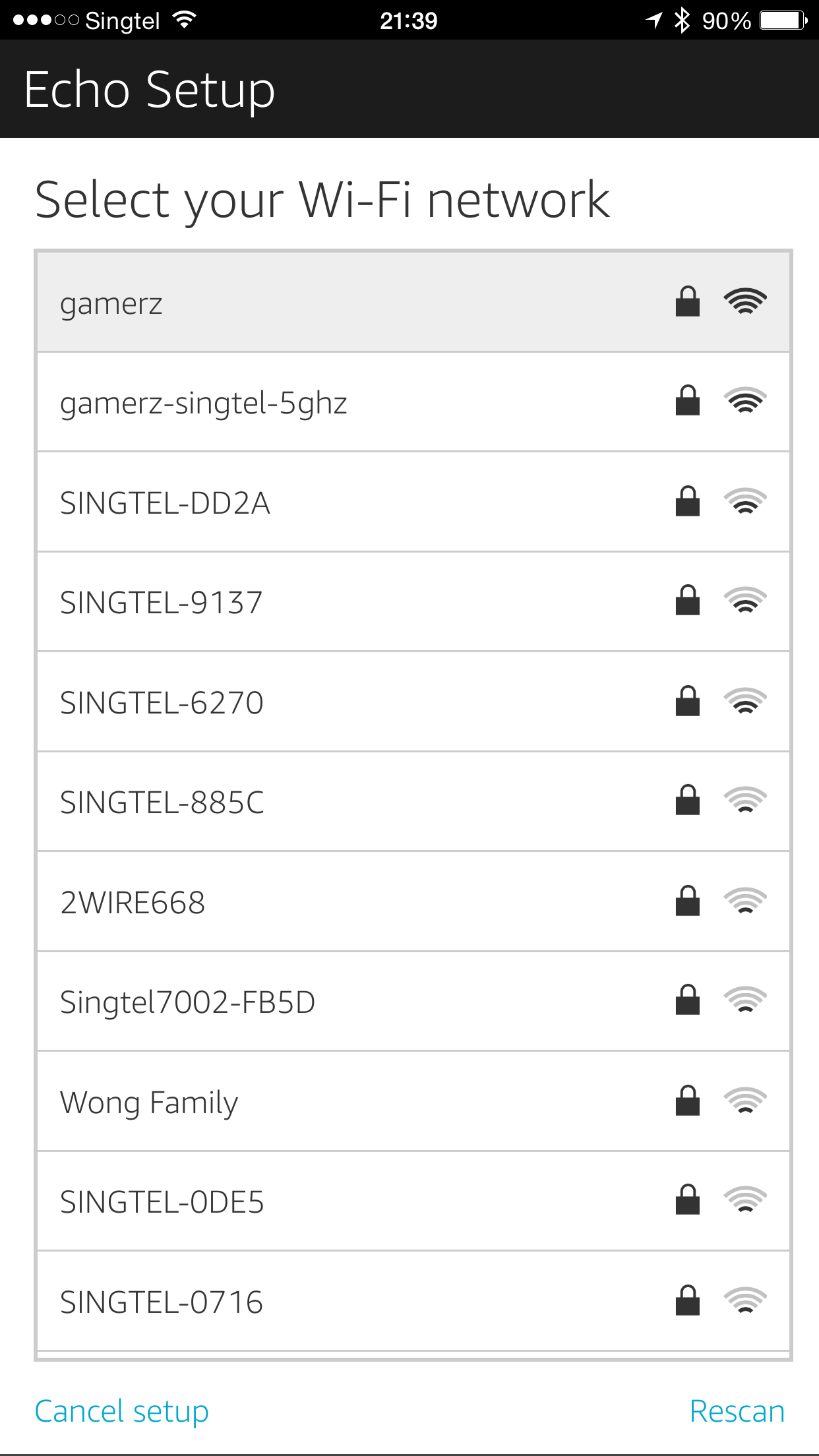
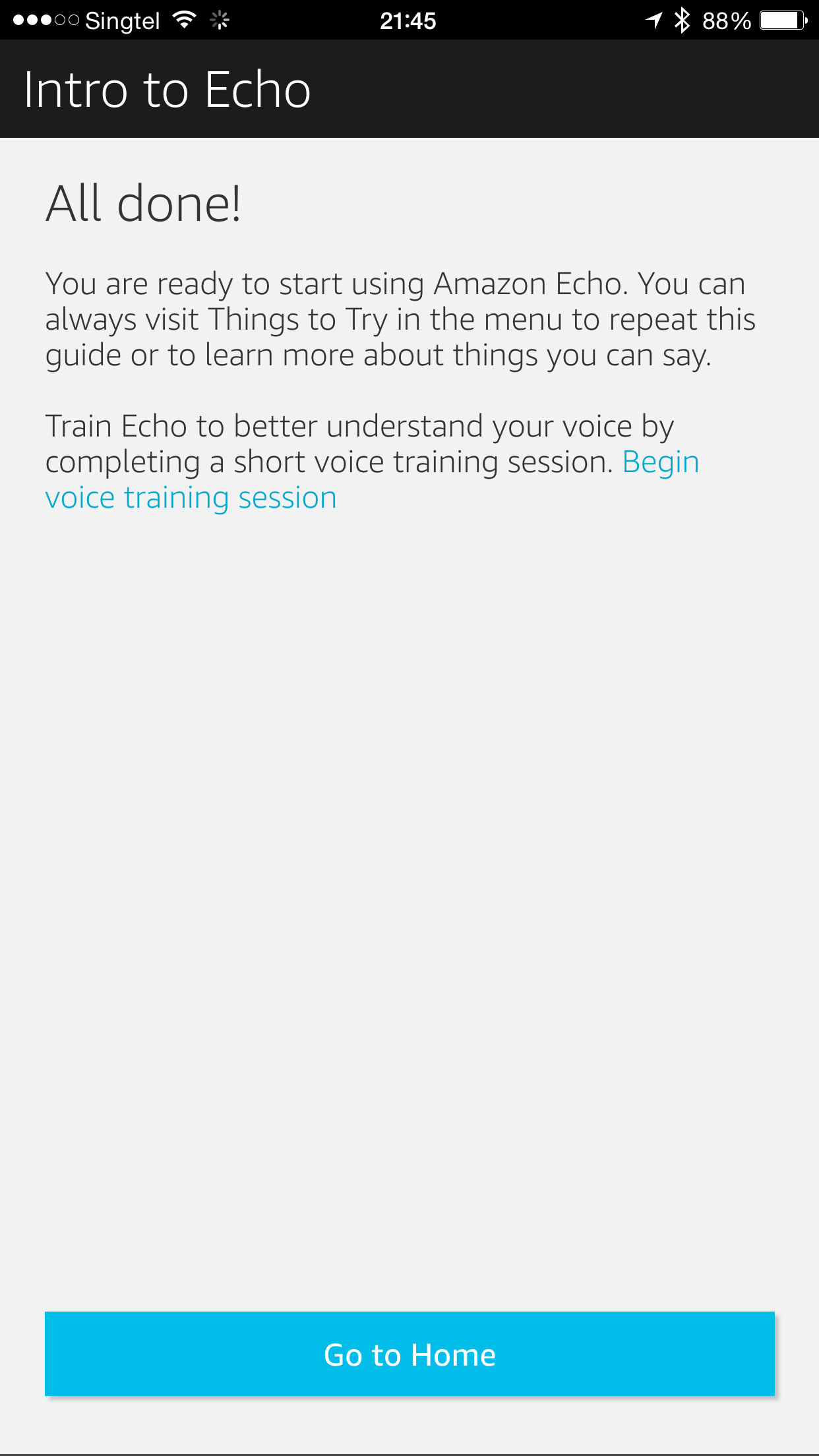
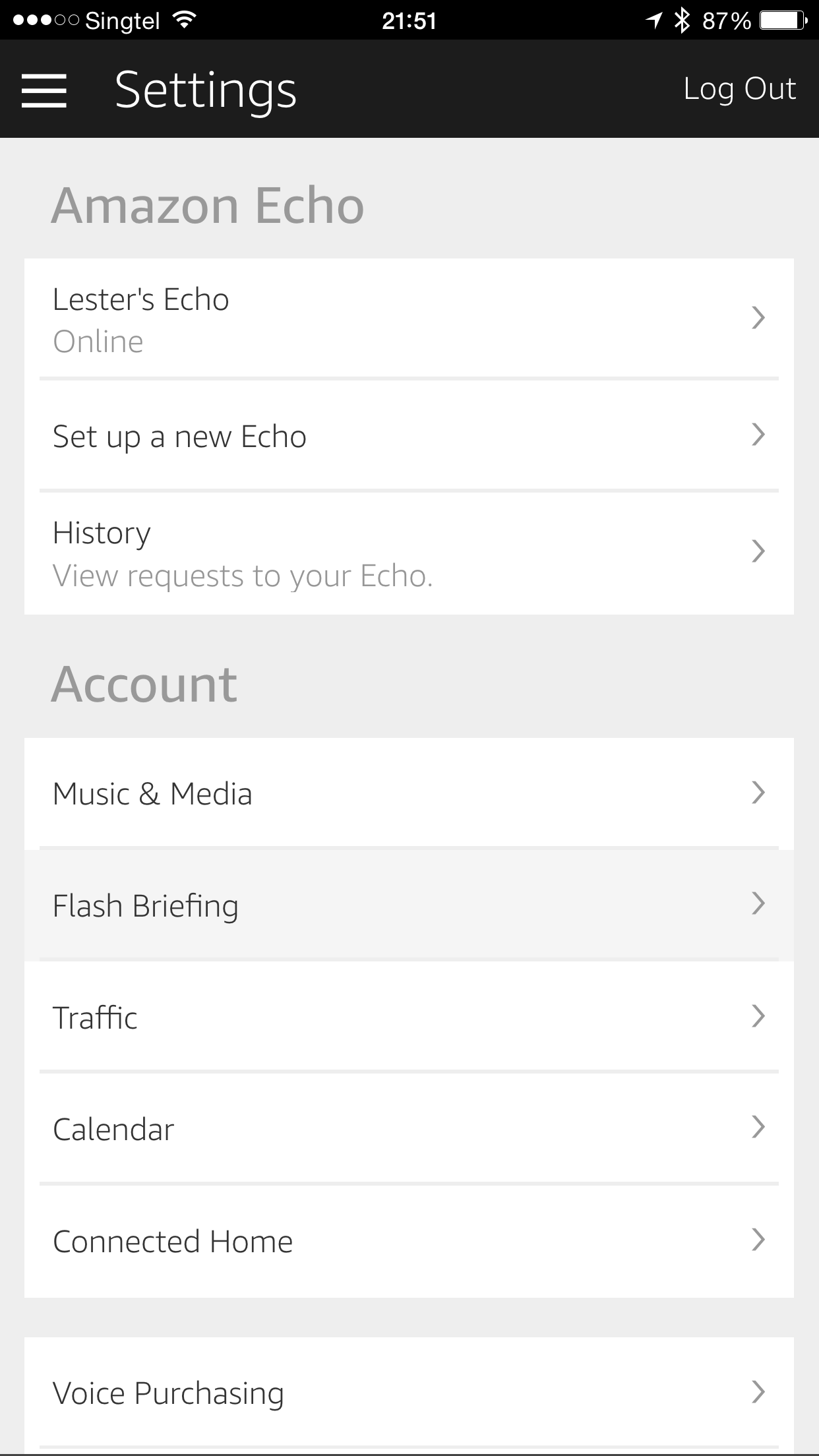
Setting up the Amazon Echo is done using the Amazon Echo App (iOS | Android). Again, because it is not meant for sale outside US, the app is not available in Singapore App Store. I have both the US and Singapore App Store account and hence I am able to download it. If you need to get an US App Store account, check out this tutorial.
If you are using Android, you can always sideload the Amazon Echo APK which you can download it from APKMirror.



SDK
Amazon Echo has an SDK, so I am looking forward to all the integrations it will bring. I am hoping I can use it to control my TV eventually.
The SDK is pretty easy to understand and there are sample codes in Node.js and Java provided. You can deploy your app to AWS Lambda and link it to Amazon Developer Portal for Echo.
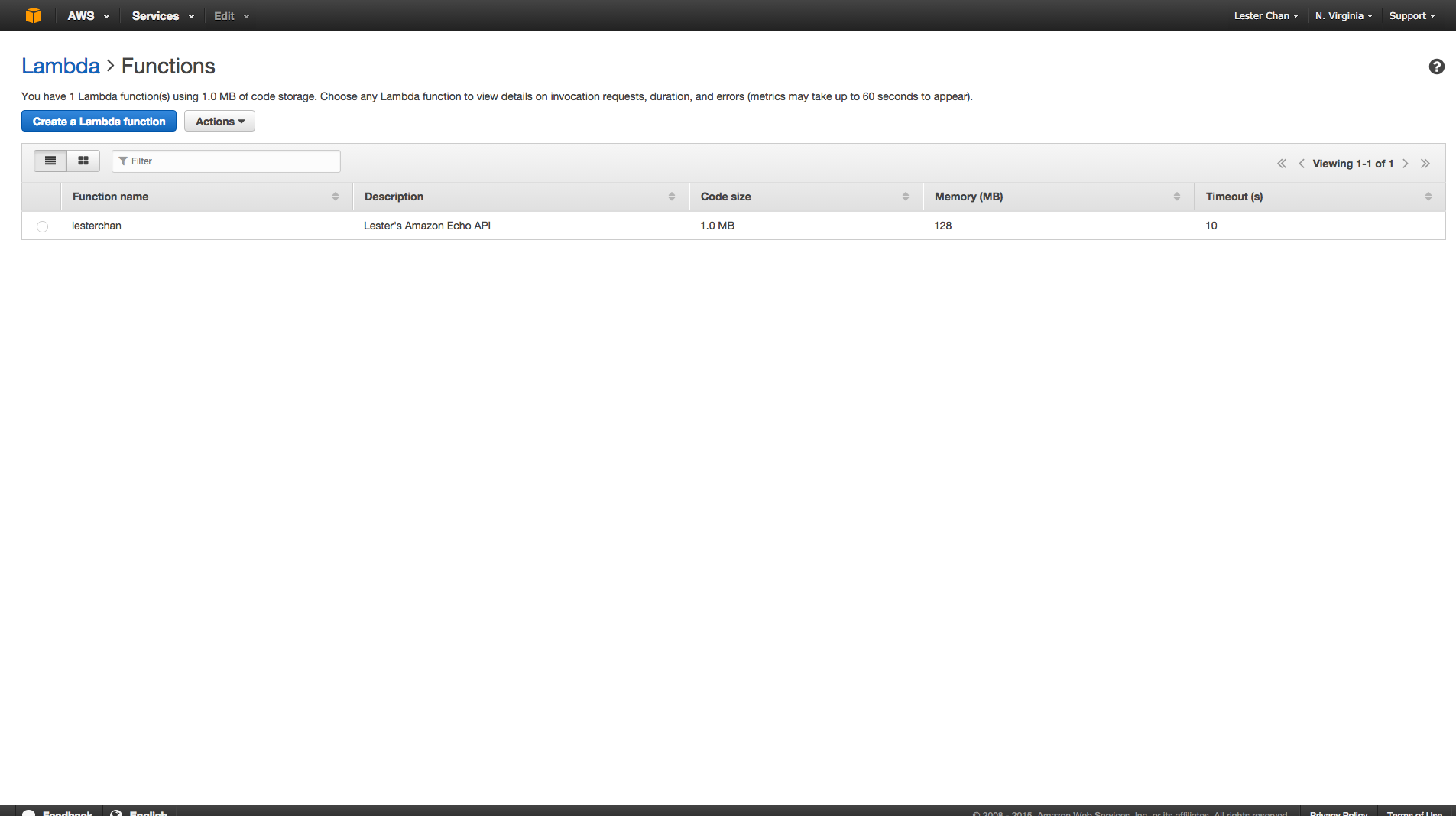
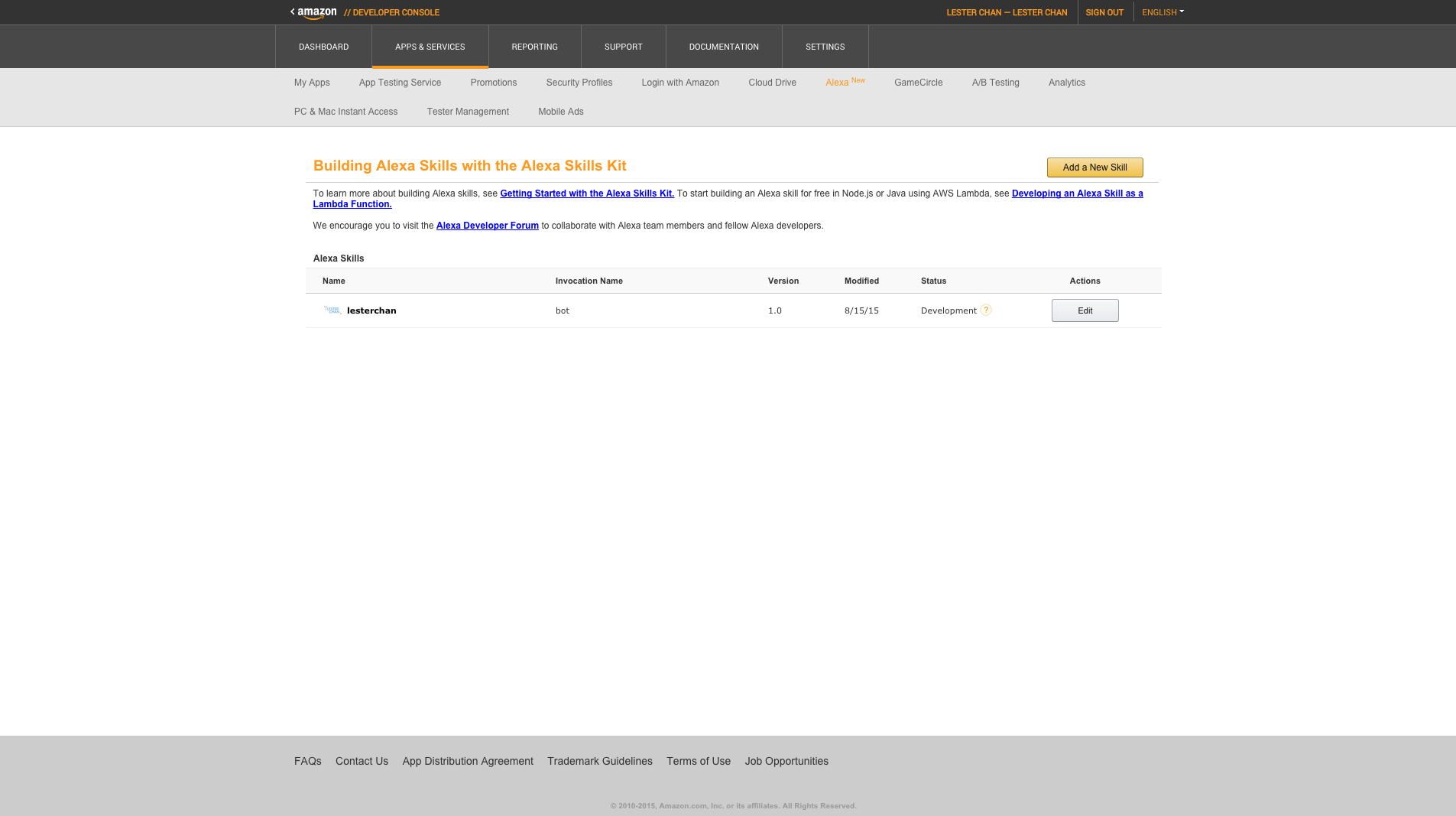
I managed to integrate Amazon Echo with my own API and I can say something like “Alexa, tell bot to read my last tweet” and Alexa will read my last Twitter’s tweet.

Hi, do you need a transformer for the difference in voltage?
Nope. It is 110-240
This blog is a life-saver. I just bought this for my parents for X-Mas but I don’t know how to install it from their android phone. Would you happen to know a tech guru who would be able to set this up? Thanks x
This article is very useful so to the comments everyone ask and answered.
Can I know where do you place the order as I found Amazon is not ship this to Singapore….hope to hear from you.Thank you so much.
Ship to a freight forwarder like HopShopGo http://www.hopshopgo.com/
Thanks for your respond Lester. I managed to register an account from vpost from Singaporepost. Cheers!
Hmm, VPost uses SingPost and as much as possible, I want to stay away from SingPost. HopShopGo uses DHL.
Any reason to avoid singpost?
Because they always do ninja delivery and end up, I have to collect personally at the post office. I rather pay a little bit more for DHL.
Thank you for advised.
No problem, you can read my encounter https://www.facebook.com/lesterchan/posts/10155564688930074
Hi lester, do u know if the tp link wifi plug HS100 is compatible with Alexa? I tried the instructions but Alexa app couldn’t find the device. Dunno whether is it the plug is local. Please help. Thanks.
I went to the site, it is said to be Amazon Echo compatible. Do you have Amazon Echo? The Alexa app does nothing on it’s own. You need it with Amazon Echo.
I have Amazon Echo and Dot. I tried both but couldn’t get them to discover the TP link plug. No problem discovering the Wemo plug which i have. So i’m not sure is it becos of the region type plug?
Unlikely because it seems to be using IEEE 802.11b/g/n which is not region based unlike Z-Wave
Did you use the TPLink app kaza to discover the plug 1st. I managed to configure 2 units so far without any issues.
It’s working for me. Bought both HS100 & HS110 from challenger. I can command using Alexa.
Hi all, I just got the
amazon tap and I cannot even connect it to the wifi for the
registration. When I follow the procedure at some point it asks me to
connect to the Amazon-xxx network (which i already don’t understand
which kind of open network is, why doesn’t it ask me to connect to my
network?), so I do it, then Alexa says it is connected and to proceed
with the Alexa app but when I go back to the app there is no way to
proceed. There is no Continue option. I read about some similar issue in UK with the BT connection
but not sure if it is related. I use M1 fiber broadband. Hope someone
can help, thanks
Hi Lester,
Does “Alexa, play Class 95 on TuneIn Radio” still work on your Echo?
Was working fine on my Google Home, till couple of weeks back – seems like the only local radio station that works now is YES 933.
Yeap it works. I know Amazon fixes their location bug. So if you “hack” it to use Singapore address before, it will work. Now it will not since it defaults to the US.
Oh dear, I was actually thinking of buying one soon, so it won’t work?
Correct. I just reset one of mine to be used in my office and I can no longer set it to Singapore address. Because of that TuneIn is no longer aware of the country it is in, so Play Class 95 will not work anymore.
I see, thanks. This means it can now stream other stations located in other countries which is allowed to be set as the Echo address?
Besides this TuneIn hiccup, are there any other useful features on the Echo that are impeded because of this location restriction for new device owners?
I only found TuneIn so far. You can set the timezone, so it can tell Singapore time by default. Weather is probably another one.
You can only set the Echo to US addresses.
Thanks Lester for your replies… so all things considered, is ordering an Echo for use here in Singapore a worthwhile endeavor?
Depends on individual. I use it to control my smart home and TV. I am using my Sonos for tunein, so I am not missing out.