There are two ways in which you can watch Netflix in Singapore. The first is using a VPN and the other is using a DNS. Personally, I prefer the DNS method because you just have to configure your router’s DNS and point to UnoTelly’s SmartDNS. With your router configured, everybody connected to the router can easily access Netflix on their computer or on their mobile/tablet devices.
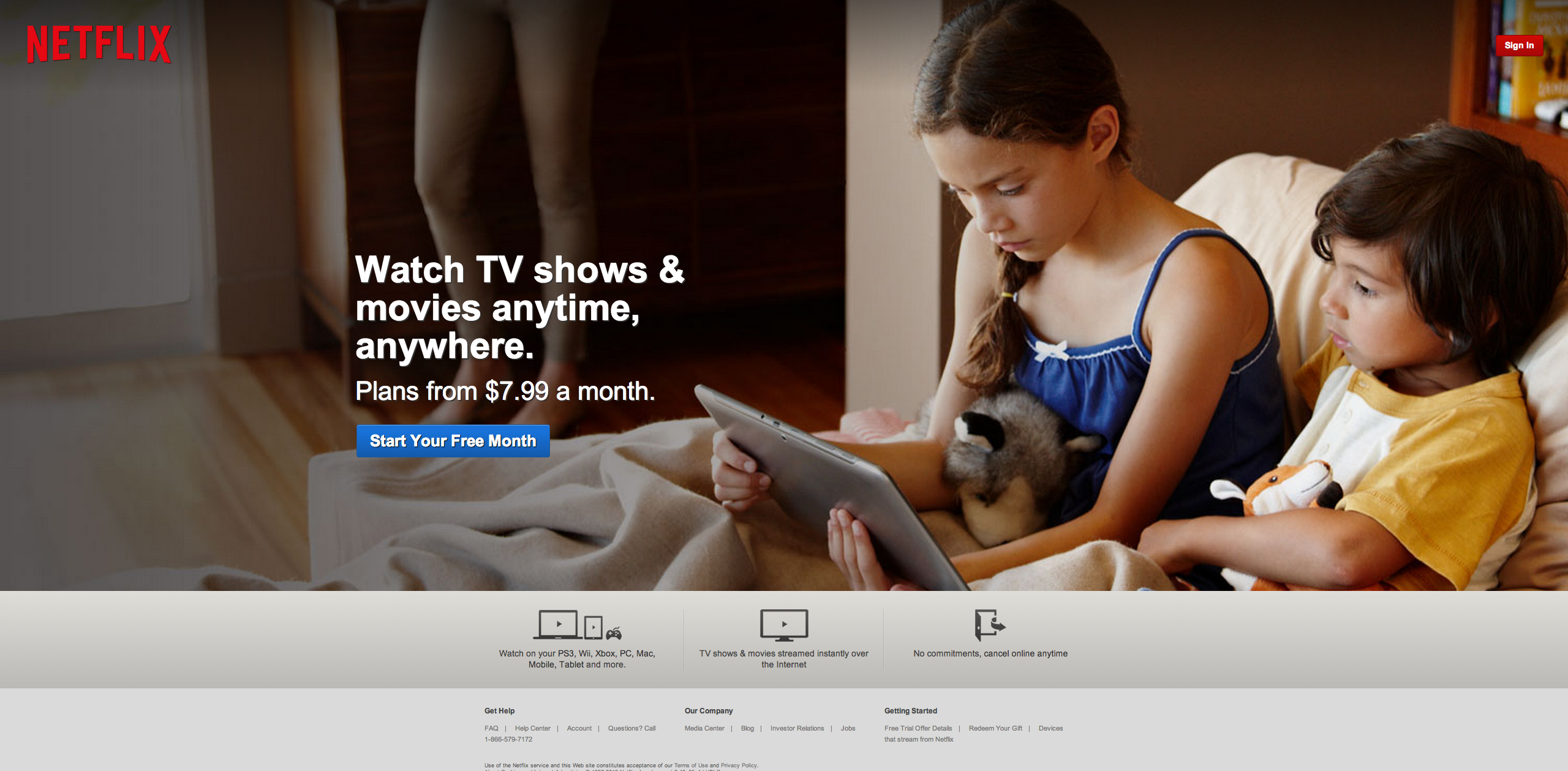
What Is Netflix (From: Wikipedia)
Netflix, Inc. is an American provider of on-demand Internet streaming media available to viewers in North and South America, the Caribbean, and parts of Europe (Denmark, Finland, Ireland, the Netherlands, Norway, Sweden, and the United Kingdom), and of flat rate DVD-by-mail in the United States, where mailed DVDs are sent via Permit Reply Mail. The company was established in 1997 and is headquartered in Los Gatos, California. It started its subscription-based digital distribution service in 1999, and by 2009 it was offering a collection of 100,000 titles on DVD and had surpassed 10 million subscribers.
What Is UnoTelly UnoDNS
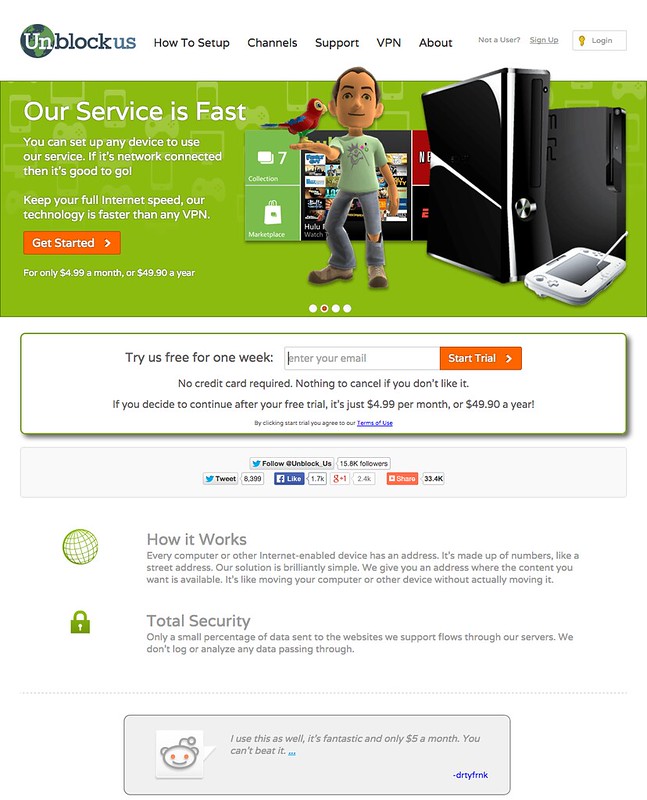
UnoTelly UnoDNS allows you to watch channels like Netflix, Hulu, BBC iPlayer, Channel 4oD, Pandora, Fox.com even if you don’t live in USA or UK. As of today, there are about 236 channels available.
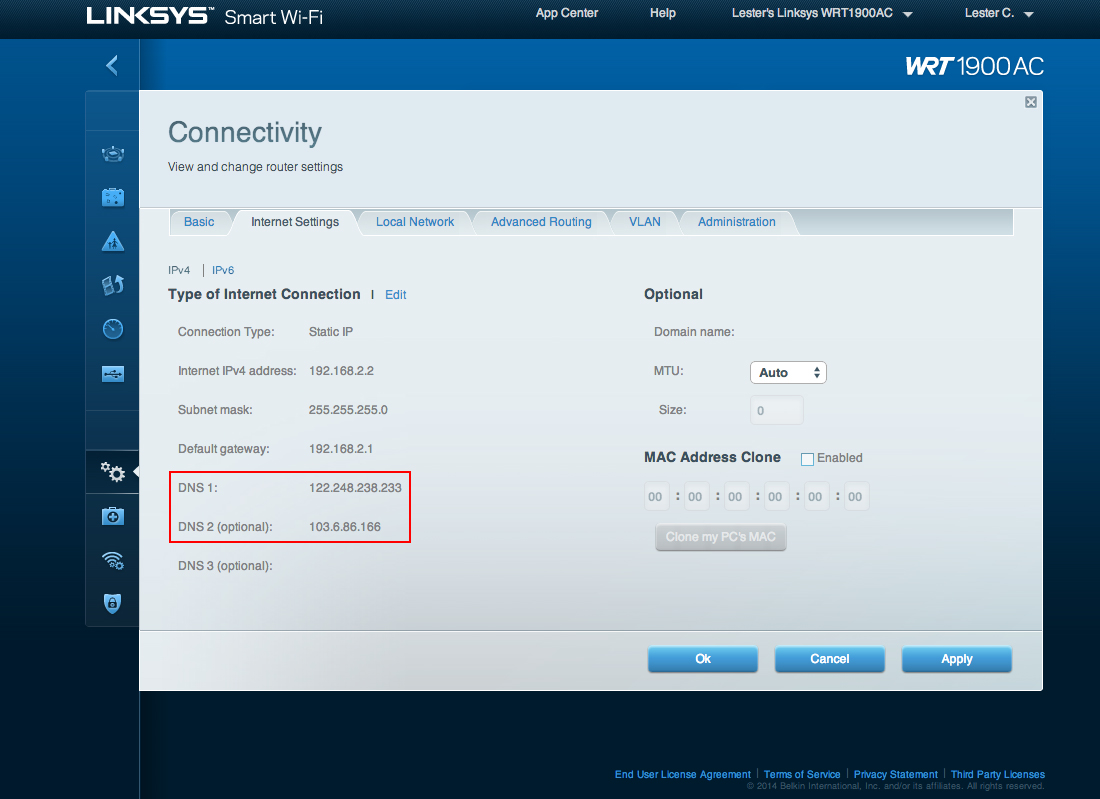
Setting Up UnoTelly SmartDNS
Setting up UnoTelly SmartDNS is simple and straight forward. You just have to update the DNS on your router to UnoTelly’s DNS that is nearest to you. If you are not sure how to do it, do read the Unotelly’s Support Page on Setting Up UnoDNS on Your Router & Modem.
Getting Netflix App
I have both the Netflix app on my iOS devices and Android devices.

For iOS devices, you need to get an US iTunes account because the Netflix iOS app is not available within Singapore AppStore. You can Google on how to do it or you can read makeuseof’s article on How To Create A US iTunes Account (& Access US-Only Contents) Without A Credit Card. Once you gotten an US iTunes account, on your iOS device, you need to sign-out of your current iTunes account and sign-in with your newly created US iTunes account. You can read Apple’s Support Page on iOS: Sign in with a different Apple ID in the iTunes Store, App Store, and iBooks Store.
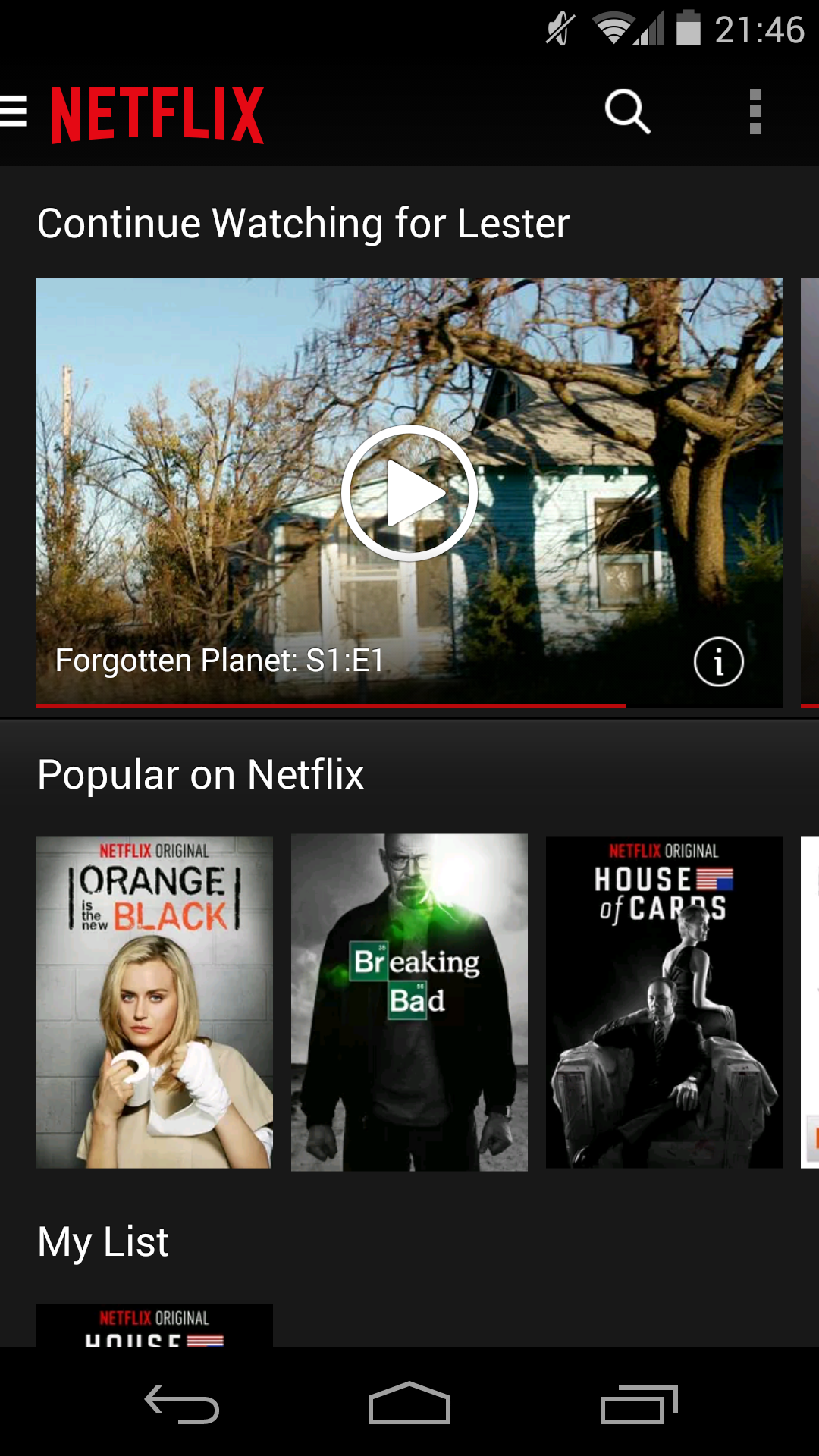
For Android devices, it is much easier. You just have to download the .apk file from XDA Developers and install in to your Android device. The latest version I could find from XDA Developers is Netflix 3.8.0 build 3832.
Prices
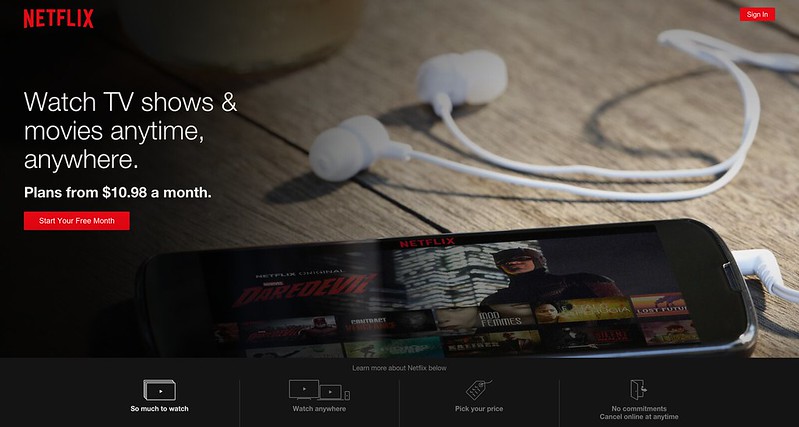
Netflix has three price plans:
- 1 Screen: Watch on 1 screen at a time in Standard Definition – US$7.99 (S$10) per month
- 2 Screens + HD: Watch on 2 screens at a time. High Definition available – US$8.99 (S$12) per month
- 4 Screens + HD: Watch on 4 screens at a time. High Definition available – US$11.99 (S$15) per month
Regardless of which price plan you choose, you have a free one month trial. For most people (including me), I think the US$8.99 (S$12) price plan should suffice.
For UnoTelly’s, there are two price plans:
- Premium Plan: 100% Unlimited UnoDNS Access using 30+ fast DNS Servers with over 250+ channels unlocked globally – US$4.95 (S$6.50) per month
- Gold Plan: Everything on Premium Package + UnoVPN with PPTP and OpenVPN Protocol US, UK, Canada, Netherlands VPN servers Secured Servers to prevent snooping and to protect your identity – US$7.95 (S$10) per month
For me, I chose the Premium Plan because I just need the DNS service. If you prepaid one year in advance of US$47.95 (S$60), it is just US$3.99 (S$5) per month instead of the usual US$4.95 (S$6.50) per month.
UnoTelly has a 8-day trial for you to test the service. It is because of the 8-day UnoTelly’s trial and the one month Netflix’s trial that makes me realised how awesome Netflix is and that is how I got hooked.
I have ten UnoTelly’s coupon codes that offers 20% discount to all UnoTelly packages. If you like to have it, leave your email in the comments and I will email it to you. It is on a first come first served basis.
Chromecast
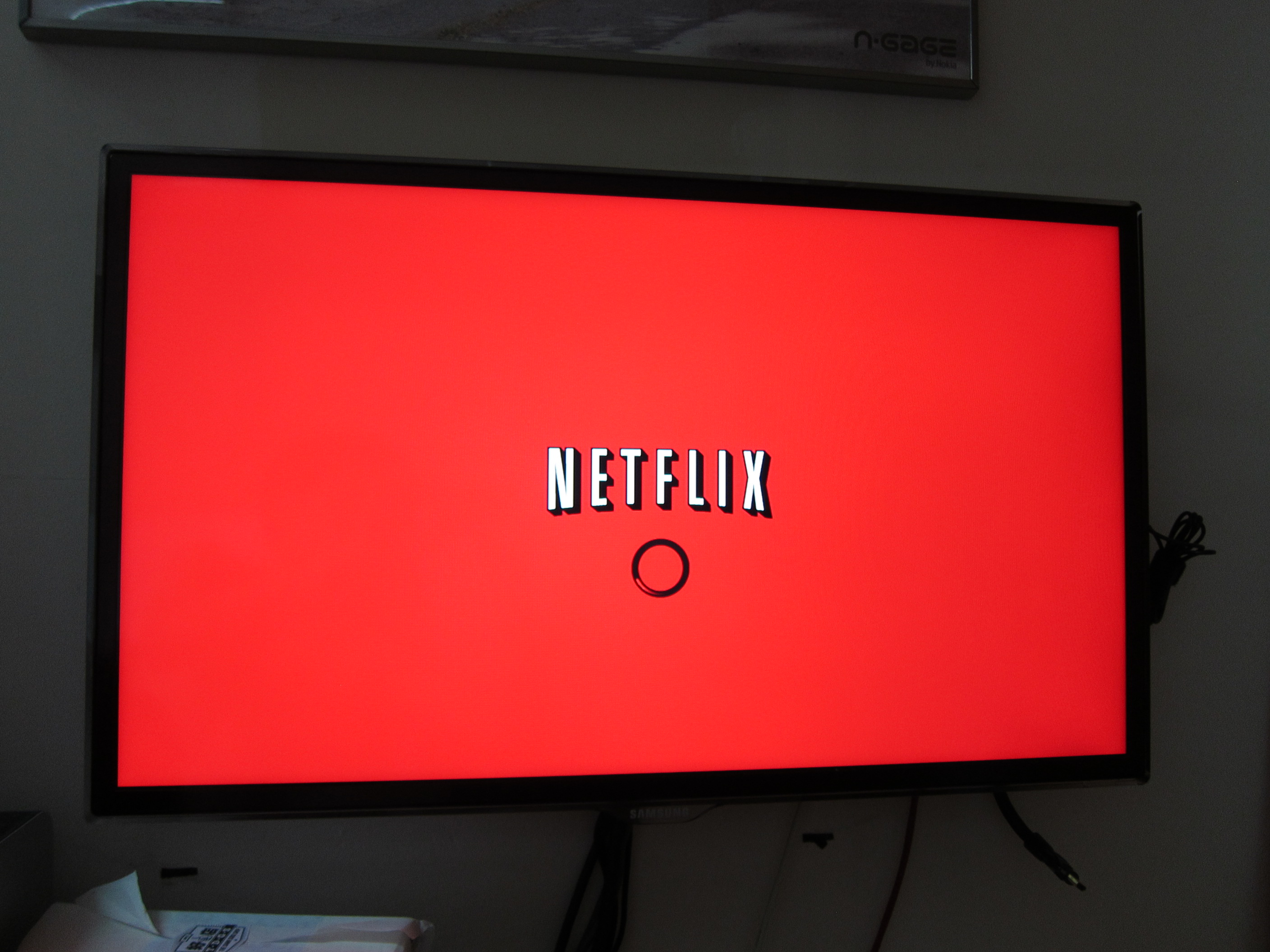
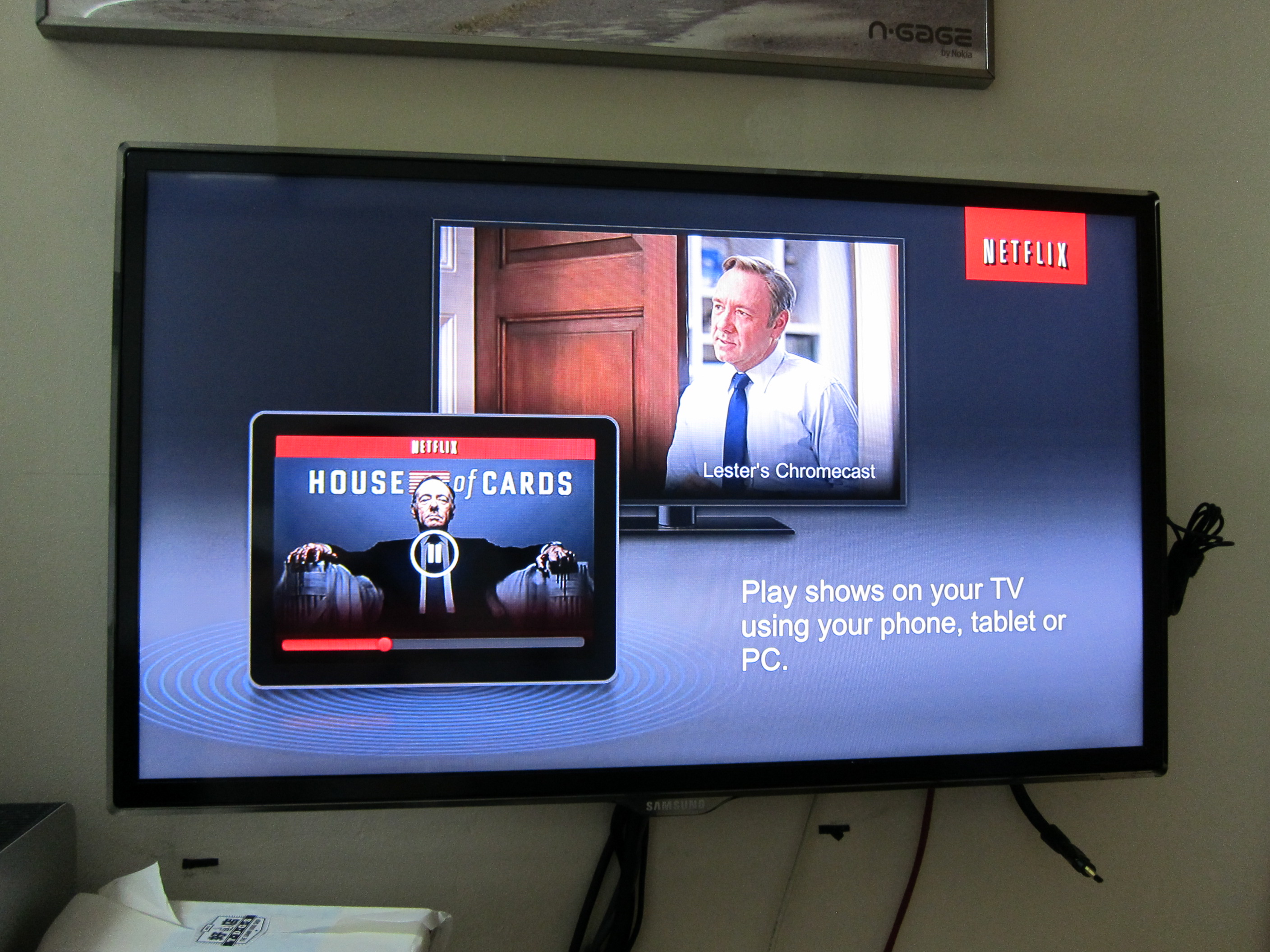
Another advantage of getting a DNS service instead of a VPN service is you can Chromecast your TV show/movie directly to your television by just blocking the Google DNS using Static Route on your router as shown below.
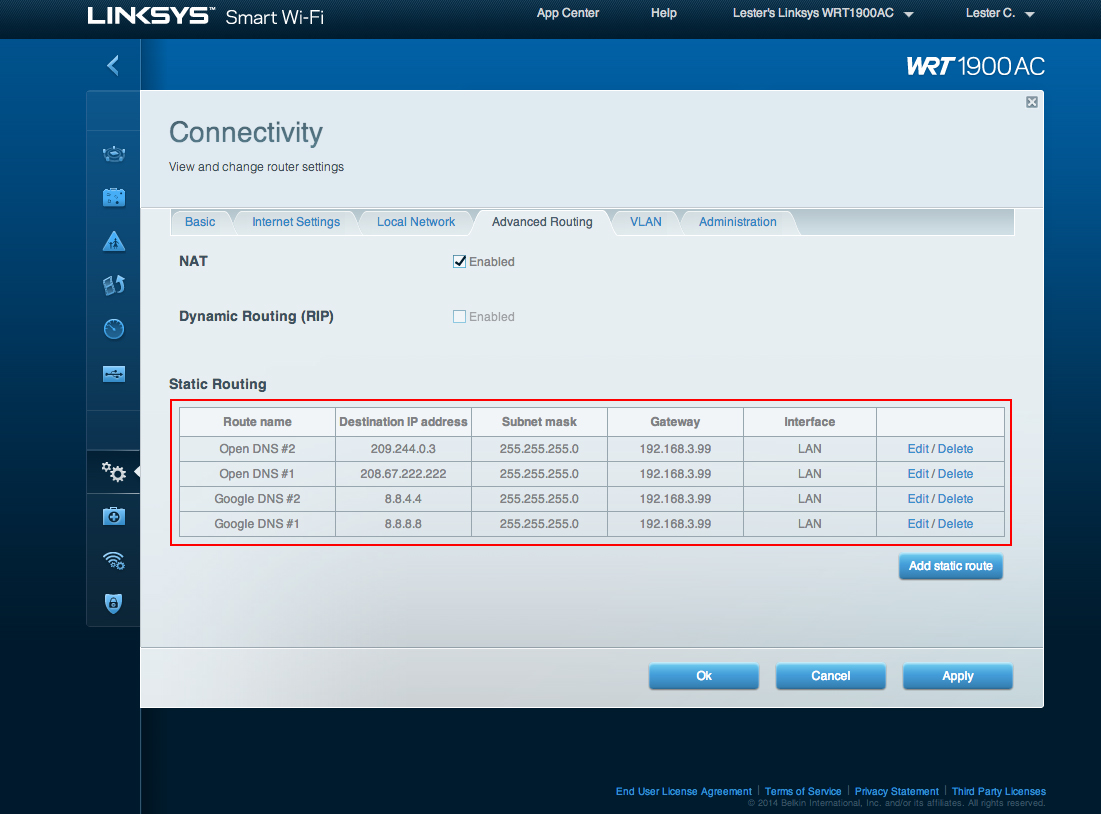
The reason why you need to do it is because Google hardcoded their DNS (8.8.8.8 and 8.8.4.4) into Chromecast and hence it will bypass your router’s DNS. If you block Google’s DNS, it will fall back to your router’s DNS which is UnoTelly SmartDNS that you have configured earlier.
You can read on how to do it on UnoTelly’s Support Page on Setup Static Routes on LINKSYS and CISCO (New Interface) Routers.



Please send me a coupon. Thanks! 🙂
Sent
Hiya Lester! Would love to have a coupon. Thanks!
Hi Lester, i would appreciate it if you could share the coupon with me. Thanks!
Sent number 2
Hey Lester, may i have one of the coupon? milton@nerdytwo.com 😉
Cheers
Sent number 3
dave[at]davejunia[dot]com
Sent number 4
Hi Lester,
Please send me one of your coupons.
My email is lee.shaun@gmail.com
Thank you!
Sent number 5
Would you send me one too? 😀
Sent number 6
Just an update. I am still waiting for UnoTelly for the coupon codes, then I will mail it to you. I have 4 more despite there are 7 comments here because @terencet:disqus gave up his =)
I’ve been using the SmartDNS service to watch Netflix in Singapore for several months, but I noticed that it stopped working a few days ago and tech support haven’t been able to resolve the issue after a couple of email exchanges. Is it still working for anyone here?
Hmm I just used it on Saturday and it works fine.
Could I have a coupon please?
Email address?
lucagrlm@gmail.com
Sent number 7
Can I have a coupon, please ? LWY1@yahoo.com.sg
Sent number 8
Can I have a coupon too pls? matnosg@gmail.com
Sent number 9
Can I have a coupon too please? bavan.amir@gmail.com
Sent number 10. That’s all folks
Anyboday has any idea of how to setup my chromecast to work with Cisco Model DPC3925 router? its not in unotelly’s website.
Sorry, I am not familiar with that. Probably drop Unotelly a support email and ask them instead.
I have a singtel isp and im pretty sure they dont allow for adjustment of dns settings .I would like to use a third party router so that i can change the dns settings from there.Can anybdoy tell me how to do this.Or is it just as simple as plugging the internet from singtel’s provided router and connecting it to the third party router?
If I am not wrong you can modify the DNS on SingTel router side. since it is provided by Aztec
Unotelly doesnt provide any instructions for aztech router devices though
Drop them a support email? I am sure they might know it since they have quite a bit of Singapore customers.
Hi Lester Chan/ or anyone,
Does unotelly makes me untraceable on internet and safe to download torrent?
No it doesn’t. Just by using a single proxy will still make you traceable but just slightly more difficult not impossible.
I prefer using ZoogTV VPN over a DNS service as it works both on Wifi and over 3G/4G network. It’s cheap, secure and fast – what more can I ask for 🙂
Hi Lester, Thanks for this post. Very helpful and I want to five it a try. I have M1 fiber setup and a WRT1900ac router. I am not sure how I can find to what my Router IP and default GW settings are in order to set up the WRT1900sc similar to what you have shared. I do have a static IP from M1. Should I do the DNS addition on the Internet side(similar to you) or the LAN side of the router?
Thanks, Anthony
Hi Lester, may I request the 20% UnoTelly voucher, please? Here is my emaol: porismodern@gmail.com. Thanks
I given out all.
No problem. Thanks.