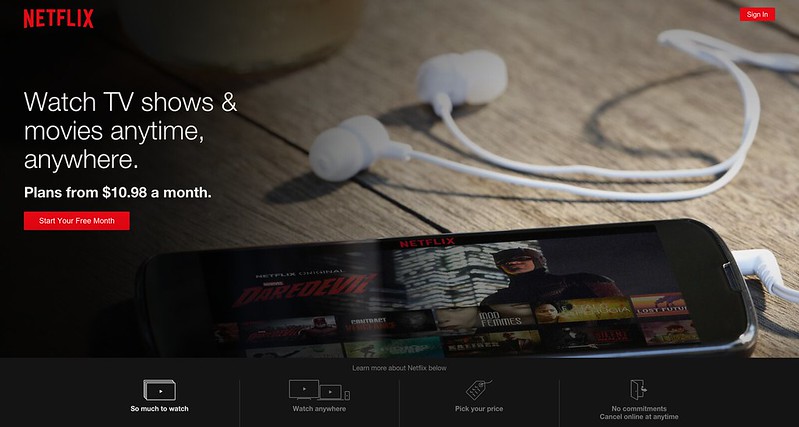
There are two ways in which you can watch Netflix in Singapore. The first is using a VPN and the other is using a DNS. Personally, I prefer the DNS method because you just have to configure your router’s DNS and point to UnoTelly’s SmartDNS. With your router configured, everybody connected to the router can easily access Netflix on their computer or on their mobile/tablet devices.
What Is Netflix (From: Wikipedia)
Netflix, Inc. is an American provider of on-demand Internet streaming media available to viewers in North and South America, the Caribbean, and parts of Europe (Denmark, Finland, Ireland, the Netherlands, Norway, Sweden, and the United Kingdom), and of flat rate DVD-by-mail in the United States, where mailed DVDs are sent via Permit Reply Mail. The company was established in 1997 and is headquartered in Los Gatos, California. It started its subscription-based digital distribution service in 1999, and by 2009 it was offering a collection of 100,000 titles on DVD and had surpassed 10 million subscribers.
What Is UnoTelly UnoDNS
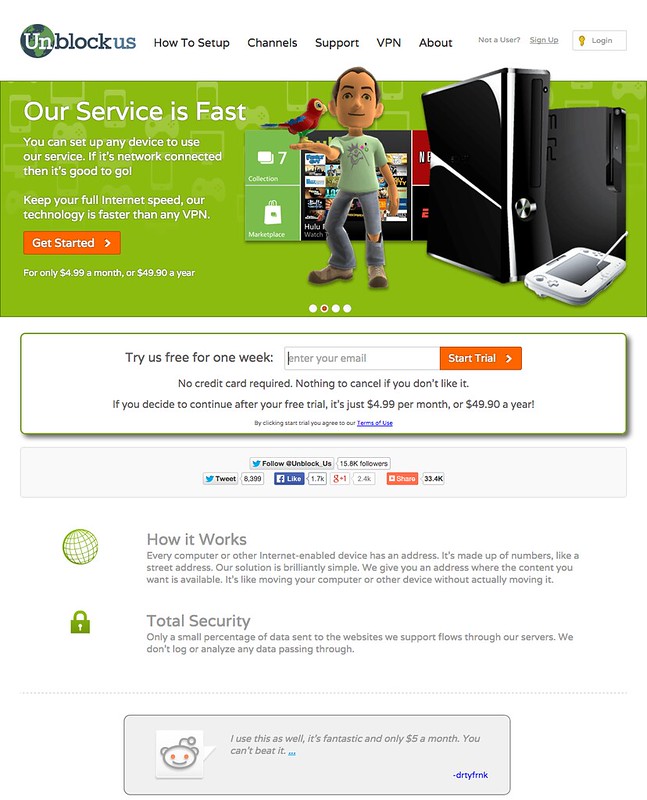
UnoTelly UnoDNS allows you to watch channels like Netflix, Hulu, BBC iPlayer, Channel 4oD, Pandora, Fox.com even if you don’t live in USA or UK. As of today, there are about 236 channels available.
Setting Up UnoTelly SmartDNS
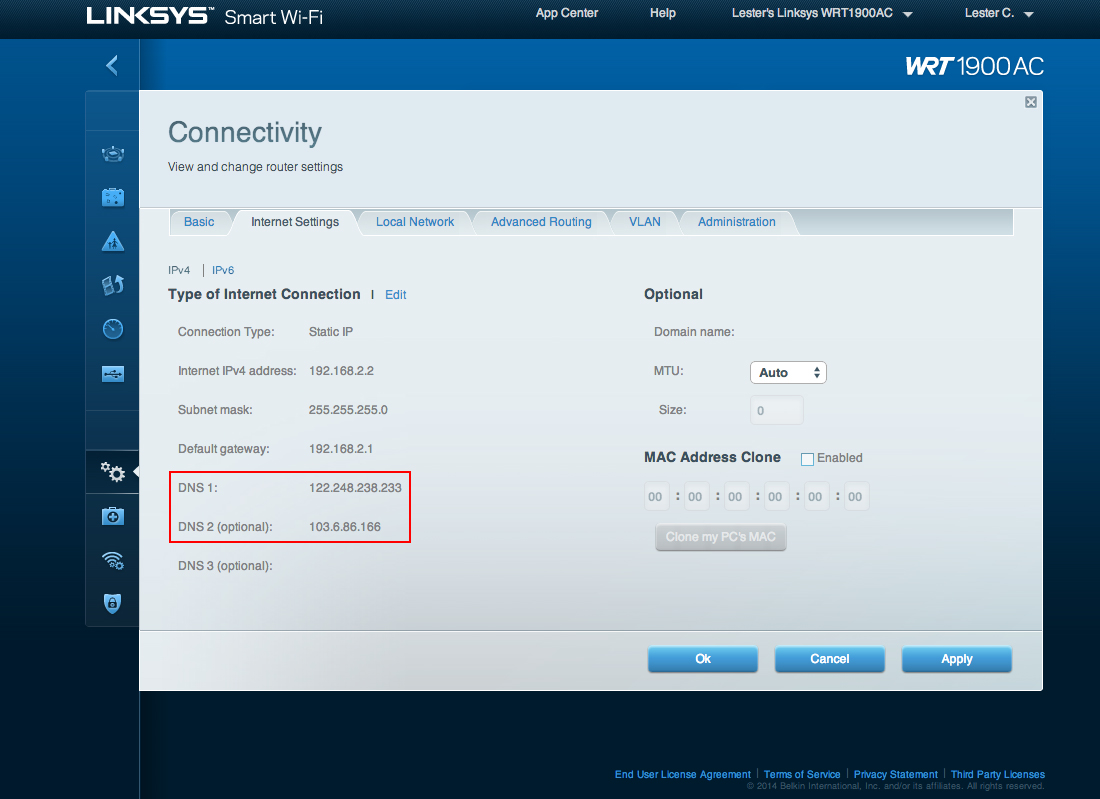
Setting up UnoTelly SmartDNS is simple and straight forward. You just have to update the DNS on your router to UnoTelly’s DNS that is nearest to you. If you are not sure how to do it, do read the Unotelly’s Support Page on Setting Up UnoDNS on Your Router & Modem.
Getting Netflix App
I have both the Netflix app on my iOS devices and Android devices.

For iOS devices, you need to get an US iTunes account because the Netflix iOS app is not available within Singapore AppStore. You can Google on how to do it or you can read makeuseof’s article on How To Create A US iTunes Account (& Access US-Only Contents) Without A Credit Card. Once you gotten an US iTunes account, on your iOS device, you need to sign-out of your current iTunes account and sign-in with your newly created US iTunes account. You can read Apple’s Support Page on iOS: Sign in with a different Apple ID in the iTunes Store, App Store, and iBooks Store.
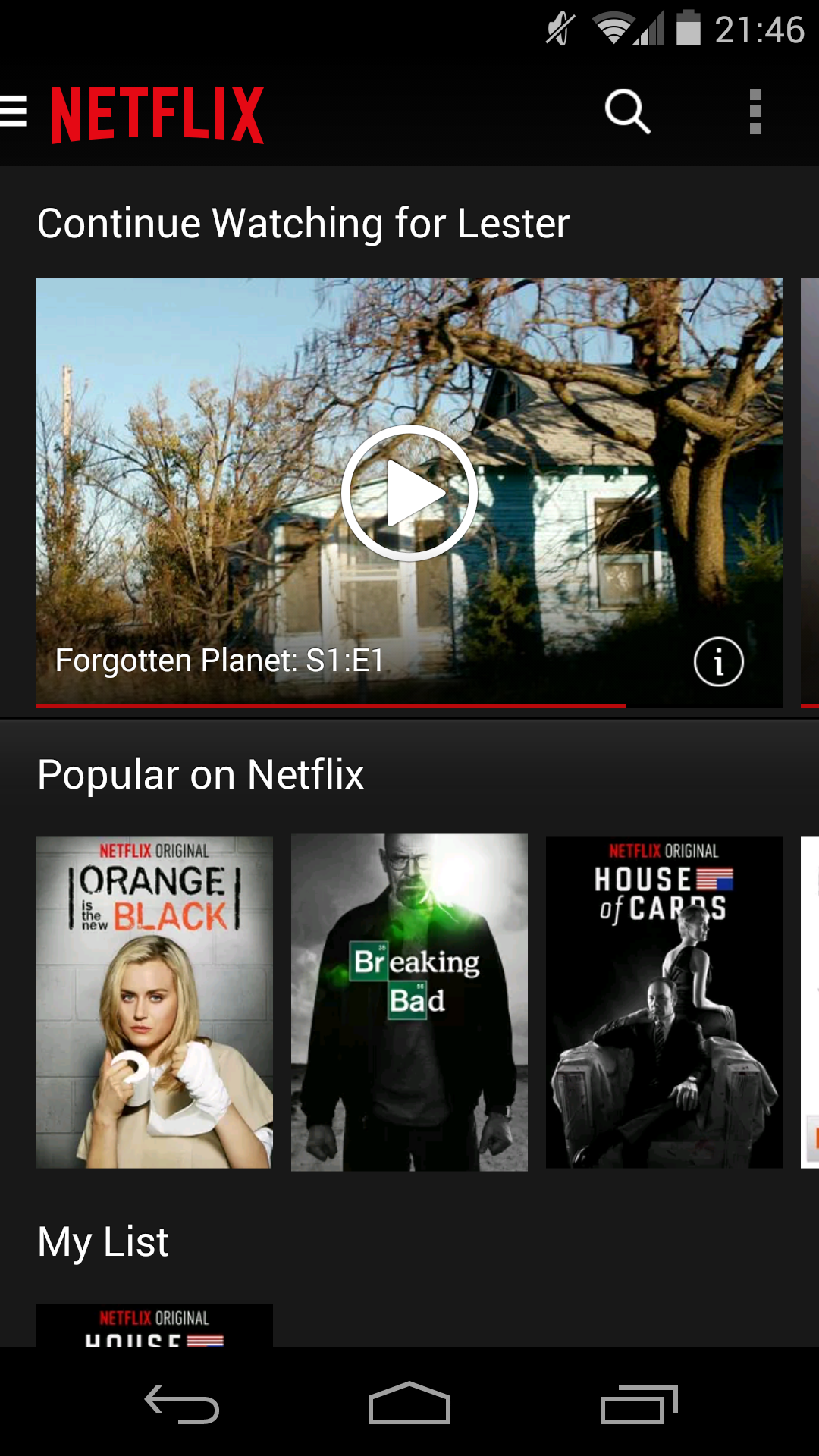
For Android devices, it is much easier. You just have to download the .apk file from XDA Developers and install in to your Android device. The latest version I could find from XDA Developers is Netflix 3.8.0 build 3832.
Prices
Netflix has three price plans:
- 1 Screen: Watch on 1 screen at a time in Standard Definition – US$7.99 (S$10) per month
- 2 Screens + HD: Watch on 2 screens at a time. High Definition available – US$8.99 (S$12) per month
- 4 Screens + HD: Watch on 4 screens at a time. High Definition available – US$11.99 (S$15) per month
Regardless of which price plan you choose, you have a free one month trial. For most people (including me), I think the US$8.99 (S$12) price plan should suffice.
For UnoTelly’s, there are two price plans:
- Premium Plan: 100% Unlimited UnoDNS Access using 30+ fast DNS Servers with over 250+ channels unlocked globally – US$4.95 (S$6.50) per month
- Gold Plan: Everything on Premium Package + UnoVPN with PPTP and OpenVPN Protocol US, UK, Canada, Netherlands VPN servers Secured Servers to prevent snooping and to protect your identity – US$7.95 (S$10) per month
For me, I chose the Premium Plan because I just need the DNS service. If you prepaid one year in advance of US$47.95 (S$60), it is just US$3.99 (S$5) per month instead of the usual US$4.95 (S$6.50) per month.
UnoTelly has a 8-day trial for you to test the service. It is because of the 8-day UnoTelly’s trial and the one month Netflix’s trial that makes me realised how awesome Netflix is and that is how I got hooked.
I have ten UnoTelly’s coupon codes that offers 20% discount to all UnoTelly packages. If you like to have it, leave your email in the comments and I will email it to you. It is on a first come first served basis.
Chromecast
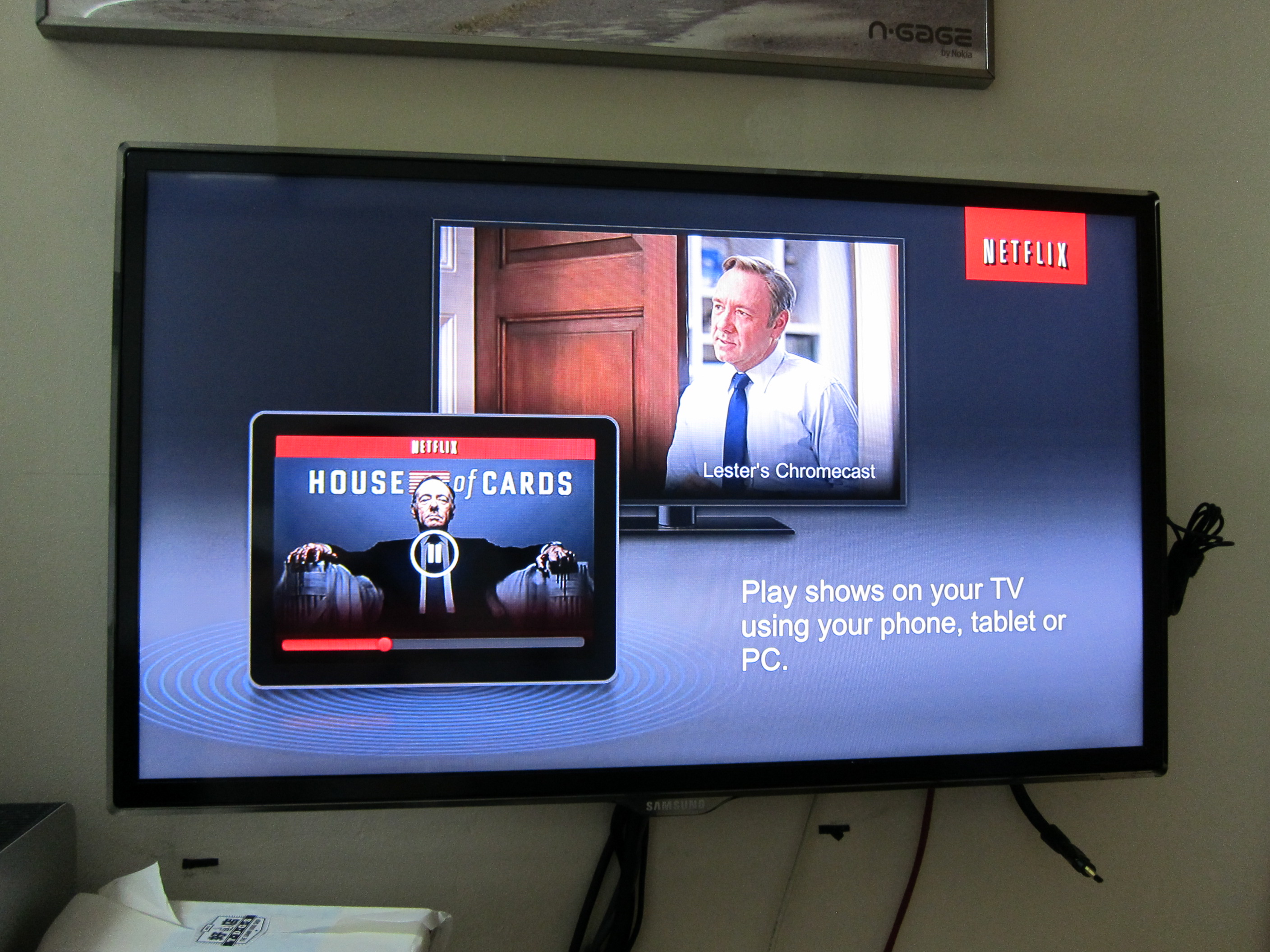
Another advantage of getting a DNS service instead of a VPN service is you can Chromecast your TV show/movie directly to your television by just blocking the Google DNS using Static Route on your router as shown below.
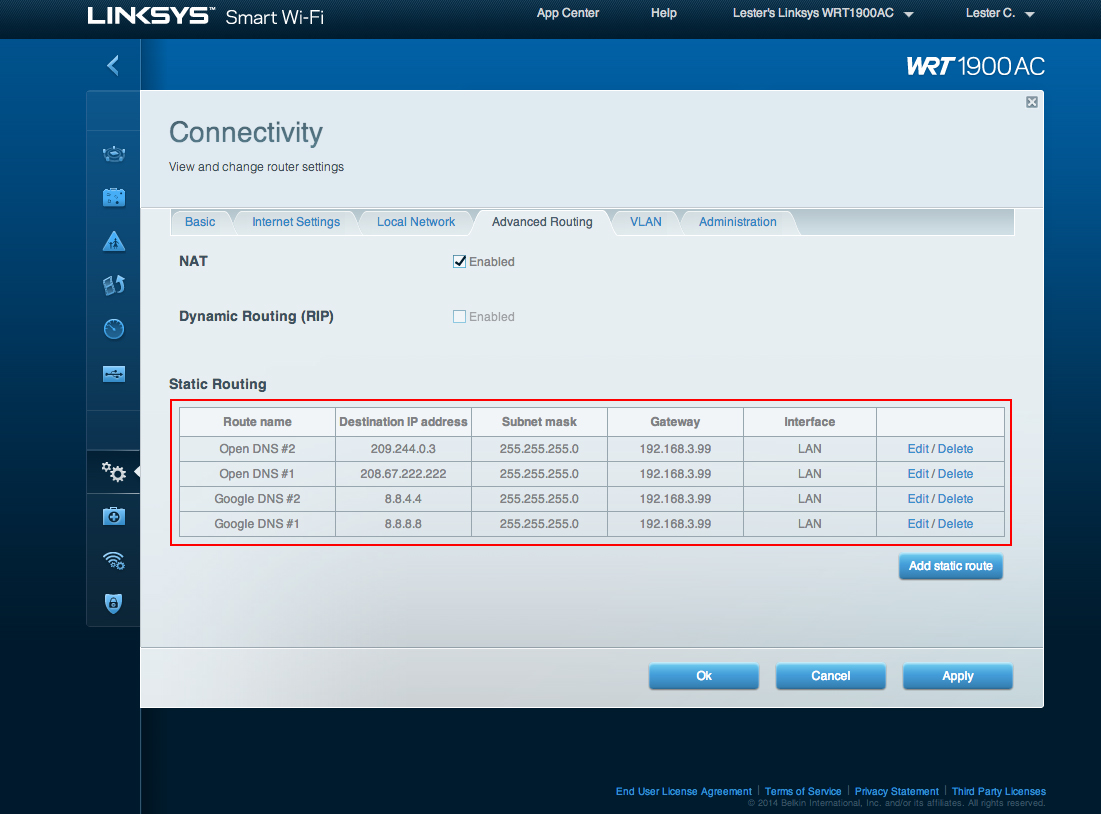
The reason why you need to do it is because Google hardcoded their DNS (8.8.8.8 and 8.8.4.4) into Chromecast and hence it will bypass your router’s DNS. If you block Google’s DNS, it will fall back to your router’s DNS which is UnoTelly SmartDNS that you have configured earlier.
You can read on how to do it on UnoTelly’s Support Page on Setup Static Routes on LINKSYS and CISCO (New Interface) Routers.



hi lester, does unotelly support china geo lock content?
Unfortunately not, the list of support channels are https://www2.unotelly.com/channels
Hi Lester, is your Unotelly experience going well ? Did you encounter any security problems?
Nope, no problems at all.
Hello Lester,
Is Netflix via Chromecast still working for you? My provider is MyRepublic so I dont need to go via Unotelly… Netflix works fine on my ipad and laptop… But even after i have blocked google’s dns, it still give me the error “this title is not available in your current region(sg)
Yeap, it still working for me. You might need to contact My Republic because I think it might be their end. Can you stream Netflix using just your browser?
Yes netflix works on IOS as well as my laptop.
Hmm, are you able to ping 8.8.8.8 and 8.8.4.4 from your computer? If you are able to ping, means it is not block properly. There are additional 2 more IP addresses to block listed in http://help.unotelly.com/support/solutions/articles/193662-setup-static-routes-on-linksys-and-cisco-new-interface-
208.67.222.222 and 209.244.0.3. Try blocking this 2 as well
All four are already blocked and I cant ping all four from my laptop or ipad..
That is weird. I can’t really comment anything more than that since I am not using MR but I can confirm that it still work for me using Unotelly and blocking just the 4 IPs.
Hi Lester
I have Singtel’s 2wire router. Sent to the admin page to try to add in Unotelly DNS but could only locate the following on the very simplistic admin options.
PP Authentication and Settings
Username and password are required if you select PPPoE or PPPoA connection type
Username: xxxx
Password:xxxx
Confirm Password:xxxx
PPP on Demand: xxxx Minutes (0=”always-on” connection)
Upstream MTU:
How do I move forward?
Thanks
Vince
I’ve been having problem updating my payment method for quite some time now, Netflix doesn’t accept any of my credit cards. I’ve been using Netflix for at least 2 years now and it alwasy give me this error whenever I try to update my payment method, “The payment system is unavailable right now. Please try again later.”
Hi. I just tried the unotelly trial and Netflix trial. I am testing the service using the chrome app.
However, when the video loads, it does not go into HD immediately. The video will have to run for about 3 to 5 mins before it auto switches to HD. I am running 200mbps singtel fiber. Is this normal?
It is the same for me as well, I am not really bothered with that.
I’ve been using Unotelly and it’s been working fine. Got a Chromecast recently and playing Netflix through it is a on and off thing. Sometimes it’ll just say not available in my region or coming soon to my region. Really annoying!
Me too! Very erratic. It only happens for me at night though for some reasons. Maybe the DNS has heavier traffic at night and it drops the request?
Great, now I can stop tinkering about thinking it’s something to do with my router