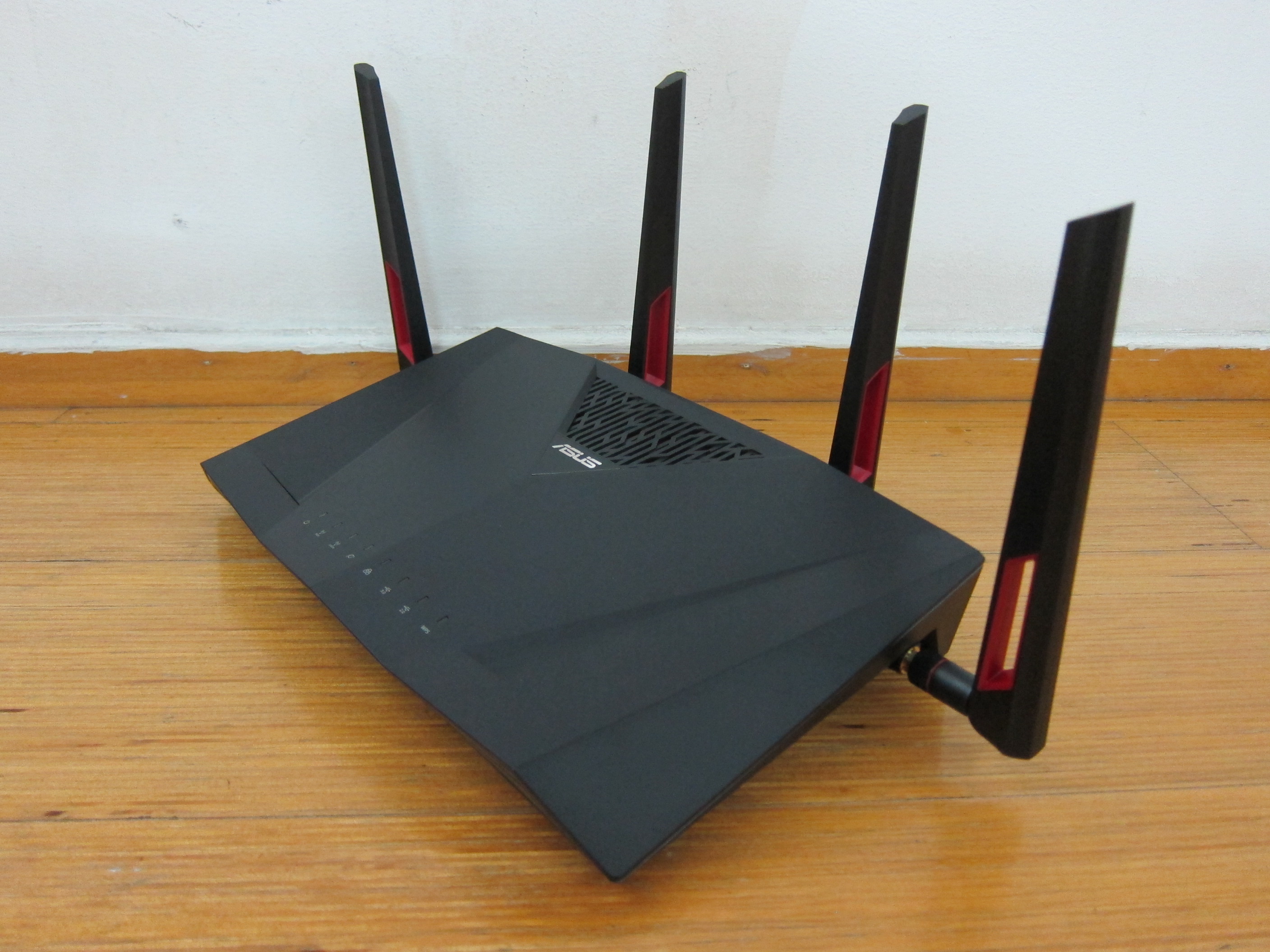
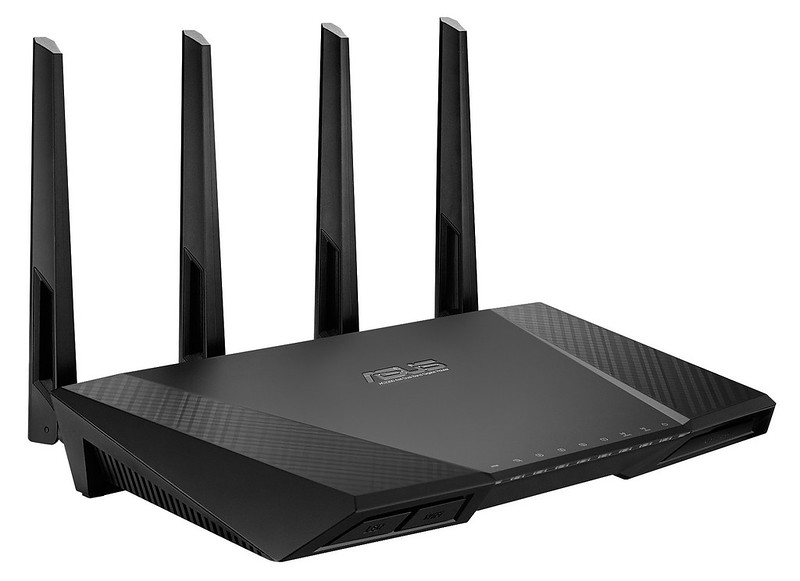
The ASUS RT-AC88U was launched in Singapore at SITEX 2015. SITEX is a consumer lifestyle IT event in Singapore and is usually the last major IT event for the year. It is always held at Singapore Expo and this year, the event took place from Thursday, 26th November 2015 till Sunday, 29th November 2015.
The retail price of the ASUS RT-AC88U Router is S$429.
The much awaited Asus RT-AC5300 (the eight antenna router that looks like a spider) was launched at SITEX 2015 as well and that is retailing for S$469.
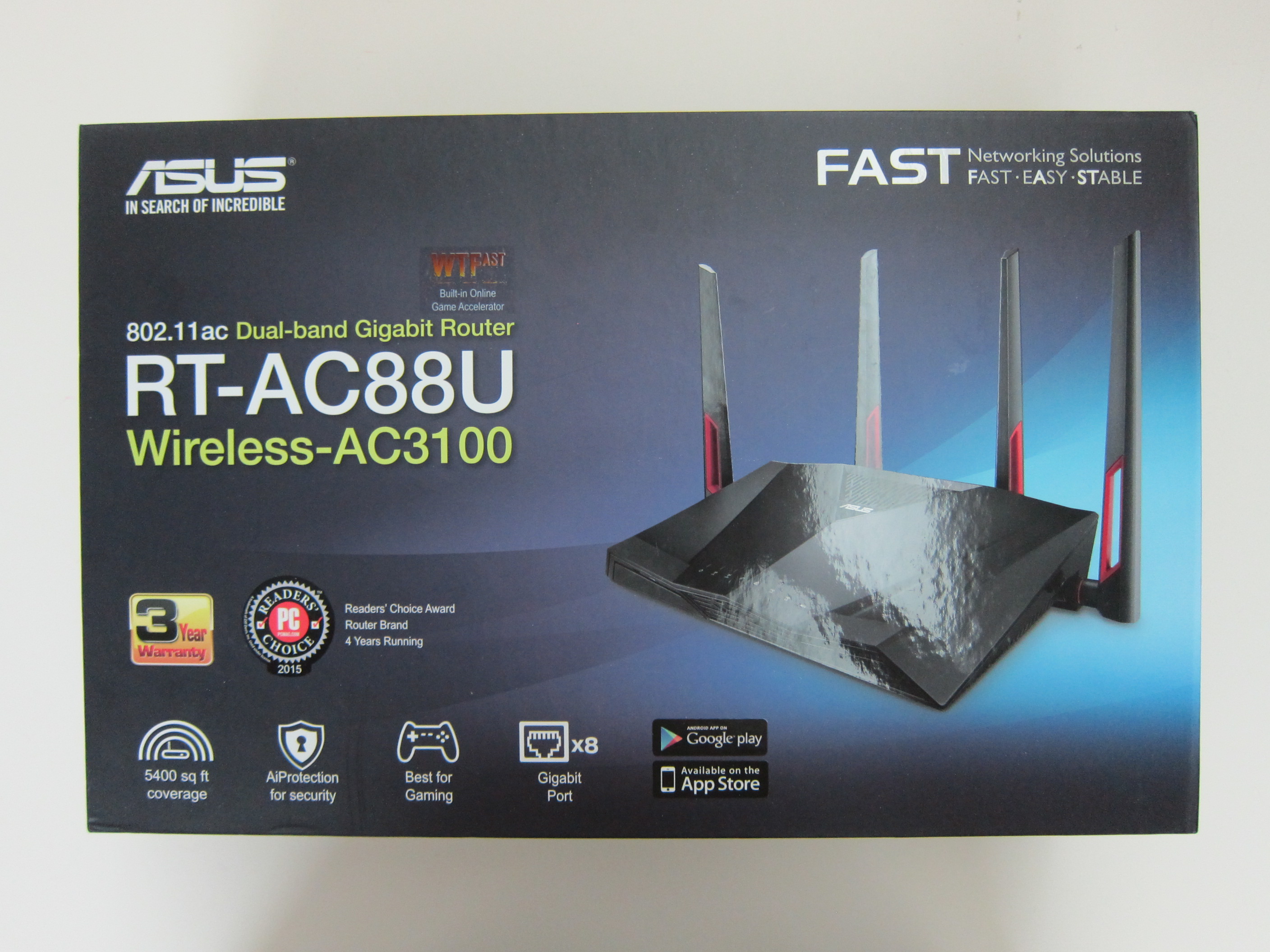
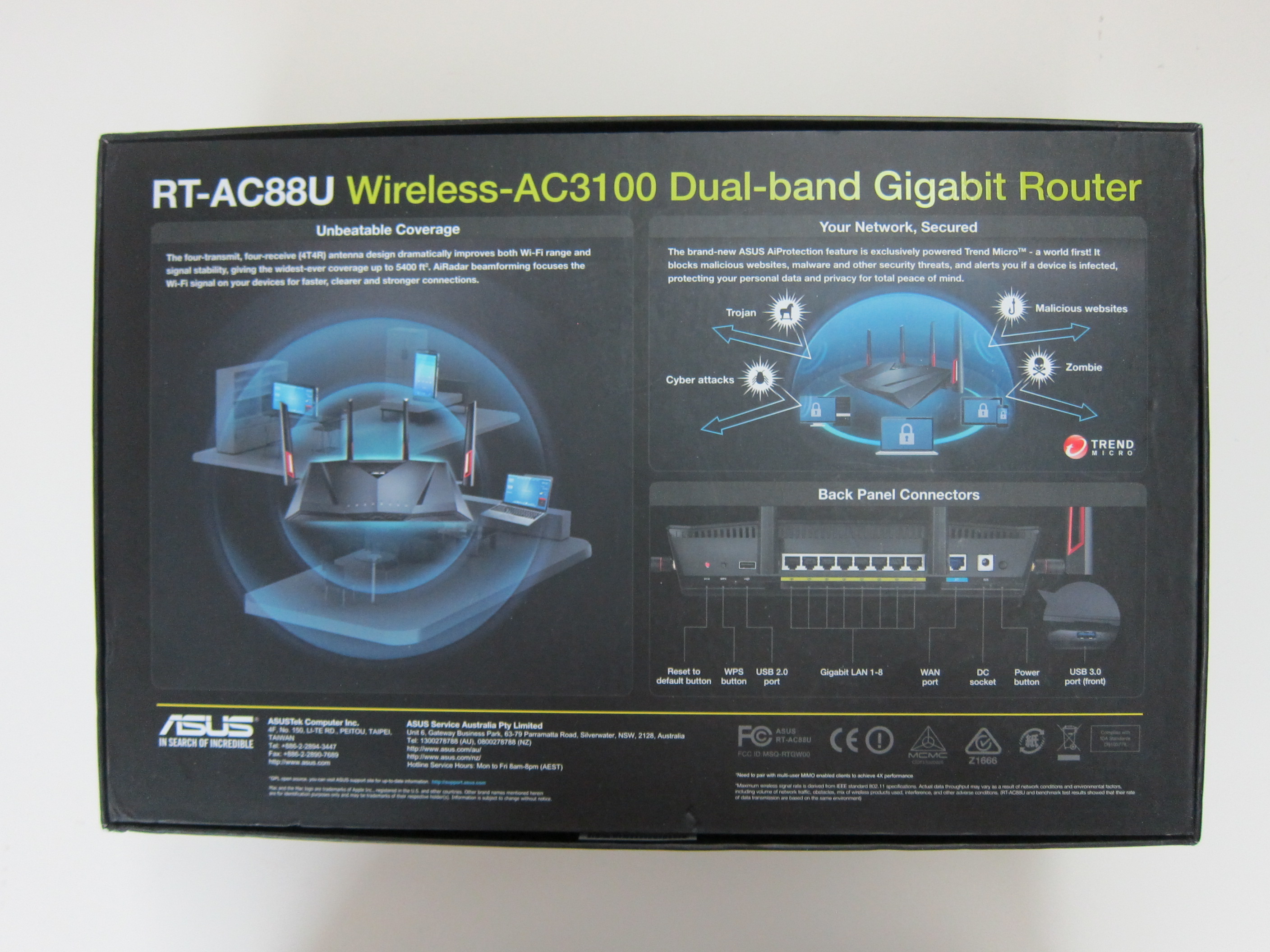
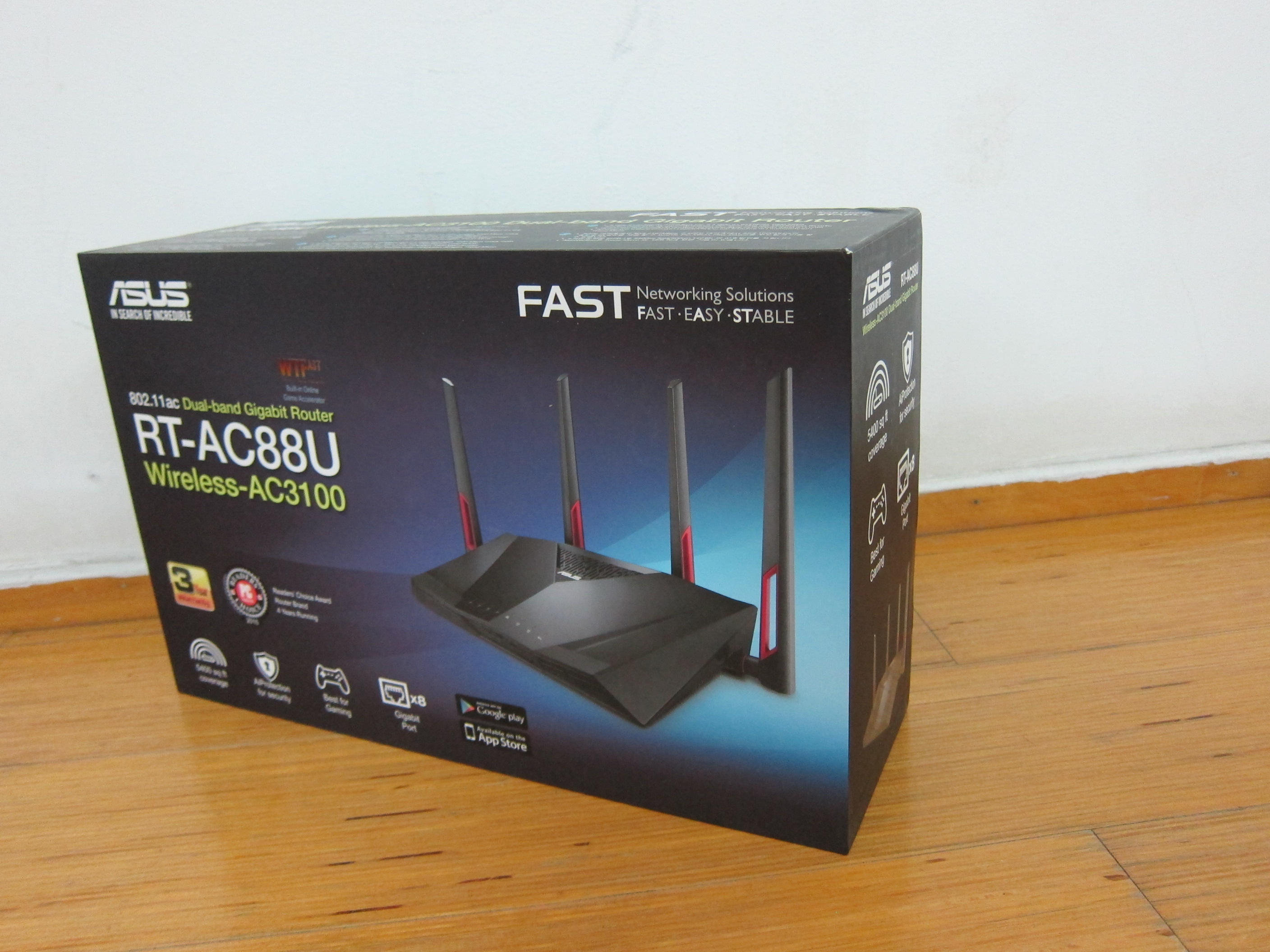

Specifications (From WikiDevi)
- CPU: Broadcom BCM47094 Processor (1.4GHz, 2 cores)
- RAM: 512MB (Nanya NT5CC256M16DP-DI)
- Flash: 128MB (ESMT F59L1G81LA-25T)
-
Wireless: 802.11a/b/g/n/ac wireless LAN
- 2.4GHz
- Broadcom BCM4366
- IEEE 802.11n, IEEE 802.11g, IEEE 802.11b
- Speeds up to 600Mbps (1,000Mbps on NitroQAM)
- 5GHz
- 2x Broadcom BCM4366
- IEEE 802.11ac, IEEE 802.11n & IEEE 802.11a
- Speeds up to 1,734Mbps (2,167Mbps on NitroQAM)
- 2.4GHz
-
LAN/WAN
- 8x 10/100/1000 Gigabit LAN ports (Realtek RTL8365MB)
- 1x 10/100/1000 Gigabit WAN port (Broadcom BCM47094)
- Antennas: Four removable antennas
- Other Ports: 1x USB 3.0 front port, 1x USB 2.0 back port
- Dimensions: 300 x 188 x 60.5mm
- Weight: 950g
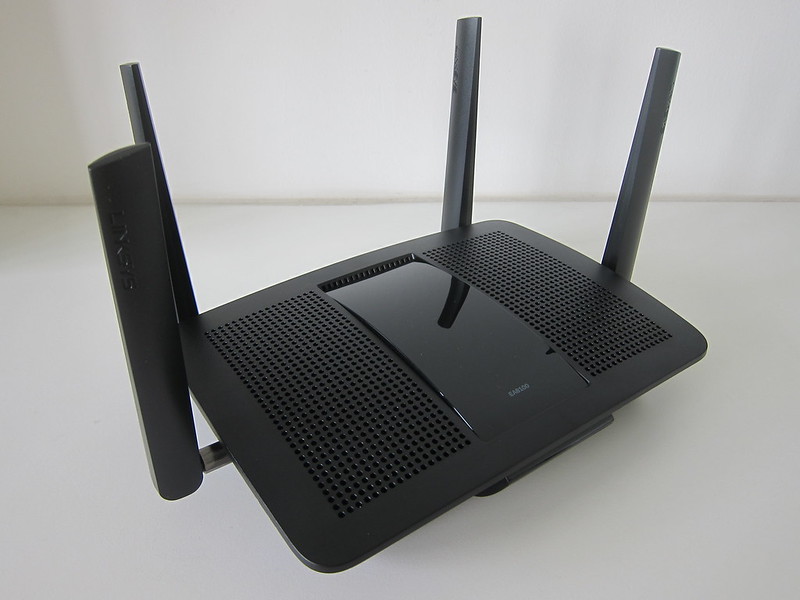
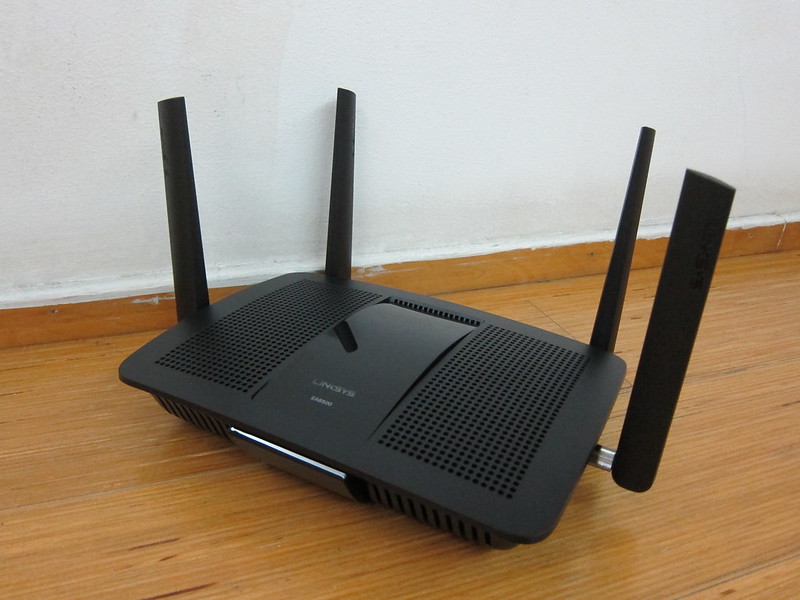
The RT-AC88U comes with a 4×4 antenna design and it is MU-MIMO enabled. If you are interested in knowing what MU-MIMO is all about, check out my review on Linksys EA8500 AC2600 MU-MIMO Router.
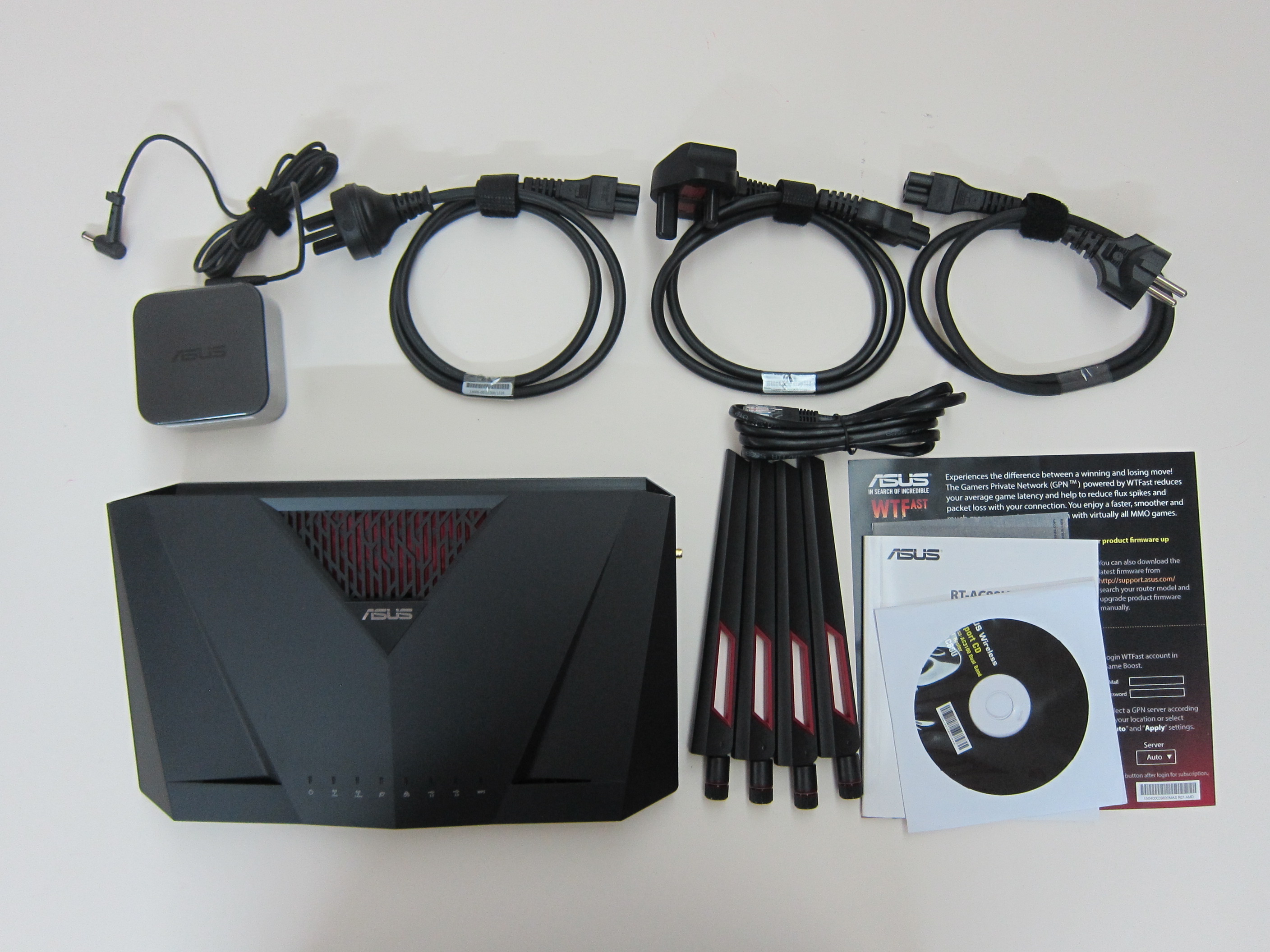
Unboxing

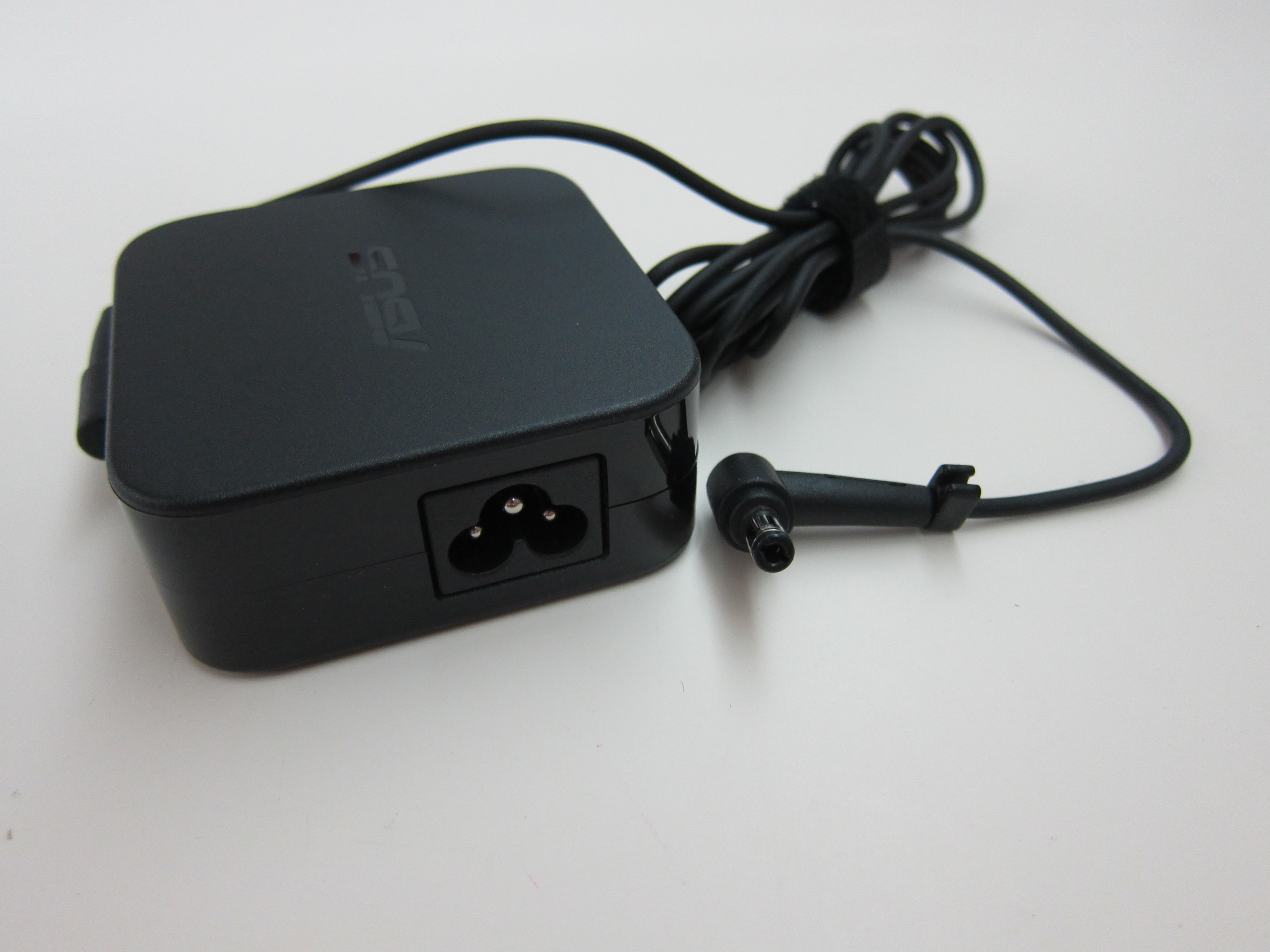

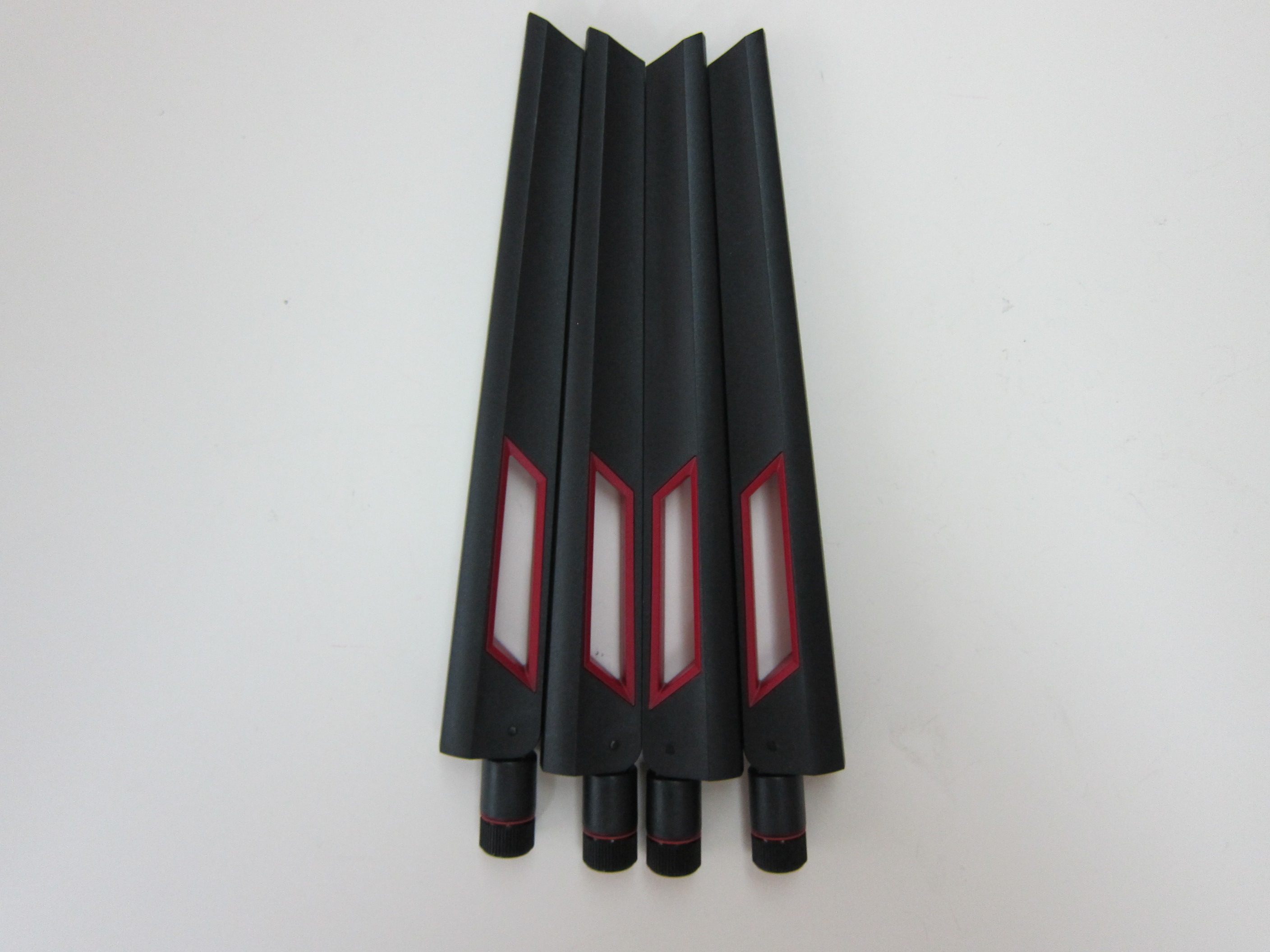
Design
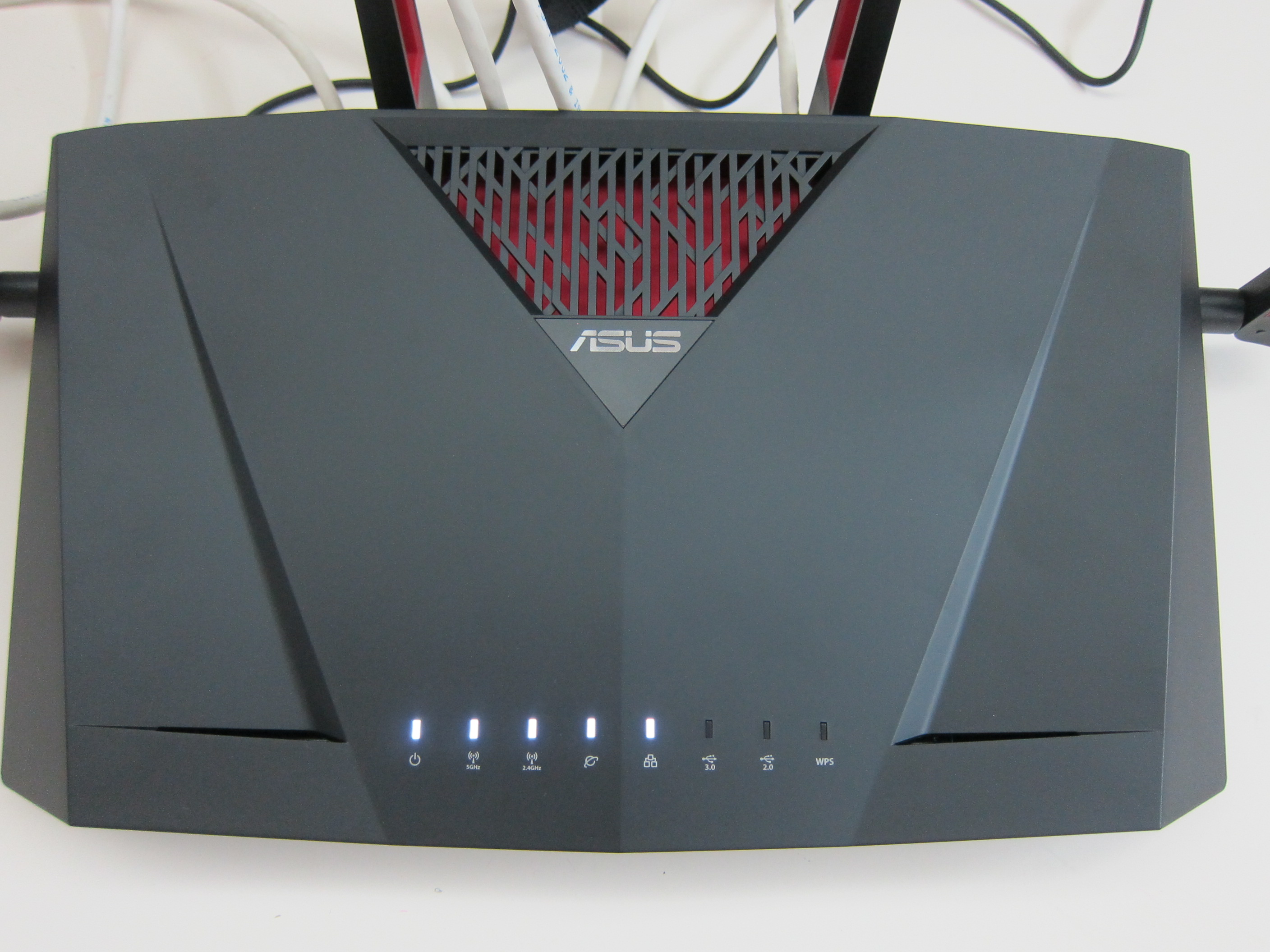
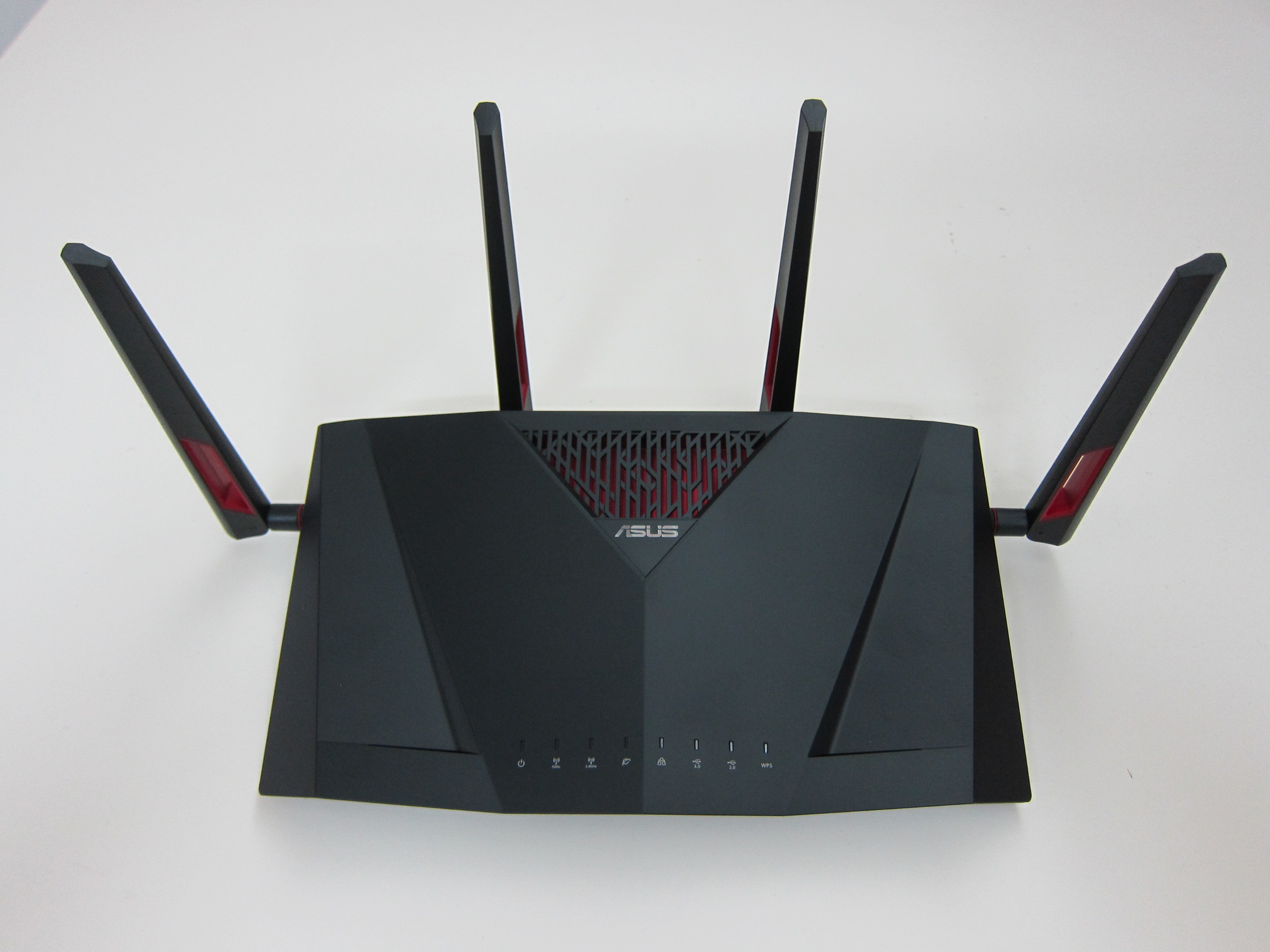
The design looks almost the same as every other Asus routers out there.
Having said that, the design of the router is nothing much to rave about. Asus routers are not really well known for it’s design but rather it’s performance.
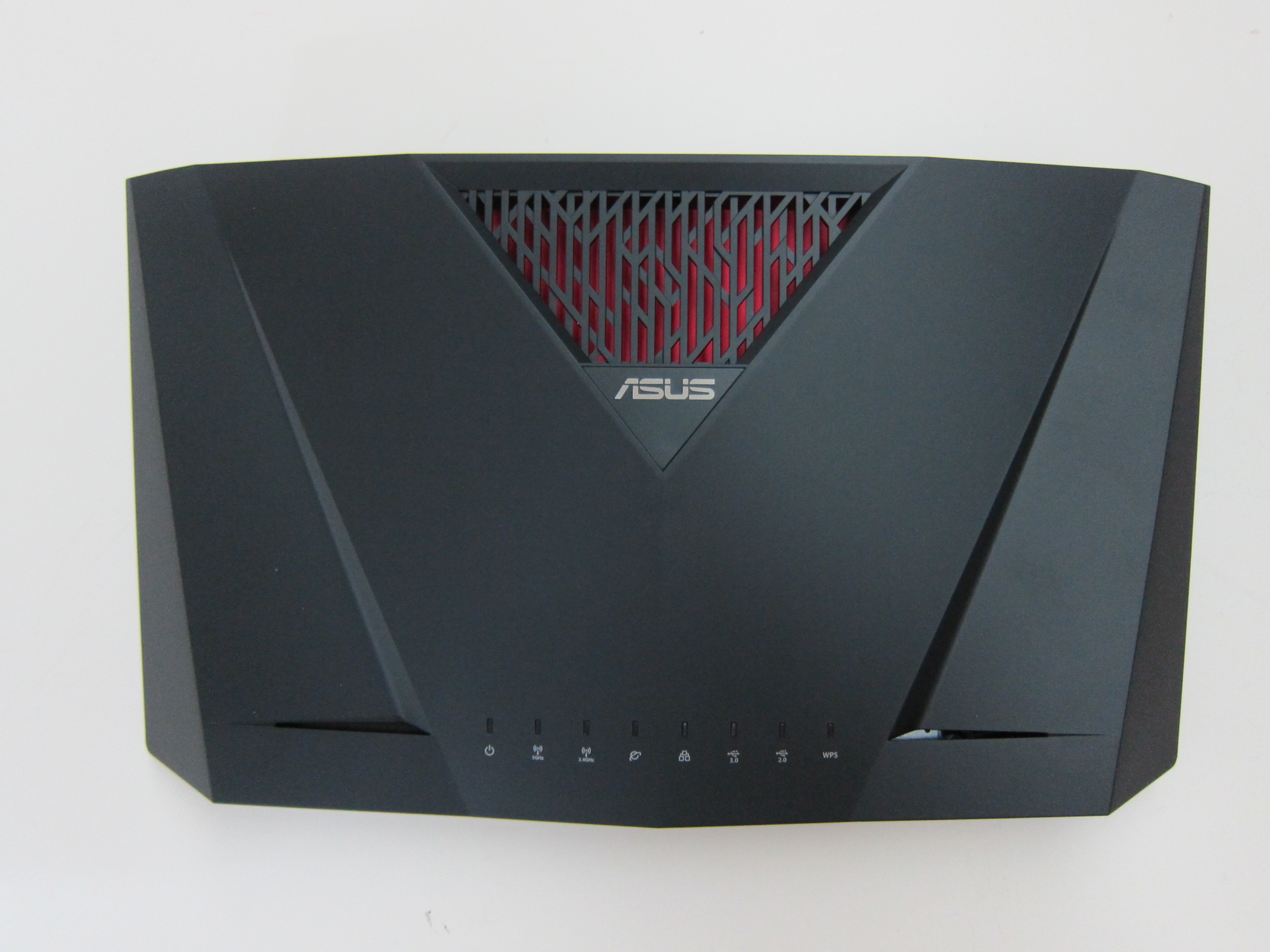
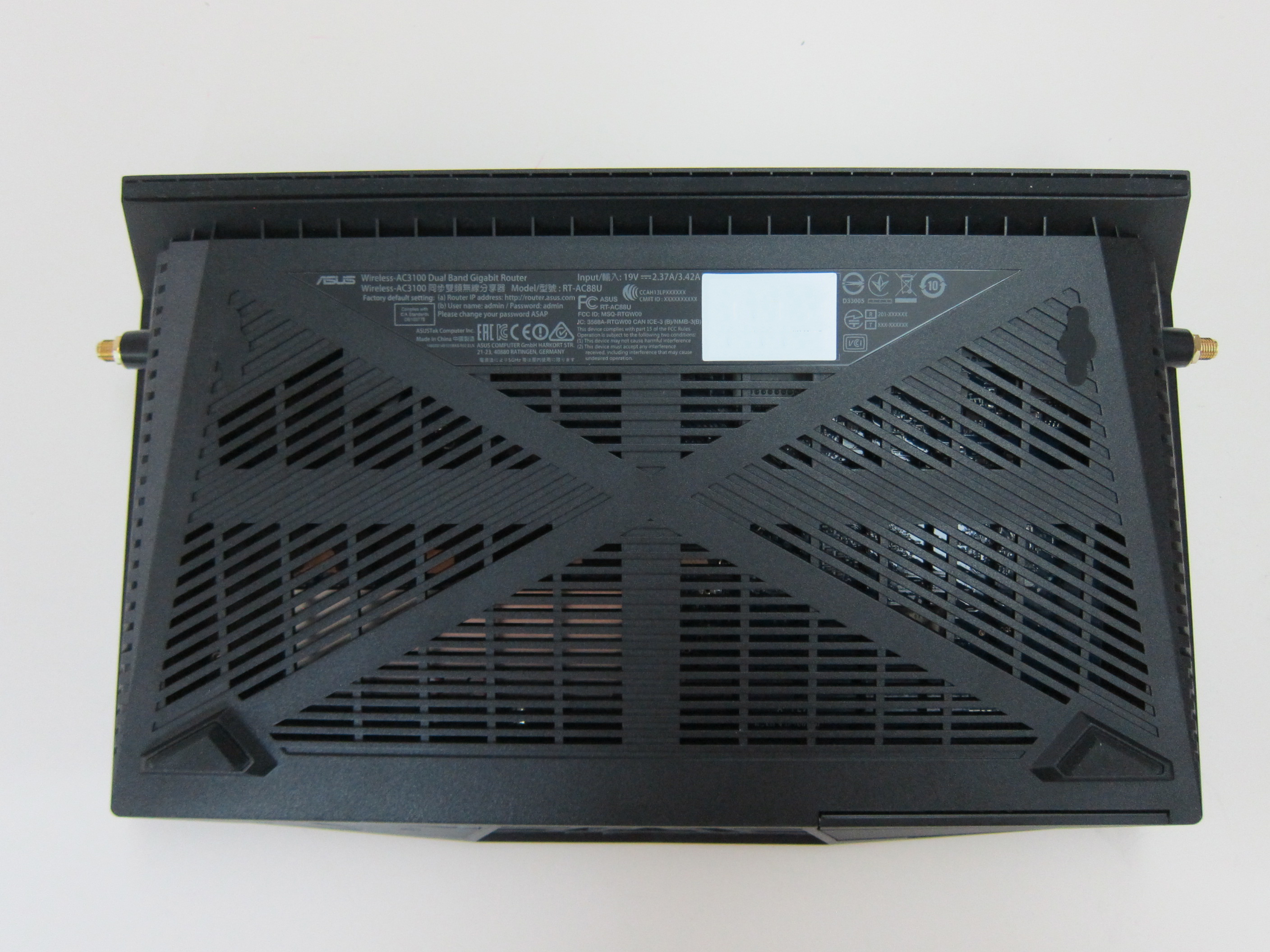
Ports
The first thing that caught my eye about this router is that it has eight LAN ports whereas most routers in the market have only four. The last time I used a router that has more than four LAN ports was the Western Digital My Net N900 Router three years ago.
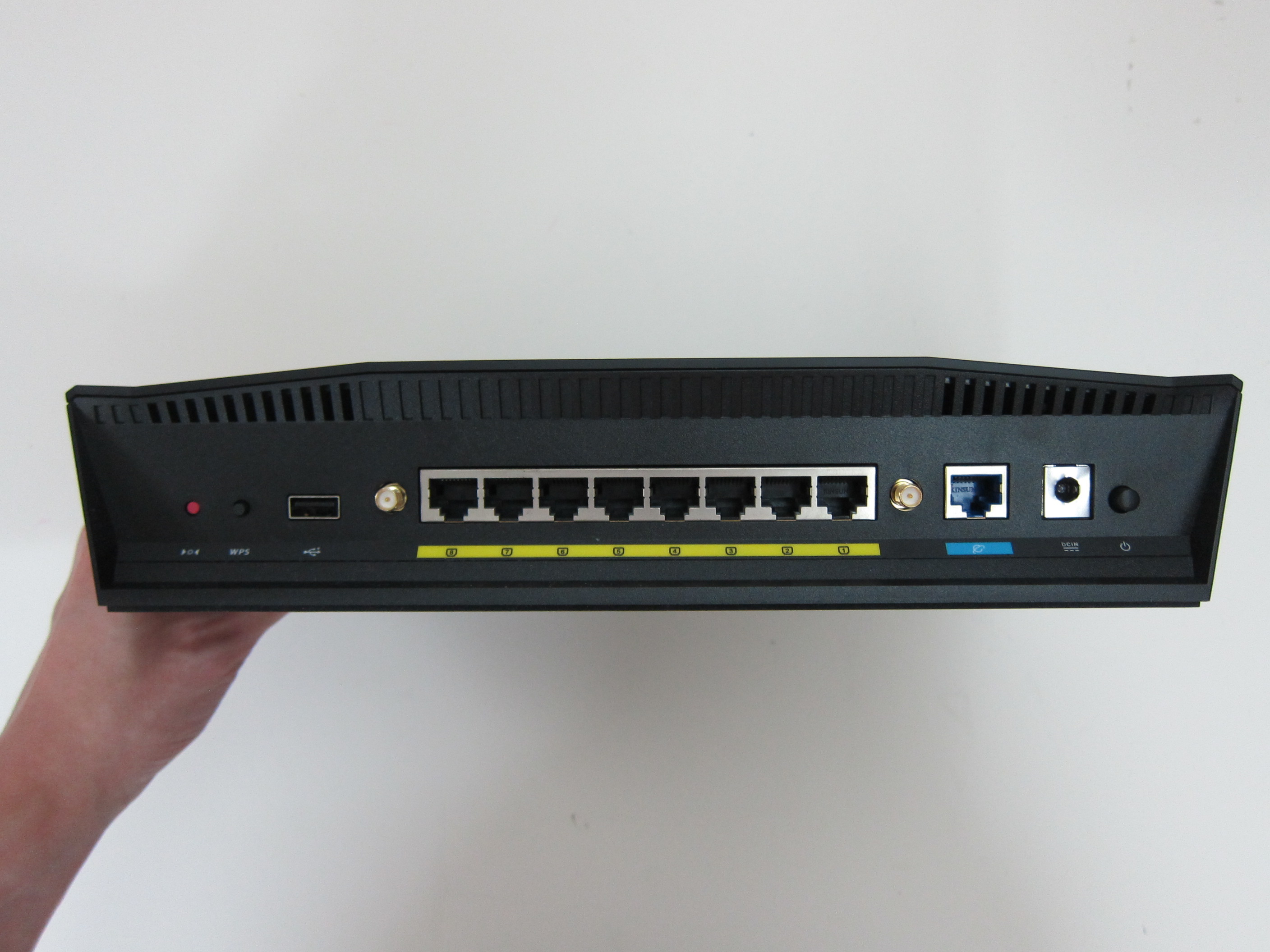
From left to right:
- Reset Button
- WPS Button
- USB 2.0 Port
- 8x LAN Ports
- 1x WAN Port
- Power Port
- Power Button
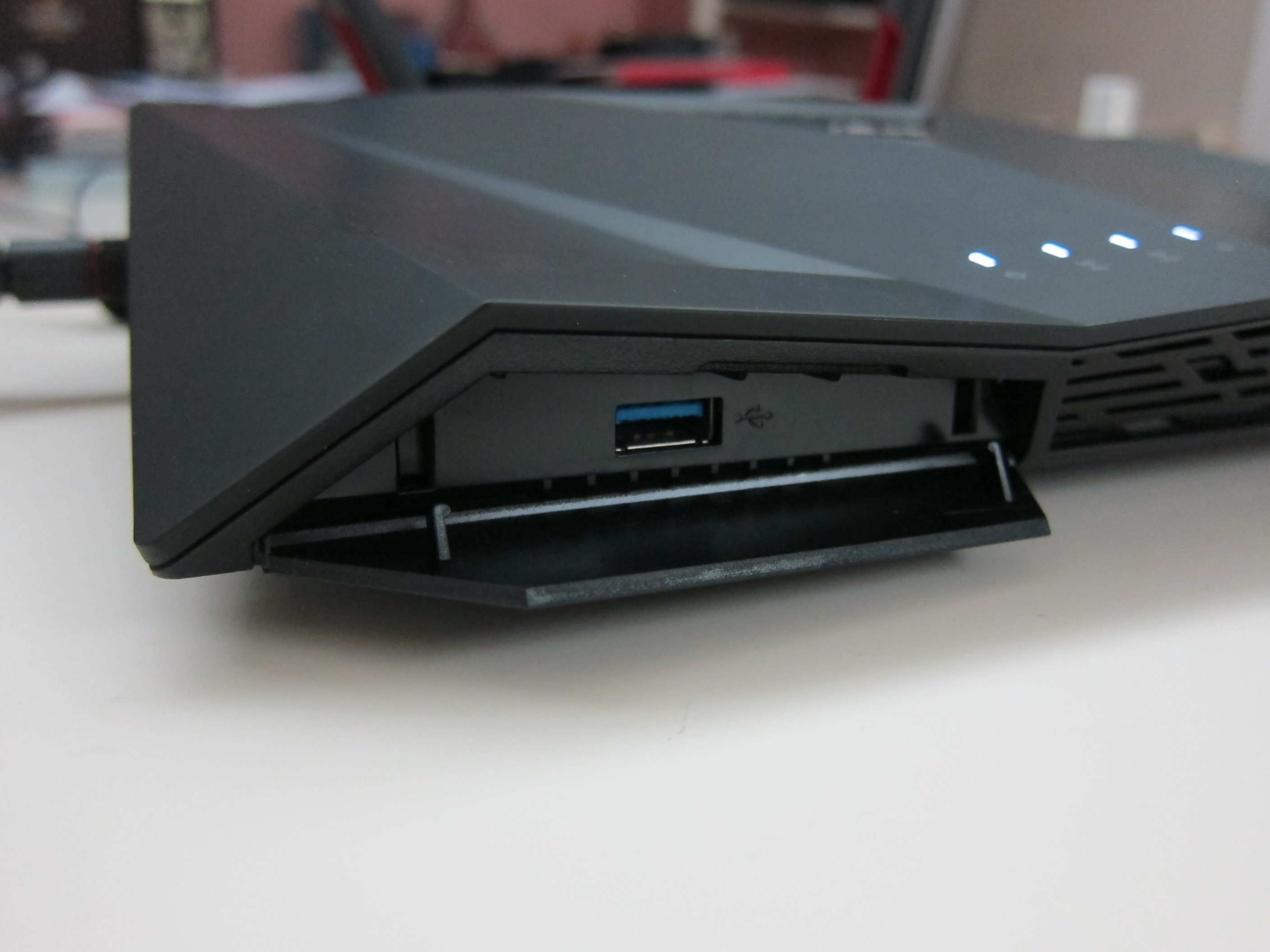
There are two USB ports on this router, one is at the back which is a USB 2.0 port and one hidden in front on the left of the router which is a USB 3.0 port. Personally, I never used the USB port feature of my routers.
WTFast
The router also supports WTFast.
WTFast is the Gamers Private Network (GPN); like a global automated army of IT specialists all working together to optimize your game connection from end to end. WTFast reports rich connection stats for your online game, so you can see exactly what is happening with your game connection.
WTFast is not a free service, it costs US$59.90/year (S$85/year) for the basic plan and US$99.90/year (S$140/year) for the advanced plan.
However, the Asus RT-AC88U is the first router with this featured built-in and is bundled free for life.
Admin UI
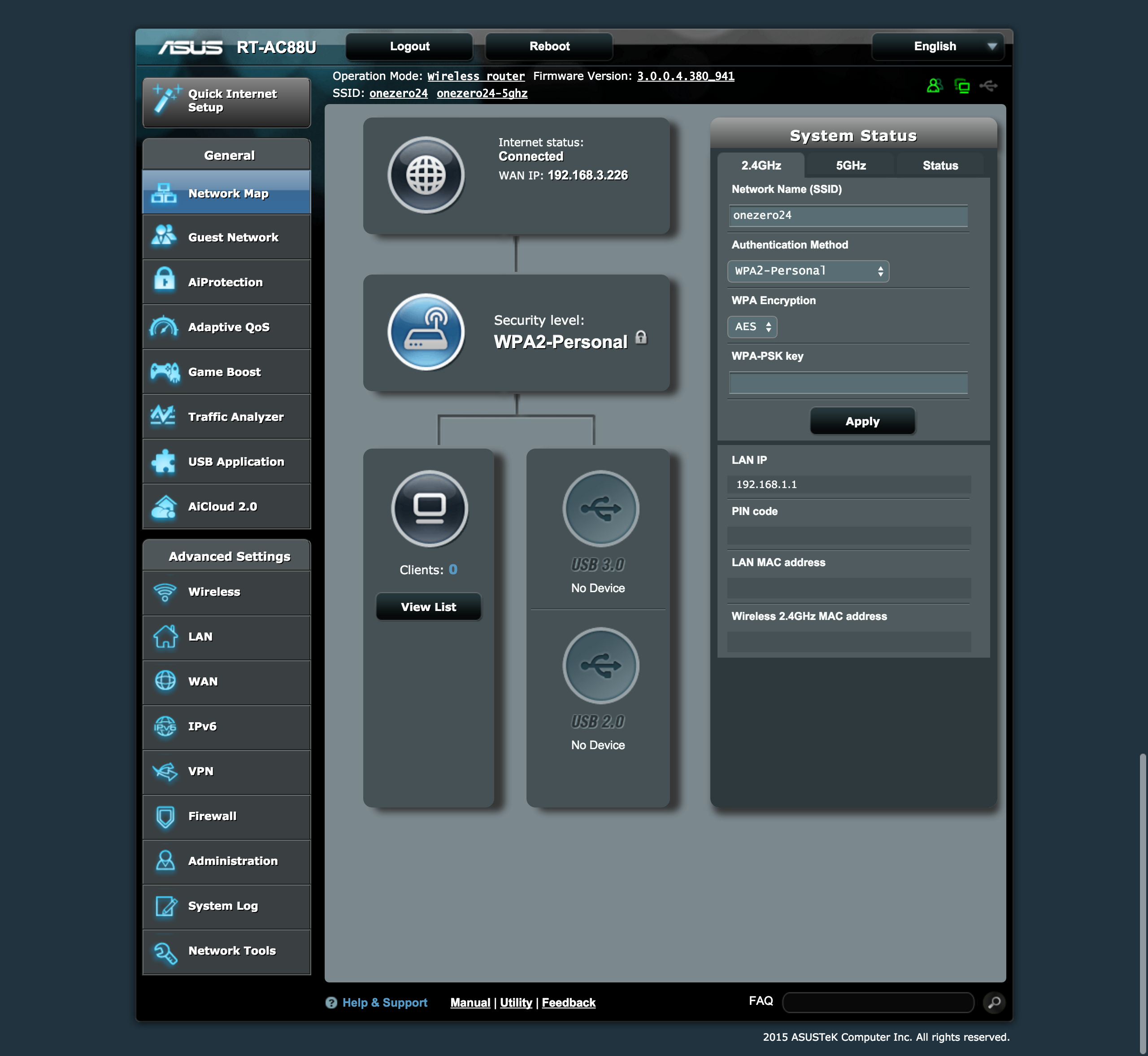
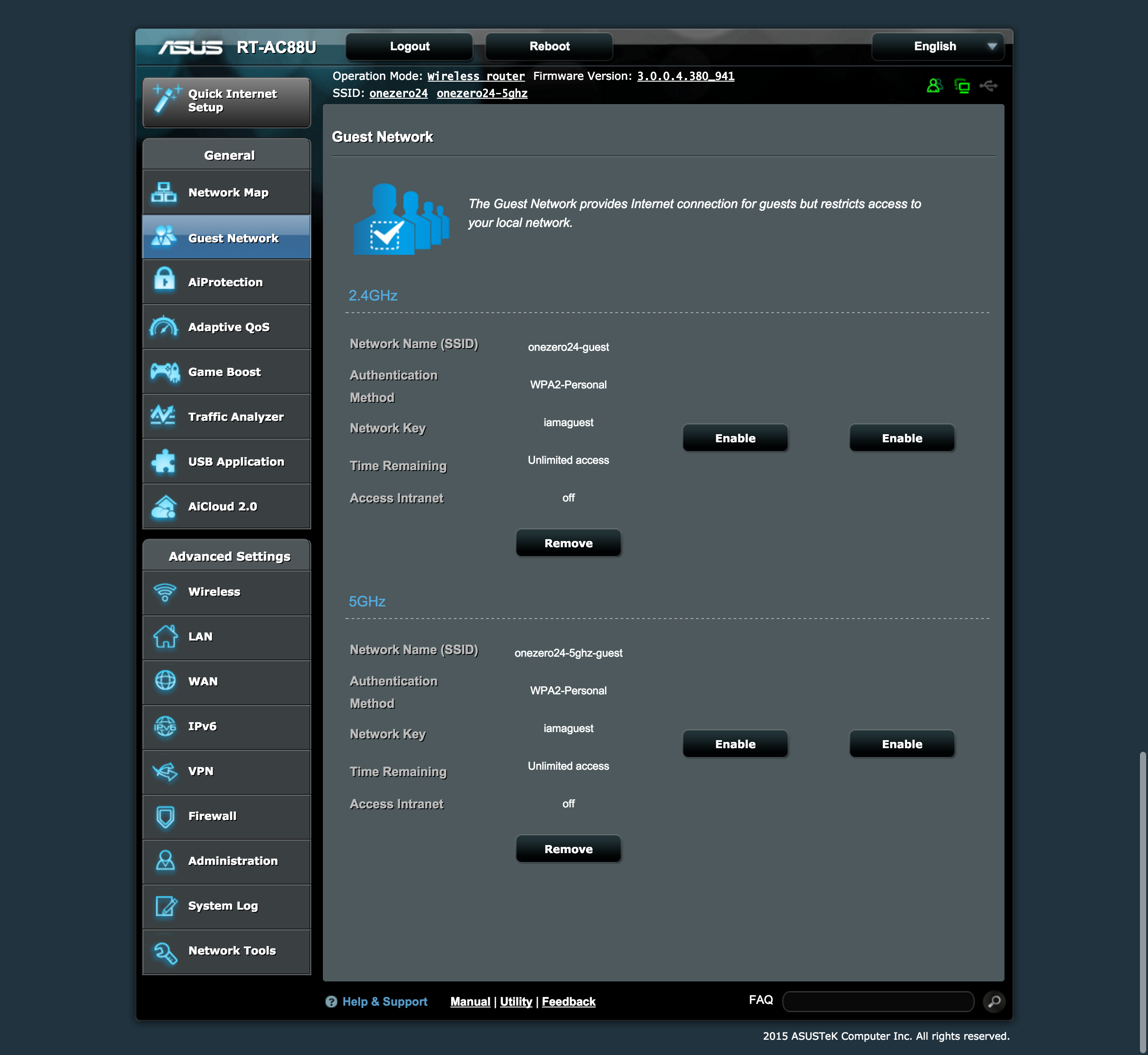
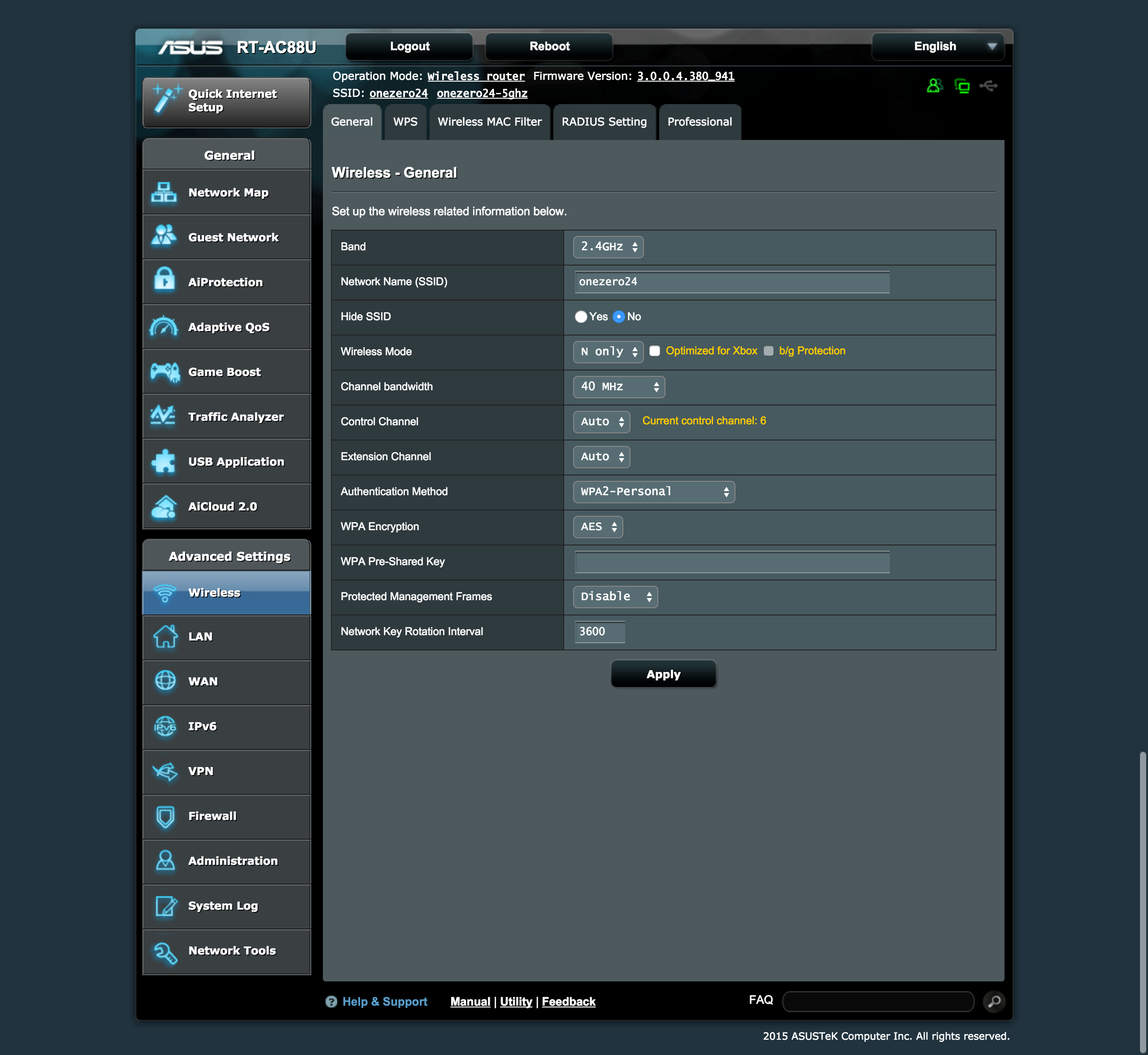
I have used Linksys and D-Link routers before and I find that overall Asus Admin UI is the best. It might not be the best looking, but it is functional and fast.
Linksys Admin UI is nice but slow, D-Link Admin UI is fast but menu items are hard to find.
Asus on the other hand is slightly ugly but I like the menu items on the sidebar followed by the tab pages on the main content is simple and straightforward to find.
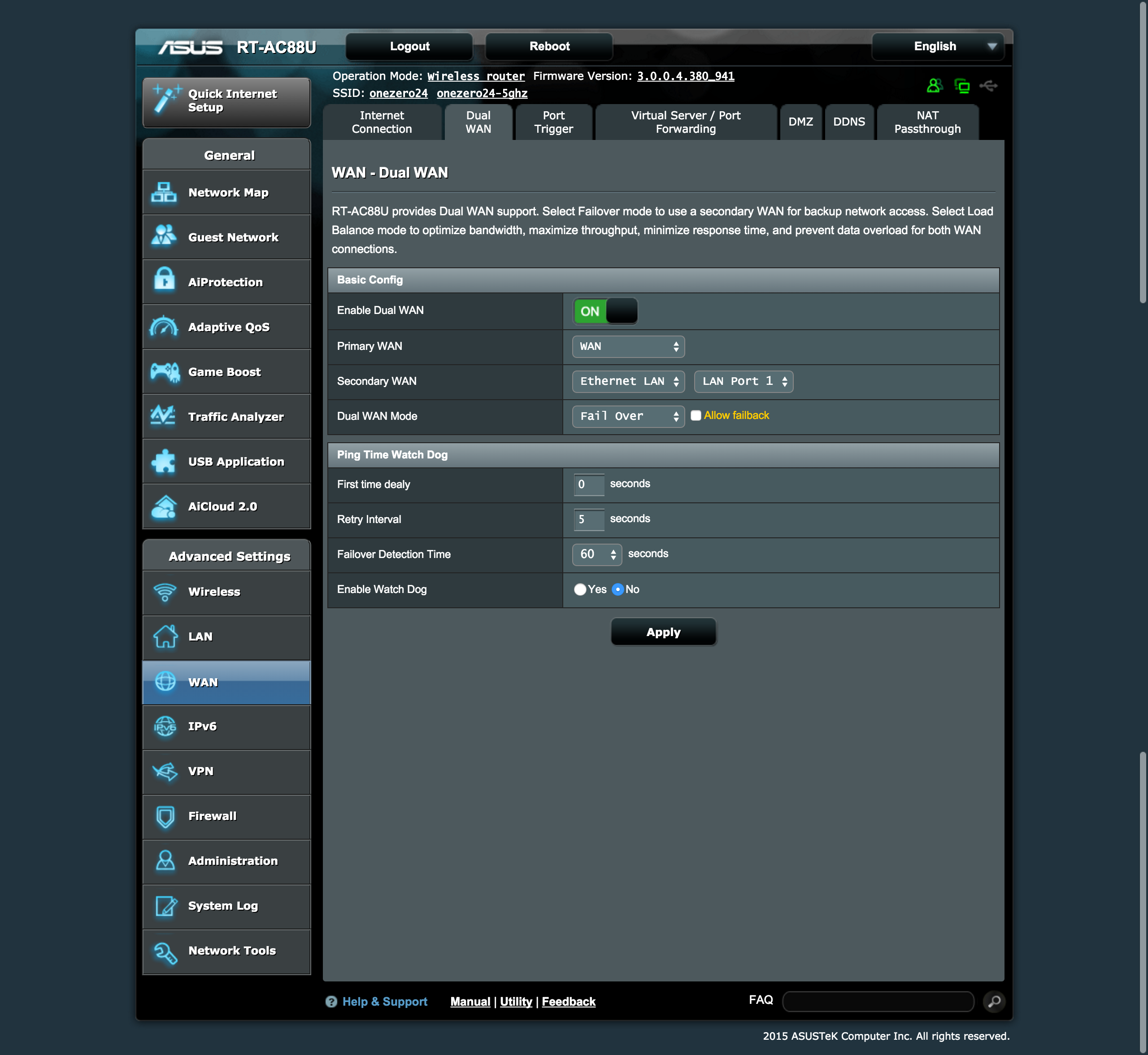
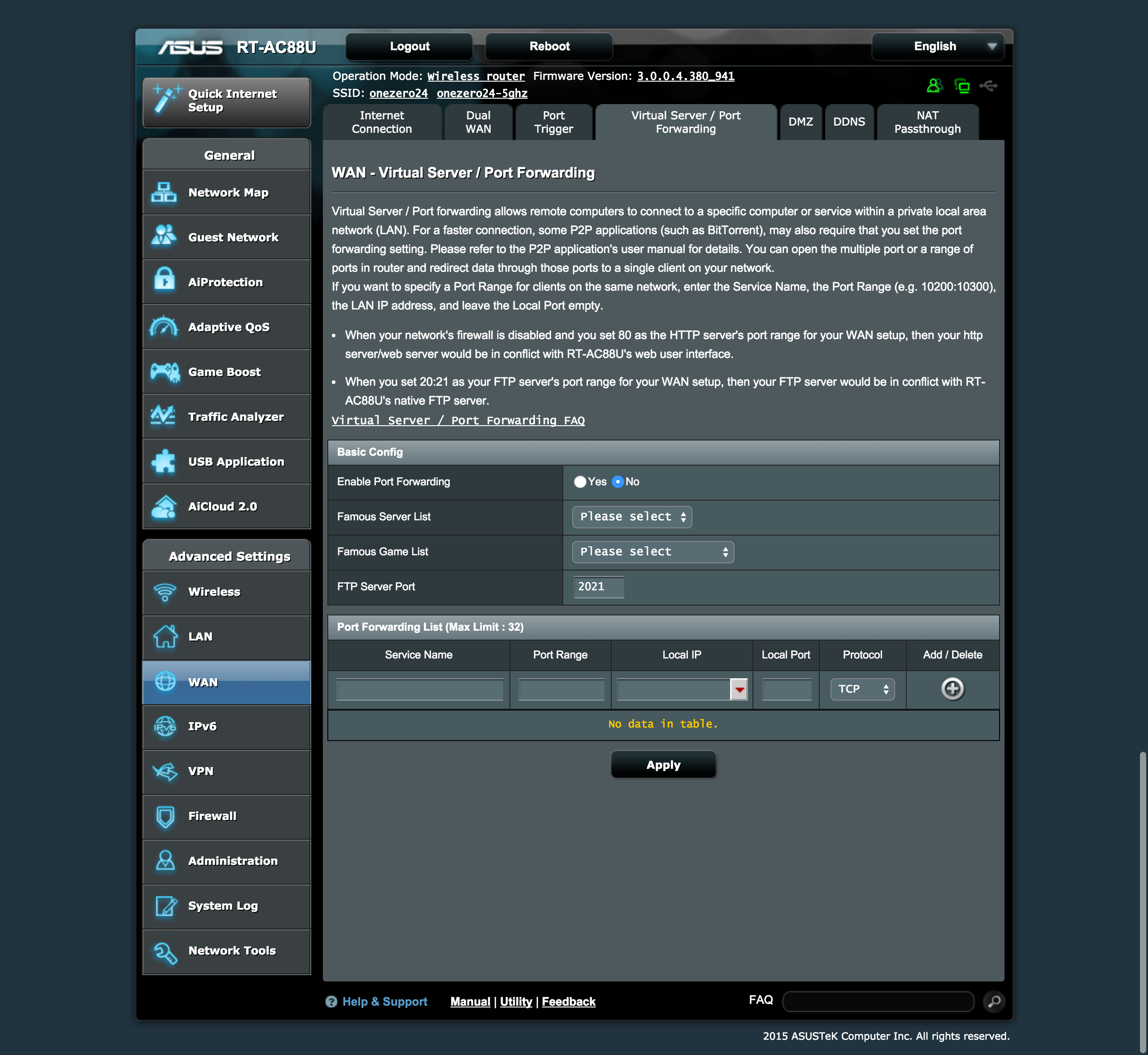
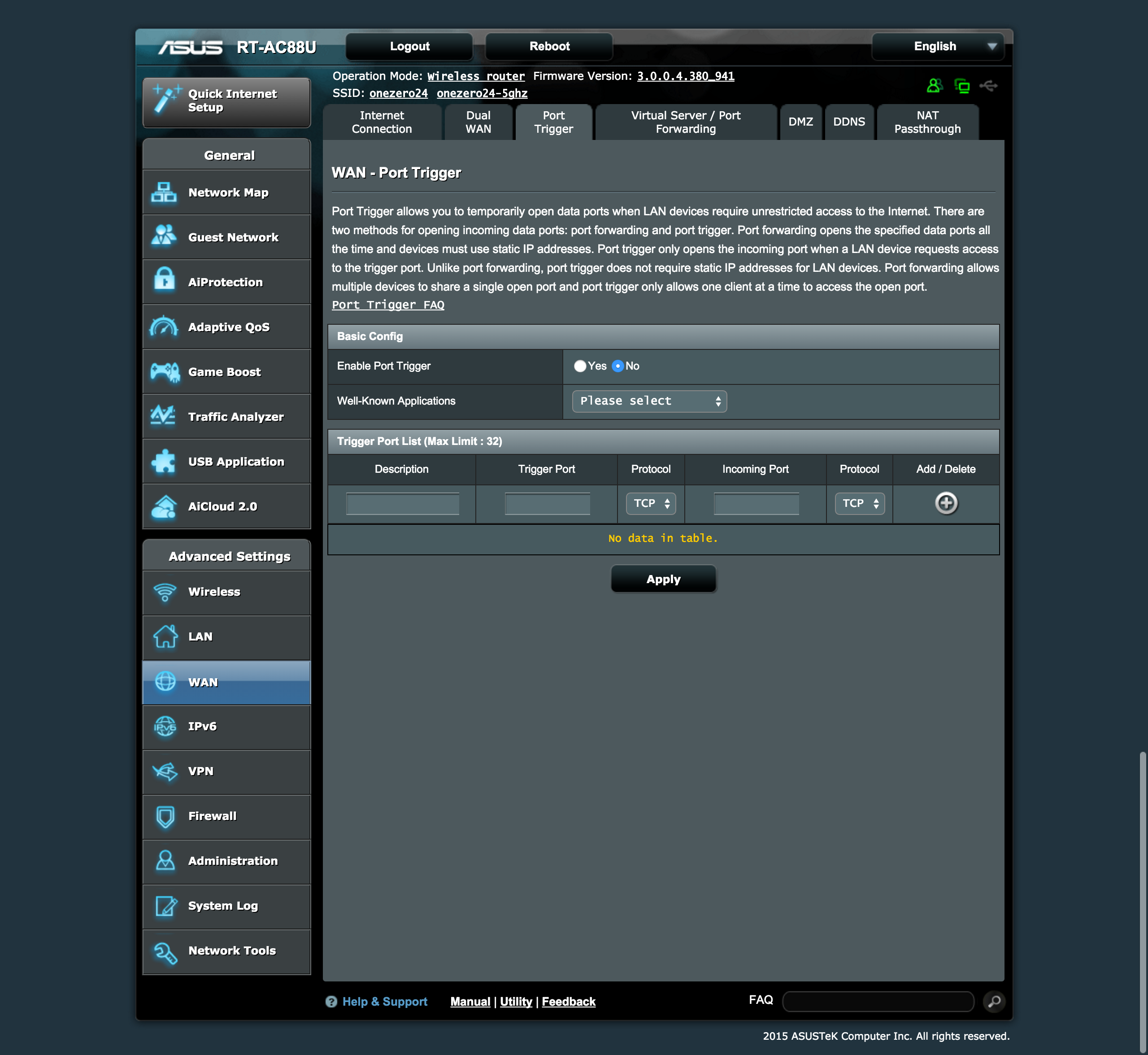
The RT-AC88U supports dual-WAN. This means that if you have two separate Internet connections at home, this router can support both. There are two modes to dual-WAN, Fail Over or Load Balance.
Fail Over means if one of your Internet connection is down, it will switch to the other one.
Load Balance means it will use both Internet connection at the same time and gives you the fastest possible speed from either of your Internet connection.
The secondary Internet connection can be either from a 3G/4G USB dongle or from any of the first four LAN ports.
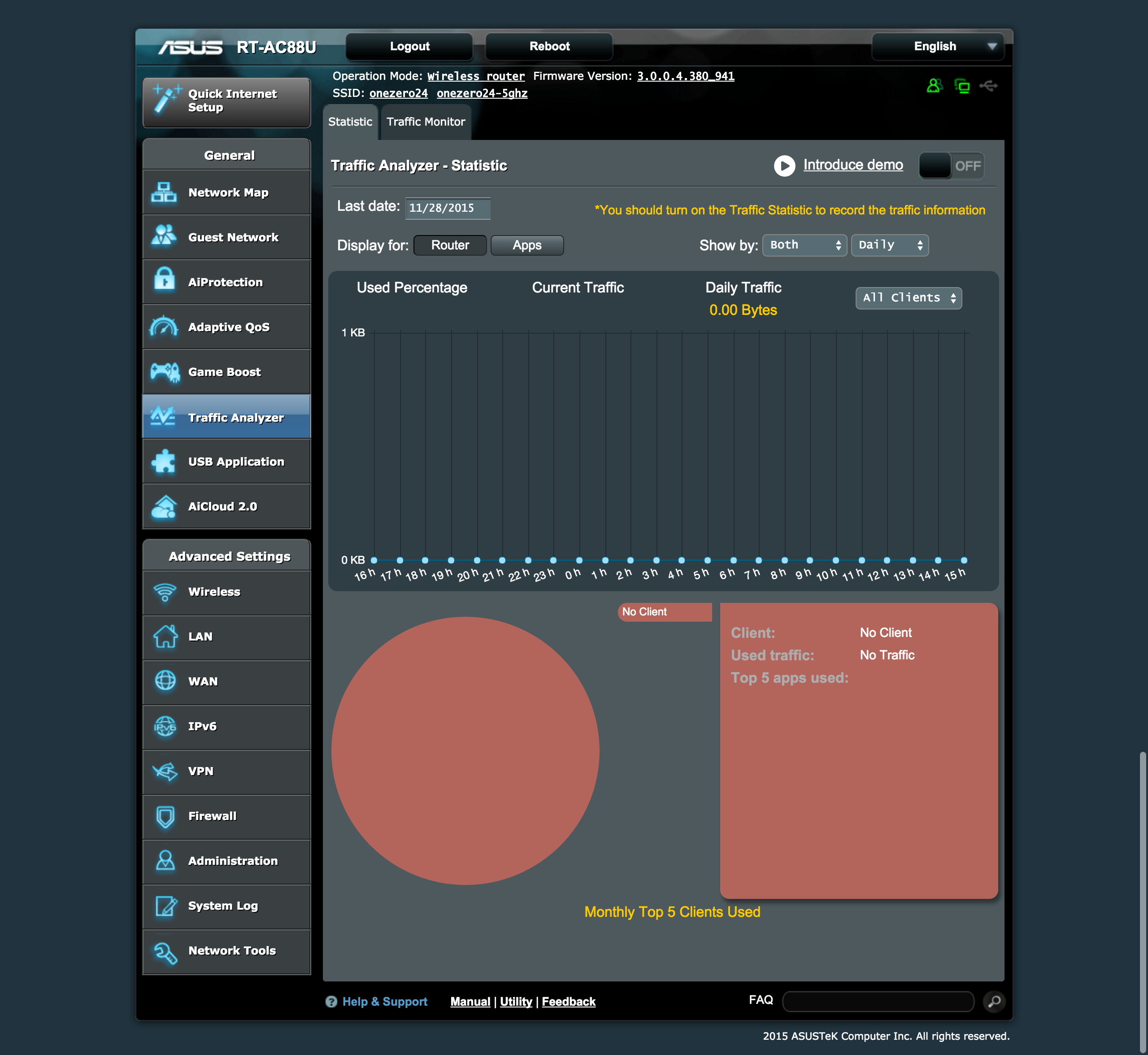
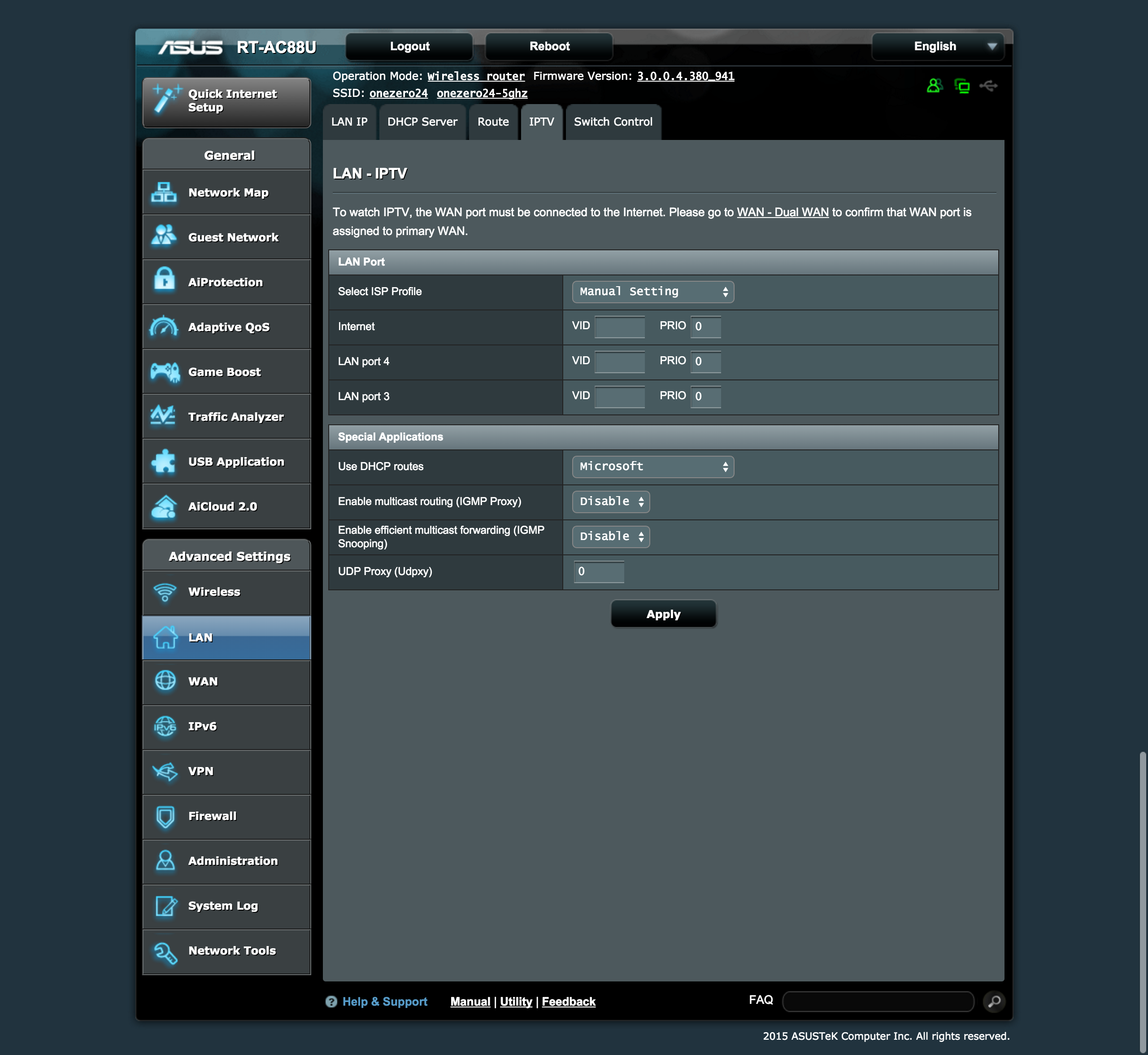
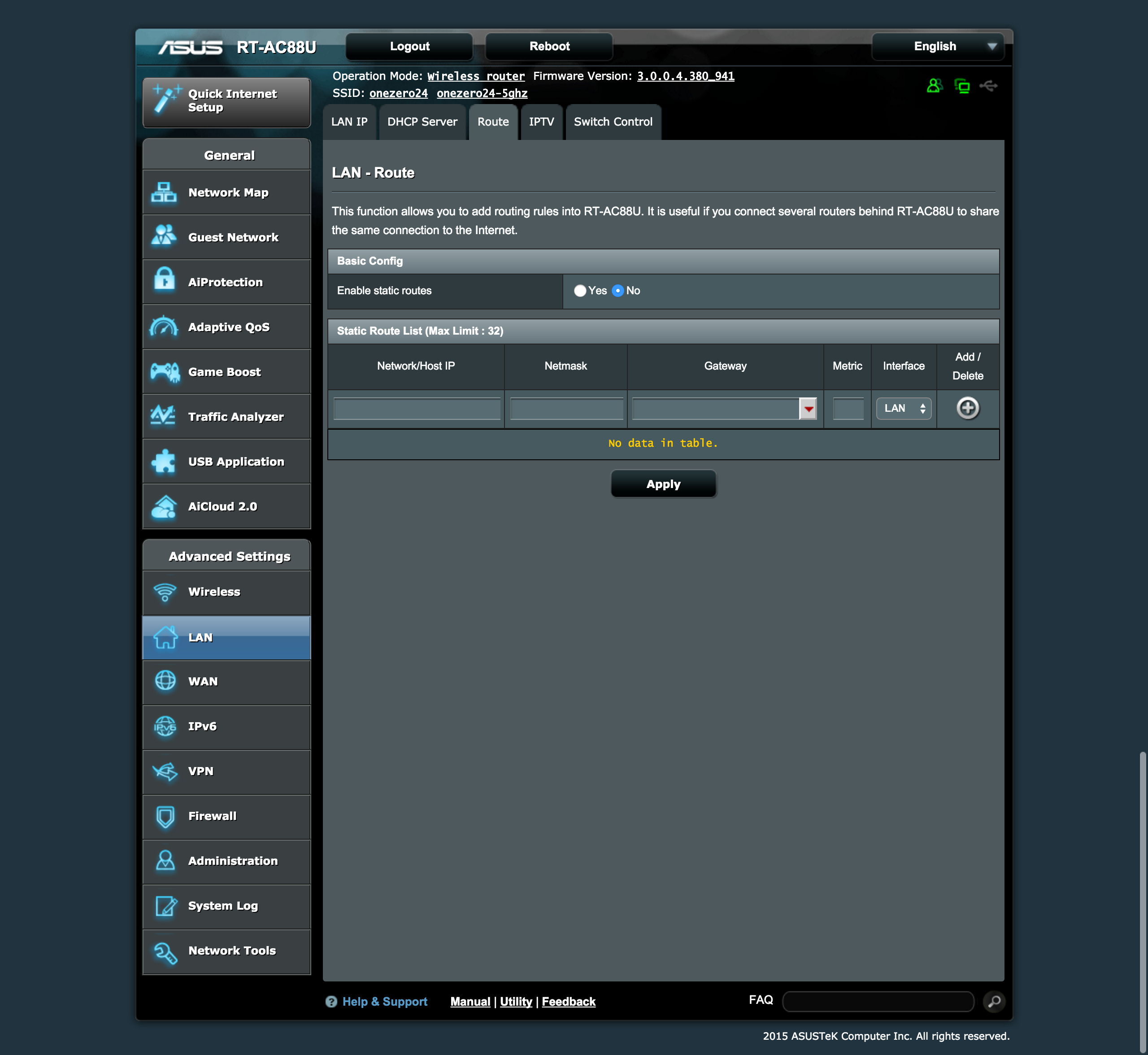
You probably need VLAN tagging if you are not on Singtel’s unlimited fiber plan or are using StarHub. I have problem finding where the VLAN tagging menu item is and I have to Google to find out.
It is under LAN -> IPTV tab.
I have no idea why Asus would classify that under IPTV because you will still need VLAN tagging regardless whether you are using IPTV or not.
Calling it VLAN Tagging instead of IPTV will make it more generic and obvious to people.
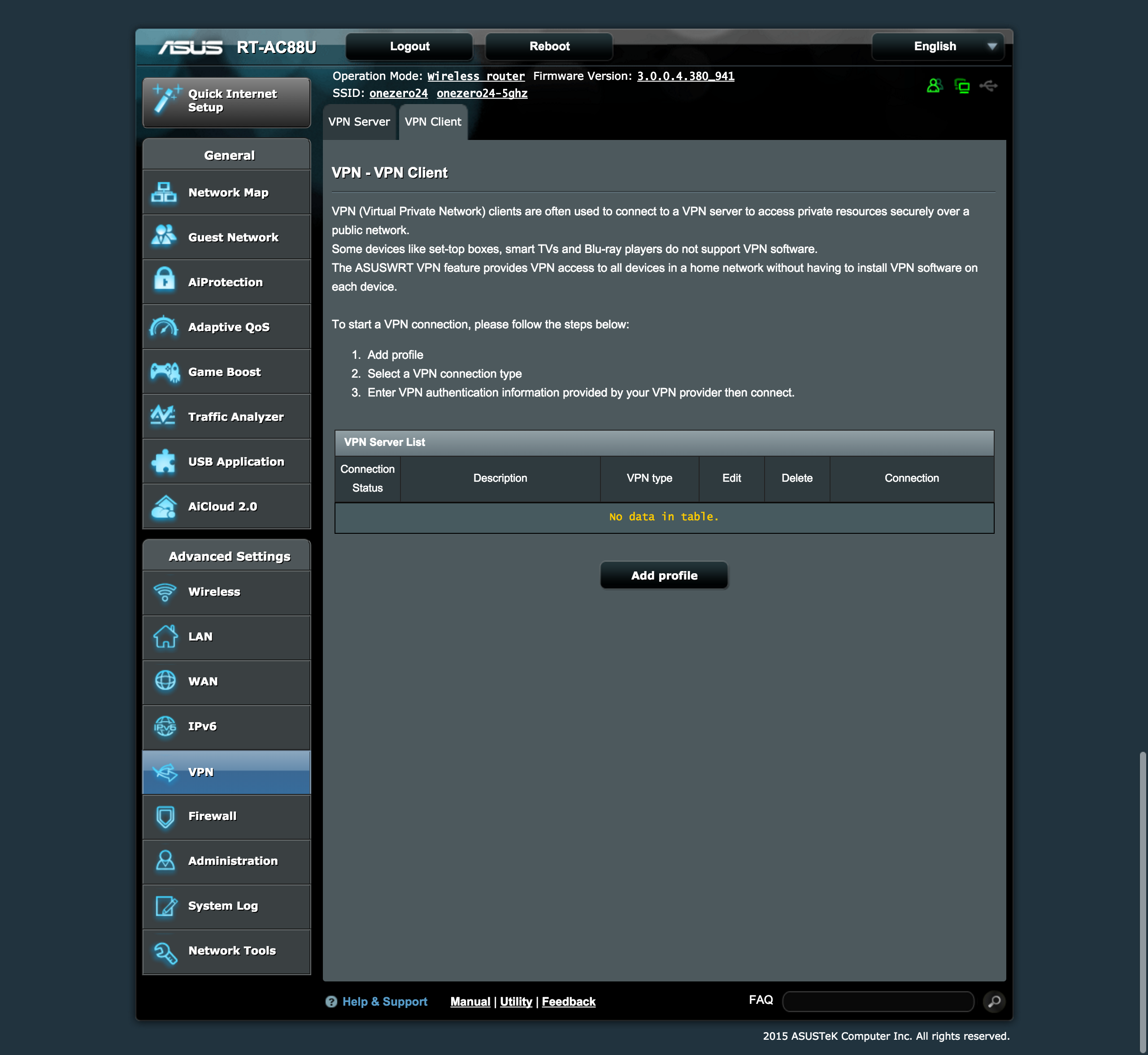
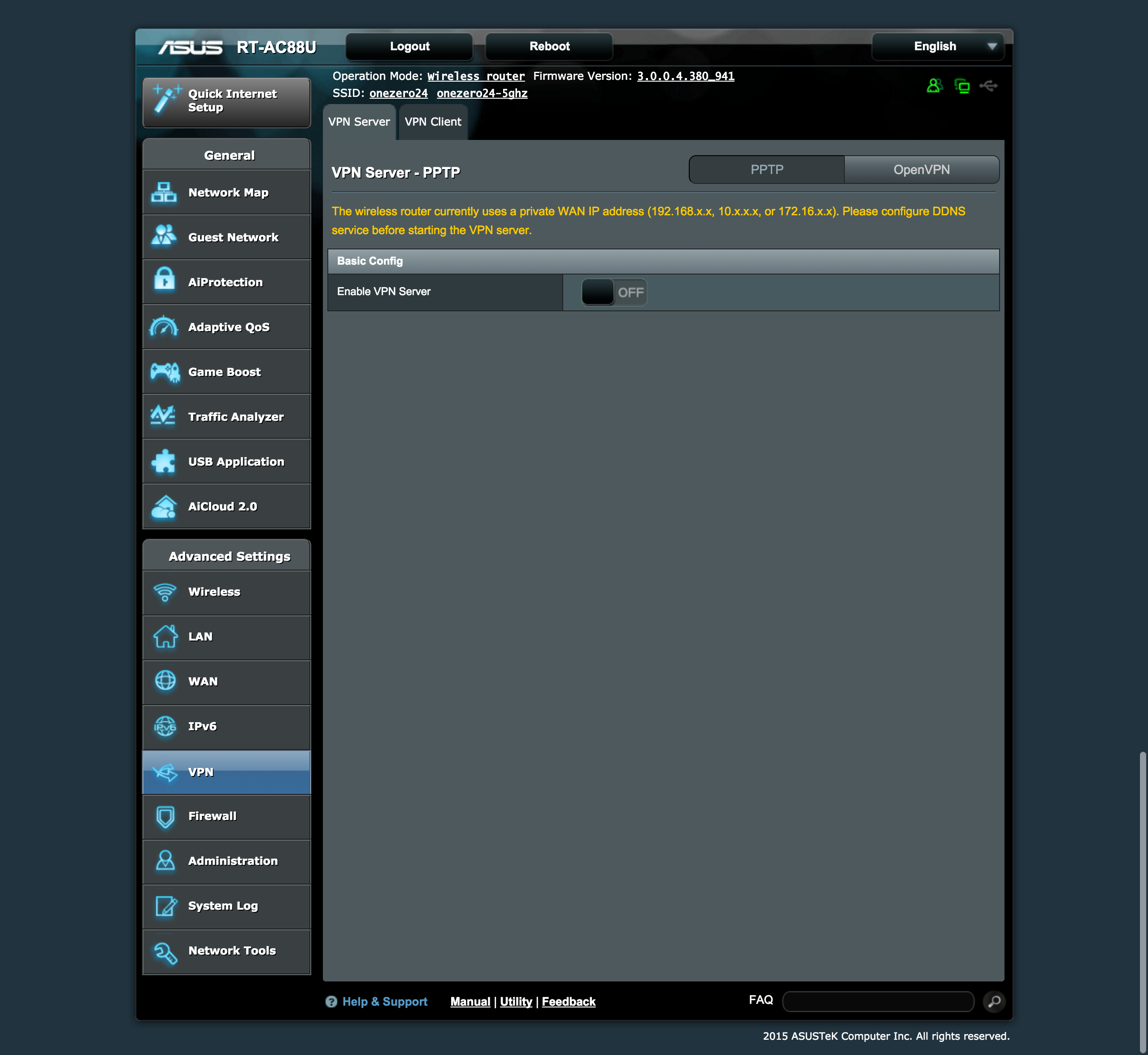
Most routers I reviewed so far supports the router being a VPN server but doesn’t support the router being a VPN Client itself.
This is where Asus routers differentiate themselves. Having the router act like a VPN client is good because it allows everyone that is connected to the router to proxy through the VPN so that you can watch/purchase content that is available in the US only.
For routers that doesn’t have the VPN Client support, you have to use SmartDNS which doesn’t work for me these days on Singtel.
Personally, I find it better to use a VPN because it works 100% of the time rather than SmartDNS where sometime it works, sometime it doesn’t, depending on the traffic and your ISP.
This is a common issue in countries where the Internet is censored at the ISP level, or if the ISP is using special routing methods such as pools of IP addresses or different IP for each HTTP request. Most Singapore ISP’s such as Singtel and Starhub are known to employ such features that break full third-party SmartDNS support.
Wireless Strength
I am using the Wi-Fi Explorer app on my MacBook Pro to test the wireless strength of two extreme corners of my house, my room and the common toilet.


As you can see from the table below, the wireless signal strength of the RT-AC88U is fantastic. Overall, it is probably the best router that I have reviewed in terms of wireless coverage.
| Location | RT-AC88U | DIR-890L | EA9200 | E8350 | WRT1900AC | DIR-868L |
|---|---|---|---|---|---|---|
| My Room (2.4GHz) | 88% | 85% | 85% | 55% | 76% | 79% |
| My Room (5GHz) | 82% | 82% | 76% | 27% | 78% | 91% |
| Toilet (2.4GHz) | 76% | 59% | 64% | 41% | 50% | 58% |
| Toilet (5GHz) | 55% | 39% | 46% | 37% | 46% | 55% |
Speed
I started using iPerf to test the speed of the router rather than my usual Speedy Net app on Mac because it is more accurate and gives a more detailed breakdown.
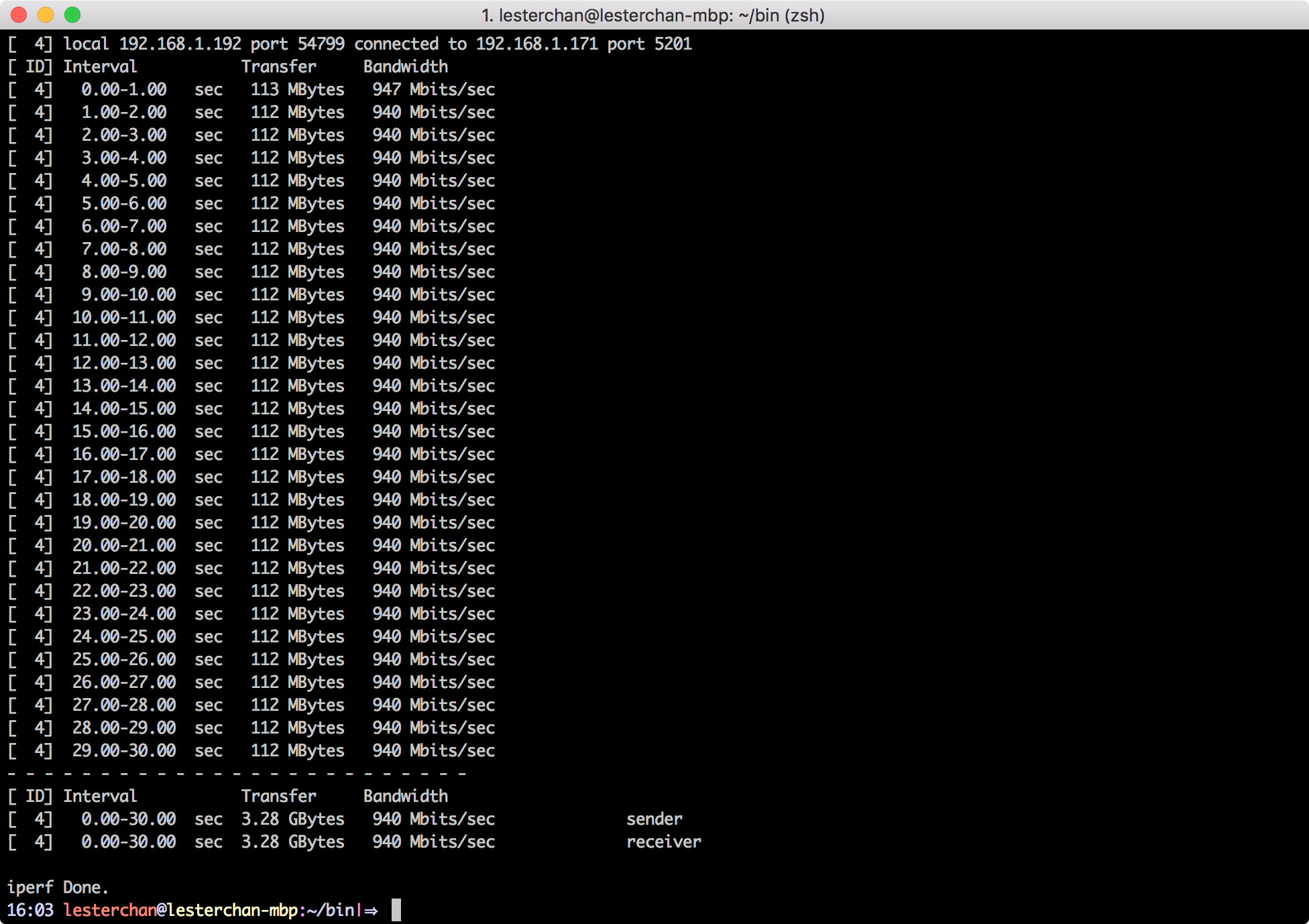

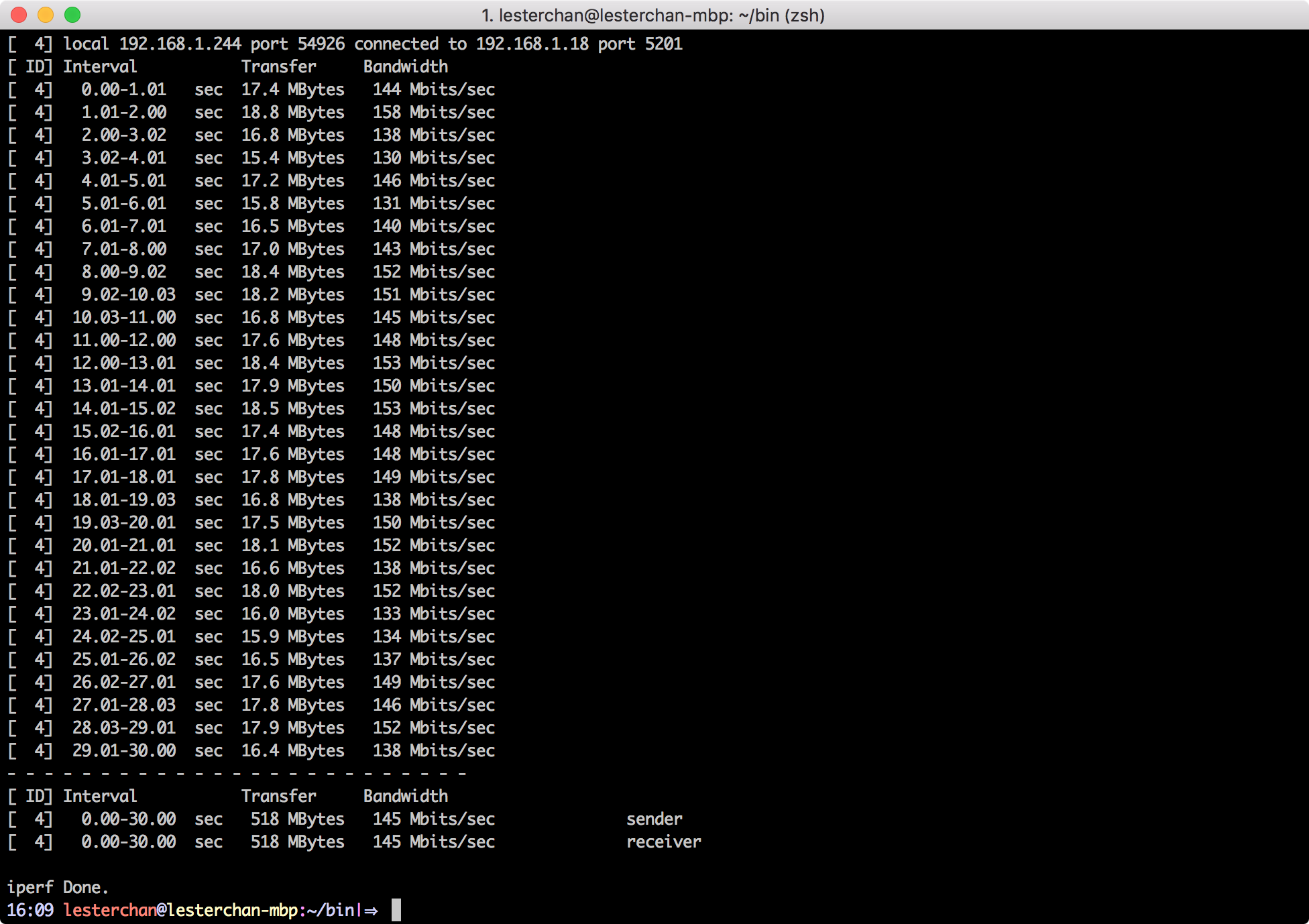
Maybe because it is more accurate, in all the three tests I ran, LAN to LAN, LAN to wireless and wireless to wireless, the RT-AC88U beats all the previous three routers that I reviewed.
| Type | RT-AC88U | DIR-890L | EA9200 | EA8350 | WRT1900AC | DIR-868L |
|---|---|---|---|---|---|---|
| LAN to LAN | 940Mbps | 932.71Mbps | 886.36Mbps | 876.2Mbps | 780.27Mbps | 500.19Mbps |
| LAN to Wireless | 213Mbps | 175.87Mbps | 173.49Mbps | 97.64Mbps | 146.14Mbps | 217.61Mbps |
| Wireless to Wireless | 145Mbps | 119.70Mbps | 98.79Mbps | 50.53Mbps | 146.91Mbps | 75.71Mbps |
Summary
The ASUS RT-AC88U is probably the most expensive router that I came across and it is not even the highest end Asus router. The RT-AC88U retails for S$429 which is S$30 more than the highest end routers from Linksys and D-Link at S$399.
Given that the RT-AC88U has much more features than the highest end routers from Linksys and D-Link, I find that the S$30 more is justifiable.
I do stream Netflix to my Chromecast regularly. Having a VPN client support is important to me because my SmartDNS is not working ever since I switched to Singtel.
Dual WAN is a good option to have for businesses that have dual Internet connections for contingency purposes.
You will probably not go wrong with the RT-AC88U because of the huge amount of features that they have and I am sure your use cases will be covered in those features.
As a reminder, the RT-AC88U supports MU-MIMO which I am guessing will be the next in-thing for wireless technology next year! So this makes the RT-AC88U future proof as well.
Pros:
- Good wireless coverage
- Good wireless and wired speed
- VPN server & VPN client support
- Dual WAN support
Cons:
- Slightly pricey
- USB 3.0 Port located in front
- IPTV should be renamed to VLAN Tagging

I enjoyed reading your review. I’ve been looking to replace the Aztech router issued when I signed up with Singtel Fibre. My first choice was Linksys WRT1900AC which was released quite some time ago. But AC88U seems to be better but pricier choice.
A question. How’s the ease of setup of AS88U with local ISP?
If your Singtel is the unlimited 1Gbps it is plug and play. If not you have to use VLAN tagging which has already pre defined in the router settings as mentioned above in the review.
Nice review…same i’m thinking of getting one to replace my problematic Aztech7009ac. I glad its is plug and play but how about mio TV setup?
Do you need to do configuring using the cd rom or just really plug and play and you good to go? Thanks.
I am not sure on mio TV side since I don’t use it.
Nice review and good job.
I’m currently torn between retaining my R7000 or recontracting to get this AC88U. I’m not sure if the improvement will be that significant for me to fork out the extra for this though.
Thanks for the review. Can you confirm if NAT Loopback (hairpinning) works on the AC88U?
Hi, just have one additional question around rt-ac88u, is it possible to create a seperate VPN WLAN connection?
Hey Lester. I am only getting 40-30mbps on the 2.4ghz band with this router. I am standing right beside it and the speeds is still the same. Changed channels etc..
Even my old N56u does a better job at 70Mbps ++
I updated latest fw and did a reset but still same..
Does this seem normal to you? I suspect I have a bad router…
Can I have your opinion on this?
Thanks
Hmm there are a lot of factors that affects speed, but I doubt you have a bad router. In order to test it, you need to keep other variables consistent like date/timing and position of the router.
hmm, any advise for me?
thanks
I would consider isolating the variables, like use two routers (this router and your N56u) on the same location and run test on the same device. To see if it yield the same results. I would recommend doing a factory reset on both before you start.
yeah i did that and with the ipad i am able to get 70mbps with n56u but with this ac88u i am only able to get 50mbps if i am lucky…
Thanks for the excellent review.
I’m considering the AC88U but I wonder about the speed you get if using openVPN?
When I use openVPN on my computer i.e. using the computer as the VPN-client, I get around the 100 Mbps that is the max of my connection, but the CPU on the router is probably not as fast as the one on my computer so I wonder still if I would have to see a big penalty in terms of speed.
The speed tests done by you in the review doesn’t really state what kind of connection you are testing on. It’d be great if it would say. Thanks.