The last personal laptop that I have was in 2008, the Apple 15.4″ MacBook Pro 2.53GHz (Late 2008). I used it during my university days. Since graduating in 2010, I have used my work laptop most of the time.
When this MacBook Pro started to spoil parts by parts in 2016, I threw it away and switched to Li Xiang’s hand-me-down Apple 13″ MacBook Pro Retina (Early 2015), and I have been using it since then.
It has been 14 years, and I think it’s time for me to get my own personal laptop again. So I chose the base model Apple 14″ MacBook Pro (2021) which retails for S$2,999.
I got it for S$2,548.74 under Apple’s Friends and Family EPP Order, which is about a 16% discount because my brother’s friend was leaving Apple then.
I initially wanted the Apple MacBook Air M2, but if I waited, I would have to forgo the EPP discount as it was my brother’s friend last week at Apple. So I decided to get the Apple 14″ MacBook Pro M1 Pro.
Because for just S$100 more (S$2,548.74 vs. S$2,449), I get a better processor, mini-LED display, Thunderbolt 4 ports, HDMI 2.0 port, and an SDXC card slot. It is a no-brainer decision.
The compared price of the Apple MacBook Air M2 is S$2,449, as that is the specifications I initially wanted.
Below is the table for comparison. Without the EPP discount, the difference is S$550, which makes it slightly harder to decide and depends on individual needs.
| Apple 14″ MacBook Pro (2021) | Apple MacBook Air M2 (2022) |
|---|---|
| S$2,999 | S$2,449 |
| M1 Pro Chip | M2 Chip |
| 8-Core CPU | 8-Core CPU |
| 14-Core GPU | 10-Core GPU |
| 16-Core Neural Engine | 16-Core Neural Engine |
| 16GB Unified Memory | 16GB Unified Memory |
| 512GB SSD Storage | 512GB SSD Storage |
| 14″ Liquid Retina XDR Display | 13.6″ Liquid Retina Display with True Tone |
| Supports 2 External Displays | Supports 1 External Display |
| Three Thunderbolt 4 Ports | Two Thunderbolt / USB 4 Ports |
| HDMI 2.0 Port | N/A |
| SDXC Card Slot | N/A |
| MagSafe 3 Port | MagSafe 3 Port |
| Magic Keyboard with Touch ID | Magic Keyboard with Touch ID |
| Force Touch Trackpad | Force Touch Trackpad |
| 67W USB-C Power Adapter | 67W USB-C Power Adapter |
| Up to 18 Hours Batter Life | Up to 17 Hours Batter Life |
| 31.26 x 22.12 x 1.55 (cm) | 30.41 x 21.5 x 1.13 (cm) |
| 1.6kg | 1.24kg |


The default packaging comes with a Apple 67W USB-C Power Adapter and Apple USB-C to MagSafe 3 Cable (2m) which Apple is selling for S$85 and S$65 respectively.
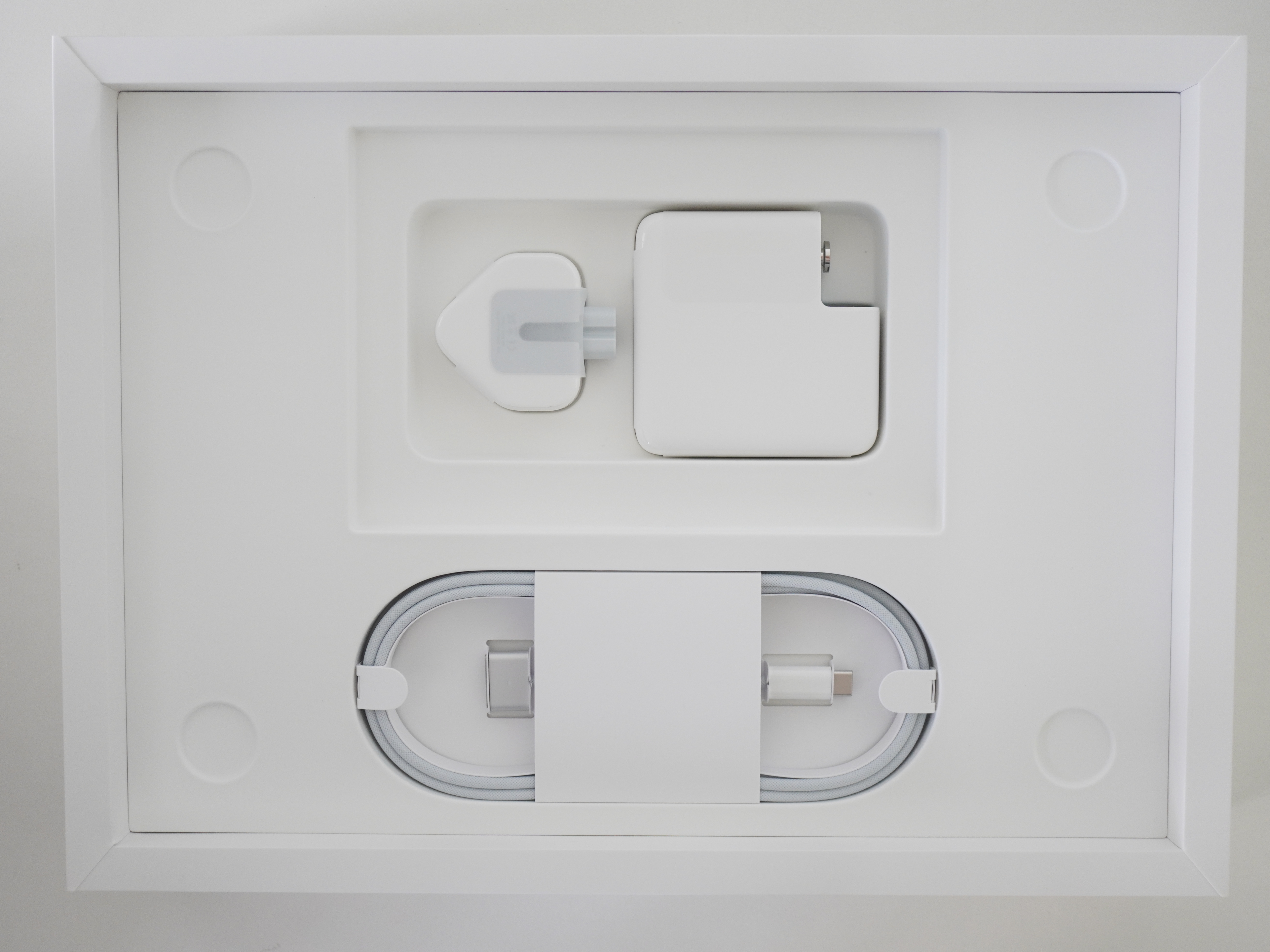
If you buy Space Grey, you will get matching stickers.


On the left is MagSafe 3 port, followed by two Thunderbolt 4 ports and a high-impedance headphone jack.

On the right is an HDMI 2.0 port, followed by one Thunderbolt 4 port and an SDXC card slot.

Apple MacBook Pro 14″ comes with the usual Magic Keyboard with Touch ID and Force Touch Trackpad.


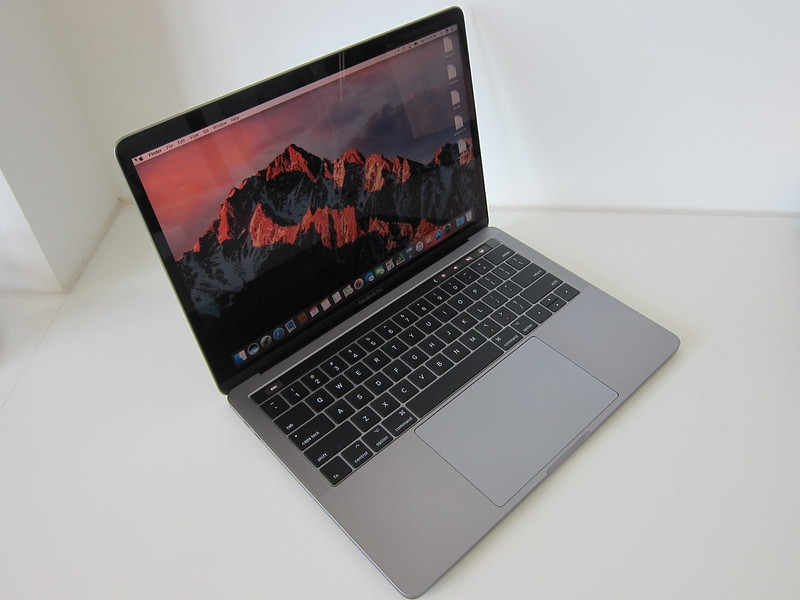

wow looks like a proper laptop! They took a couple of steps backwards to put back the ports people need and remove that silly touchbar thing on the keyboard.
How would you connect this laptop for a dual monitor setup via the CalDigit hub? Will it still be a single Thunderbolt/USB-C cable from the CalDigit hub to the MBP, then the hub will handle the rest of the display output to the various monitor?
Correct! For M1 Pro chips, max is two monitor.