GearBest sent me an iMacwear M7 for me to try. The iMacwear M7 is retailing for US$112.63 (S$155) on GearBest’s website excluding shipping.
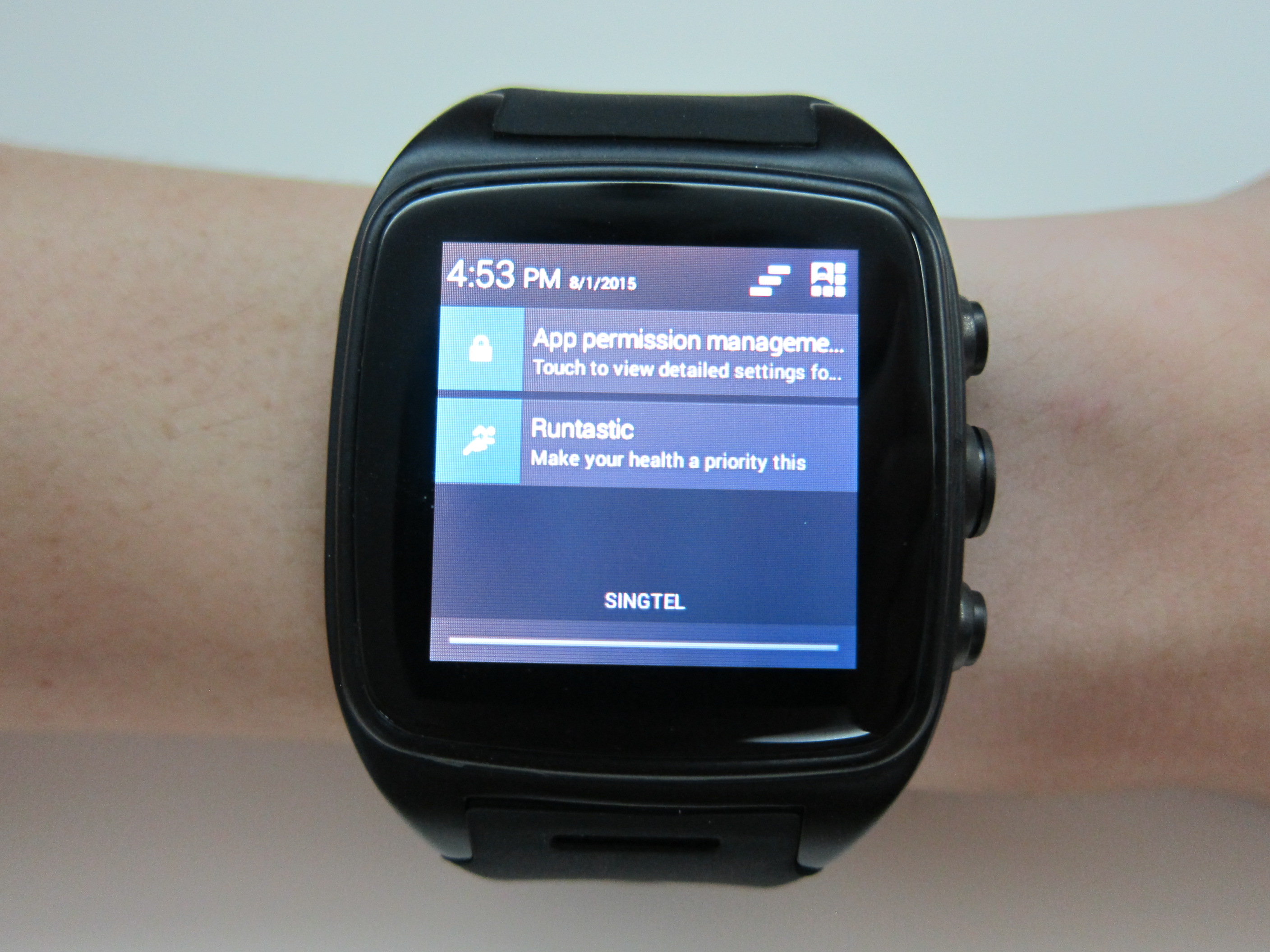
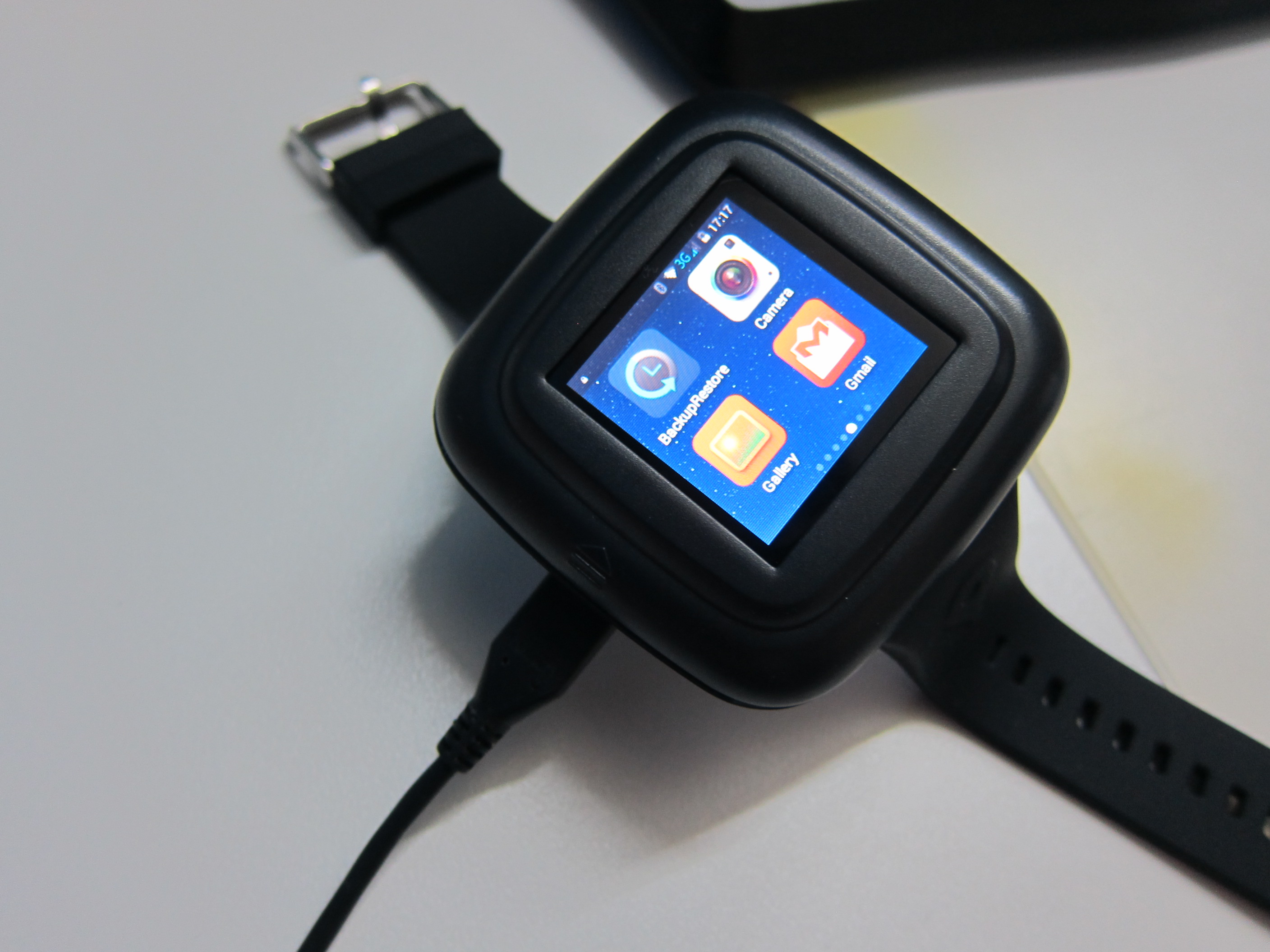
The iMacwear M7 is not an Android Wear device but rather an Android Watch itself because it runs on a full Android 4.4 (KitKat).

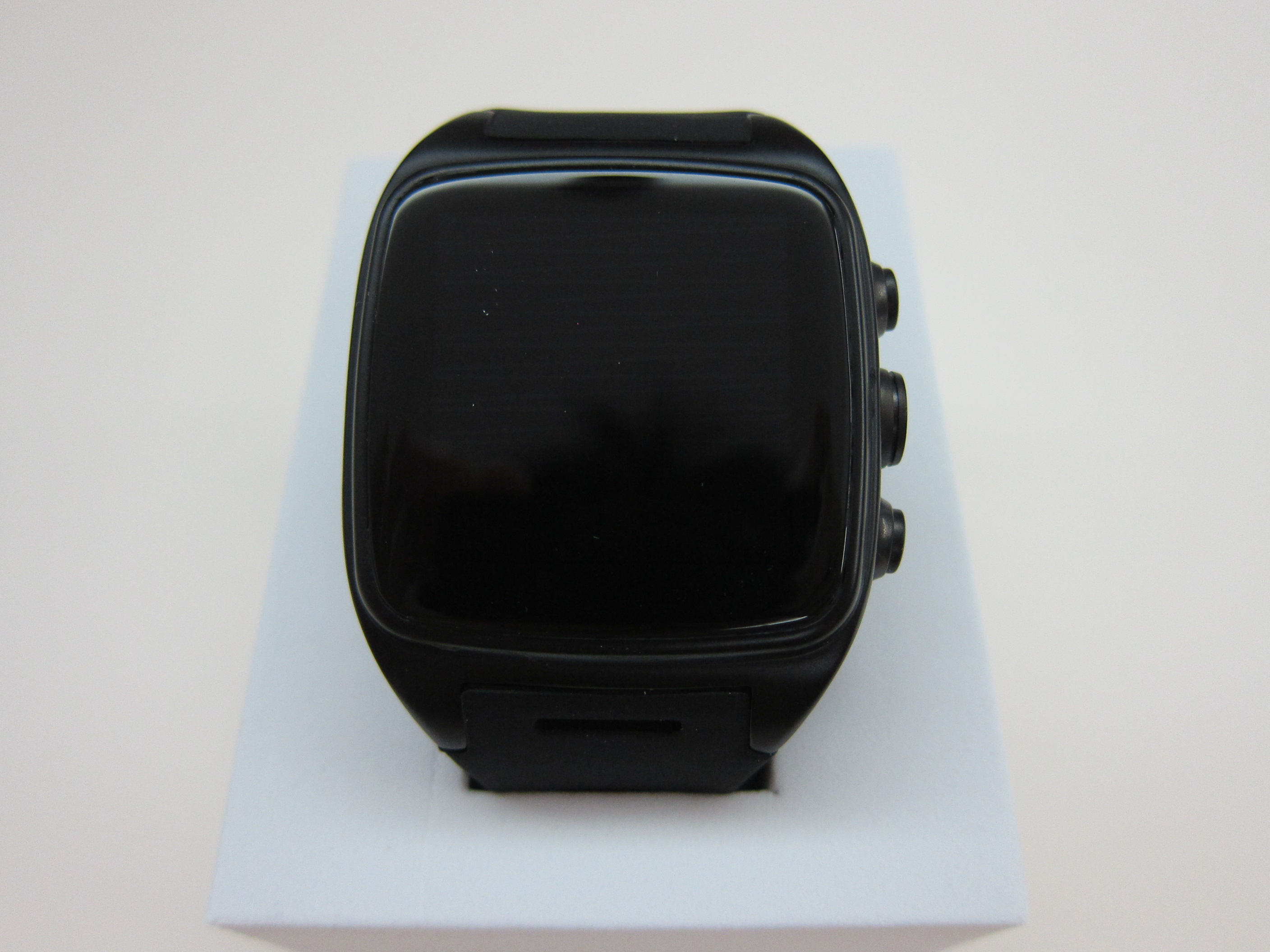

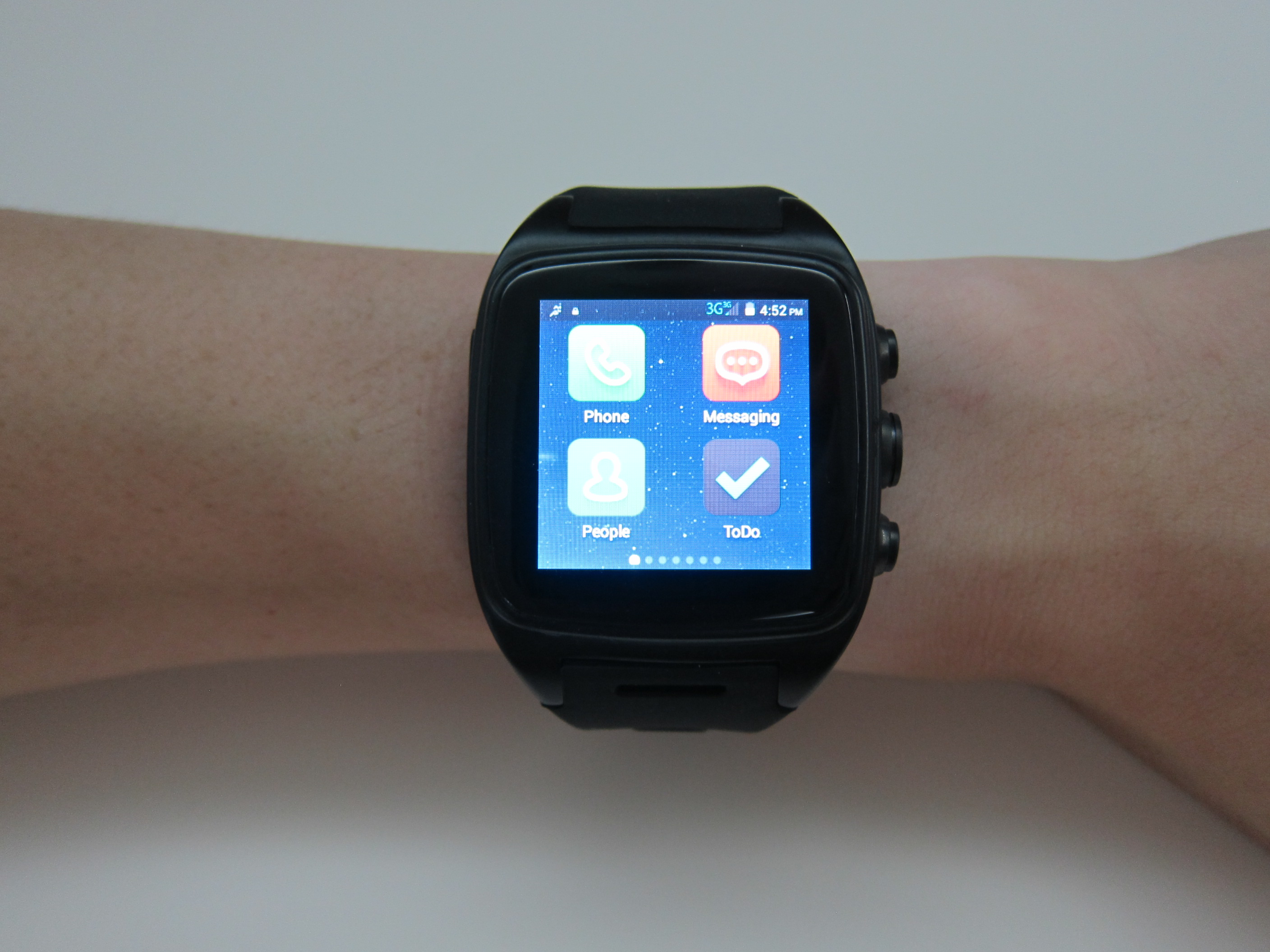

The M7 is a pretty bulky watch, measuring 28.36 x 4.65 x 1.38cm and weighing 120g. It is rated IP67 Waterproof which means it is protected against dust and the effect of immersion between 15cm and 1m in water.

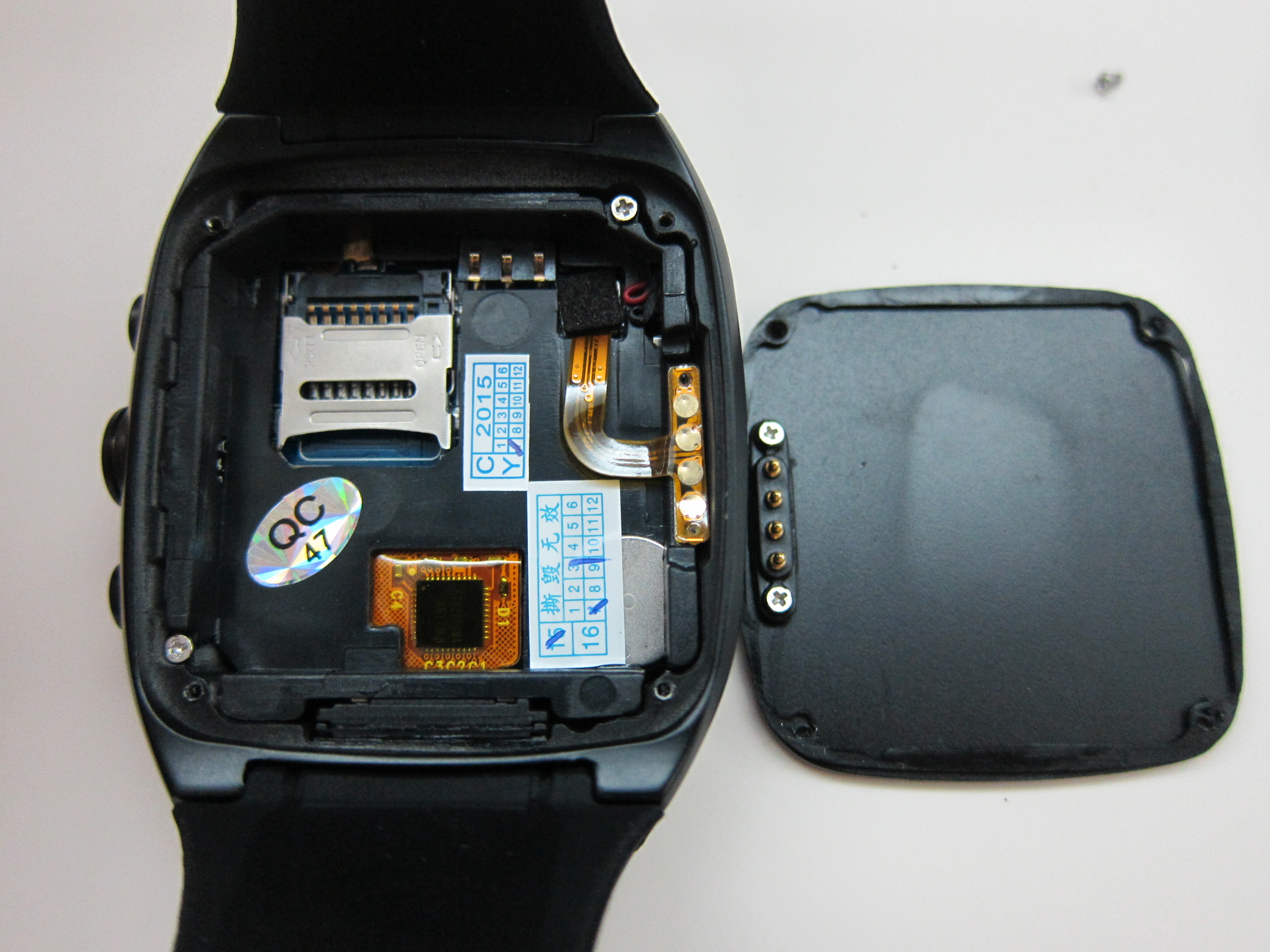
The package includes 1 screw driver because you will need to remove the back cover to insert the Micro SD card or the battery.
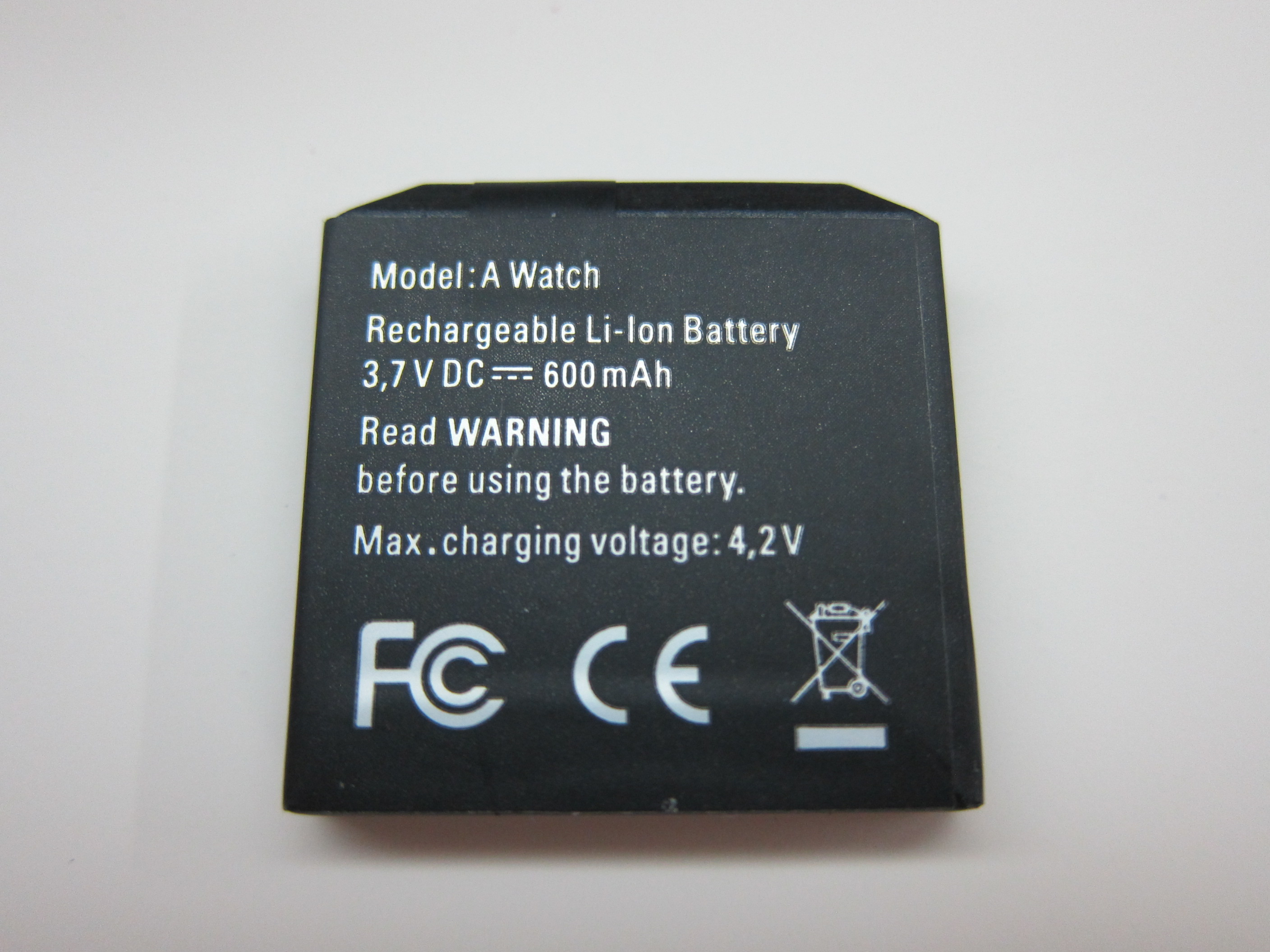
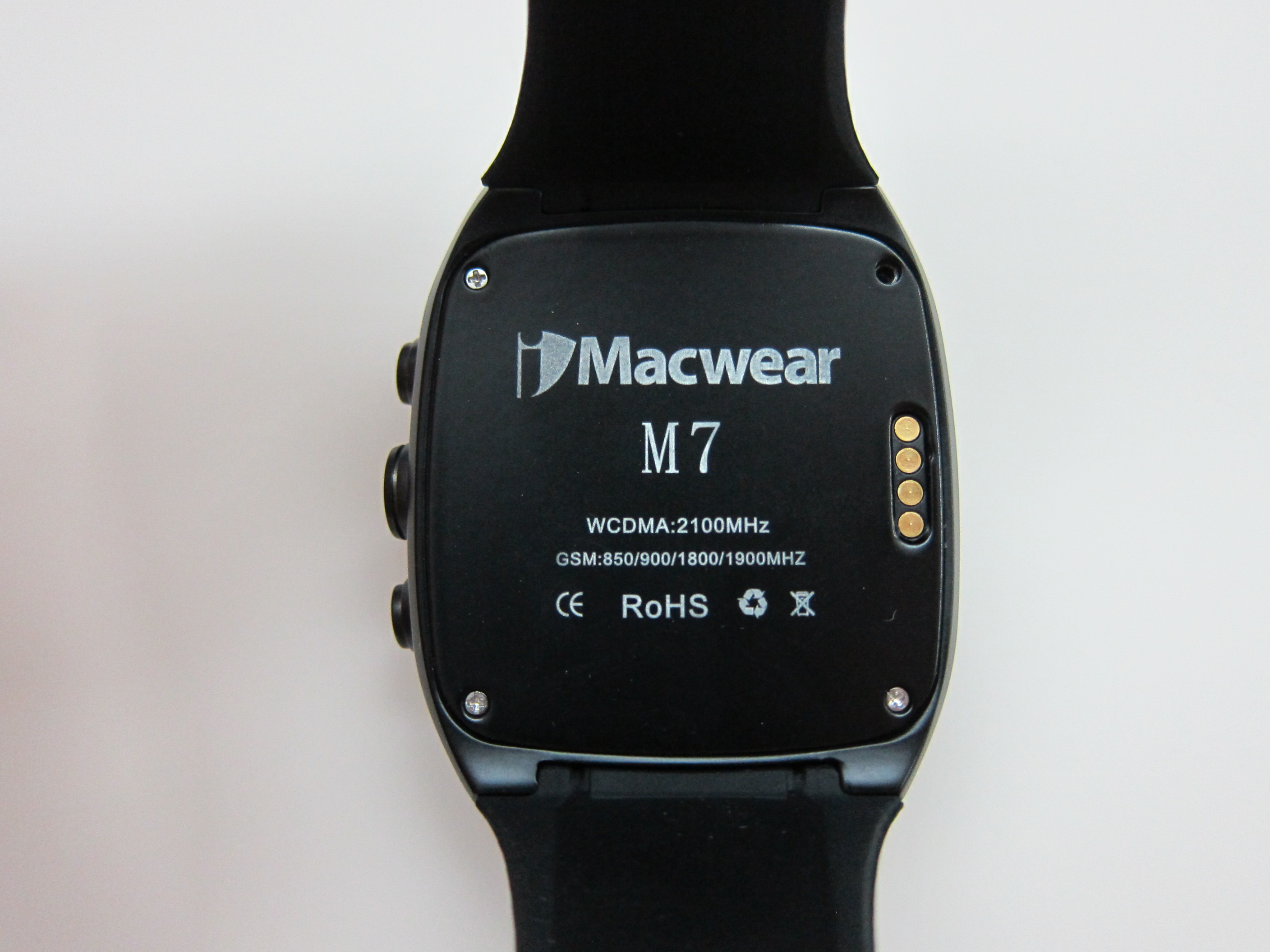
The Micro SIM card slot also requires you to unscrew it before you can insert the Micro-SIM. It makes sense because it meant to be IP67 rated.
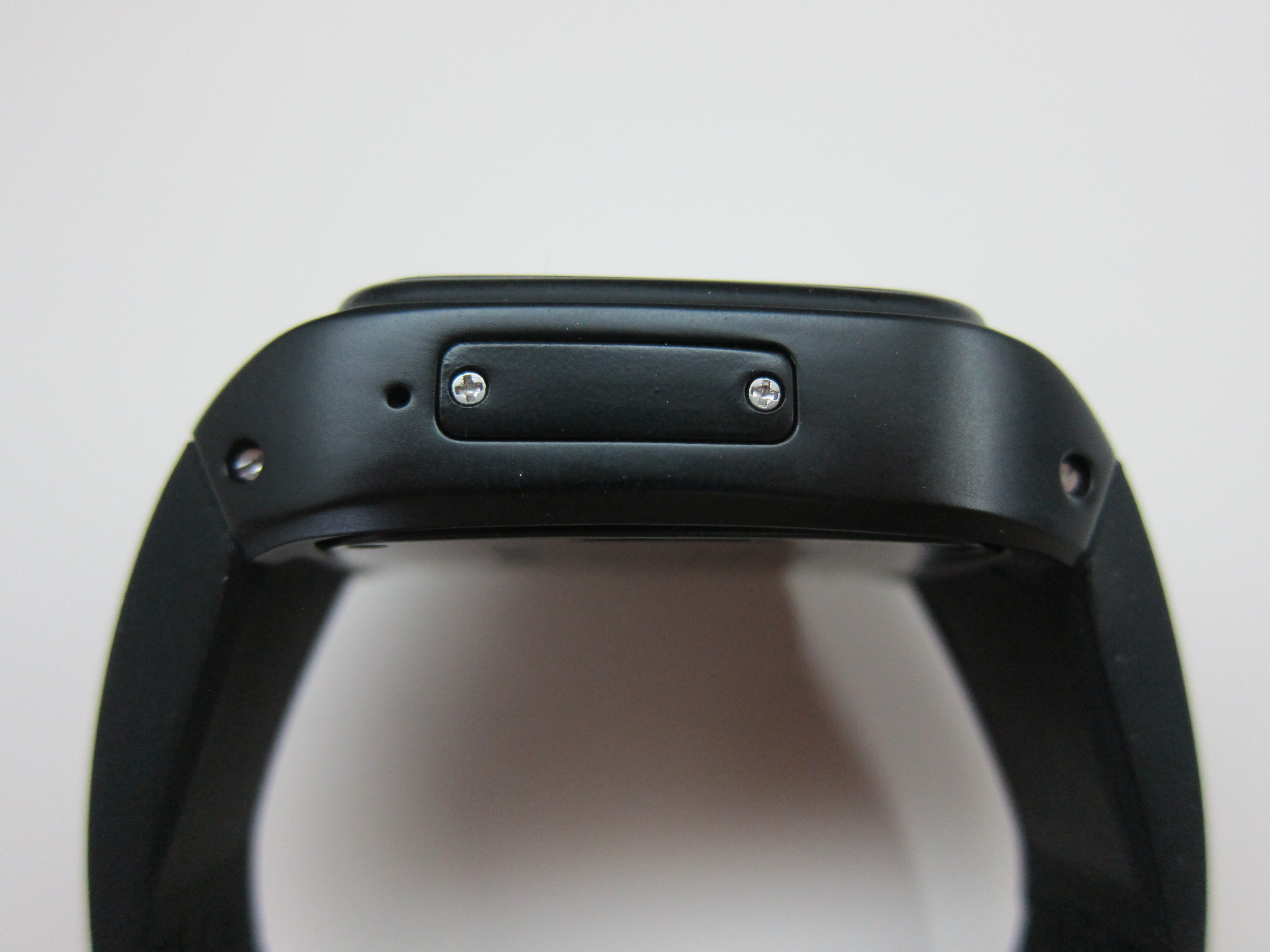
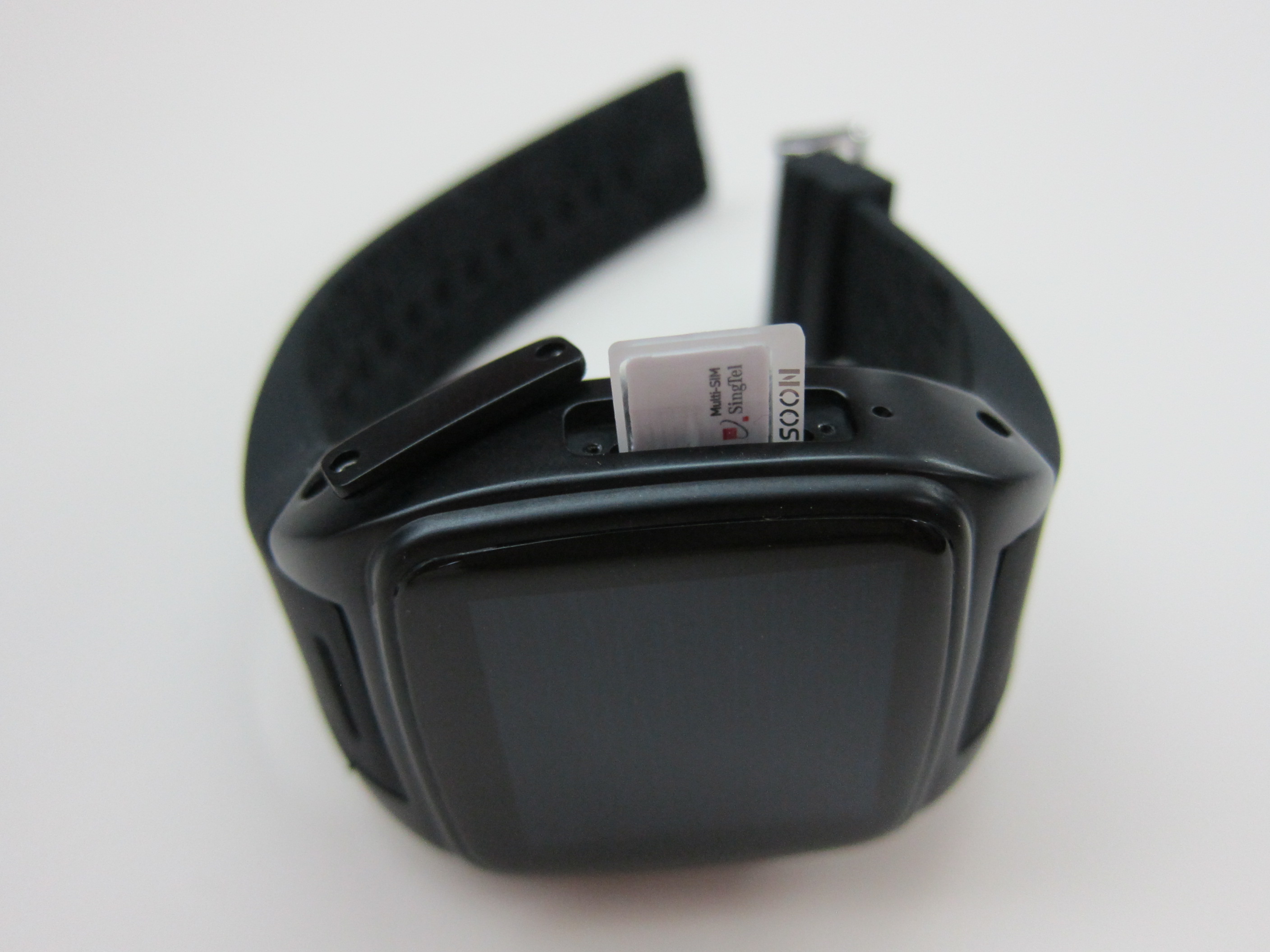
Because it is rated IP67, technically you can bring it for swimming. To be honest, I dare not try it because after removing the back cover of the watch to insert the battery, it doesn’t give me a very good impression of the waterproof seal.
It uses Micro SIM card and runs on GSM 850/900/1800/1900MHz and WCDMA 2100MHz frequencies and hence it will work in Singapore. I am able to use my Singtel SIM card with it,
It supports both phone calling and 3G data capabilities. It also has a portable Wi-Fi hotspot and hence you can use the M7 for 3G tethering.
For Wi-Fi, it supports 802.11b/g/n.
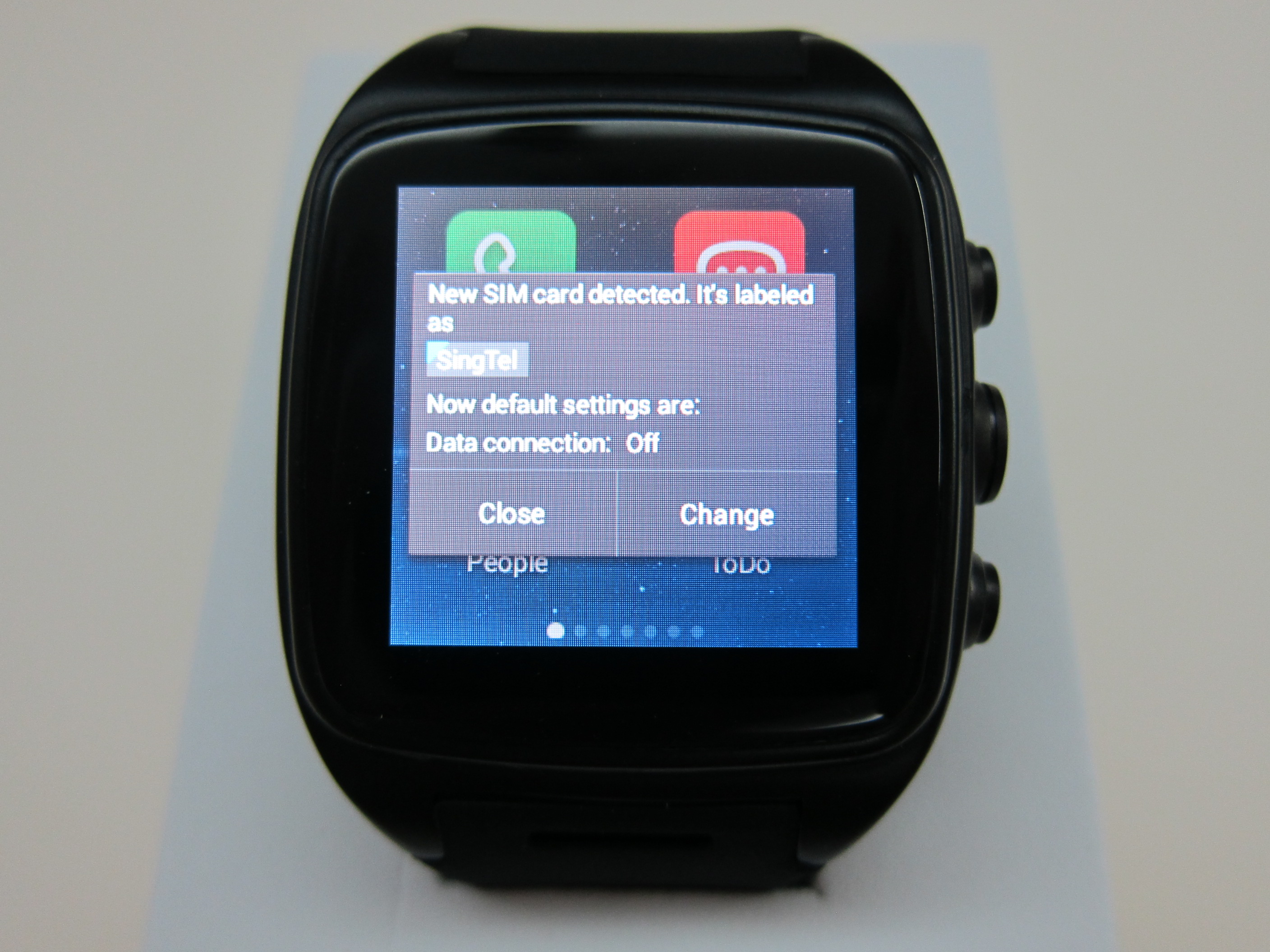
The M7 runs on MediaTek MTK6572 Dual Core Processor at 1GHz with 512MB RAM. It comes with 4GB internal storage and you are able to expand it up to 32GB using MicroSD card. It uses Arm’s Mali-400 MP as it’s GPU.
I was expecting the Android UI on the watch to be laggy when using it, but to my surprise, it is pretty responsive, at least from a smartwatch point of view.
The screen size is 1.54″ and has a resolution of 240 x 240. It supports only up to 2-point on its multi-touch screen.
Despite the UI being snappy, the multi-touch screen is not as sensitive as I expected. It really takes a lot of effort and practice to swipe though 5 pages of the app smoothly.
Checkout the hyper-lapse video I took using the UI:
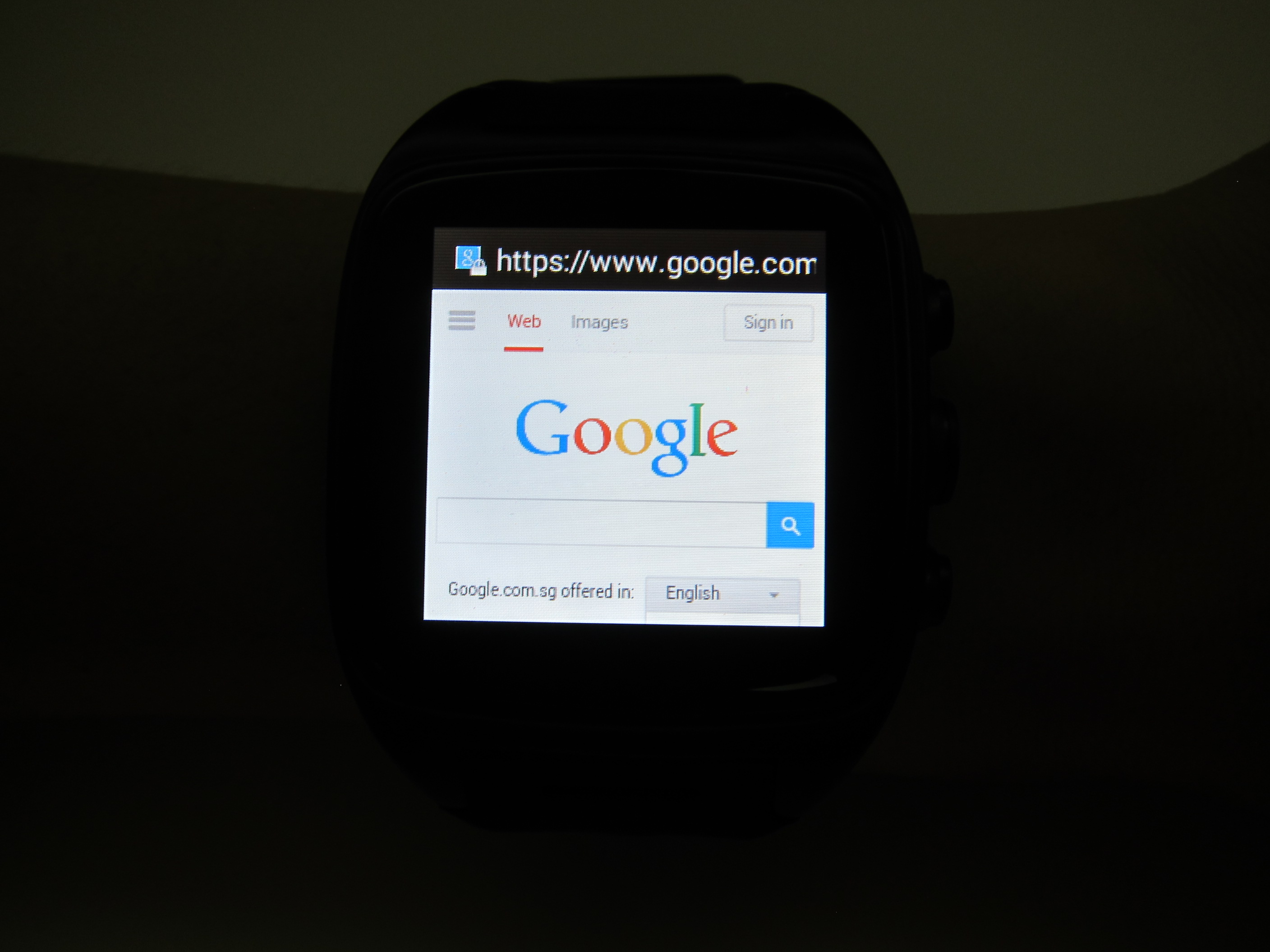
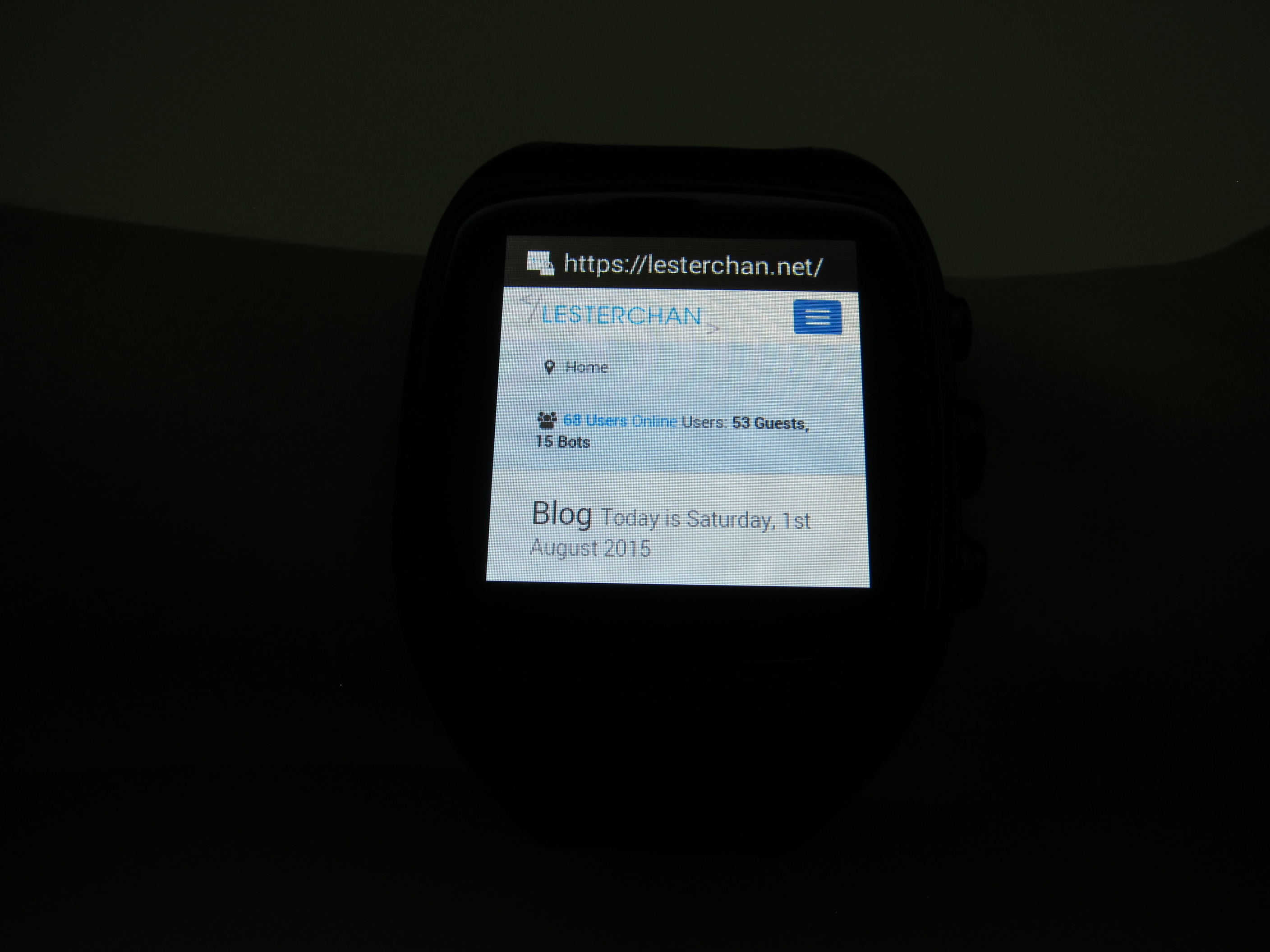
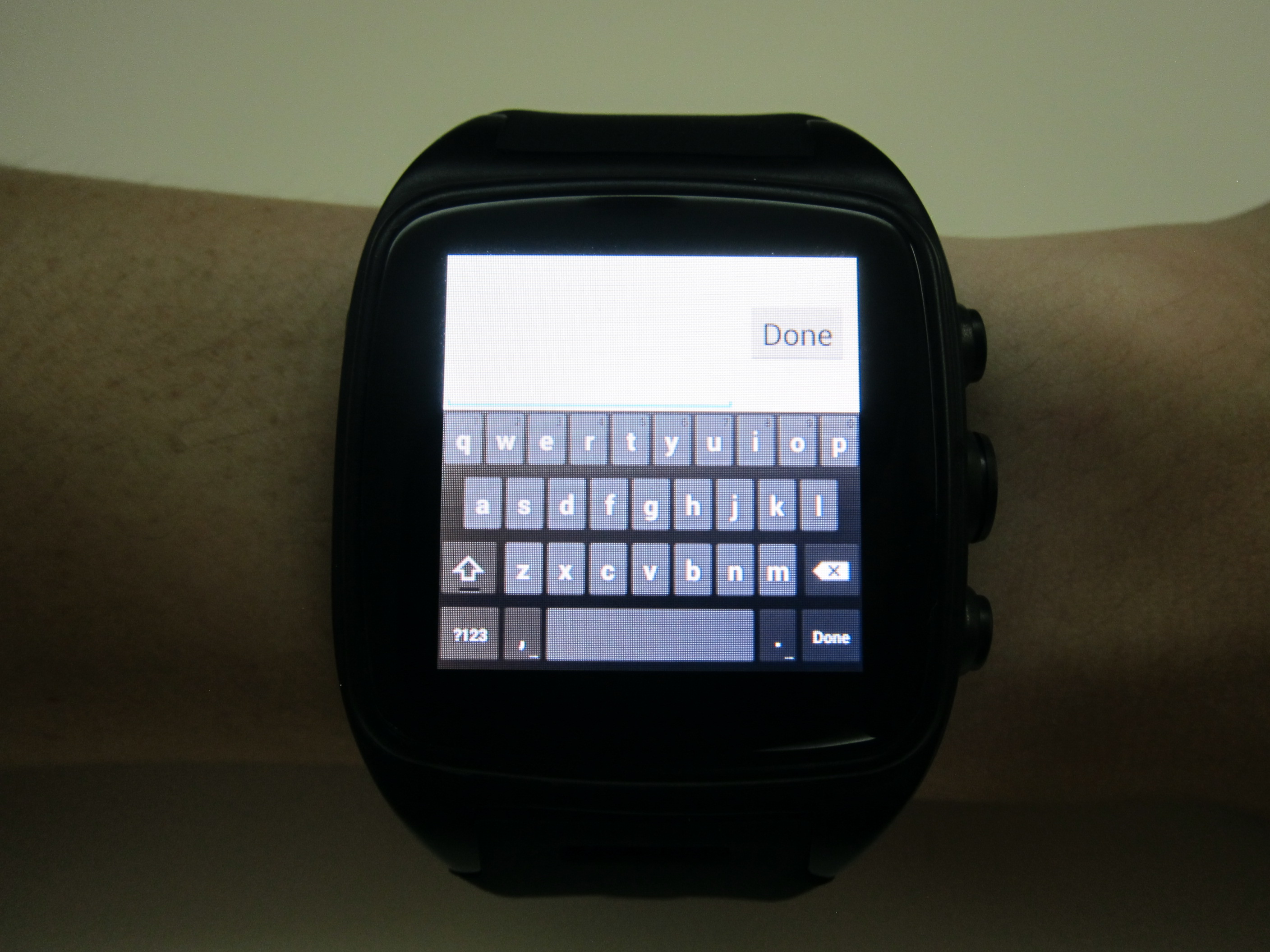
The letters on the keyboard are pretty small, but I can type pretty accurately on it at a slow speed.
The M7 includes a 5MP camera which camouflages to look like a button.


The M7 has Google Play Store in it so you can install Android apps from the store.

If you are intending to root the M7, checkout XDA thread on it.
I am hoping someone will eventually port Android 5.1 (Lollipop) over to the M7 because I don’t think it will arrive from the manufacturer as an update. In fact, I don’t think the watch will get any updates at all.


Have you had any luck with non SIM based GPS on it? Does it have a GPS receiver or is this just false advertising?
Thanks
Tom.
It has a GPS in it, but when you are out, you need active data connection to download the maps? Unless you are using offline maps which I don’t have
Hi Lester
It doesnt seem to work on mine – I have downloaded a couple of GPS test tools and it is showing ‘GPS on’ but no satellites or connections are showing. This leads me to believe it only uses Googles Location services via wifi/cellular network and does not have true GPS. I also downloaded Here by Nokia (which is the Lumia version of Google Maps) now available on Android with downloaded maps and it only opened with my last known location found via wifi. Do I ahve a hardware error or was GPS never really there?
Regards
Tom.
Good point, let me test tomorrow on my way to office and I will let you know
Hmm GPS is there for me. Just that I have problem getting it fixed.
Thanks for the share and sorry for the late reply =)
Ma alla fine si puo utilizzare come uno tidybuying smartwatch senza usare la sim? Per ricevere le notifiche dello smartphone collegato via bloutooth?
They say on there website you can’t download apps from the play store is this true….? Imacwear 7 smartwatch android 4.4 gearbest. …how is the bluetooth wireless. .? Do you get good frequency I use Dr dre power beats solo 2 wireless earbuds. ..? Will it work….?
Nope I can download apps from the Playstore just fine. I didn’t test the BT but I think should not be a problem.
Thanx …did you have to root it..? For anything like the internet, or notifications, ..etc…?
Nope.
So you did buy it from gearbest. ? You didn’t have to root it or anything. .? Thanx…lester
Yeap I got it from Gearbest.
Hi
I’ve got the Imacwear M7 yesterday, I put the simcard into the slot but I only get this message: Please insert the sim to launch the simtoolkit. Now I want to take out the simcard, but the simcard is fully seated inside, how can I take out the simcard from the slot? Thanks very much for the answer as soon as possible. Regards
Hey Lester,
Is there the ability to use the watch as a companion to answer calls/SMS via Bluetooth? I heard there was a firmware download that allows this but just wanted to be sure before I make the purchase. Thanks!
I am not sure about this since I did not try. I stop using this watch, it is too bulky for my liking. I am using my Apple Watch most of the time now =)
Hi, I had the watch for ~5 months so far used it for running only, it worked fine, GPS was not available all the time. However today the power button is not working when I press it; if I put it in the charger then it powers on via usb I guess. Did any one have the same problem or not sure if I should just open the back and remove the batery and then put it back…. please help,love the watch
Is it possible that the watch’s battery is no longer taking a charge? And is simply totally dead. So that, when you hit the Power button, nothing happens-giving the appearance of a malfunctioning power button.
I love mine, too. But the charging contacts are problematic. Especially when the watch is worn in an environment that causes perspiration. I have found literally, sweat puddling near the contact points when just mildly sweating. I can imagine what it could be like after a good run. In fact, the problem was of such a concern, I took steps (with 1/16″ thick, self-adhesive padding covering said area) to block moisture from working in through the contacts. Of course the padding has to be taken off each time to charge. Which is a pain. But better than the corrosion that was building.
I’d take off the back cover to examine the internal contacts. Cleaning as you go. In the few months I’ve had mine, I’ve yet had to do so, but have had to gently clean the external points (Q-tip swabs and toothpicks-I know, “high tech” but that’s just me) a number of times to get good contact when having trouble getting a solid connection with the charger.
As an indication, when you connect the charger, does the “Battery in Charge Mode” little icon thingy show on the screen? If you have an active sim card in it, try calling the phone. This should (if it has power, and the battery is not dead) bypass the need to use the power button. Thereby help you isolate the problem.
Good luck, and let us know-Don
Don C, thank you so much for replying to my question. When I plug in the charger it shows that is charging and then it shows that it’s 100% charged and seconds later the display goes black. I was going to open the back and see if I can clean it. I don’t use a sim card. I do agree it has to do with the sweat during the run. I emailed the manufacturer, but no answer so far. How do I bypass the power button? Thanks again for your help.
Hello NB-Really interested in hearing back from you regarding your success with iMacwear’s tech support. I have written them also, But haven’t heard back, either. I wrote them not too long ago on an unrelated matter, and maybe I just haven’t allowed enough time. Hopefully you will update this blog with your results? But back to your problem.
Given my somewhat limited expertise on repairing android devices, I really can’t think of another way to wake up your phone without a power button aside from the Sim card method I mentioned already. Do you have an active Sim card that you could temporarily slip in the phone? This may just give the phone what it needs to bypass your power button. Then if so, you could go to Google App Store and DL a, “Shake and Wake” app. Short of that, it’s looking like it might be a warranty issue.
If it is a warranty issue for you with the power switch problem, best of luck. iMacwear’s resolution of your warranty issue would be another helpful bit of information to share, too. I have toyed with the idea of rooting my M7, But to this point have not done so to preserve my warranty. But, if this company is not so good about honoring their warranty, then that becomes really a nonissue. I mean, all of their advertising indicates IP67* waterproof qualities-certainly a little (“Lot” lol) sweat should be covered, right?
Sorry NB that I couldn’t be more helpful. But will certainly keep your problem in mind and if I learn of something that may be helpful, will come back and report it to you. Again best of luck
*IP ratings, or ingress protection, were developed by the IEC (International Electrotechnical Commission) and are most heavily used in Europe and Asia. IP67 standard requires testing a device to be protected from dust and capable of withstanding water immersion between 15 cm and 1 meter for 30 minutes.
Claiming such w/o adequate testing or proof seems to me to constitute fraud. right?
i can’t get mine to connect to my samsung prime core it’ll connect this disconect