Asus ROG Swift OLED PG32UCDM Monitor Review
As mentioned in my New Computer AMD Ryzen 7 9800X3D, I wanted to upgrade my monitor so that I can fully utilize my new PowerColor Red Devil AMD Radeon RX 9070 XT graphics card.
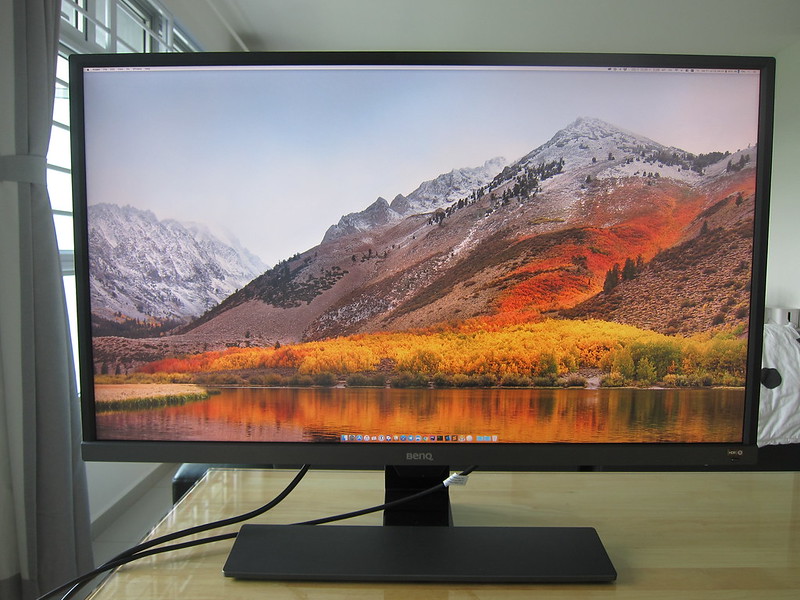
I know I wanted a 32″ monitor since I will be giving away my existing BenQ EW3270U 32″ 4K HDR Monitor to my nephew.
In addition to being 32″, the monitor should have a flat, glossy screen and support a refresh rate of 240Hz. A glossy screen allows for richer colors and stronger contrast compared to matte screens.
Next is the panel, and OLED is the undisputed champion for gaming, followed by Mini LED (See: RTings: Mini LED vs OLED). OLED response time is effectively instant compared to other types of panels, such as Vertical Alignment (VA), Twisted Nematic (TN), In-Plane Switching (IPS), and Mini LED.
There are two different types of OLEDs made by two manufacturers: LG’s WOLED and Samsung’s QD-OLED. The W stands for White, while QD stands for Quantum Dot. The winner here is QD-OLED (See: RTings: QD-OLED vs. WOLED). QD-OLED panels offer richer saturation, a broader color range, and brighter tones than WOLED, making everything appear more vibrant and alive.
There are only a handful of gaming monitors that fit my criteria.
- MSI MPG 321URX
- MSI MPG 322URX
- MSI MAG 321UPX
- Asus ROG PG32UCDM
- Asus ROG PG32UCDMR
- Gigabyte MO32U2
- Gigabyte Aorus FO32U2P
- Gigabyte Aorus FO32U2
Asus ROG PG32UCDM was frequently mentioned in r/OLED_Gaming as the best 32″ OLED gaming monitor, as it has the best factory calibration and build quality. Having said that, you will not go wrong with any of the monitors listed above.
In Singapore, when I compare the prices, the Asus PG32UCDM is probably the most expensive 32″ OLED gaming monitor as well, despite it being released in February last year. The Recommended Retail Price (RRP) is S$2,099.
A newer model, the Asus PG32UCDMR (note the ‘R’ at the end), was released a few months ago, and it retails for S$2,199. If the price difference is only S$100, it is a no-brainer to opt for the newer one, as it features DisplayPort (DP 2.1), a more accurate proximity sensor, and improved OLED burn-in protection.
Some shops might be clearing the older Asus PG32UCDM and offering greater discounts. If the discount is more than S$300, the difference will no longer be worth it. Hence, consider getting the older Asus PG32UCDM instead.
Unboxing
As my review unit of the Asus PG32UCDM is quite used, the box is in poor condition so I will not be posting a photo of it, and there are minor scratches on all the accessories. However, it doesn’t affect the monitor’s performance.
The stand is different from conventional monitors, and that is what makes the Asus PG32UCDM stand out. It follows Asus’ usual ROG design language, featuring aggressive angles, matte black surfaces, and a stand that resembles a small mech.

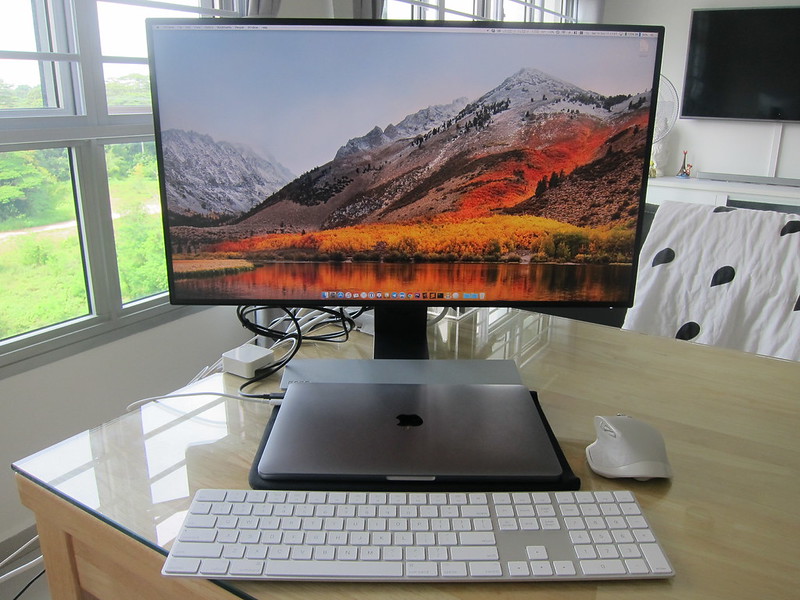
Personally, I don’t use the stand as I prefer it to be mounted on my Ulti Aura RGB Dual Monitor Arm. You cannot mount the monitor directly onto the monitor arm without using the included VESA mount adapter.

When using the stand, the Asus ROG logo will be projected onto your table. You can even swap it out with a transparent plate, so it will just project colors if you don’t like the logo.

Four cables are included:
- DisplayPort 1.4 Cable
- HDMI 2.1 Cable
- USB 3.2 Type B To Type A Cable
- USB-C Cable

I have already plugged in the USB 3.2 Type B to Type A Cable, and it is therefore not included in the picture above.
This is the first time I’ve seen a monitor come with a carrying bag to keep the cables that you might not use.
Design
The bezel is relatively thin and uniform around. The most prominent feature in front is the red Asus ROG logo, which is lit. Since there is a well-used review unit, there are some noticeable scratches at the bottom.

The display itself is thin, thanks to the use of OLED technology. There’s no backlight array, so the side profile looks more like a high-end TV than a monitor. The ROG logos also light up prominently at the back.

Connectivity
Asus PG32UCDM has two HDMI 2.1 ports and one DisplayPort 1.4 port.

On the right, it features a USB-C port capable of delivering up to 90W of USB-C Power Delivery. The default is 65W, as selecting 90W will limit the maximum brightness of your display to 65%.

The Keyboard, Video, and Mouse (KVM) Switch is built into the Asus PG32UCDM, allowing you to use your keyboard and mouse with two different computers seamlessly. You need one computer to be plugged into the USB 3.2 Type B port and the other USB-C port. The USB-C port also supports DisplayPort Alternate Mode (DP Alt Mode). DP Alt Mode allows the USB-C port to transmit DisplayPort video and audio signals.
On-Screen Menu
There are three buttons at the bottom of the monitor. The buttons are behind the bottom ROG logo. The first button is a close button, followed by the 5-way navigation button, and a power button.

DP 1.4 vs DP 2.1
One of the drawbacks of the PG32UCDM in 2025 is its use of the older DP 1.4. The newer PG32UCDMR comes with DP 2.1.
When it comes to bandwidth, DP 1.4 has a maximum bandwidth of 26 Gbps. To support 4K at 240Hz, it needs to utilize DSC (Display Stream Compression). DSC is visually lossless, but it is still a compression. DSC relies on your graphics card drivers, and if they are buggy, your graphics performance will be impacted.
With DP 2.1, the maximum bandwidth is 80 Gbps, utilizing the Ultra-High Bit Rate (UHBR) 20. So there is enough bandwidth to support 4K at 240Hz without any compression.
Things get even more complicated. My PowerColor Red Devil AMD Radeon RX 9070 XT supports DP 2.1a, but it only does UHBR 13.5 (54 Gbps). Regardless, it is still capable of 4K at 240Hz without DSC.
Therefore, choose a DP 2.1 monitor to ensure it is future-proof. However, if the price difference exceeds S$300, then it is probably not worth it, since DSC is visually lossless and you will not be able to tell with the naked eye, no matter how good they are.
Gaming Performance
The AMD Radeon RX 9070 XT is an upper mid-range graphics card, but it will not be able to drive 4K at 240 fps for AAA games like Cyberpunk 2077. I still manage to achieve over 170 fps on the maximum settings with AMD FidelityFX Super Resolution (FSR) 4.

You can easily achieve 4K at 240 fps with esports games like Counter-Strike 2 or Overwatch 2, as they are optimized for speed rather than graphics.

However, when HDR mode is on, the FPS drops to around 200.

OLED Burn-In
The primary downside to having an OLED monitor is the risk of burn-in. Burn-in on OLED displays occurs when fixed images remain on the screen for an extended period, resulting in permanent ghost marks due to uneven pixel aging.
Asus PG32UCDM has features to prevent that from happening. These features typically involve moving your pixels around, like a screen saver, pixel cleaning, or auto logo brightness. You can set a reminder to run the pixel cleaning utility after 2, 4, or 8 hours of use. The pixel cleaning process takes about 6 minutes.

Turning off the screen as quickly as possible when it detects that you are not at your desk also helps. Hence, a proximity sensor is built into the PG32UCDM.
The newer PG32UCDMR takes it one step further by upgrading the standard proximity sensor with the Neo Proximity Sensor. The Neo Proximity Sensor uses a laser instead of relying on radar/magnetic/capacitive/ultrasonic. It can actually measure the actual distance, thereby reducing false positives. You can read more about it here: Neo Proximity Sensor vs Standard Proximity Sensor.
Generally, OLED protections are sufficient for typical mixed usage scenarios, such as gaming, browsing, coding, or streaming. However, no panel can endure being left on a bright static image for 10 hours a day, every day.
That being said, all Asus OLED monitors come with a 3-year warranty that includes protection against panel burn-in.
Conclusion
The ASUS ROG Swift OLED PG32UCDM is probably the best QD-OLED 32″ monitor you can buy today. You will not go wrong in buying it.
The only downside is that it is more expensive than other QD-OLED monitors on the market, as it is better calibrated at the factory and features a superior build and design.
If budget is not a concern for you, consider the PG32UCDMR instead, as it is future-proof with DP 2.1 and a Neo Proximity Sensor.
Regardless of whether you opt for an Asus QD-OLED or other brands of QD-OLED, if you’re upgrading from IPS or VA, OLED will feel like a generational leap.