LG Monitor W2486L Review
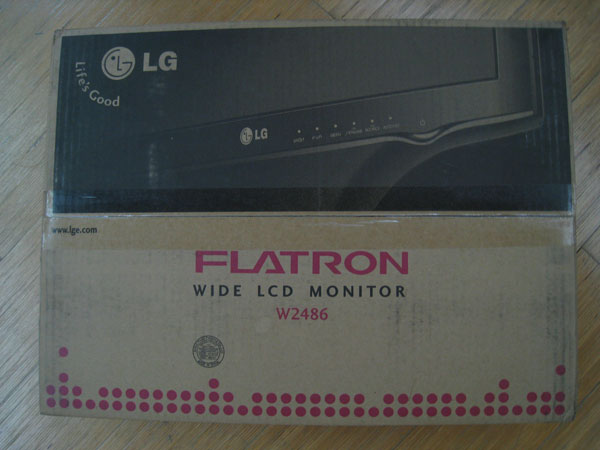
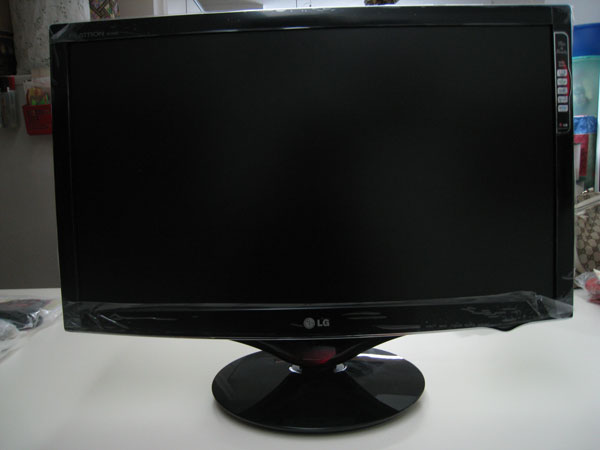
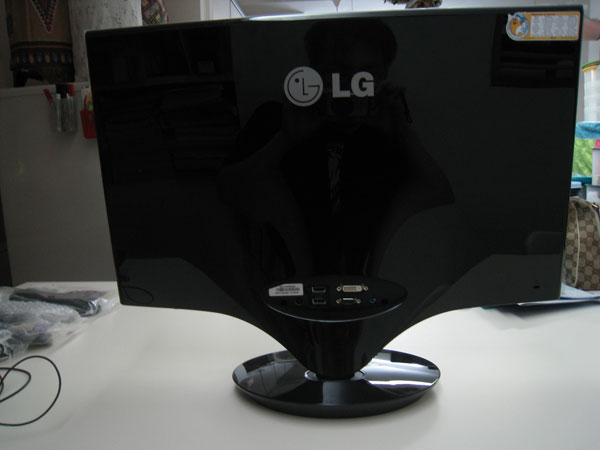
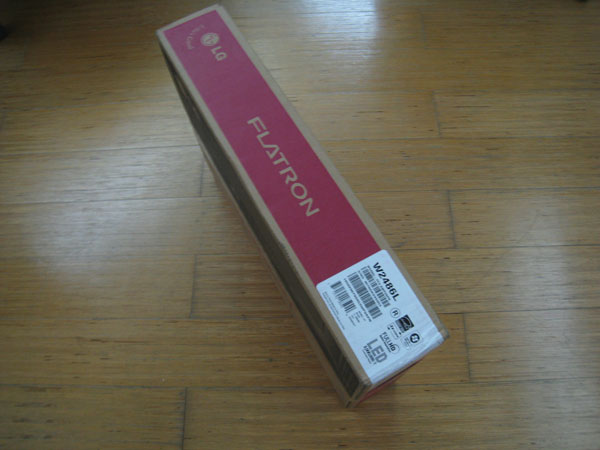
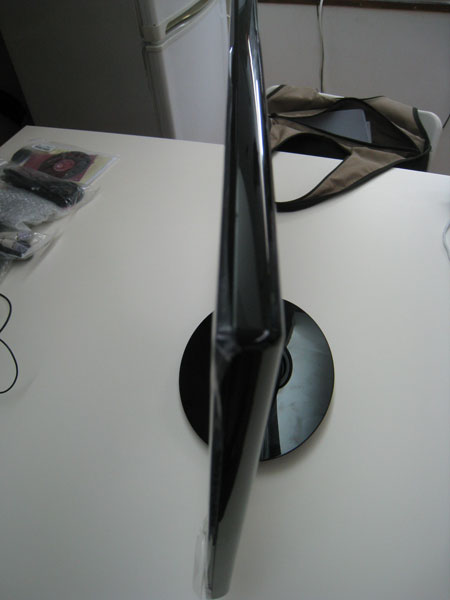
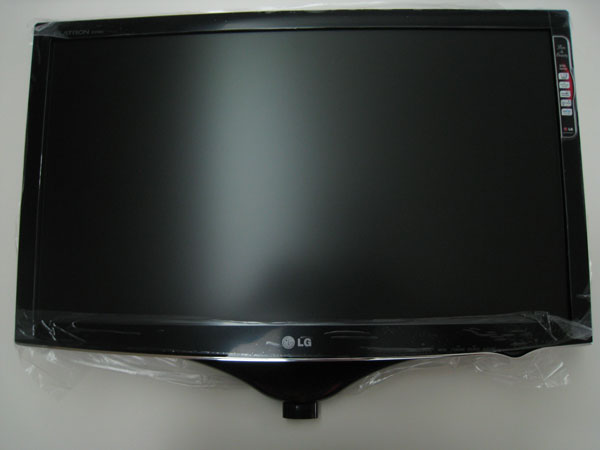
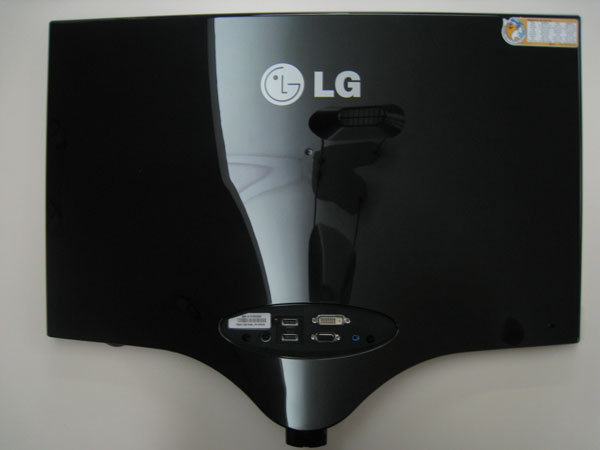
When I first receive the LG Monitor W2486L with the box, the first impression it give me was it was very slim and light. The whole package including the box weights 6.6kg. When I unboxed the package and weight the monitor with its base, it weights only 4.6kg. I think my Dell 2408WFP weights twice of that and look at the size of the box compared to the W2486L’s box.
The attributes of it being slim and light is greatly due to the LED Technology that lights up the screen which gives it an excellent 2,000,000:1 Dynamic Digital Fine Contrast Ratio. Speaking of the screen display, the auto brightness control will automatic adjusting your screen brightness to match your surrounding room’s lightings.
It’s 2ms response time ensure that you can play FPS games with no ghosting effect, tried and tested when I played Left For Dead 2 with it.
The LG Monitor W2486L retails for S$498, just 2 years ago, I bought my Dell’s 2408WFP for S$900+, literally twice the price!
Features
- 16:9 Aspect Ratio
- Full HD (1920×1080)
- HDMI Connector
- 2ms Response Time
- Photo Effect
- 4:3 In Wide
- LED 2,000,000:1 Dynamic Digital Fine Contrast Ratio
- Slim with Passionate Crystal Design
- Eco with green technology
Box Contents
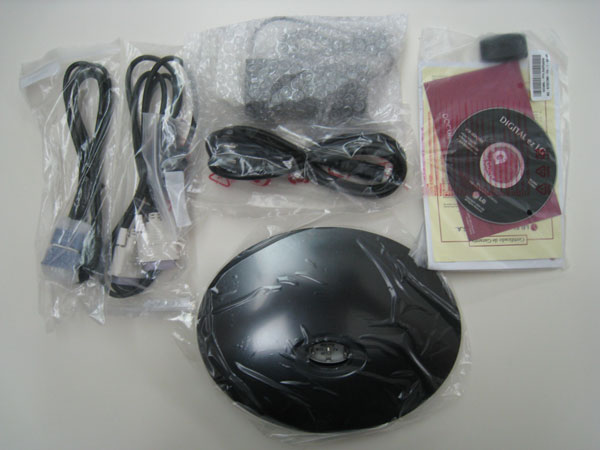
- VGA Cable
- DVI Cable
- Power Adapter
- Power Cable
- Installation Guide
- Manual
- Base Stand
Monitor Inputs
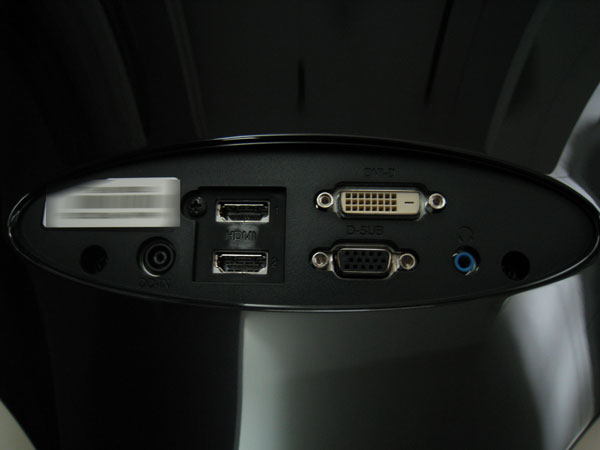
- 2x HDMI Port
- 1x DVI Port
- 1x VGA Port
- 1x Audio Jack Port
- 1x Power Port
Monitor Menu
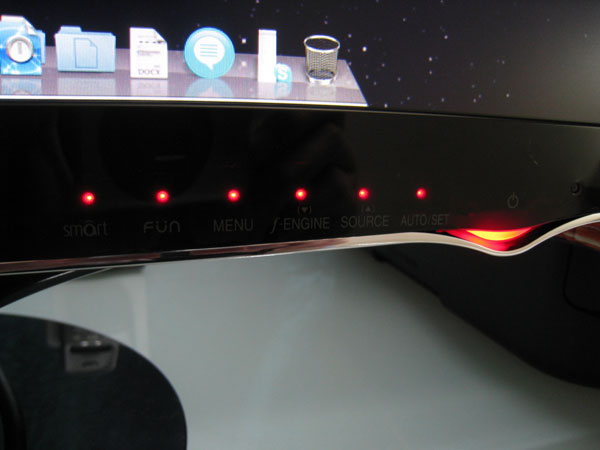
The only complaint I have is the touch sensitive menu buttons of the monitor and that includes the power button. However for the power button, there is a U shape below it to allow you to find the power on button easily.
Beside the power on button there are 6 other buttons, Smart, Fun, Menu, Engine, Source and Auto Set. I personally find there are too much buttons and the naming is confusing. I can never operate the menu correctly even though I played around with it a few times. The first time I played with the buttons, I accidentally changed the language and spend 15 minutes on getting it to change back. This has never happen before with previous monitors that I owned.
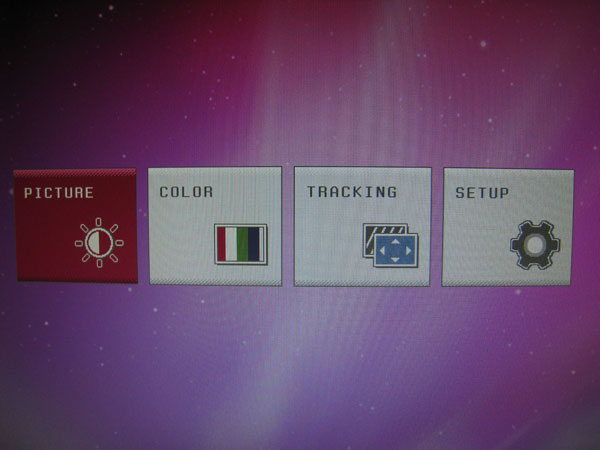
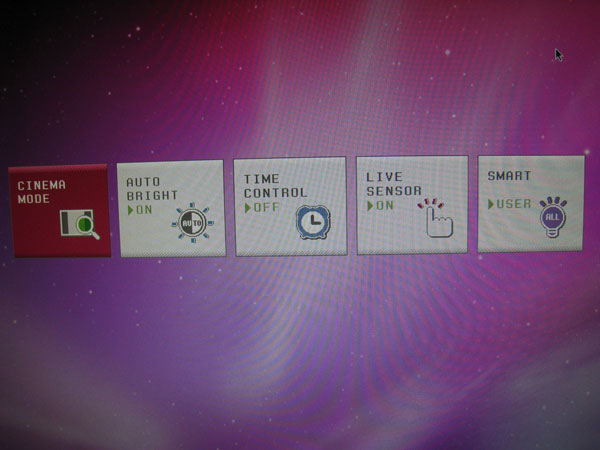
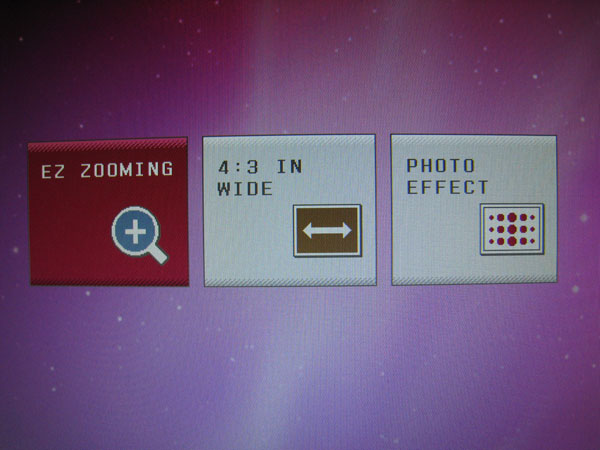
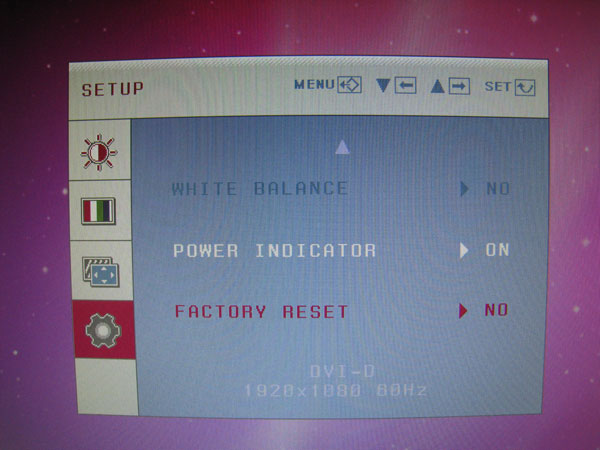
The setup is the most confusing menu among the rest. From the screenshot you see above, you can see the brightness and color icon or tab on the left side. But for some reasons I can never get to those icons. For example, for Color, I only can access it via Menu -> Color rather than Menu -> Setup -> Color. They should remove the icon totally in the setup screen to avoid confusion.
Conclusion
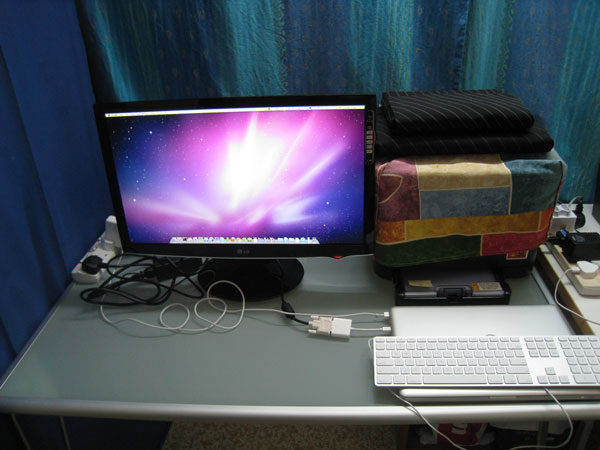
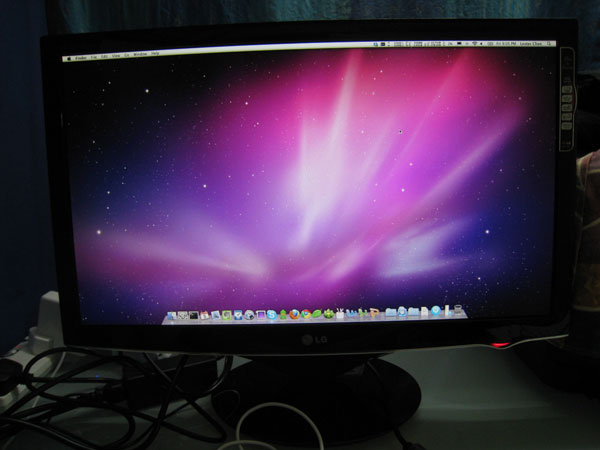
The only cons I can think of is the monitor touch menu buttons, but it is compensated with the excellent contrast ratio and LED screen technology. The price is pretty affordable as well S$498! You may want to consider saving up your red packet money to get this monitor for Chinese New Year! Did I mention that the button lights are red in color as well?