Apart from standing desks, ErgoEdge also sells monitor arms branded under Freedom. It comes in both single or dual arm and with or without laptop holder.
The single monitor arm retails for S$99 while the single monitor arm with laptop holder retails for S$129. The dual monitor arm retails for S$159 while dual monitor arm with laptop holder retails for S$189.
If you need a VESA monitor mount adapter, you can get the add-on for S$19.
I chose the dual monitor arm without the laptop holder. So I paid S$139 for it after the S$50 discount that ErgoEdge gave me.
Delivery is free within Singapore. Similarly to AmpDesk, the monitor arms also come with a standard three-year warranty, and you can extend it to seven years for an additional S$25.
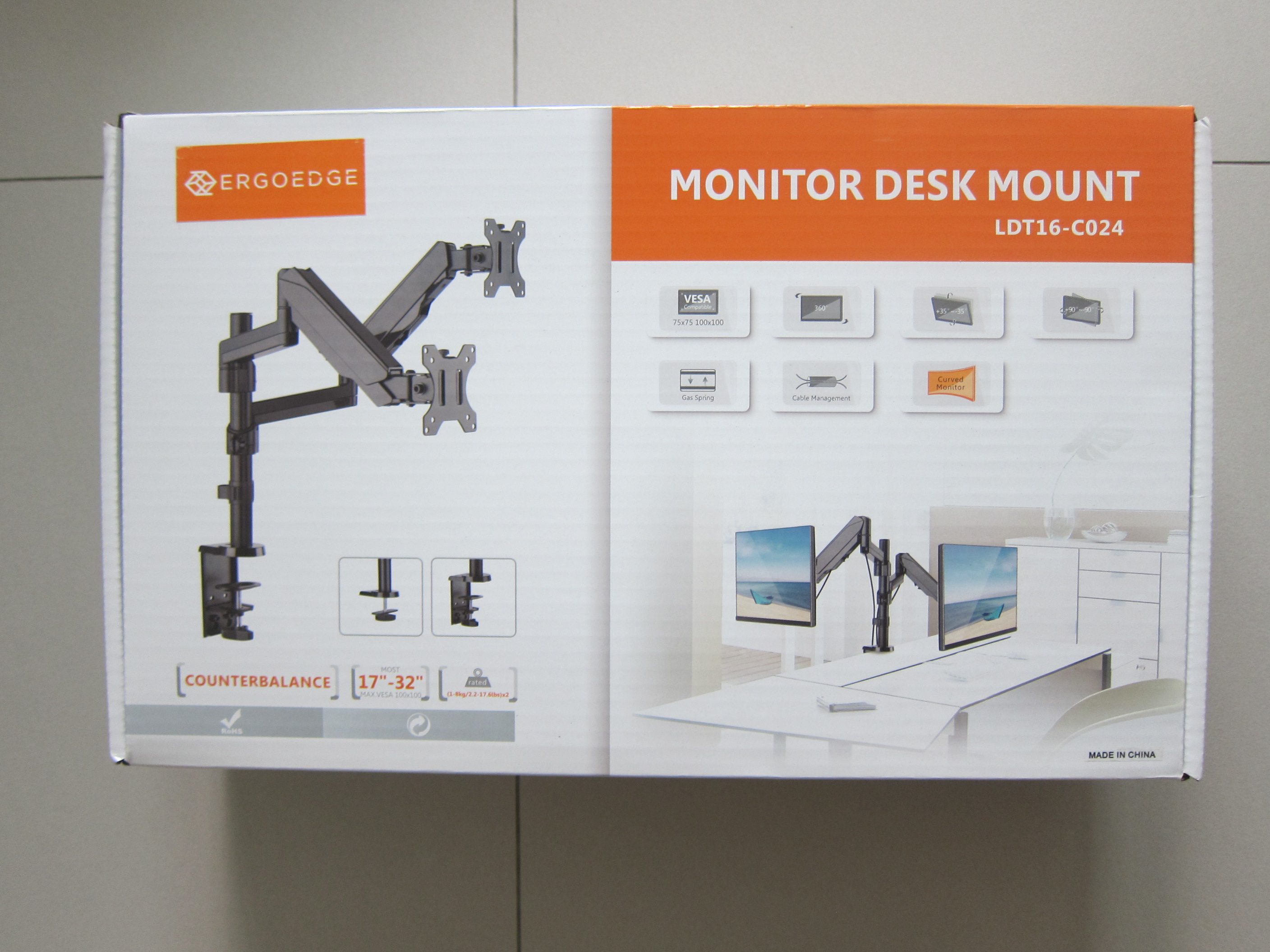
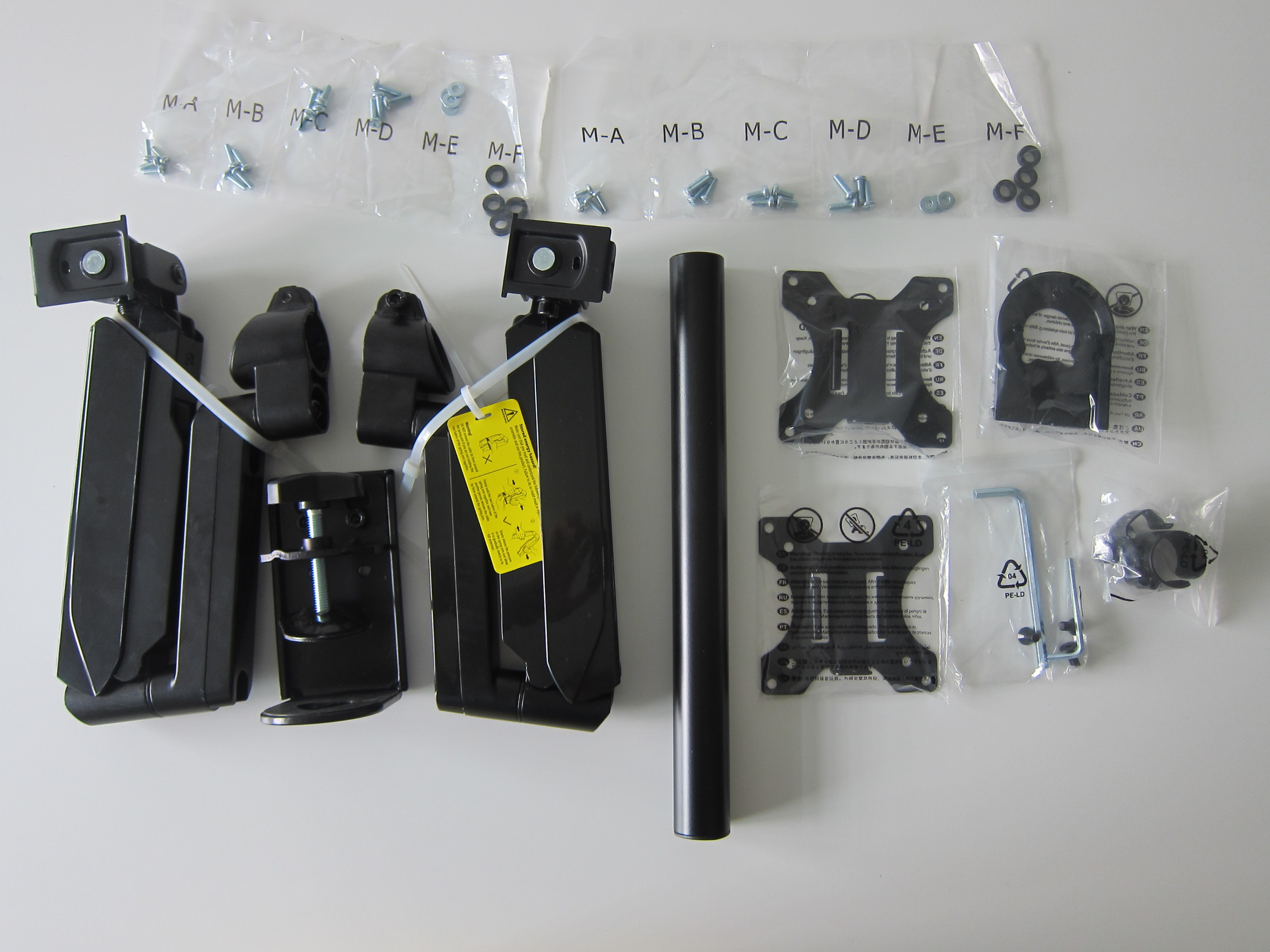


The Freedom Monitor Arm supports screen size ranging from 17″ to 32″ and can support a maximum weight of 8kg.
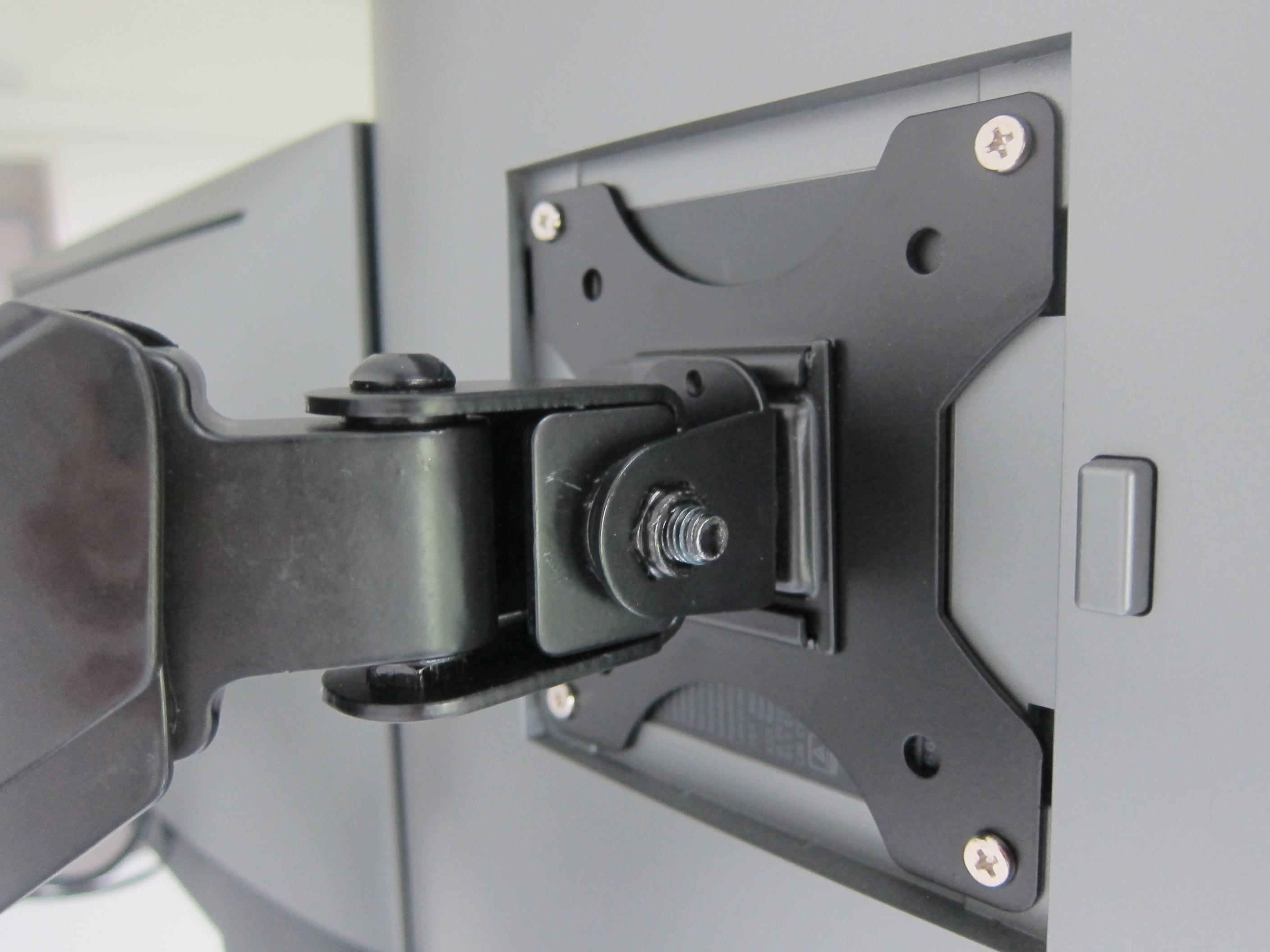
It is VESA compatible for both 75 x 75 (mm) and 100 x 100 (mm) square hole pattern.
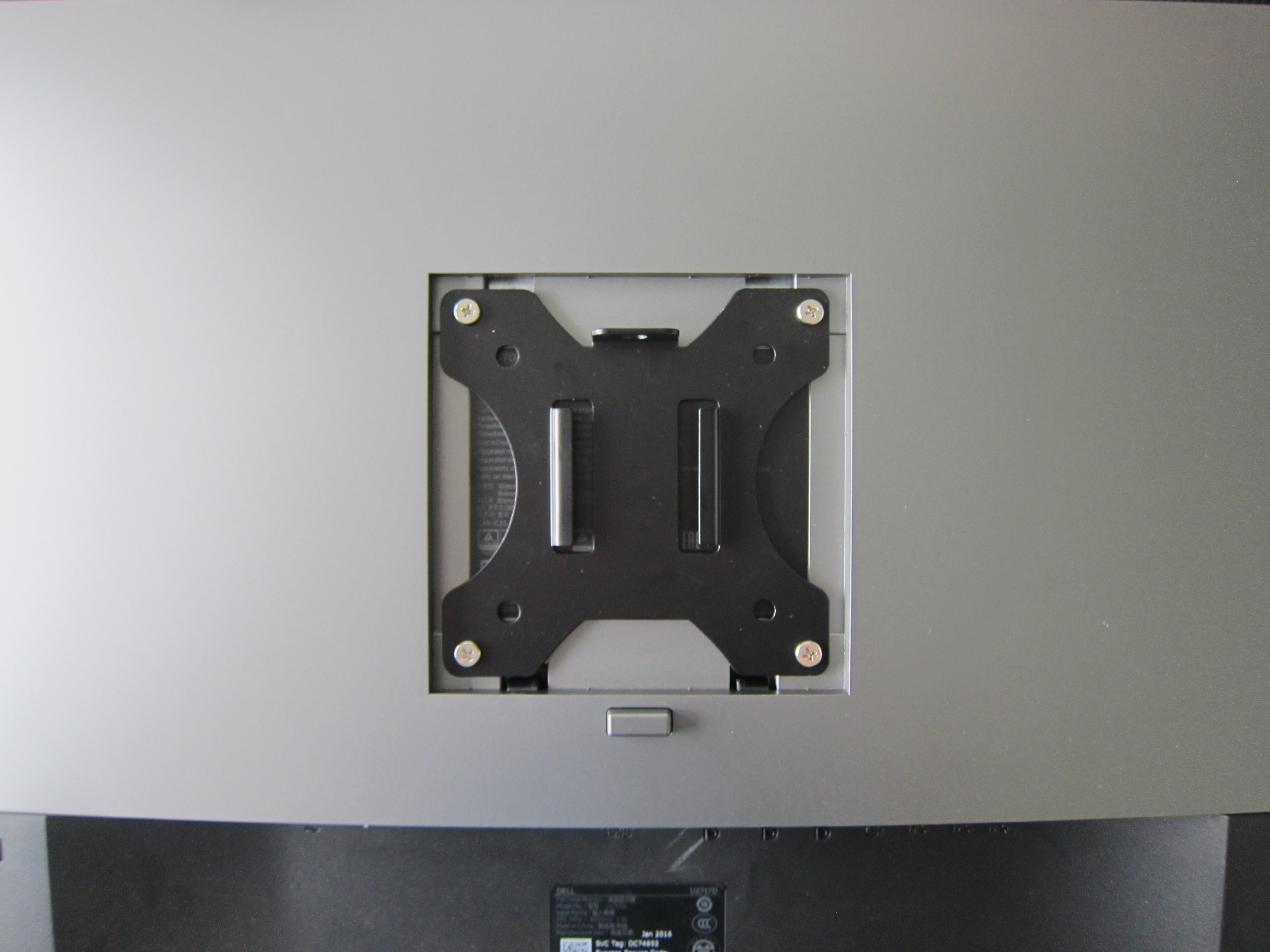
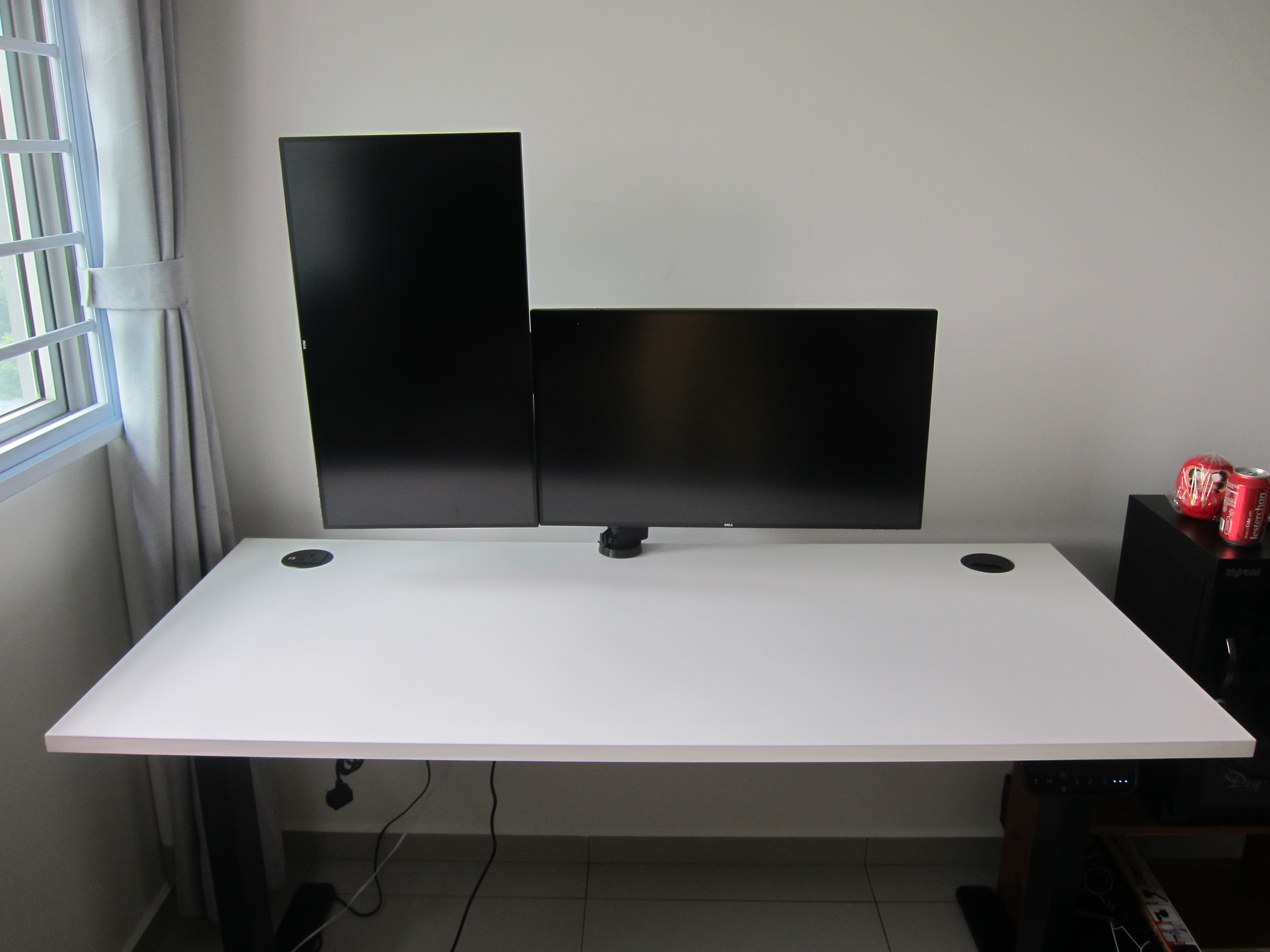
With regards to angle, it has a tilt range of -35° to +35° and swivel range of -90° to +90°. It supports 360° screen rotation. So you can rotate your monitor vertically for coding (which I do).
It supports both clamp and grommet installation and comes with built-in cable management.
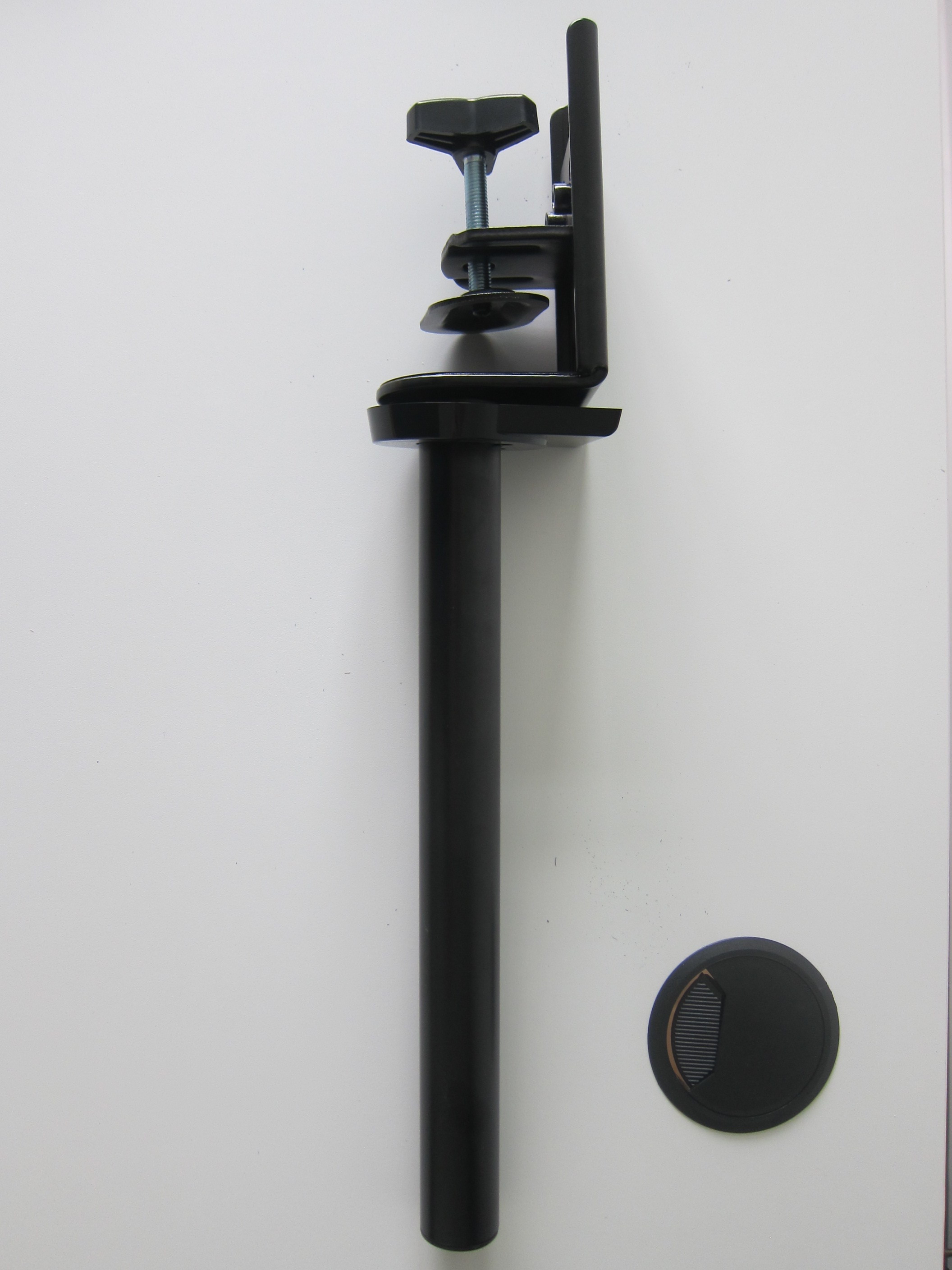

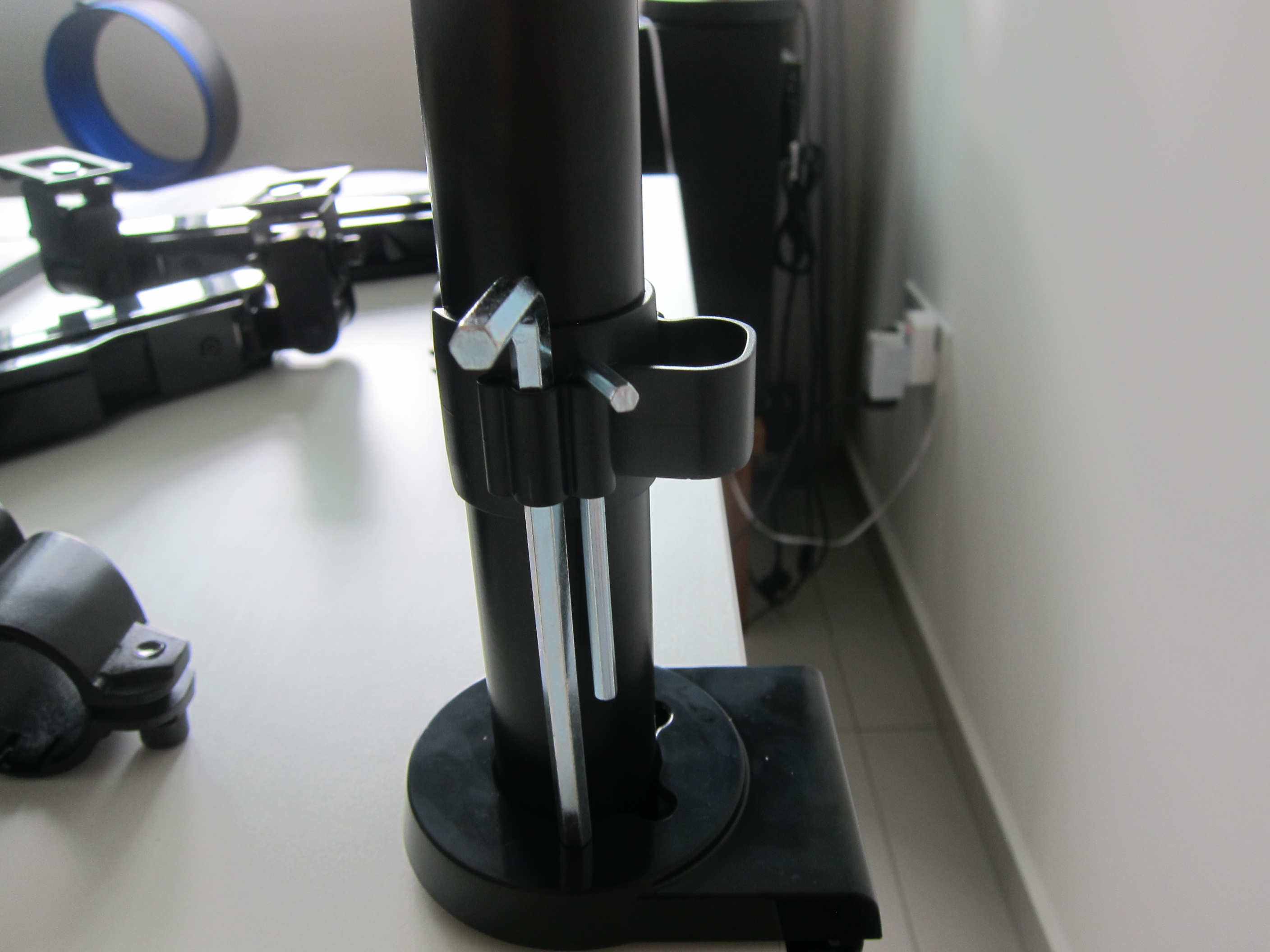
At the stem, there is an optional cable management clip that you can use to guide the cables down from the lower arm. The cable management clip also doubles up as an Allen key holder so that you will not lose the Allen keys needed to tighten or unscrew the monitor arms.
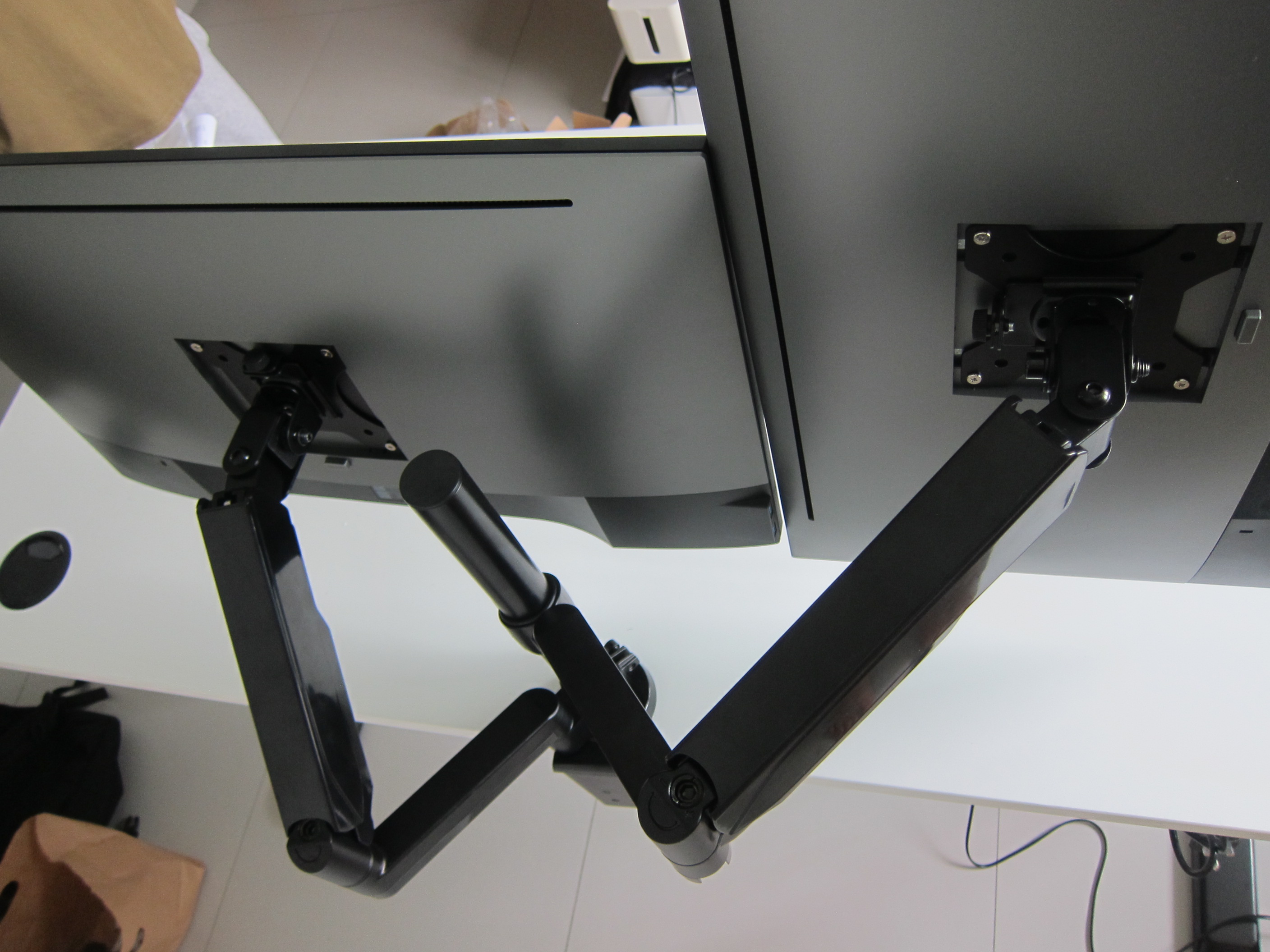
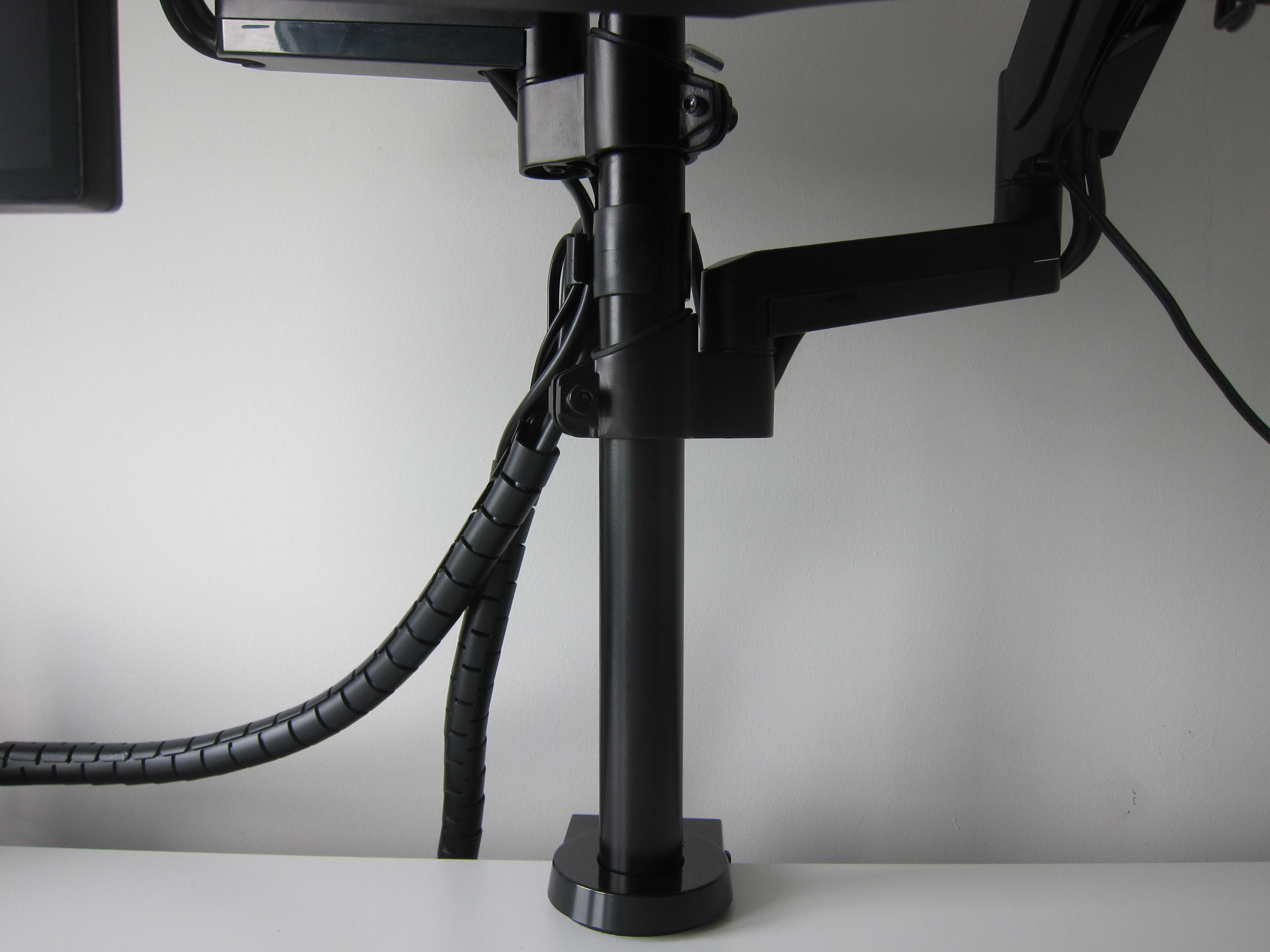
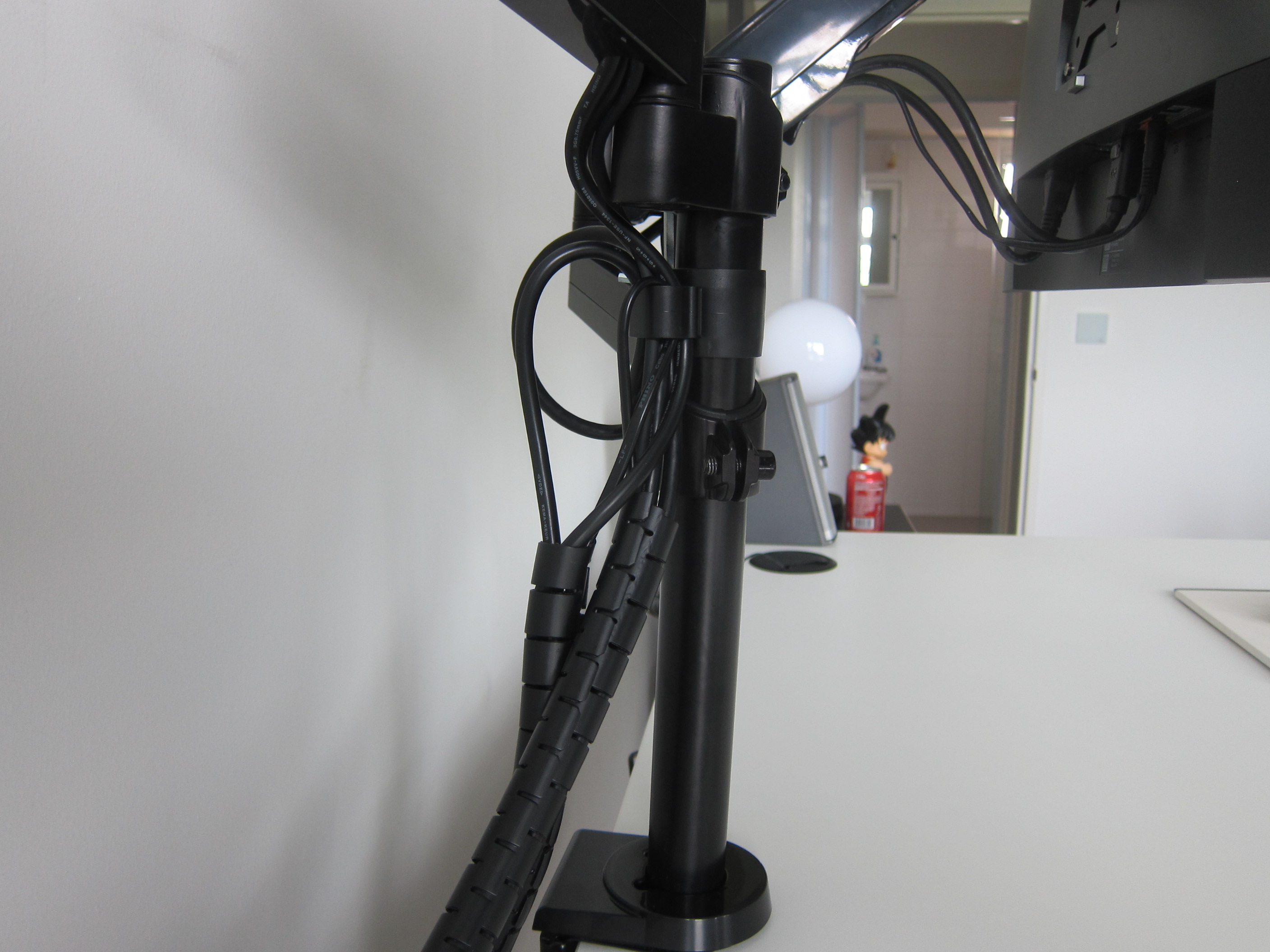
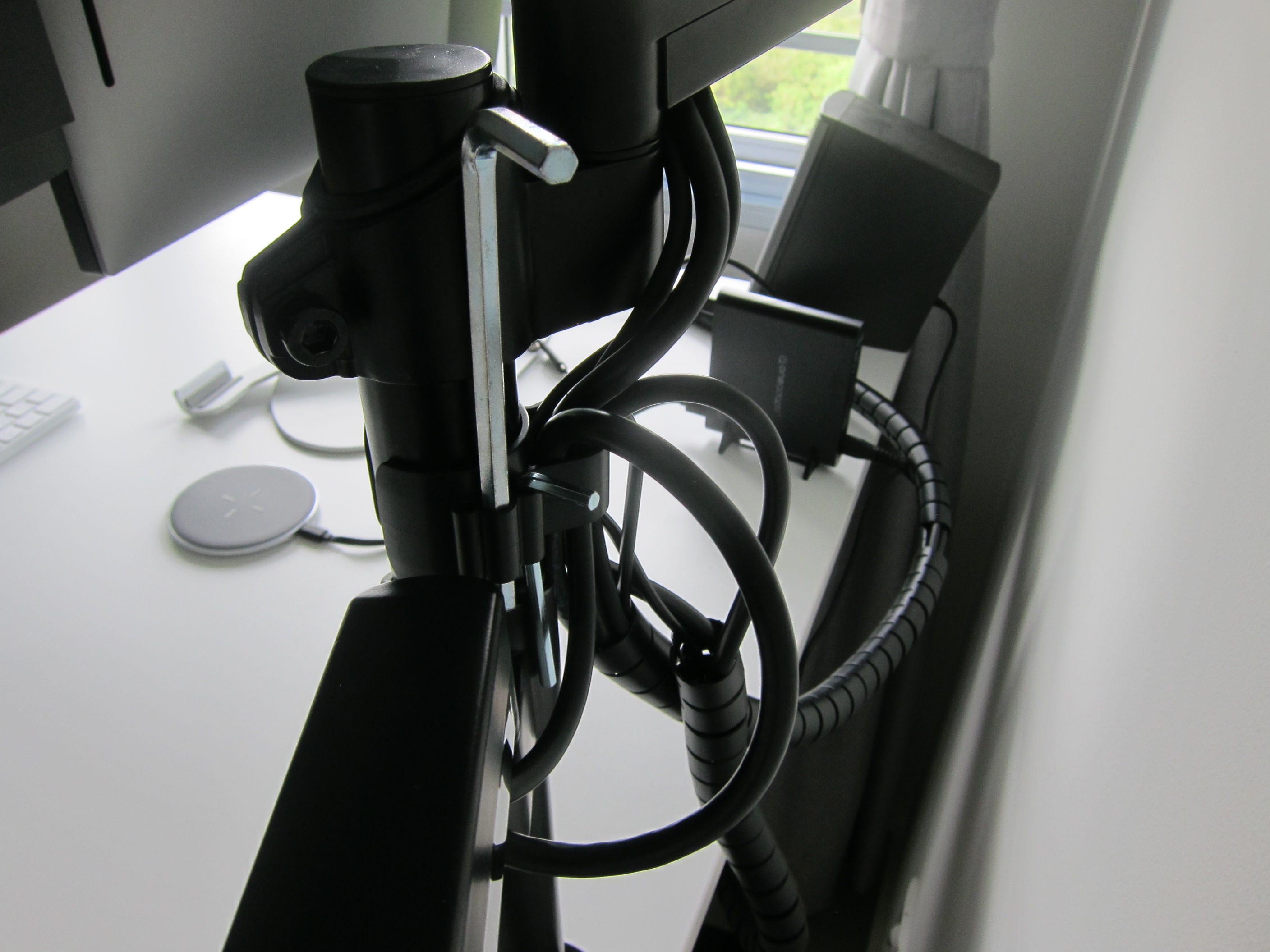
The cables can pass through the plastic casing on both the lower and upper arms. For the lower arm, the plastic case can be slid out so that it can accommodate the cables easily whereas, for the upper arm, you have to slide the cables through the small opening which is slightly more difficult.
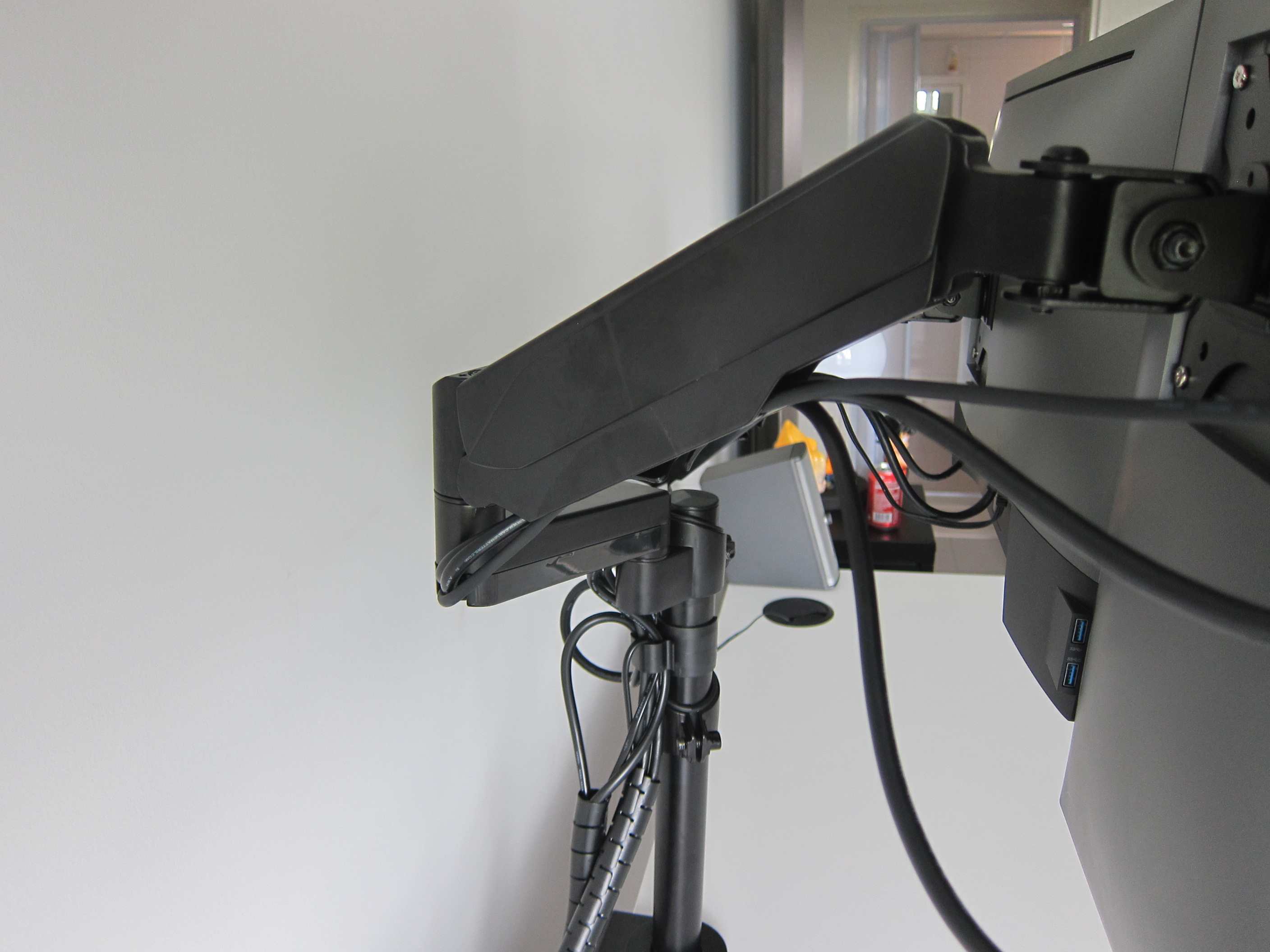


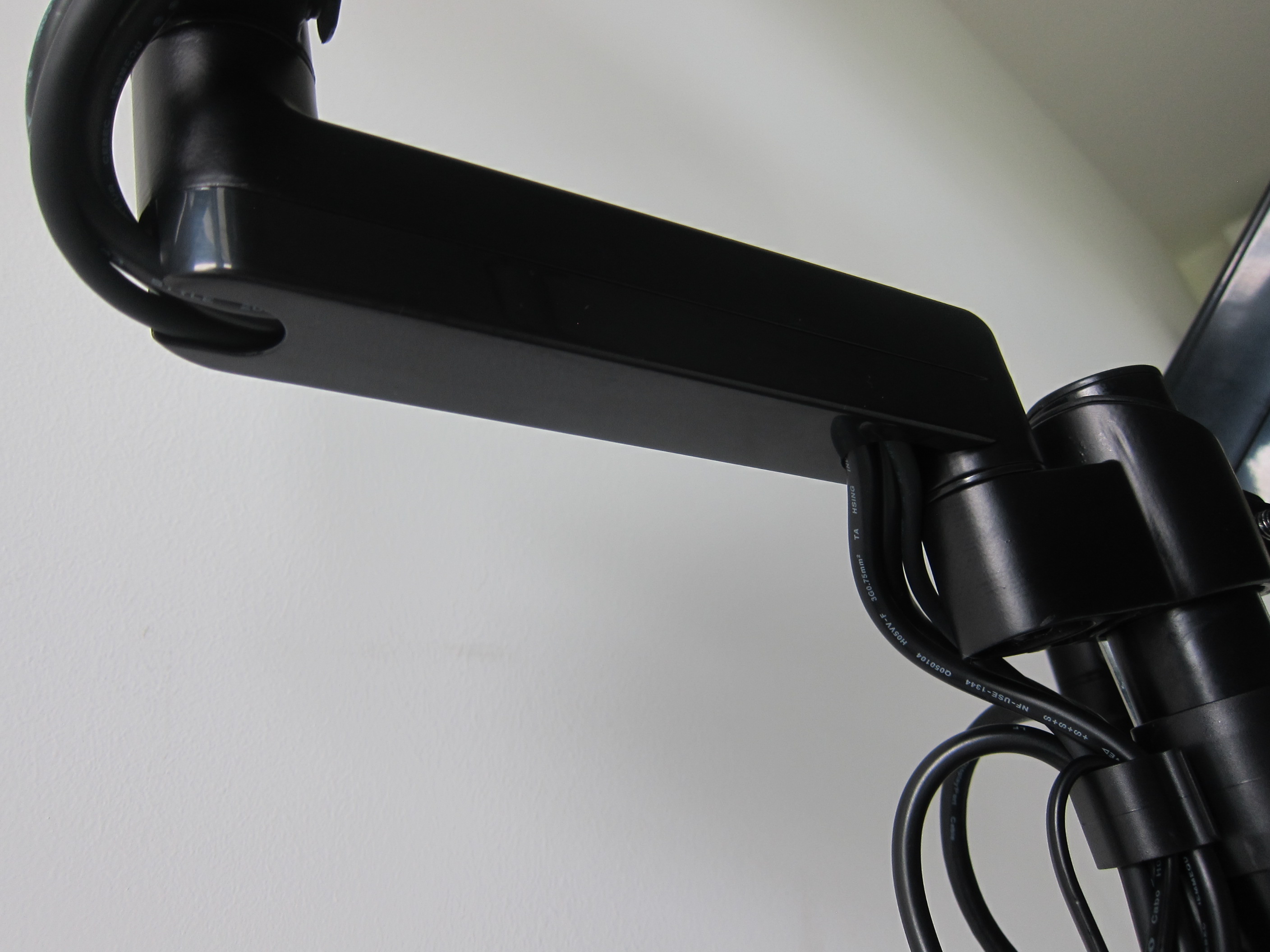
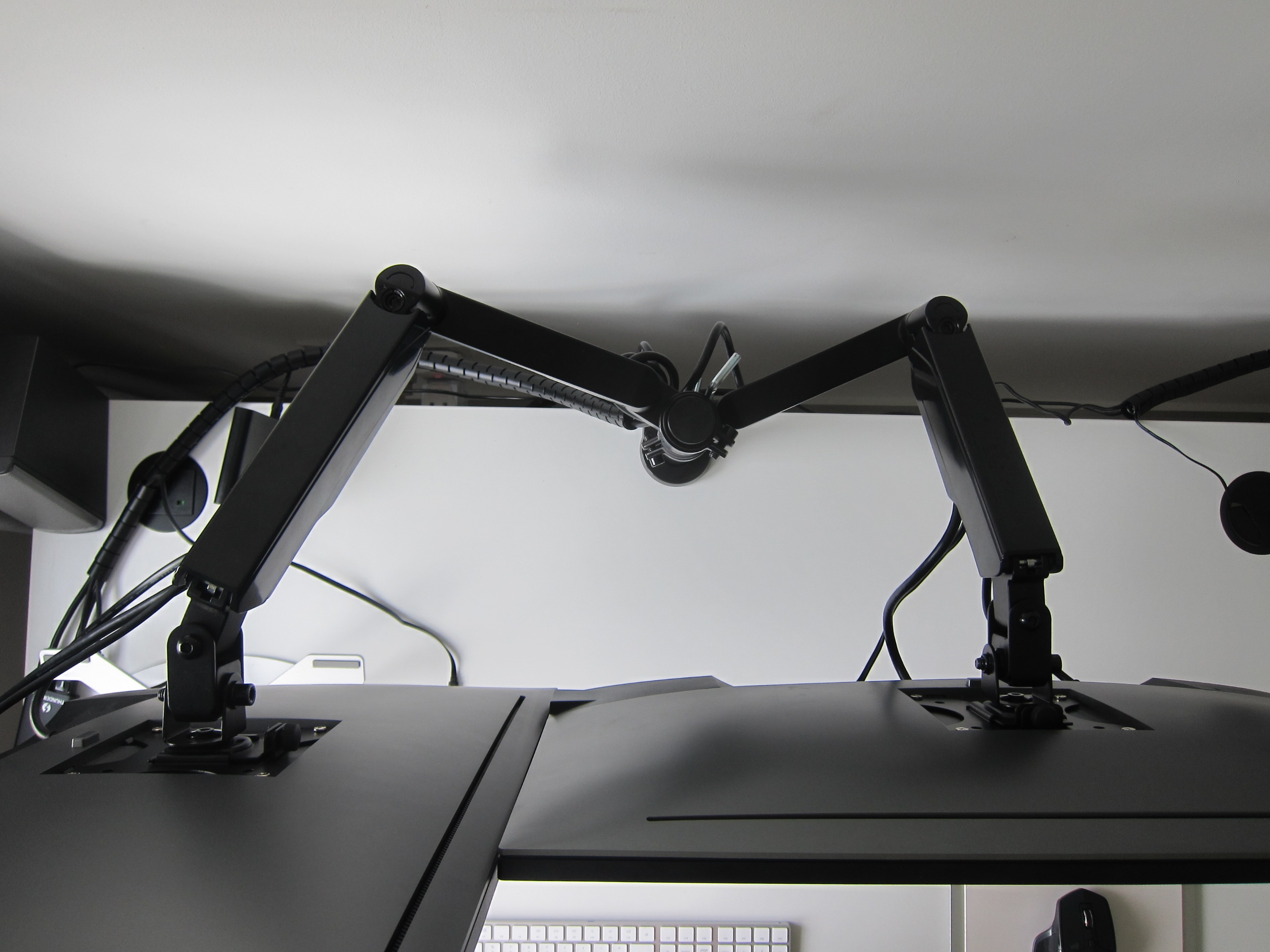

Some monitor arms come with a hub that has various audio and USB ports, but the Freedom Monitor Arm doesn’t come with any. Personally, I like it without any hub as my monitor is already acting as a hub.
The cables are still a little messy. I am still finding a way to make it as neat as possible.
Discount Code
You can use the discount code Freedom10 when checking out from ErgoEdge and that will give you a 10% discount.
ErgoEdge Freedom Monitor Arm
The Freedom Monitor Arm can be purchased directly at ErgoEdge website or if you have any queries, feel free to contact them:
Email: sales@ergoedge.co
Telephone: +65 3158 0156
Address: 110 Lorong 23 Geylang, #07-09 Victory Centre, Singapore 388410


wow! I always get scared something falls off of something like that!
any promo codes for your readers? 😀
Let me ask =)
cool! I was gonna get a set of arms to clear up my office desk space!
Try LESTER10
Tried applying the coupon but there wasn’t any discount. hmm
How about “Lester10” not sure if case sensitive
ahah idea but no luck
Try: Freedom10
that did the trick!
Wierd. Okie I wrote them an email to ssked. Let u know again.
Hopefully can get some promo codes.. 🙂
Try LESTER10 for the code =)
Hi,it didn’t work..
Not sure whether it is case sensitive, try “Lester10”
Neither seems to work any longer 🙁
I got a reply, try Freedom10
Hey! I believe you’re rocking dual 27 inch dell monitors? Does this mount allow you to position them vertically – one on top of the other – rather than side-by-side?
I did not try but I don’t think so because it is way too tall.