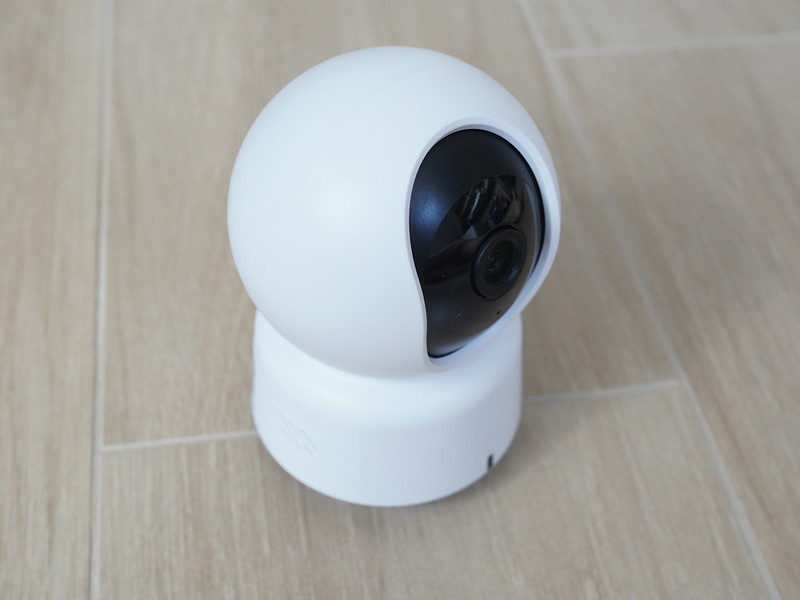
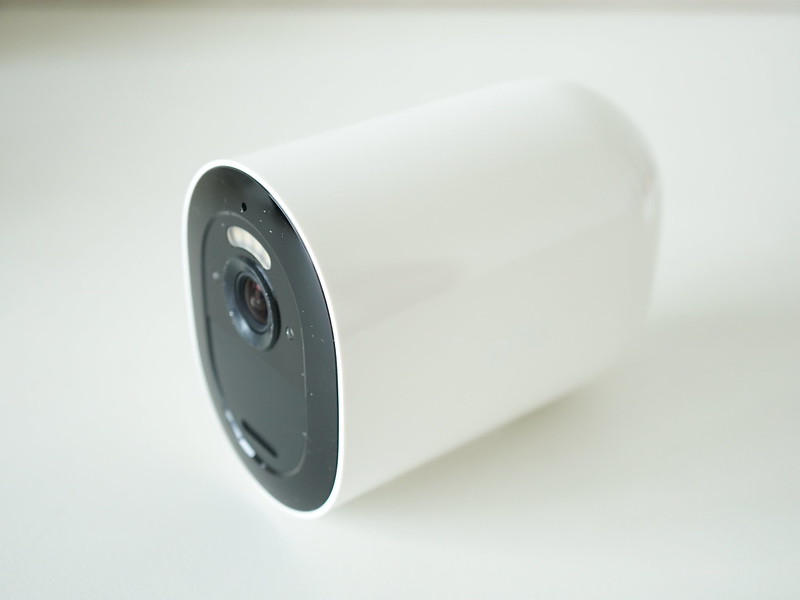
Logitech Brio 4K Webcam
After swapping my Logitech C920 Pro HD Webcam with the Poly Studio P5 Webcam for my Mac setup, I moved the Logitech C920 over to my Windows gaming setup.
Throughout the years, on my Windows gaming setup, I haven’t used it at all since I don’t make any video calls or stream. So, I decided to pass it on to my nephew, along with my old computer.
In its place, I decided to get a webcam that I can use with Windows Hello, allowing me to unlock my Windows with just my face. Currently, I am using the PQI My Lockey USB Fingerprint Reader to unlock with my fingerprint. With a face unlock, it will be more seamless and hassle-free.
It is so hard to find a webcam that supports Windows Hello. To my knowledge, I am only aware of one webcam, and that is the Logitech Brio 4K Webcam.
If you are looking for an official Logitech store that sells it, it is only available on Shopee and not Lazada.
Do note that there is a similar webcam model called Logitech MX Brio 4K Webcam and that doesn’t support Windows Hello. The difference is with the MX naming.
The usual retail price is about S$220, but during the 11/11 double-digit sales day, I bought it for about S$190.
It comes with the OEM box, as indicated when you purchase it. Perhaps they no longer sell it in retail because it is too old? But I don’t mind it since it also comes with a 3-year warranty.


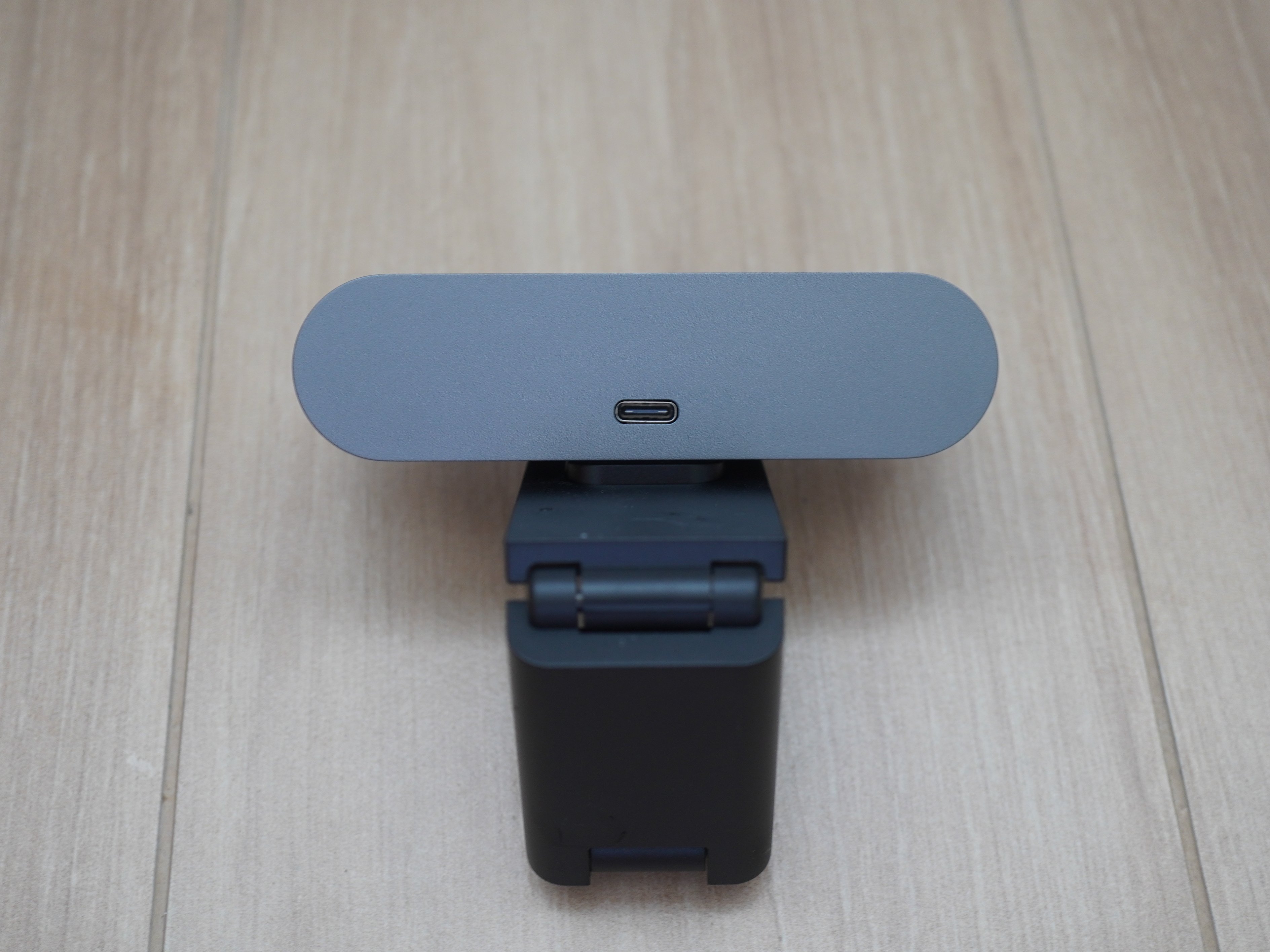
The packaging contents include a 1m USB-A to USB-C cable and a privacy shutter that can be attached to the webcam.

Besides the camera, to support Windows Hello, the Logitech Brio 4K Webcam has an infrared sensor. It also has a dual omnidirectional built-in microphone with a range of up to 1.2 m.

My only complaint is that the 1m cable is too short to route neatly to your desktop computer.

Windows Hello works as advertised, and it is fast. The only caveat is that you cannot be too close to the webcam; you need to be at least 50cm away from the camera.


If you are looking for a hands-free way to unlock your Windows desktop computer, you can consider the Logitech Brio 4K Webcam. Additionally, if you are aware of any other Windows Hello webcams available in Singapore, please let me know in the comments.