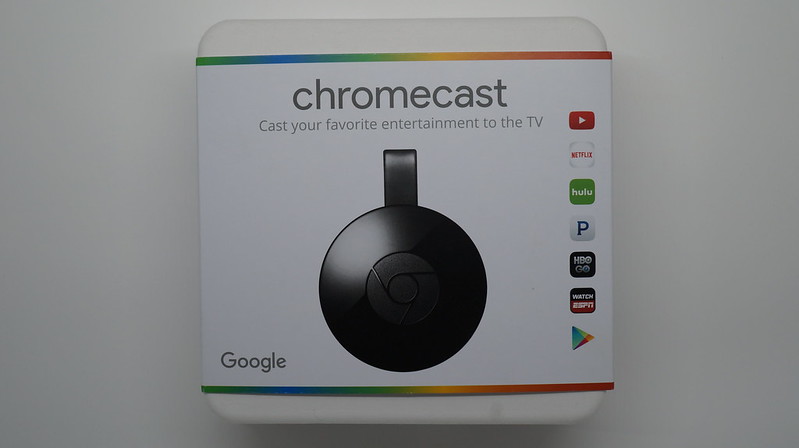
Bought the Google Chromecast from Amazon for US$35 (S$44) excluding shipping. Google Chromecast is similar to Apple’s AirPlay technology using Apple TV.
If you are in the US, you can watch Netflix, Hulu Plus as well as movies, TV shows, and music from Google Play. However for normal users in Singapore, there is nothing much you can do with it beside streaming YouTube videos and mirroring your Chrome tabs.
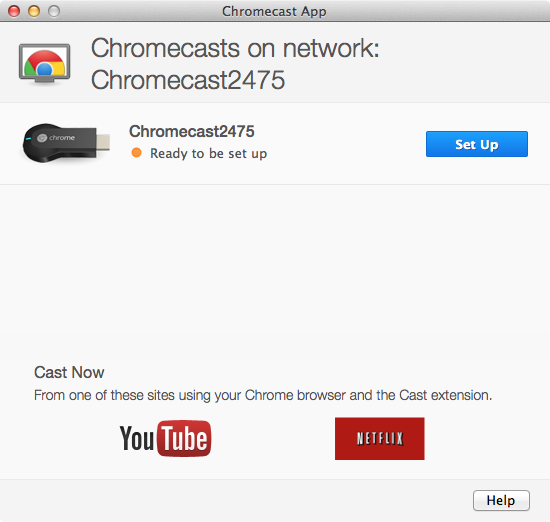
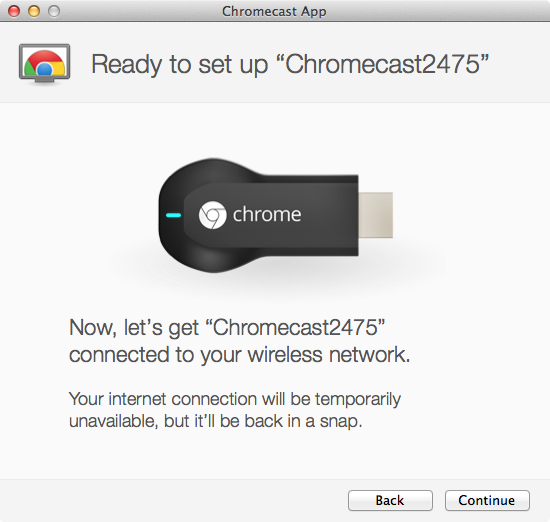
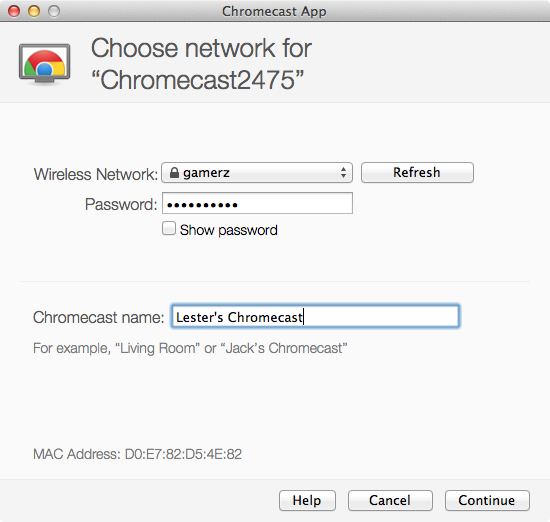
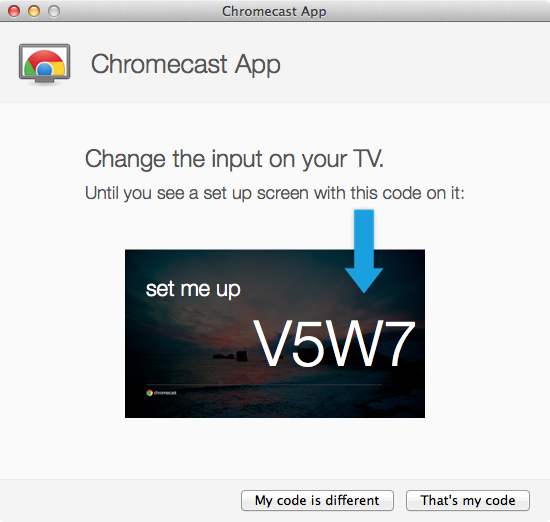
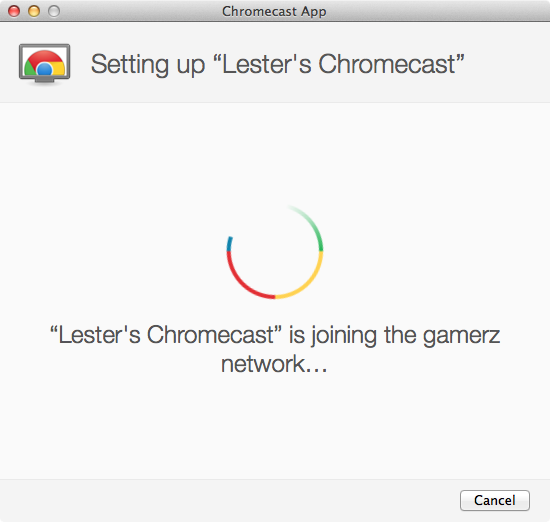
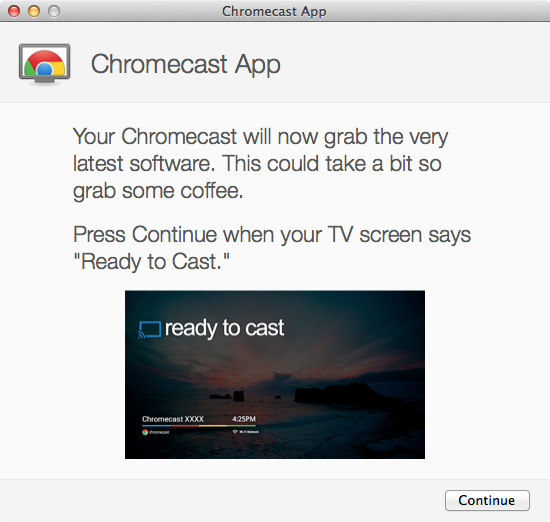
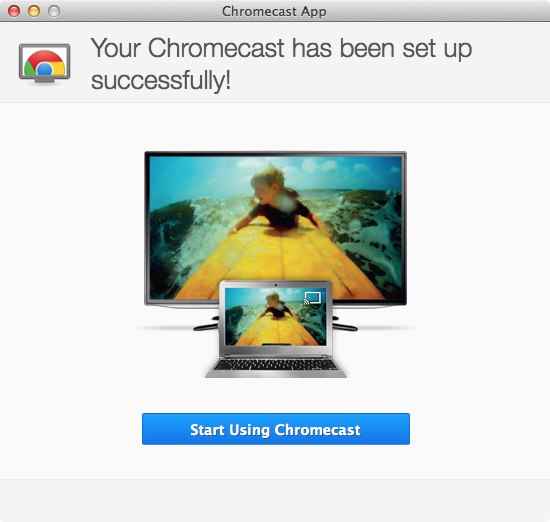
If your Google Play account is a Singapore account (like mine), you cannot use the Chromecast Android App to set up Chromecast Looks like Google just opened up Chromecast Android app to be available internationally. You would need to download the setup software from cast.google.com/chromecast/setup using your Mac or PC to set it up or alternatively, you can set it up using the Chromecast Android App on your Android phone.
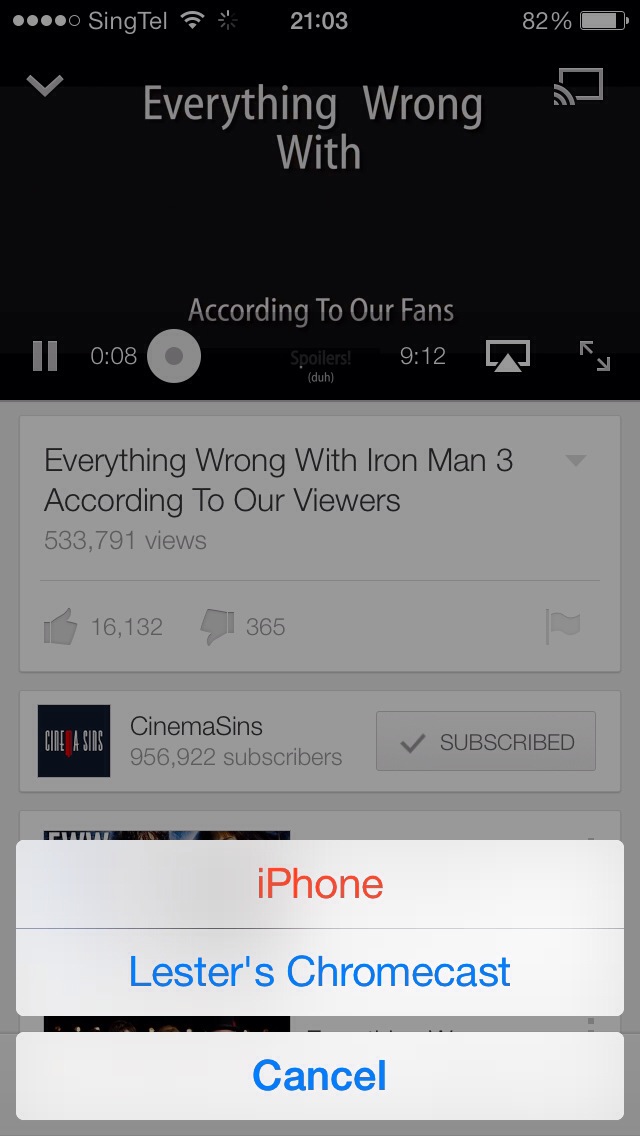
I tried streaming YouTube videos from my iPhone 5, HTC One and my iMac and it works fine but when I tried to mirror any website on Chrome, it is a little laggy when scrolling.
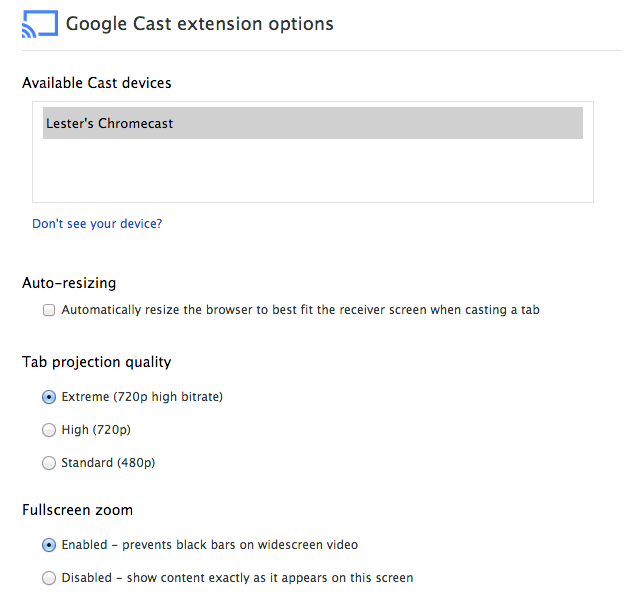
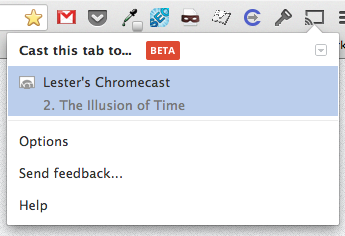
To stream YouTube videos or mirror any tabs on Chrome, you would need to intsall the Google Cast plugin for Chrome. It will work for both Mac and PC as long as you are within the same Wi-Fi network. You might need to restart Chrome after installing the plugin for it to detect your Chromecast.
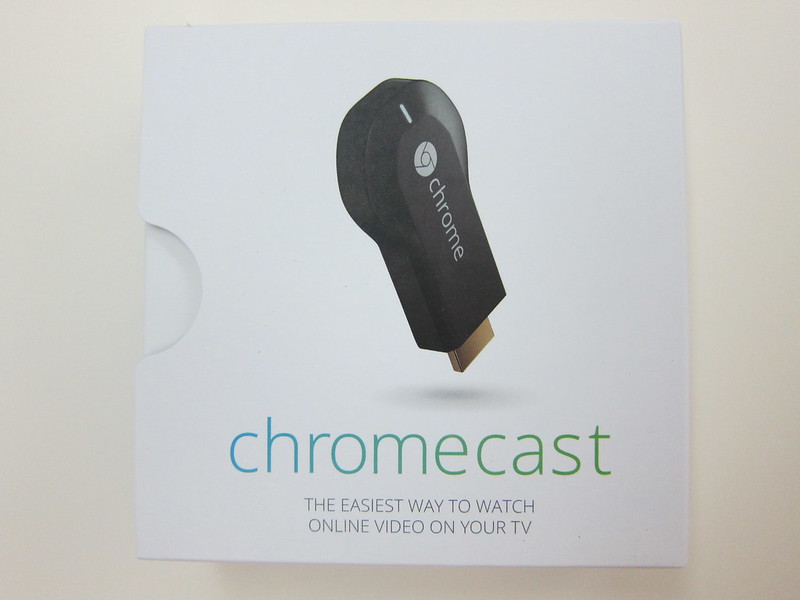
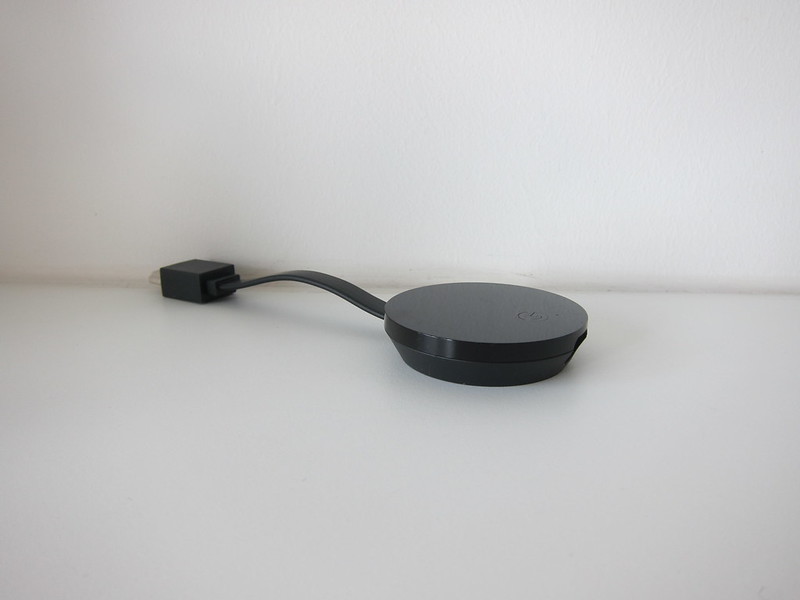
One thing I like about the Chromecast is that it is small and it uses the power from the USB port on your television as a power source. Just plugged it into any HDMI port on your television and connect the USB cable to any available USB port on your television. If your television has HDMI ports, chances are that it will have a couple of USB ports as well. If not, Google did include a USB power adapter in the packaging as well.
If your television’s HDMI ports are at the back and has some issues with space after the Chromecast is plugged in, Google did include a HDMI extender in the packaging which you can use.
Overall for US$35, the Chromecast is a pretty good deal and I hope Google will eventually open up other services in Google Play to Singapore users like what Apple did to it’s iTunes Store last year.
Enjoy the pictures embedded below!
Google Chromecast Unboxing


Google Chromecast


Setup




Streaming
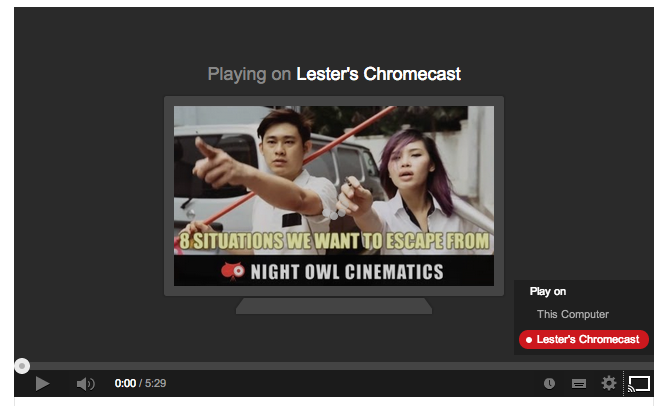


YouTube
As noted by Li Xiang, if you stream YouTube videos using Chromecast, you will have the option of clicking next or previous videos but you can’t do that if you are streaming YouTube videos via AirPlay.



Been contemplating this for the longest time. Looks like a really cool piece of kit for not a lot of money.
Question: Doesn’t it stream from my PC to the TV say if I am watching a movie file (eg. avi file) locally?
Nope it doesn’t. But they may be a workaround http://www.reddit.com/r/Chromecast/comments/1j63vw/how_to_play_avi_and_flv_formats_with_chrome/
Thanks for the link. Will check that.
Hi, if i only used the android app to set up, without installing the google cast plug in, can i still mirror chrome tabs and stream youtube videos? i am still considering on getting the chromecast, but hesitant cos my note 2 doesnt support the google cast plug in.
As the tv and the pc is in 2 different rooms, can i install the google cast on the pc and then set it up separately on the tv?
You still can stream YT videos on your Android phone. The Android/iOS YouTube app supports it.
Yes you can
thanks! what about mirroring chrome tabs from my phone to the tv?
Not yet, but soon http://www.zdnet.com/android-4-4-1-update-hints-at-android-chromecast-screen-mirroring-very-soon-7000024073/
Hi, Did you get this shipped to SG via Amazon?
Yeap, shipped it through HopShopGo http://www.hopshopgo.com/
Thanks!
Hi, I got a chromecast but i dont see the cast icon on my netflix app on my iphone 5s. I am able to cast chrome tab from my laptop. I am using a vpn to access netflix. When i try netflix through my laptop it just hangs on the red screen on netflix. Is there anyway i can use chromecast to cast netflix on my TV with VPN. It seems googles blocks the dns and stuff. I dont understand since i am not a techie. Please advise. Thank you
Yes, Chromecast uses it’s hardcode Google DNS, so there is no way around it unless you block it on your router side like http://help.unotelly.com/support/articles/171252-. If you do it, you cannot use VPN, you need to use DNS services like unotelly to access US content