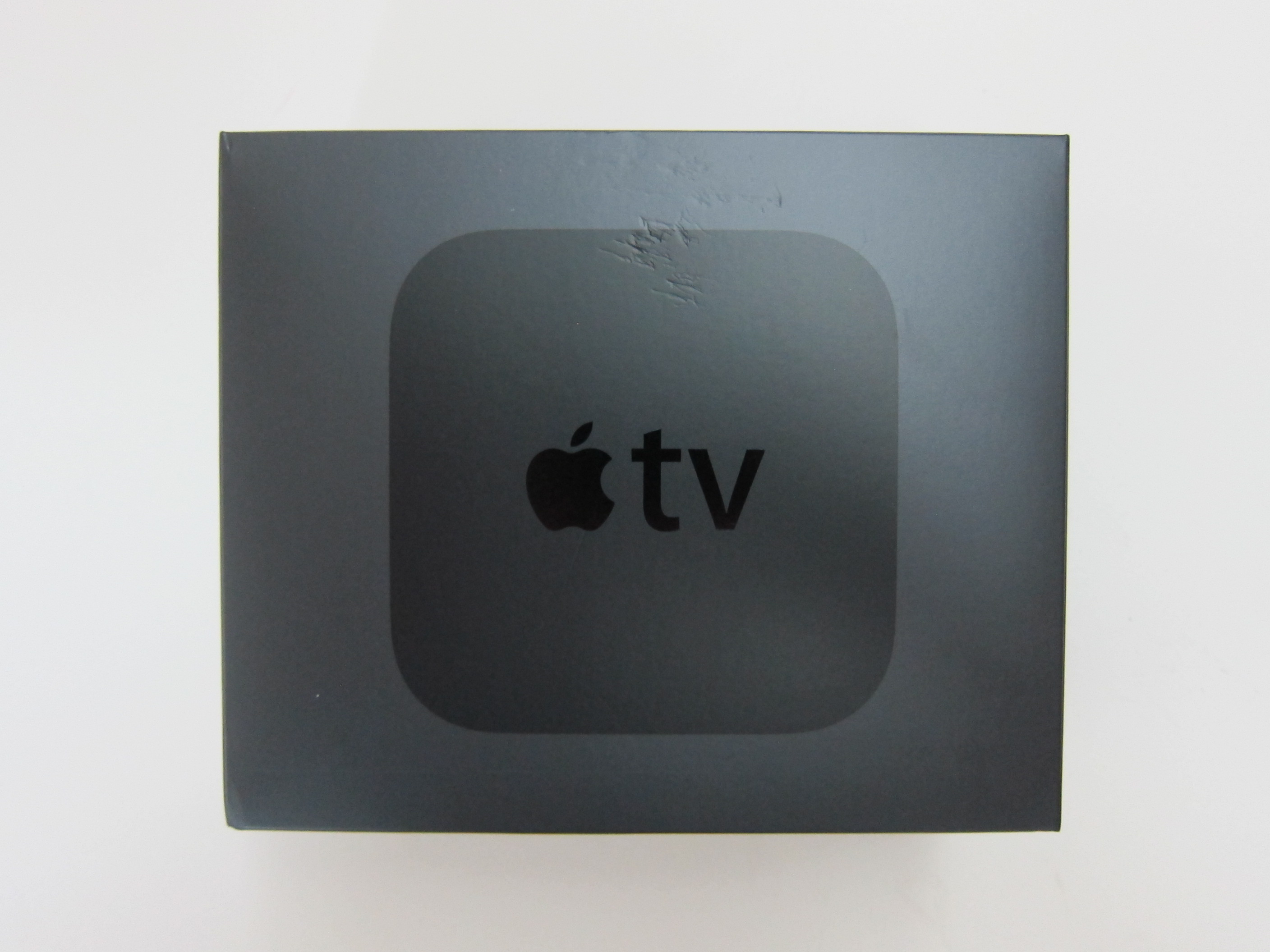
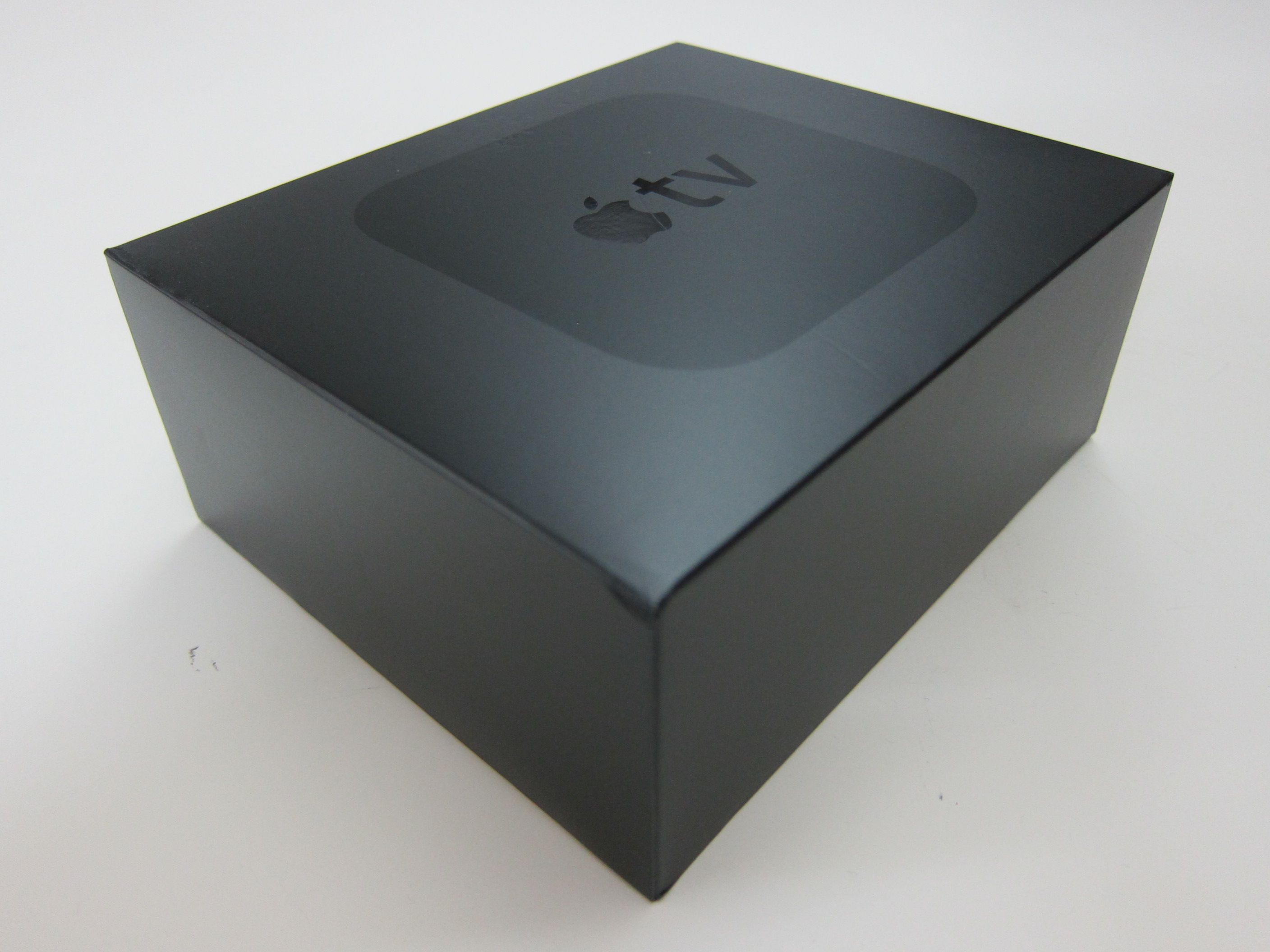
Pre-ordered the Apple TV (4th Generation) last Monday, 26th October 2015, and it was shipped to me on the official release date which was 30th October 2015 via DHL Express.
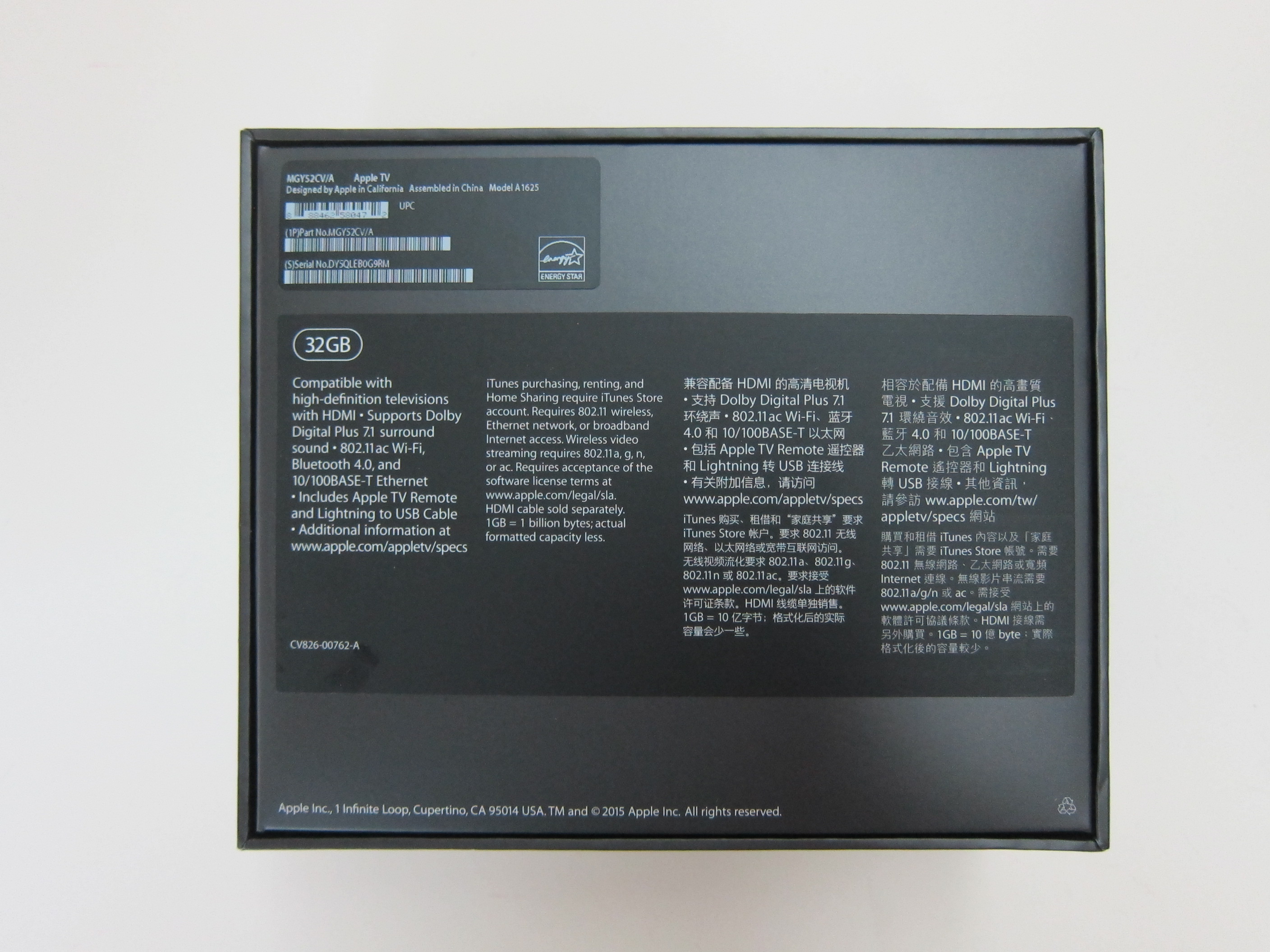
In Singapore, the Apple TV (4th Generation) is retailing for S$248 for the 32GB variant and S$318 for the 64GB variant. I bought the 32GB variant because I haven’t figured out if I needed so much space on a media player.
I owned the Apple TV (2nd Generation) which I bought it from San Francisco’s Apple Store three years ago and it only outputs 720p.
The 4th generation Apple TV now runs tvOS and it outputs 1080p similar to the third generation and it supports HDMI 1.4.
HDMI 1.4 supports 4K resolution and ethernet connection. But too bad the 4th generation Apple TV doesn’t output 4K resolution. Probably the 5th generation will.
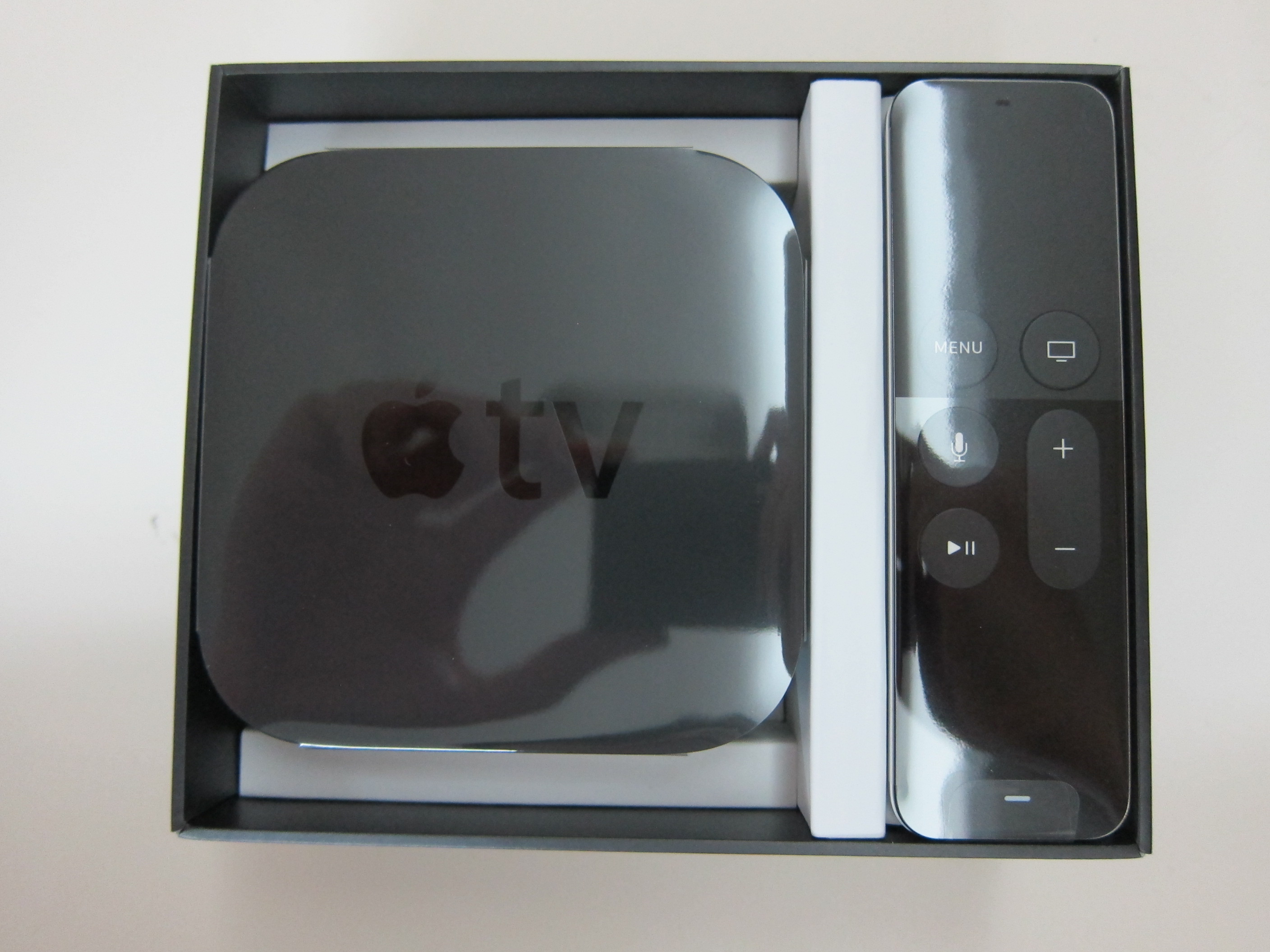
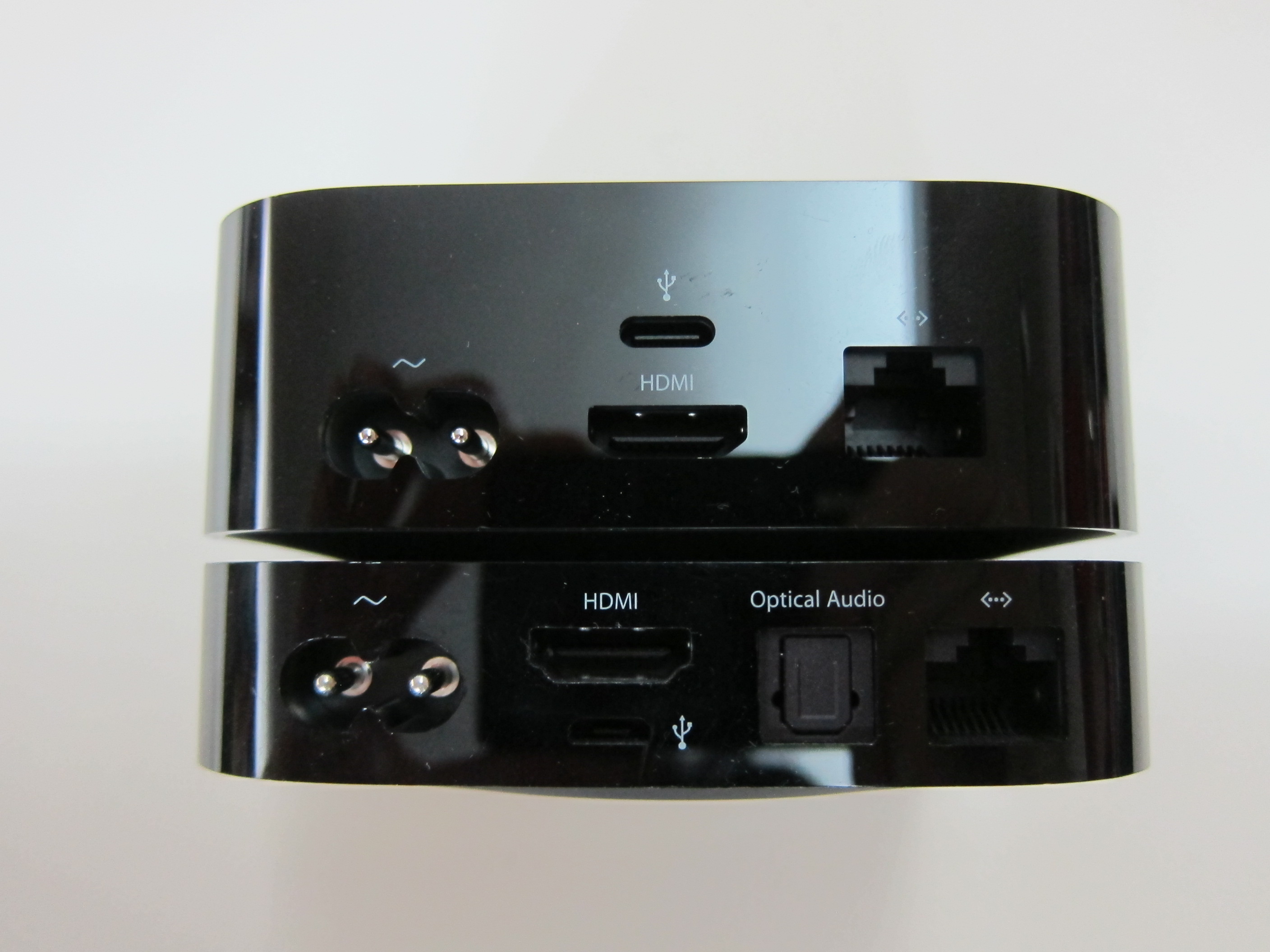
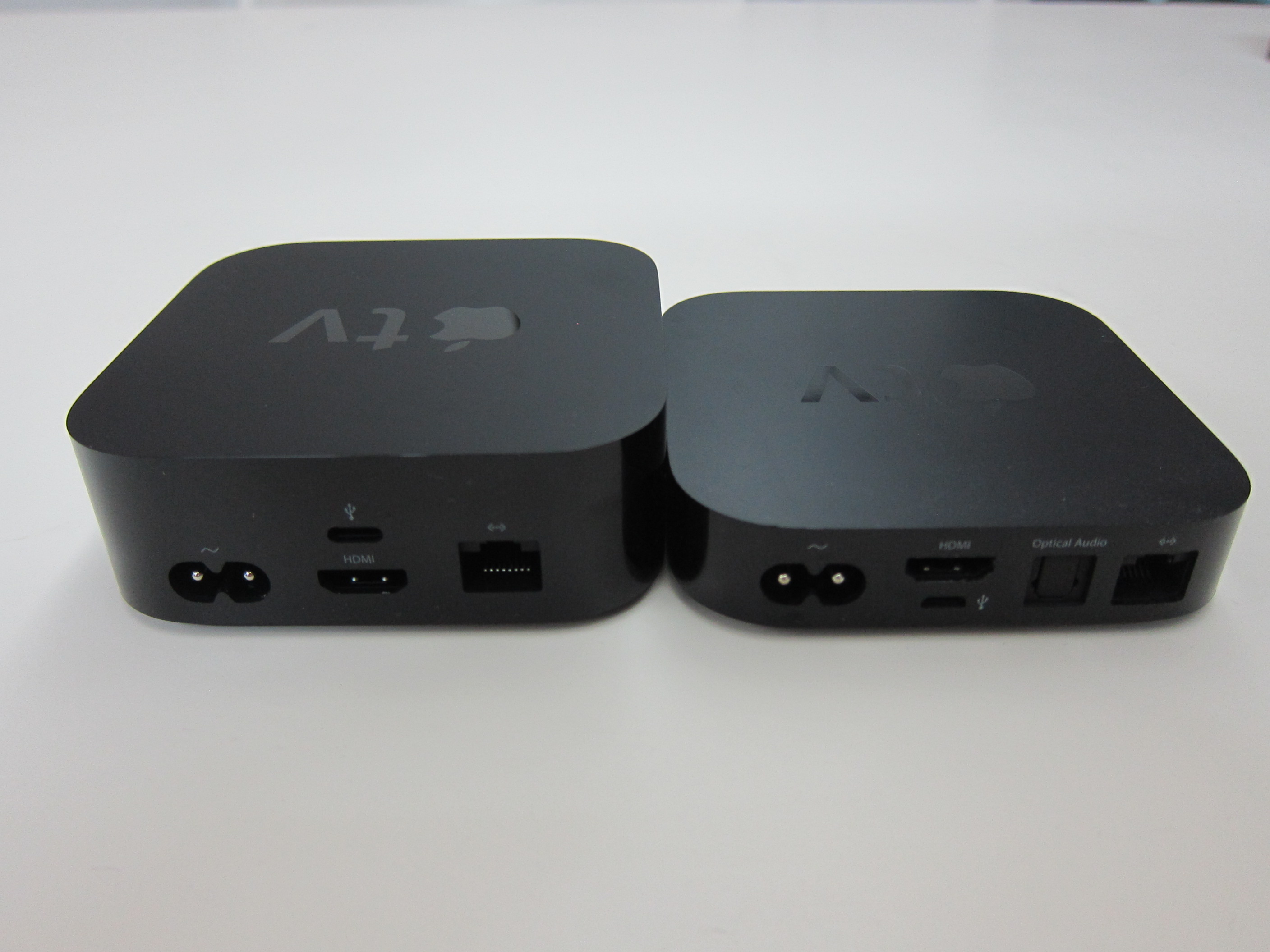
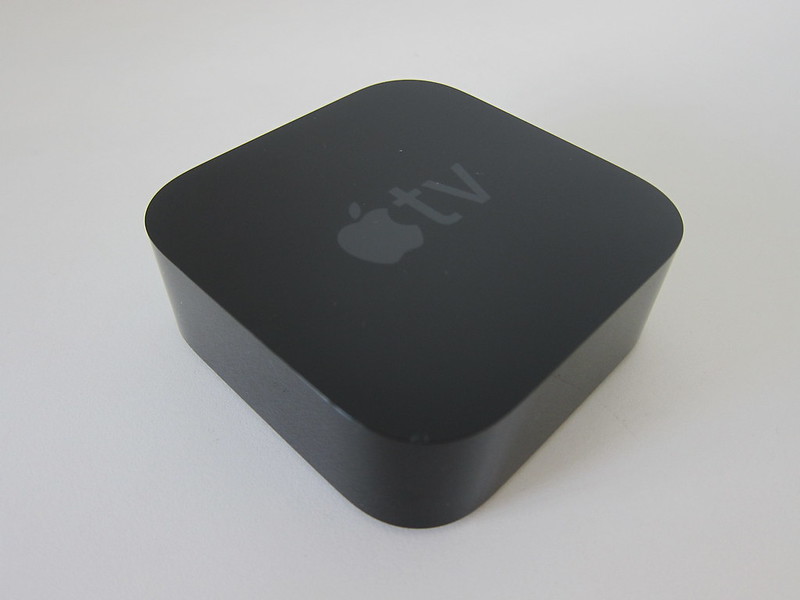
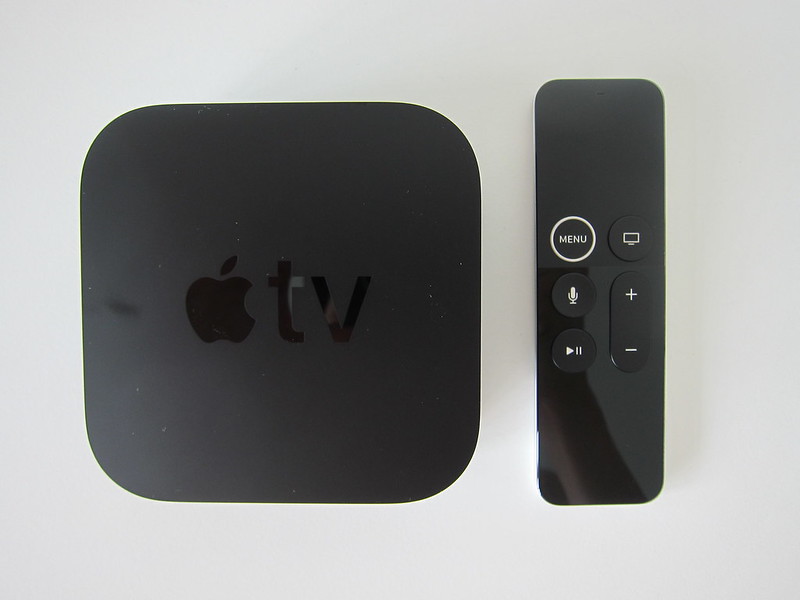
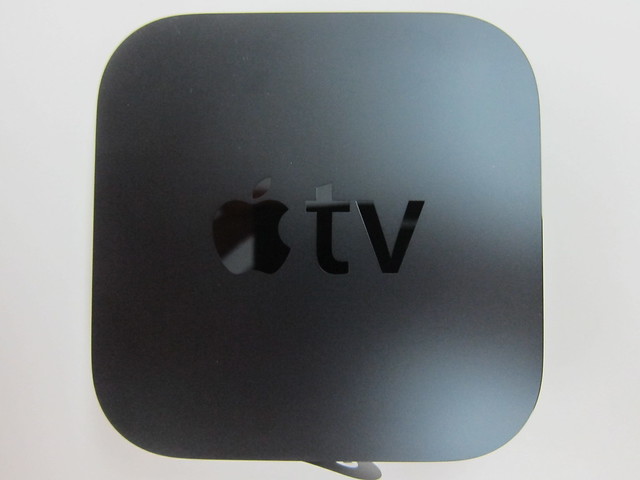
The obvious difference between the 4th and the 2nd generation is the thickness. The 4th generation looks so much thicker now whereas the length and width remains almost the same. The 4th generation measures 98mm x 98mm x 35mm.


Features
- Bluetooth 4.0 wireless technology
- IR transmitter
- Accelerometer and gyroscope
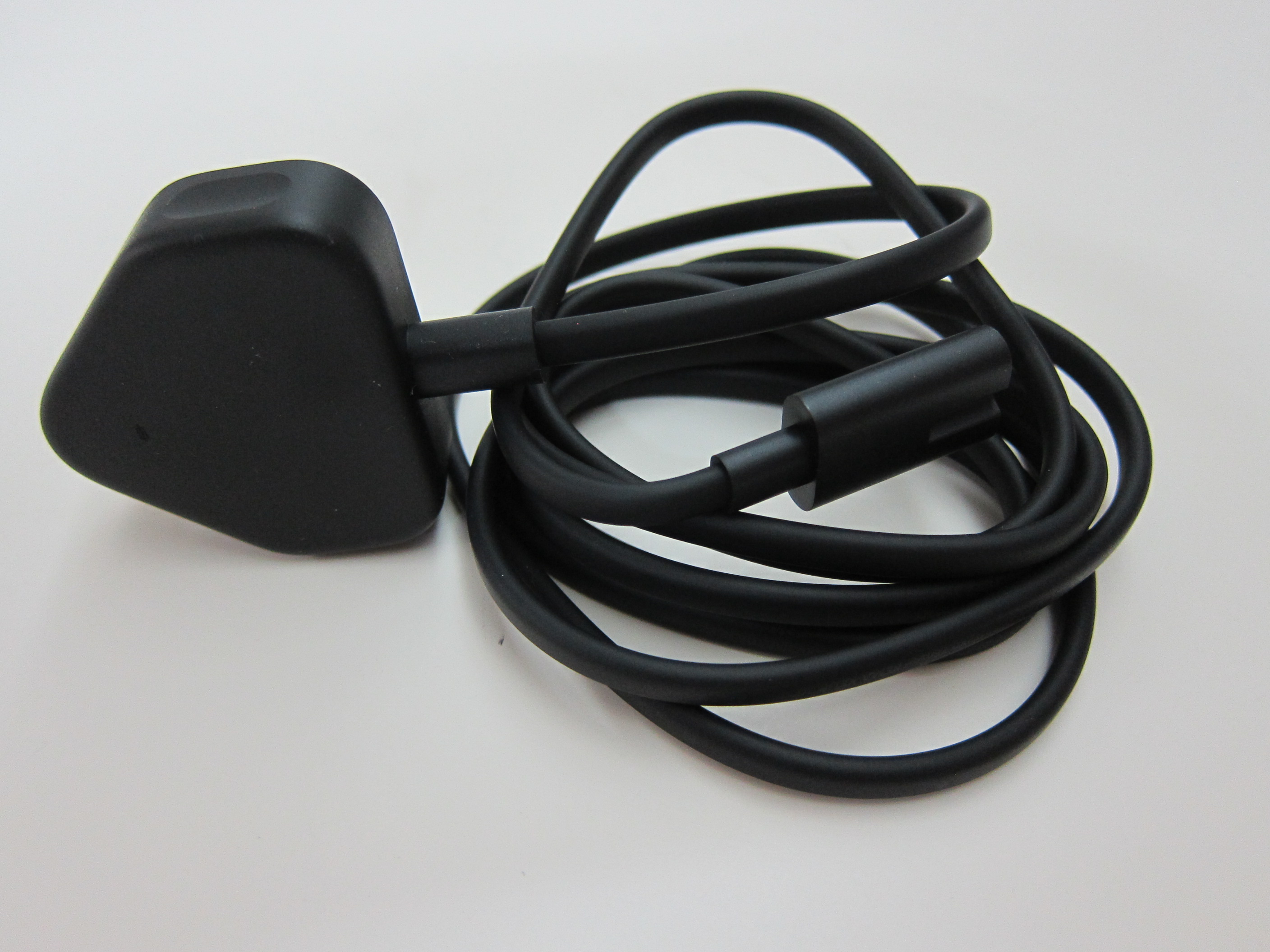
- Lightning connector for charging
- Rechargeable battery providing months of battery life on a single charge (with typical daily usage)
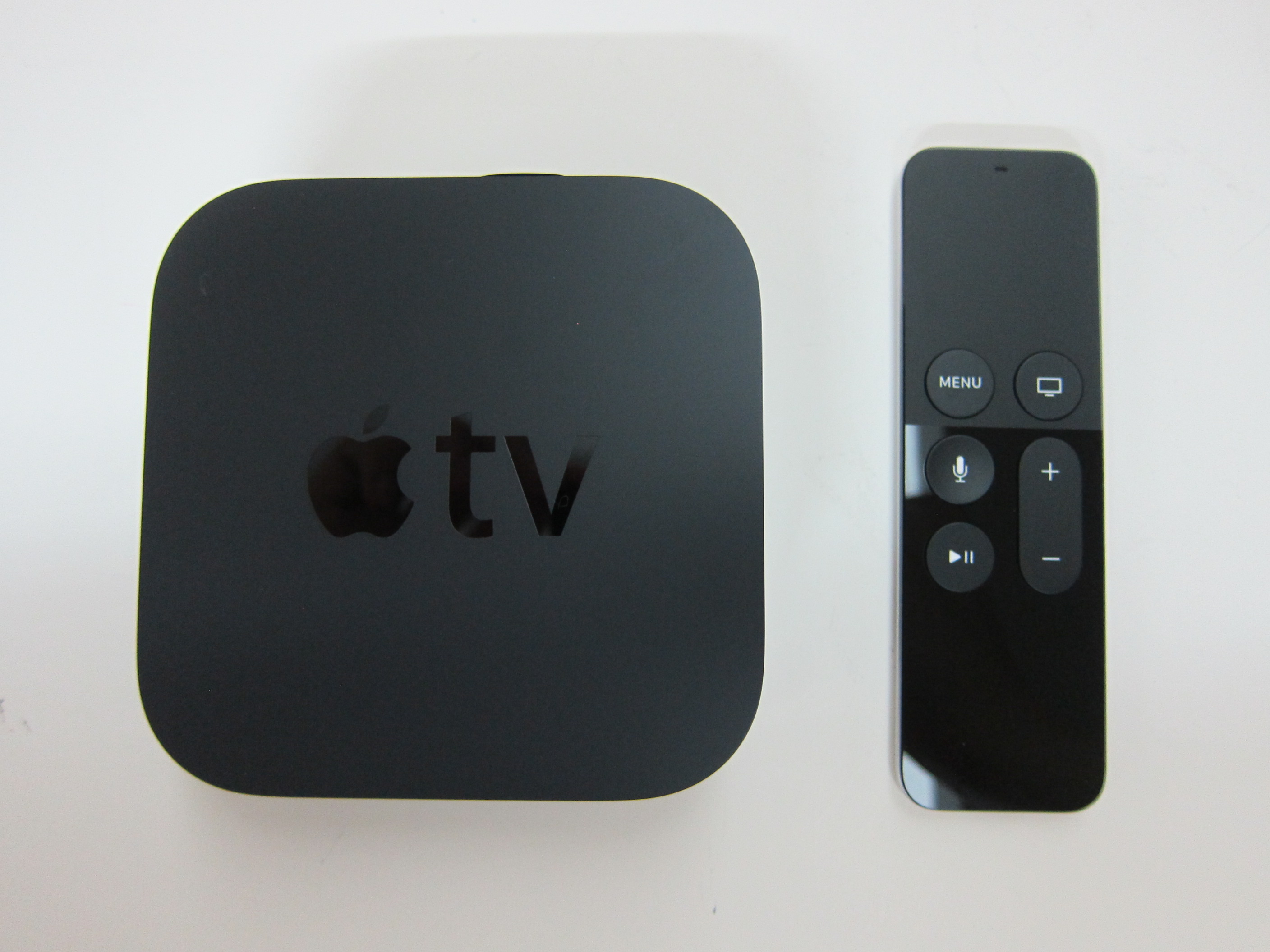
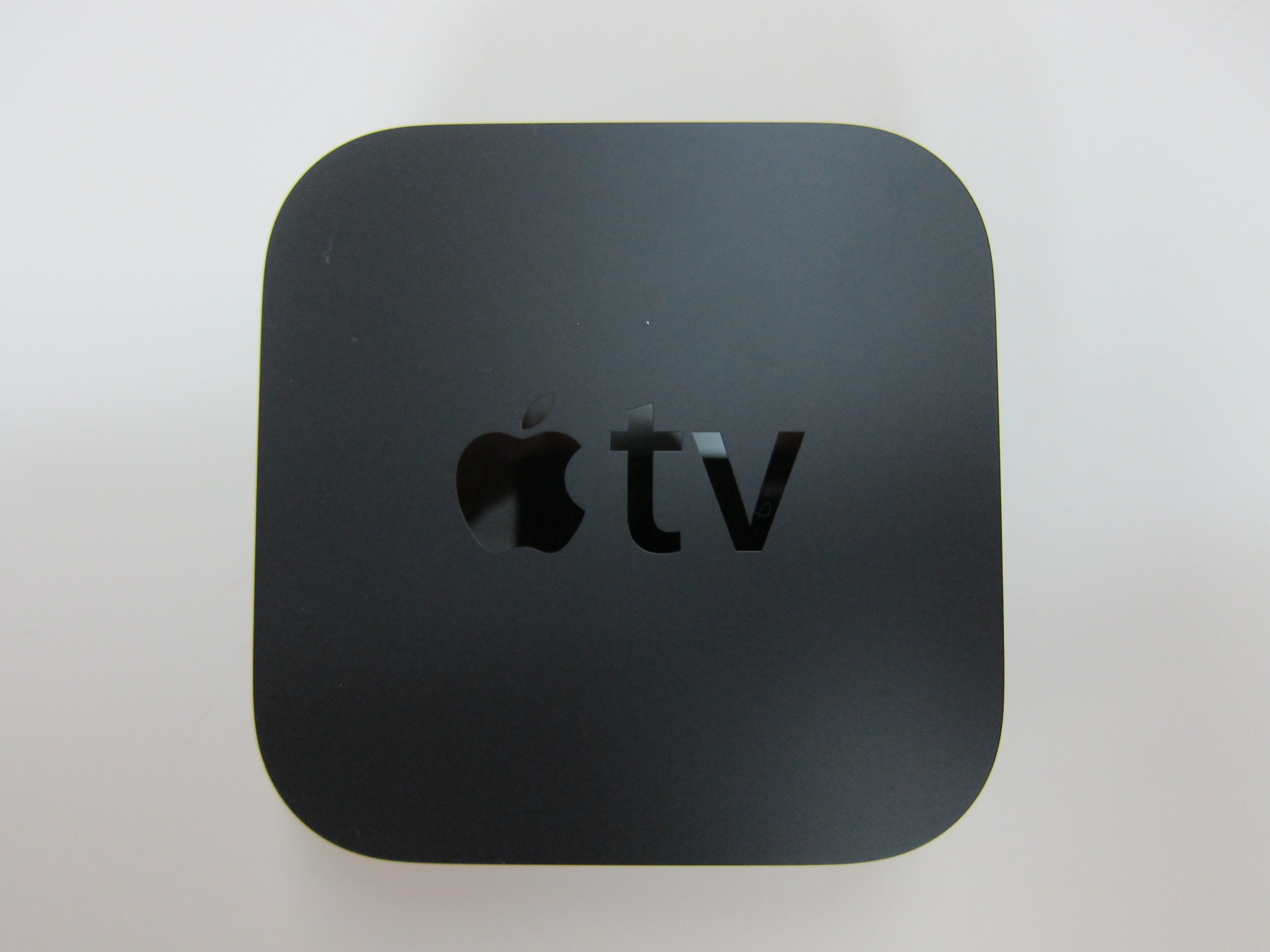
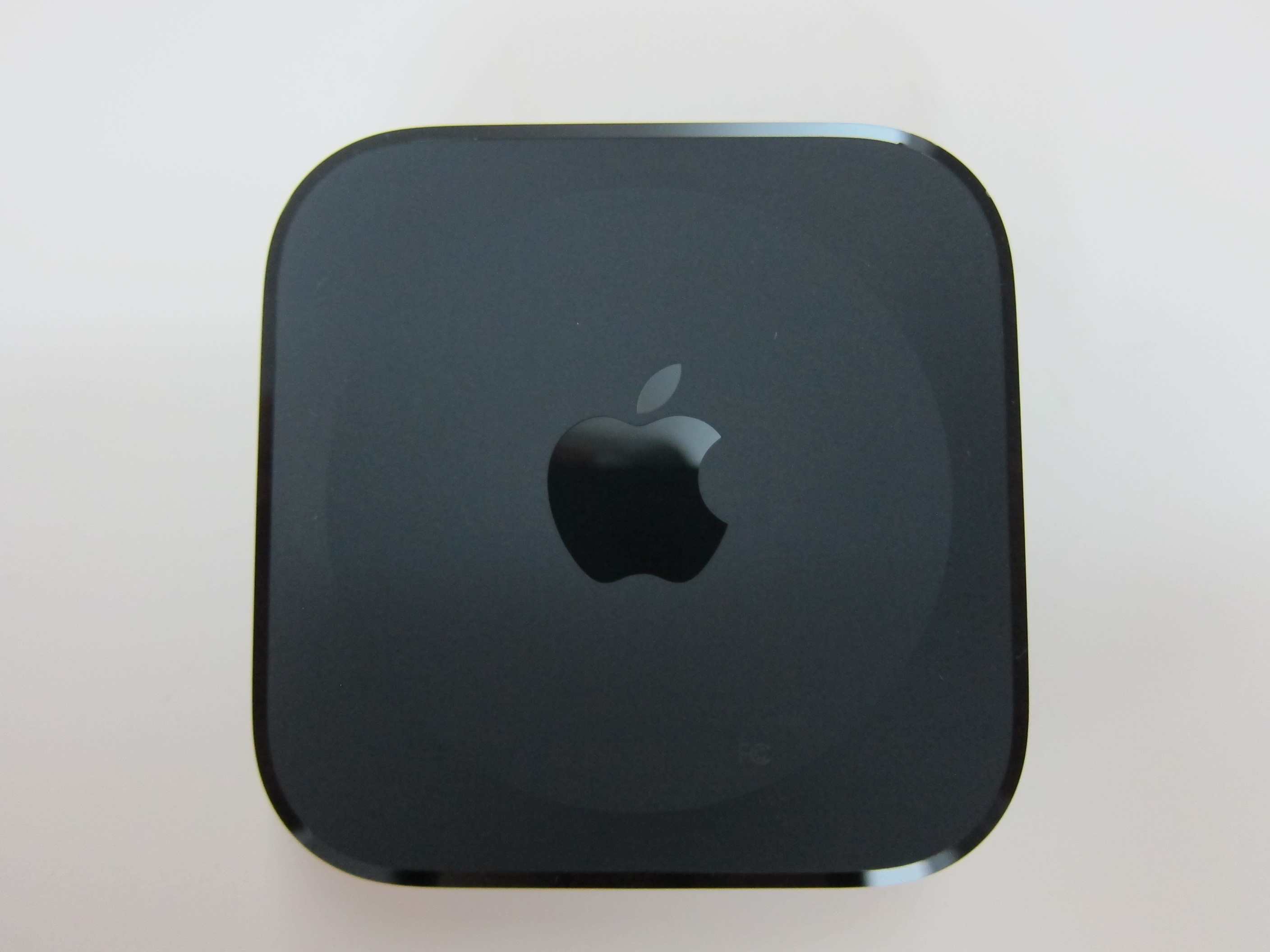
Ports
- HDMI 1.4
- 802.11ac Wi-Fi with MIMO
- 10/100BASE-T Ethernet
- Bluetooth 4.0 wireless technology
- IR receiver
- USB-C for service and support
- Built-in power supply

One thing I like about Apple TV is the inclusion of a LAN port. Not many media players does that these days. If there is a LAN option, I always use it because it makes streaming videos so much faster.
Apple TV (4th Generation) vs Apple TV (2nd Generation)

Siri Remote
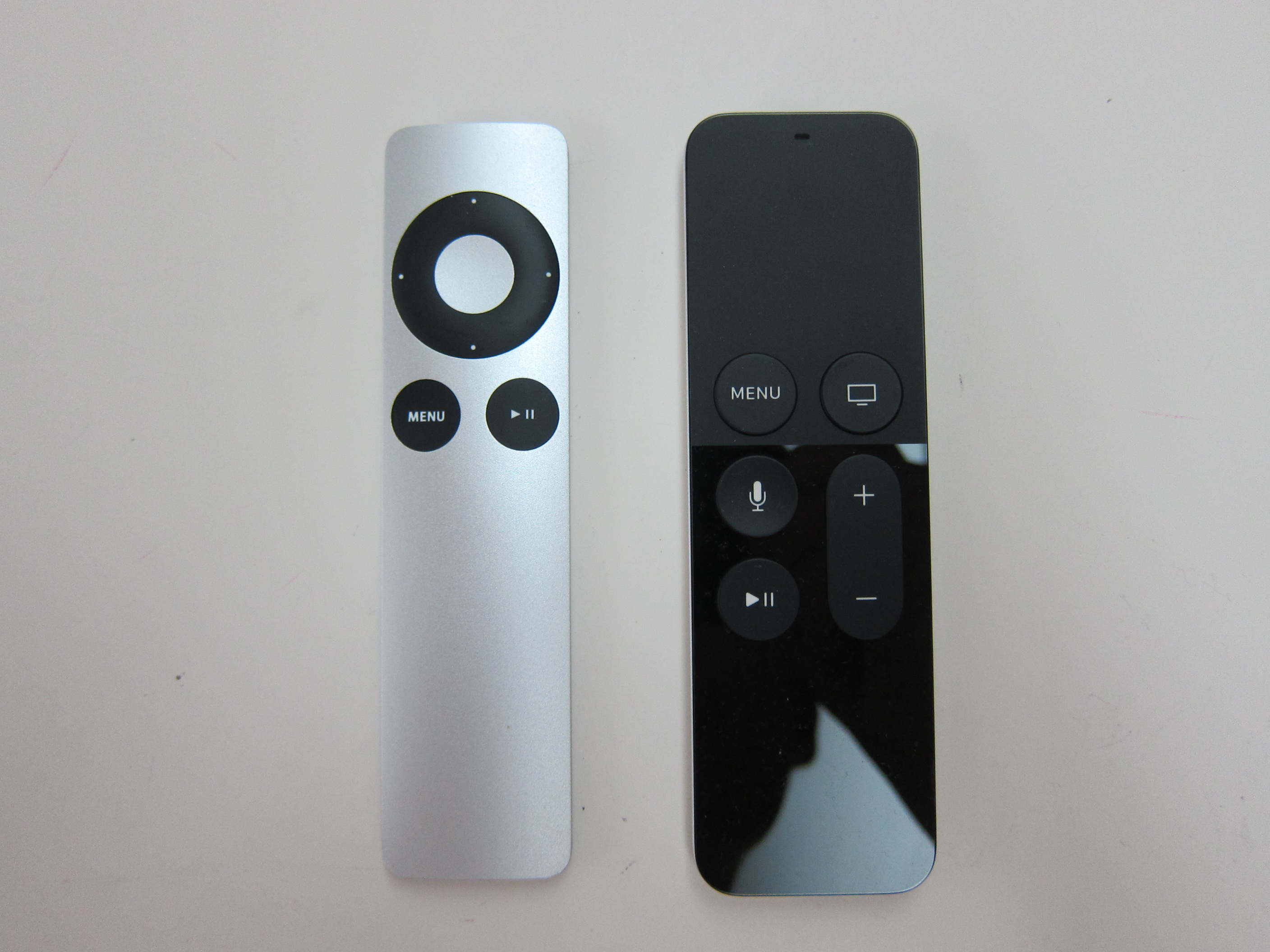
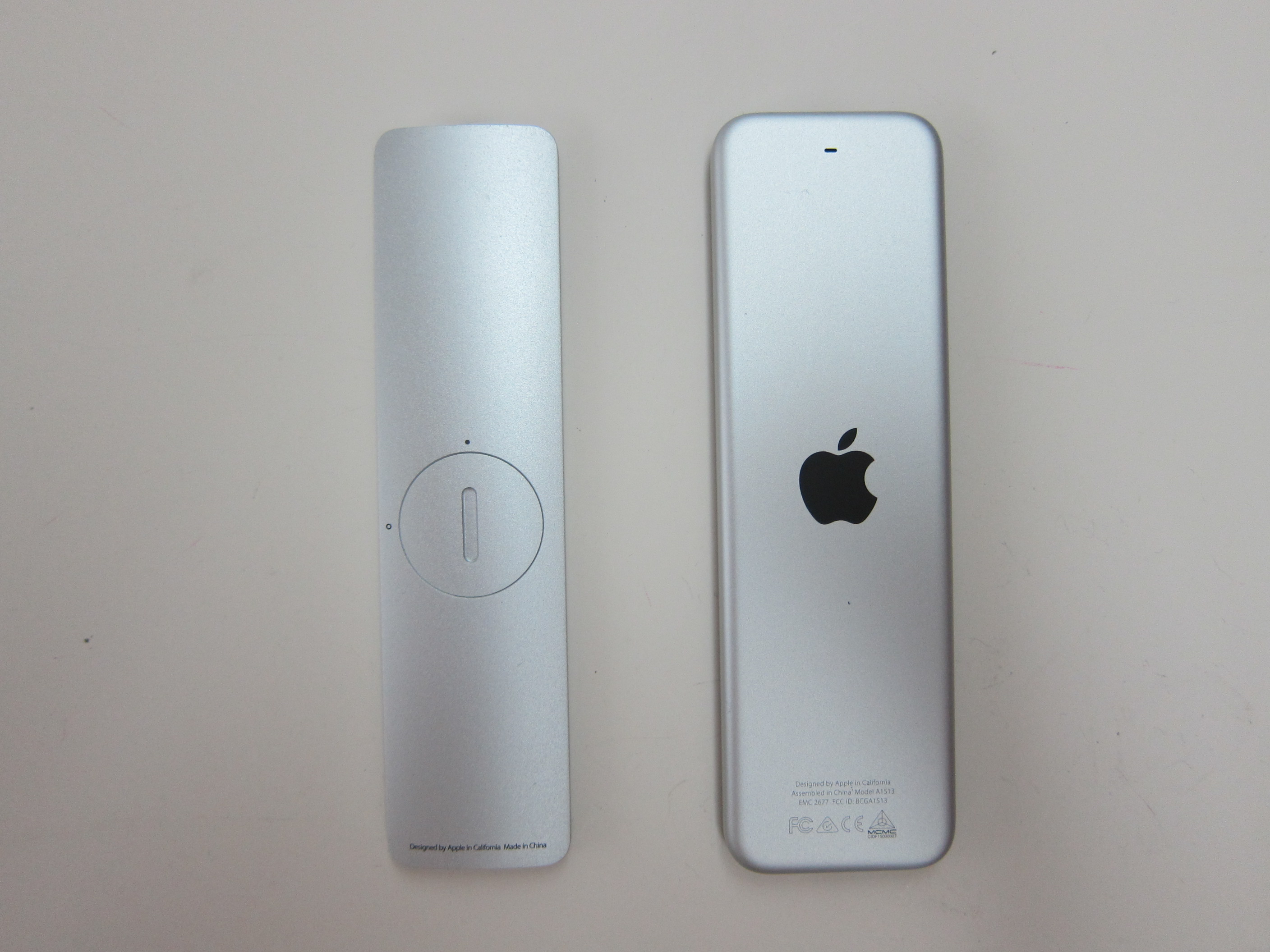
The remote control also has changed. It is now known as Siri Remote or Apple TV Remote. The later name was given because the Siri commands are not yet available in certain countries. As of writing, it is only available in eight countries (Australia, Canada, France, Germany, Japan, Spain, United Kingdom and United States).
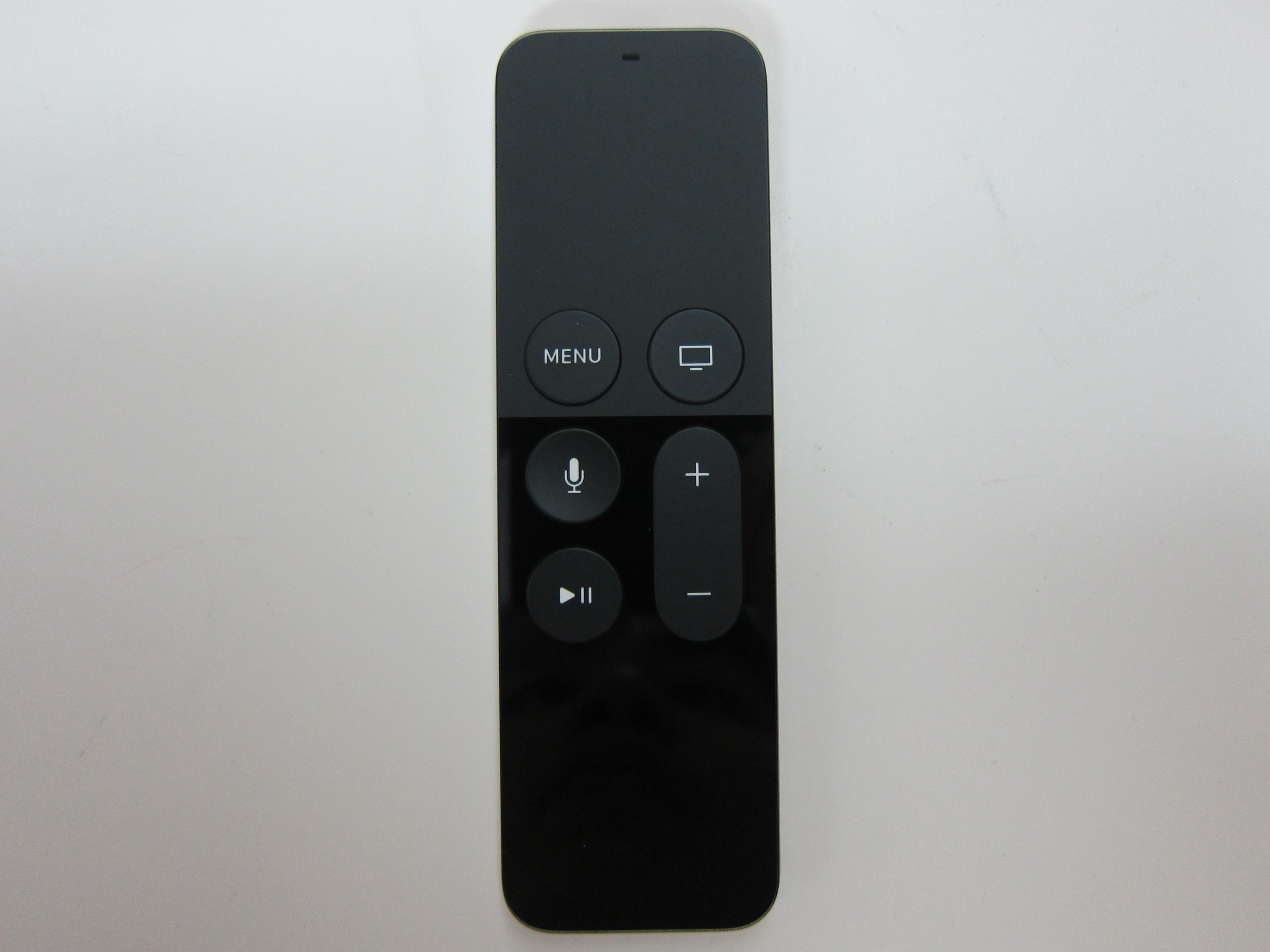
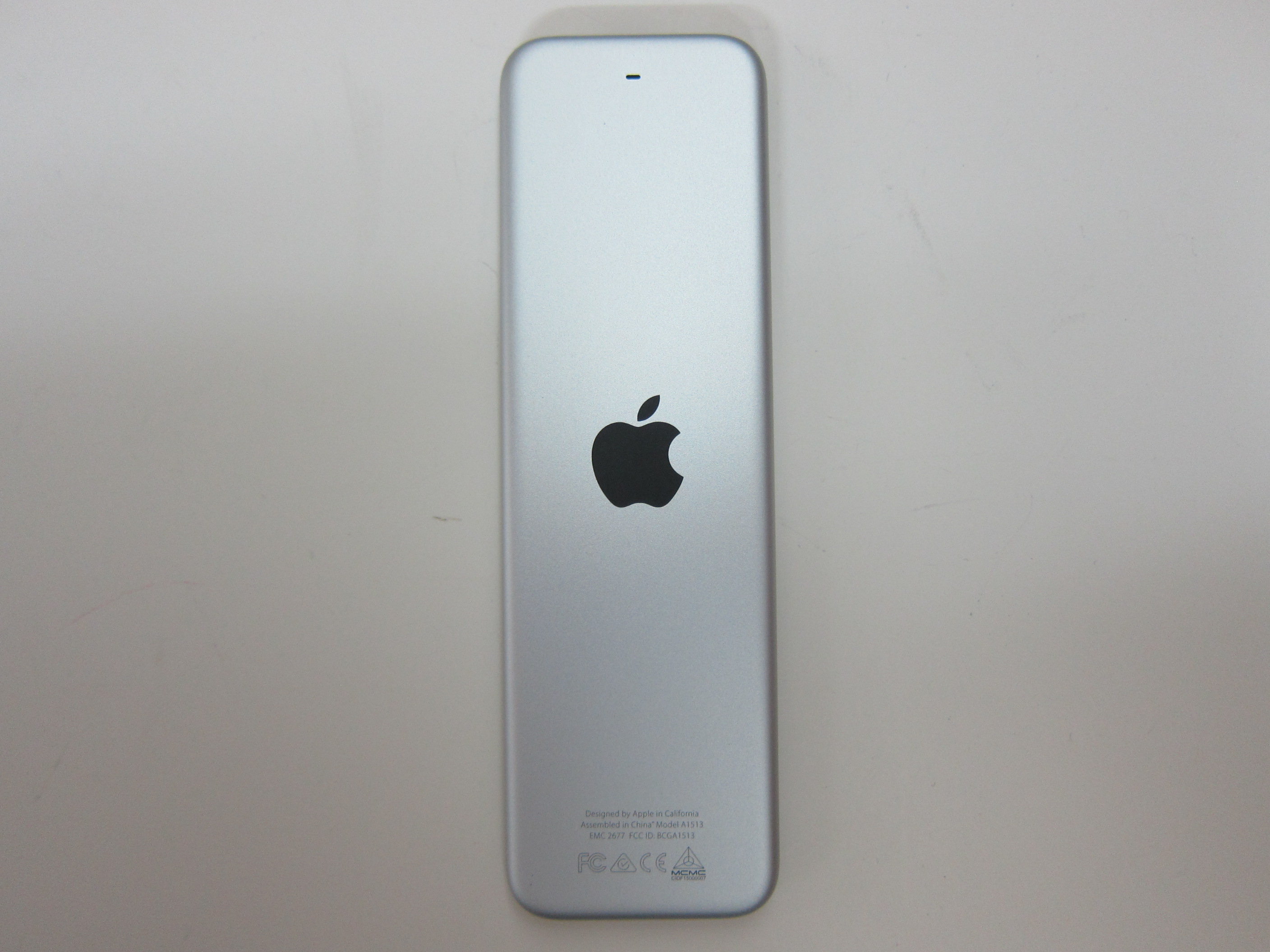
There are a lot of confusion whether both remote controls are the same. As far as I can Google, both remote controls are the same just that it is a software lock that disable Siri outside of the eight countries. If you change your region to United States and switched to a US’s iTunes account, Siri should work.
In my test, I didn’t switch region. I just sign out of my Singapore iTunes account and sign in with my US iTunes account and I can download the Netflix app and use Siri. Once that is settled, I switched back to my Singapore iTunes account and both the app and Siri still works.
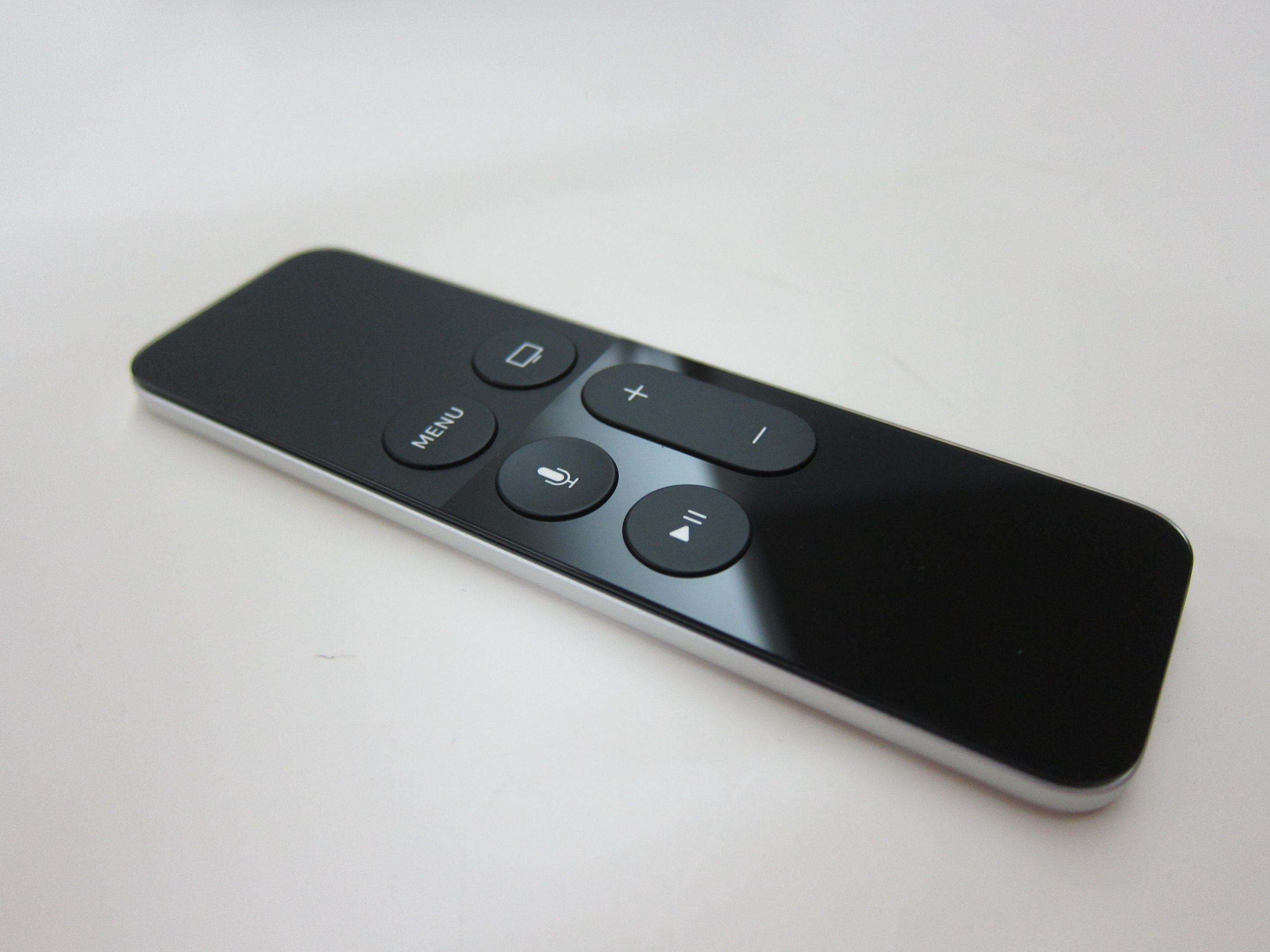
One of the obvious difference is the usage of a touchpad rater than a clickwheel. This requires some getting used to because you tend to overshot the navigation as you do not know how much force to use.
Another major difference to the remote control is that it now uses Bluetooth to connect to the Apple TV, similar to the Nexus Player. There is still an infrared port in front of the remote control to control the volume of your television.

Pressing the + or – button on the Siri Remote will increase or decrease the volume of your television. I tested it and it works as advertised.

There is now a built-in battery in the remote control which you can recharge using the provided Lightning cable. Apple claims that a single charge can last you for months. This should be true since I can’t really remember when is the last time I change any of my remote control batteries. Probably yearly or more?
Setup
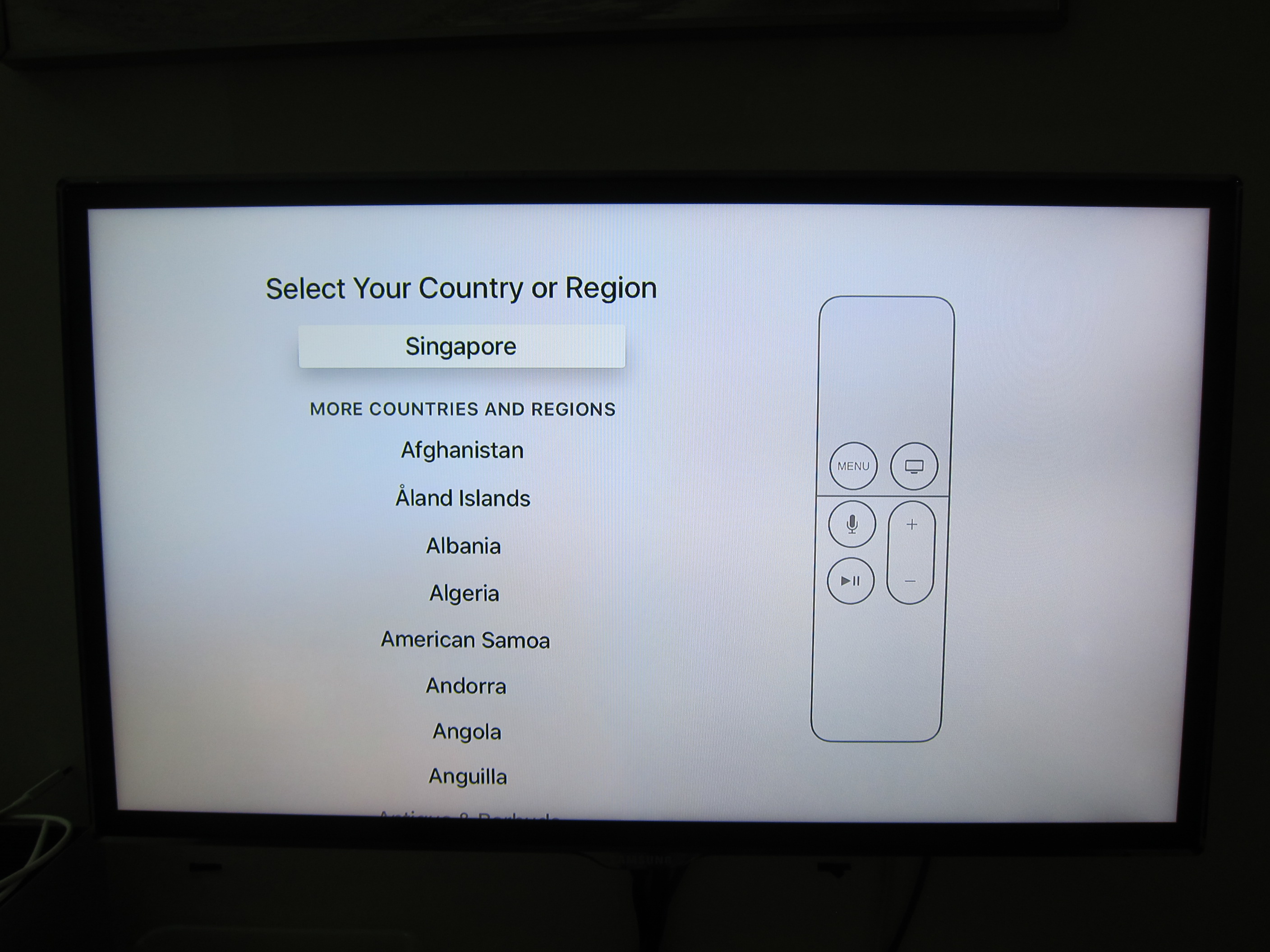
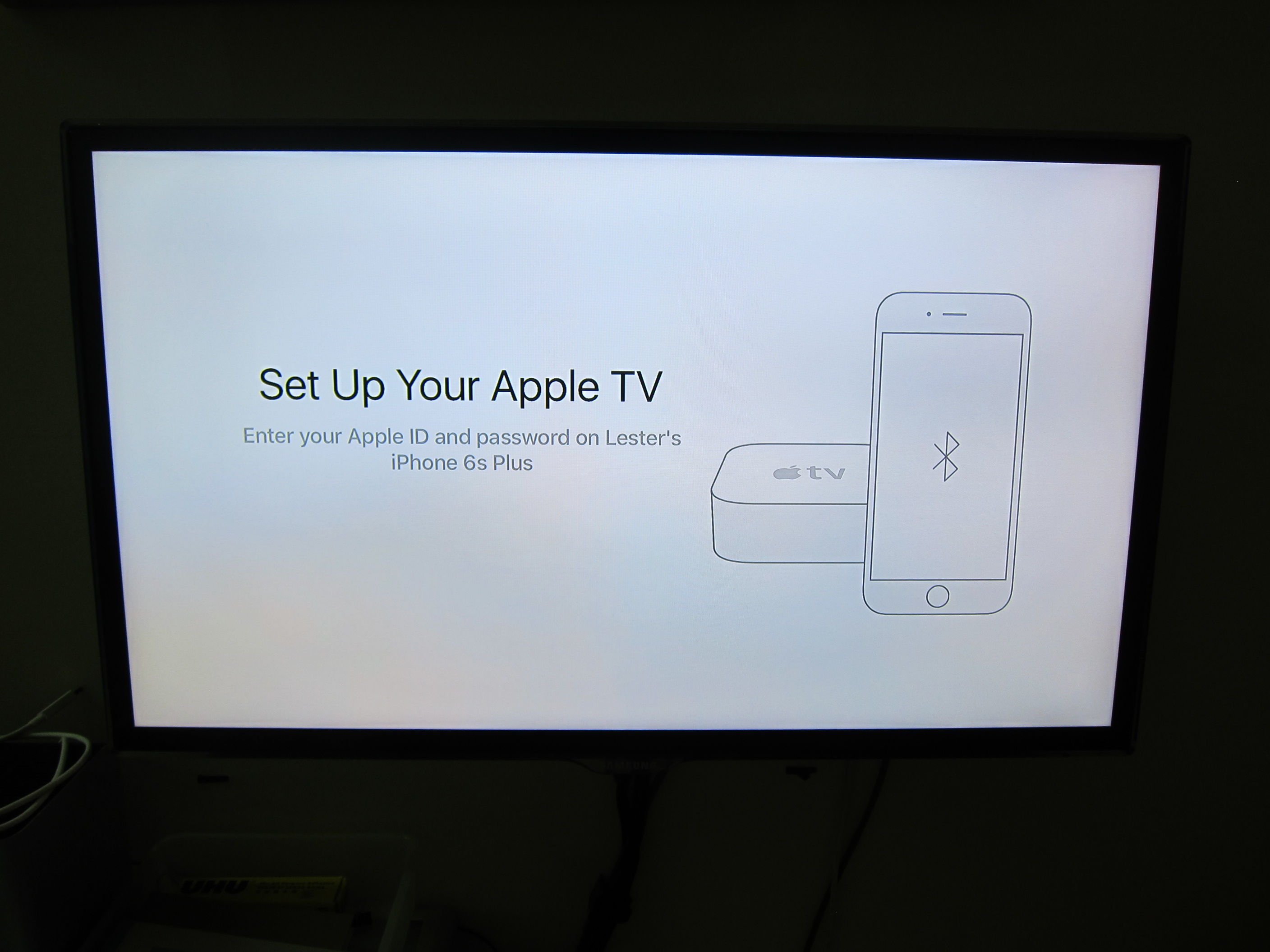
You can use your iPhone to setup the Apple TV, this makes typing in your complicated password of your Apple ID much easier.
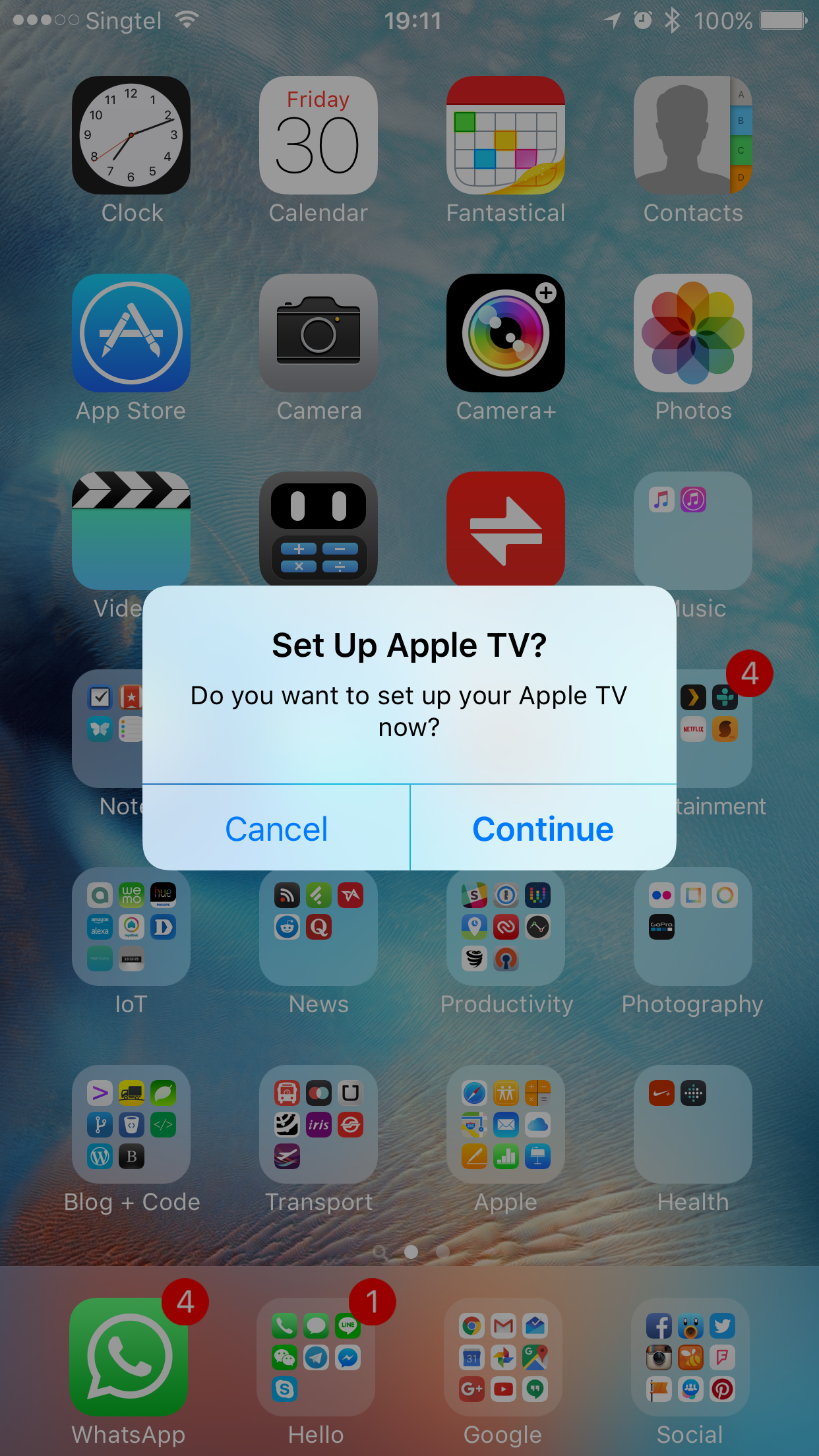

But if I remembered correctly, you still need to type in your password when you access the App Store app for the first time. Perhaps, Apple thought that you might want to use a different Apple ID for your iTunes account.

App Store
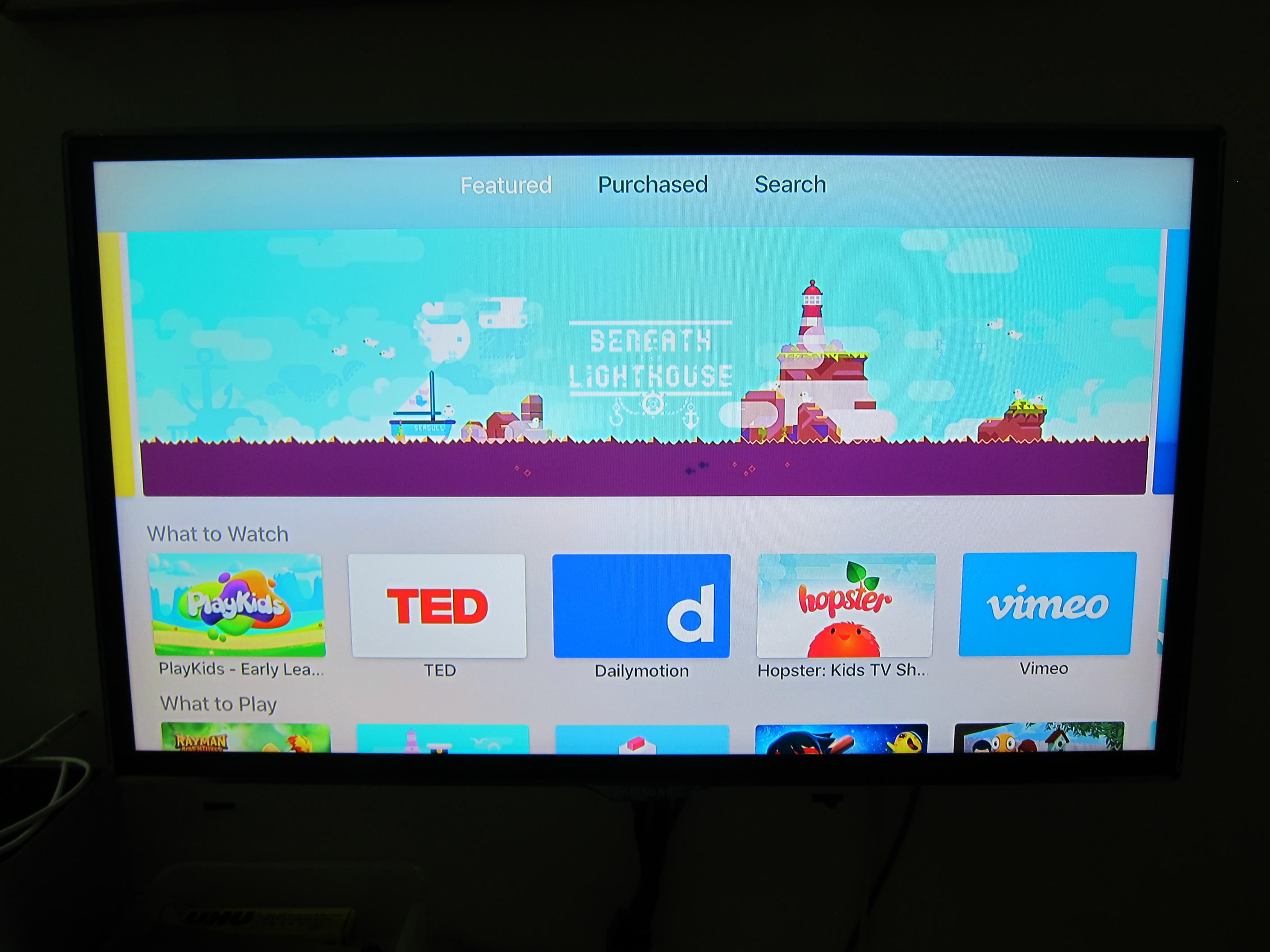
The selection of apps in the App Store are still pretty limited. Mostly are games rather than social/media apps. I am still waiting for the official Plex app to be released.Plex app for Apple TV is now out! Both YouTube and Flickr app are already available.
iCloud
If you are using iCloud Photo Library and/or iCloud Music Library, they will work just fine, in fact I think it works much better than the previous generations because of the revamped UI.
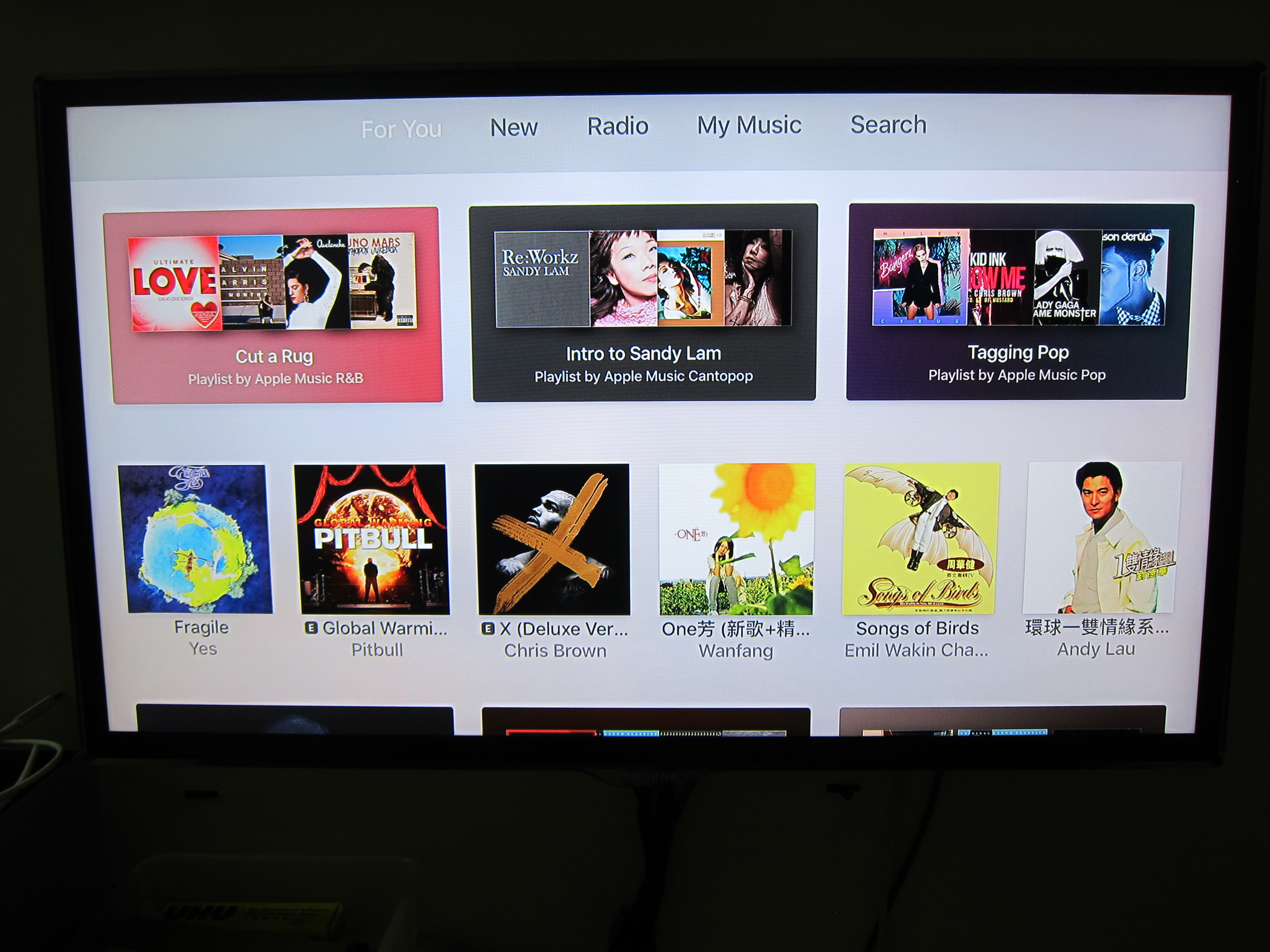
Apple Music is supported as well.

Hi lester, Its been a few moths since u posted abt the ATV4. Just like to check how is the overall experience with the new ATV and is 32Gb enough with all the apps that u can download ? oh and do u think i can get a US set and use it in singapore ? since it might only be a different plug right ? (coz radio shack is having a promo and it like a lot cheaper then SG for the 32Gb). considering upgrading from ATV3 which i currently use with plex and the apps look interesting and not forgetting side loading of kopi intoATV4 🙂
I bought my ATV2 from SF and it does work in Singapore, don’t even step up transformer because it is 110-240v, just need the plug adapter.
I think 32GB is more than enough. I am only use Netflix and Plex app like 99% of the time.
Hi Lester – I have never used Apple TV before but have many friends that do. So keen to get it now. The only question I have is whether I should buy one from Singapore (no Siri support correct?) or from Australia. I have Apple IDs in Singapore, Australia and the US so can switch between them although I do want to pay with a Singapore credit card. I also want to use Siri (Australian accent so no issues). So can I still buy the Singapore Apple TV to do both of these things? Or do I need to buy from Australia? Thanks Peter
There is no difference on where you buy from. It is the country that is stated in your iTunes account that does the region thing.