Bought the Nest Cam from Amazon for US$183.90 (S$265). It qualifies for the free AmazonGlobal Saver Shipping and hence shipping to Singapore is free.
US$183.90 is not the lowest price, it went down to $168.99 during Black Friday 2015 but unfortunately, I miss out on that promotion.
I also bought a few Nest Cam accessories like the Dropcases Nest Cam Case Outdoor Enclosure, Black Ball Joint Wall Mount for Dropcases and 20 ft (6m) USB Power Cable for Nest Cam from Amazon. Those accessories don’t ship to Singapore directly, and hence I have to ship it through my US freight forwarder, HopShopGo.
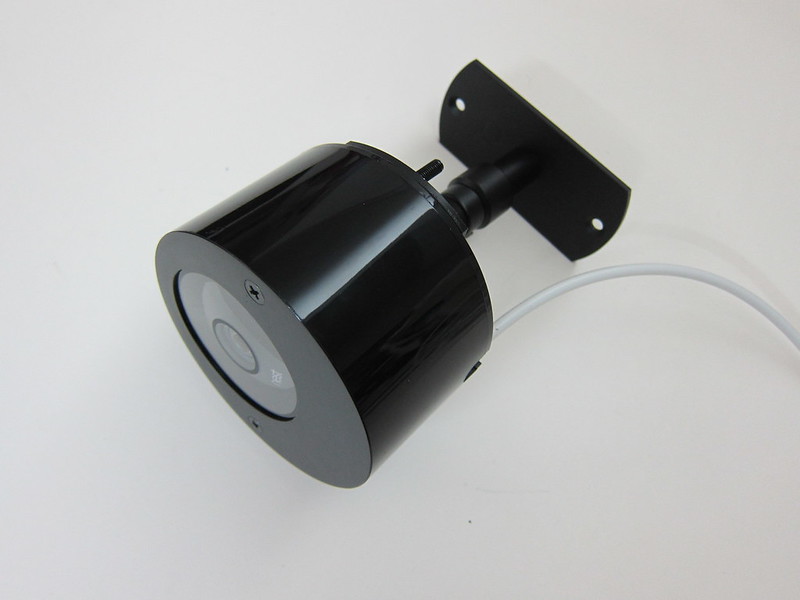
As you can see, I intend to mount my Nest Cam outside my house for me to monitor any activities that takes place at the common corridor.
Unboxing
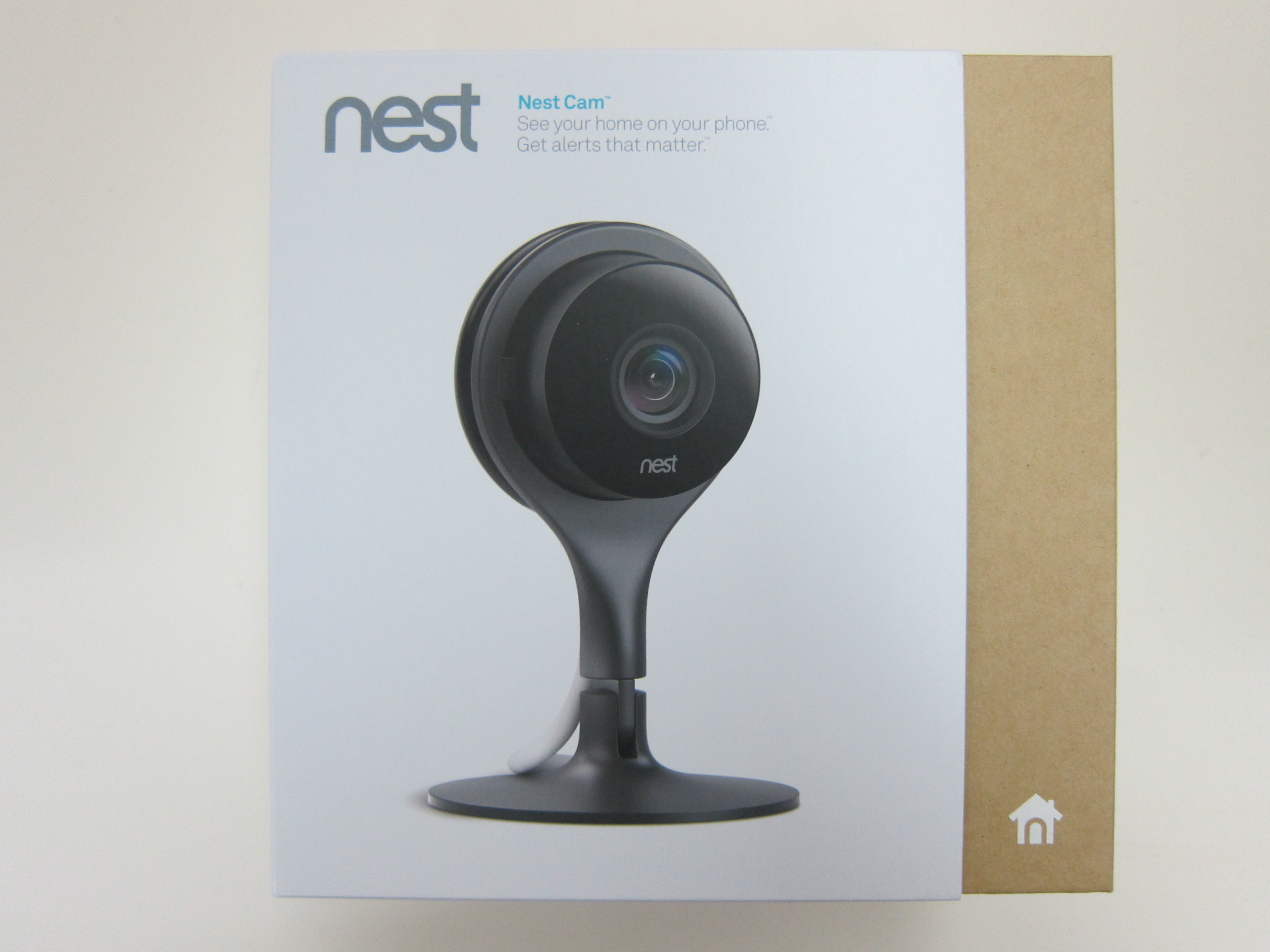
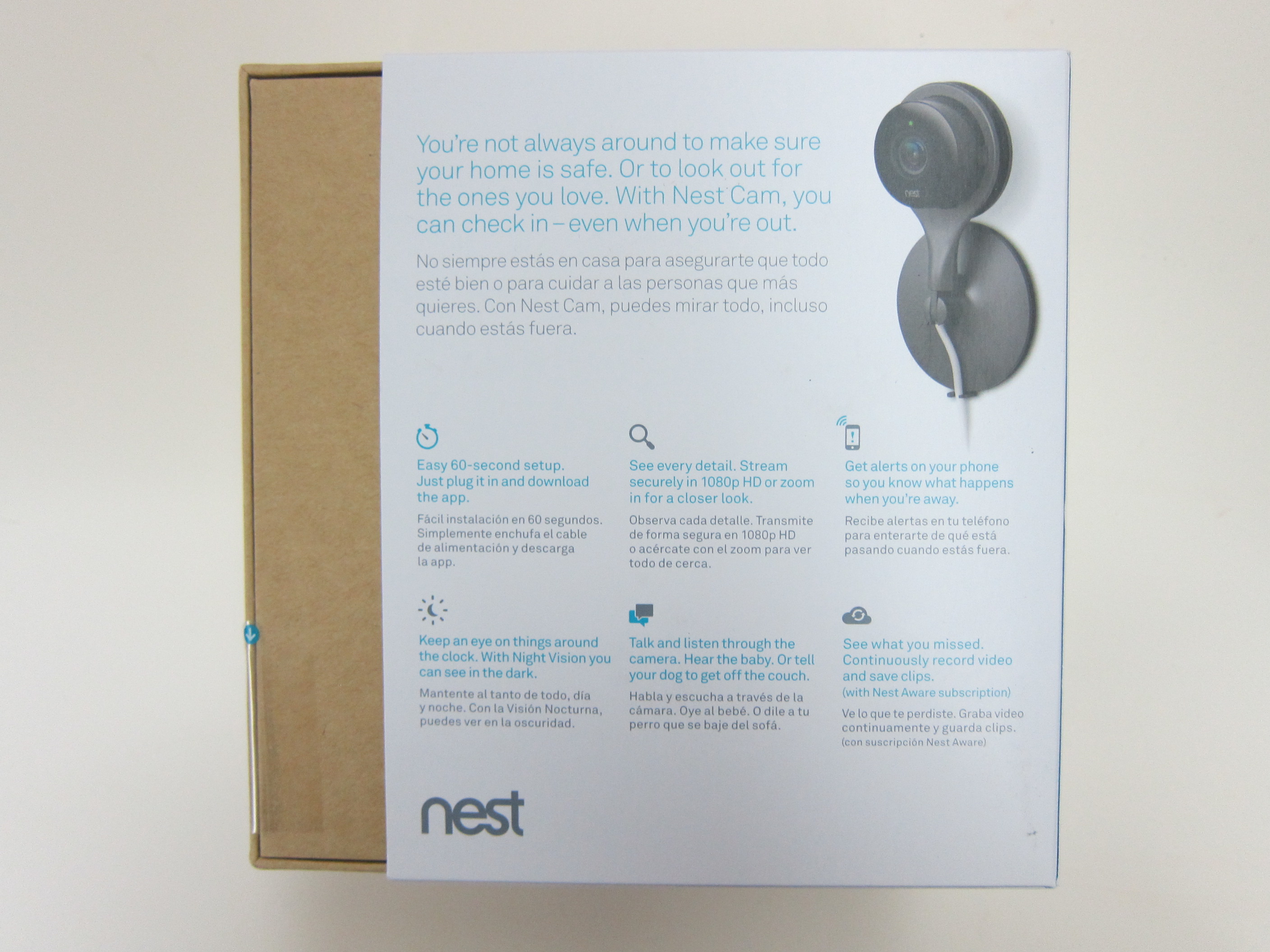

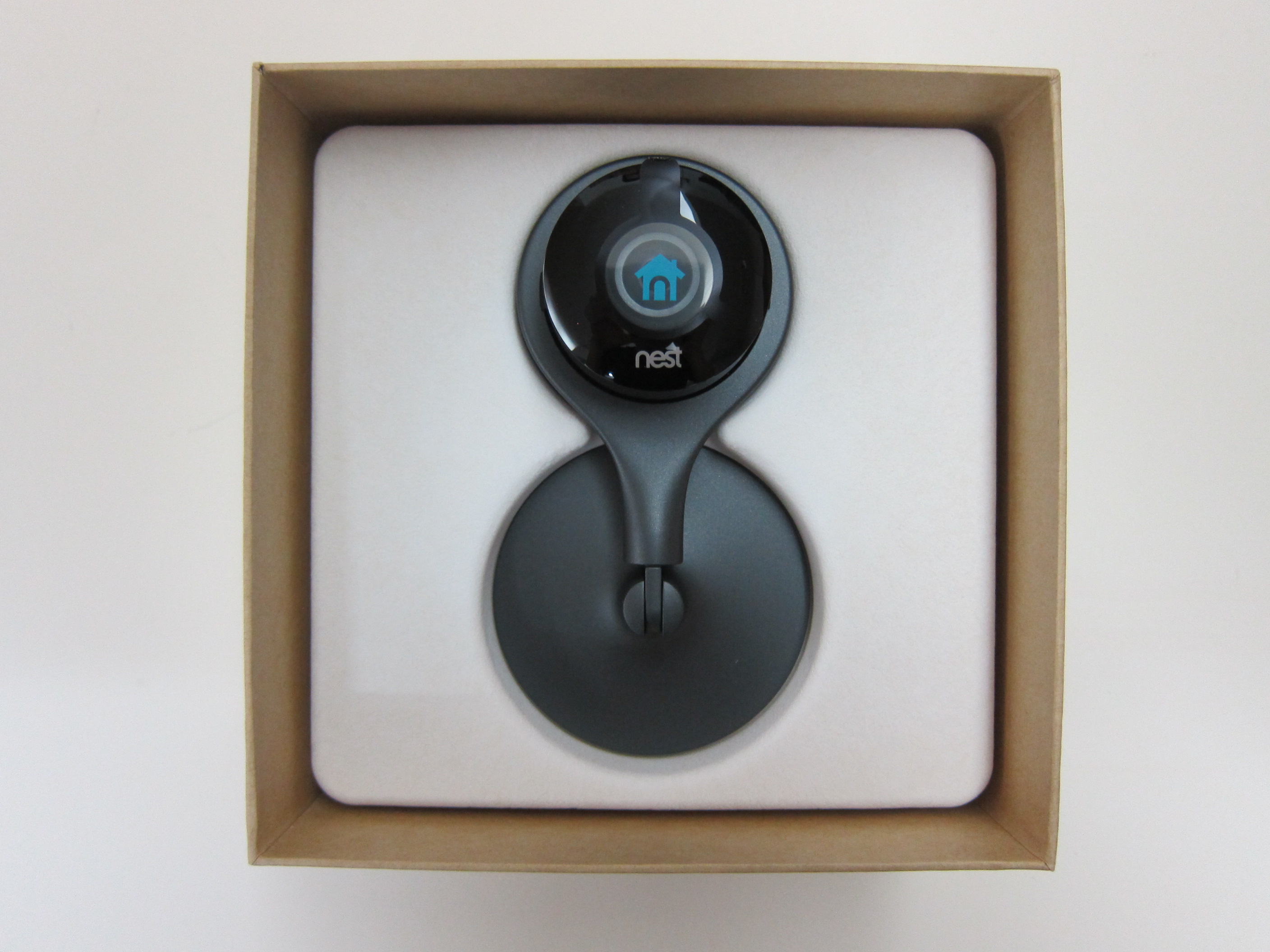

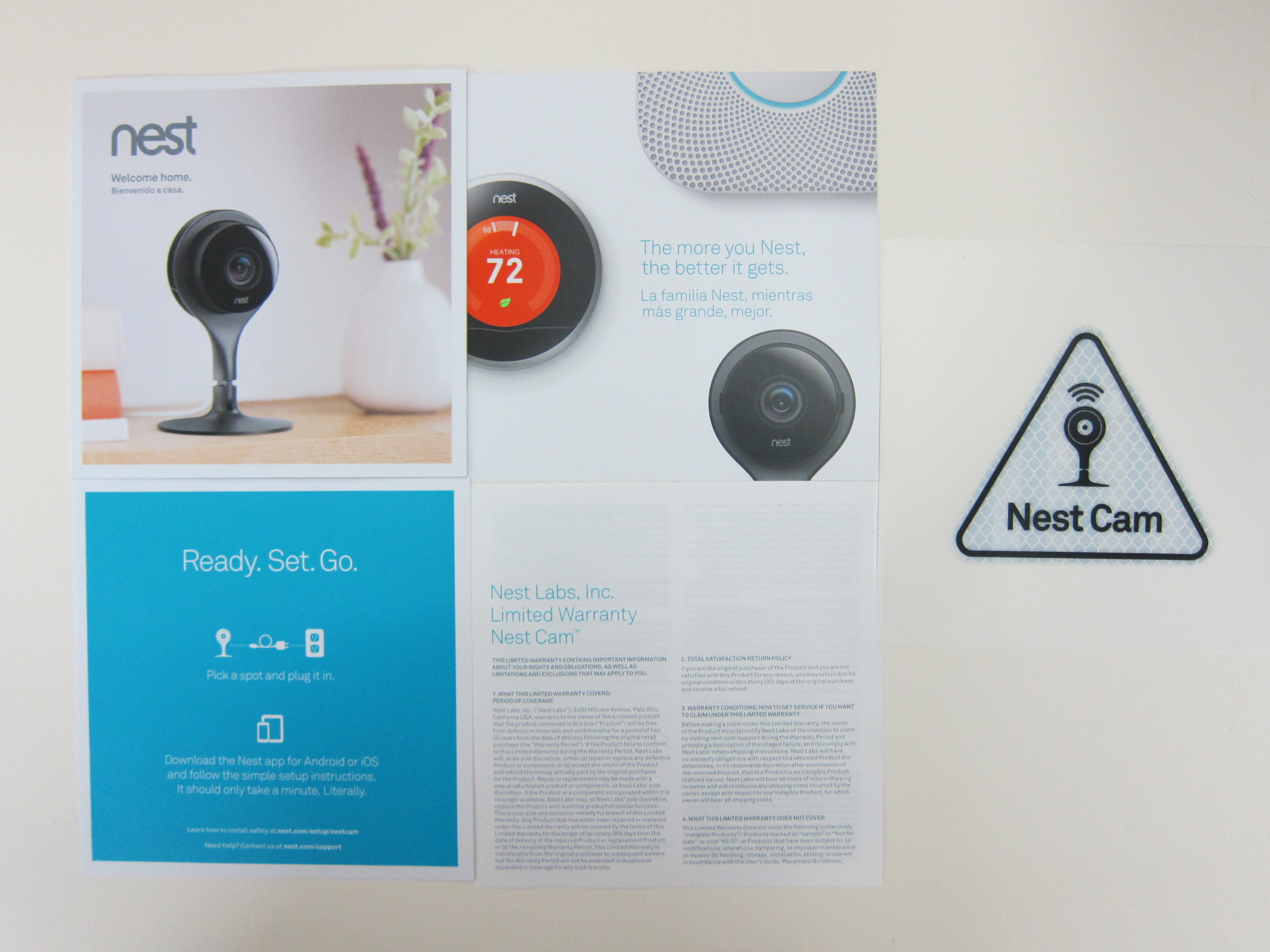
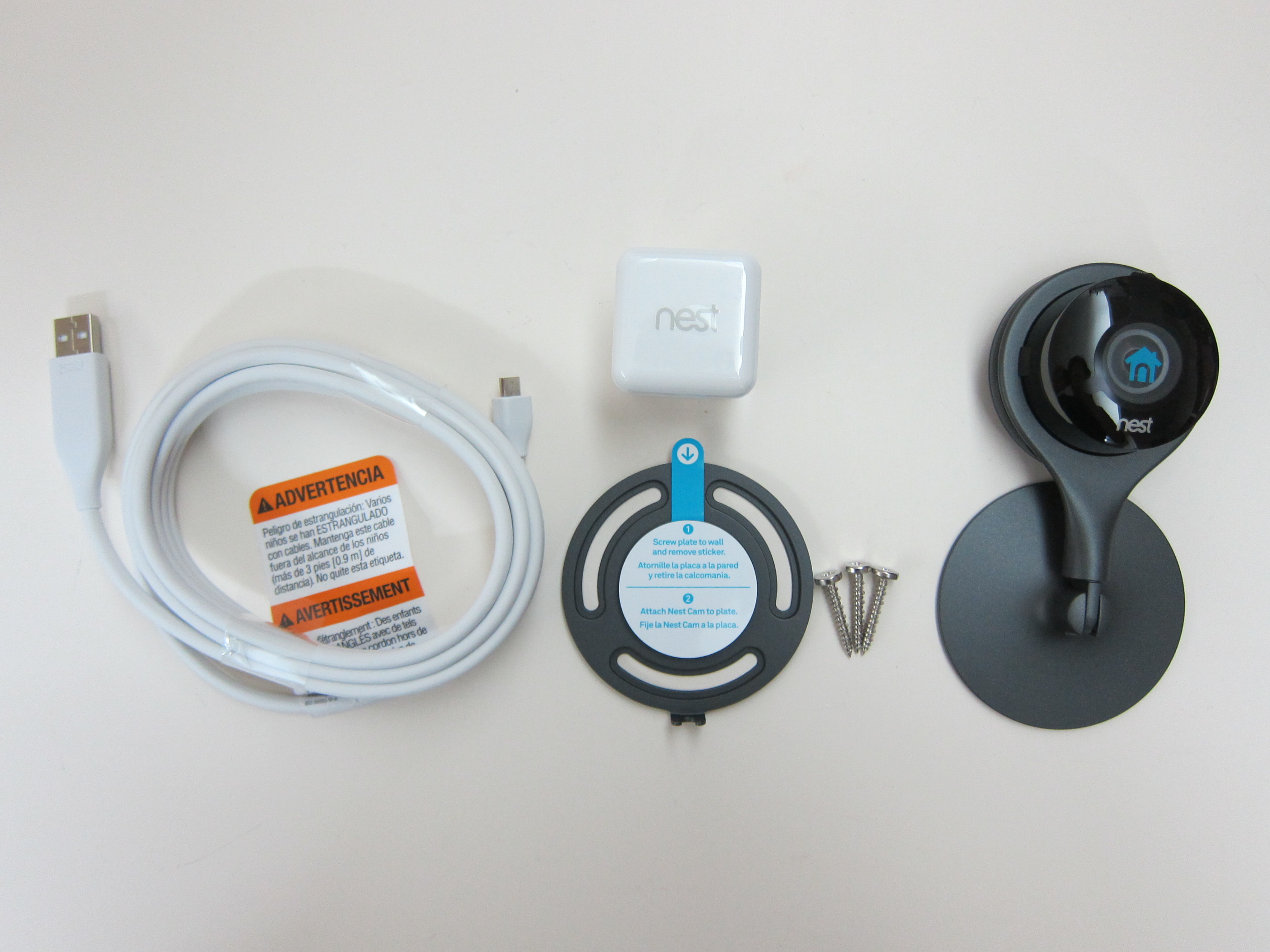
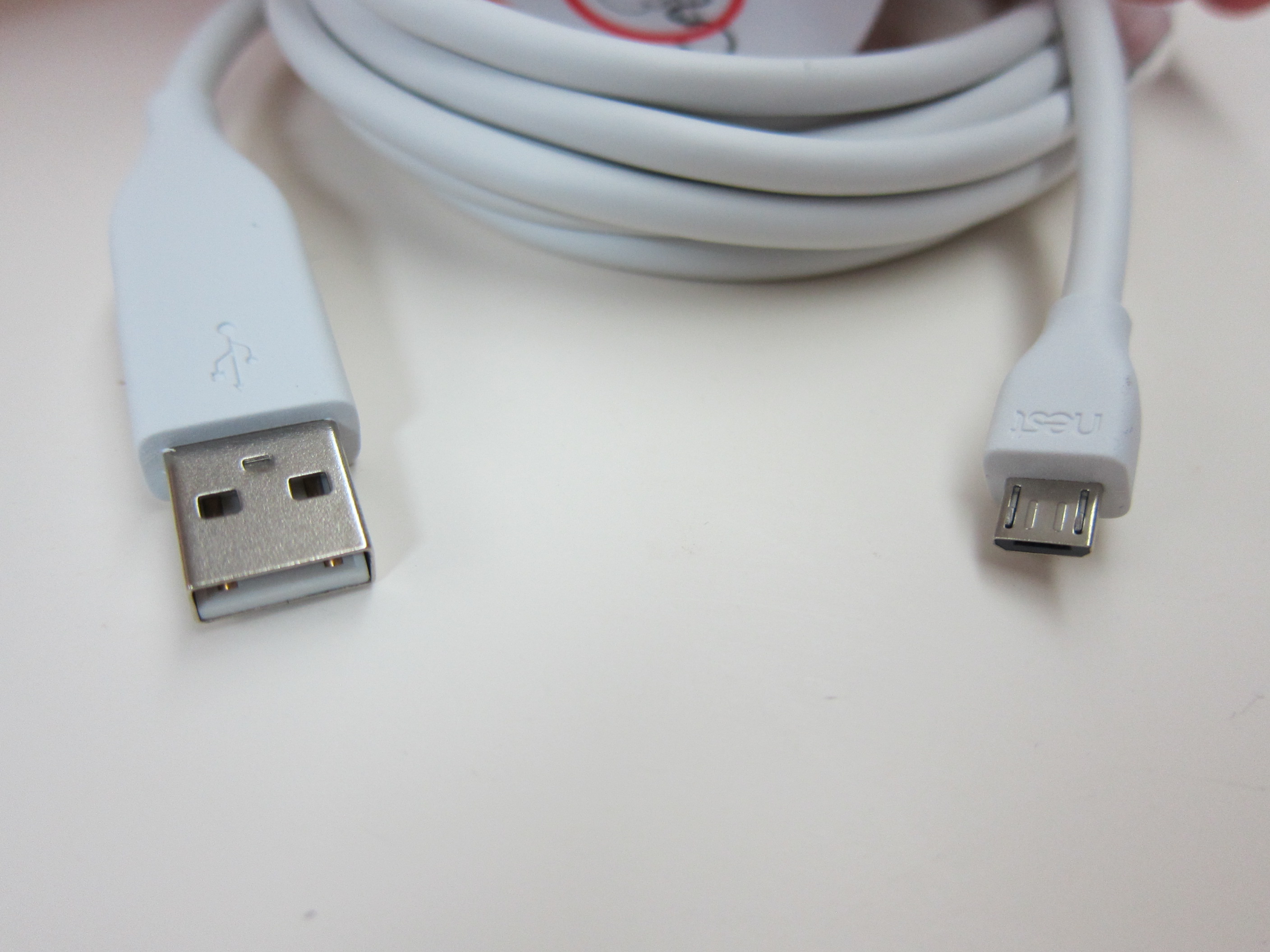
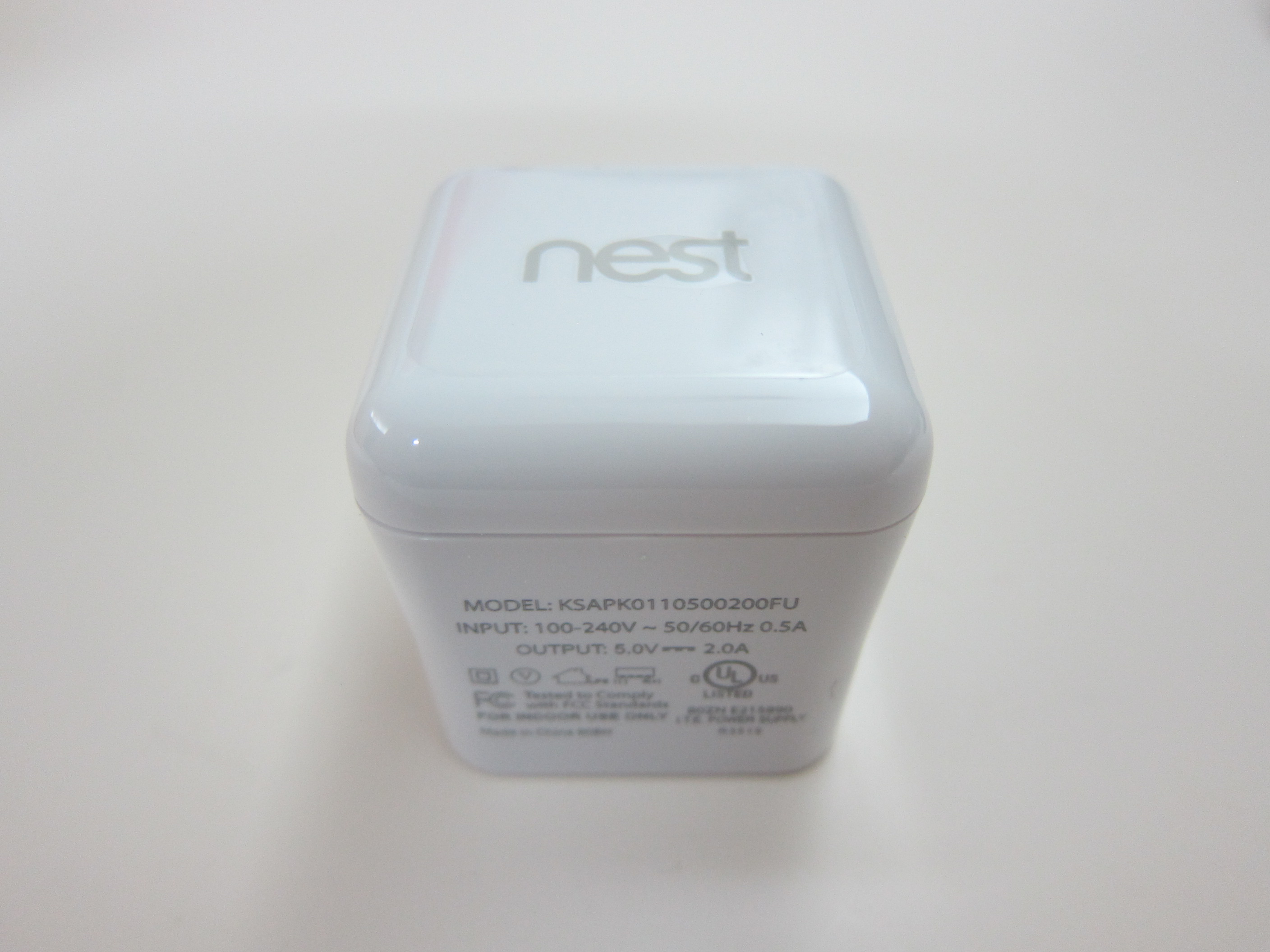
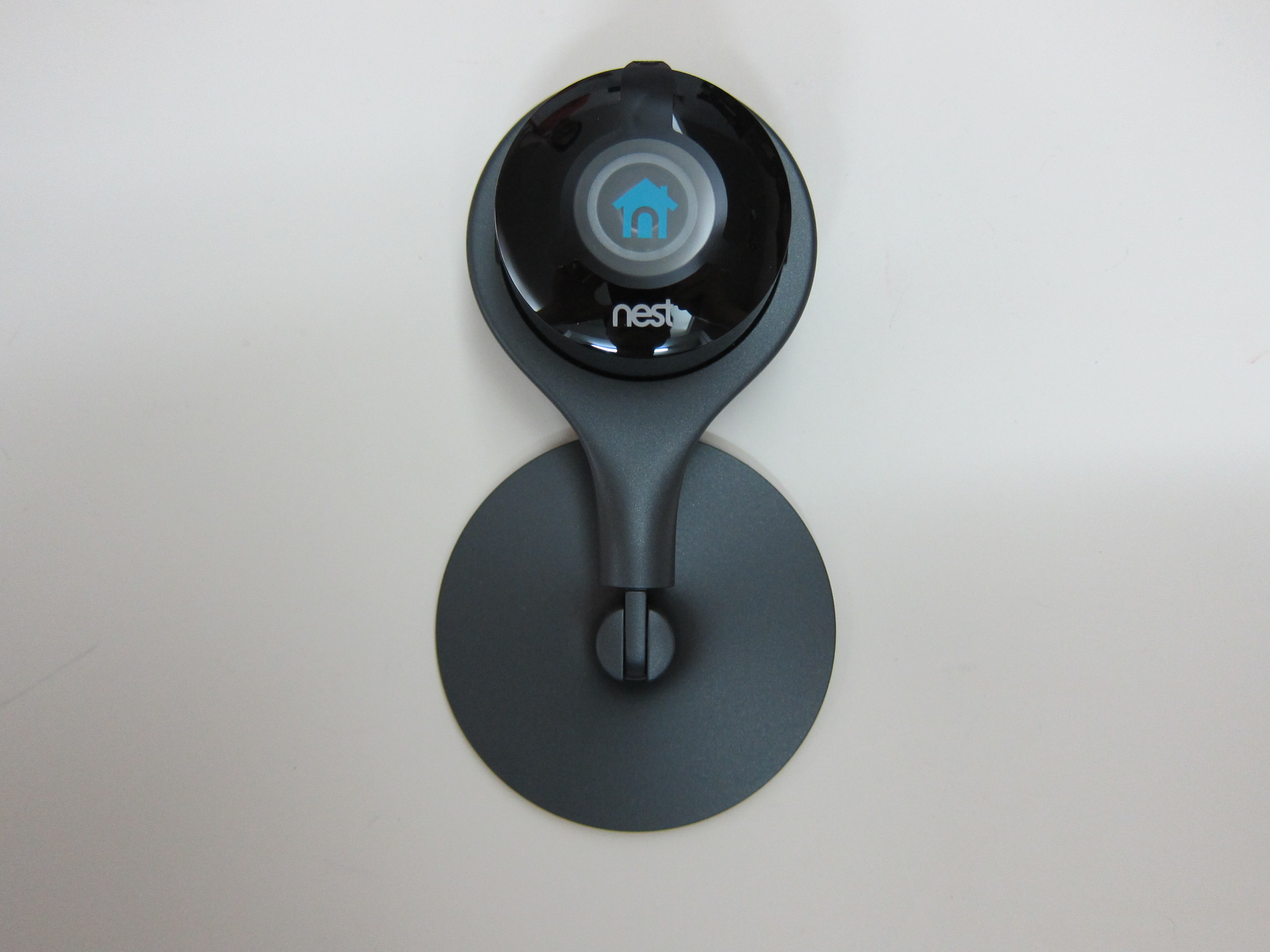
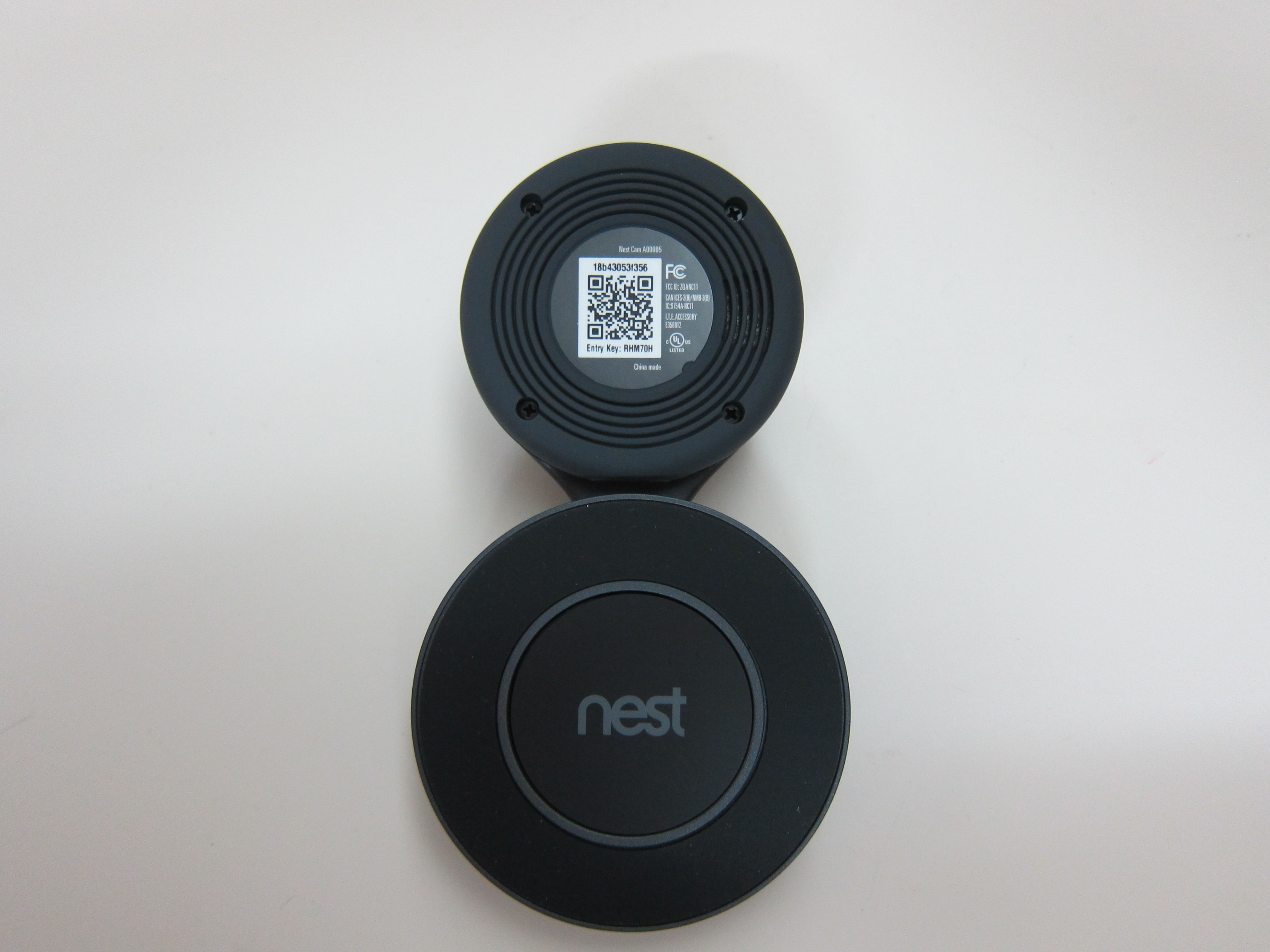
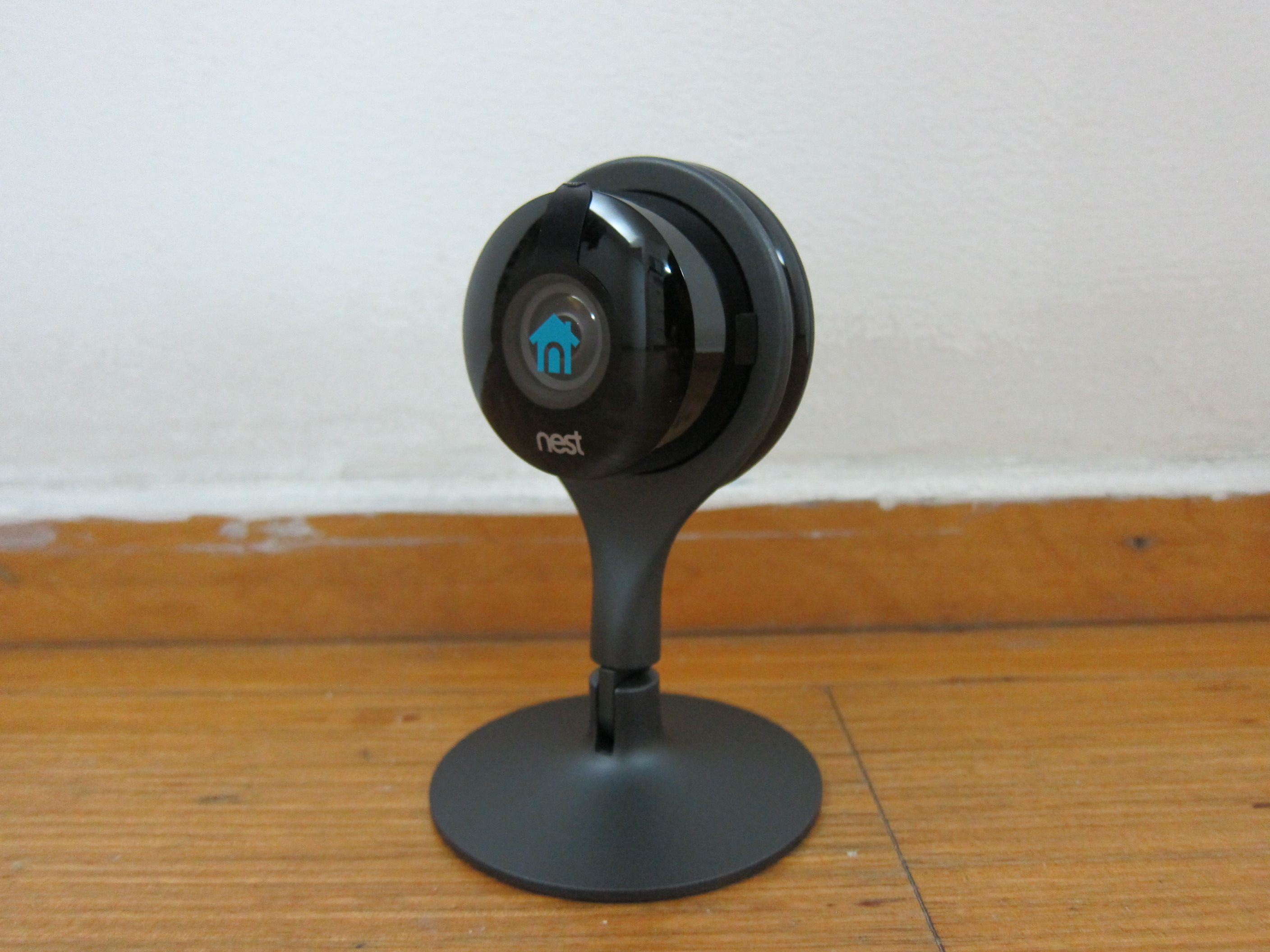
Countries Supported
Singapore is not in the list of countries when you set up your Nest Cam. I have no idea why. We are in 2016 for god’s sake, is there still a need to limit which country you are from? Can’t they just list down all the countries in the world?
This problem had been brought up since January 2013 in their community forums and three years later, the problem still persists.
For some reasons, China is inside the list and hence you can set it to use Beijing’s Time Zone which is GMT +8, the same as Singapore. In this way, your Nest Cam date and time stamp will be accurate.
However, if you set it to China, you will not be able to subscribe to Nest Aware as it is only available in certain countries like the US or Europe.
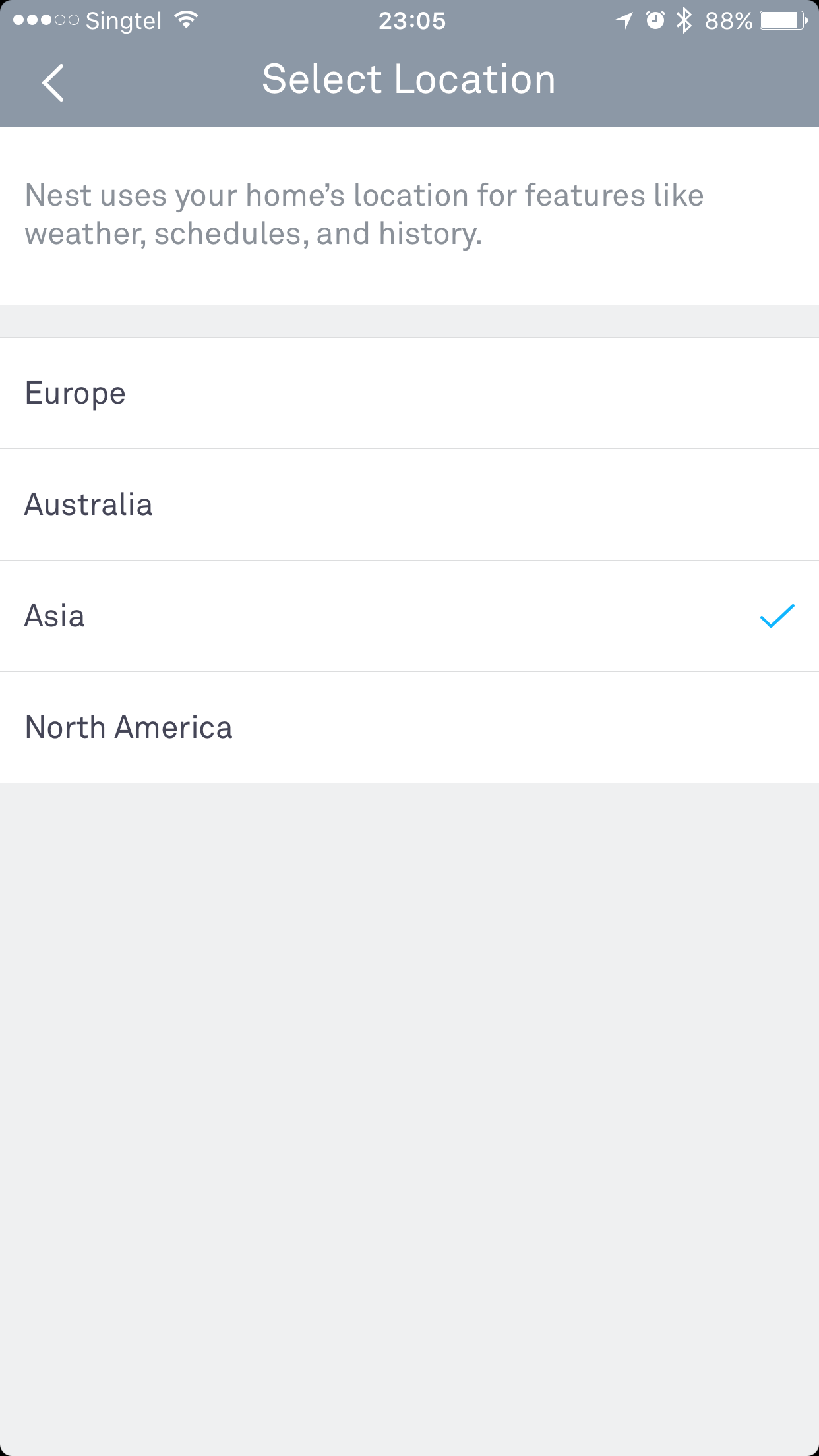

Since I am going to subscribe to Nest Aware, I have no choice but to set it to a US address. I am using my HopShopGo address.
Seriously, WTF Nest?
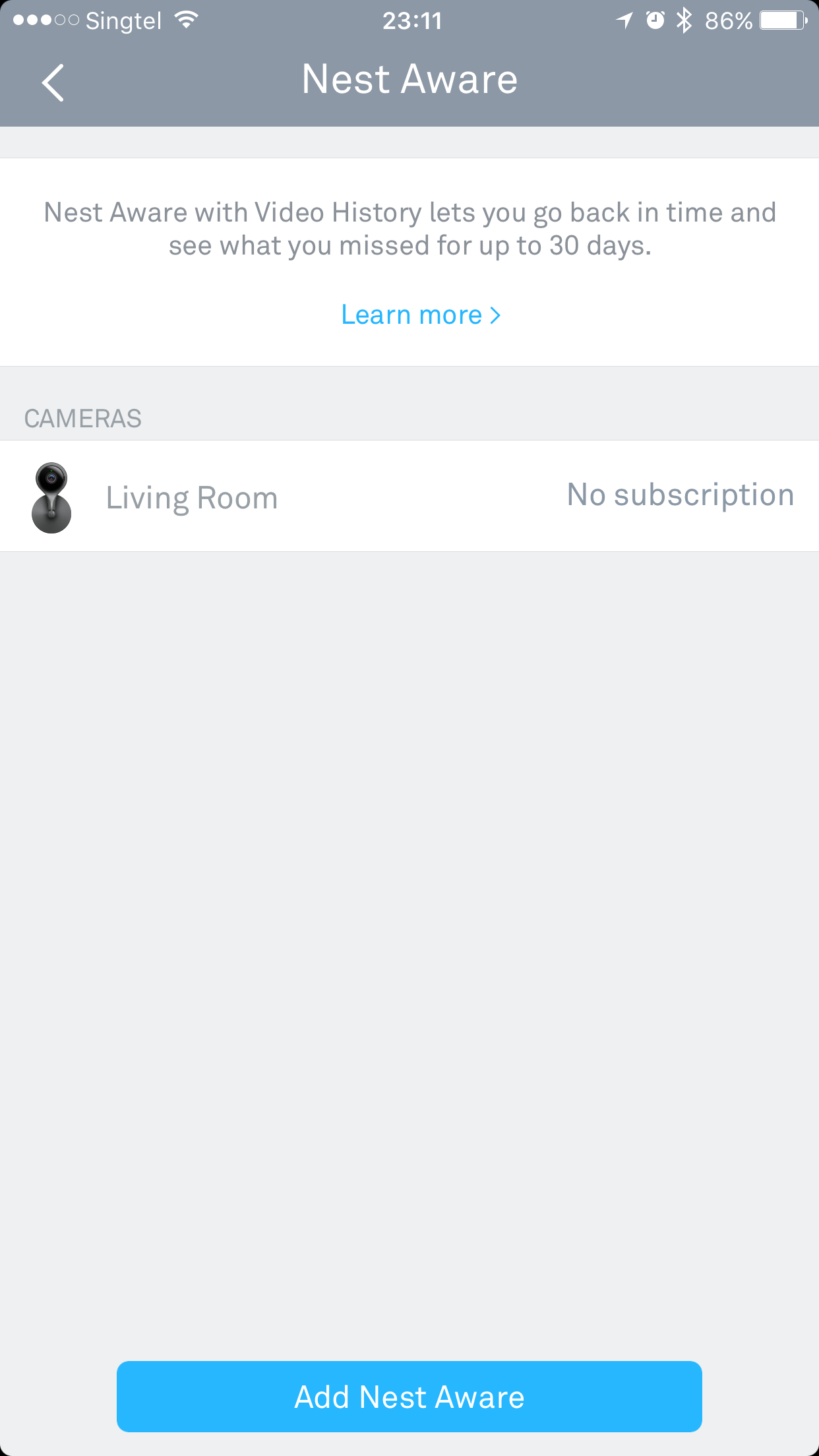
Nest Aware
Nest Cam requires a subscription plan called Nest Aware and because of that it put off quite a lot of people.
The subscription plan allow you to view 10 or 30-day video history, have an alert summary, set up activity zone for personalized alerts and allow you to export video clips.
The price for 10-day video history starts at US$10/month (S$15/month) or US$100/year (S$150/year) and the 30-day video history starts at US$30 (S$45/month) or US$300/year (S$450/year).
I intend to try the US$100/year to see how if it works for me and if it doesn’t work out, I still can use it as a live viewer to see outside my house.
Just in case you are wondering, you need to set your Nest Cam to be a US address (as mentioned above) in order to subscribe to Nest Aware. You don’t need a VPN and it does accept Singapore Credit Card as payment, so you don’t have to worry about that.
If you thought you can switch back to a China address after subscribing to Nest Aware, you are wrong. If you switch country, your Nest Aware will be cancelled and the remaining amount will be refunded back to you.
Nest “Home”
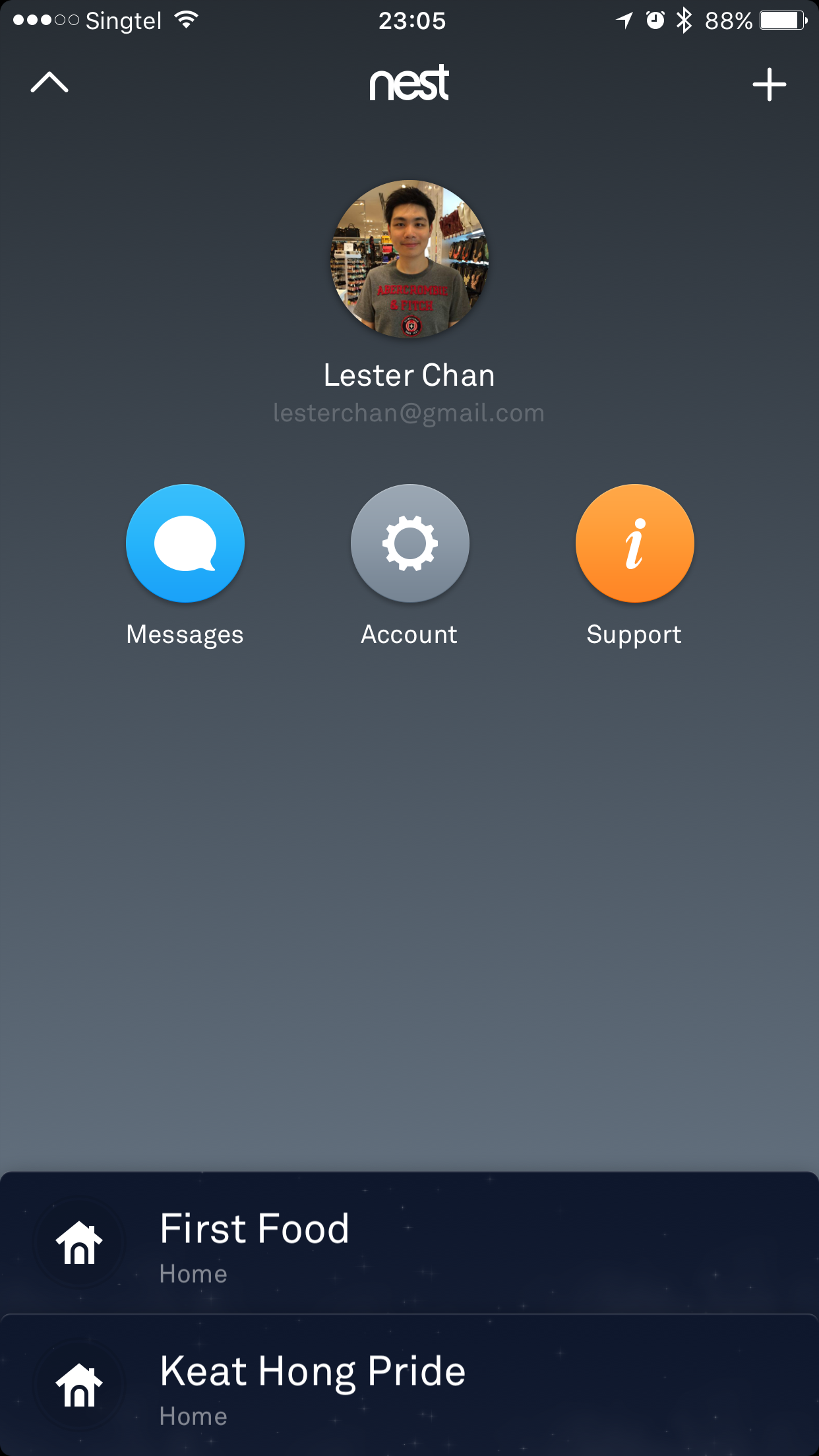
You can only setup a maximum of two “homes” on one Nest account and up to 10 Nest Cams per “home”. Again, I have no idea why is there a restriction on the number of “Homes” or Nest Cams.
Nest also doesn’t support multiple users per home which is kinda irritating. I hope in future updates, it would allow multiple users to access/manage a home. But judging from this April 2013 thread in their community forums, it is unlikely to happen.
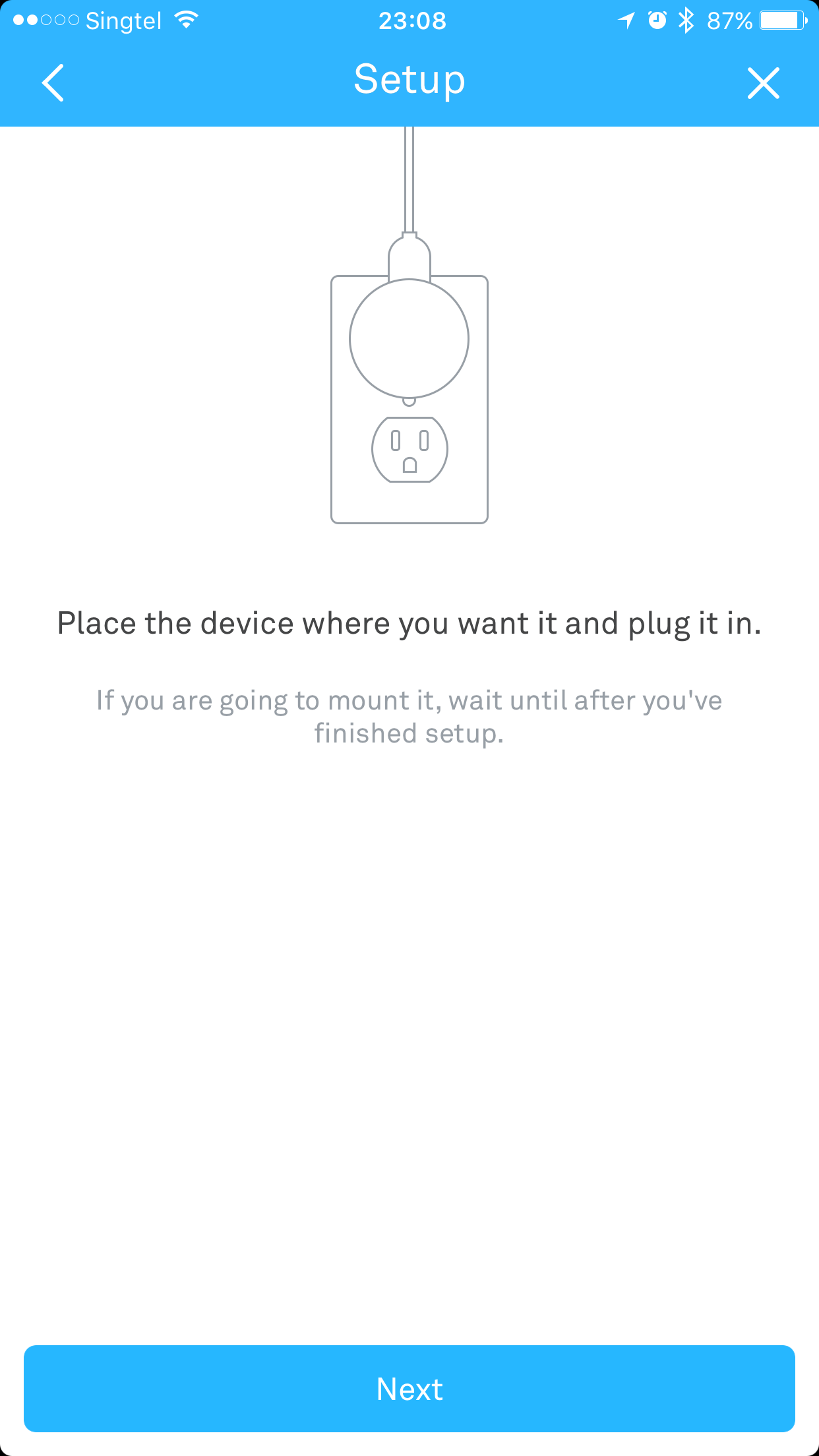
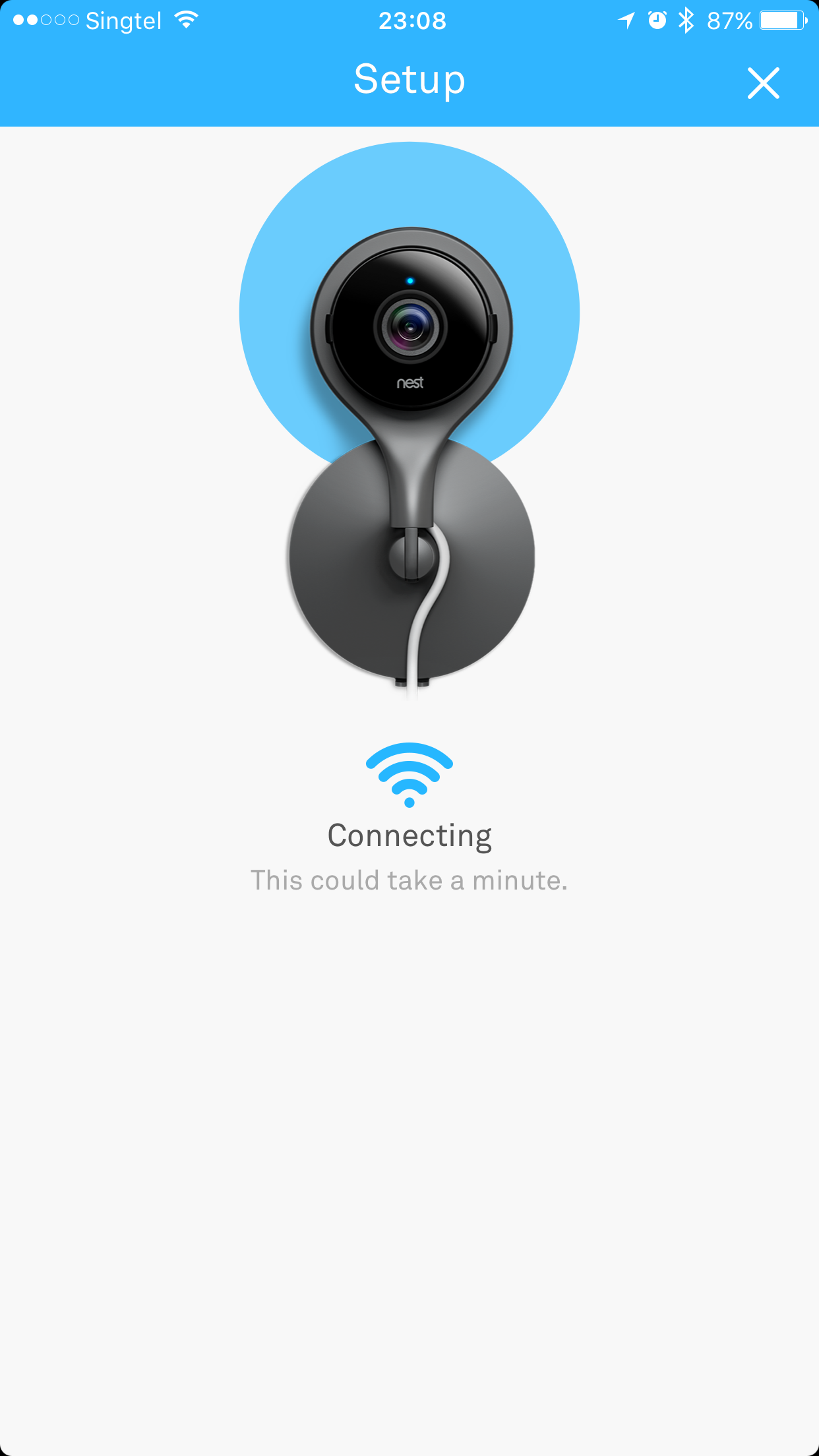
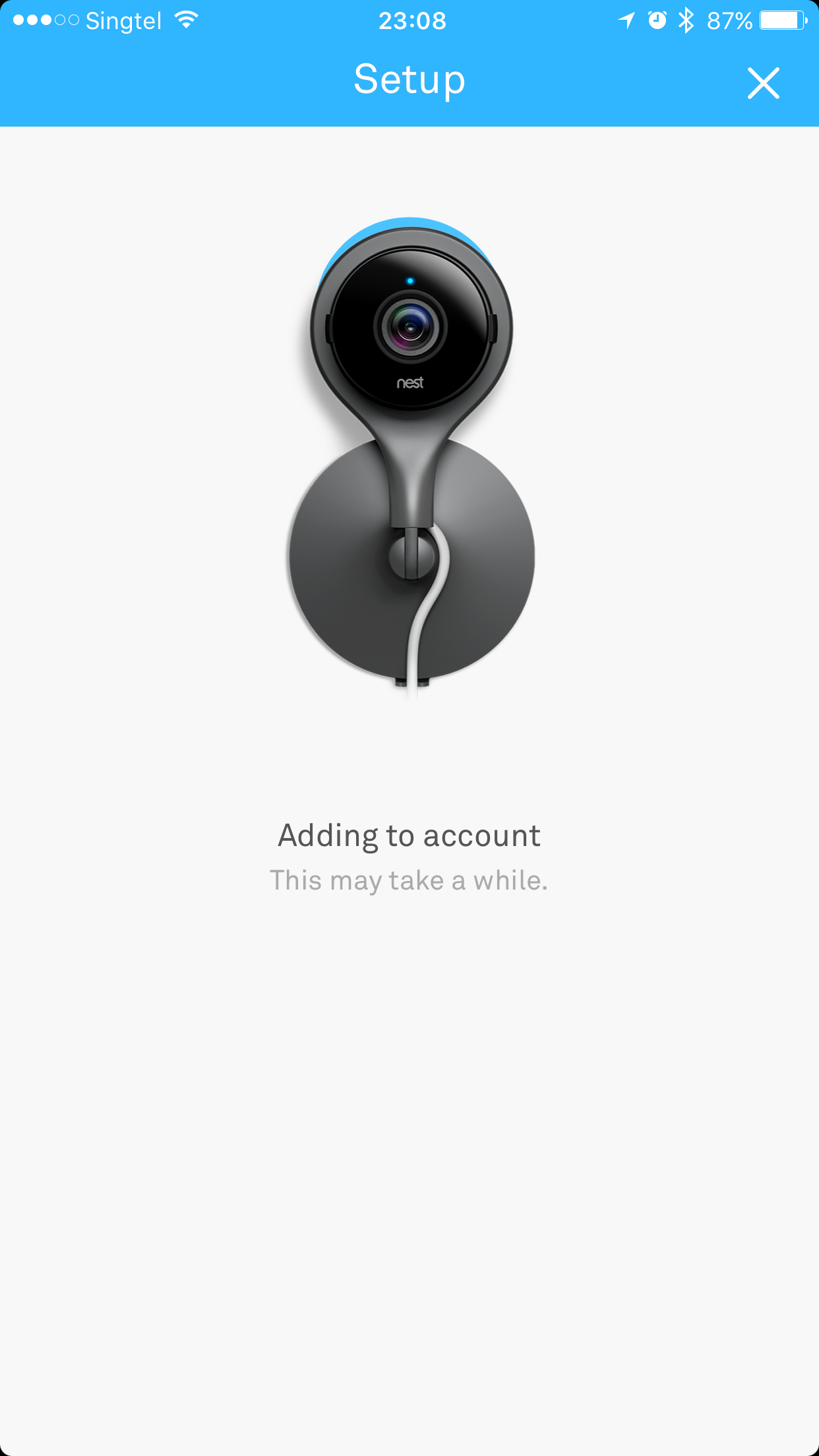
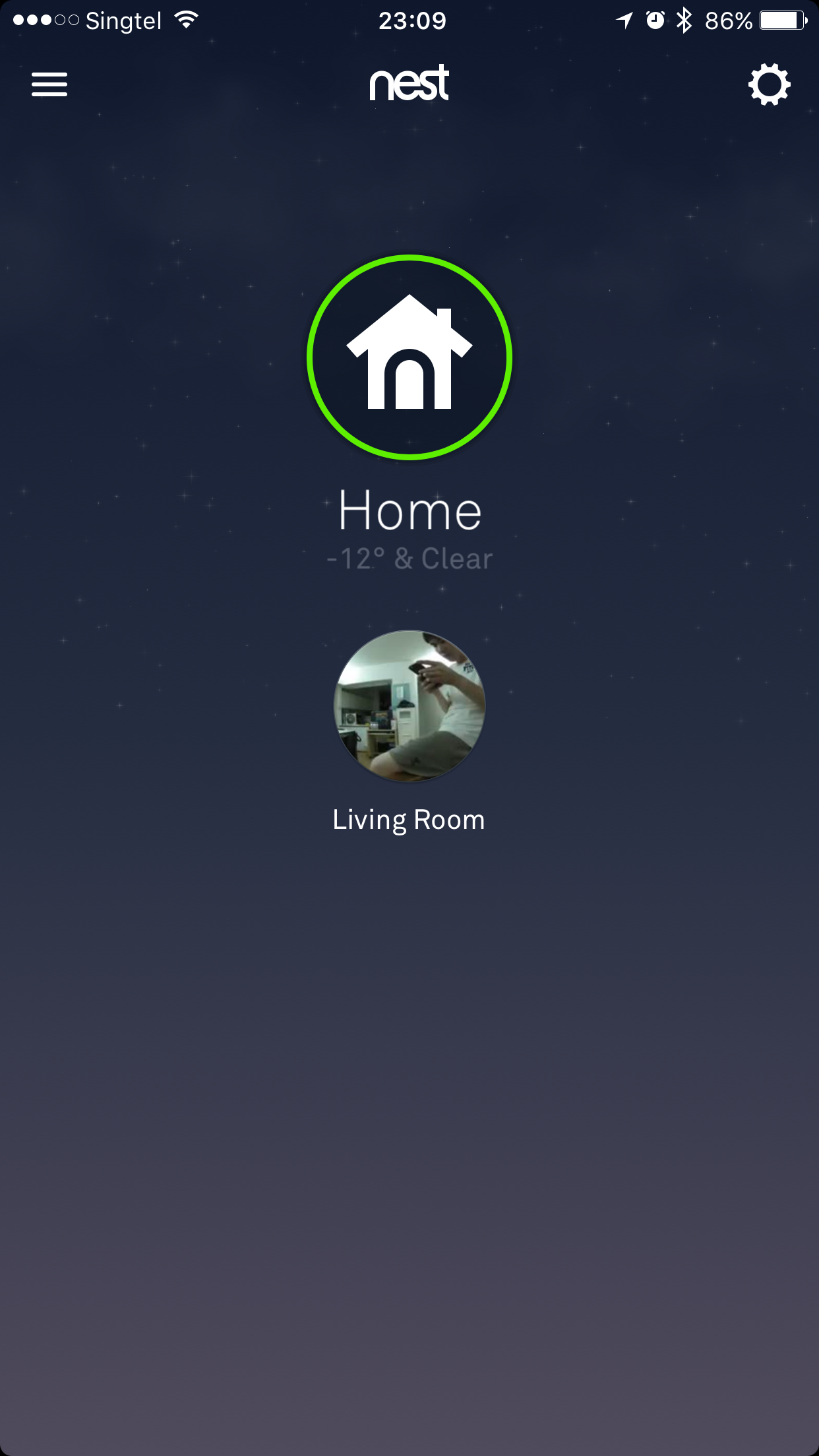
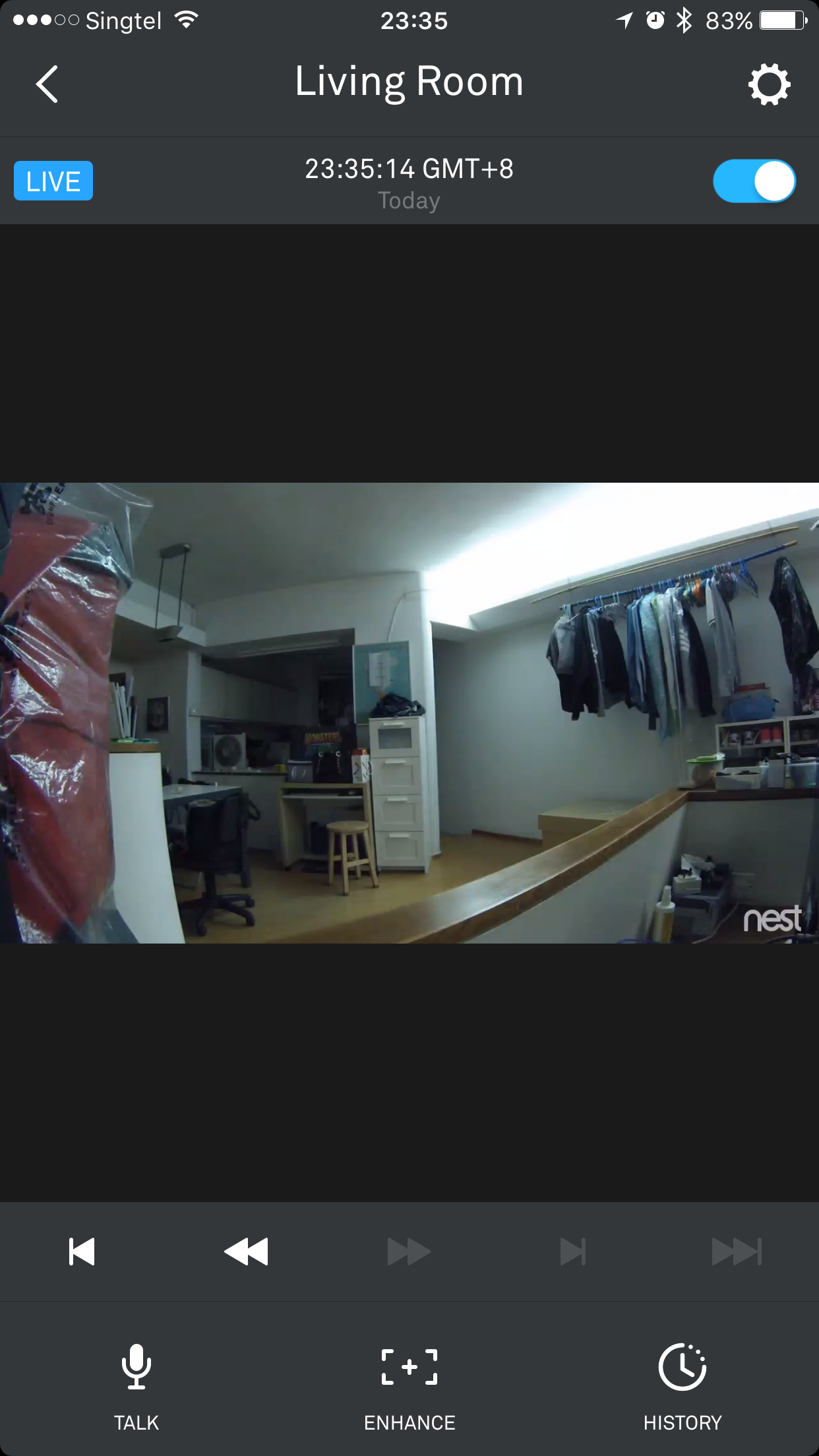
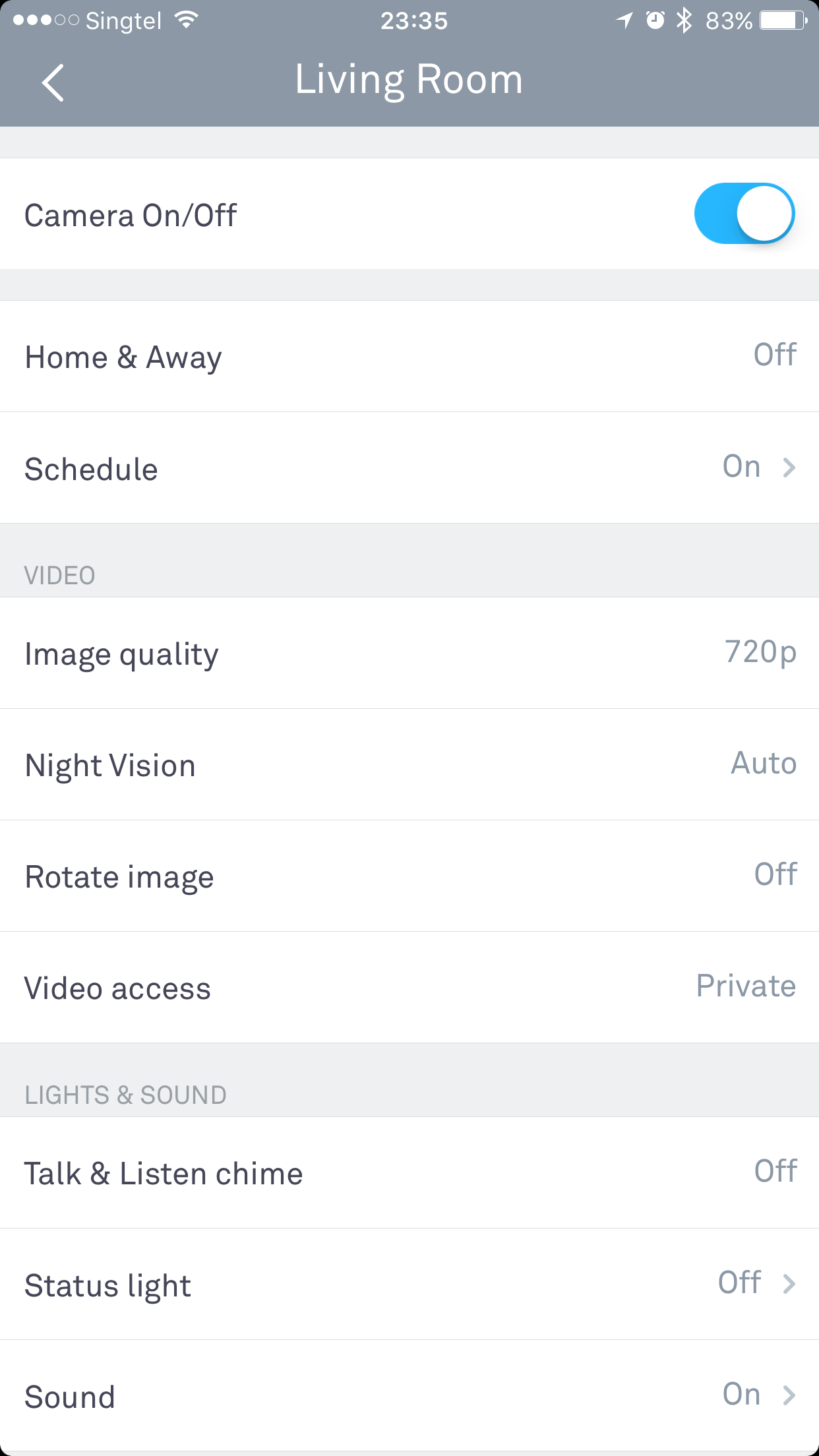
Setup
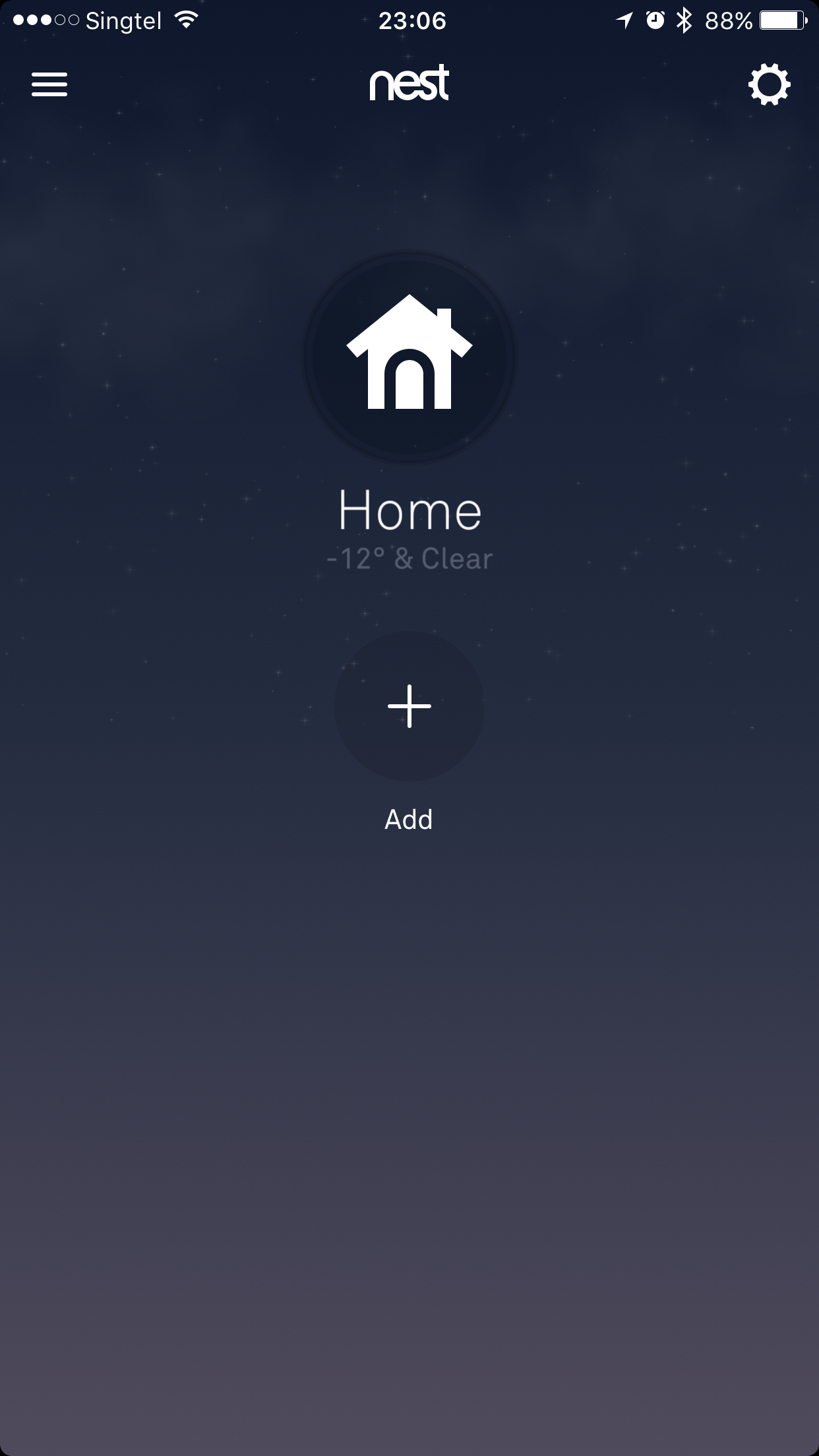
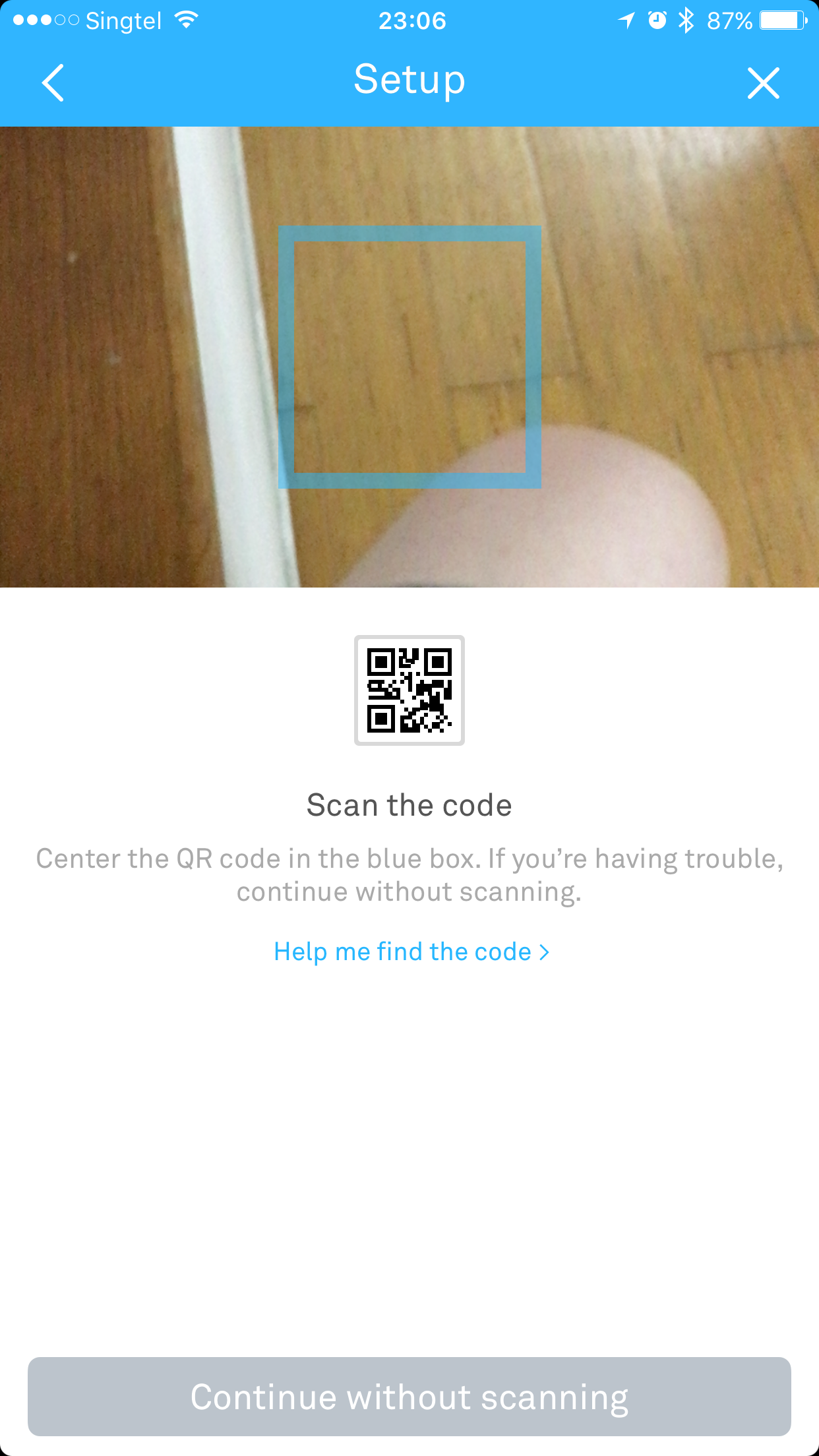

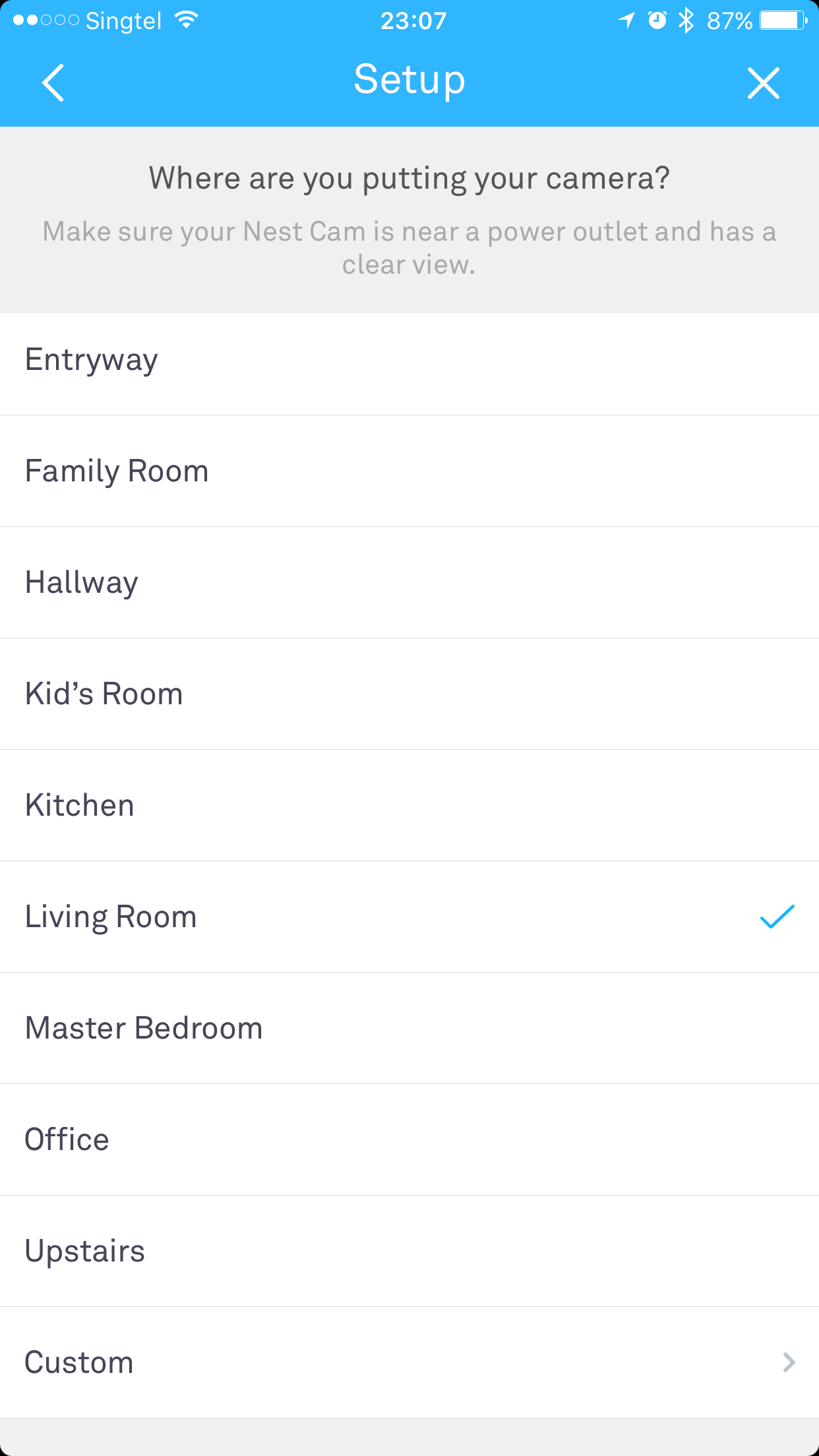
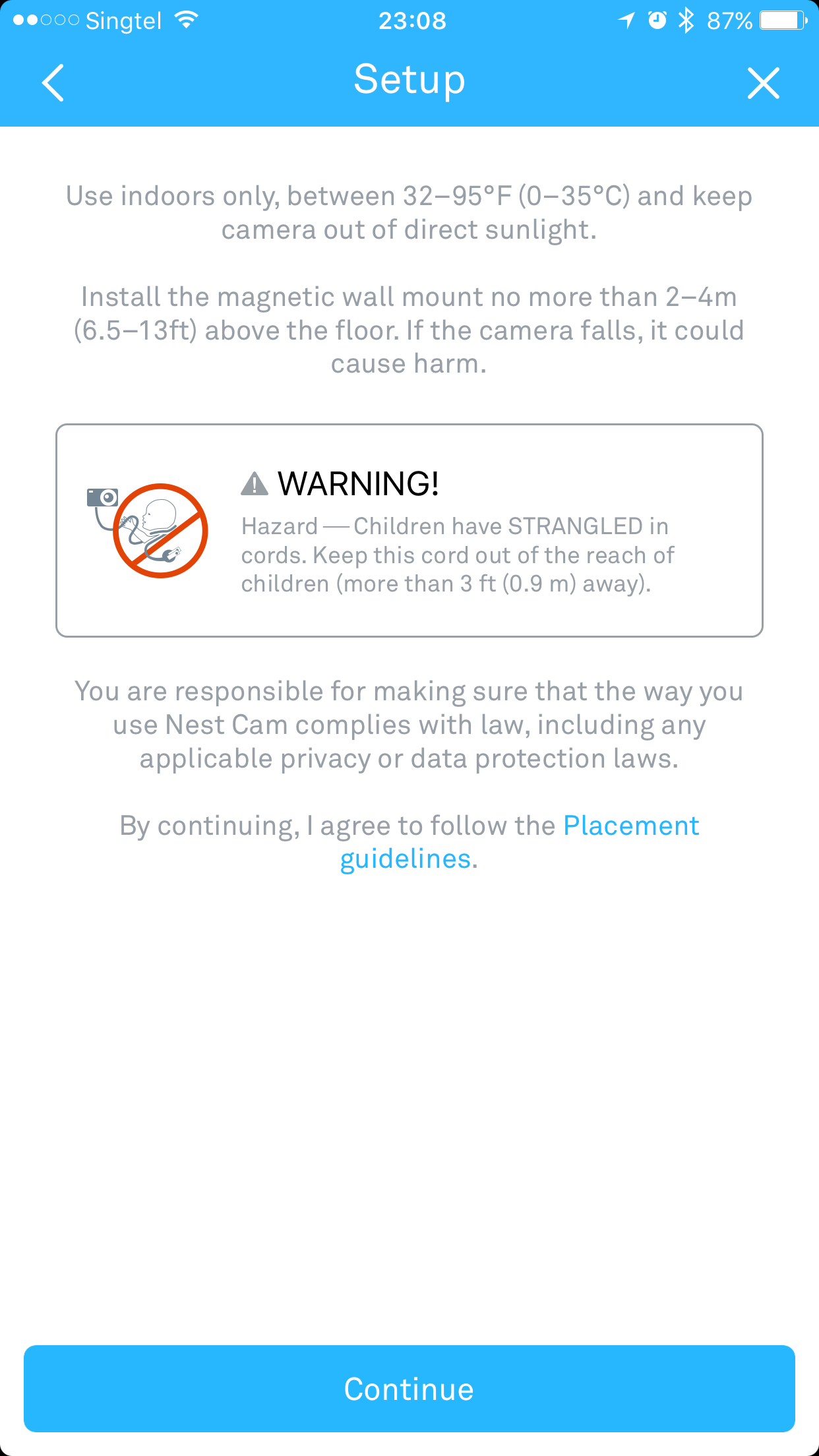

Summary
Nest cam is a very good product. It is easy to setup and it just works. The video is clear and you can even speak from the camera. I will gladly pay a yearly subscription for it. However, they need to ease down on the country restrictions and open up to the rest of the world.

You stay in a freezer? (-12deg & clear)
Hahahahaha what a setup. (weather is useless if location is invalid)
Yeap! It is invalid since I can’t set it to Singapore
Is your time stamp accurate? I see GMT+8 but is time correct after subscribing?
Nope. The timestamp is not accurate because it is based in US location. You can’t change the location if not Nest Aware will not be available.
Thanks for sharing! I got my dropcam in 2014 and used to have trouble getting a subscription using my sg credit card. Just tried and it works great now!
Have you tried other cams like 360 or Mi’s? I am considering which to get. I might need at least 2-3 and Nest Cam is slightly off my budget.
Yea Nest Cam is expensive. Not a fan of smaller brand because of eco system. The other one I considering is http://www.amazon.com/Canary-All-One-Security-Device/dp/B00NW31YVQ
Just to share with you, I got the 360 cam. It’s pretty good, features wise. Picture or video quality wise, just average, considering its 1080p.
I am not able to setup to connect directly to my camera through ip/host and port forwarding. It has to be through the app, which I am unsure if I will face problems when I am overseas using some secure hotel’s wifi that blocks ports.
In fact, I am quite satisfied so I bought another; still considering to use it in my office or at my front door.
Which brand you gotten? Can it be mount outdoor?
Its called “360 智能录像机”.
Hi, thanks for the review. One quick question, does the live view option work well – i.e. there is no significant lag or connection issues? I just bought (and am not returning) the Canary system because I have discovered they do not have servers in Asia so the video speed is very delayed and I am having a lot of issues maintaining a connection to the live feed – nice product but just not for use outside of the US and Europe. I’d be interested to know if Nest works better before investing in it. Thanks.
Hmm my nest has a lag of about 5-10 seconds which is acceptable. I am pretty happy with the Nest Cam. I mounted it outdoors and when there are people near my door, I always get a push notification.
Thanks Lester – in regards to the lag – you mean the feed is just 5-10 seconds behind ‘real time’ – if so thats fine with me. My issue with Canary was difficult even getting a live feed to display in the app and when the feed did appear it would work for 5 seconds, then stutter, then start again, so you would miss every few seconds of footage. I want to use Nest as a live viewer (less than a security device) so being able to connect well to a live feed is important to me. Thanks
Yeap, it is 5-10 behind real time. Nest is pretty stable for me, I am able to see it live on web and the app.
Hi Lester,
Thanks for the review. Hope nest sorts out the silly country restriction too. Im considering buying the nest cam as a baby monitor. I see you mentioned only one user account is allowed to manage a camera. issit possible to share account on multiple devices so that my wife can watch the baby too?
TIA!
yeap you can.