Teach a Technophobe – Challenge #3
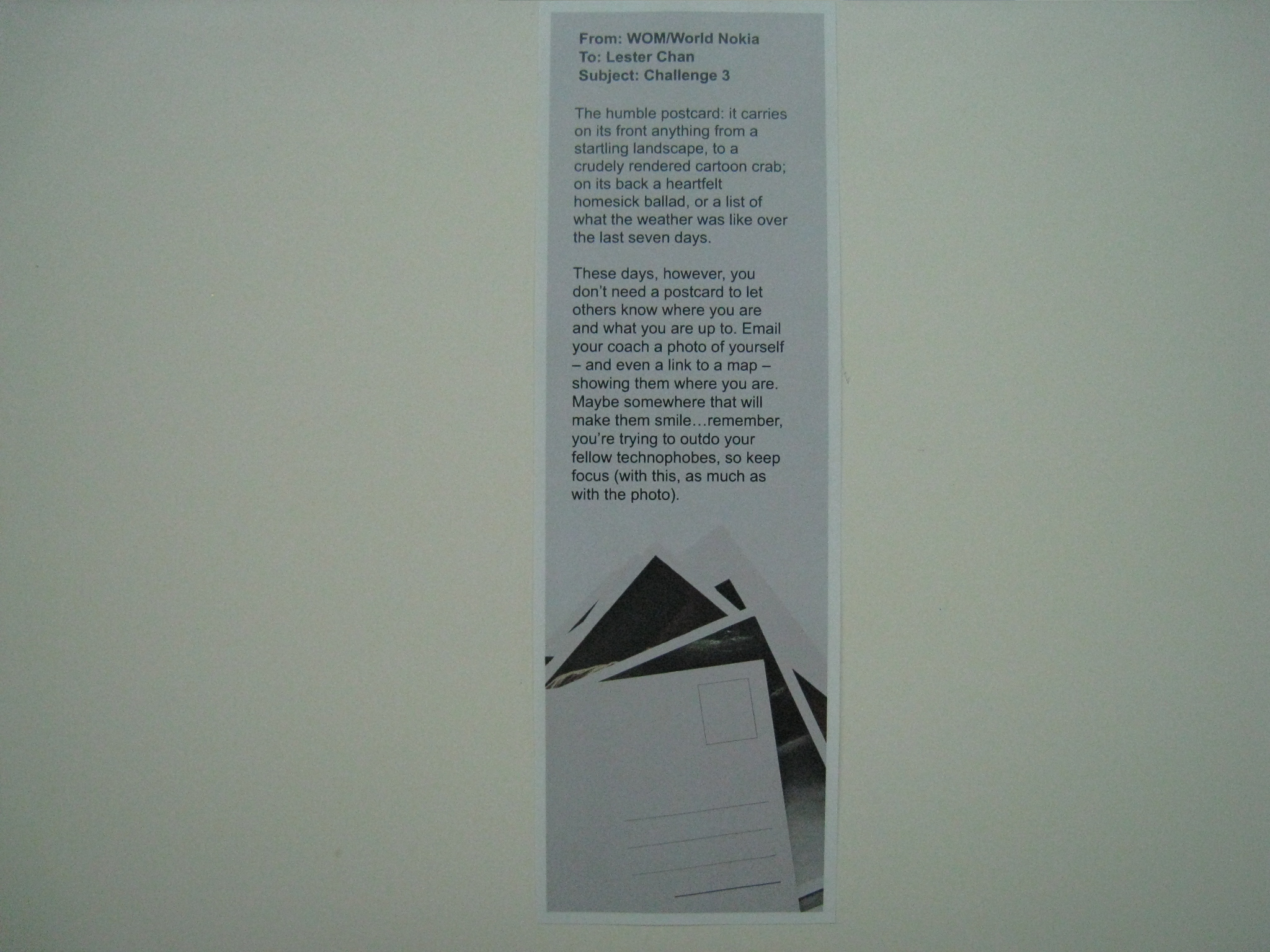
Challenge #3 from my Nokia’s Teach a Technophobe has arrived in my mailbox yesterday. Finally my dad was at home and hence he is able to received it on my behalf and hence I am able to complete this challenge earlier.
This challenge is slightly more complicated and even I myself have to figure it out for sometime before I can teach my mother. It involves sending a location using email on Nokia Ovi Maps as well as attaching a picture of my mom.
As I have used N82 before, I know how the maps software works and that is the tedious part. I heard about Nokia Ovi Maps 3.0 quite sometime back and decided to upgrade the current version which is 2.0 to 3.0 and after that I need to install Singapore Map to Ovi Maps using Nokia Map Loader.
After getting everything ready, I was fiddling with Nokia Ovi Maps 3.0 to figure out how to send my current location. I found it it was pretty easy (press the middle button and choose send). Now the tough part is how to add photos to it. I solve the photo problem by taking a picture first then sending my current location in Maps and when the Create Email screen pops up, I went to Add Attachment and browse for the photo I have taken. Once everything is set, it is pretty easy to pass on the “instructions” to my mom.
- Take a picture of yourself
- Open up Maps
- Under Options, choose My Position
- Press the middle button, choose Send and then Via Email
- Create Email screen will appear
- Under Options, choose Add Attachment
- Choose Memory Card -> Images -> Camera -> 200907 -> 200907A0 -> Choose the last file
- And you are done!
Teach a Technophobe: Challenge #1, Challenge #2