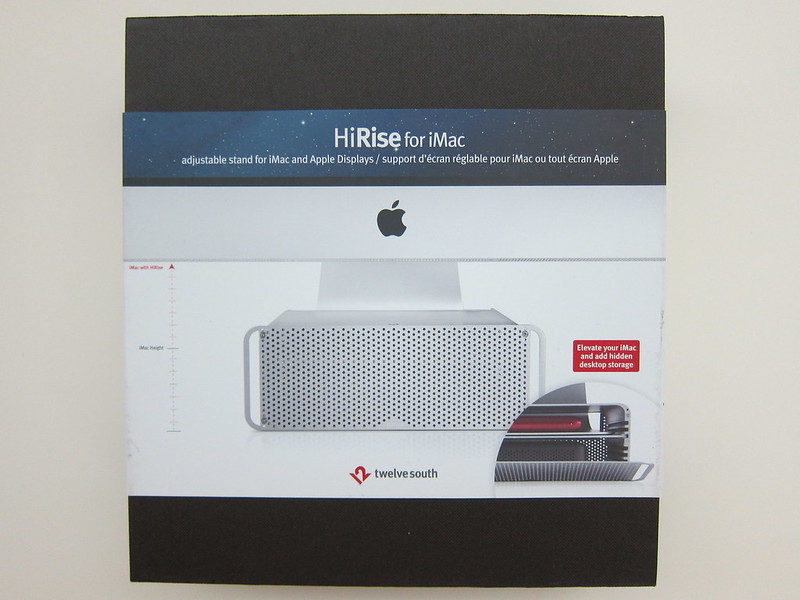
I can’t seem to find the HiRise in Singapore, even Apple Singapore and Hong Kong Online Store doesn’t list the product. You best bet is to get the product directly from Twelve South website itself for US$79.99 (S$99) excluding shipping of about US$45 to Singapore.
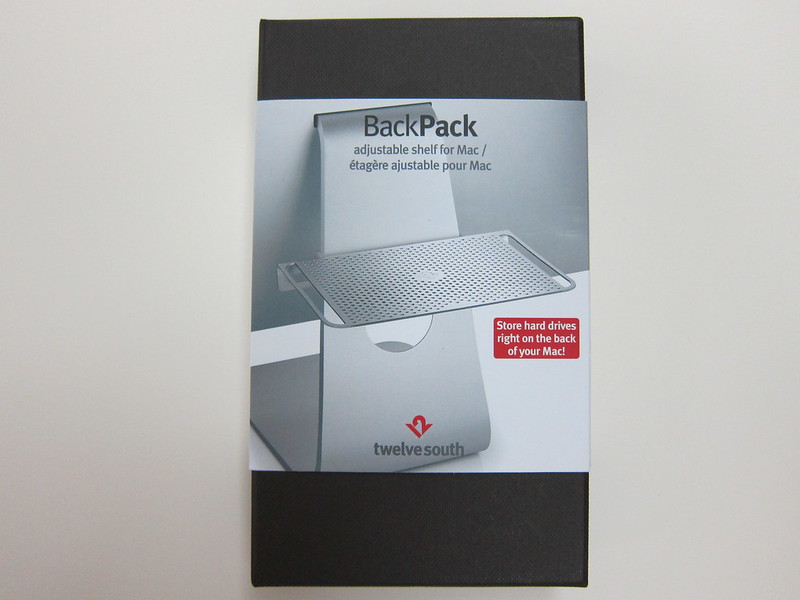
Bought the Twelve South BackPack 2 from Hong Kong Hysan Place’s Apple Store located in Causeway Bay for HK$268 (S$43). I saw it selling in Singapore at Epicenter at Wheelock Place for S$55 while Apple Singapore Online Store is selling for S$49.
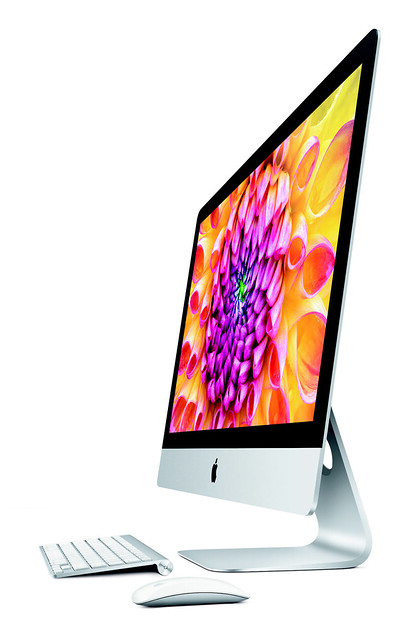
The BackPack 2 fits well for the new iMac 27″ (Late 2012), but according to the site, it is not yet compatible with the new 21.5″ iMac.
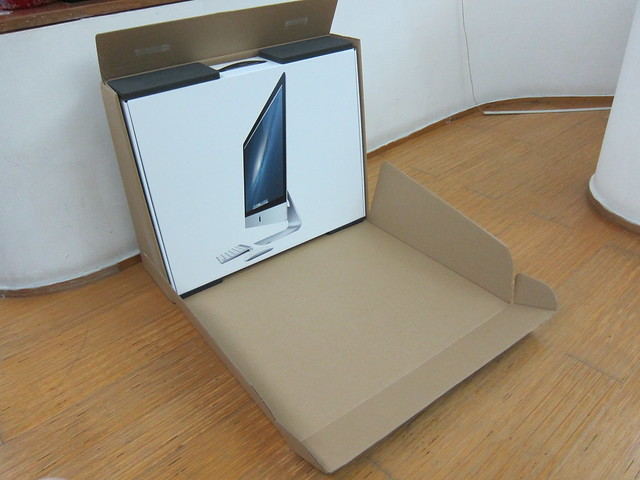
Been waiting to order the new Apple iMac 27″ (Late 2012) since it was announced back in 23rd October 2012 to replace my 4 years old desktop. Apple Online Store (Singapore) made the new iMacs available for order on the 30th November 2012. I placed my order on the very day using my brother’s name from the Education Store since he is still a student in National University of Singapore (NUS).
I maxed out the specifications for the 27″ iMac except for the 756GB SSD option because it is way too expensive. After max specifications, the iMac itself cost S$4,349 and I bought Apple Care which is an additional S$218. In total, it cost S$4,567.
Also Apple seems to be dropping the “the new iPad” name from iPad and it is now called “iPad with Retina Display” which is similar to the MacBook Pro’s “MacBook Pro with Retina Display”.
Apple’s iMac has been refreshed, bumping up the processor to Sandy Bridge while the unibody design remains the same. The last refresh happened in October 2010 where it got bumped to Core i3, i5 or i7 CPUs.
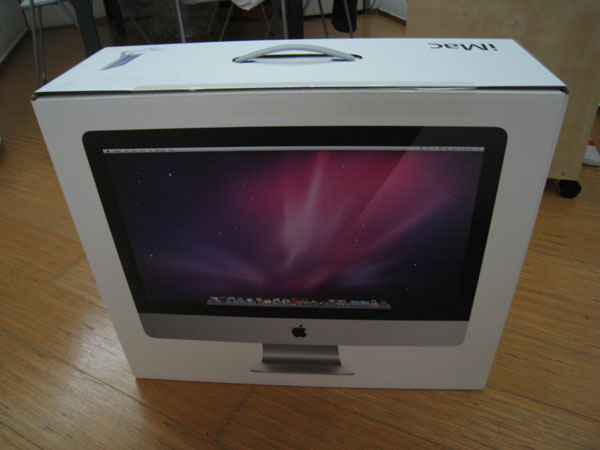
Ordered a 21.5″ iMac (3.06GHz) for my dad to replace his old computer (which is also my previous desktop computer). Actually suppose to order 2 sets. One for my Dad to put it at home and the other for my mom to replace her old Fujitsu laptop in the office. However, my mom got some doubts about the Mac OS X and software compatibility issues and hence ended up getting 1 set for my dad first. In the mean time she can play around with it at home before making a final decision.
Since I am still technically a student, I made use of the Education Store and hence it is cheaper by S$100. The iMac cost S$1,688. I also topped up another S$218 for Apple Care so that the warranty will get extended by another 2 years.
Mac Mini
Mac Mini now comes with Intel Core 2 processor and NVIDIA GeForce 9400M graphics card.
iMac
iMac now comes in 4 flavors, one 20 incher and three 24 incher powered by Intel Core 2 processor and NVIDIA GeForce 9400M or NVIDIA GeForce GT 120/130 graphics.