Mikit MT80 is a 80% layout white mechnical keyboard retailing for S$180.
You will get additional Mac keycaps and different color Mikit logos that you can change on the left and right of the keyboard.
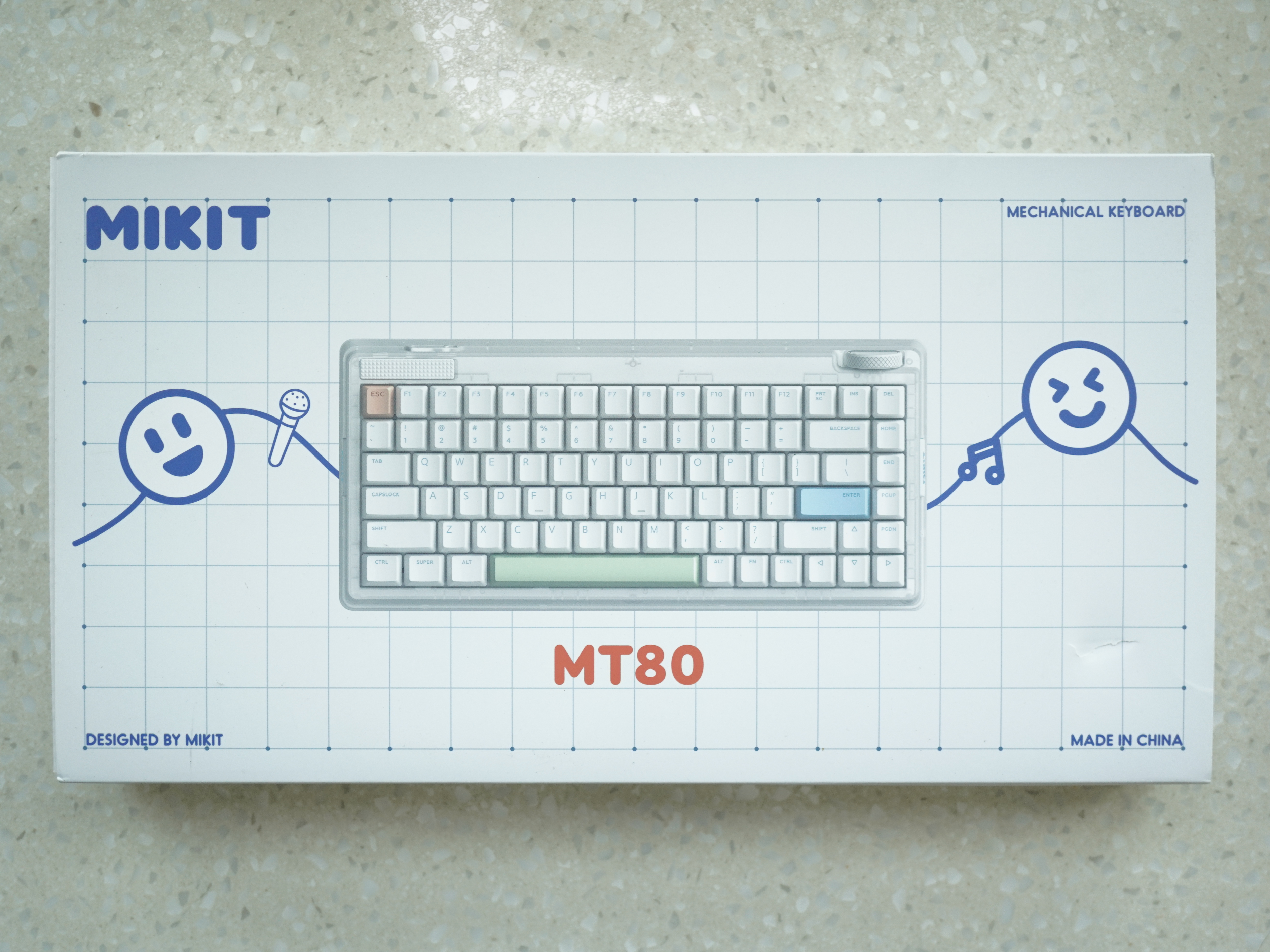
Mikit MT80 is a 80% layout white mechnical keyboard retailing for S$180.
You will get additional Mac keycaps and different color Mikit logos that you can change on the left and right of the keyboard.
Since Li Xiang started working from the office more frequently, she would need a portable keyboard. So I decided to pass her my older Apple Magic Keyboard so that I can get a new one. Also, she loves Apple’s keyboard, and I wanted a mechanical keyboard, so our objectives are aligned.
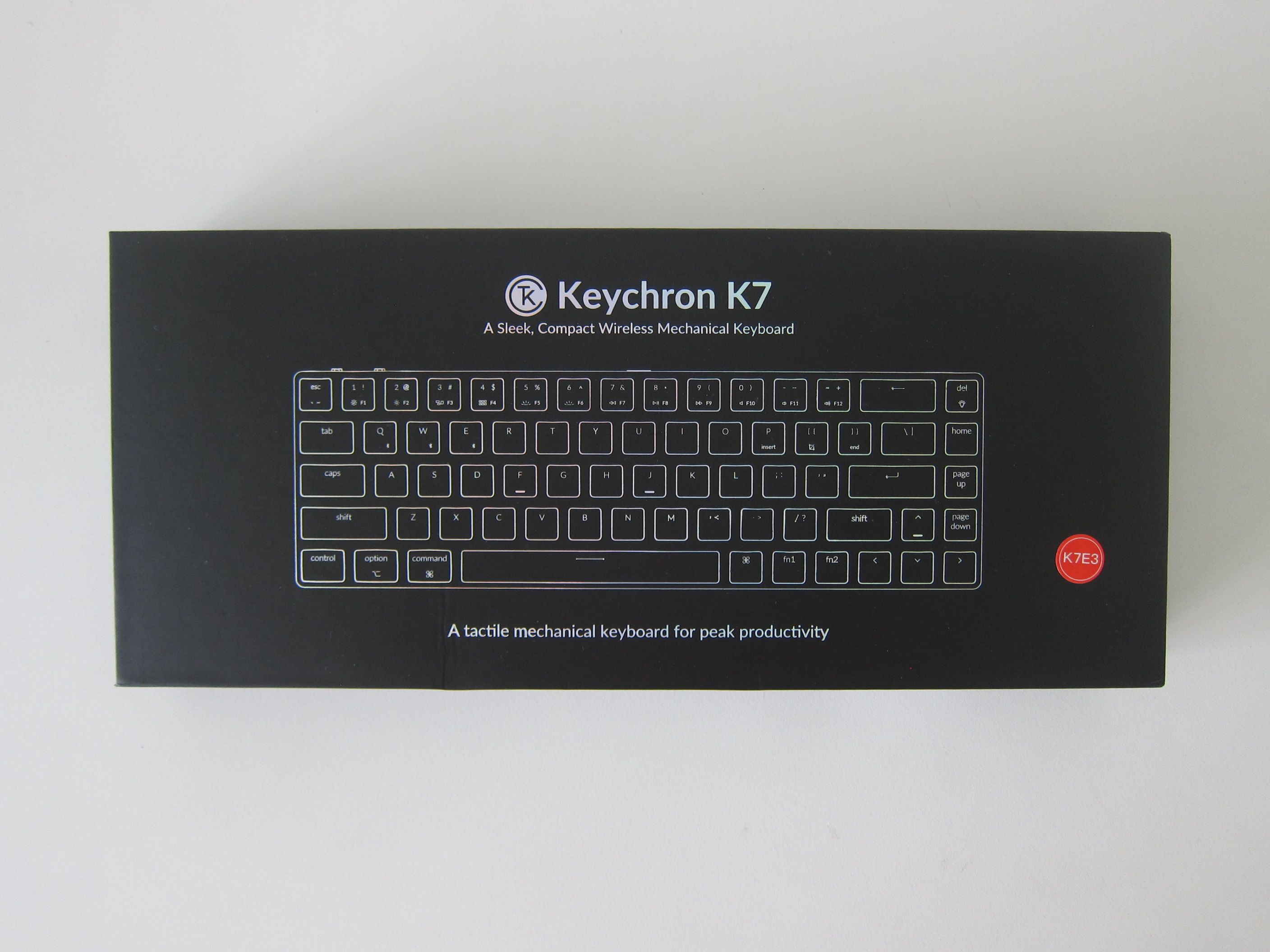
Previously, I had the Keychron K7, but I sold it because I wanted a 75% keyboard.
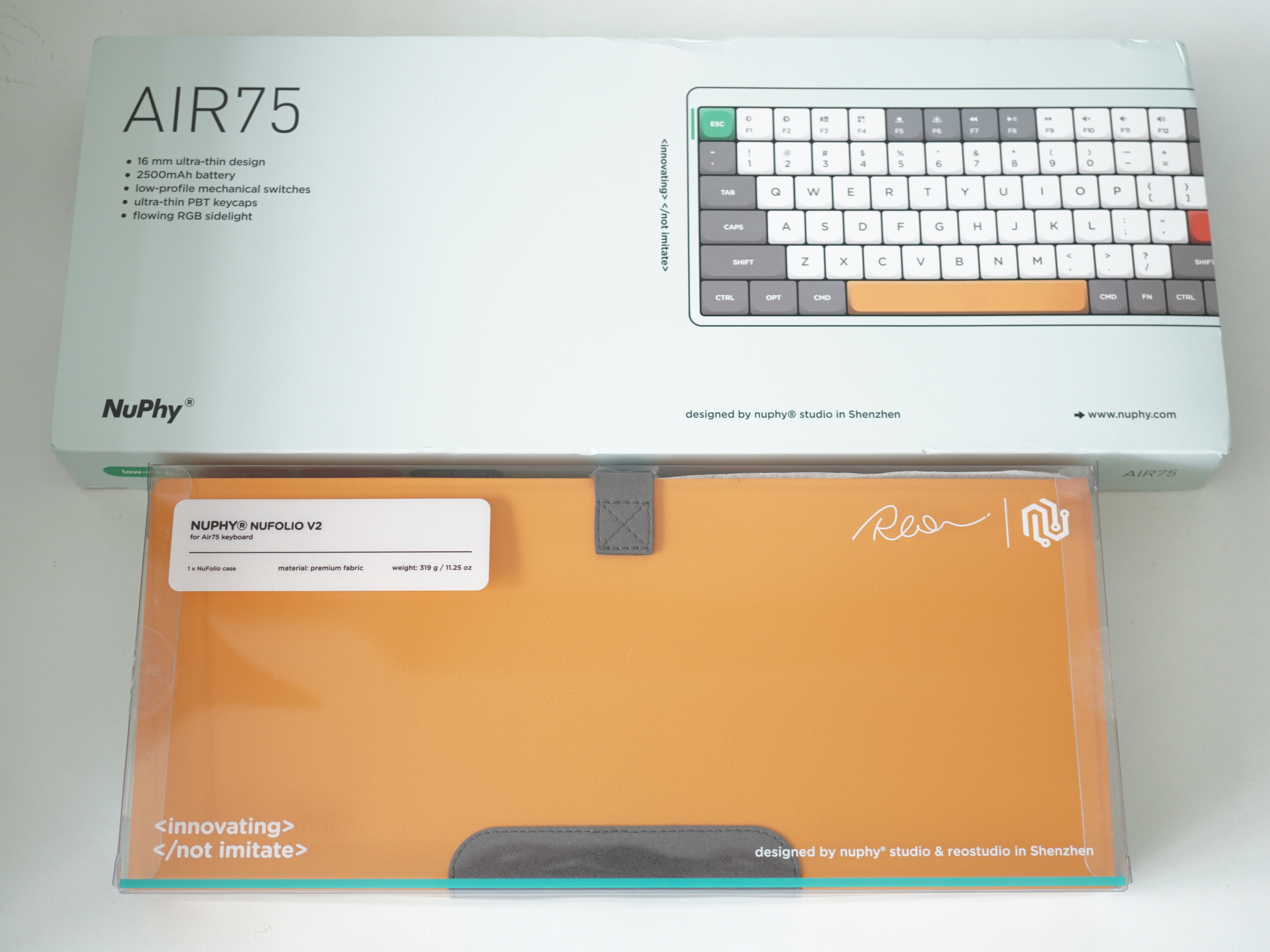
After getting my Keychron K7, it got me interested in the world of Keyboard modding. So happen that my brother also got interested and he bought for himself and me the Keychron Q1 (USD$169 / S$229) together with the Keychron Keyboard Wooden Palm Rest (USD$25 / S$34).
I chose the Fully Assembled Carbon Black Base with Gateron Phantom Blue switches. Fully assembled because it is just US$20 difference, and I don’t have any existing switches that I can use.
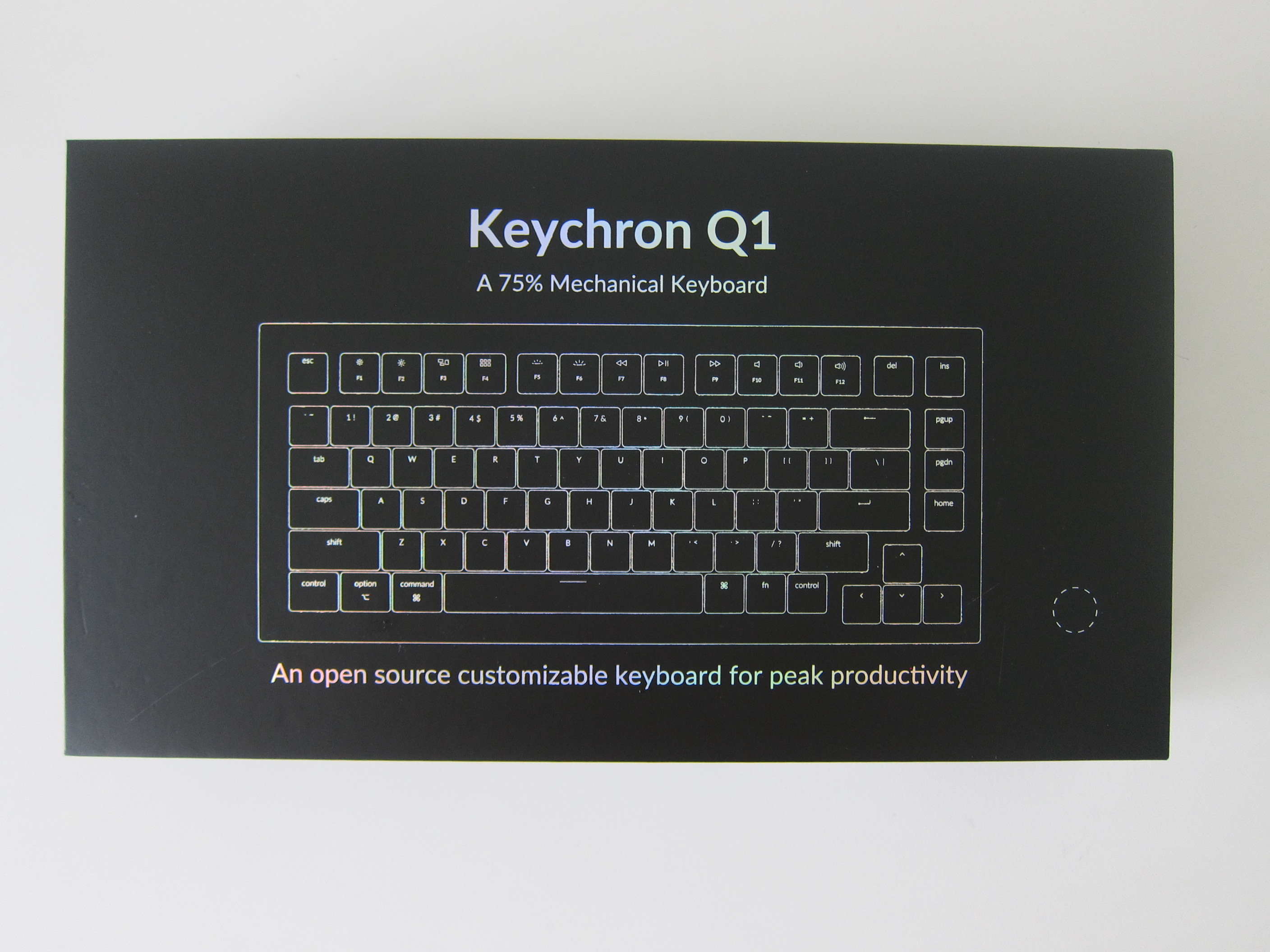
It has been a while since I bought a keyboard, and recently, I have seen all the hype about Keychron keyboards.
So when Keychron started a Kickstarter project for the Keychron K7 65% Wireless Mechanical Keyboard, I backed it immediately.
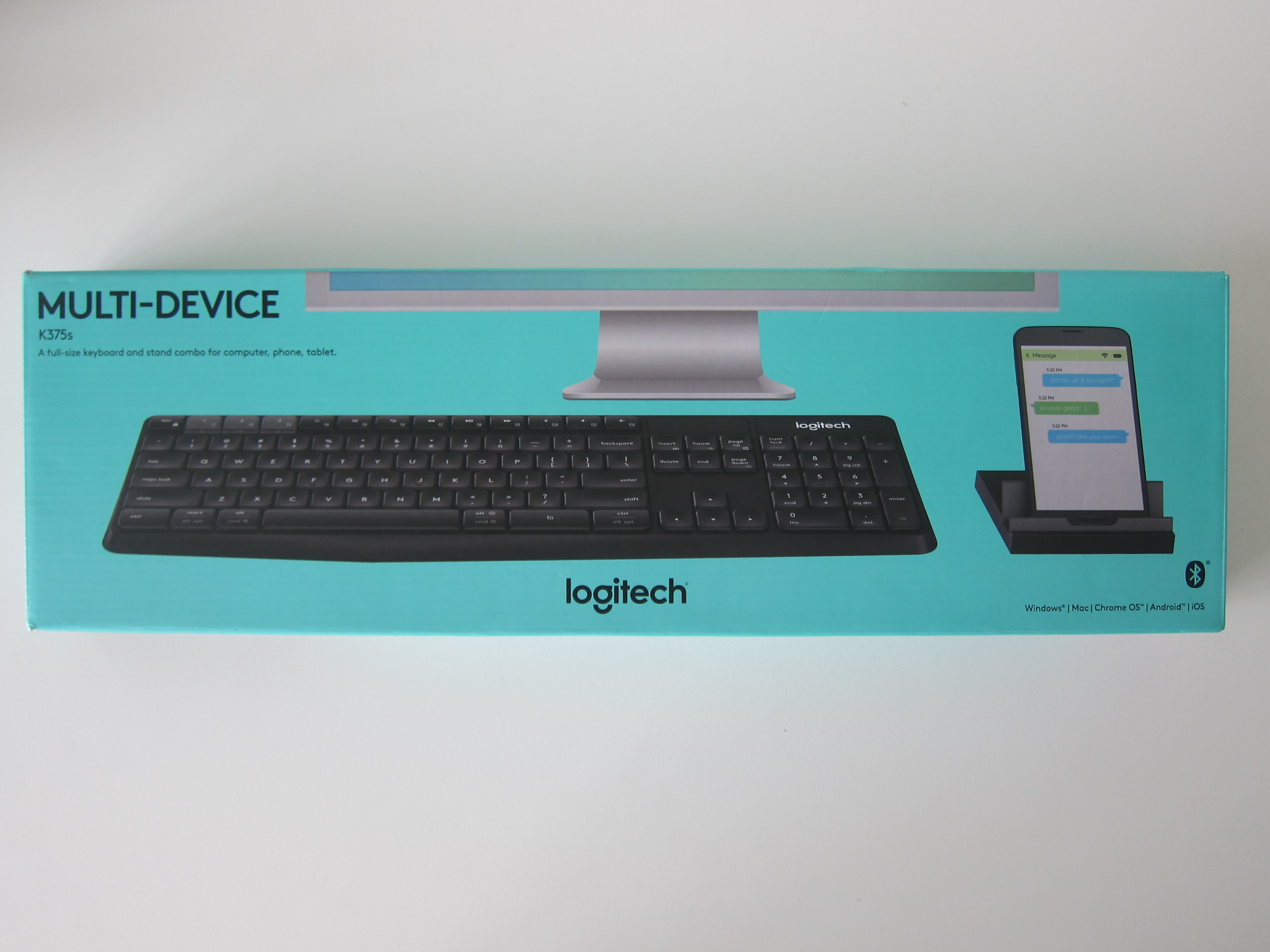
The Logitech K375s Multi-Device Wireless Keyboard & Stand Combo retails for S$49. But during IT Show 2018, it was discounted to S$38.
Logitech K375s keyboard allows you to connect up to three devices. It supports Windows, Mac, Chrome OS, Android, and iOS.
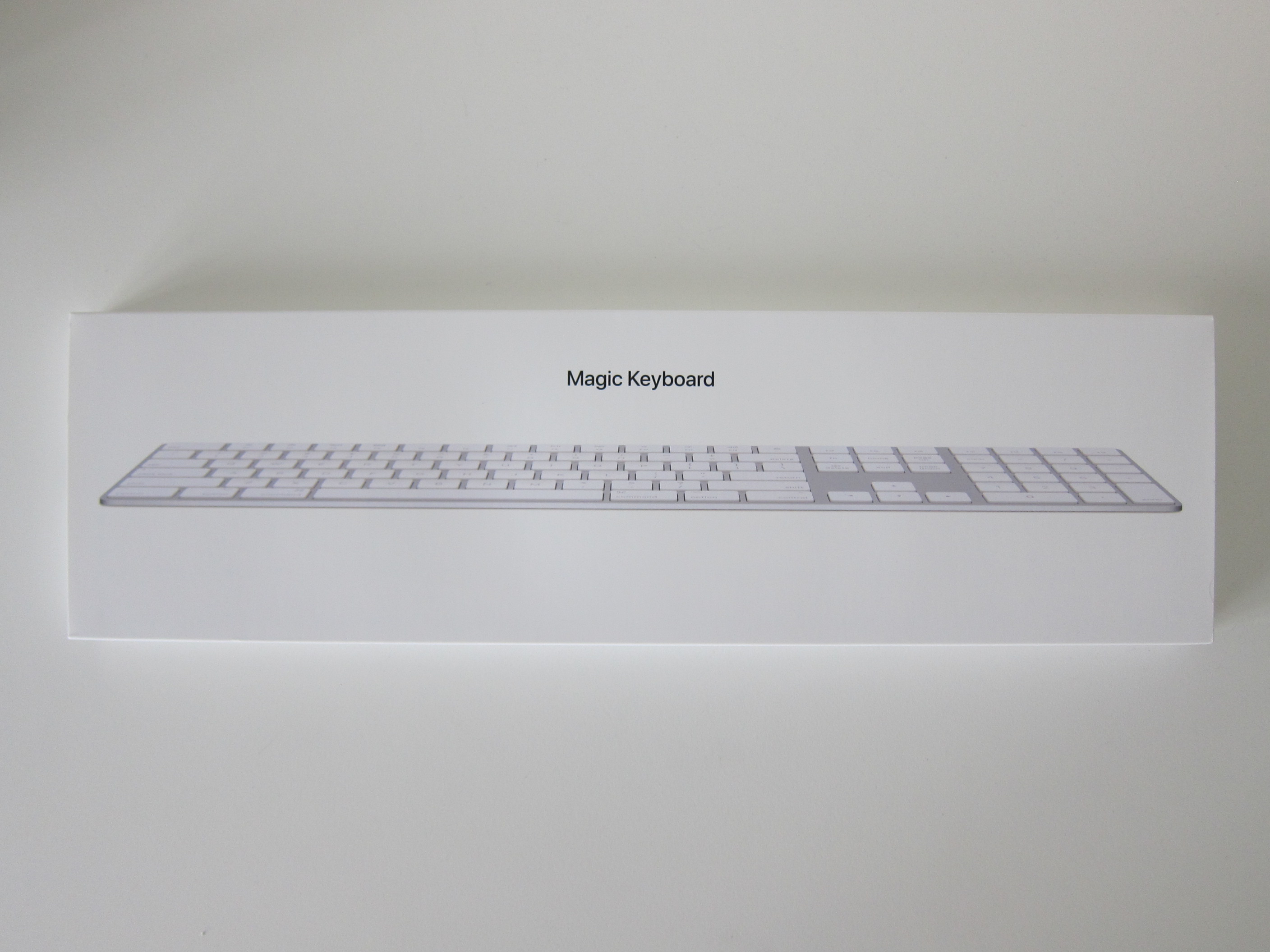
Apple Magic Keyboard with Numeric Keypad was launched back on 5th June 2017 during WWDC 2017.
It retails for S$188 and that makes it S$40 more expensive than the Apple Magic Keyboard which retails for S$148.
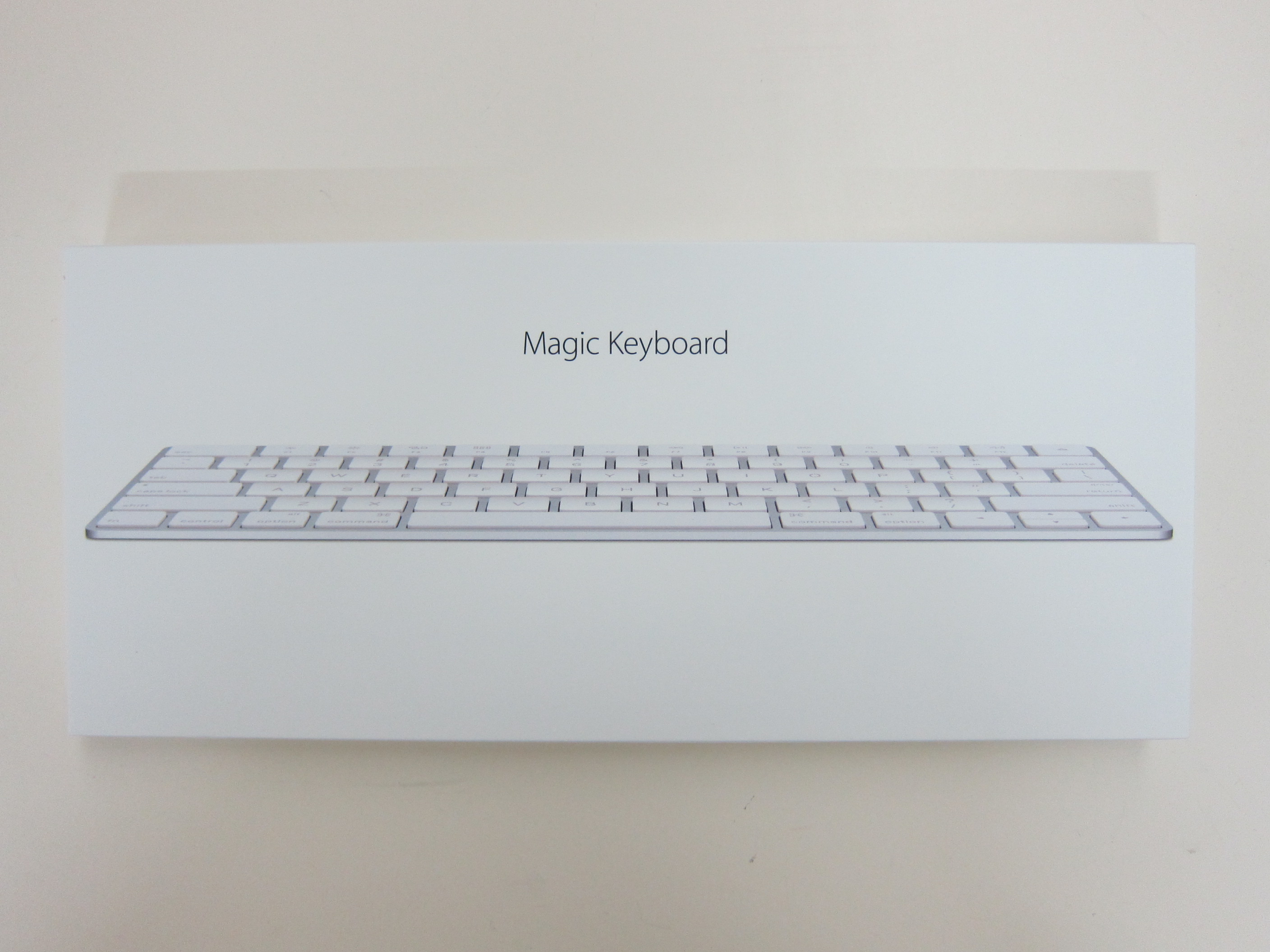
Apple Magic Keyboard is retailing for S$148 and is the successor to the Apple Wireless Keyboard.
It is S$50 more expensive than the Apple Wireless Keyboard (S$98) because it now comes with a Lightning cable and a built-in battery.
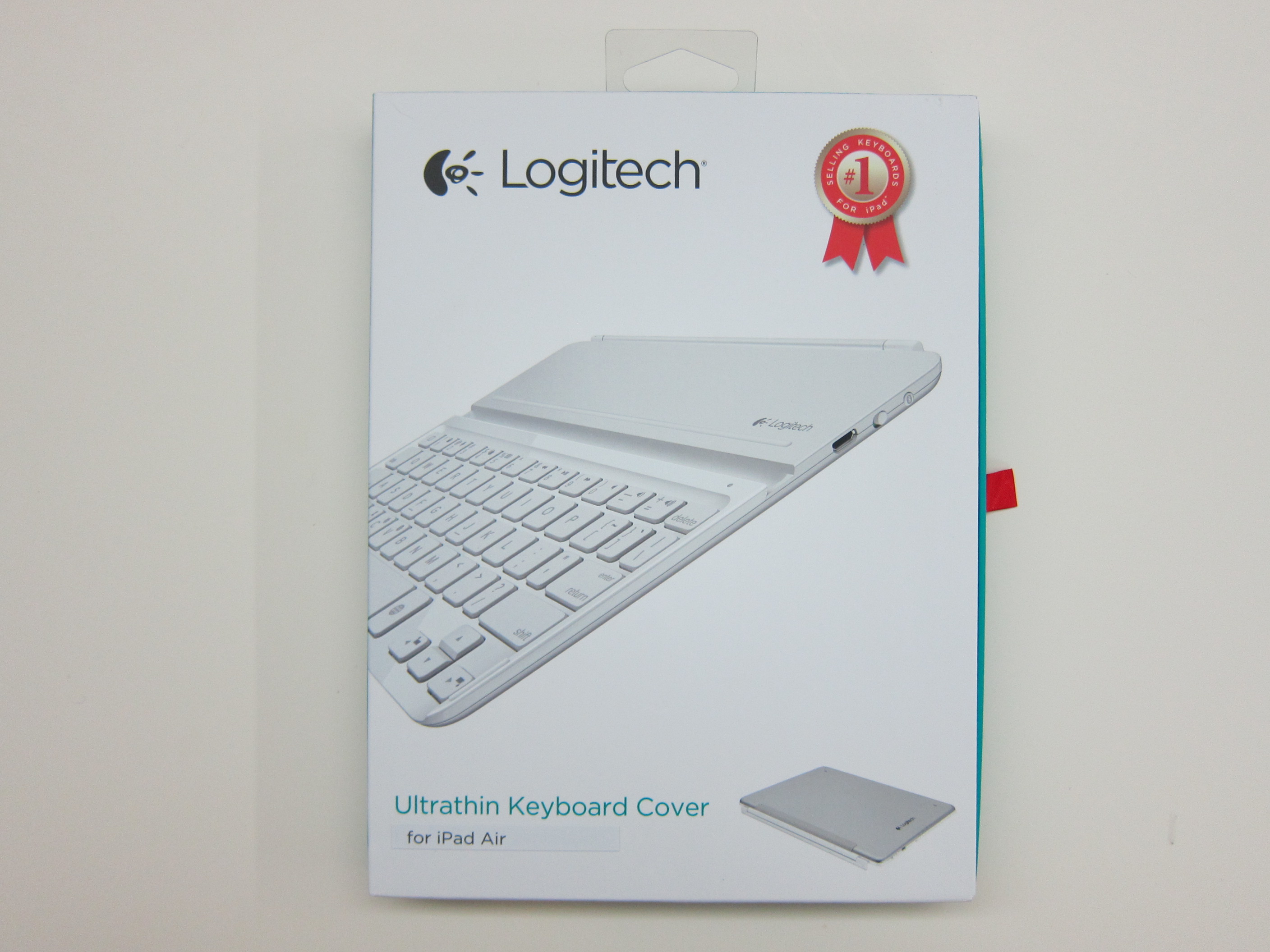
The Logitech Ultrathin Keyboard Cover for iPad Air is retailing for S$139 over at Apple Online Store (Singapore). It is available in Black or White.
Despite its smaller size, the Ultrathin Keyboard Cover still maintains the same full-size keys of a standard keyboard which makes typing on it really comfortable and easy. Additionally, there is a built-in stand behind it that holds your iPad Air at the optimal angle for viewing.
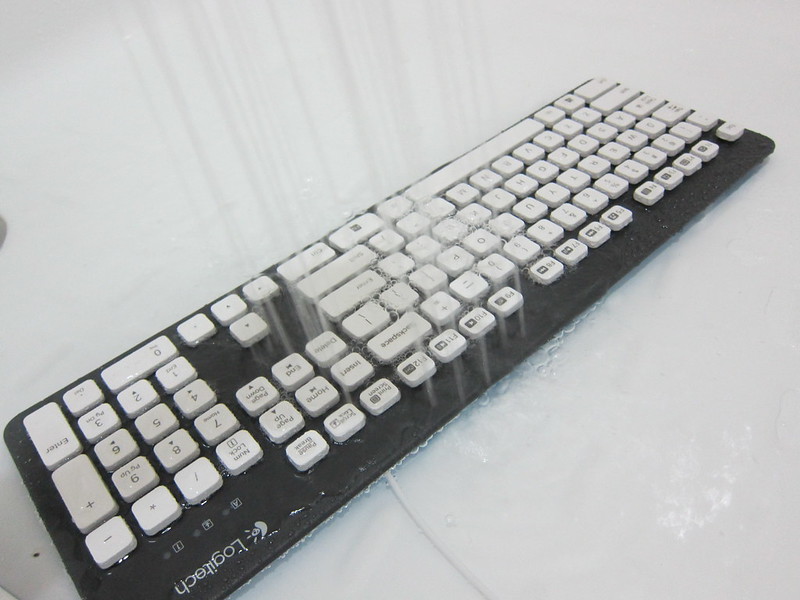
The Logitech K310 Washable Keyboard is retailing for S$59. It is a wired keyboard that is pretty reasonable priced.
Most of our keyboards are filthy and a study done in 2008 suggests that it had 150 times the recommended limit for bacteria (five times as filthy as a toilet seat). What lies beneath the keys on your keyboard? I say dirt, hairs, pet fur, food crumbs, dandruffs, etc.
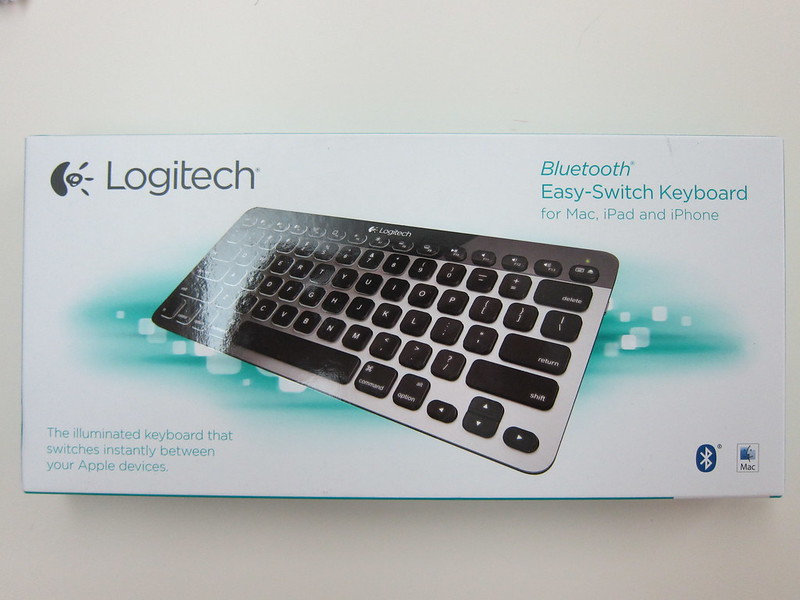
The Logitech Bluetooth Easy-Switch Keyboard (K811) is a keyboard for Mac and is retailing for S$169, the Windows equivalent is Logitech Bluetooth Illuminated Keyboard (K810) is also retailing for S$169.
The Logitech Bluetooth Easy-Switch Keyboard is a pretty expensive alternative to the Apple Wireless Keyboard which is retailing for S$98.