KeySmart Nano Pen is an accessory to your KeySmart.
It is a small pen that is made from stainless steel.

KeySmart Nano Pen is an accessory to your KeySmart.
It is a small pen that is made from stainless steel.
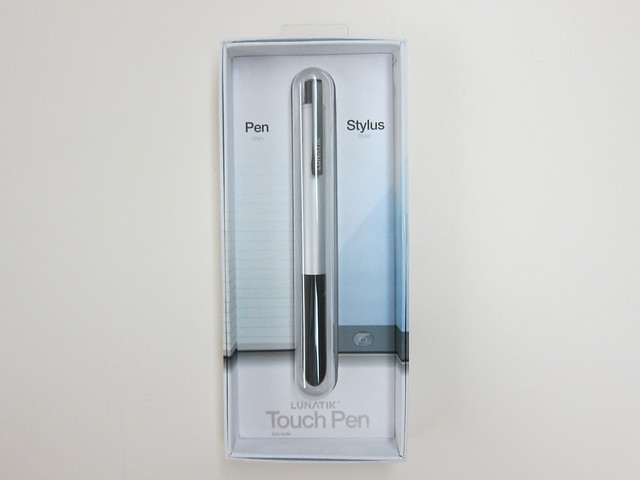
The LunaTik Touch Pen was the 6th project I backed on Kickstarter. Backed the project last year on 14th December 2011, it became officially funded this year on the 10th February 2012 after raising US$309,183 (the goal was only US$75,000).
After some delays, I finally received the product last week on the 10th July 2012. Paid US$30 for it and an extra US$20 for the shipping to Singapore which adds up to US$50 (S$63.20) in total.
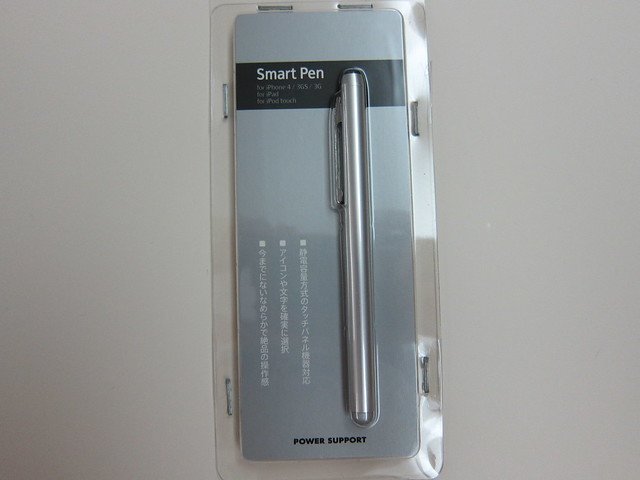
Bought the Power Support Smart Pen for Li Xiang from Challenger for S$39.90. There are 4 colors available, Pink, Black, Brushed and Stainless. I got the Brushed one.
It is made in Korea and felt pretty solid in my hands. I will not be using it because I don’t or rather I can’t draw on my iPad. I think it is suited more for designers as they can draw better with a stylus than their fingers on an iPad. You can’t control the thickness of the stroke though just by using the pen, if not that would be perfect!
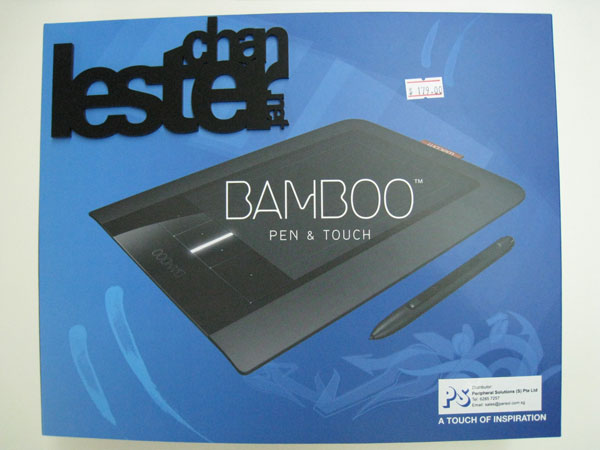
Got myself the new Wacom Bamboo Pen & Touch for S$179 which was released by Wacom on the 24th September 2009. Wanted to get it even earlier but it was either out of stock at certain places or the stock was not in yet.
I went to Funan’s Challenger and they are left with Wacom Bamboo Touch and Wacom Bamboo Fun, the Pen and Pen & Touch model was sold out. Went into a few shops and they have not brought in. Finally, I found it being sold at Multimedia Integrated (MMI). The price is controlled so it doesn’t really matter where you buy from.