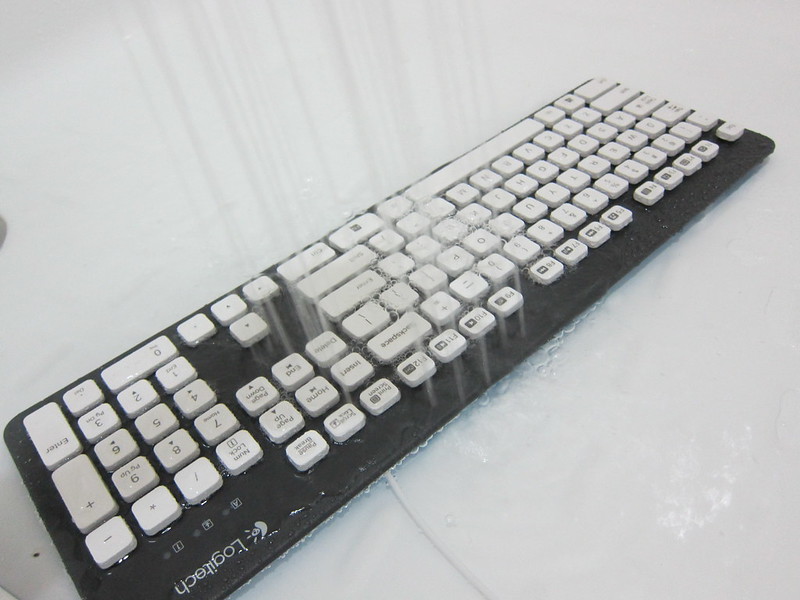
Most of our keyboards are filthy and a study done in 2008 suggests that it had 150 times the recommended limit for bacteria (five times as filthy as a toilet seat). What lies beneath the keys on your keyboard? I say dirt, hairs, pet fur, food crumbs, dandruffs, etc.
Logitech K310 Washable Keyboard – Giving It A Shower
Just a reminder, we are giving away the Logitech G19 Gaming Keyboard (worth S$279) thanks to Logitech. This giveaway ends on 11:59pm (23:59), Wednesday, 26th September 2012 (GMT+8 Singapore Time).
To particiate, all you have to do is the following:
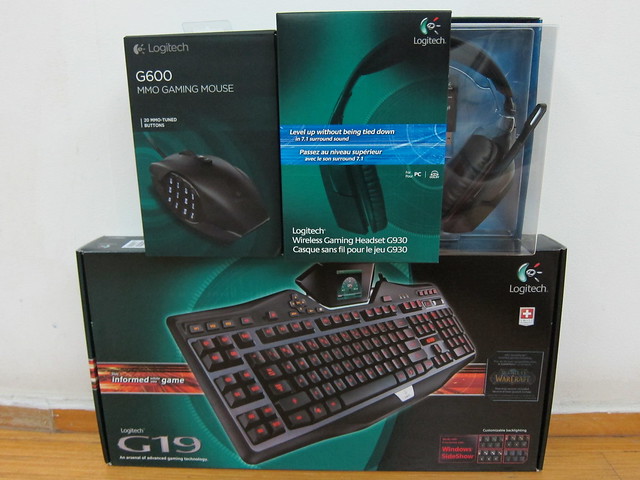
My Razer Lycosa has been with me for 4 years and the rubber coating of the keyboard are worn off and hence the print on some keys are gone, what’s left is just the blue light emitting from it. It is time for a new keyboard and the Logitech G19 Gaming Keyboard came at the right time to pair-up nicely with my Logitech G600 MMO Gaming Mouse.
The Logitech G19 Gaming Keyboard has been a leading gaming product in the market for more than 3 years and is currently retailing for S$279.
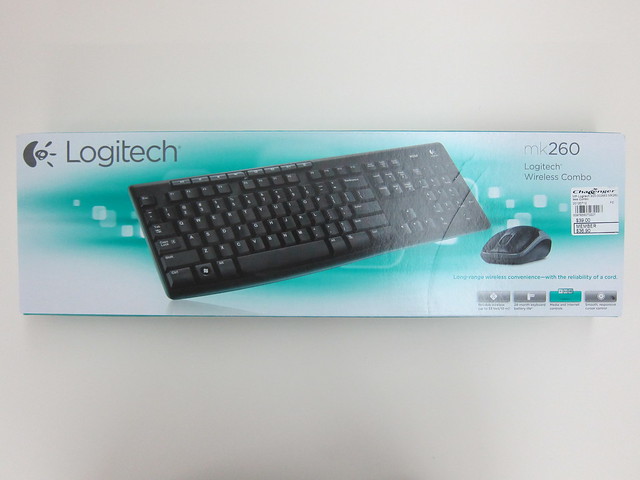
Bought the Logitech MK260 Wireless Combo (Keyboard & Mouse) from Challenger for S$39 (member’s price is S$36.90). It is one of the cheapest branded wireless keyboard and mouse combo that I can find in Challenger. The other option is Wireless Desktop 800 which is retailing for S$39 (member’s price is S$37).
Some notable features of the Logitech MK260 includes use of 128-bit AES encryption for encrypting data transfer between the keyboard and receiver, spill-resistant keyboard and battery life that can go up to 24 months for the keyboard and five months for the mouse.
Just a heads up, starting from August 2012, I will be giving away a Logitech Gaming Product via a Twitter contest every month for the next 3 months, totalling S$620, so watch for it. The contests will be open to all my readers based in Singapore only (sorry about that).
These 3 Logitech products are (not in any particular order):
I love my Dell 2408WFP Monitor because it has not 1 but 2 DVI ports! This allows me to connect to my Windows desktop as well as to my MacBook Pro without physically switching the DVI cables from my monitor.
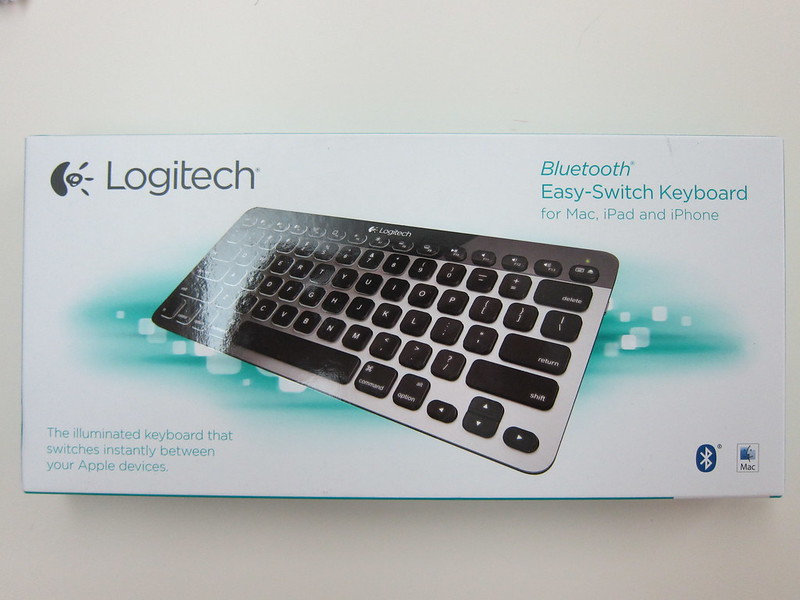
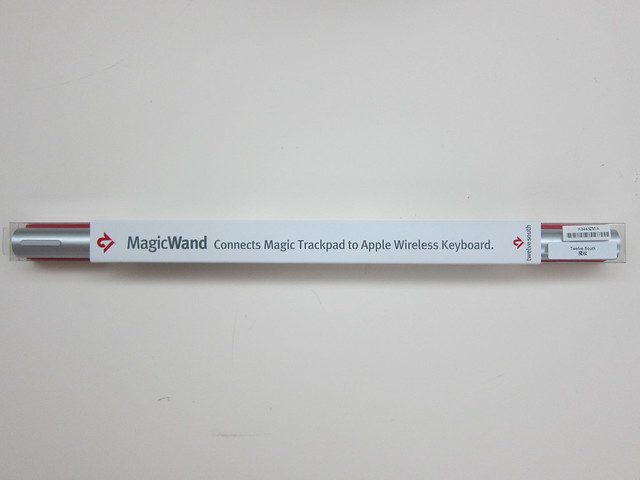
As I have been using Mac a lot during office hours, I wanted the same setup I have in my office at home which is 1 external monitor and dual screen it with my MacBook Pro. In order not to clutter my desk with too many items, I bought the Apple Wireless Keyboard for S$98 and together with my Apple Magic Mouse paired using bluetooth to my MacBook Pro, I am able to have both Mac and Windows environment with just a single monitor but having 2 separate sets of keyboard and mouse.