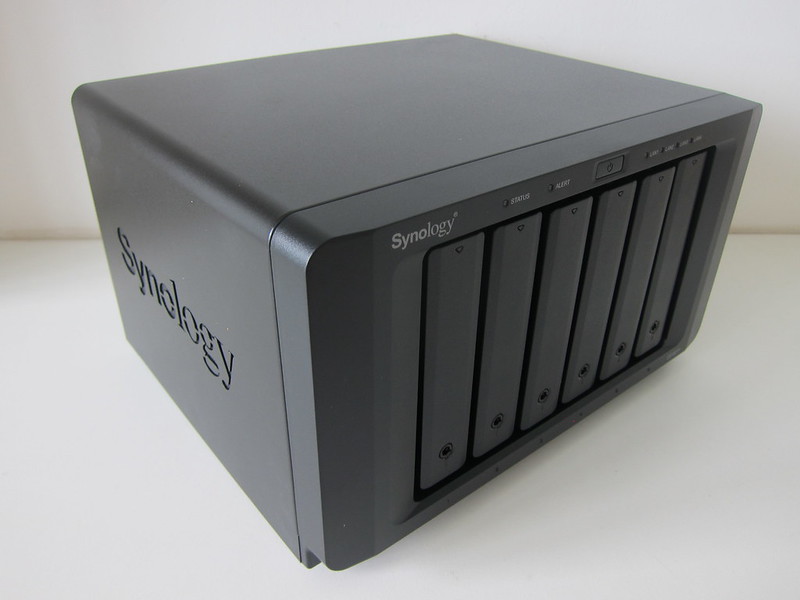
The Synology BeeStation Plus 8TB is a consumer-friendly NAS aimed at first-timers, a simple alternative to iCloud, Google Photos, and Drive. It ships with a preinstalled drive and preconfigured settings for an out-of-the-box experience.
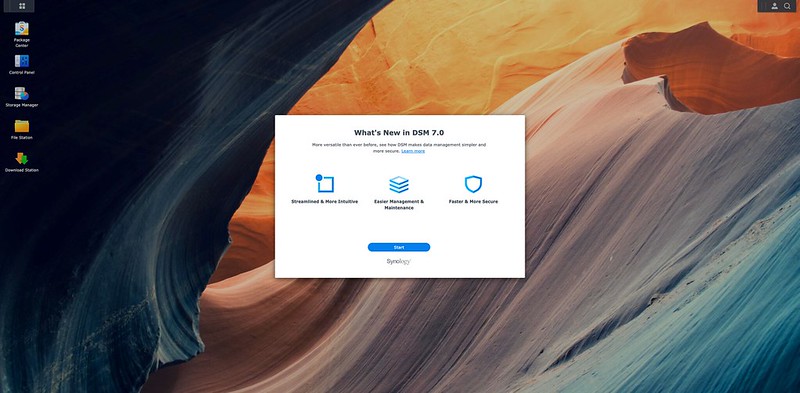
Synology DiskStation Manager 7 (DSM 7) launched on 29th June 2021, with upgrading still a manual process via the Download Center. I walk through updating both my DS920+ and DS1621+ from DSM 6.2.4.
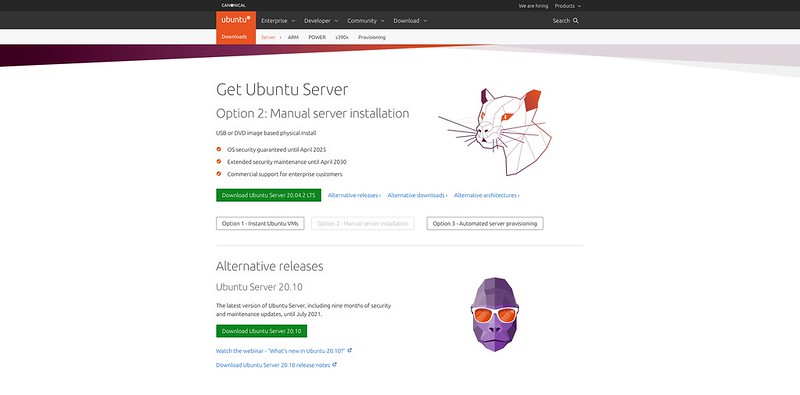
A step-by-step guide to installing Ubuntu Server on a Synology NAS. You download the roughly 1GB Ubuntu Server ISO, install Virtual Machine Manager from Package Center, and create a virtual machine from the image.
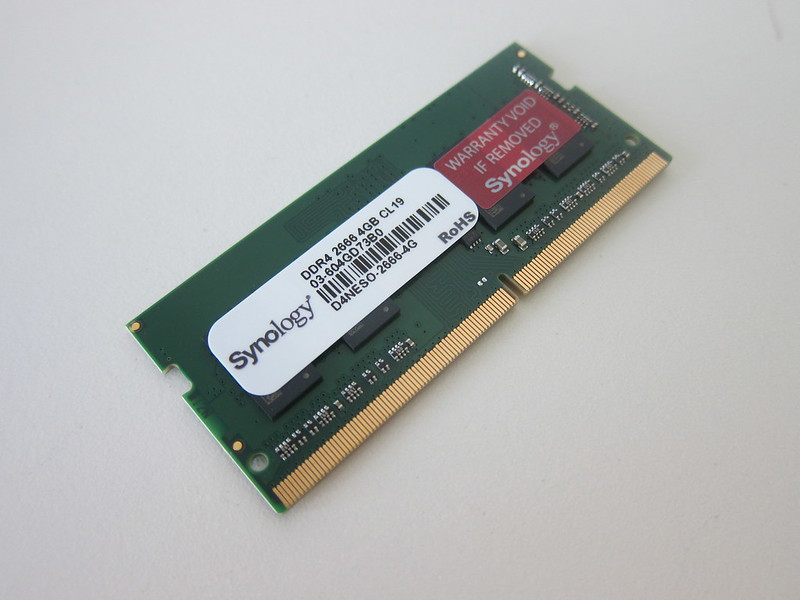
Synology has long made its own RAM, and later branched into its own M.2 NVMe (SNV3000), SATA SSDs, and HDDs. The main reason is compatibility: these drives are optimised with custom firmware for Synology NAS.
Following up on last June's Synology DDR4 RAM post, the 21-series launch added two ECC SO-DIMMs, the D4ES01-4G and D4ES01-8G. Notably, Synology dropped the '2666' from the naming of these newer D4ES01 modules.
I upgraded my three-year-old 4-bay Synology DS918+ to the 6-bay DS1621+, which Synology refreshed late last year from the DS1618+. The DS1621+ retails for S$1,244 and gives me more room to grow my storage.
The Synology DS920+ is the flagship 4-bay NAS in the 2020 Plus series, alongside the DS420+, DS720+, and DS220+. Powered by an Intel J4125 with 4GB RAM, this post walks through migrating from an existing DiskStation.
Synology's DDR4 RAM has long targeted businesses, but the consumer DS20 Plus series finally makes it relevant. Having bought Synology DDR3 for my DS918+, I picked up DDR4 to expand my new DS920+ beyond its 4GB.
The Synology DS220j is an entry-level NAS for newcomers. Ten years ago I moved from a D-Link DNS-323 to a Synology DS210j and never looked back. At S$249, the DS220j is an affordable starting point.
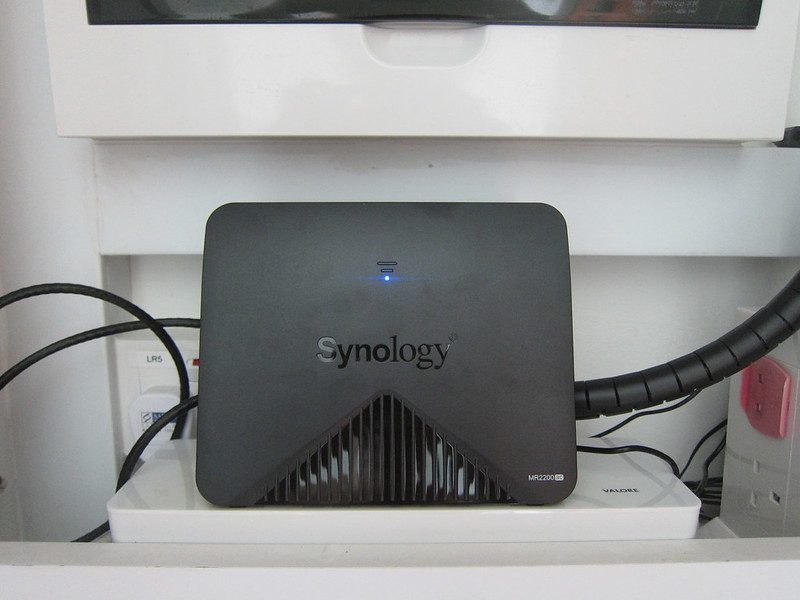
The Synology Mesh Router MR2200ac launched in Singapore at S$199, with stock initially constrained. It can run as a standalone router covering about 185 square metres, or you can add more units to form a mesh network.
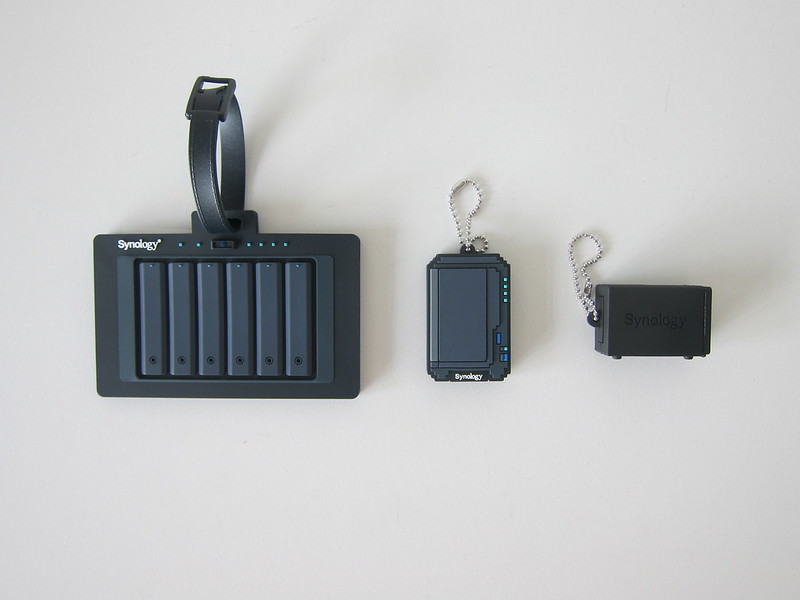
As a Synology fan owning several of their NAS and routers, I rate their DSM and SRM software the best around. For some reason I started collecting their swag, from a USB drive to a luggage tag and SIM holder.
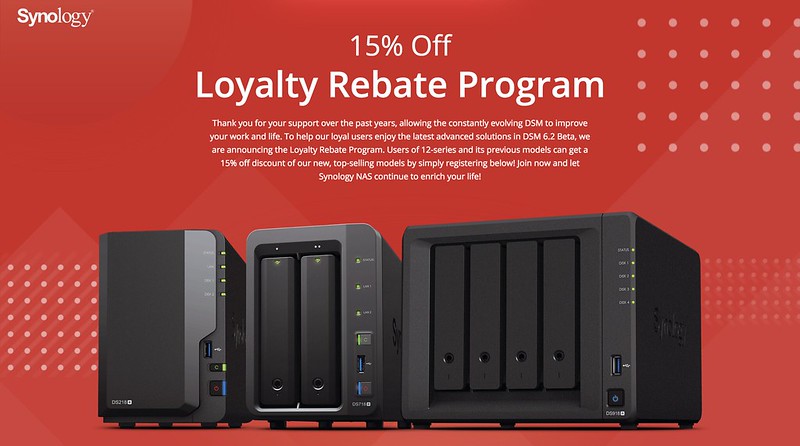
Synology launched a Loyalty Rebate Program in Singapore, valid 7th to 18th March 2018. Owners of Synology 12-series NASes and older qualify for 15% off the new DS218+, DS718+, or DS918+. I reviewed the DS918+ recently.
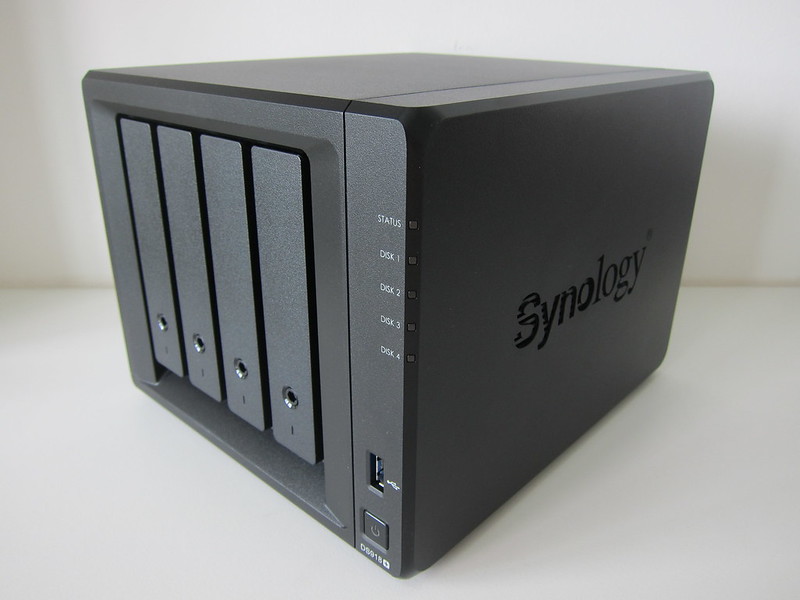
The Synology DS918+ is the flagship 4-bay NAS in the Plus Series, announced at Computex 2017 and released that October. Retailing for S$811 at Fuwell, it costs S$100 more than the DS418play, adding a quad-core processor and 4GB RAM.
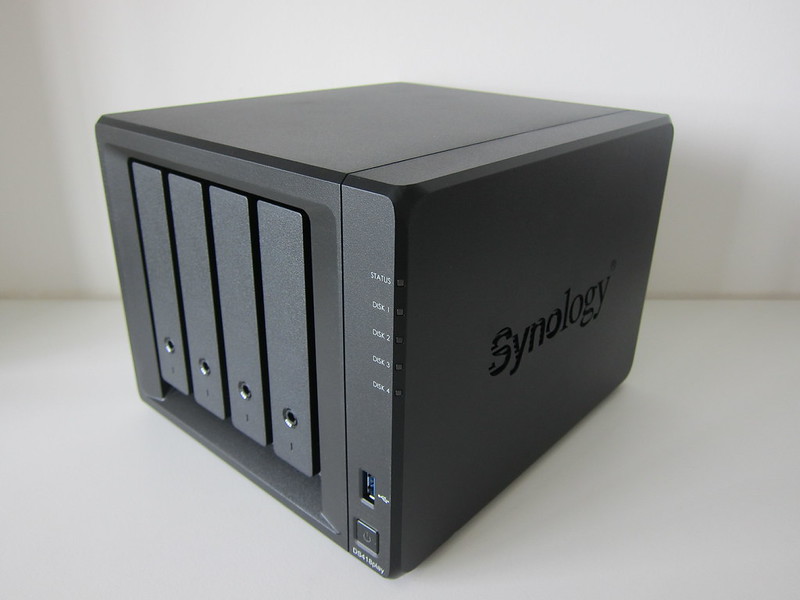
My Synology DS415play was showing its age, often failing to stream video via Plex to my Apple TV 4K and forcing a VLC workaround. This post looks at the DS418play, the natural upgrade to address those streaming bottlenecks.
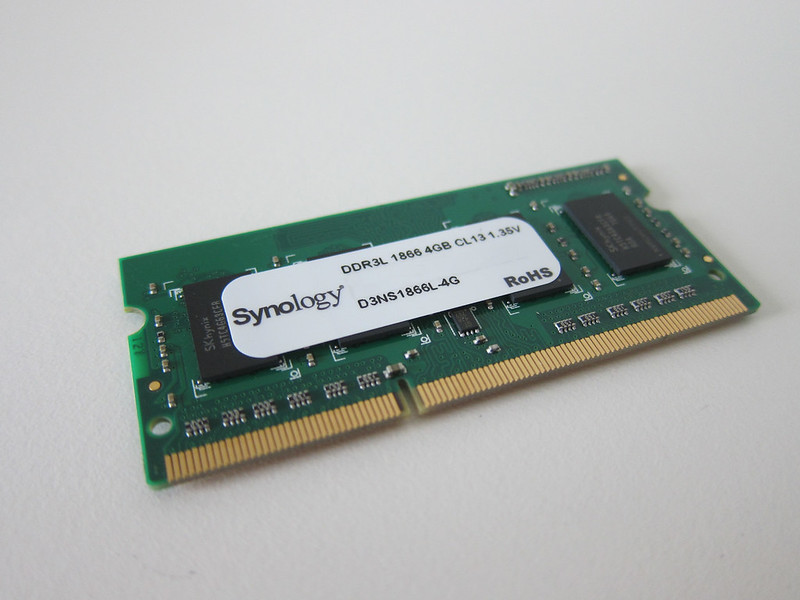
Not many realise Synology makes its own brand of RAM, which it recommends for full compatibility and reliability. Made in Taiwan with a three-year warranty, it comes in SO-DIMM for prosumers and ECC modules for enterprise users.
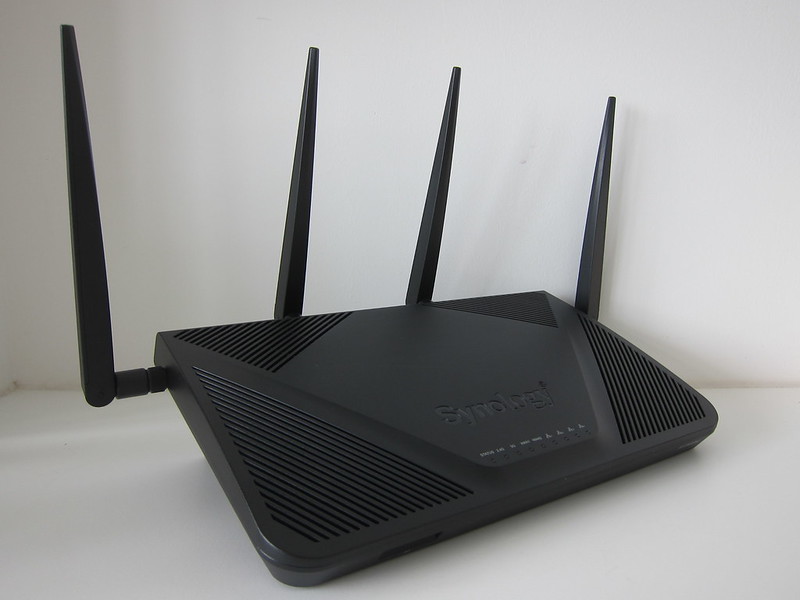
The Synology Router RT2600ac launched in Singapore on 12th January 2017 at S$365, Synology's second router after the RT1900ac. It upgrades to a 1.7GHz dual-core CPU, 512MB RAM, and 4x4 802.11ac wave 2 Wi-Fi with MU-MIMO and beamforming.
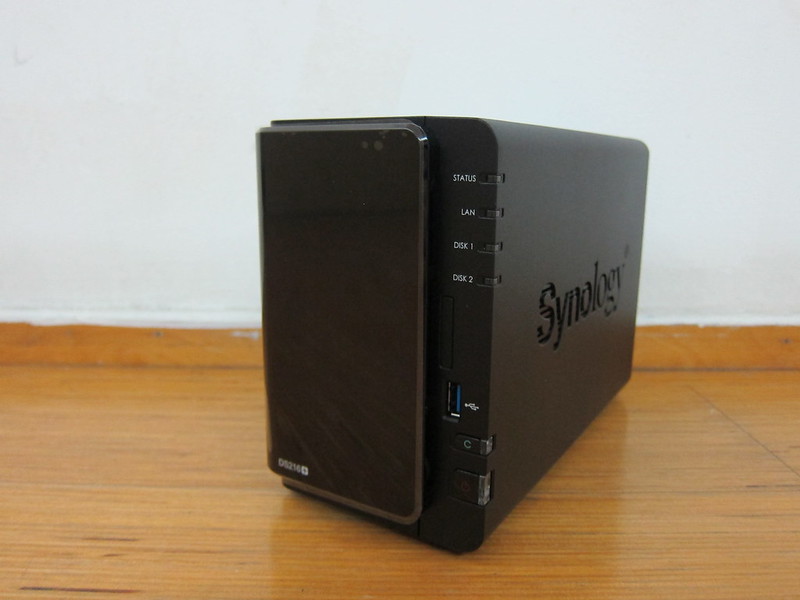
The Synology DS216+, launched on 28th January 2016, succeeds the DS215+ and retails in Singapore for S$499. This high-performance 2-bay NAS for small offices and home users features a dual-core Intel CPU, AES-NI encryption, Btrfs support, and 4K transcoding.
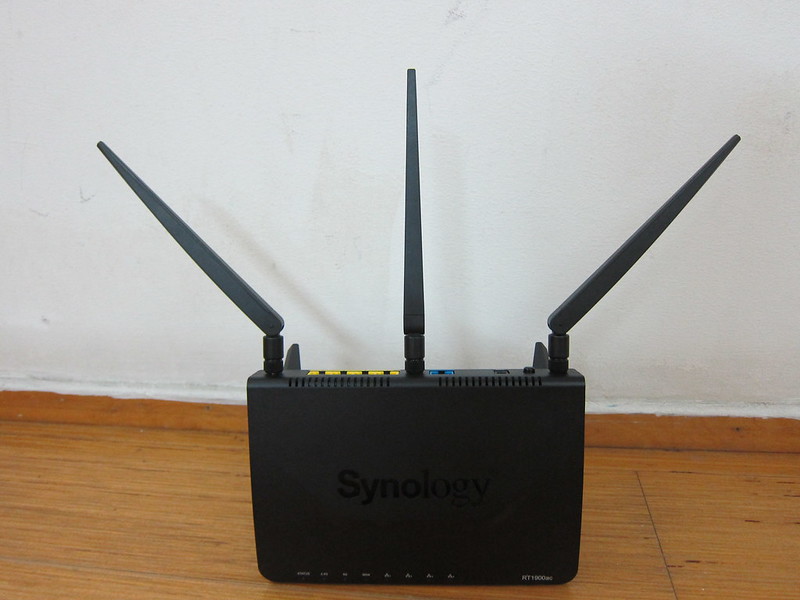
The Synology Router RT1900ac is Synology's first router, aimed at the mid-range market at roughly S$234. It went on sale in Singapore on 6th October 2015. For the unaware, this brings Synology's polished software experience to home networking.
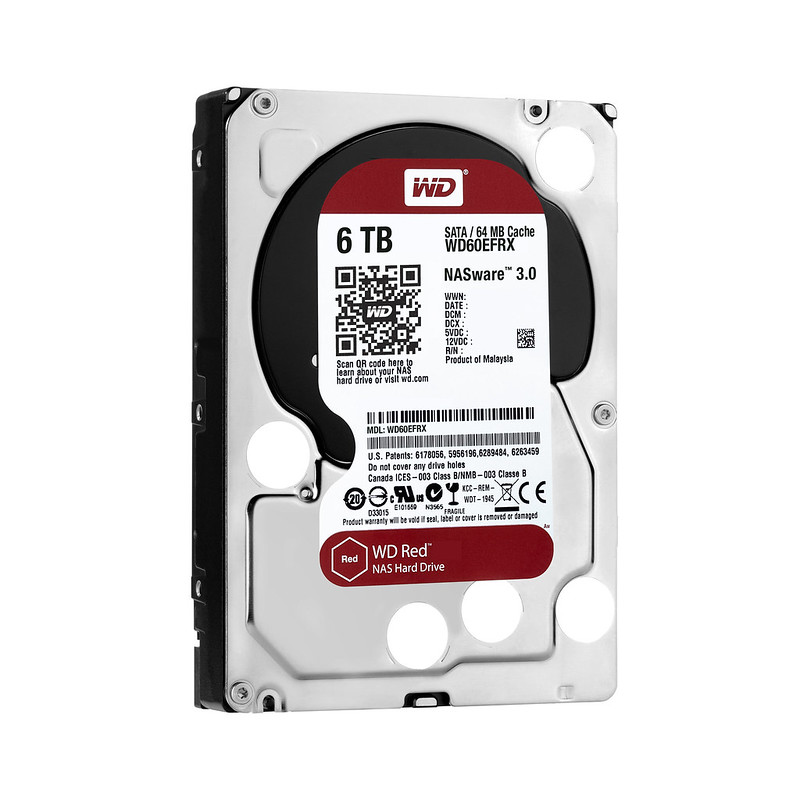
WD makes the best hard drives and Synology the best NAS. I run two Synology units at home with WD drives: a DS210j on two WD Green 1TB since 2010, and a DS413j on four WD Red 1TB since 2013.
In my final Synology DiskStation DS413j review, after covering unboxing, setup, and performance, I focus on its multimedia features. These include Video Station, Audio Station, and Photo Station, along with their mobile apps, DS Video, DS Audio, and DS Photo.
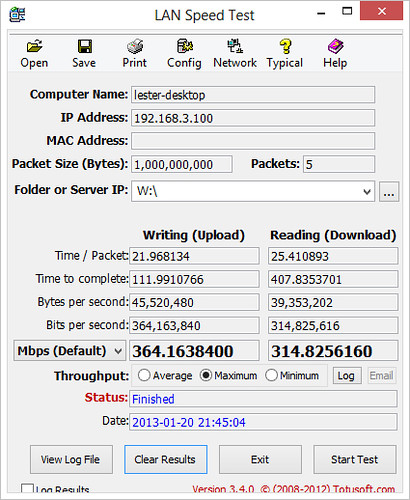
In this second part of my Synology DiskStation DS413j review, after unboxing and setup earlier, I cover performance, backup, and CloudStation. I tested file transfer speeds with LAN Speed Test, the DS413j running SHR with WD Red drives.
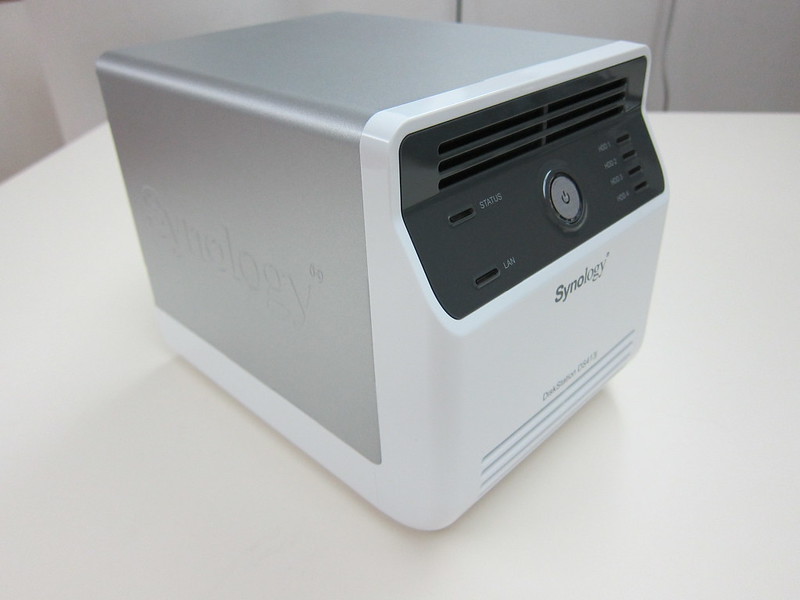
I've been seeded the Synology DiskStation DS413j with three WD Red drives for a three-part review, beginning here with unboxing and setup. Since the DS413j is a four-bay NAS, I popped to Sim Lim Square for a fourth WD Red.